Try Our Live Demo
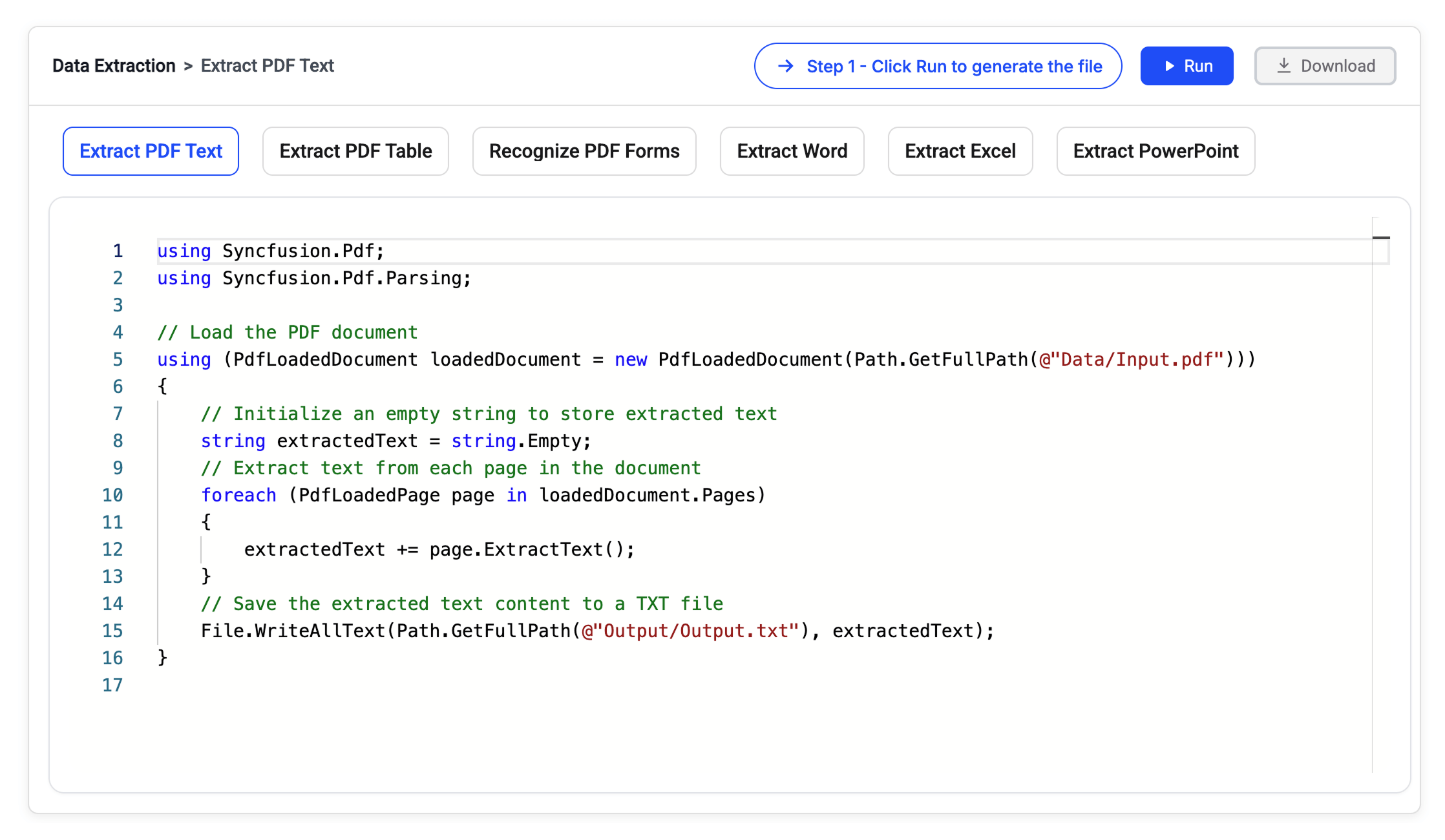
Extract and organize document information
Extract text, tables, form data, and key information from documents and convert it into structured data for business applications, analytics, AI workflows, and automation.
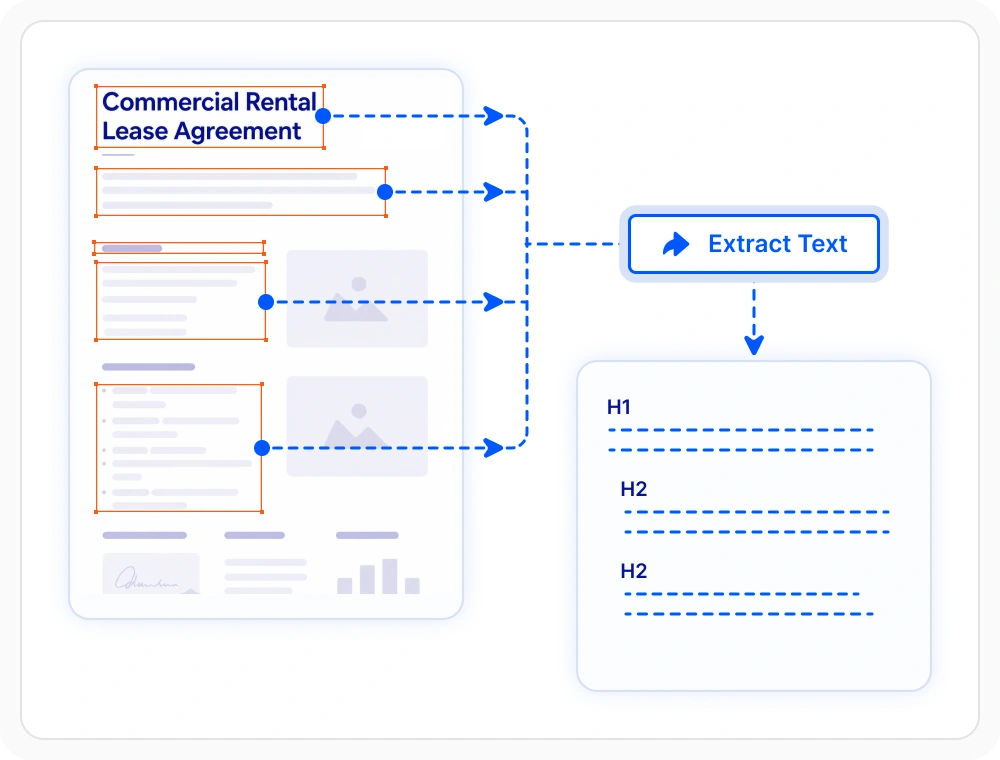
Extract text from documents
Extract text from PDF, Word, Excel, and PowerPoint documents entirely through code. Use when document content needs to be searched, indexed, analyzed, or reused across business workflows.
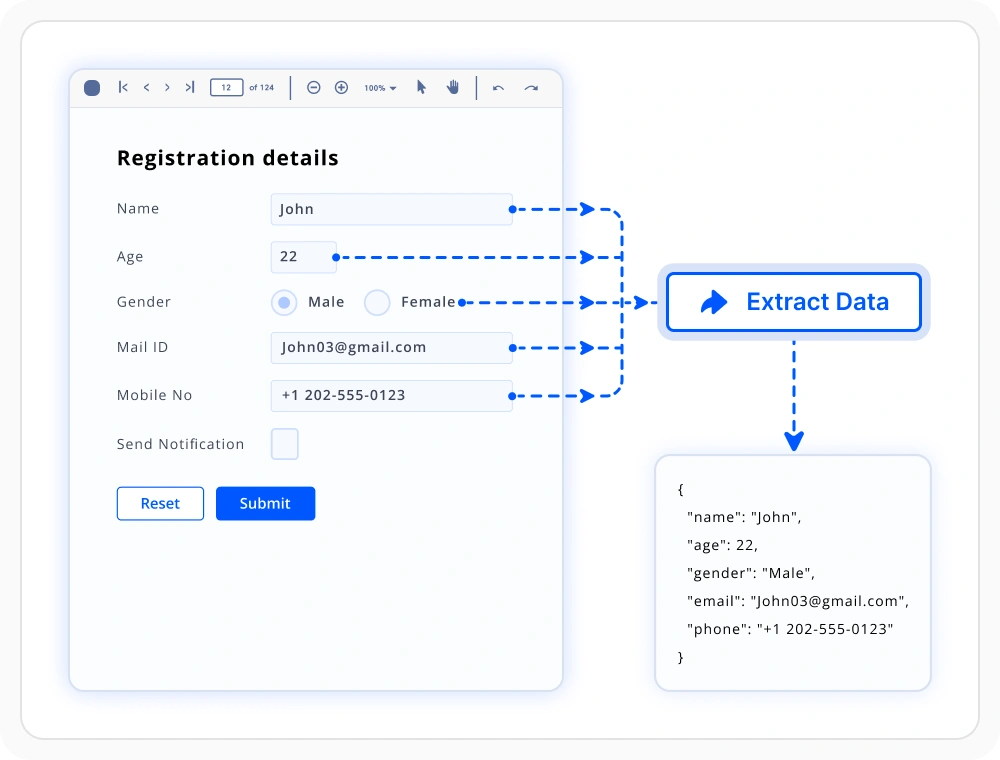
Smart form and table detection
Extract table and form data from PDFs, scanned documents, and images using intelligent layout analysis. Use when information needs to be captured from legacy forms, invoices, statements, and paper-based records.
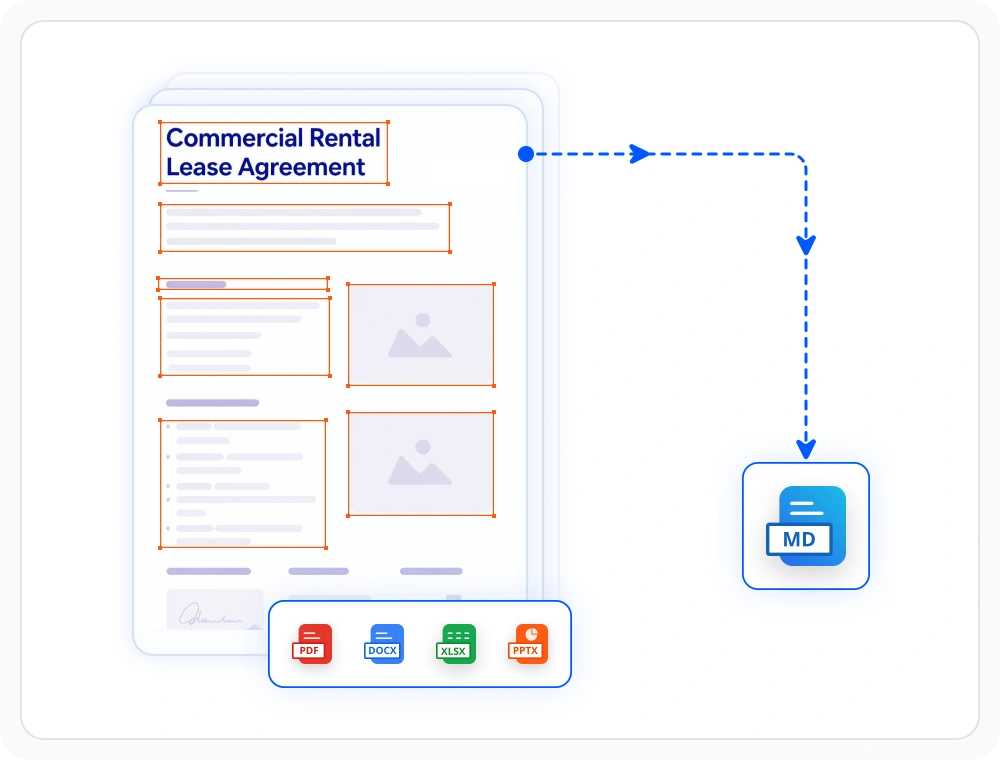
Extract document content as Markdown
Convert PDF, Word, Excel, and PowerPoint document content to Markdown while preserving headings, tables, lists, and structure. Ideal for semantic search, knowledge management, content publishing, and AI workflows.
Document data extraction libraries
Choose the right document library
Select the library that matches your application’s document format and processing needs. Use PDF, Word, Excel, PowerPoint, Markdown or Smart data extraction independently for focused requirements, or combine multiple libraries to build complete document solutions within one SDK.
PDF library
Extract text, tables, forms, metadata, and other document elements from PDF files while preserving layout context. Ideal for extracting information from fixed-layout business documents.
Framework: .NET · Flutter · JavaScript
Word library
Extract content from Word files while preserving hierarchy and formatting. Ideal for extracting information from editable business documents and organizational records.
Excel library
Extract spreadsheet content, formulas, tables, and workbook data while preserving worksheet relationships. Suitable for financial analysis, reporting, and spreadsheet-based workflows.
PowerPoint library
Extract slide content, speaker notes, and visual elements from PowerPoint files. Use when extracting information from slide-based business communications and presentation materials.
Framework: .NET
Markdown library
Parse structured Markdown content while preserving headings, lists, links, and code blocks. Use when content needs to be indexed, searched, or prepared for AI workflows.
Framework: .NET
Smart Data Extraction
Extract structured information from PDFs and scanned images using intelligent layout analysis. Ideal for capturing data from forms, contracts, receipts, and legacy scanned records.
Framework: .NET
Frequently Asked Questions
Can Document SDK data extraction work without Microsoft Office or Adobe dependencies?
Yes. The Document SDK extracts data directly from documents without requiring Microsoft Office, Adobe Acrobat, or any desktop software installation.
Can tables and forms be extracted from PDF documents using Document SDK?
Yes. The PDF Library can programmatically extract tables, form fields, annotations, bookmarks, and other structured content from PDF documents.
Which cloud platforms support Document SDK data extraction?
The Document SDK supports Windows, Linux, Docker, Azure, AWS, Google Cloud, and other modern deployment and hosting environments.
Can Document SDK data extraction recognize forms in scanned images?
Yes. The Smart Data Extraction can detect and extract form fields, tables, and structured content from scanned images and PDF documents using machine-learning based layout analysis.
Can Document SDK data extraction support AI workflows?
Yes. Extracted content can be converted into structured data or Markdown for AI applications, semantic search, knowledge bases, and RAG workflows.
What .NET platforms support Document SDK data extraction libraries?
The Document SDK libraries supports platforms for the web (Blazor, ASP.NET Core, ASP.NET MVC) mobile (.NET MAUI, UWP), and desktop (Windows Forms, WPF, WinUI, .NET MAUI, UWP).
Resources
Learn more about our Document SDK
Explore demos, KB articles, and documentation to get the most out of our Document SDK.
Explore guides, APIs, and quick-start tips
See live use cases in action
Ask, share, and connect with peers
Find solutions and best practices fast
Get expert help when you need it
Feature requests and bug reports
Track issues and suggest improvements
Awards
Greatness—it’s one thing to say you have it, but it means more when others recognize it. Syncfusion® is proud to hold the following industry awards.









