Syncfusion Blogs
Your Key to Learning
Categories
Loading categories…
Popular Categories
- .NET253
- .NET Core28
- .NET MAUI407
- Angular180
- ASP.NET47
- ASP.NET Core101
- ASP.NET MVC82
- Azure54
- Black Friday Deal3
- Blazor373
- BoldSign26
- Desktop821
- DocIO25
- Essential JS 2116
- Essential Studio227
- File Formats154
- Flutter181
- JavaScript301
- Microsoft130
- PDF190
- React243
- Succinctly series131
- Syncfusion1219
- TypeScript35
- Uno Platform3
- UWP3
- Vue55
- Webinar89
- Windows Forms58
- WinUI81
- Word53
- WPF208
- Xamarin159
- XlsIO40
Category
WinUI
81 postsAll posts
Developing an Analog Clock UI in WinUI and 2022 Vol. 2 Updates in WinUI and WPF [Webinar Show Notes]
This blog provides show notes for our Sept. 1, 2022, webinar, “Developing an Analog Clock UI in WinUI and 2022 Vol. 2 Updates in WinUI and WPF.”
Carter Harris
Design a Car Dashboard Like a Pro Using the WinUI Radial Gauge
This blog explains how to design a car dashboard using the vivid features of the Syncfusion WinUI Radial Gauge control with code examples.
Vignesh Ramesh
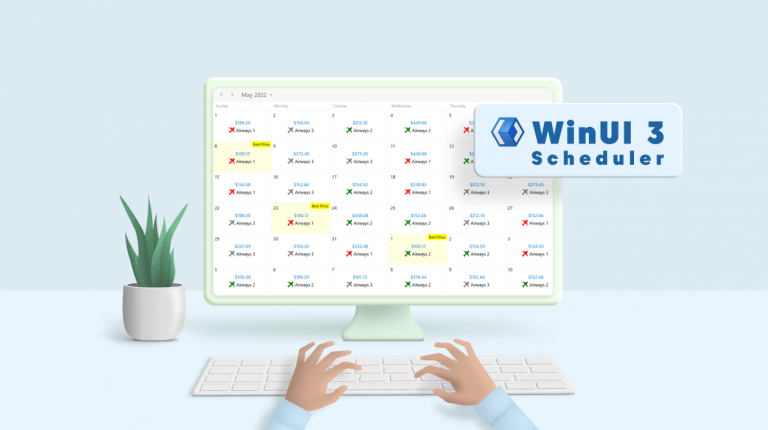
Design an Airfare Calendar to Display the Lowest Fares Using the WinUI Scheduler
This blog explains how to design an airfare calendar to display the lowest fares using the Syncfusion WinUI Scheduler with code examples.
Jeyasri Murugan
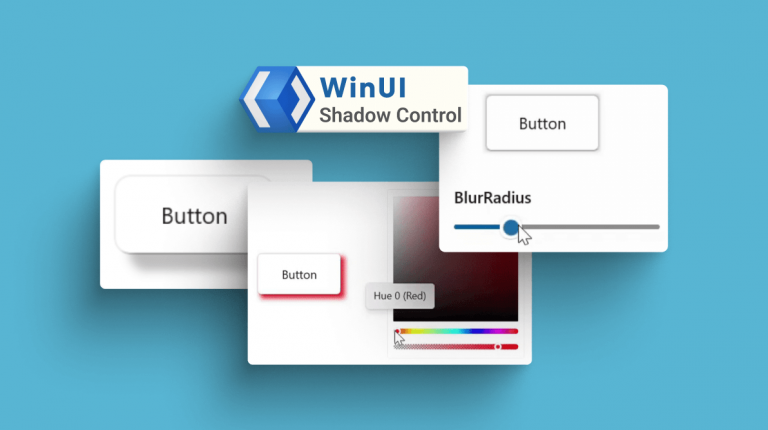
Introducing the New WinUI Shadow Control
This blog explains the features of the new WinUI Shadow control rolled out in the 2022 Volume 2 release and the steps to getting started with it.
Manivannan Elangovan
What’s New in 2022 Volume 2: WPF and WinUI
This blog explains the exciting new features and controls rolled out in the Syncfusion WinUI and WPF platforms for the 2022 Volume 2 release.
Mohamed Samsudeen
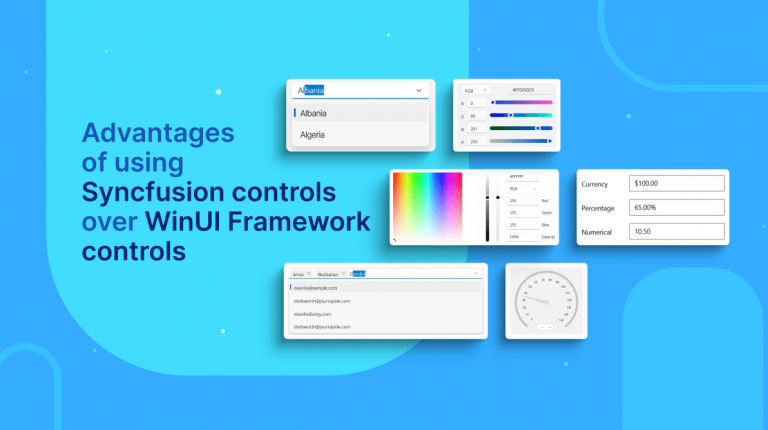
Advantages of Using Syncfusion WinUI Controls over Framework Controls: Part 1
This blog post explains the advantages of using Syncfusion WinUI UI controls over the WinUI framework controls in detail.
Jegan R
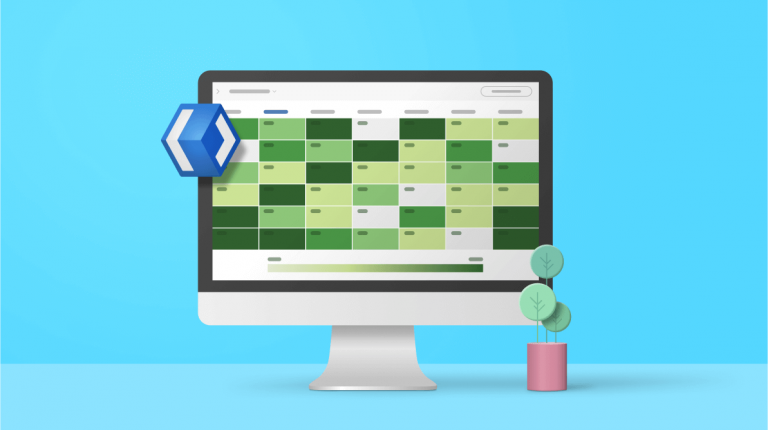
Designing a Heat Map Calendar Using WinUI Scheduler
This blog explains how to design a heat map calendar to visualize internet data usage using the Syncfusion WinUI Scheduler with code examples.
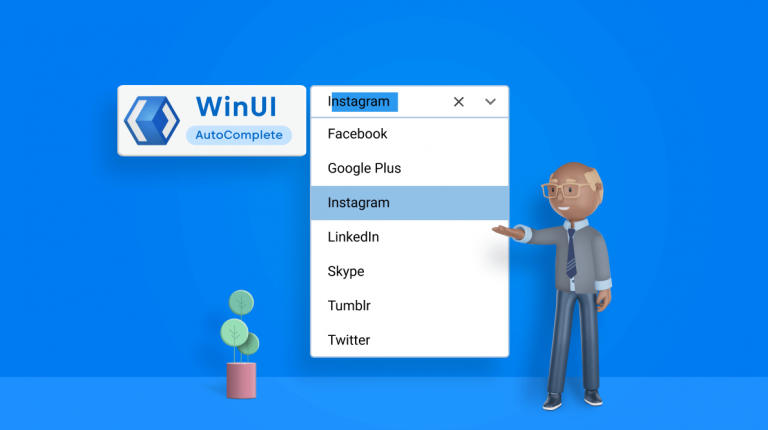
Achieve Google-Like Autosuggestions with the WinUI AutoComplete Control
This blog explains how to achieve Google-like autosuggestions using the Syncfusion WinUI AutoComplete control with code examples.
What’s New in 2022 Volume 1: WPF and WinUI
This blog lists the new features and controls rolled out in the Syncfusion WPF and WinUI platforms for the 2022 Volume 1 release.

Be the first to get updates
Essential Studio free trial
Try Essential Studio free with your coding assistant
Every UI component and document SDK for all 13 frameworks, plus MCP servers that connect them to your coding assistant. Free for 30 days, with full documentation.
- No credit card required
- Free Community License for eligible teams
- Priority-based SLA support