
Overview
The Blazor Gantt Chart control allows users to select rows or cells. One or more rows or cells can be selected programmatically or by holding Ctrl, Command, or Shift.
Row selection
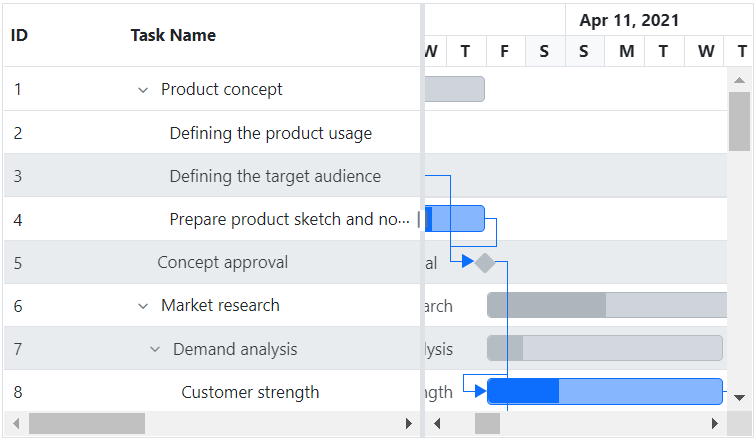
Select a range of rows or a single row by just clicking or tapping the row. To perform multiple selection, press and hold CTRL or Shift while selecting the desired range of rows.
Cell selection
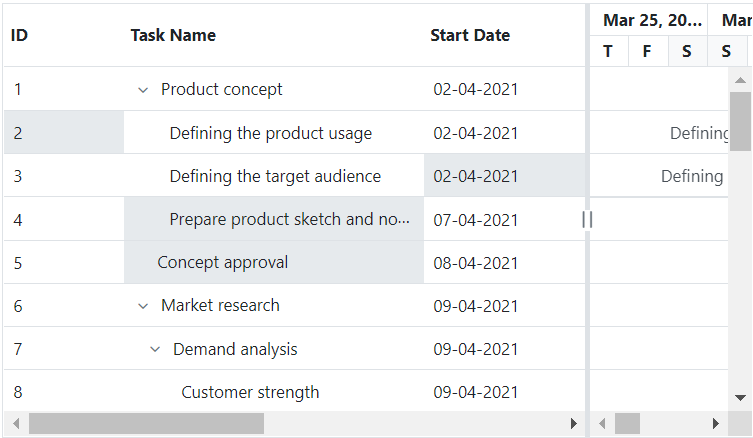
Select a range of cells or a single cell by just clicking or tapping the cell. To perform multi-selection, press and hold CTRL or SHIFT to select the desired cell or range of cells. The two types of cell selection modes are flow and box.
Drag selection
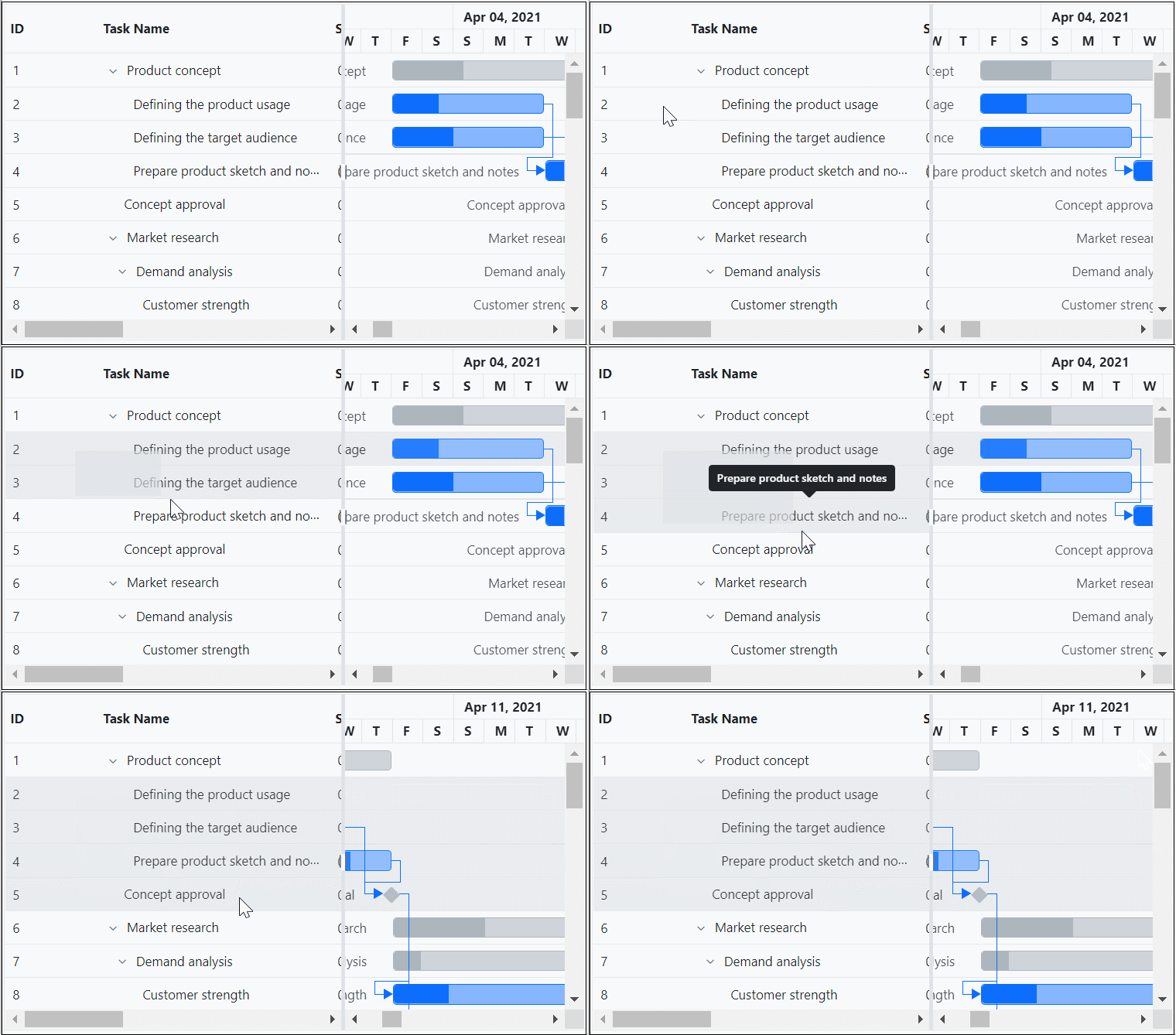
Select a range of rows or cells by simply dragging the pointer over the cells by mouse or touch.
Our Customers Love Us





See Real Success Stories
Developers around the world trust Syncfusion’s Essential Studio to simplify complex projects and speed up delivery. With a vast library of UI controls, powerful SDKs, and reliable support, Essential Studio helps teams build enterprise-ready applications with confidence.
Read Our Customer StoriesIndustry
Software development
75% Cost reduction
50% Faster development

Industry
Utilities (oil and gas)

450+ hours saved
Streamlined processes and hours of development effort saved.

Advanced, flexible features
Empowered users through robust and versatile functionality.
Industry
Software and technology
1000+ of hours saved
Accelerated development with enterprise-ready UI components.

Efficient file management
Streamlined workflows with document libraries without building them from scratch.
Industry
Software and technology

2 Years of delay avoided
Two years of delays prevented with proactive planning.

On-time delivery
Projects delivered on schedule using trusted controls.
Industry
IT services and IT consulting

Improved performance
Large datasets handled with easy customization and quick debugging.

Highly customizable
Plug-and-play controls with quick template integration.
Industry
Professional services
Instant access
Quick availability of features and resources.
Reduced dependencies
Fewer dependencies for faster development.







