
Overview
A flowchart is a visual in which each step in a process is represented by a different shape and contains a short description of the step. The Syncfusion ASP.NET MVC Diagram control offers multiple feature sets to build flowcharts with ease.
Flowchart shapes
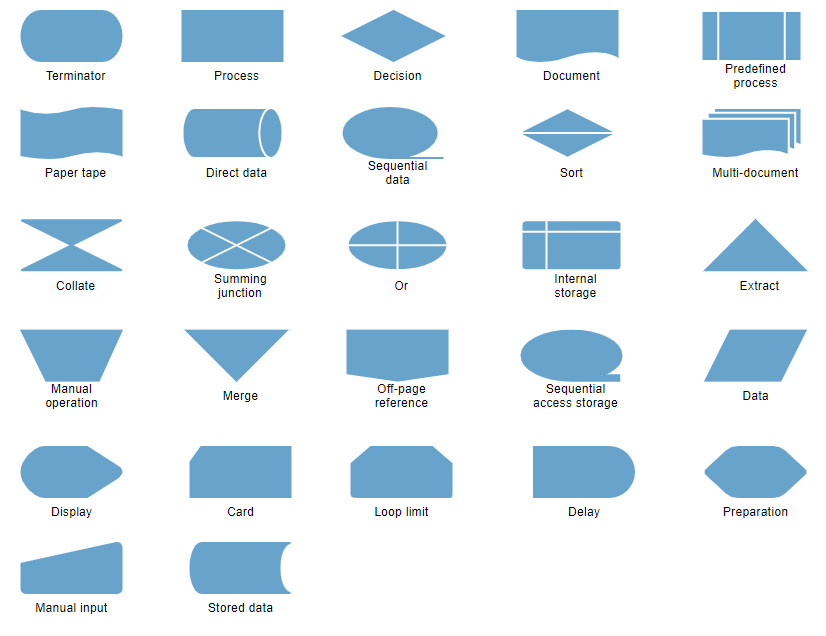
The Syncfusion ASP.NET MVC Diagram control provides the shapes required to build a flowchart diagram as ready-made objects, making it is easy to add them in a diagram surface in a single call.
Connector arrows
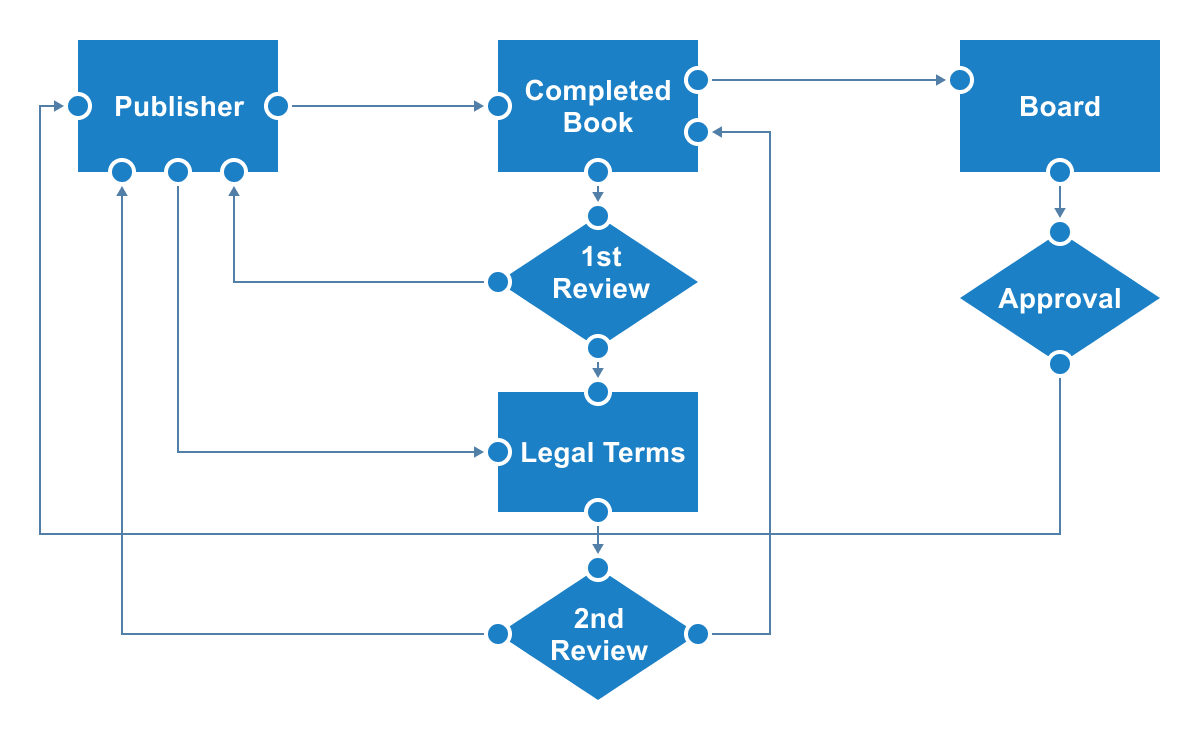
Arrows (or connectors) represent the relationship or direction of flow between two flowchart shapes.

Arrow types
Straight, orthogonal, and curved connector types are provided.

Arrowheads
The Syncfusion ASP.NET MVC Diagram control provides predefined arrowheads to illustrate flow direction in a flowchart diagram. You can also build your own custom arrowheads.
Annotations
You can add descriptions to the flowchart shapes and connectors using annotations and modify descriptions by pressing F2 or double-clicking them.
Connection points (ports)
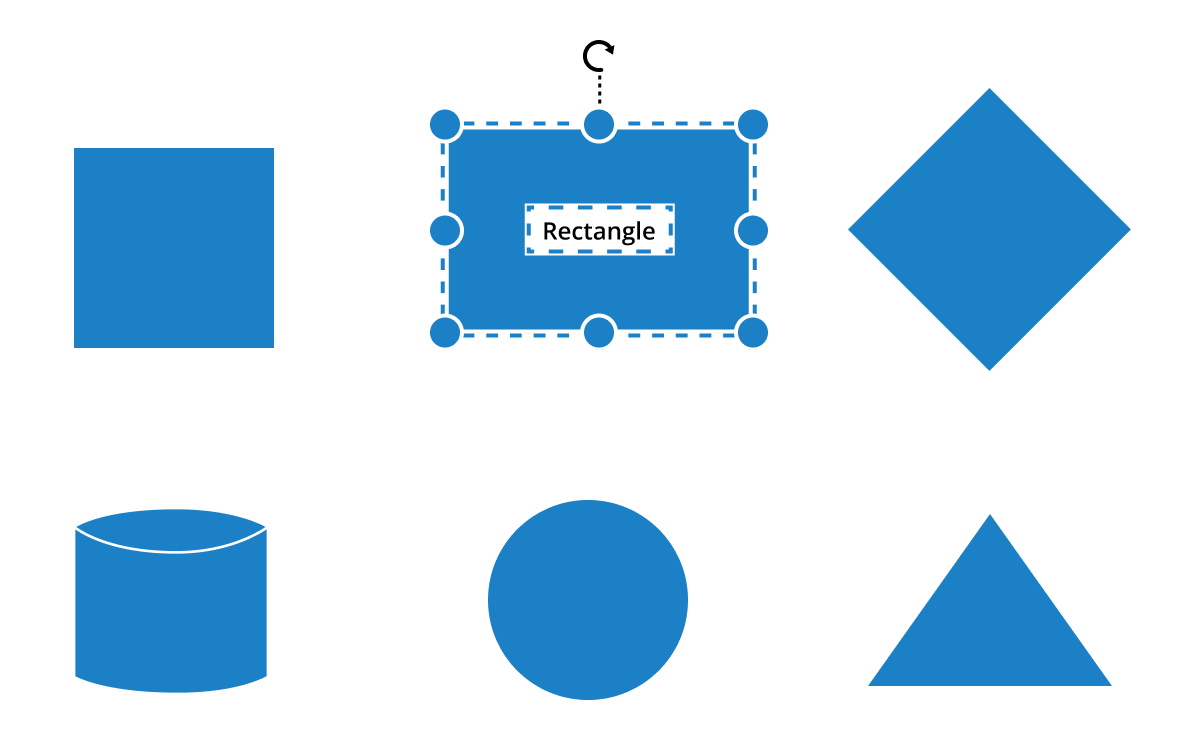
Connect to specific places on a shape through different types of ports or connecting points.
Interactive features
Use interactive features to improve the editing experience of a flowchart diagram at runtime. You can easily edit a diagram with mouse, touchscreen, or keyboard interfaces.
Select, drag, resize, rotate
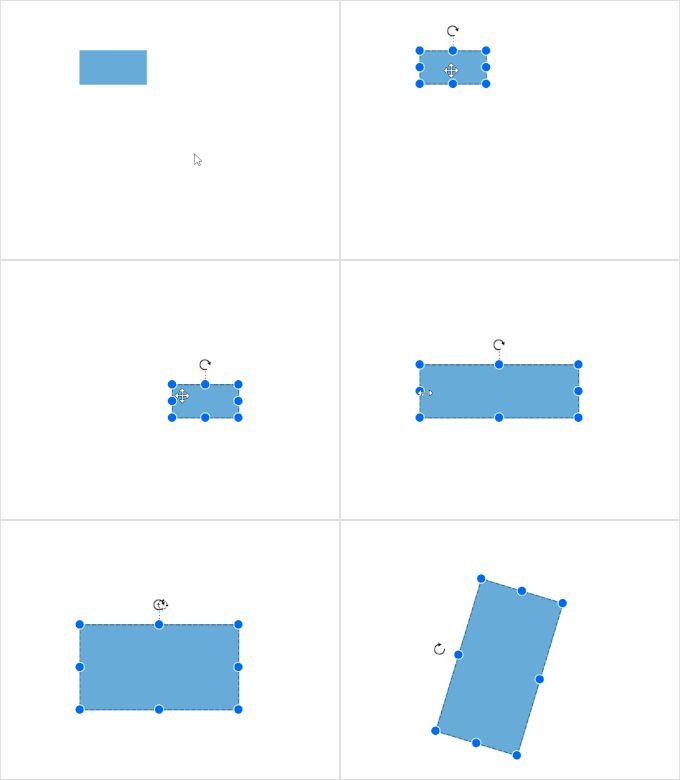
Objects can be selected and then dragged, resized, or rotated.
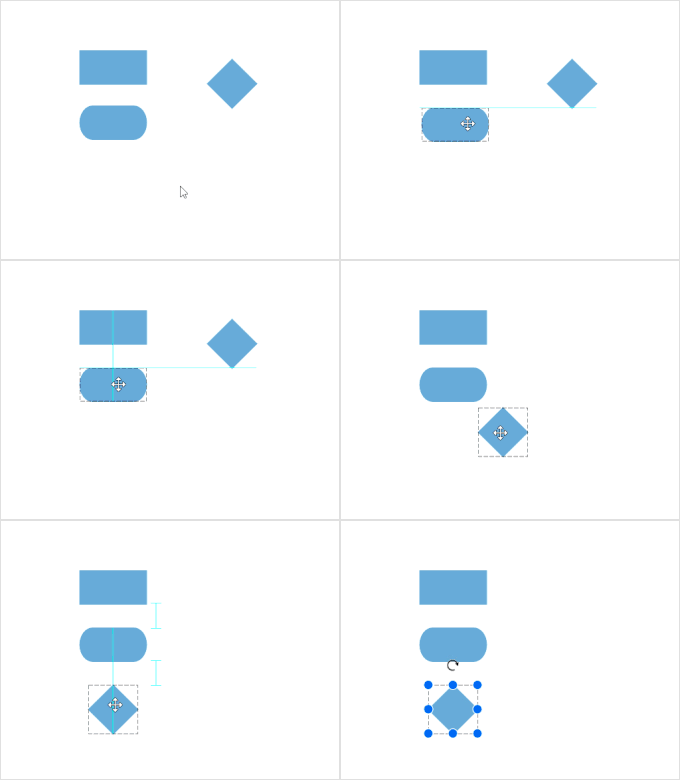
Snap
Precisely align shapes, connectors, and annotations while dragging just by snapping them to the nearest grid lines or objects.

Undo and redo
Don’t worry when you make a change by mistake—undo and redo commands help to correct recent changes.
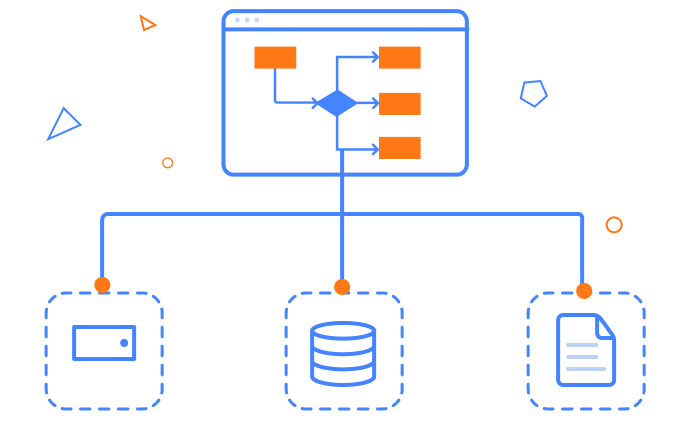
Serialization
Save your diagram state in JSON format and load it back later for editing using the serializer.
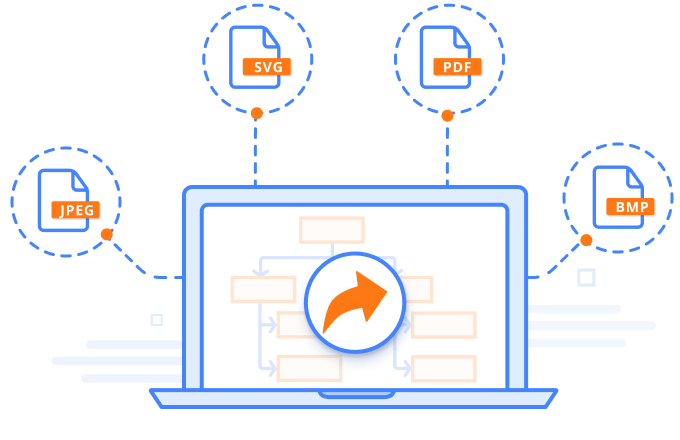
Exporting and printing
You can easily export flowchart diagrams to PNG, JPEG, BMP, and SVG image formats. Flowcharts can be printed from the browser.
Our Customers Love Us




See Real Success Stories
Developers around the world trust Syncfusion’s Essential Studio to simplify complex projects and speed up delivery. With a vast library of UI controls, powerful SDKs, and reliable support, Essential Studio helps teams build enterprise-ready applications with confidence.
Read Our Customer StoriesIndustry
Software development
75% Cost reduction
50% Faster development

Industry
Utilities (oil and gas)

450+ hours saved
Streamlined processes and hours of development effort saved.

Advanced, flexible features
Empowered users through robust and versatile functionality.
Industry
Software and technology
1000+ of hours saved
Accelerated development with enterprise-ready UI components.

Efficient file management
Streamlined workflows with document libraries without building them from scratch.
Industry
Software and technology

2 Years of delay avoided
Two years of delays prevented with proactive planning.

On-time delivery
Projects delivered on schedule using trusted controls.
Industry
IT services and IT consulting

Improved performance
Large datasets handled with easy customization and quick debugging.

Highly customizable
Plug-and-play controls with quick template integration.
Industry
Professional services
Instant access
Quick availability of features and resources.
Reduced dependencies
Fewer dependencies for faster development.







