Overview
The traditional organizational chart (often called org chart or organization chart) is the graphical representation of an organization’s structure. Its purpose is to illustrate the relationships and relative ranks of job positions within an organization. Syncfusion WPF Diagram control offers various feature sets to create an organizational chart easily.
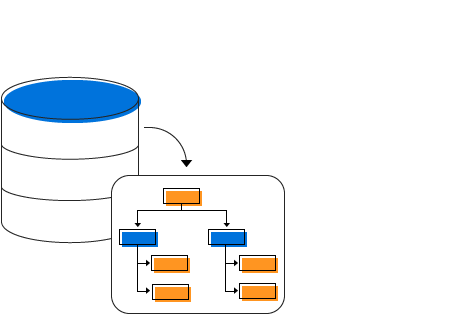
Visualize organizational charts from data sources
Syncfusion WPF Diagram control provides support to visualize organizational charts from the external data source. In addition, data in any format can be easily converted, mapped, and consumed in the diagram by setting a few properties.
High-performance automatic layout algorithm
A built-in automatic layout algorithm has been specifically made for organizational charts to arrange the parent and child nodes’ positions automatically.
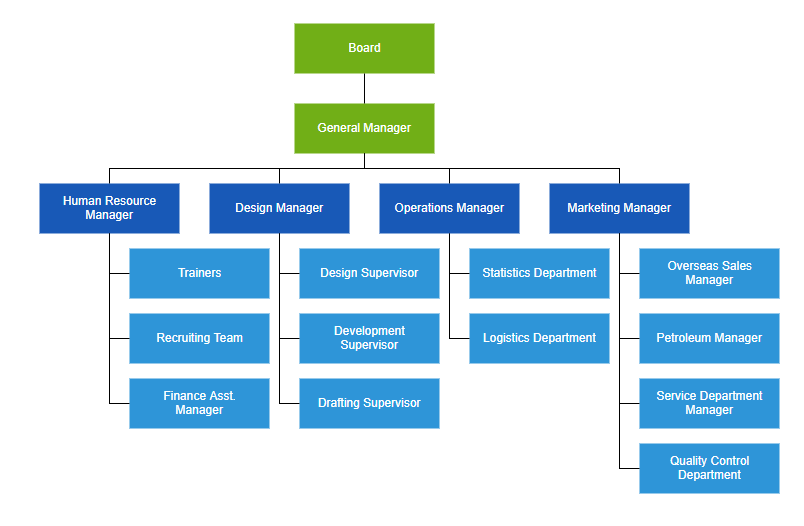
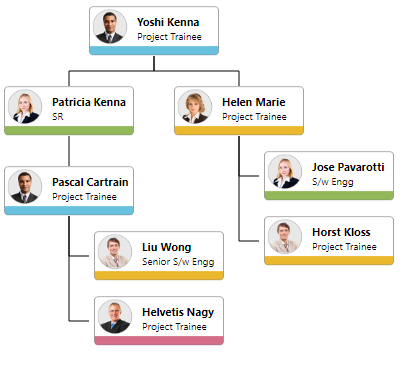
Templates
You can easily create different types of organizational chart templates and visualize them with a smooth UI design.
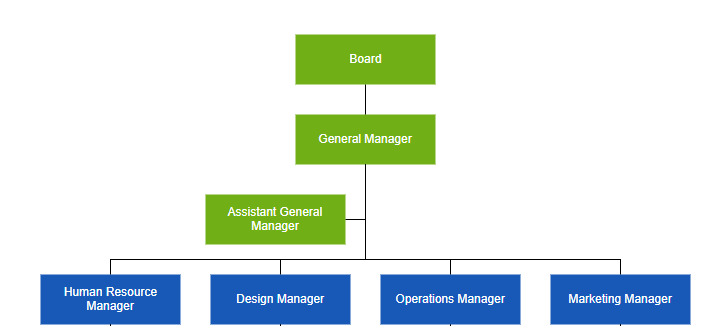
Assistants
Define assistants in an organizational chart. Assistants are child items that have a different relationship with the parent node. They are laid out in a dedicated part of the tree.
Orientation
Use different orientation options such as top-to-bottom, left-to-right, right-to-left, and bottom-to-top, available in our WPF Diagram control to arrange the organizational chart.
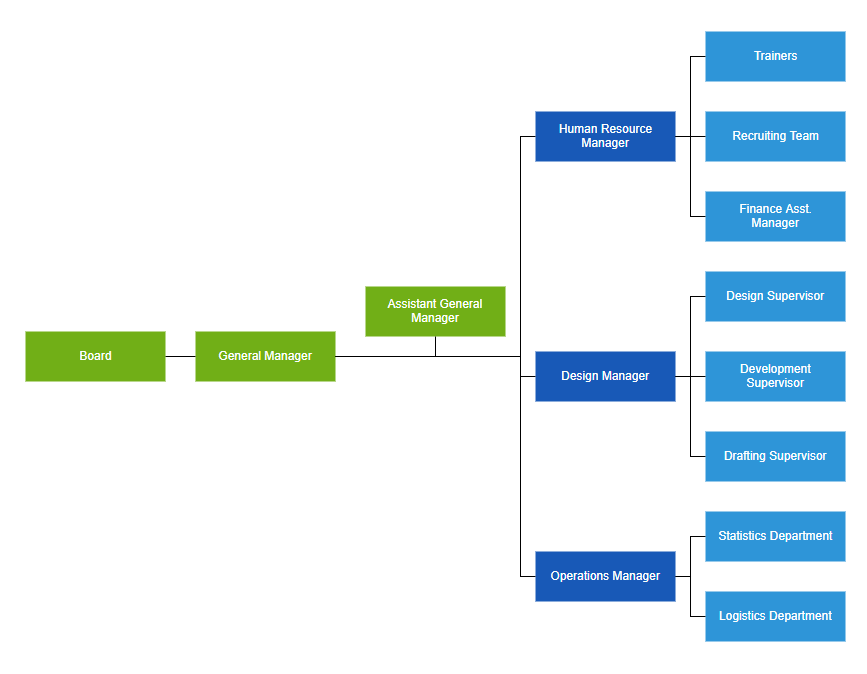
Leaf-level alignment
Arrange the leaf level nodes in the organization chart left, right, or centered horizontally; or top, bottom, or middle vertically.
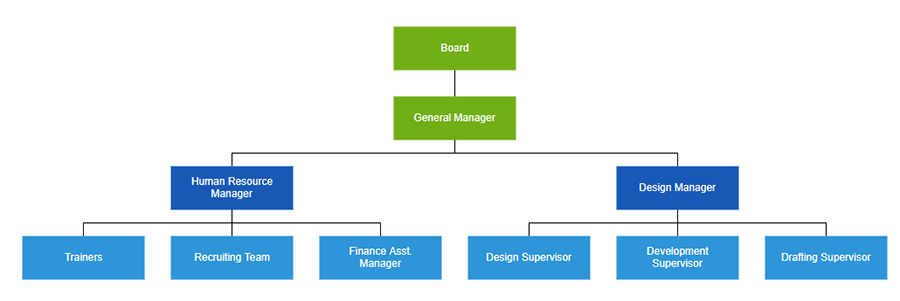
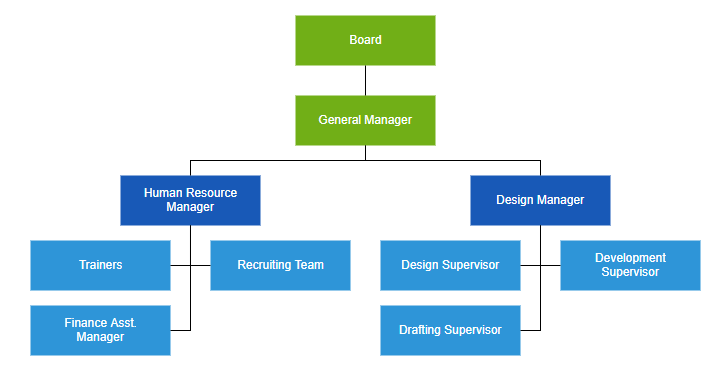
Spacing
Customize the spacing between each level in both horizontal and vertical directions and define margins around the organizational chart.
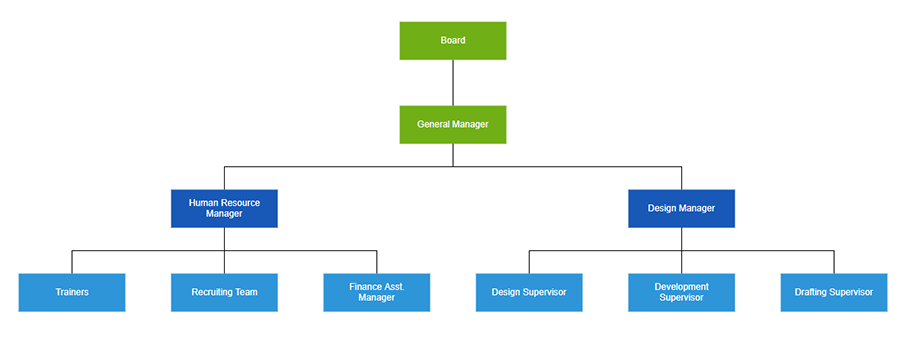
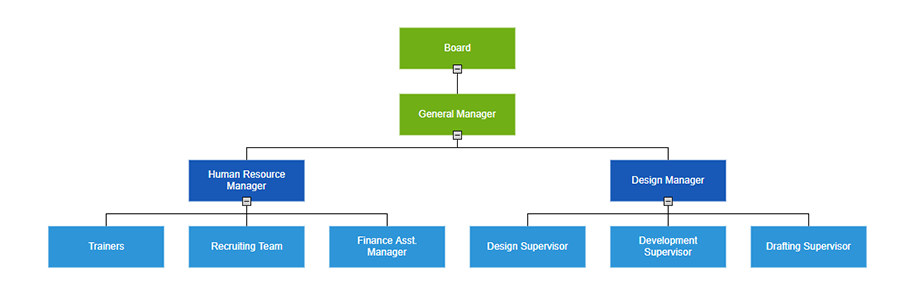
Expand and Collapse Children
You can show or hide children and view only the relevant nodes in the diagram.
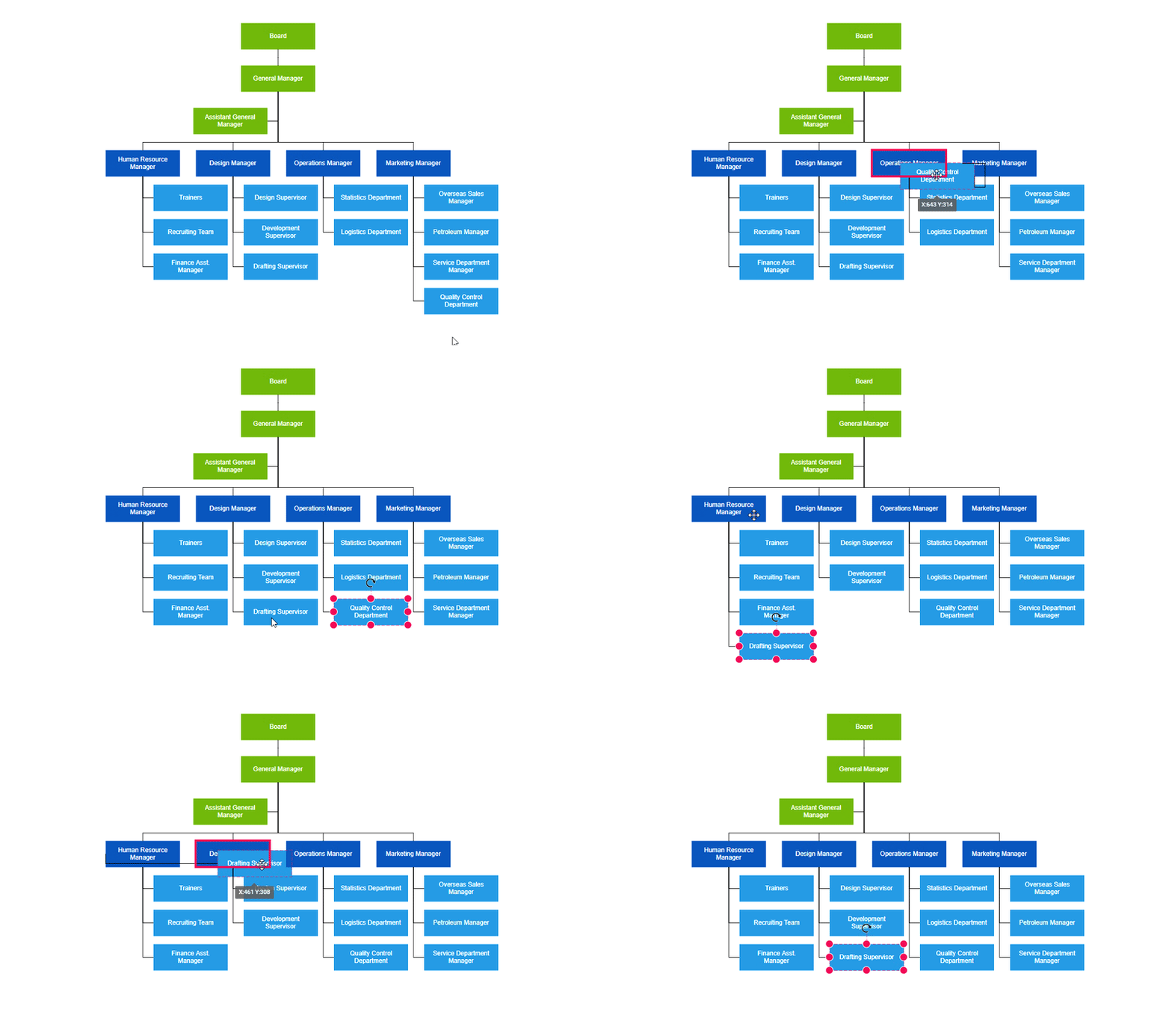
Drag and Drop
You can easily modify the organizational structure interactively by dragging the child or parent nodes and then dropping them on the required locations.
Our Customers Love Us




See Real Success Stories
Developers around the world trust Syncfusion’s Essential Studio to simplify complex projects and speed up delivery. With a vast library of UI controls, powerful SDKs, and reliable support, Essential Studio helps teams build enterprise-ready applications with confidence.
Read Our Customer StoriesIndustry
Software development
75% Cost reduction
50% Faster development

Industry
Utilities (oil and gas)

450+ hours saved
Streamlined processes and hours of development effort saved.

Advanced, flexible features
Empowered users through robust and versatile functionality.
Industry
Software and technology
1000+ of hours saved
Accelerated development with enterprise-ready UI components.

Efficient file management
Streamlined workflows with document libraries without building them from scratch.
Industry
Software and technology

2 Years of delay avoided
Two years of delays prevented with proactive planning.

On-time delivery
Projects delivered on schedule using trusted controls.
Industry
IT services and IT consulting

Improved performance
Large datasets handled with easy customization and quick debugging.

Highly customizable
Plug-and-play controls with quick template integration.
Industry
Professional services
Instant access
Quick availability of features and resources.
Reduced dependencies
Fewer dependencies for faster development.







