

Overview
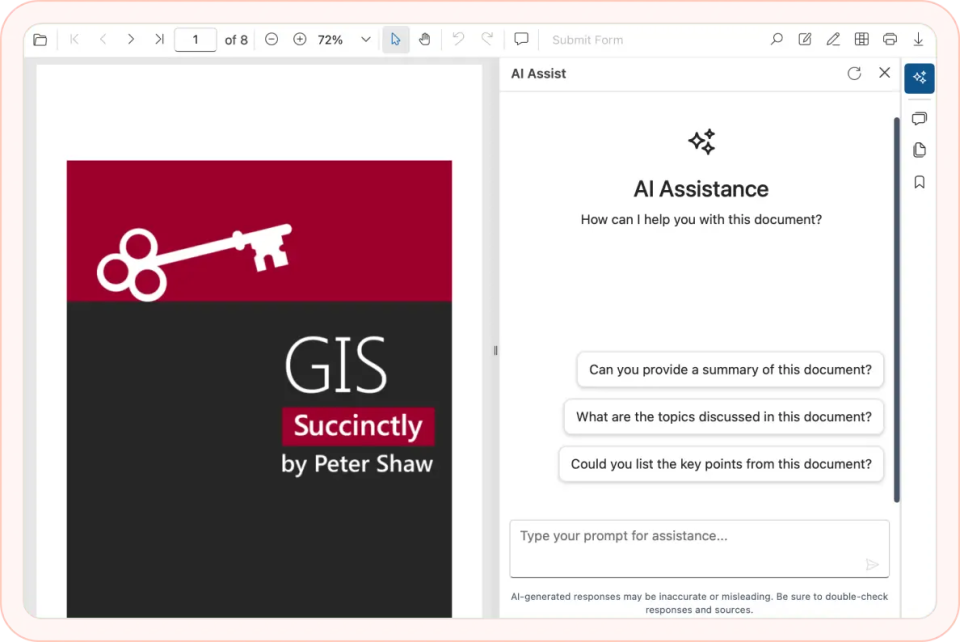
The AI-powered Blazor PDF Viewer combines all the essentials—viewing, annotating, printing, and form filling—with intelligent AI features that save time and boost productivity. Users can chat with PDFs to get instant answers or summaries, apply smart redaction to protect sensitive data, and use smart form filling to complete forms in one click. Powered by services like OpenAI, Google Gemini, Groq, and DeepSeek, it delivers a secure and smarter way to work with PDFs inside Blazor apps.
Why choose the Syncfusion AI-powered Blazor PDF Viewer?
AI assistance
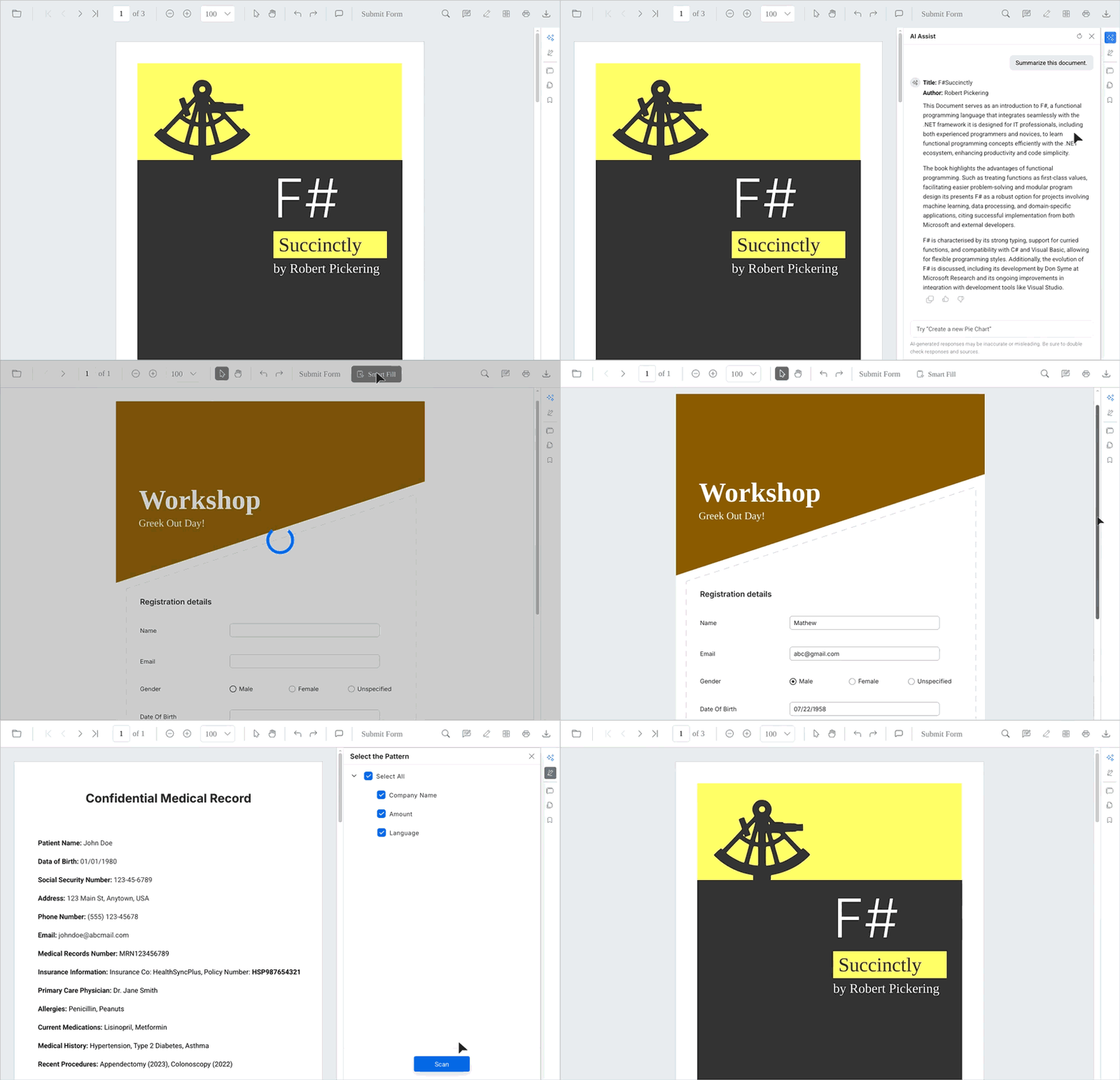
Chat with your PDFs, ask questions in natural language, and generate instant summaries. This helps users work faster with lengthy or complex documents.
AI-powered redaction
Protect sensitive data smartly by automatically detecting and marking personal or confidential information. Review suggestions and apply redaction securely to comply with regulations.
Smart form fill
Speed up workflows by automatically detecting and completing PDF form fields using clipboard data. This reduces repetitive typing and errors, and also enhances productivity.
High performance at scale
Thousands of PDF pages can be loaded instantly. On-demand loading and virtualization ensure smooth performance, even for very large files.
Rich annotation and collaboration
Highlight, underline, add sticky notes, or draw shapes directly in the PDF. A flexible comment panel allows users to reply, manage statuses, and collaborate effectively.

Form filling and form designer
Create, edit, and manage interactive form fields, and fill or save AcroForms with full support for exporting and importing in standard formats.
Handwritten signatures
Add handwritten signatures directly inside documents. Resize, move, or save them as needed.
Responsive and accessible design
The PDF Viewer is optimized for desktops, tablets, and mobile devices across iOS, Android, and Windows. Full support for accessibility standards and screen readers ensures inclusivity for blind and low-vision users.
AI assistance: Chat with your PDFs
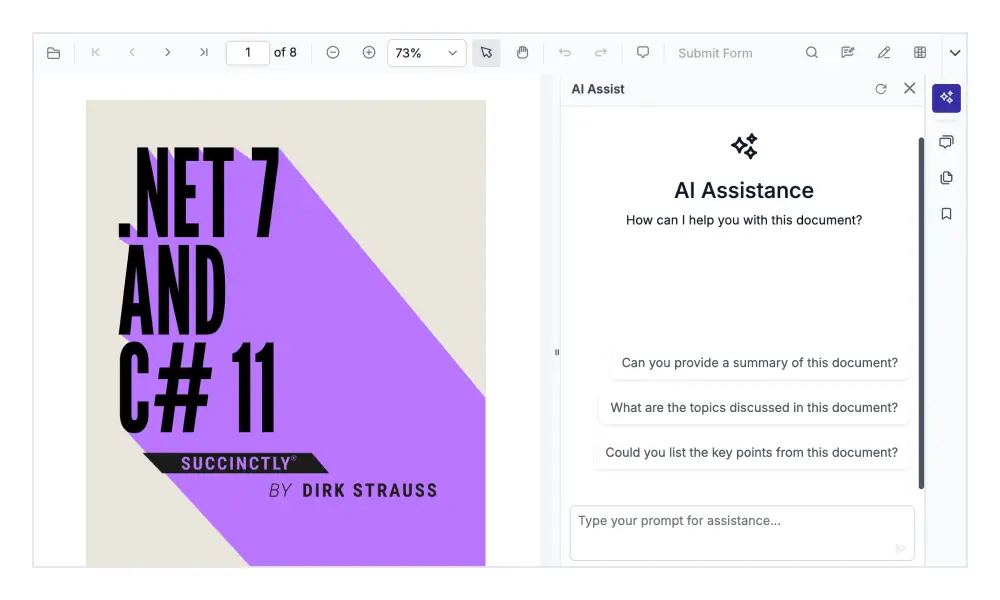
Interact with documents using natural language. Ask questions, get instant answers, and generate summaries without scrolling through pages to make complex files easier to understand.
Smart redaction
The viewer analyzes the document to detect sensitive text, such as names, IDs, or financial data, and mark it for redaction. After confirming which data to obscure, redaction is applied securely to meet privacy and compliance needs.

Smart form fill
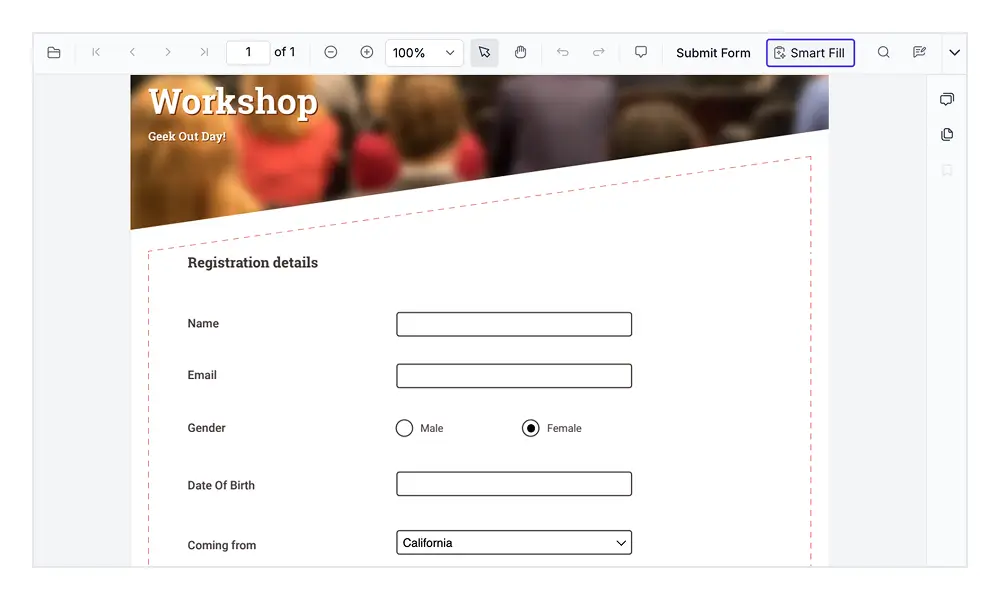
The viewer detects all form fields in a document and can populate them instantly using clipboard data. This ensures forms are completed quickly, and is particularly useful for handling applications, invoices, and other structured documents.
Flexible AI integration
The AI-powered Blazor PDF Viewer is designed to work with leading AI providers such as OpenAI, Google Gemini, DeepSeek, and more. By simply configuring an API key and model at the application level, developers can choose the most appropriate AI service for their use case.

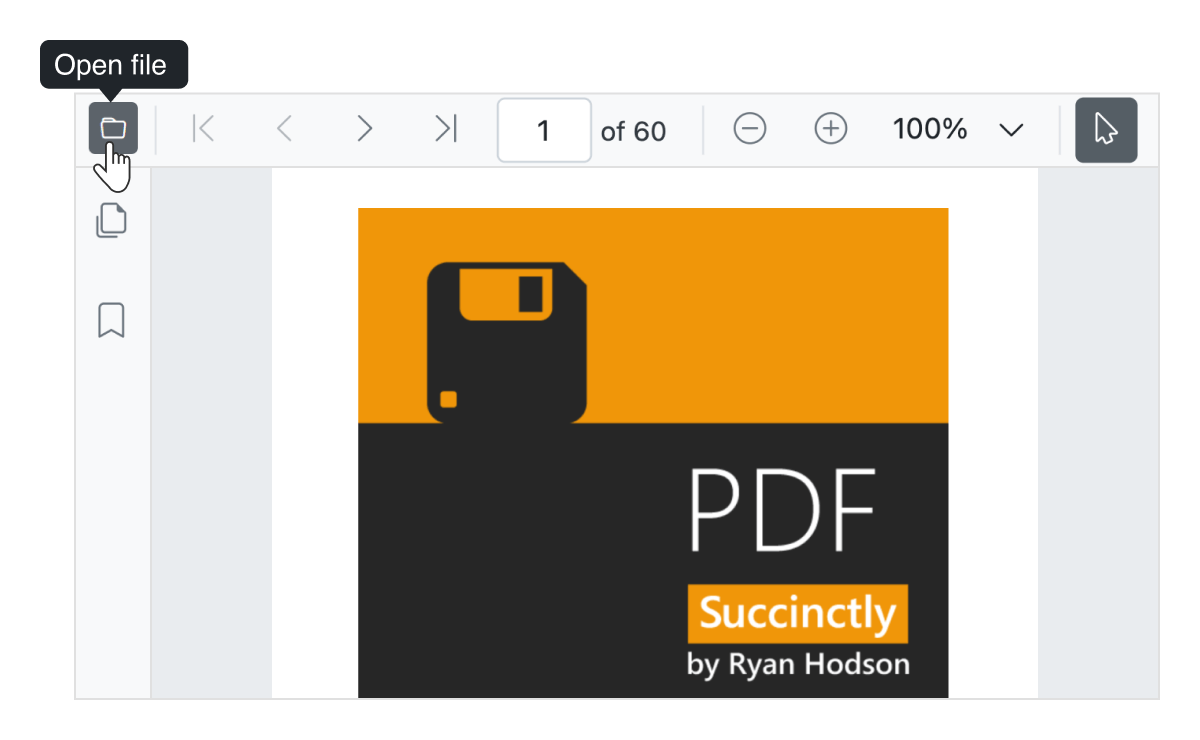
Open PDF file
Open and display both normal PDF files and those protected with AES and RC4 encryption algorithms (password protected). Open PDF files from streams, file paths, and as byte arrays.
Review or annotate PDF files
Review PDF files using a rich set of annotation tools in the Blazor PDF Viewer.
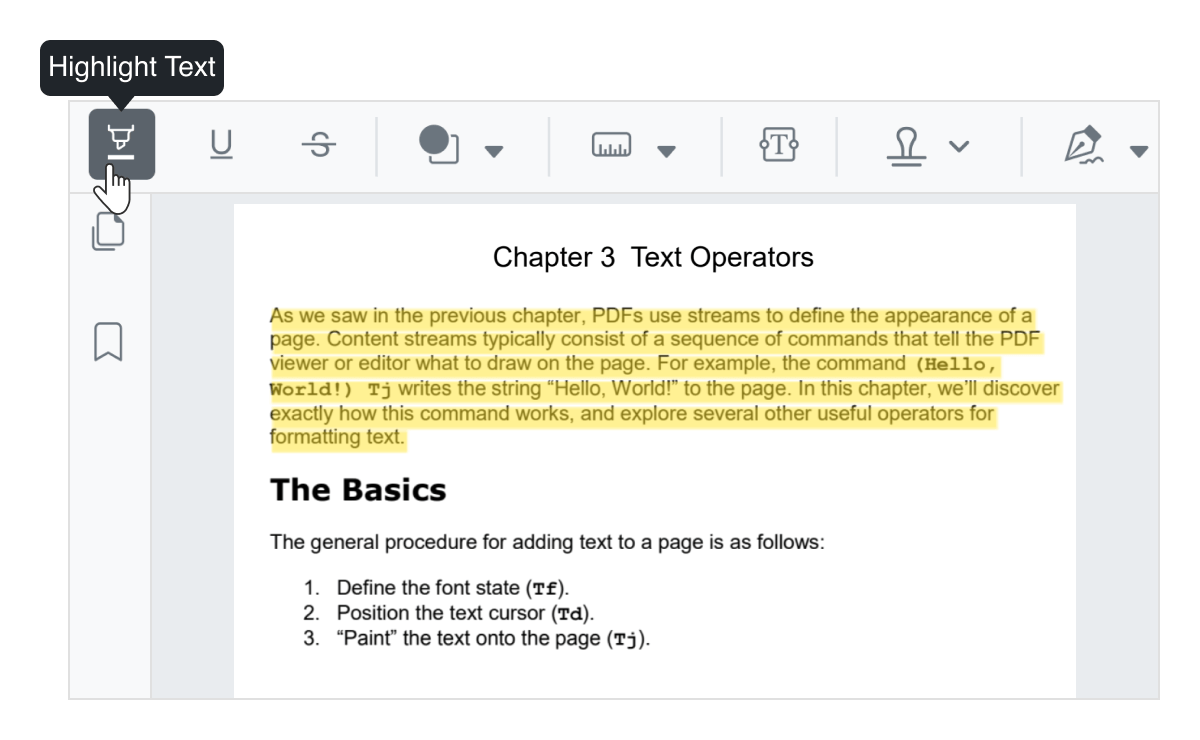
Highlight text
Users can highlight important text in Blazor PDF files and customize the color of the highlighted text.
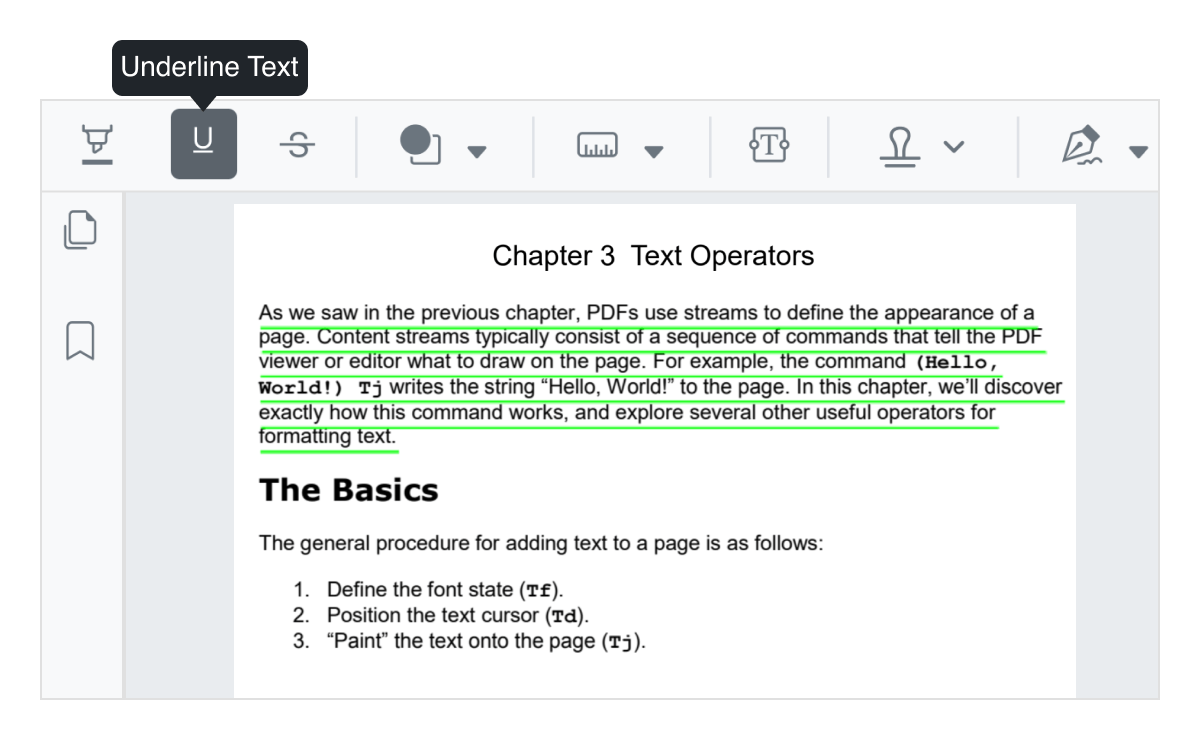
Underline text
Underline important text in PDF files. You can customize the color of the underline.
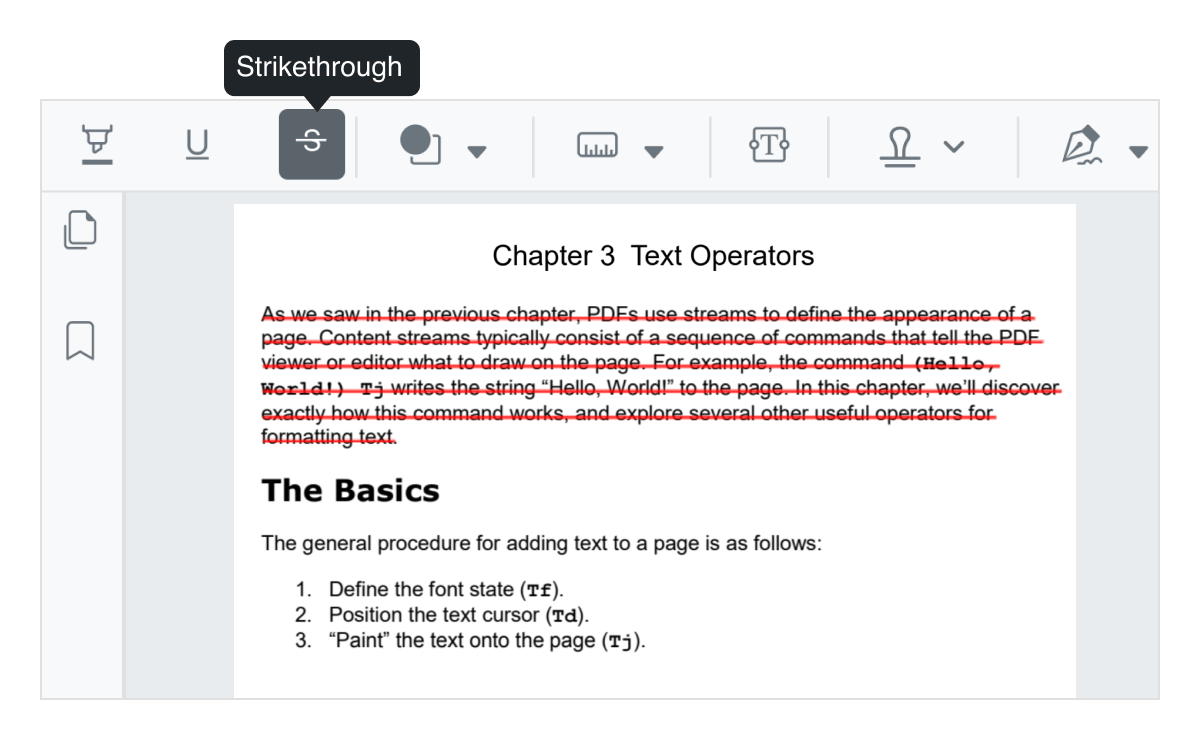
Strikethrough
Strikethrough unimportant text in PDF files. You can customize the color of the strikethrough.
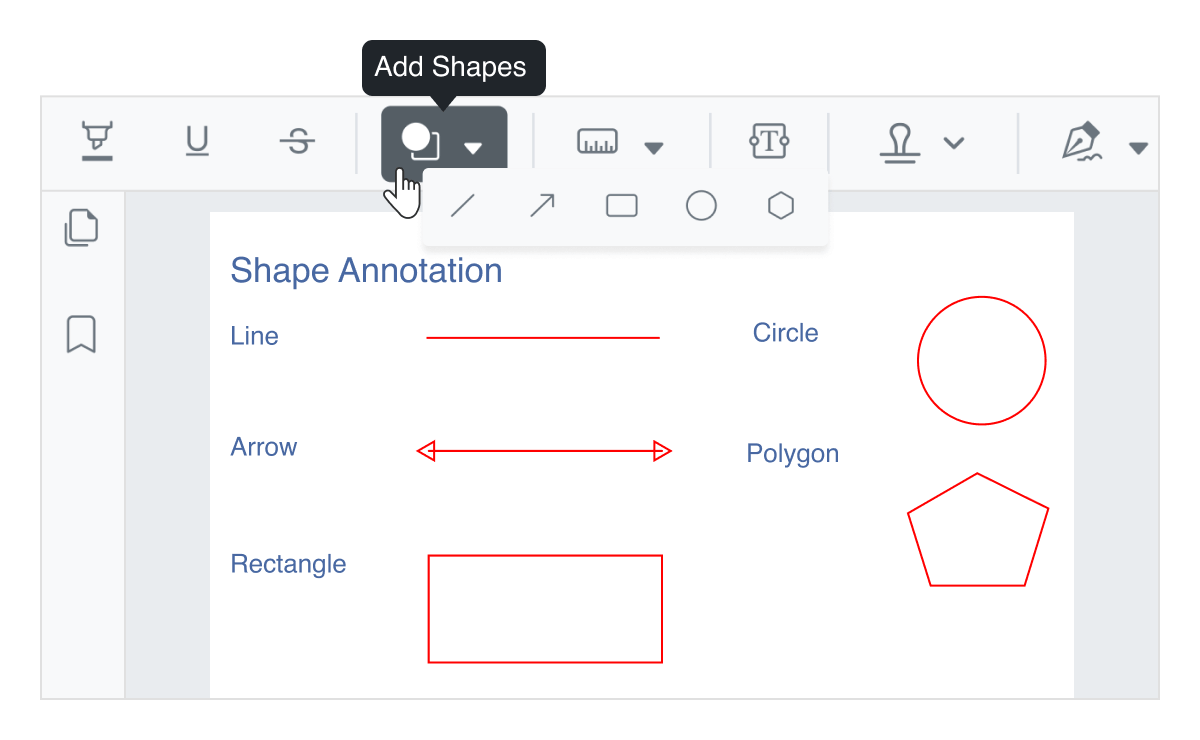
Shape annotations
Use drawing tools to add rectangles, circles, ellipses, lines, arrows, and polygons to a PDF file. The shapes can also be moved, resized, and customized.
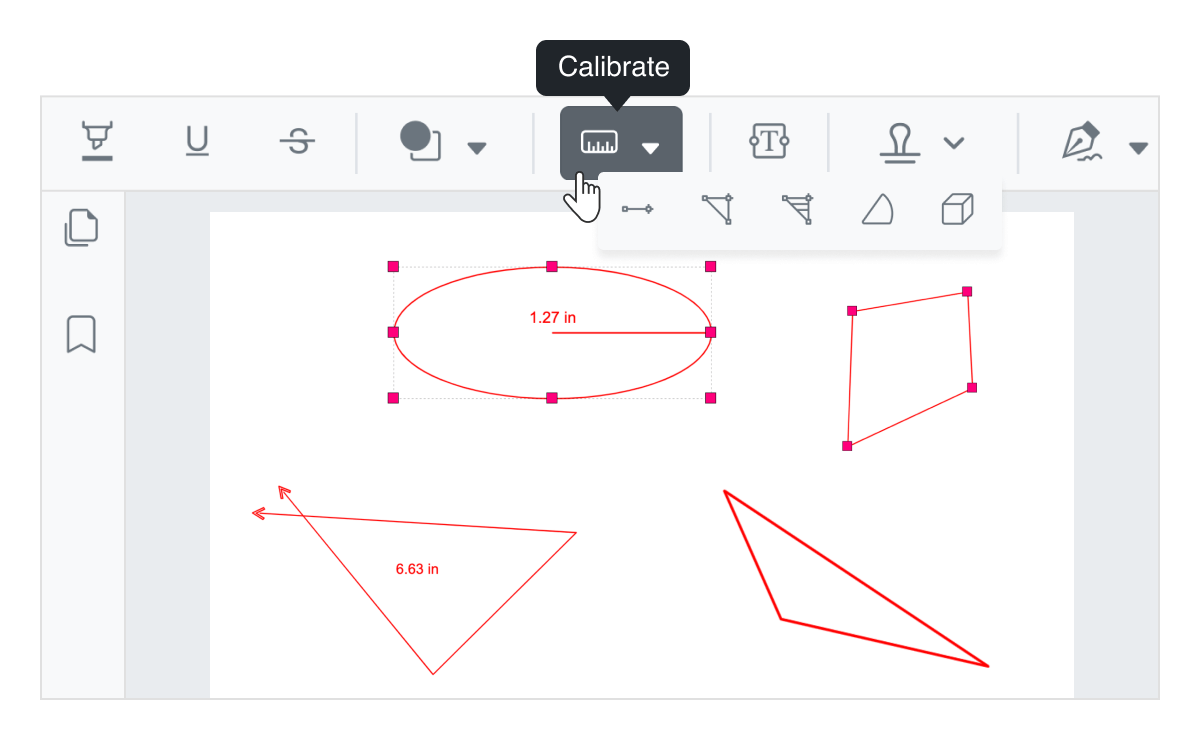
Measuring tools
Measure the distance, area, radius, volume, and perimeter of objects in the document.
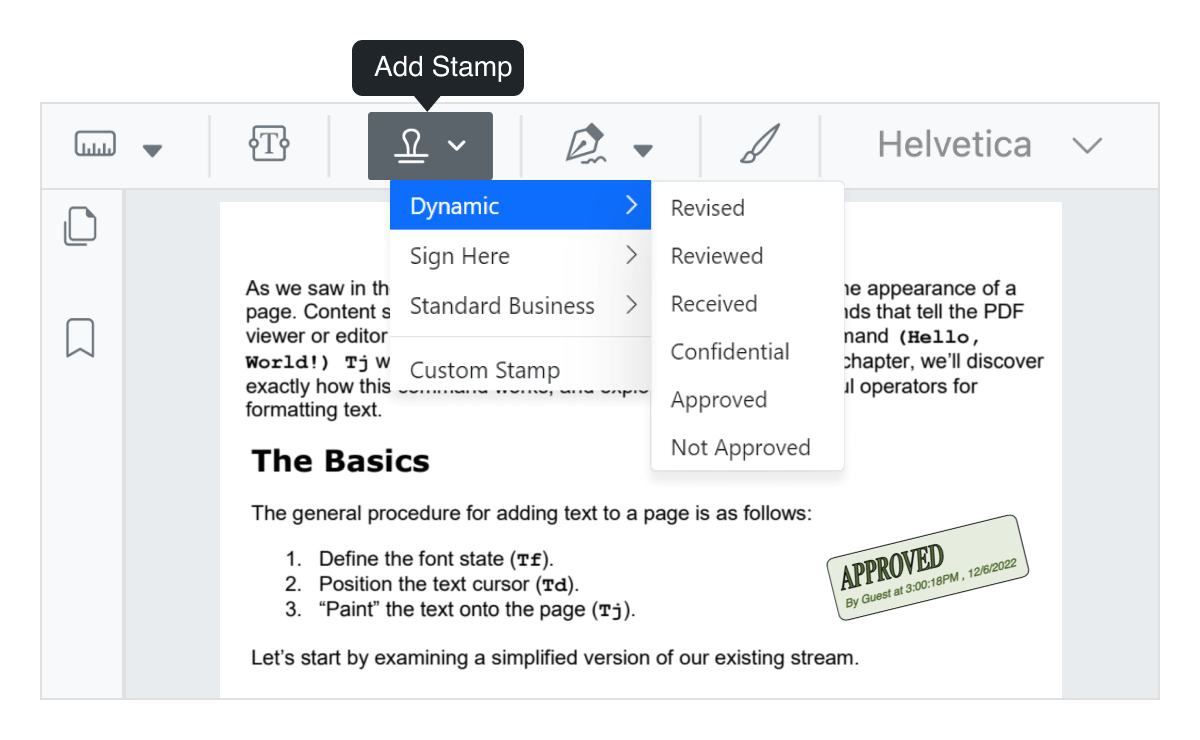
Stamp a document
Add stamps to a PDF file like you would apply rubber stamps to a paper document. Choose from a list of built-in stamps or create your own.
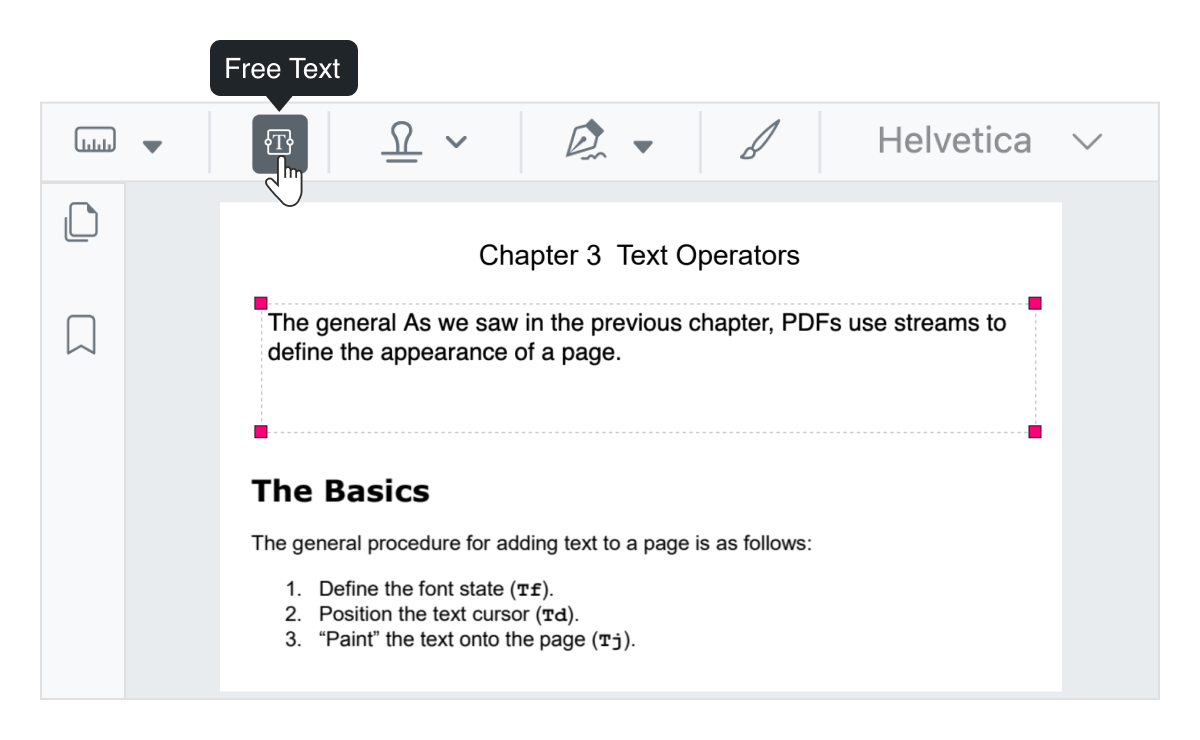
Free-text annotation
Include free text in PDF files. Users can move, resize, remove, or edit the appearance of free text.
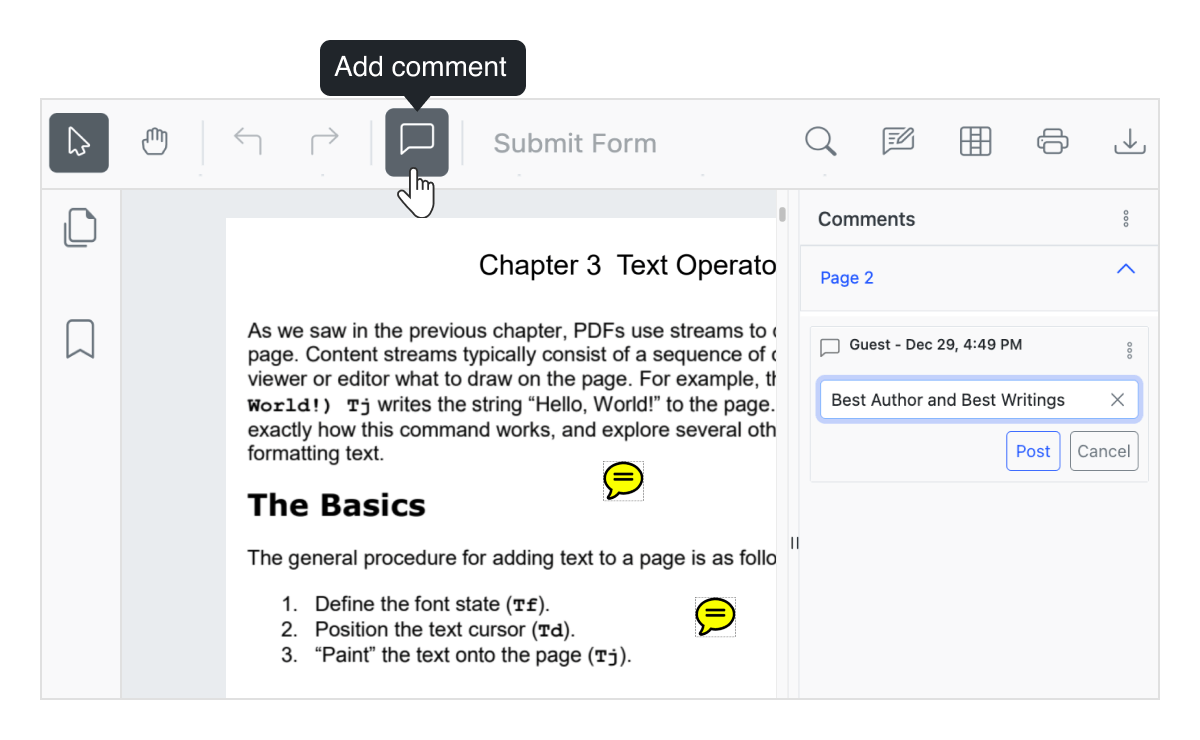
Sticky notes and comments
Add sticky notes and comments anywhere in a PDF file. They can also be moved and removed.

Import and export annotations
Annotations in a PDF file can be exported as JSON and stored in a database. You can also import annotation JSON data into a PDF file.
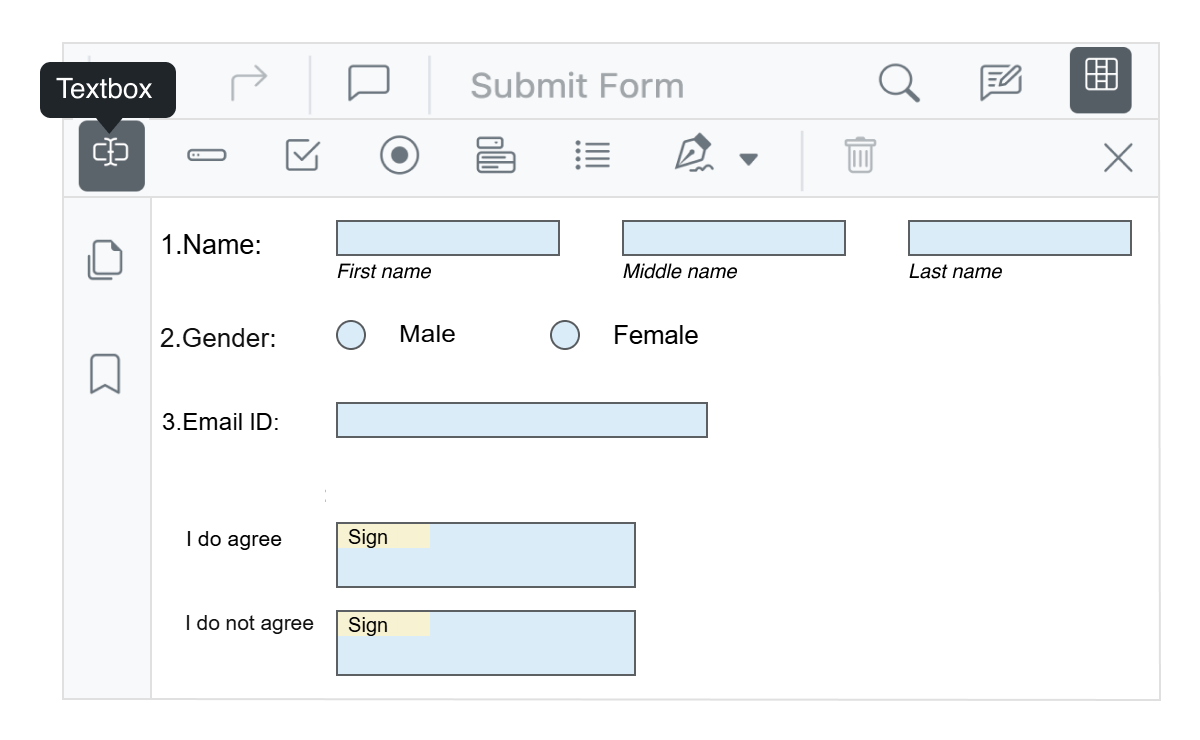
Form designer
The PDF Viewer control provides the option to add, edit, and delete form fields. The form field types supported by the PDF Viewer control are text box, password, checkbox, radio button, list box, dropdown, and signature field. The form field values can be exported to and imported from JSON, XFDF, FDF, and XML formats.
Accessibility

Keyboard navigation
The AI-powered Blazor PDF Viewer component ensures that every tool is accessible using the keyboard. Major operations like opening files, navigating pages, zooming, adding comments, showing or hiding annotation and form designer toolbars, printing, and downloading can be done without any mouse interaction. This helps create highly accessible applications.

Screen reader
The AI-powered Blazor PDF Viewer has complete WAI-ARIA accessibility support. The UI includes high-contrast visual elements that help users with low vision have the best viewing experience. Also, valid UI descriptions are easily accessible through assistive technologies such as screen readers.
Right to left (RTL)
Right-to-left rendering allows the text and layout of the PDF Viewer to be displayed from right to left. This improves the experience for users who use languages that are written from right to left, like Hebrew and Arabic.
Not sure how to create your first AI-powered Blazor PDF Viewer? Our demos and documentation can help.
View demo Start with Blazor server-side AI-powered Blazor PDF ViewerFrequently Asked Questions
Why should you choose the Syncfusion AI-powered Blazor PDF Viewer?
- Get instant answers and summaries using built-in AI assistance.
- Autopopulate fields with clipboard data by using smart form filling.
- Submit sensitive values via API and select which ones to redact.
- Seamlessly integrate into web, mobile, and hybrid apps.
- Enjoy simple configuration and APIs.
- Supports all modern browsers.
- Implement one of the best AI-powered Blazor PDF Viewers on the market.
Use expansive learning resources, such as demos and documentation, to get started quickly.
Where can I find the Syncfusion AI-powered Blazor PDF Viewer demo?
You can find our AI-powered Blazor PDF Viewer demo here, which demonstrates how to render and configure the Smart PDF Viewer.
Can I download and utilize the Syncfusion AI-powered Blazor PDF Viewer for free?
No, this is a commercial product and requires a paid license. However, a free Community License is available for companies and individuals whose organizations have less than US $1 million in annual gross revenue, 5 or fewer developers, and 10 or fewer total employees.
How do I get started with the Syncfusion AI-powered Blazor PDF Viewer?
A good place to start would be our comprehensive getting started documentation.
Our Customers Love Us





See Real Success Stories
Developers around the world trust Syncfusion’s Essential Studio to simplify complex projects and speed up delivery. With a vast library of UI controls, powerful SDKs, and reliable support, Essential Studio helps teams build enterprise-ready applications with confidence.
Read Our Customer StoriesIndustry
Software development
75% Cost reduction
50% Faster development

Industry
Utilities (oil and gas)

450+ hours saved
Streamlined processes and hours of development effort saved.

Advanced, flexible features
Empowered users through robust and versatile functionality.
Industry
Software and technology
1000+ of hours saved
Accelerated development with enterprise-ready UI components.

Efficient file management
Streamlined workflows with document libraries without building them from scratch.
Industry
Software and technology

2 Years of delay avoided
Two years of delays prevented with proactive planning.

On-time delivery
Projects delivered on schedule using trusted controls.
Industry
IT services and IT consulting

Improved performance
Large datasets handled with easy customization and quick debugging.

Highly customizable
Plug-and-play controls with quick template integration.
Industry
Professional services
Instant access
Quick availability of features and resources.
Reduced dependencies
Fewer dependencies for faster development.
Rated by users across the globe



Syncfusion AI-powered Blazor PDF Viewer resources


 Figma download
Awards
Greatness—it’s one thing to say you have it, but it means more when others recognize it. Syncfusion® is proud to hold the following industry awards.









