
Overview
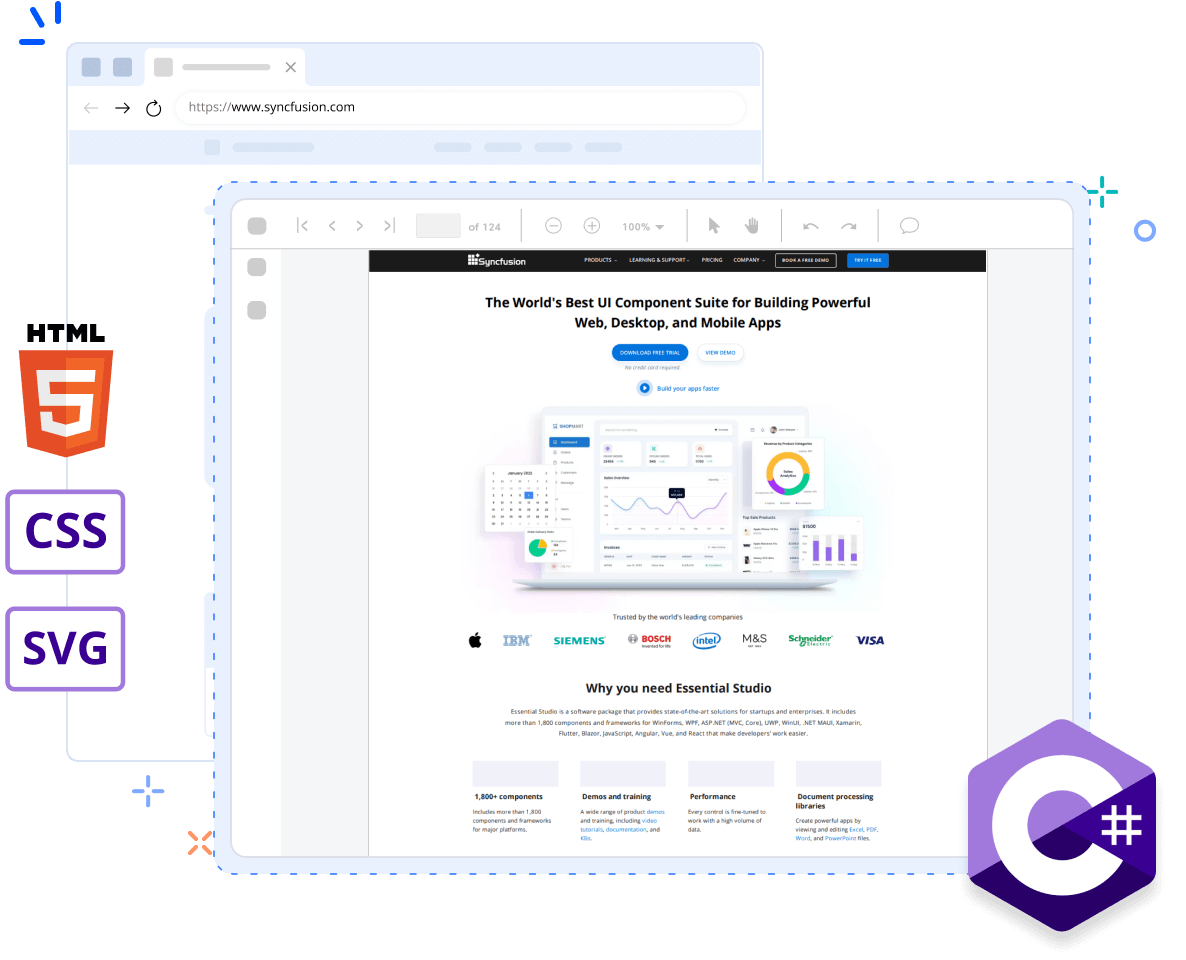
The Syncfusion HTML-to-PDF converter is a high-performance .NET library for converting HTML to PDF in C#. Built as a native .NET HTML-to-PDF conversion library, it integrates easily into ASP.NET Core, ASP.NET MVC, WinForms, WPF, console, cloud, and server applications. Convert webpages, HTML files, HTML strings, SVG, and MHTML into pixel-perfect PDF documents while preserving layouts, fonts, images, and styling. Powered by the Google Chrome (Blink) rendering engine, the converter delivers high rendering accuracy for modern HTML5, CSS3, JavaScript, SVG, and web fonts.
The library runs seamlessly on Windows, Linux, and macOS, making it suitable for Azure App Services, Azure Functions, AWS Lambda, Docker, WinForms, WPF, Blazor, ASP.NET MVC, and ASP.NET Core applications.
Convert HTML to PDF using C#
The following code demonstrates how to convert an HTML file to a PDF document using C#.
Key functions of HTML to PDF
Explore different key functionalities of the HTML to PDF feature.
Convert HTML to PDF in C#
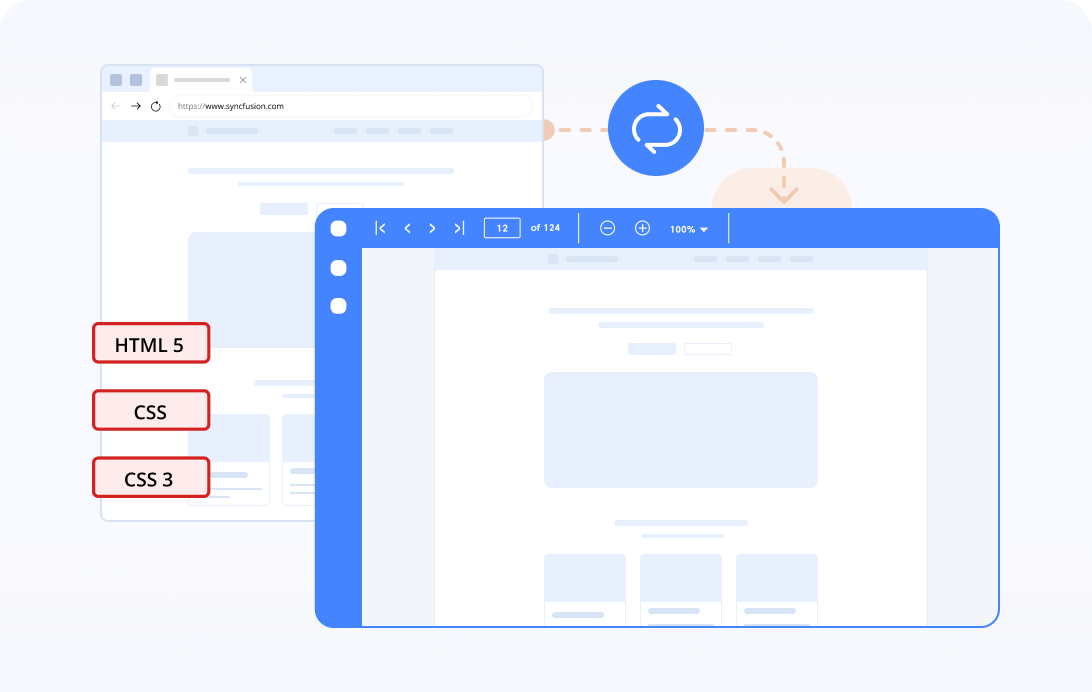
The Syncfusion® .NET HTML-to-PDF converter allows users to convert URLs, HTML5, CSS, CSS3, and HTML files to PDF documents with just five lines of C# code.
Convert part of an HTML page to PDF
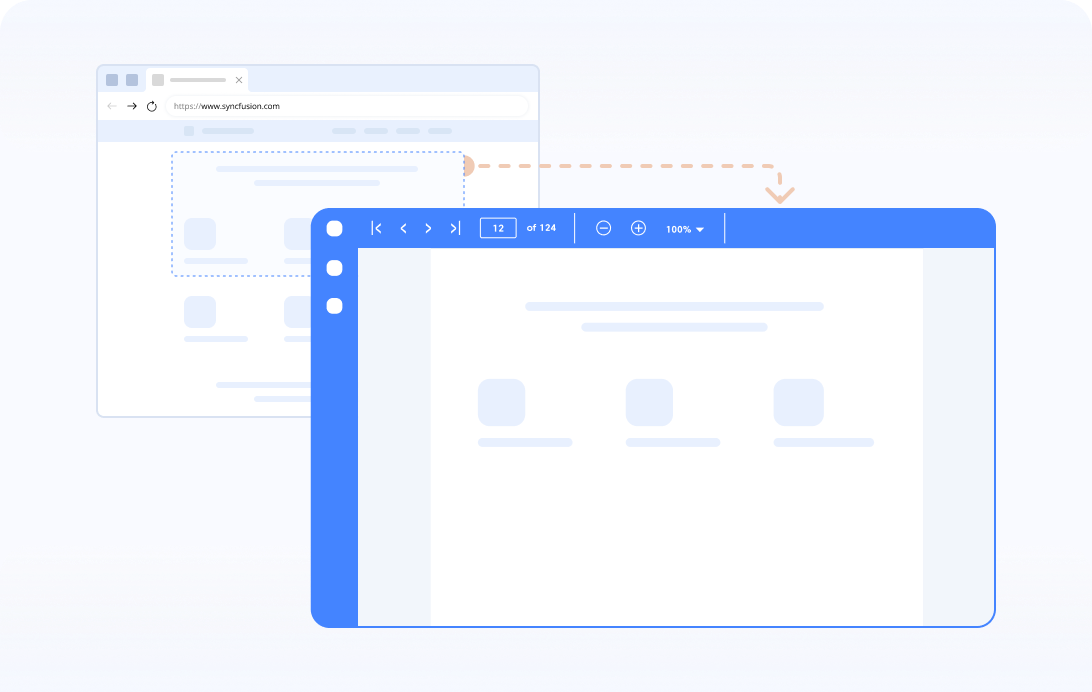
A part of a webpage can be converted to PDF based on the HTML tag ID.
Convert HTML forms to PDF in C#
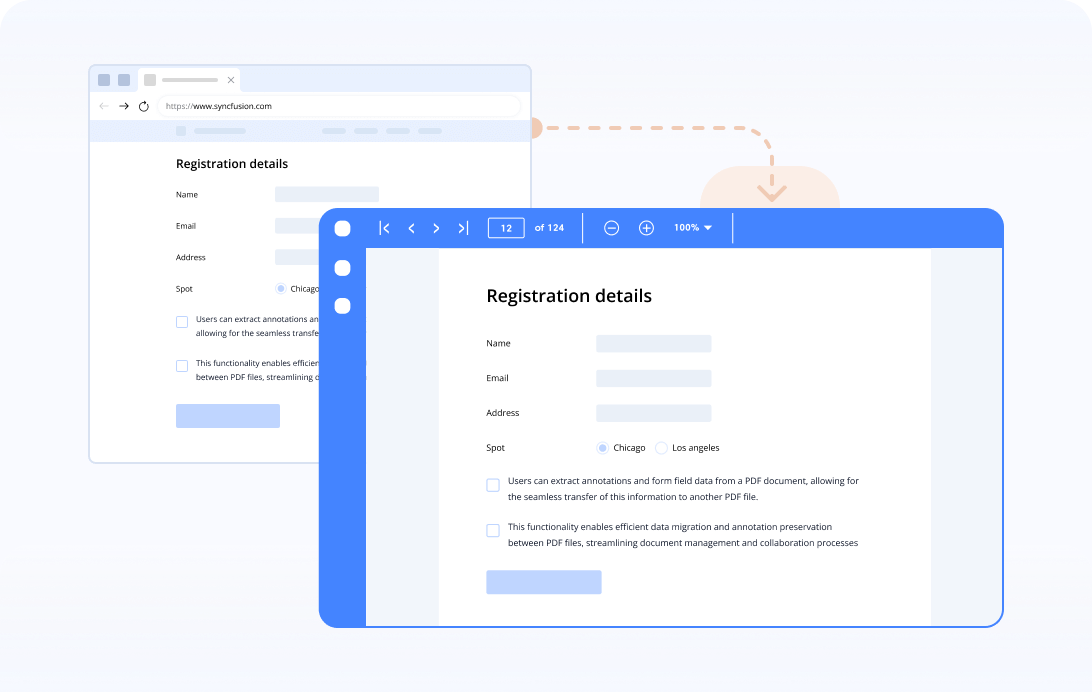
Convert an HTML form to a PDF form and preserve its exact position, size, and appearance. In addition, preserve the values of the HTML form fields.
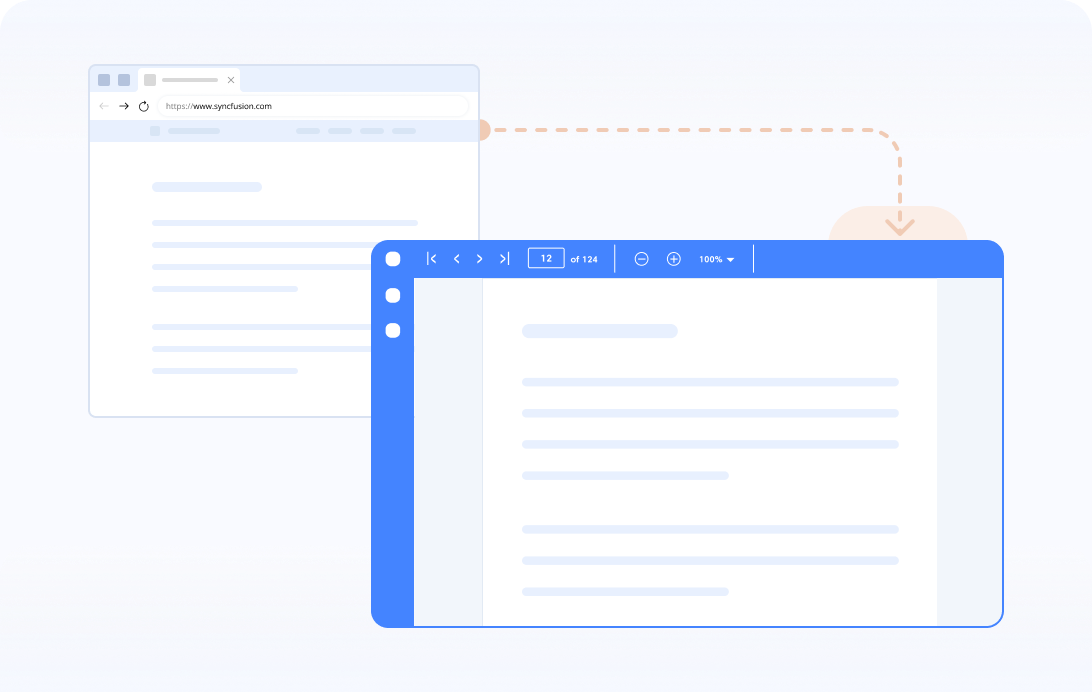
JavaScript execution
HTML can be converted to PDF with or without JavaScript execution during conversion.
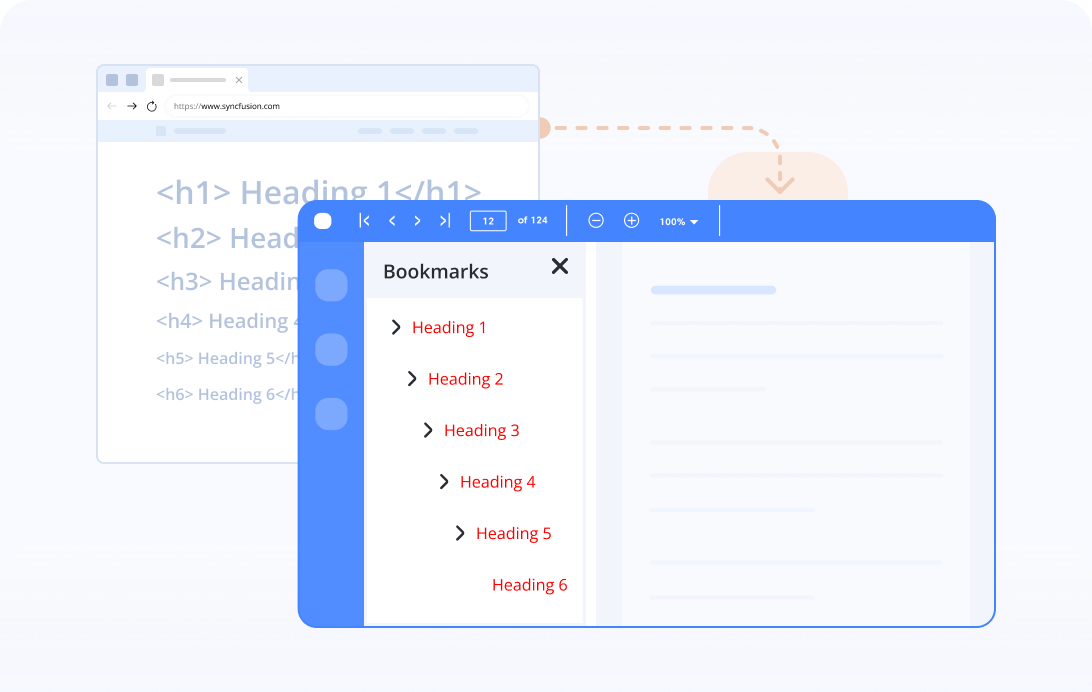
Bookmarks
Bookmarks are created automatically in a PDF document based on the HTML heading tags from <h1> to <h6>.
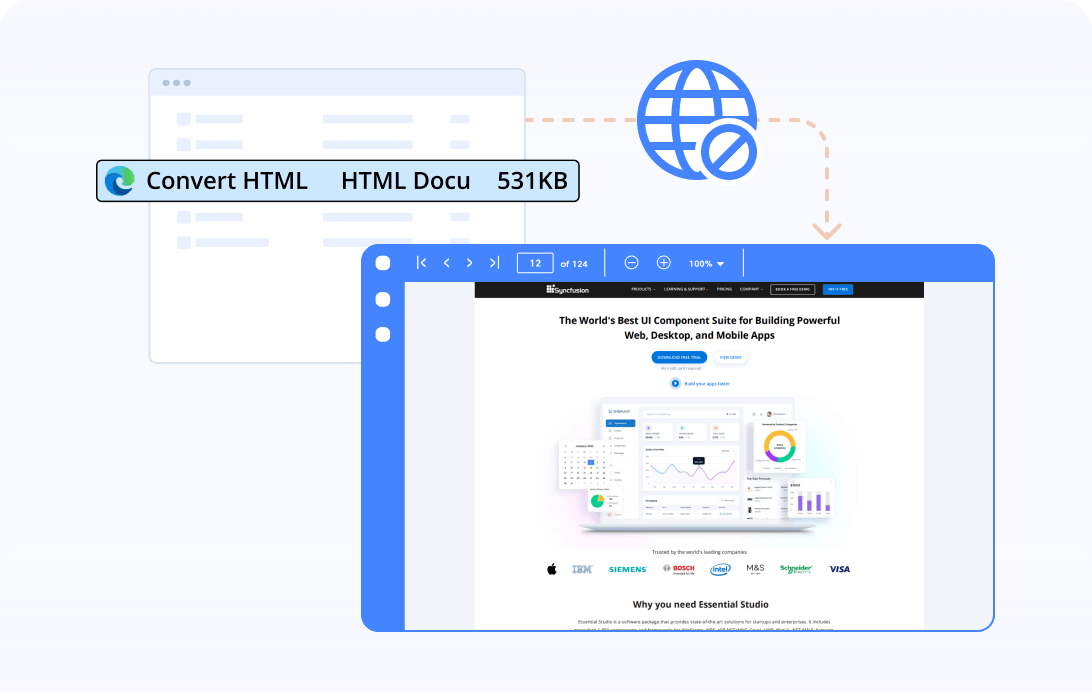
Offline conversion
Convert HTML to PDF with the available offline data by ignoring the online resources.
Explore references of HTML to PDF
Discover valuable resources from our blogs and knowledge bases to convert HTML to PDF.
Syncfusion .NET PDF Library Resources
Explore these resources for comprehensive guides, knowledge base articles, insightful blogs, and ebooks.


Product Updates


Technical Support


 20+ conversions supported
50+ interactive demos
1.7M+ downloads
20+ conversions supported
50+ interactive demos
1.7M+ downloads

Frequently Asked Questions
What is HTML to PDF conversion?
HTML to PDF conversion is the process of transforming a web page coded in HTML (Hypertext Markup Language) into a PDF (Portable Document Format) file.
Is it possible to convert HTML forms to interactive PDF forms?
Yes, with Syncfusion® .NET HTML to PDF converter, you can convert HTML forms to PDF forms.
Can I convert HTML to PDF in C#?
Yes. The Syncfusion HTML-to-PDF converter enables developers to convert HTML files, webpages, HTML strings, and templates to PDF in C#. Built on .NET, it preserves HTML5, CSS3, SVG, JavaScript, images, fonts, and page layouts with high rendering accuracy.
Why would I need to convert HTML to PDF?
Converting HTML to PDF preserves the web page’s layout, formatting, and content for easier sharing, printing, or archiving purposes.
Can I convert HTML to PDF without an internet connection?
Yes, the Syncfusion® HTML to PDF conversion library can be integrated into your applications or used locally without an internet connection.
Trusted by the world’s leading companies
Our Customers Love Us




Want to create, view, and edit PDF files in C# or VB.NET?
No credit card required.