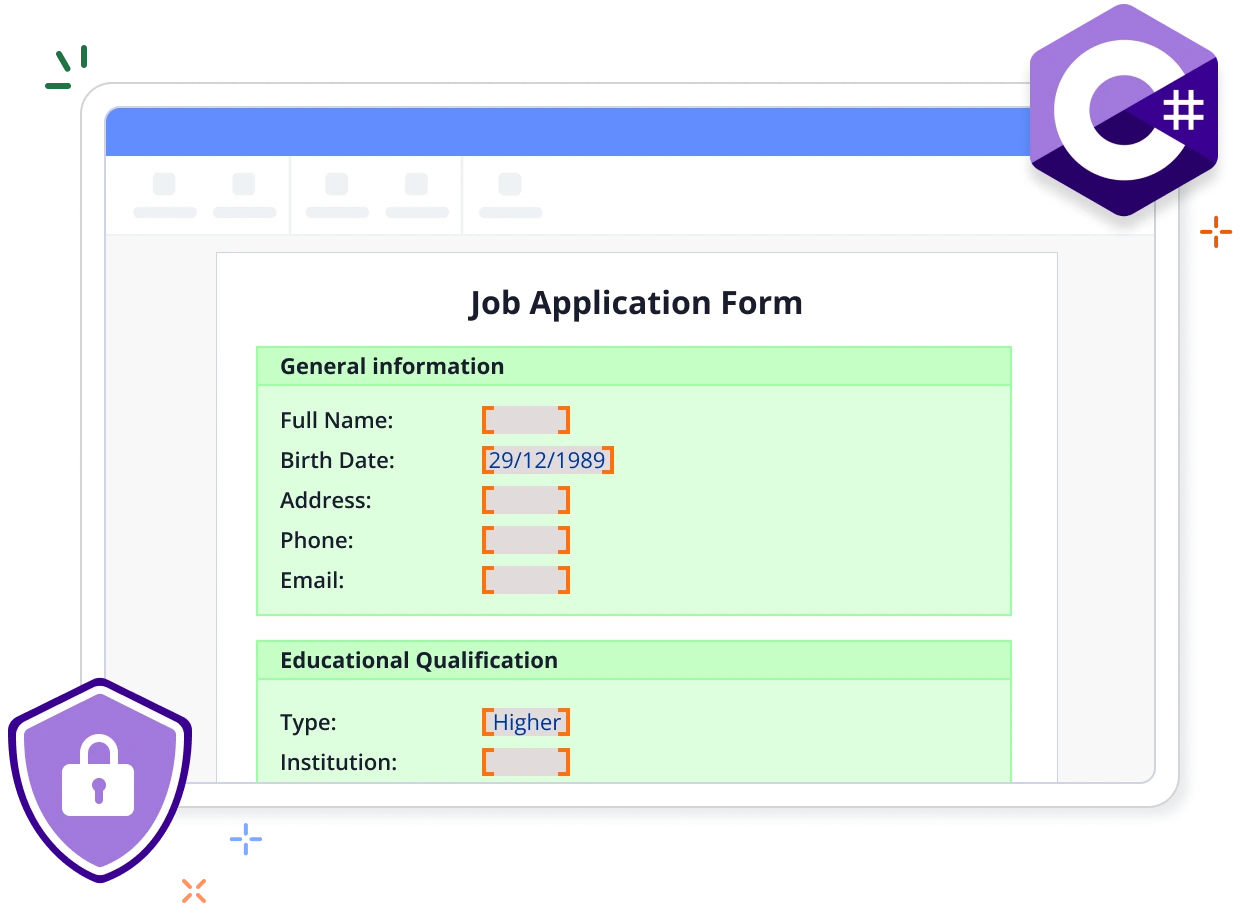
Overview
Protect sensitive information and control document access with ease. The Syncfusion .NET Word Library empowers you to programmatically encrypt and decrypt Word documents in C# and restrict editing privileges, all without relying on Microsoft Word or interop dependencies.
Encrypt a Word document with a password using C#
This example code shows how to easily encrypt a Word document with a password using the Syncfusion .NET Word Library with just a few lines of C# code.
Key features of Protect Word documents
Allow only reading
Users can view the document content, but cannot make any edits.
Allow only comments
Users can add or modify comments in the document, but cannot change the content.
Allow only form fields
Users can access and fill out form fields while the main document content remains protected.
Allow only revisions
Users can suggest changes without editing existing text, supporting transparent review and feedback.
Syncfusion .NET Word Library Resources
Explore these resources for comprehensive guides, knowledge base articles, insightful blogs, and ebooks.


Product Updates


Technical Support


Frequently Asked Questions
Can I restrict editing permissions for a Word document to allow only reading access programmatically?
Yes, you can programmatically set the document to allow read only access by using the .NET Word library. This restricts users from making changes to the document in Microsoft Word.
Can I encrypt a regular Word document with a password using the .NET Word library?
Yes, you can programmatically encrypt a Word document with your desired password using the .NET Word library.
Does the .NET Word library process encrypted Word documents if the user does not provide the password?
No, the correct password is required to open and edit a password-protected Word document programmatically using the .NET Word library.
Can I remove existing protection from a document?
Yes, you can decrypt password-protected Word documents and remove editing restrictions using the Syncfusion .NET Word Library.
Does this .NET Word library save user passwords and reuse them in the future?
No, Syncfusion .NET Word library only utilizes your password to open the document, verifying it against the decrypted password from the Word document. It does not store your passwords, ensuring the security of your confidential information.
How can I integrate the protect Word documents feature into my application?
You can access it through the NuGet package. The documentation provides detailed code samples and tutorial videos to facilitate seamless integration.
Trusted by the world’s leading companies
Our Customers Love Us




Want to create, View, and edit Word documents in C# or VB.NET?
No credit card required.