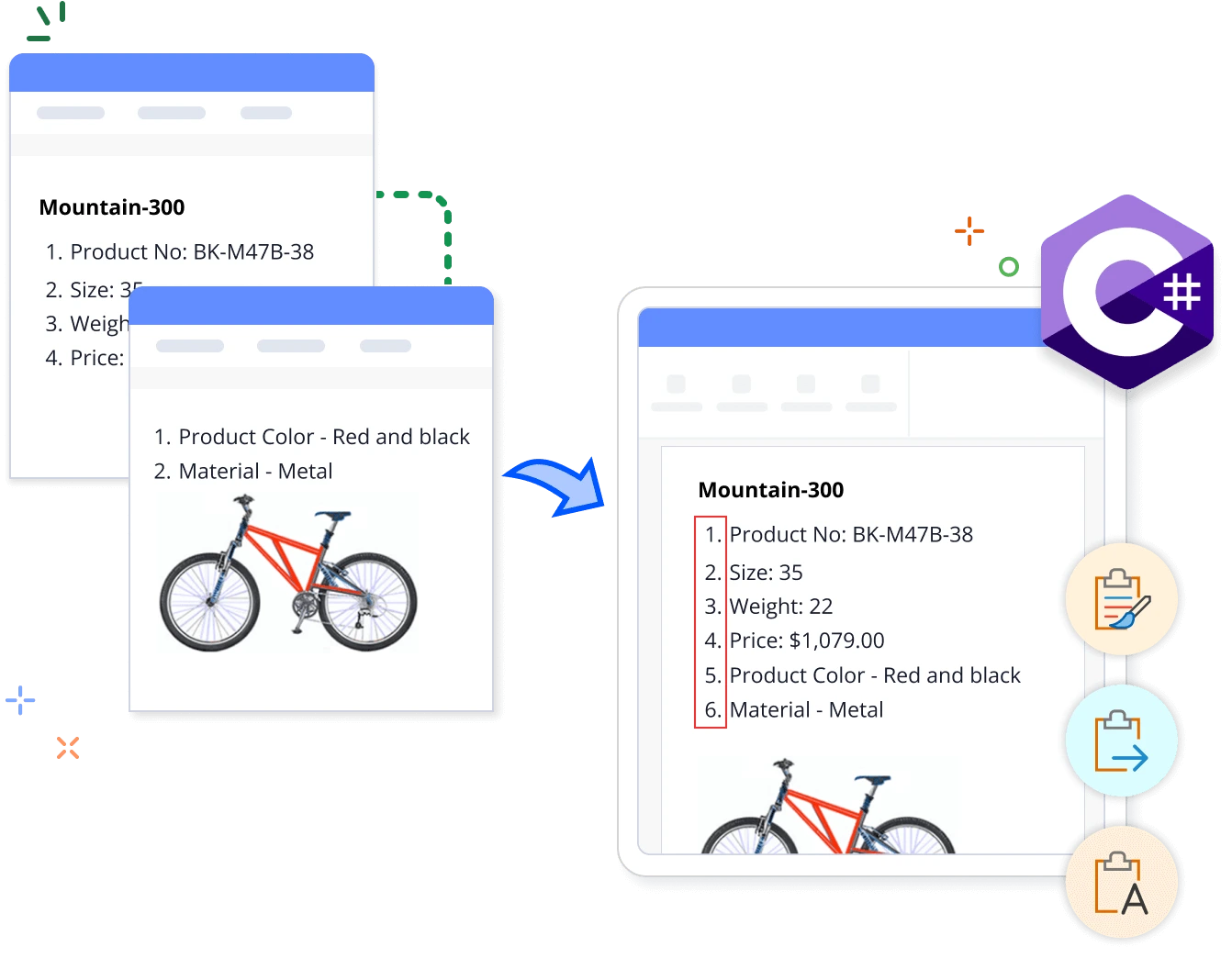
Overview
The Syncfusion .NET Word Library provides powerful, comprehensive APIs to merge multiple Word documents into a single document. With just a few lines of code, you can streamline the process without relying on Microsoft Word or interop dependencies.
Merge Word documents using C#
This example code shows how to merge Word documents using the Syncfusion .NET Word Library with just few lines of code in C#.
Key features of merging Word documents
Merge with source formatting
Merges the contents from multiple Word documents, retaining the original formatting in the merged document.
Merge with destination formatting
Merge content from Word documents and apply the destination document’s formatting.
Merge with numbering restart options
Merges the contents from Word documents and either restarts or continues the list numbering.
Merge text only
Merges only the text from multiple Word documents without keeping the formatting, headers, or footers.
Word document merging references
Discover resources from our knowledge base that enhance your efficiency in merging Word documents in C#:

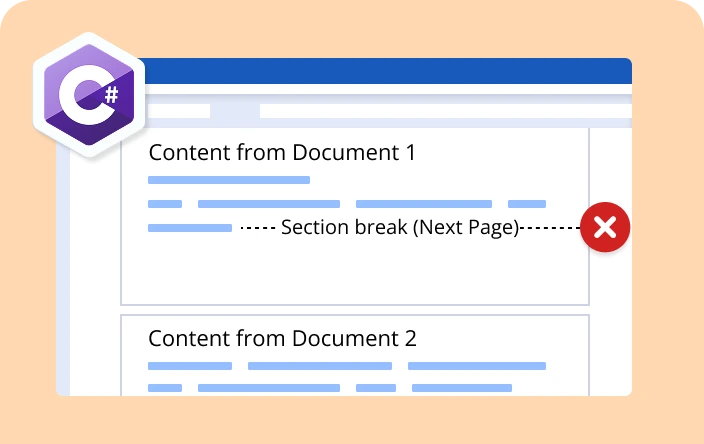

Knowledge base
How to merge multiple Word documents and retain the destination document’s header and footer in C#


Knowledge base
How to merge multiple Word documents on the same page in a Word document using C#

Knowledge base
How to merge two Word documents without retaining header and footer from the source document in C#
Syncfusion .NET Word Library Resources
Explore these resources for comprehensive guides, knowledge base articles, insightful blogs, and ebooks.


Product Updates


Technical Support


Frequently Asked Questions
What file formats does the .NET Word Library support for merging?
Word file formats such as DOC, DOT, DOCX, DOTX, DOCM, DOTM, as well as Word Processing 2007 XML, Word 2003 XML Document, and other formats such as HTML, text, and Markdown are supported.
Can I merge specific sections from multiple Word documents?
Yes, you can merge specific sections from multiple Word documents into a single Word document.
Can I merge multiple Word documents and save the merged document in different formats?
Yes, you can merge multiple Word documents and save the merged document as a PDF, images, or HTML using the .NET Word Library.
Can I automate merging a batch of Word documents in C#?
Yes, you can automate the merging of a batch of Word documents in C# using the .NET Word Library.
Does the Word Library support different options, like Microsoft Word, when merging Word documents?
Yes, you can merge documents with various options such as retaining source formatting, applying destination styles and merging text only.
How can I integrate the Word document merging feature into my application?
You can access it through the Syncfusion.DocIO.Net.Core NuGet package. Detailed code samples are available in the documentation.
Trusted by the world’s leading companies
Our Customers Love Us




Want to create, View, and edit Word documents in C# or VB.NET?
No credit card required.