Overview
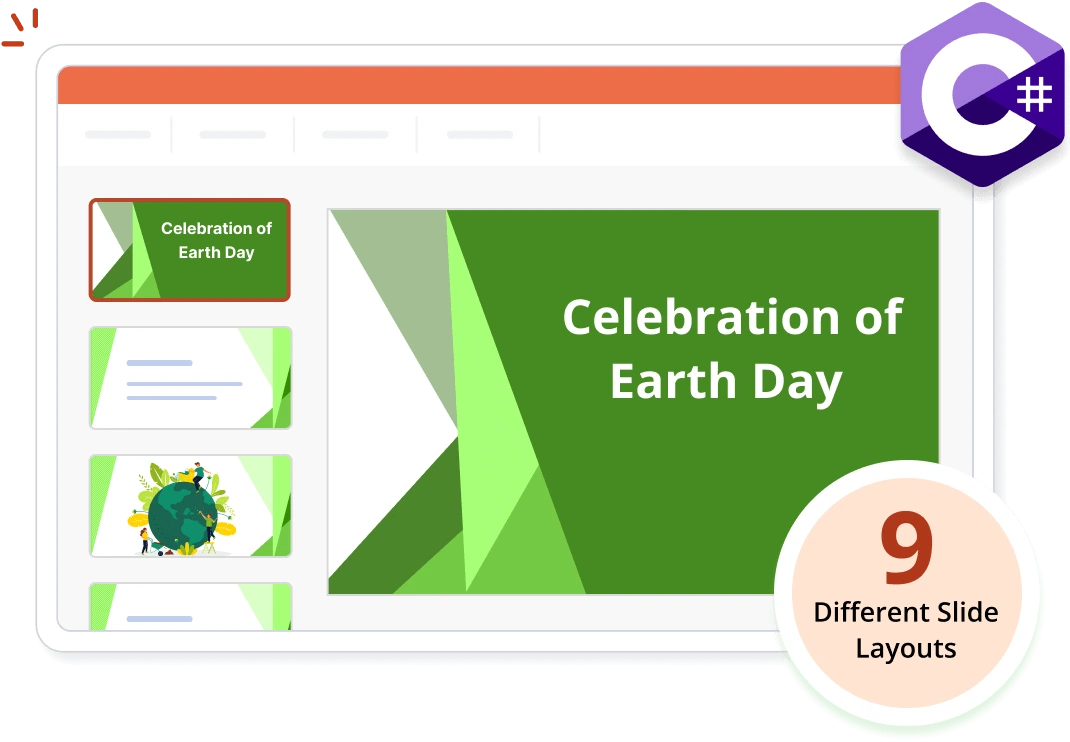
The Syncfusion .NET PowerPoint library (Presentation) allows you to create, modify, and remove slides in PowerPoint presentations using C# without Microsoft PowerPoint or interop dependencies. The nine predefined slide layout types let you create slides equivalent to those in Microsoft PowerPoint, or you can design custom slide layouts.
Create a slide in a PowerPoint presentation using C#
This example code shows how to easily create a slide in a presentation using the Syncfusion .NET PowerPoint library with just a few lines of C# code.
Key features of PowerPoint slides
Slide layouts
Create slides using the nine predefined layout types similar to those in Microsoft PowerPoint. Design custom layouts with specific formatting, positioning, and placeholders to suit your needs.
Master slide
The master slide controls the theme, layout, background, color, fonts, and positioning of all slides. Easily adjust the appearance of an existing theme or make global changes to all slides by accessing and customizing the master slide.
Clone and merge
Clone slides from one presentation to another to split a large presentation into smaller ones.
Convert to image
Convert slides in a PowerPoint to images with just a few lines of code in your .NET applications.
Explore PowerPoint slide references
Check out our blog and knowledge base articles to create, modify, and remove PowerPoint slides.


Knowledge base
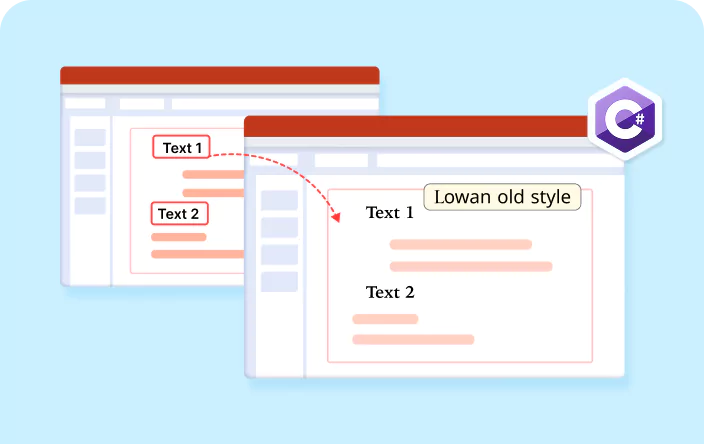
How to set slide size for PowerPoint after cloning and merging a PowerPoint slide in C#
Syncfusion .NET PowerPoint Library Resources
Explore these resources for comprehensive guides, knowledge base articles, insightful blogs, and ebooks.


Product Updates


Technical Support


Frequently Asked Questions
Is it possible to add text, images, shapes, and other elements to PowerPoint slides using C# and the .NET PowerPoint library?
Yes, you can add text, images, shapes, and other elements programmatically using the .NET PowerPoint library.
Can I add animations and transition effects to PowerPoint slides programmatically using C# and the .NET PowerPoint library?
Yes, you can add animations and transition effects programmatically using the .NET PowerPoint library.
Is it possible to clone slides from one presentation to another programmatically?
Yes, it is possible to clone slides from one presentation to another programmatically using the .NET PowerPoint Library.
Is it possible to manipulate slide properties like background color, layout, and size using the .NET PowerPoint library?
Yes, you can programmatically customize slide properties such as background color, layout, and size using the .NET PowerPoint library.
How many predefined slide layout types are available in the .NET PowerPoint library?
The .NET PowerPoint library offers 9 predefined slide layout types for structuring your slides.
How can I integrate the create slides feature in a presentation into my application?
You can access it through the Syncfusion.Presentation.Net.Core NuGet package. Detailed code samples are available in the documentation, facilitating seamless integration.
Trusted by the world’s leading companies
Our Customers Love Us




Want to create, View, and edit PPT files in C# or VB.NET?
No credit card required.