Overview
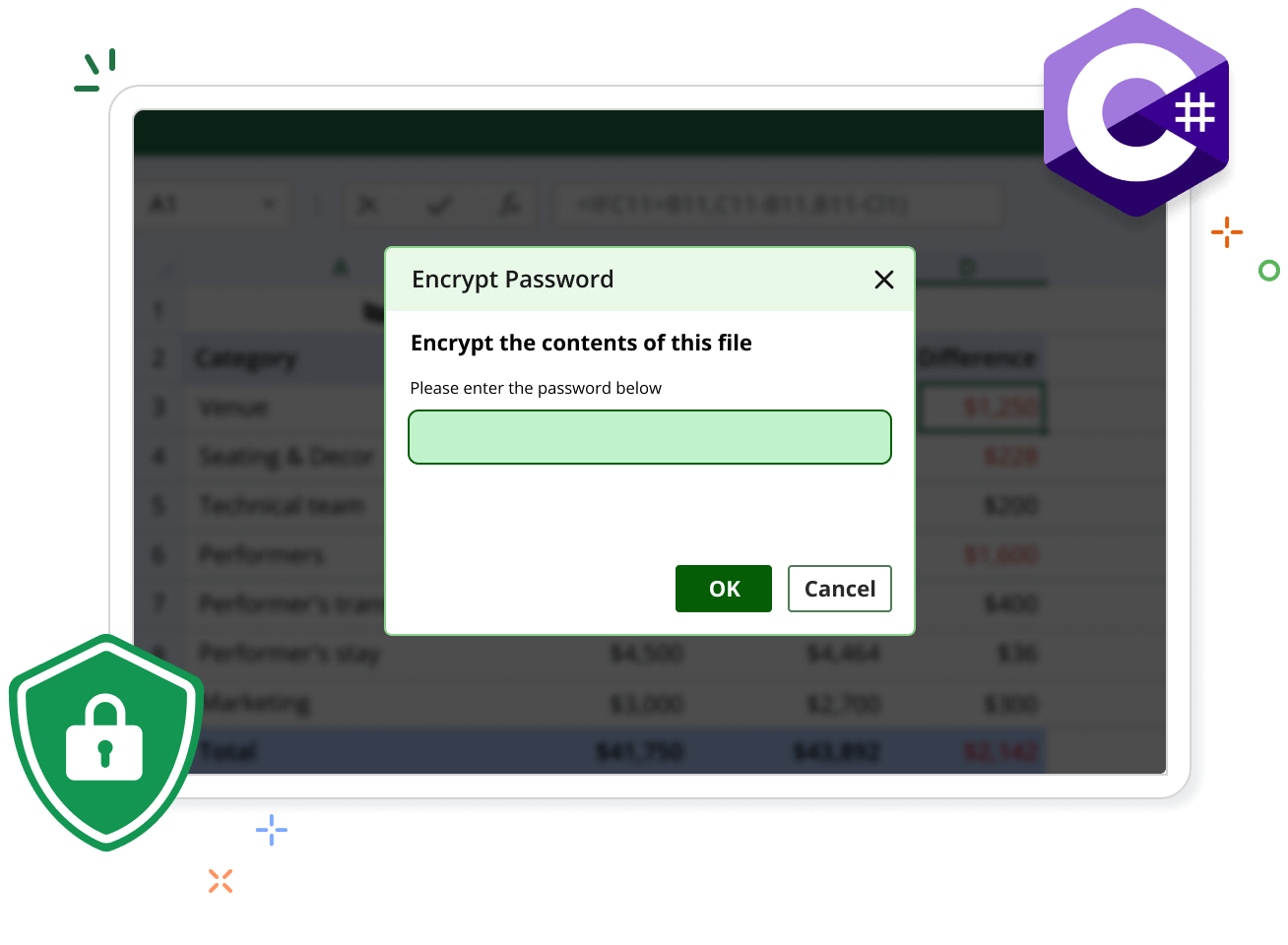
The Syncfusion® .NET Excel Library (XlsIO) allows users to protect and unprotect Excel files in C# and VB.NET with various customization options. This prevents unnecessary data loss or modifications to Excel worksheets while making them available to others with limited access.
Encryption Code Example
This example code shows how to encrypt an Excel workbook with a password using the Syncfusion® .NET Excel Library with just a few lines of C# code.
Key Functions of Security
Discover how the Security features in the Syncfusion® Excel Library enhance data protection by providing robust mechanisms to safeguard Excel files from unauthorized access.
Encrypt Workbook
Add password protection to an Excel workbook to restrict access, ensuring that only authorized users can open and modify its contents.
Decrypt Workbook
Remove password protection from an Excel workbook, allowing access to its contents for editing and viewing without restrictions.
Protect Workbook
Secure the workbook with a password, preventing unauthorized changes to its structure.
Protect Worksheet
Lock a worksheet with a password, preventing unauthorized edits to its content while allowing specific actions based on permissions.
Unprotect Worksheet
Remove protection from a worksheet, granting full access to all content for editing or formatting purposes.
Protect cell
Lock specific cells within a worksheet, restricting edits to ensure data integrity while allowing modifications to other cells.
Explore Security references
Discover valuable resources from our knowledge base articles to enhance your efficiency in using security.



Knowledge base
Unlock cells and protect the worksheet for formatting columns in C#, VB.NET
Syncfusion .NET Excel Library Resources
Explore these resources for comprehensive guides, knowledge base articles, insightful blogs, and ebooks.


Product Updates


Technical Support


Frequently Asked Questions
Is it possible to remove passwords from Excel documents using the Syncfusion® Excel library?
Yes. You can remove a password from an Excel document by changing the password value to empty using the Syncfusion® .NET Excel library.
How do you restrict adding or removing the worksheets in the Excel document using the Syncfusion® Excel library?
You can use Workbook protection, which uses the Syncfusion® Excel library to prevent adding or removing worksheets in the Excel document.
How do we restrict users from reading the content of the Excel document using the Syncfusion® Excel library?
You can use the encryption feature from the Syncfusion® Excel library to set a password for the Excel document. This will ensure that only specific users with passwords can read the content.
How to make an Excel document read-only using the Syncfusion® Excel Library?
You can open an Excel document in read-only mode by setting the ReadOnlyRecommended value to true using the Syncfusion® Excel library.
Is there any password combination restriction in the Syncfusion® Excel library?
No. You can provide any combination of passwords for Excel documents.
Is it possible to edit the encrypted Excel document without a password using the Syncfusion® Excel library?
No. It is not possible to open encrypted Excel documents without a password.
Trusted by the world’s leading companies
Our Customers Love Us




Want to create, View, and edit Excel files in C# or VB.NET?
No credit card required.