Why do you need our JavaScript Word Library?
Add Word document processing to web applications without Microsoft Word, Microsoft Office, COM components, or external services. Create, open, edit, and manage Word documents, including sections, page layouts, text, paragraphs, tables, images, headers, footers, lists, and more. Built for scalable JavaScript applications, the library simplifies implementation, reduces dependencies, and provides greater control over document-processing workflows.
Enterprise-ready JavaScript Word Library
Create and manage Word documents with ease
Use our JavaScript Word API to create, read, edit, and manage Microsoft Word documents programmatically.
- Create, open, edit, and save Word (.docx) documents
- Create and manage sections, paragraphs, headers, and footers
- Configure page layouts, margins, and page numbering
- Create and customize tables, lists, and document structures
- Add and modify images, shapes, and hyperlinks
- Apply and update text and paragraph formatting
- Preserve existing document content and formatting during load and save
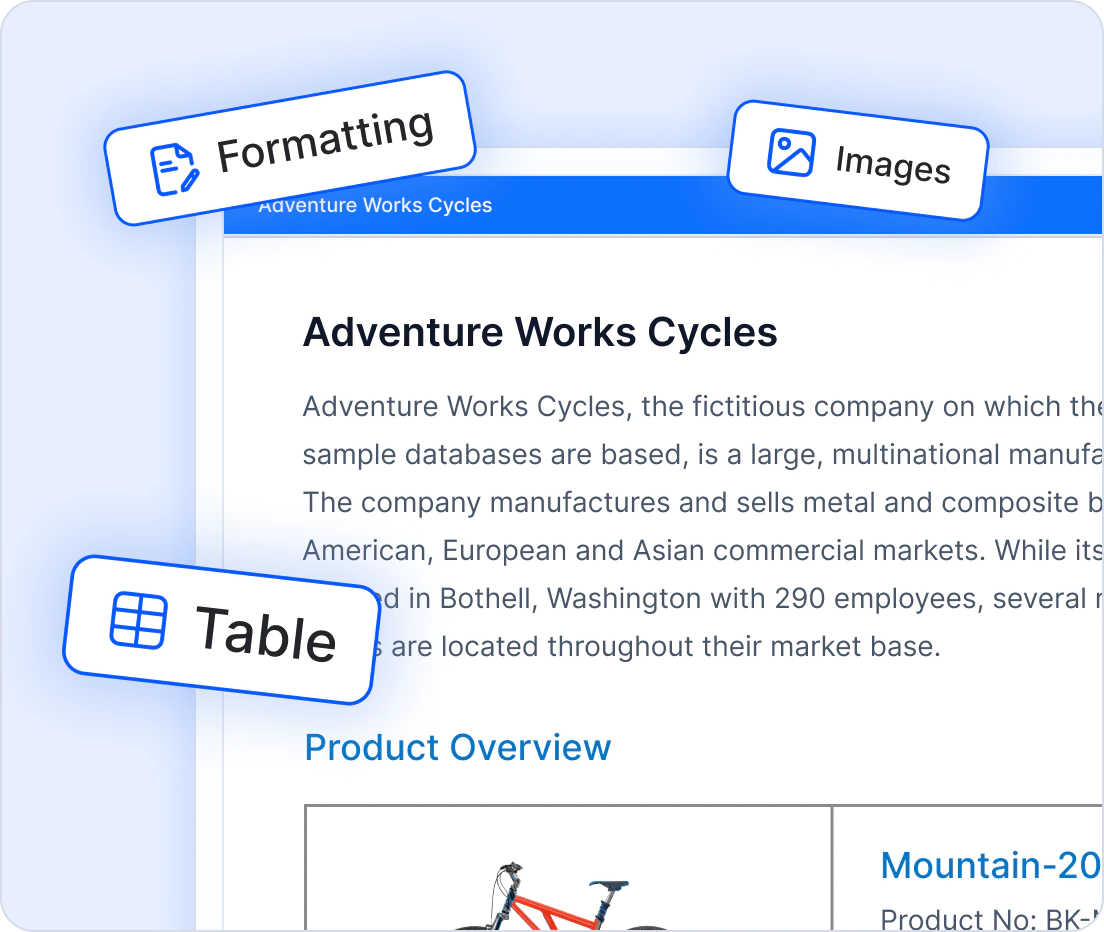
Simplified Word document processing
Generate Word documents from application data and update existing files in automated workflows. One API covers creating, editing, and formatting operations.
- Automate repetitive Word operations such as report and contract generation
- Populate document content from databases, APIs, and business systems

Handle high-volume Word documents
Generate and update Word documents with complex layouts in server-side and batch workloads. Suitable for reporting engines, automated pipelines, and document-heavy applications.
- Process large Word documents in browser and server environments
- Scale for batch operations and server-side processing
Embed Word document processing into business applications
Integrate Word document generation and editing into reporting systems, enterprise applications, customer workflows, and automated business processes. Deliver document capabilities wherever they are needed while supporting modern application architecture.
- Accelerate development with framework-specific examples and documentation
- Fit naturally into existing JavaScript workflows
import { WordDocument, Color } from '@syncfusion/ej2-docx';

// Create a new document and access the paragraph.
let document = WordDocument.create();
let paragraph = document.sections[0].body.paragraphs[0];

// Add text and get the created text range.
let text = paragraph.appendText('Hello World.');

// Apply character formatting to the text range.
text.characterFormat.fontSize = 14;
text.characterFormat.bold = true;
text.characterFormat.textColor = Color.Green;

// Save the document.
document.save('Sample.docx');
Works with major JavaScript frameworks
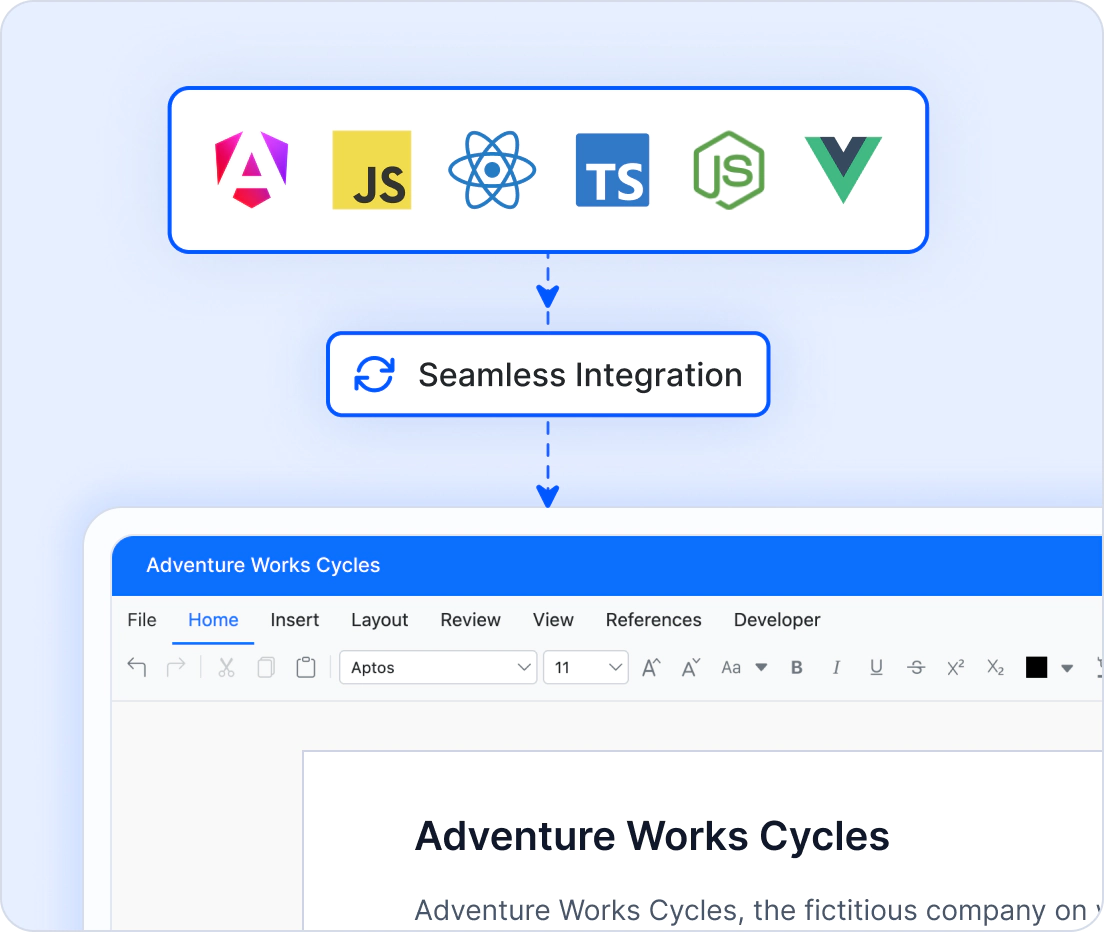
Integrate advanced Word document processing into modern web applications with minimal effort. The non-UI JavaScript Word Library provides a consistent programming model for generating and manipulating Word documents in browser and server-side applications.
- Compatible with React, Angular, Vue, JavaScript, TypeScript, and Node.js
- Create and edit Word documents in both browsers and Node.js environments
- Consistent document object model for streamlined cross-platform development
- Support automated reports, contracts, invoices, and business documents
Create and edit Word documents
Create new Word documents from scratch or load, update, and save existing .docx files programmatically. Automate reports, contracts, invoices, statements, and template-based documents with control over content, structure, and layout.
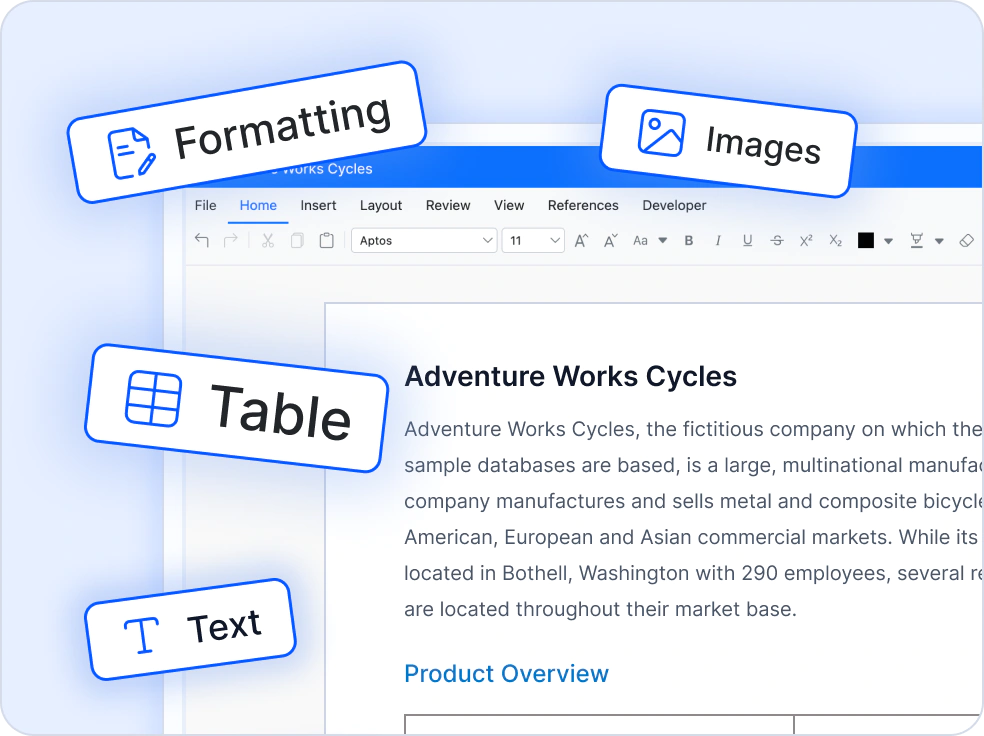
Create Word documents from scratch
Build Word documents programmatically with sections, paragraphs, tables, images, and other elements, enabling automated generation of reports, invoices, contracts, statements, and template-based business documents.
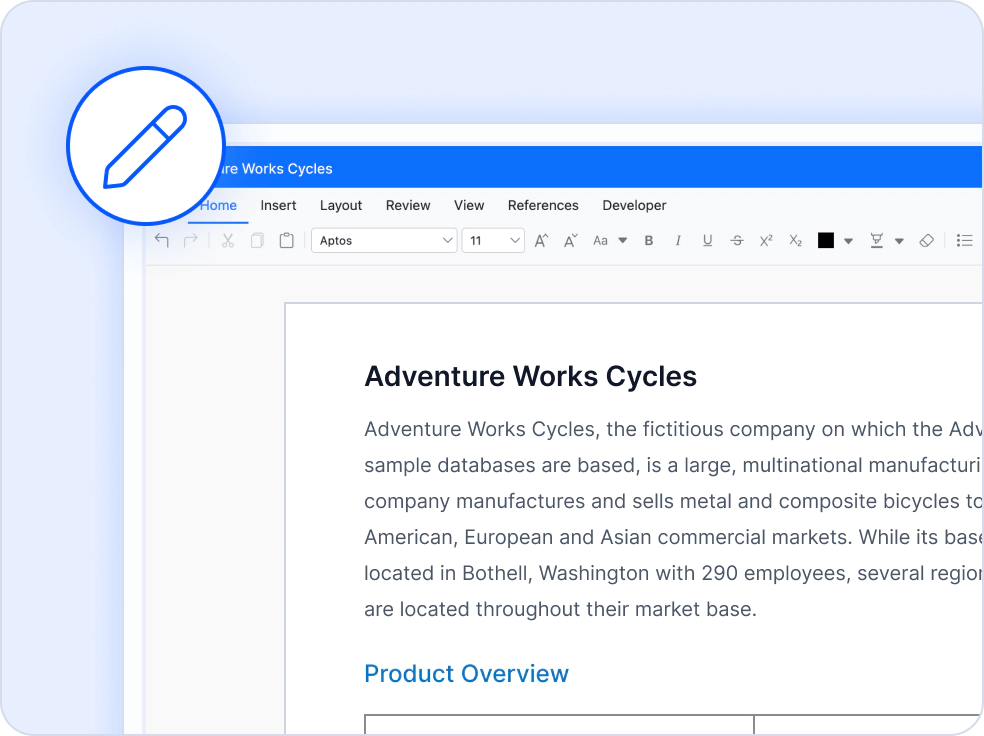
Edit and save Word documents
Load, edit, and save existing .docx files programmatically, including text, formatting, tables, images, headers, footers, and other document elements without requiring Microsoft Word.
Organize and format documents
Organize documents with section-level page settings, headers, footers, and page numbers, then apply consistent text, paragraph, and list formatting to maintain across business documents.
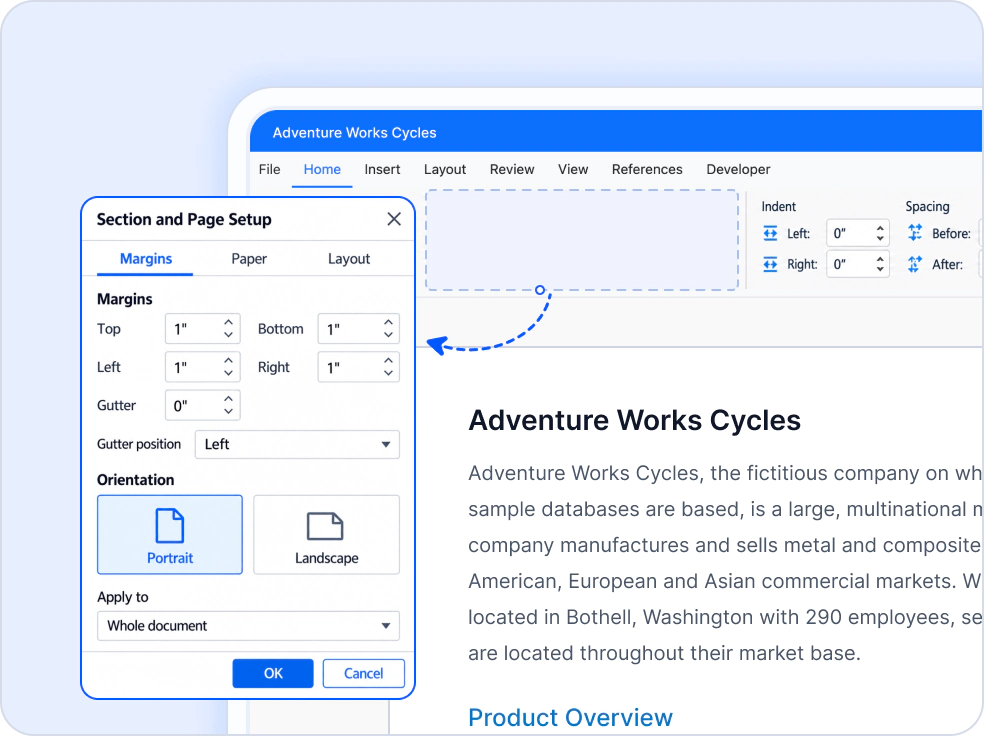
Sections and page setup
Configure section-level page size, orientation, margins, and section breaks to create documents with multiple page layouts.
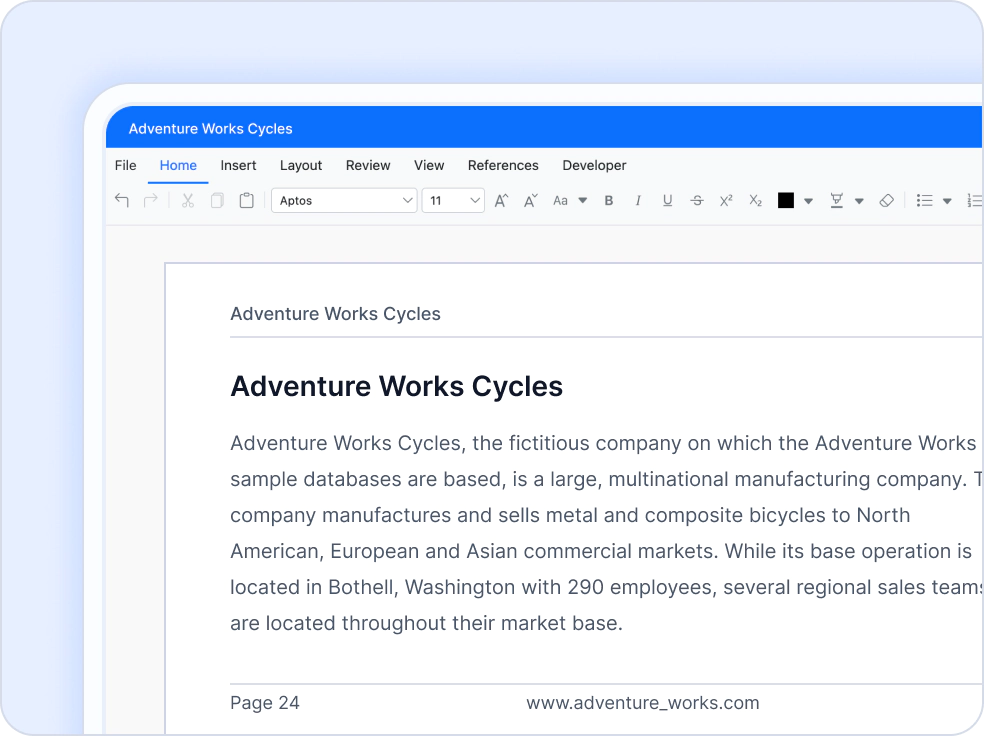
Headers, footers, and page numbers
Add and customize headers, footers, and page numbers with company information, branding, and navigation aids for a consistent document presentation across every section.
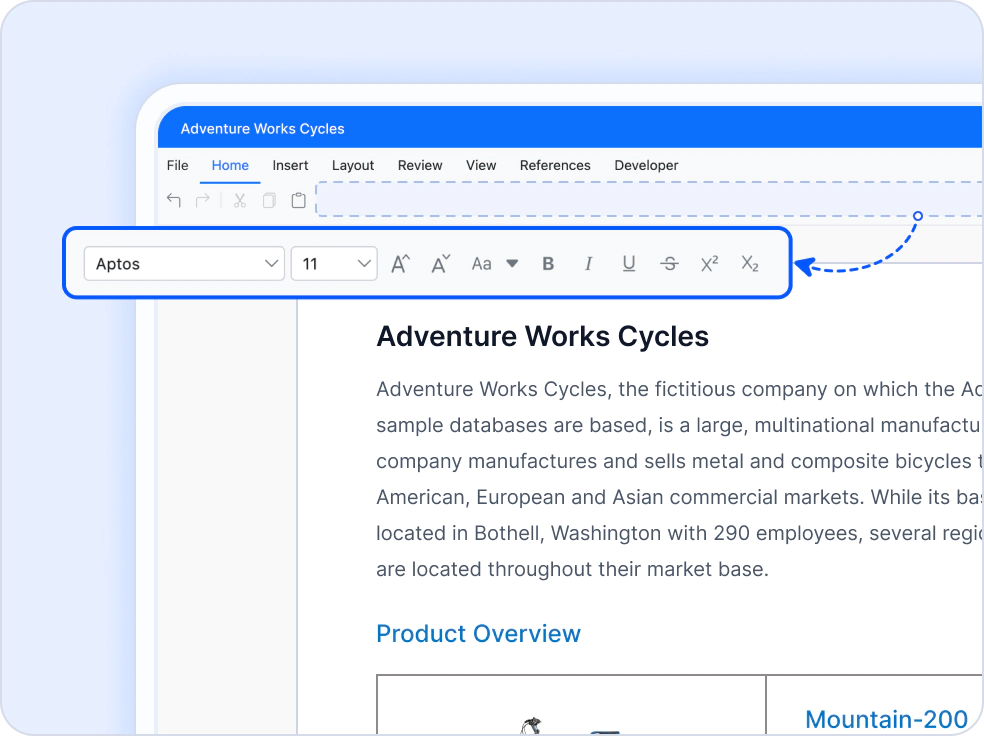
Text and paragraph formatting
Control fonts, colors, styles, alignment, spacing, indentation, and paragraph formatting to create professional documents that follow organizational formatting standards.
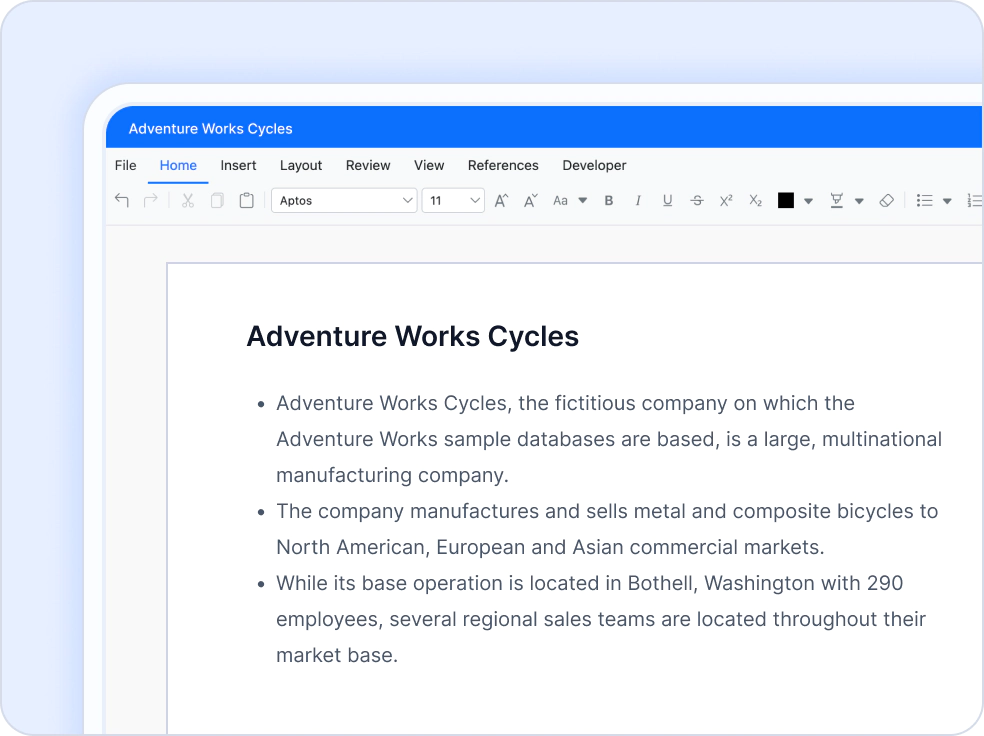
Bullets and numbered lists
Create and manage bullet and numbered lists to organize instructions, procedures, requirements, policies, and other structured content with consistent formatting.
Design professional documents
Add tables, images, and shapes to structure reports, invoices, contracts, and branded materials.
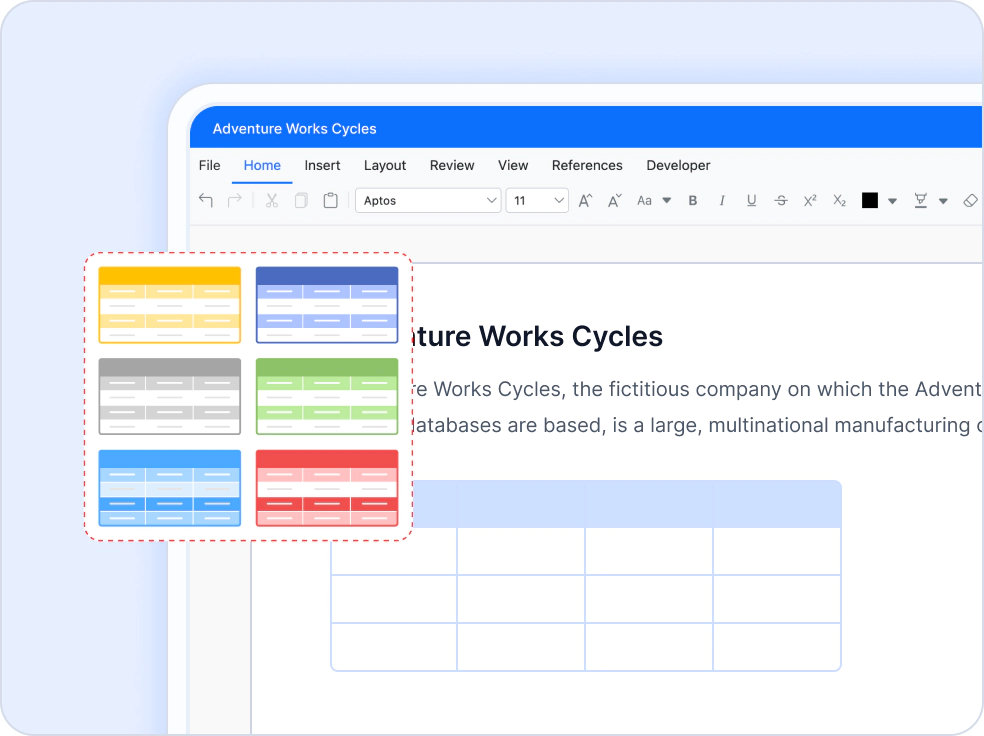
Tables
Create and customize tables with rows, columns, cell content, and formatting to present structured information in reports, invoices, forms, statements, and other business documents.
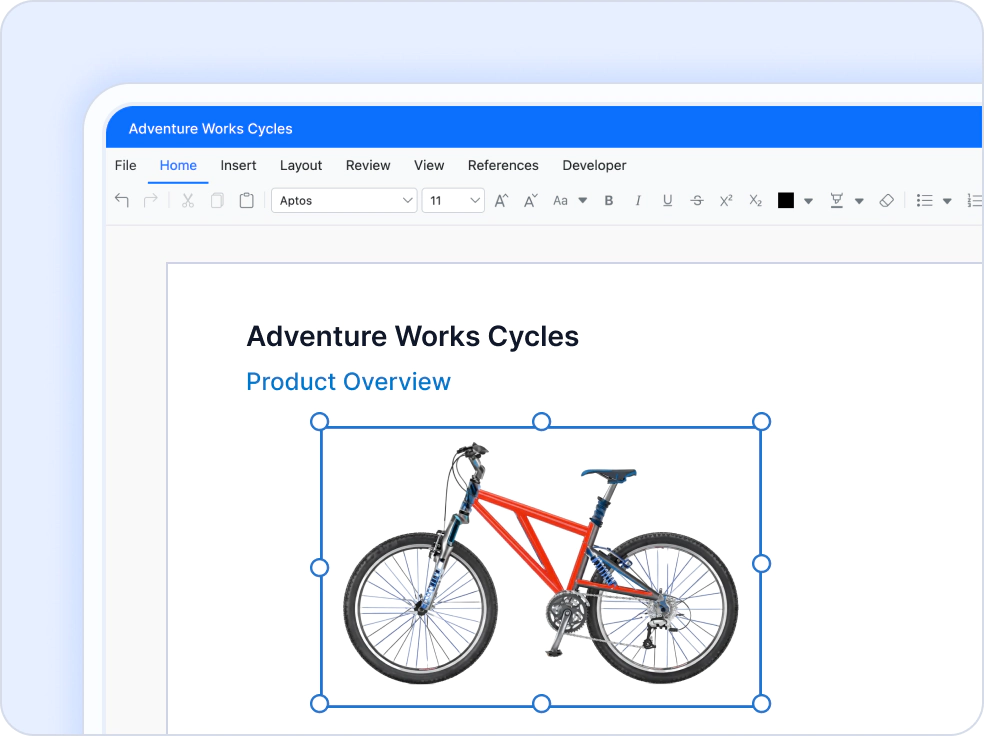
Images
Insert and manage logos, photos, signatures, diagrams, and other visual assets while controlling their size and placement to create branded and visually rich documents.
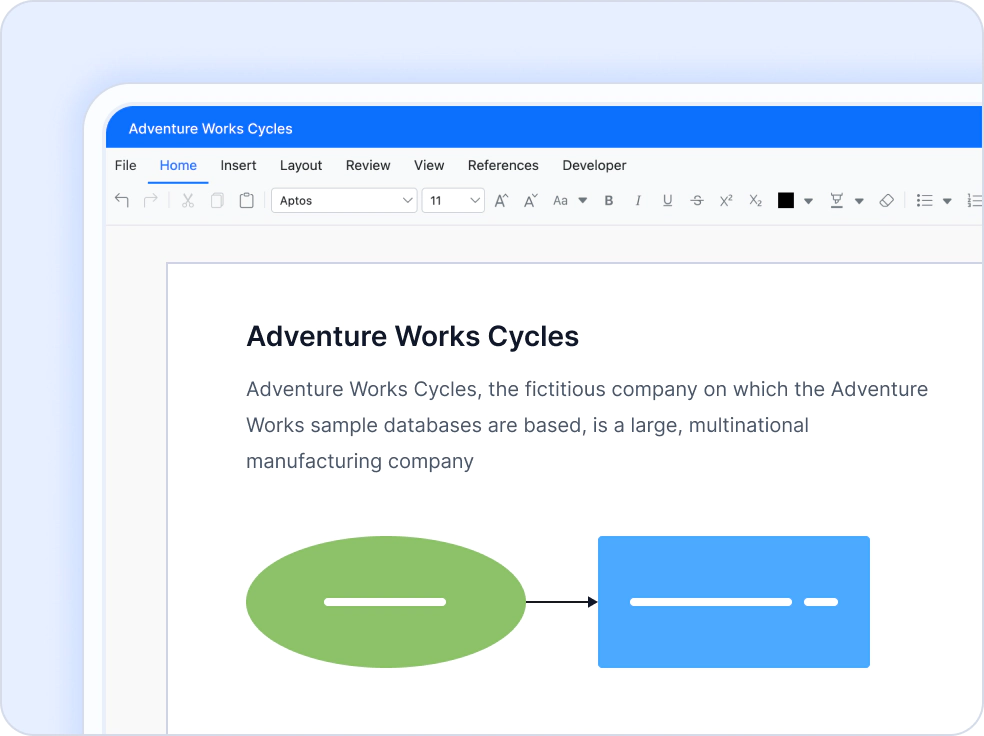
Shapes
Create and edit shapes for callouts, highlighted content, diagrams, and structured layouts in advanced document-generation scenarios.
Industry-specific use cases
Accelerate document creation and management across education, finance, legal, and healthcare workflows with automated document generation, dynamic data population, structured content and consistent professional formatting.
No credit card required.
Education
Create certificates, academic reports, learning materials, administrative forms, and institutional documents with consistent formatting and automated generation.
Financial
Create invoices, account statements, financial reports, and compliance documents with dynamic data population, tables, and professional layouts.
Legal
Generate contracts, agreements, policies, and case-related documents with structured sections, tables, and consistent formatting.
Healthcare
Produce patient forms, clinical reports, discharge summaries, and administrative documents with standardized layouts, structured content, and automated document workflows.
Trusted by the world’s leading companies

See Why Developers Love Syncfusion
What developers say about Syncfusion Document SDK
The best way to showcase our commitment is through the experiences and stories of those who have used our Word Library.




Endless possibilities with one JavaScript Word Library
From business reports and contracts to automated document workflows, one JavaScript Word Library covers creating, reading, and editing .docx files in browser and Node.js applications.
No credit card required.
JavaScript Word Library FAQs
If you’re new to the JavaScript Word Library or have questions, our FAQs will help you explore its features and capabilities.
What is the Syncfusion JavaScript Word Library?
The Syncfusion JavaScript Word Library is a non-UI document-processing library for creating, reading, editing, and saving Microsoft Word (.docx) documents programmatically in JavaScript applications. It automates Word document workflows without requiring Microsoft Word or COM components.
Which frameworks and environments does the JavaScript Word Library support?
The JavaScript Word Library works in browsers and Node.js and can be used with JavaScript, TypeScript, React, Angular, and Vue.
Can the JavaScript Word Library create Word documents from scratch?
Yes. Word documents can be programmatically created with sections, paragraphs, text, tables, images, headers, footers, lists, and other supported document elements.
Can the JavaScript Word Library configure page layout and sections?
Yes. The library enables applications to manage sections and configure document layout properties such as page settings, margins, section breaks, headers, footers, and page numbering.
Does it require Microsoft Word to be installed?
No. The JavaScript Word Library works independently of Microsoft Word and does not require Microsoft Office or COM libraries to create and manipulate Word documents.
Which Word document elements can the JavaScript Word Library create and edit?
Sections, paragraphs, text, headers, footers, page numbers, tables, lists, images, shapes, hyperlinks, fields, and content controls.
Can the JavaScript Word Library edit existing Word documents?
Yes. Existing .docx documents can be opened, their contents and formatting accessed and modified, and the updated document saved without requiring Microsoft Word.
Which file formats does the JavaScript Word Library support?
The JavaScript Word Library supports Microsoft Word Open XML (.docx) documents.
Resources
Learn more about our JavaScript Word Library
Explore demos, KB articles, and documentation to get the most out of our JavaScript Word Library.
Explore guides, APIs, and quick-start tips
See live use cases in action
Ask, share, and connect with peers
Find solutions and best practices fast
Get expert help when you need it
Feature requests and bug reports
Track issues and suggest improvements