Try Our Live Demo
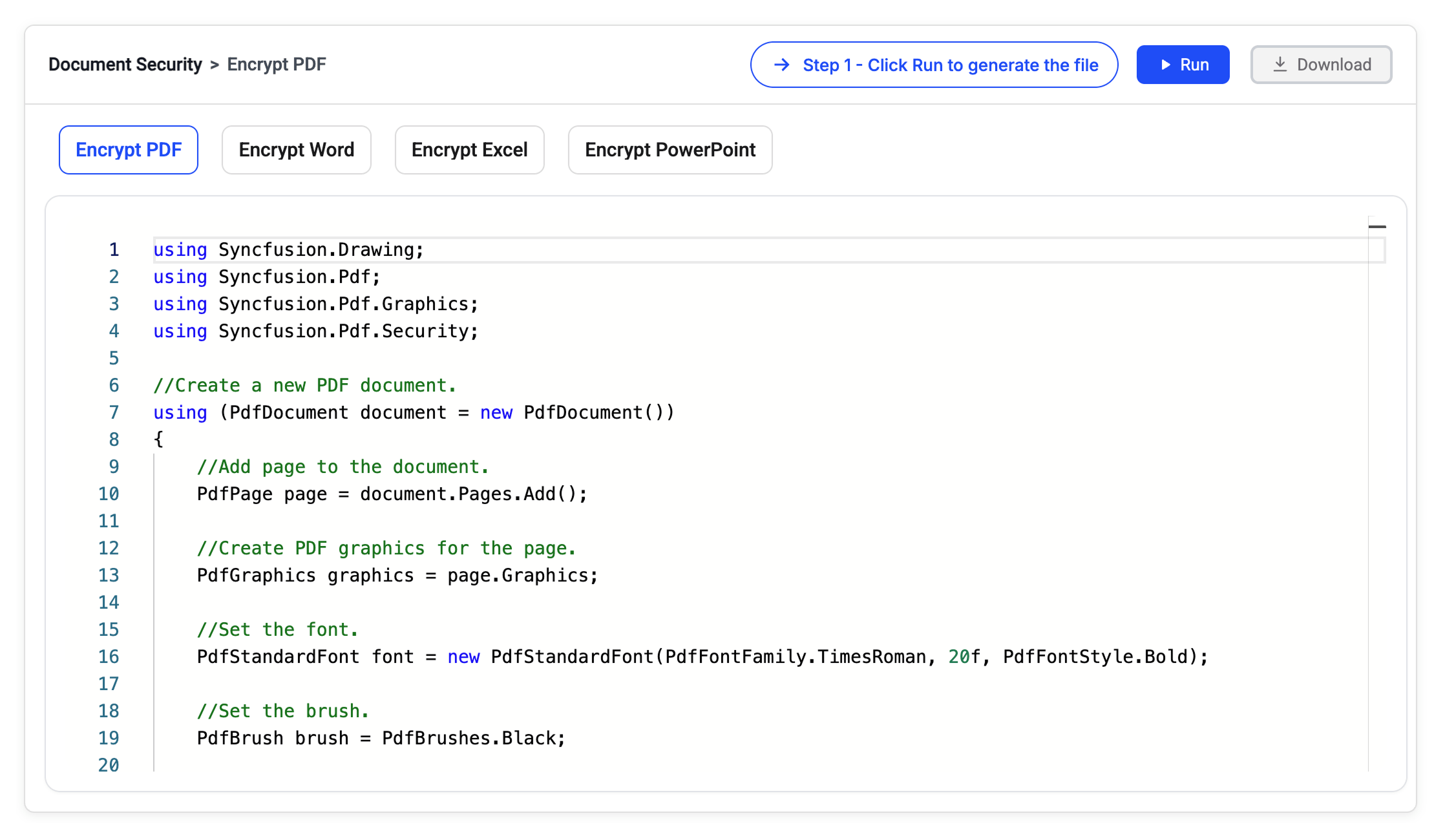
Document security libraries
Choose the right document library
Select the library that matches your application’s document format and processing needs. Use PDF, Word, Excel or PowerPoint independently for focused requirements, or combine multiple libraries to build complete document solutions within one SDK.
PDF library
Secure PDF documents with encryption, protection, and permission controls. Ideal for sensitive document workflows requiring protection before sharing or external distribution.
Framework: .NET · Flutter · JavaScript
Word library
Manage Word document access with passwords, editing restrictions, and protected sections. Ideal for business documents requiring protection from unauthorized edits.
Excel library
Control workbook changes with worksheet, cell, and workbook-level protection settings. Ideal for spreadsheets containing sensitive business and financial data.
PowerPoint library
Control presentation access with encryption, write protection, and read-only settings. Ideal for safeguarding high-stakes slide decks from unauthorized edits before distribution.
Framework: .NET
Secure documents and sensitive data
Apply encryption, permission controls, and content protection to safeguard confidential information, maintain document integrity, and support secure document workflows.
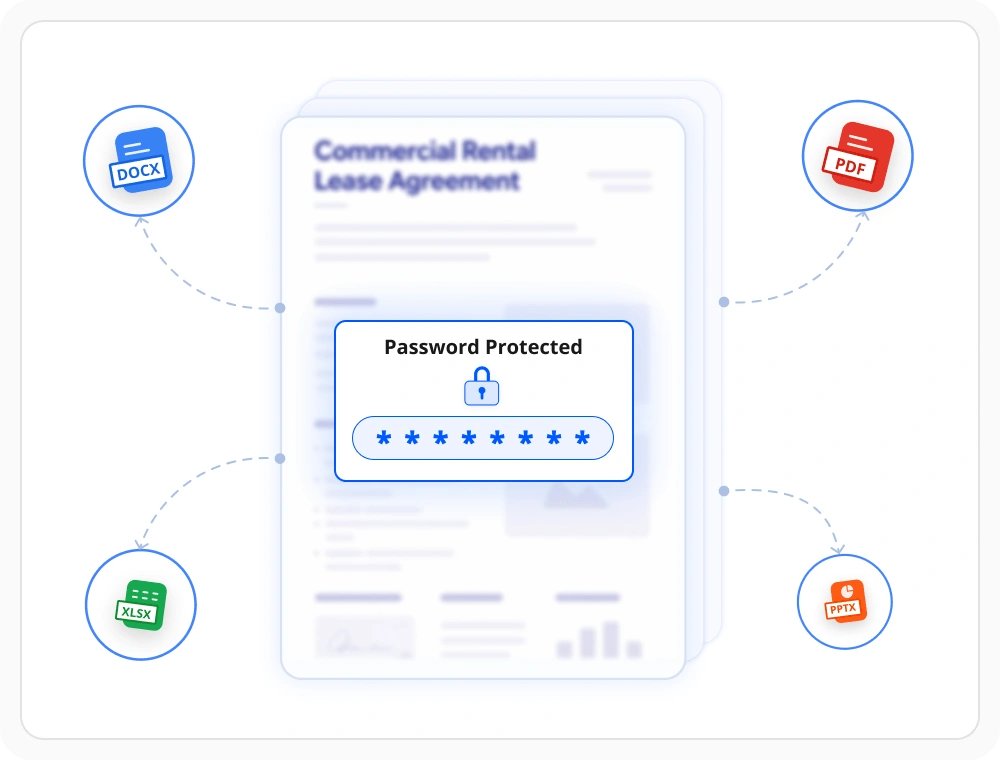
Encrypt documents with password
Protect PDF, Word, Excel, and PowerPoint documents using password-based encryption. Use when documents must be restricted to authorized users before sharing.
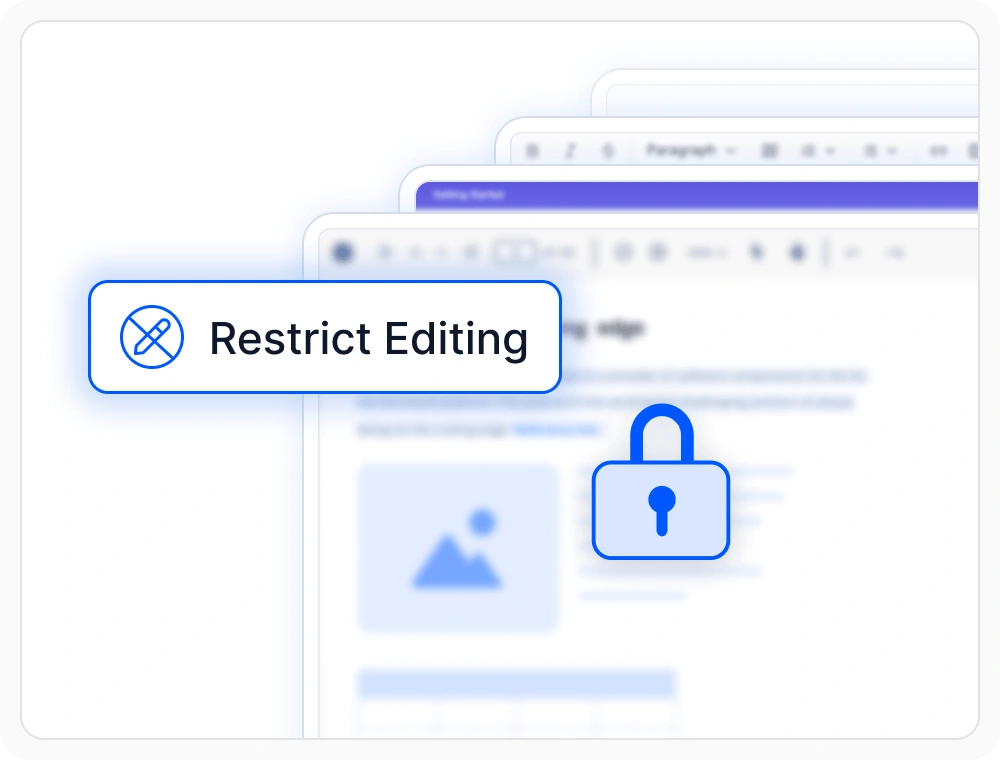
Restrict document permissions
Control editing, copying, printing, and other document actions before sharing. Use when workflows require different access levels for different users.
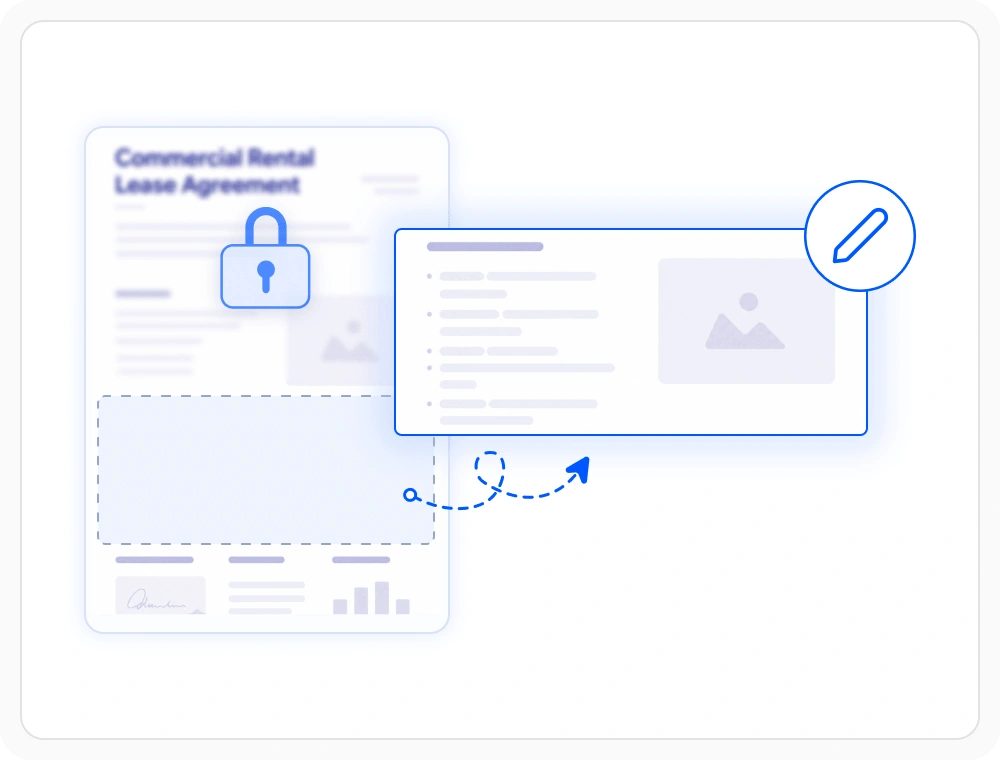
Protect editable sections
Allow users to edit approved content while keeping the remaining document protected. Suitable for workflows requiring controlled updates from multiple contributors.
Frequently Asked Questions
Can Document SDK remove document security from documents?
Yes. The Document SDK can remove password protection and editing restrictions. Provide the correct password, unlock the document, and save an unprotected version when needed.
Can Document SDK apply password protection across document formats?
Yes. The Document SDK libraries apply password protection to PDF, Word, Excel, and PowerPoint documents. Only authorized users can open and access protected content.
Does document security in Document SDK require Microsoft Office or Adobe dependencies?
No. The Document SDK applies document security without Microsoft Office, Adobe, or third-party services. Protection features work across Windows, Linux, Docker, and cloud environments.
Can Document SDK secure financial and confidential business files?
Yes. The Document SDK libraries secure contracts, reports, financial records, and other sensitive files. Apply passwords, permissions, and editing restrictions before sharing.
Which .NET platforms are supported by Document SDK document security features?
The Document SDK libraries support platforms for the web (Blazor, ASP.NET Core, ASP.NET MVC) mobile (.NET MAUI, UWP), and desktop (Windows Forms, WPF, WinUI, .NET MAUI, UWP).
Can Document SDK protect Word documents from unwanted modifications?
Yes. The Document SDK libraries restrict editing, enable read-only access, and protect selected document sections. This helps prevent unauthorized changes to document content.
Resources
Learn more about our Document SDK
Explore demos, KB articles, and documentation to get the most out of our Document SDK.
Explore guides, APIs, and quick-start tips
See live use cases in action
Ask, share, and connect with peers
Find solutions and best practices fast
Get expert help when you need it
Feature requests and bug reports
Track issues and suggest improvements
Awards
Greatness—it’s one thing to say you have it, but it means more when others recognize it. Syncfusion® is proud to hold the following industry awards.









