Try Our Live Demo
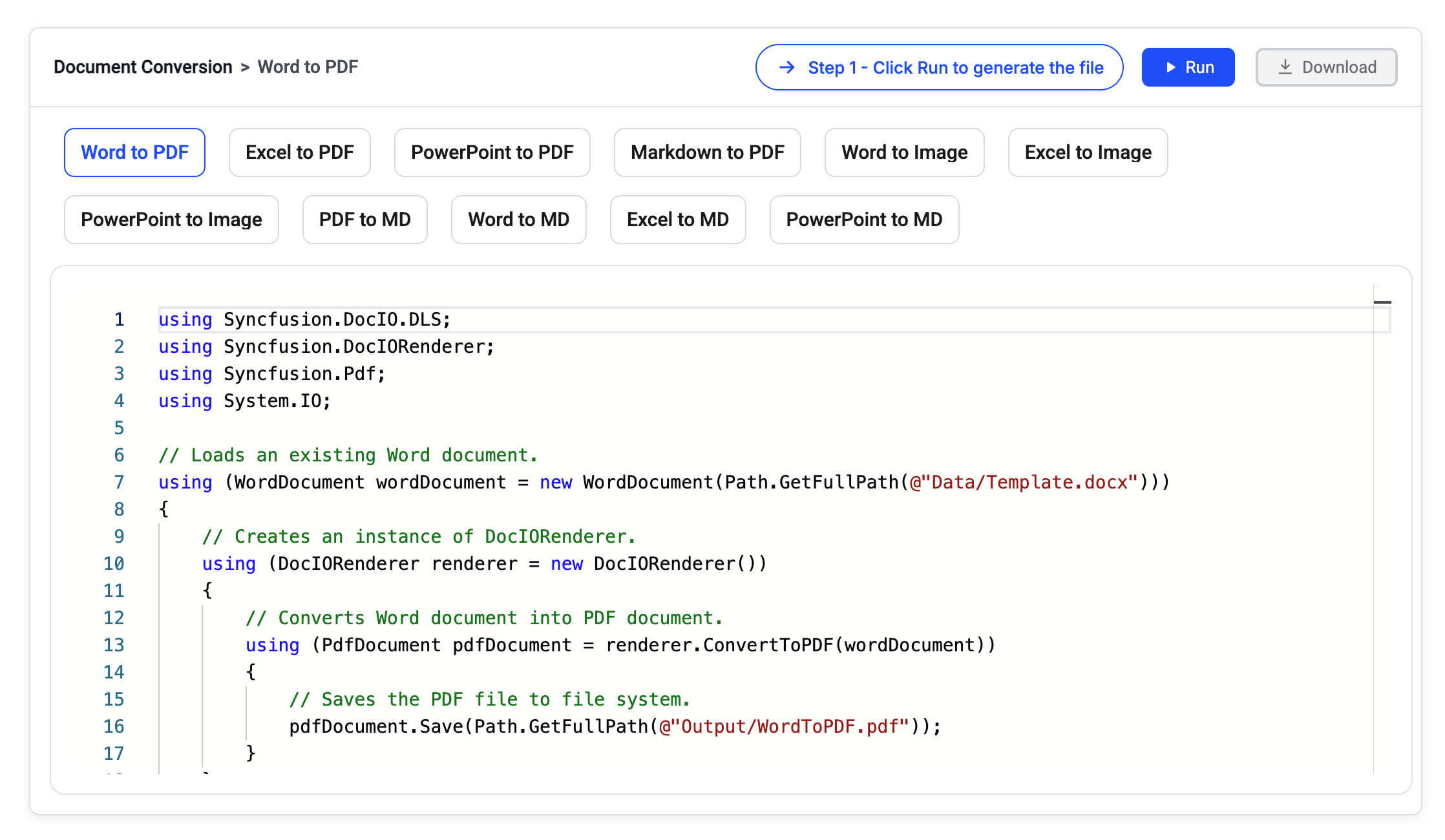
Multi-format document conversion workflows
Convert PDF, Office, HTML, and Markdown documents into PDF, images, Markdown, and other output formats while preserving content accuracy, layout consistency, and document fidelity across business workflows.
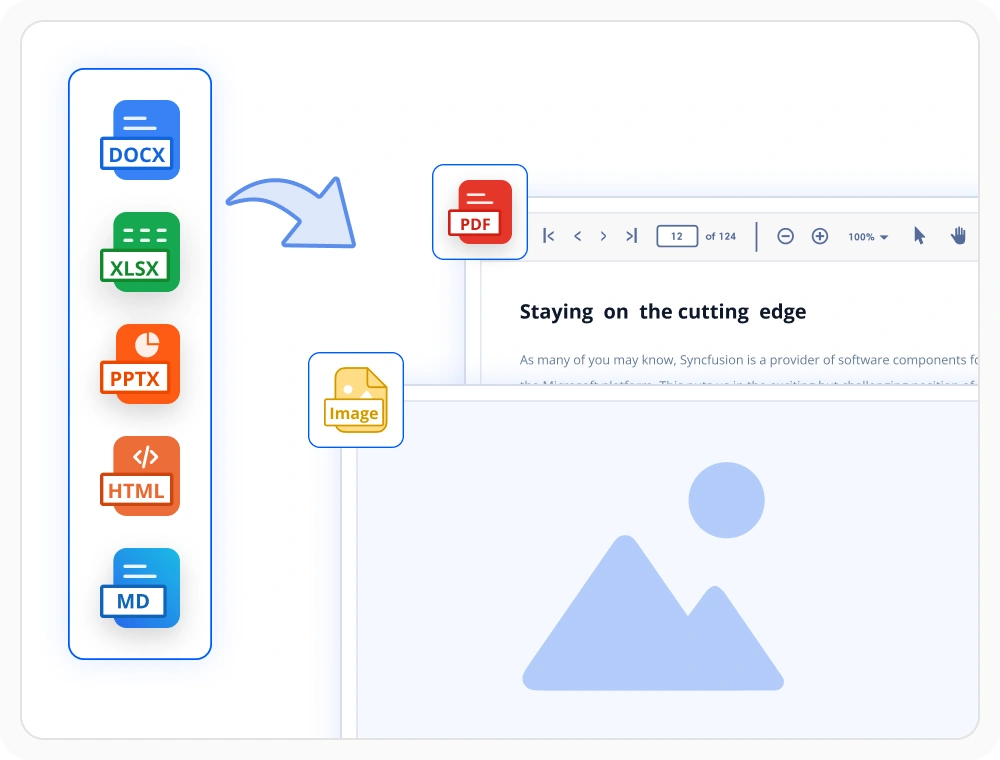
Export to PDF and images
Convert HTML, Word, Excel, PowerPoint, and Markdown files into PDF and image formats while preserving layouts and formatting. Use this feature when documents need to be shared, archived across different platforms.
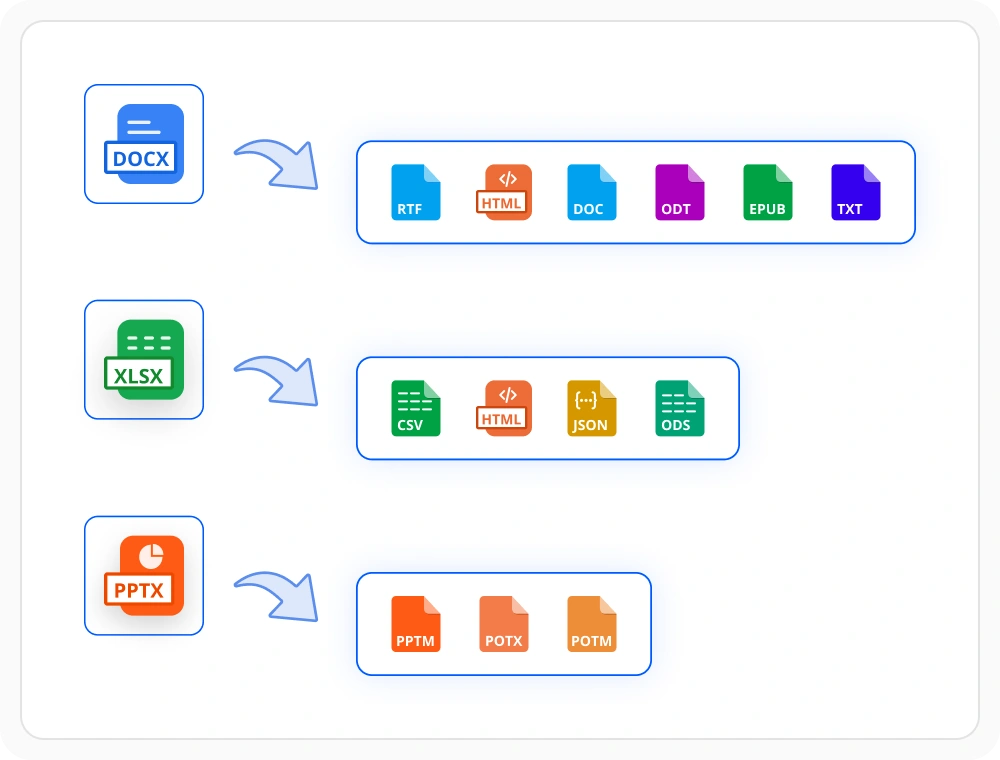
Office file conversion
Convert Word, Excel, and PowerPoint files into multiple output formats while maintaining document structure and visual fidelity. Use this feature when content must be shared, and exchanged across systems.
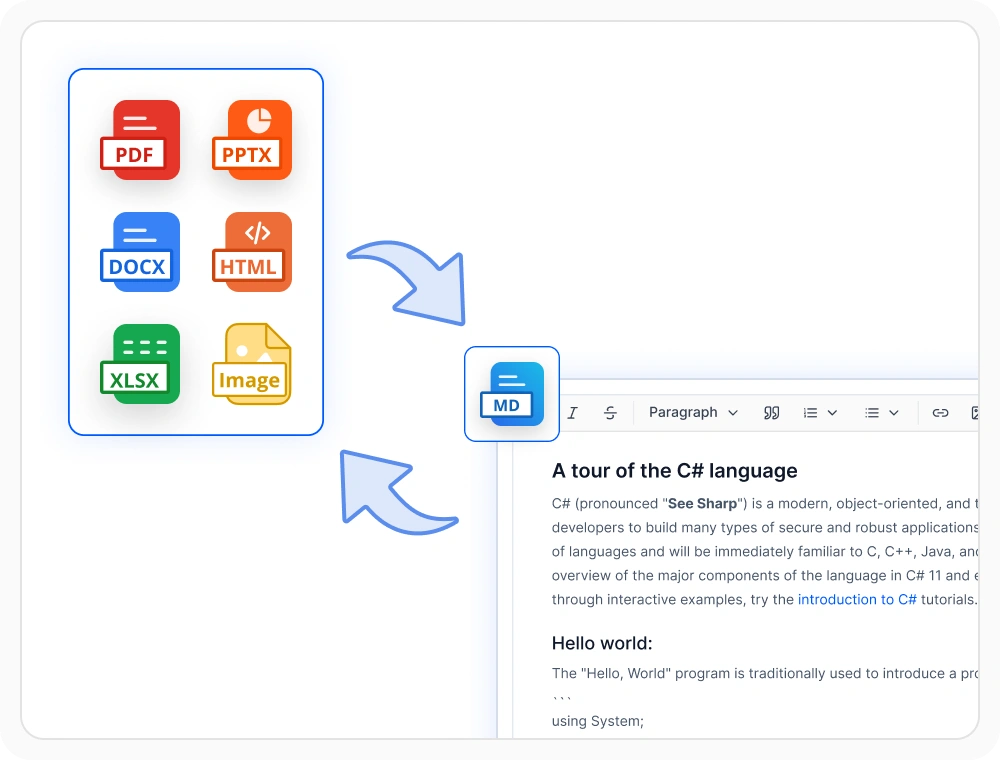
Convert documents to Markdown
Convert PDFs, Office documents, HTML, and images into structured Markdown. Use this feature when applications require text-based processing, documentation workflows, or document ingestion for AI models.
Document conversion libraries
Choose the right document library
Select the library that matches your application’s document format and processing needs. Use PDF, Word, Excel, PowerPoint, or Smart Data Extraction independently for focused requirements, or combine multiple libraries to build complete document solutions within one SDK.
PDF library
Convert HTML content and images into fixed-layout PDF documents entirely through code. Use this library when documents must render consistently across screens, printers, and archive systems.
Framework: .NET · Flutter · JavaScript
Word library
Convert Word documents into PDF, HTML, images, Markdown, and other Word formats through code. Use when content must be shared or archived while preserving layout and document fidelity.
Excel library
Convert Excel files into PDF, HTML, images, CSV, Markdown, and other spreadsheet formats through code. Use when worksheets must be shared or processed while preserving data and formatting.
PowerPoint library
Convert PowerPoint presentations into PDF, images, and Markdown through code. Use when presentations must be distributed or archived while preserving layouts and visual fidelity.
Framework: .NET
Smart Data Extraction
Extract and convert PDFs into structured JSON and Markdown through code. Use when applications need document understanding, AI-ready ingestion, or automated information retrieval.
Framework: .NET
Frequently Asked Questions
What file formats does Syncfusion Document SDK support for conversion?
Syncfusion Document SDK supports PDF, Word, Excel, PowerPoint, HTML, Markdown, and images, as well as XPS. Available conversions depend on the library used, and all libraries are included under a single SDK license.
Does Document SDK support document conversion without Microsoft Office or Adobe Acrobat?
Yes. The Document SDK performs document conversion entirely within managed .NET code and does not require Microsoft Office, Adobe Acrobat, COM interop, or any external applications.
Does Document SDK support accessibility-compliant PDF conversion?
Yes. The Document SDK generates tagged PDFs from Word, Excel and PowerPoint documents with PDF/UA compliance, ensuring Section 508 conformance for users who rely on assistive technologies such as screen readers.
Can Document SDK convert documents in Linux, Docker, and cloud environments?
Yes. The Document SDK runs across Windows, Linux, Docker containers, and cloud-hosted environments, allowing organizations to build scalable document conversion workflows without platform restrictions.
Can Syncfusion Document SDK convert password-protected documents?
Yes. The Document SDK can open and convert password-protected Word, Excel, PowerPoint, and PDF files by supplying the password at runtime for secure document processing.
Can the Document SDK handle high-volume batch document conversion workloads?
Yes. The Document SDK is optimized for server-side workloads and performs conversions entirely in-process without requiring cloud APIs or external dependencies. Its stateless architecture enables easy horizontal scaling by adding more application instances.
Resources
Learn more about our Document SDK
Explore demos, KB articles, and documentation to get the most out of our Document SDK.
Explore guides, APIs, and quick-start tips
See live use cases in action
Ask, share, and connect with peers
Find solutions and best practices fast
Get expert help when you need it
Feature requests and bug reports
Track issues and suggest improvements
Awards
Greatness—it’s one thing to say you have it, but it means more when others recognize it. Syncfusion® is proud to hold the following industry awards.









