Try Our Live Demo
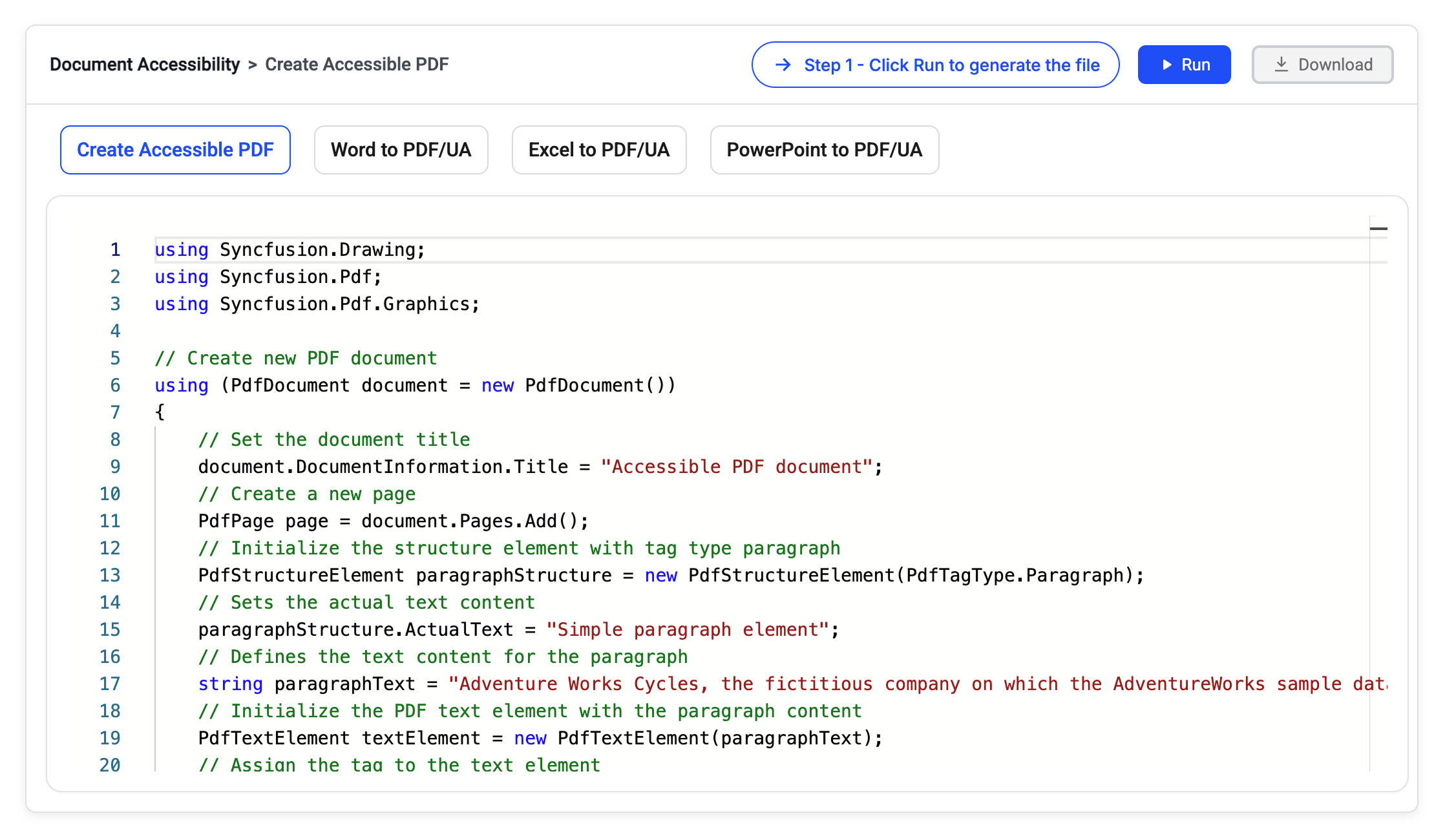
Accessible PDF generation and compliance
Create tagged PDF documents, preserve accessibility metadata during processing, and maintain standards compliance across creation, conversion, and document management workflows.
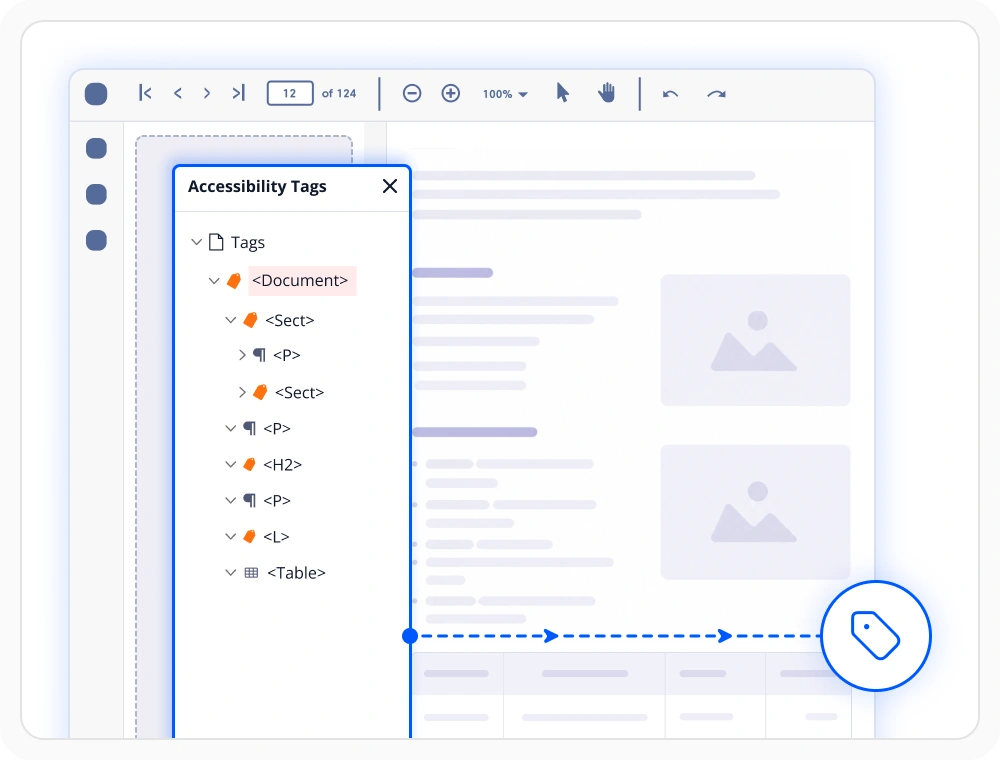
Create tagged PDFs
Organize PDF content with semantic tagging and logical structure for improved navigation and understanding. Use this feature when documents must support assistive technologies and screen-reader navigation.
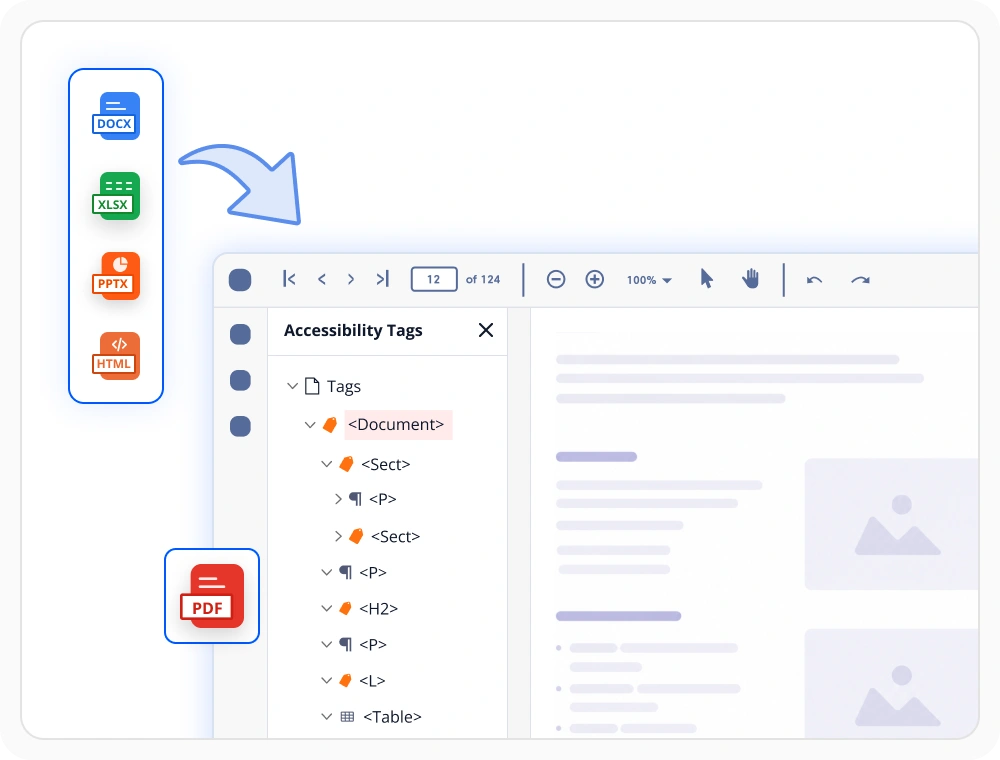
Accessible PDF conversion
Convert HTML, Word, Excel, and PowerPoint documents into accessible PDF while preserving document structure and content relationships. Use this feature when distributing content that must meet accessibility requirements.
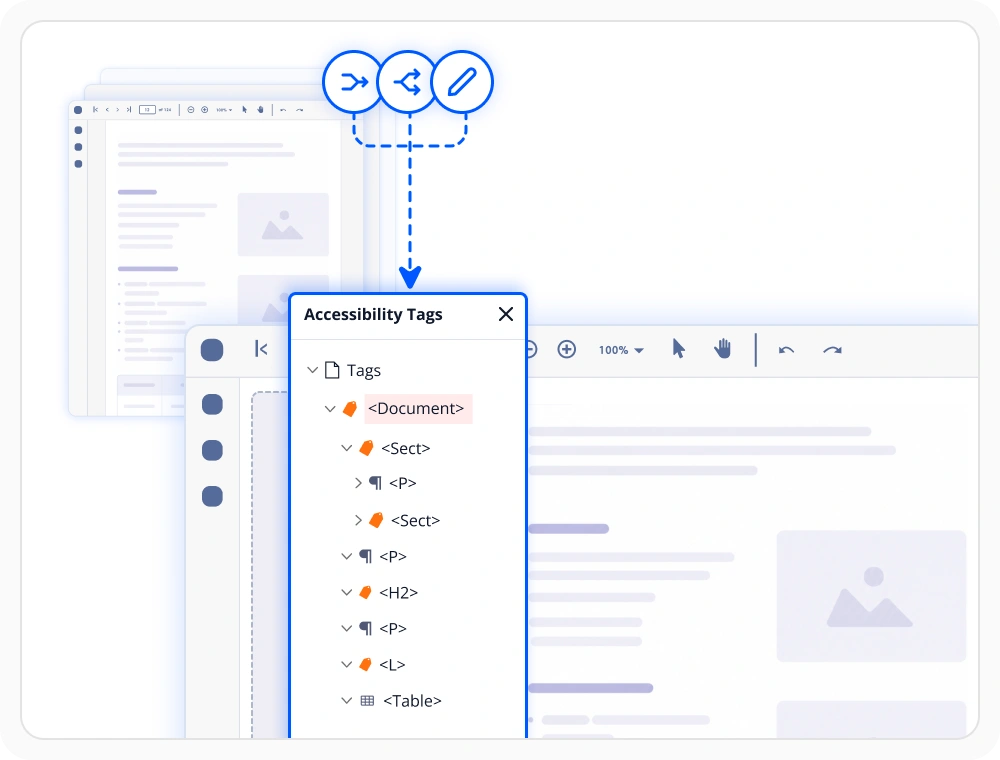
Maintain PDF accessibility tags
Retain accessibility tags and semantic structure throughout document modifications and processing activities. Use this feature when accessibility properties must remain intact across document workflows.
Accessibility supported libraries
Choose the right document library
Select the library that matches your application’s document format and processing needs. Use PDF, Word, Excel, PowerPoint, or HTML to PDF independently for focused requirements, or combine multiple libraries to build complete document solutions within one SDK.
PDF library
Create and convert accessible PDF content while preserving structure and readability. Use it when applications must deliver inclusive digital content for diverse audiences.
Framework: .NET · Flutter · JavaScript
Word library
Word documents can be converted into accessible PDF outputs while retaining important document structure. Use it for accessible document publishing workflows.
Excel library
Convert spreadsheets into accessible PDFs while preserving structure, tables, and readability. Use it when business information requires inclusive and accessible document distribution.
PowerPoint library
Export presentation slides as accessible PDFs, preserving content, visuals, and structure. Use it when presentation content must remain accessible to diverse audiences.
Framework: .NET
Frequently Asked Questions
What is PDF accessibility in Document SDK, and why does document accessibility matter?
PDF accessibility in the Document SDK means generating or converting documents into tagged PDFs with structural metadata that defines reading order, hierarchy, and element roles for screen readers. Document accessibility matters because it ensures inclusive access for users with disabilities and supports compliance with standards such as WCAG 2.0, PDF/UA, and Section 508.
What accessibility standards does the Document SDK support?
The Document SDK converts Office, and HTML content into PDF/UA-compliant accessible PDFs, while preserving headings, tables, slide structure, and reading order. It also supports direct accessible PDF creation from scratch without requiring external tools.
Does Document SDK support accessibility features without Microsoft Office or Adobe?
Yes. The Document SDK runs entirely within the application runtime and requires no external software such as Adobe Acrobat, Microsoft Office, or third-party services.
What document formats does Document SDK support for accessible PDF conversion?
The Document SDK converts Word, Excel, PowerPoint, and HTML content into PDF/UA-compliant accessible PDFs, while preserving headings, tables, slide structure, and reading order. It also supports direct accessible PDF creation from scratch, automatically applying accessibility tags during conversion without requiring external tools like Adobe Acrobat or Microsoft Office.
Does the Document SDK preserve accessibility during PDF operations?
Yes. The Document SDK preserves accessibility tags and structural metadata during merge, split, form field tagging, and other PDF operations, ensuring documents remain accessible throughout their lifecycle.
Can Document SDK add custom accessibility tags and accessible form fields to PDFs?
Yes. The Document SDK supports custom accessibility tags, alternative text for images, and accessible form fields. It ensures full screen-reader compatibility and an inclusive reading experience.
Resources
Learn more about our Document SDK
Explore demos, KB articles, and documentation to get the most out of our Document SDK.
Explore guides, APIs, and quick-start tips
See live use cases in action
Ask, share, and connect with peers
Find solutions and best practices fast
Get expert help when you need it
Feature requests and bug reports
Track issues and suggest improvements
Awards
Greatness—it’s one thing to say you have it, but it means more when others recognize it. Syncfusion® is proud to hold the following industry awards.









