Try Our Live Demo
Why data import and export matter
A diagram is more useful when it doesn’t start from a blank canvas and doesn’t end up trapped inside a single session.
Diagrams built from real data
Nodes and connectors can be generated automatically from records instead of placed one at a time.
Work picks up where it left off
A diagram’s full structure can be saved and restored later, exactly as it was left.
Share a diagram outside the app
Mermaid text, image files, and printed pages all let a diagram travel beyond the application it was built in.
Building a diagram from local data
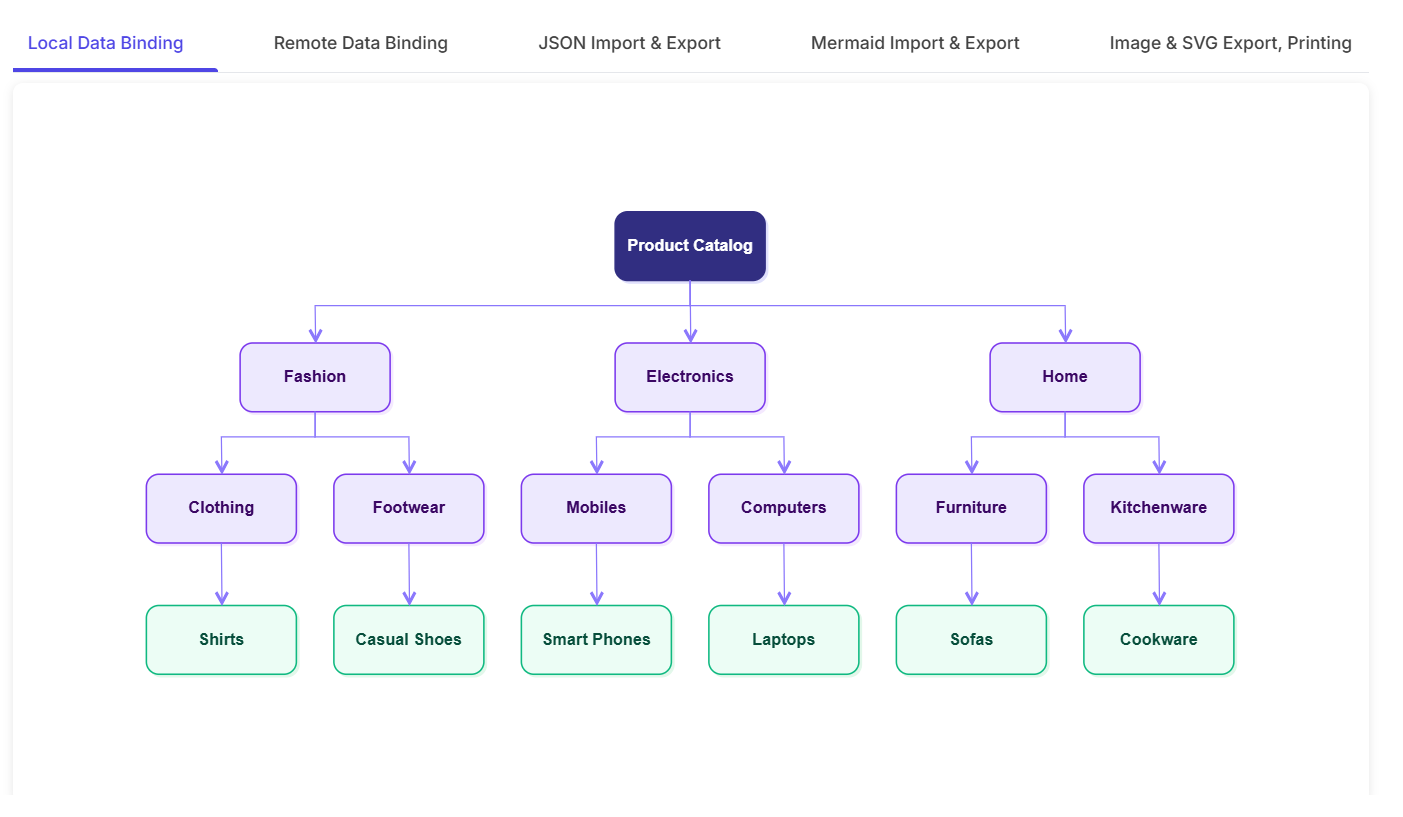
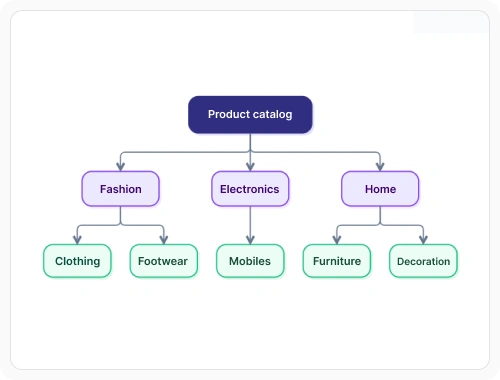
Nodes and connectors can be generated automatically from a local array of records held in memory, instead of being defined one at a time. Use local data binding when a diagram needs to be generated from static or preloaded datasets without a server round trip.
- Support an id field and a parent-reference field to describe the relationships between records
- Enable each record to map its own shape, style, and label onto the generated node
- Provide local data binding suited to static or preloaded datasets that don’t need a server round trip
- Allow generated nodes and connectors to be arranged automatically; see Automatic Layouts
Building a diagram from a remote service
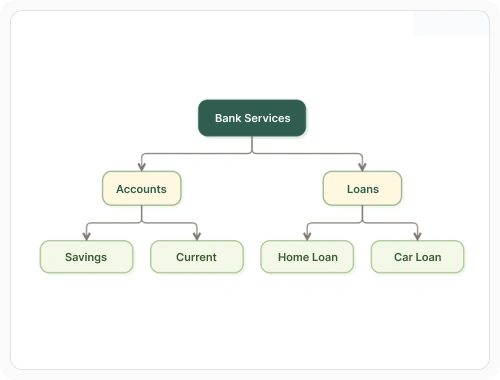
The same data-driven approach works with data hosted on a server instead of held in memory, using a data manager that communicates with the service. Use remote data binding when a diagram needs to be generated from data retrieved over a network from a RESTful or OData service.
- Support RESTful web APIs, OData, and OData V4 services that return JSON data
- Enable the same id and parent-reference mapping used for local data to apply to remote data
- Ensure diagram generation waits for the response before laying out nodes and connectors
Saving and reloading a diagram
A diagram’s structure, appearance, and layout can be captured as a single string and restored later, independent of any original data source. Use save and reload when a diagram’s full state needs to be persisted and restored across sessions.
- Provide saving that returns a string representing every node, connector, and their properties
- Support loading to recreate the diagram exactly as it was saved
- Enable the saved string to be stored anywhere, such as a database or local storage
- Allow default properties to be left out of the saved output to reduce its size
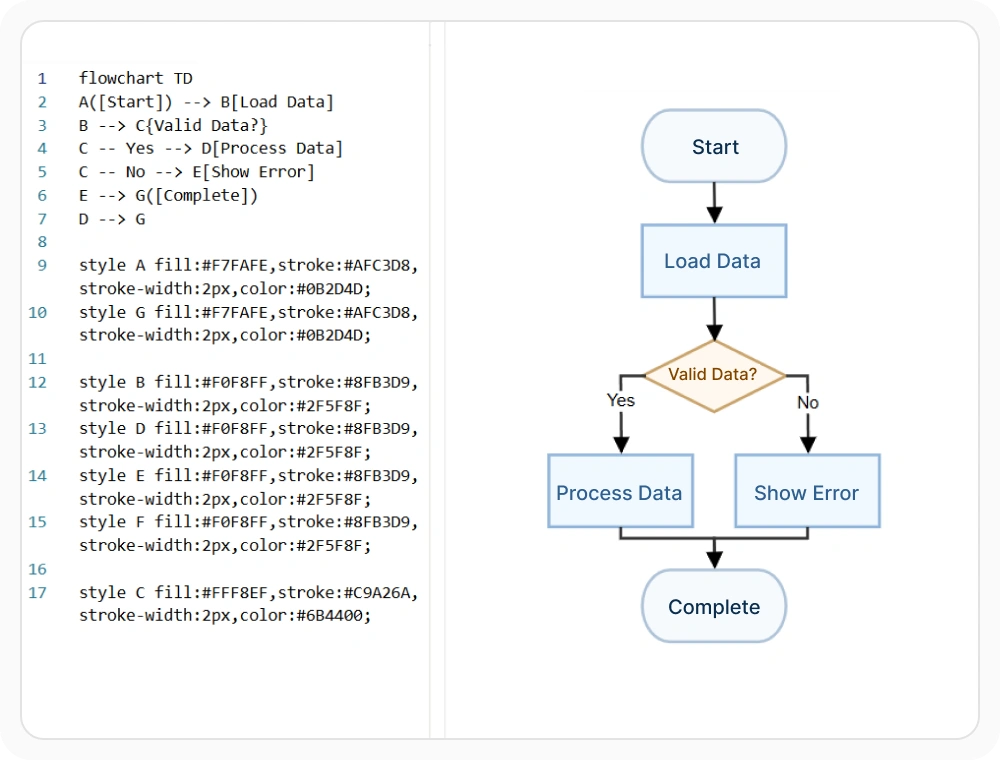
Exchanging diagrams as Mermaid text
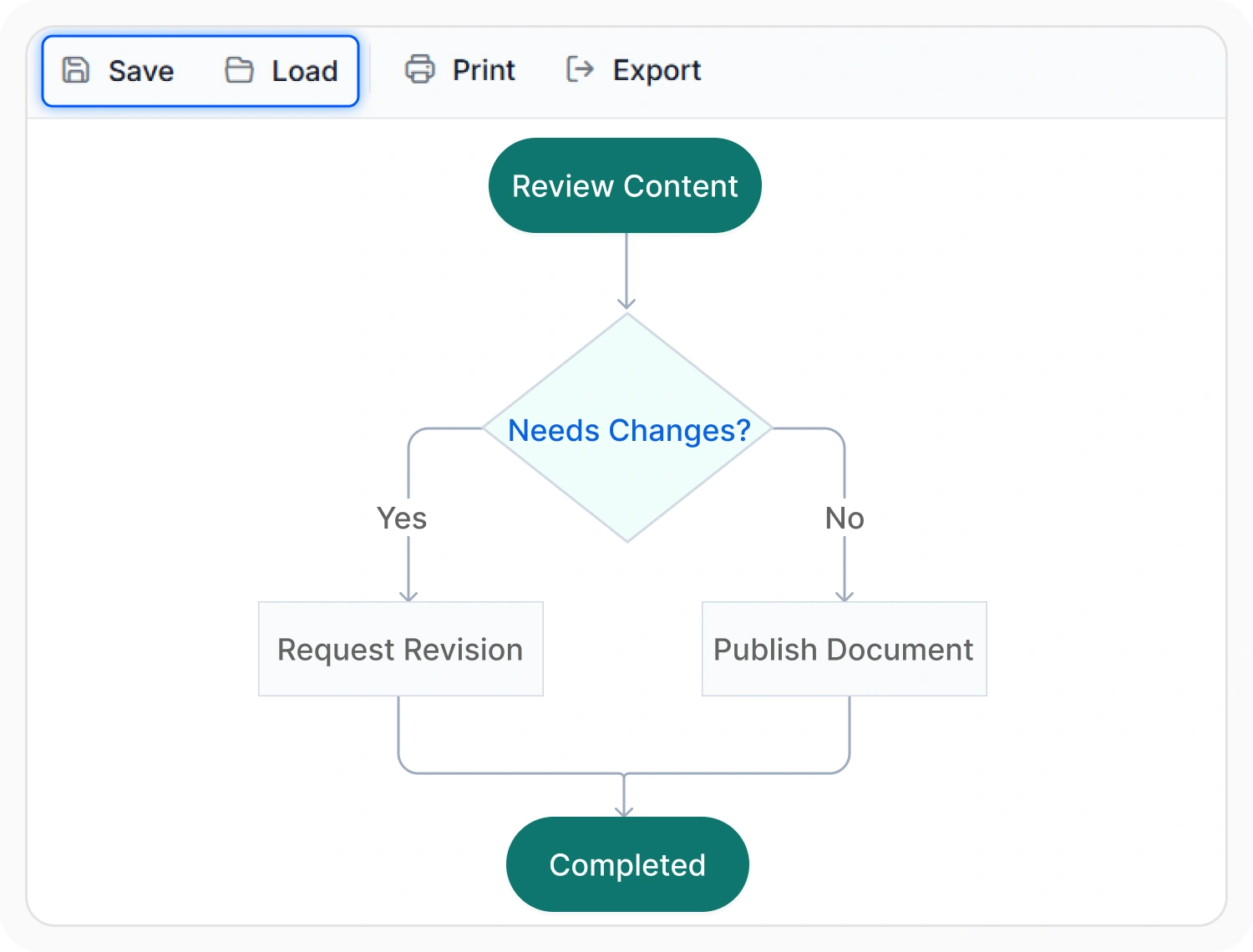
A diagram can also be represented as plain text using Mermaid, a simple syntax for describing diagrams line by line. Use Mermaid exchange when a diagram’s structure needs to be shared or versioned as text outside the application.
- Support converting a diagram to Mermaid text, and converting a Mermaid definition back into a diagram
- Enable Mermaid exchange for flowchart, mind map, and sequence diagram layouts
- Provide Mermaid text suited to sharing a diagram’s structure outside the application, such as in documentation
Exporting as an image
A diagram, or a specific region of it, can be captured as an image file for use outside the application. Use image export when a diagram needs to be shared as a standalone file in a document, report, or presentation.
- Support raster formats such as PNG, JPEG, and BMP, as well as vector SVG output
- Provide a margin, scale, and stretch option to control how the content fills the exported image
- Enable the export to download as a file or return as raw data for further processing
- Note that nodes built from HTML or native templates cannot be exported to raster image formats; see Diagram Elements
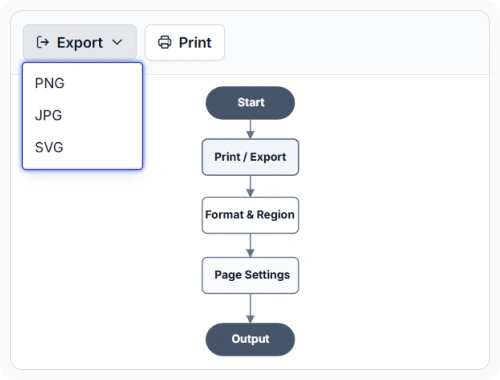
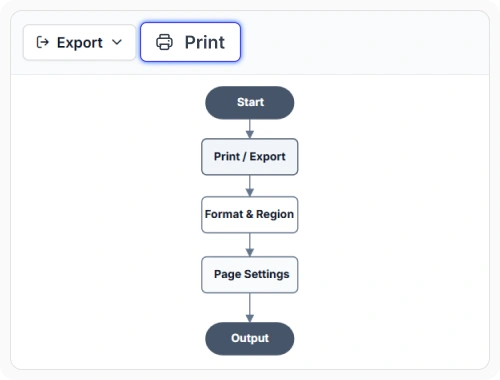
Printing a diagram
A diagram can be sent to a printer directly from the application, with the same page-oriented controls used for image export. Use printing when a diagram needs to be produced as a physical document with controlled page layout.
- Support setting page size, orientation, and margins before printing
- Enable a large diagram to be spread automatically across multiple pages
- Provide the option to print a specific region of the diagram instead of the entire content
- Ensure printing with page setup remains available across supported web and desktop platforms
PLATFORM SUPPORT
Data binding and export support by platform
Every platform in the Diagram SDK can build diagrams from data and export the result, but the underlying format is not identical everywhere. Most notably, JavaScript, Angular, React, Vue, ASP.NET Core, ASP.NET MVC, and Blazor save and load a diagram as JSON, while WPF, UWP, and Windows Forms use XML or binary formats instead.
| Capability | JavaScript frameworks | ASP.NET Core and MVC | Blazor | WPF | UWP | Windows Forms |
|---|---|---|---|---|---|---|
| Local data binding | ||||||
| Remote data binding (REST or OData) | ||||||
| Save and reload the diagram | ||||||
| Mermaid import and export | ||||||
| Image export (PNG, JPEG, SVG) | ||||||
| Printing with page setup |
Frequently Asked Questions
What’s the difference between data binding and saving a diagram?
Data binding generates a diagram’s nodes and connectors from an external data source, such as a database table. Saving captures the diagram’s own current state, including any manual edits, so it can be restored later, independent of the original data source.
Can a saved diagram be restored exactly as it was?
Yes. Loading a previously saved diagram recreates its nodes, connectors, and their properties as they existed at the time it was saved.
What is Mermaid, and why would a diagram be converted to it?
Mermaid is a plain-text format for describing diagrams. Converting a diagram to Mermaid text makes it shareable, versionable, and embeddable in places that can’t render the diagram control itself, such as a markdown document.
Can every node be exported to an image, including custom HTML content?
Not entirely. Nodes built from HTML or native templates cannot be exported to raster image formats such as PNG or JPEG. See Diagram Elements for how those node types work.
Can a diagram be built from data hosted on a server instead of a local array?
Yes, where remote data binding is supported. A data manager retrieves data from a RESTful web API or an OData service and maps it to nodes and connectors the same way local data is mapped.
Is a saved diagram always stored as JSON?
No. JavaScript, Angular, React, Vue, ASP.NET Core, ASP.NET MVC, and Blazor save a diagram as JSON. WPF, UWP, and Windows Forms use XML or binary formats instead, so a saved file isn’t automatically portable between a web platform and a desktop one.
Can only part of a diagram be exported or printed, instead of the whole thing?
Yes. A specific region can be selected for both image export and printing, rather than always capturing the full diagram content.
Resources
Learn more about our Diagram SDK
Explore demos, documentation, and support resources to get the most out of the Syncfusion Diagram SDK.
Review shared concepts and supported platforms
Representative print and export demo
See image export and printing in action
Ask, share, and connect with peers
Find solutions and best practices fast
Get expert help when needed
Feature requests and bug reports
Track issues and suggest improvements
Awards
Greatness—it’s one thing to say you have it, but it means more when others recognize it. Syncfusion® is proud to hold the following industry awards.









