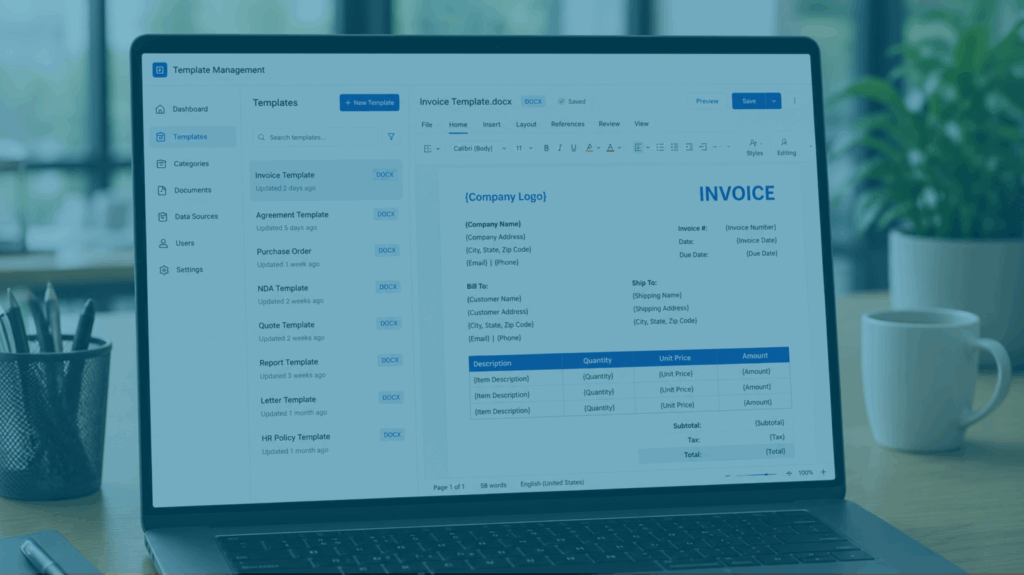


Prebuilt UI controls for WinForms, WinUI, and WPF.

Hassle-free integration.

Extensive documentation.
Introduction
Pasquale Napolitano is the software developer behind Smart Atom—a project dedicated to making technological solutions accessible for businesses of all sizes. By offering network connectivity, machine monitoring, and software development services, Smart Atom helps every client improve their flexibility, performance, and efficiency.
Problem Summary
Pasquale’s task-management table did not display information in a user-friendly layout, making it difficult to visualize workflows and track progress efficiently.
“Syncfusion is a good tool that helped me develop my app faster without worrying about low level problems. It has a variety of components and supports many platforms, so it is ideal for developers who want consistency throughout different platforms and projects.”
– Pasquale Napolitano, Smart Atom Software Developer.
BEFORE SYNCFUSION
Challenges
- Building task-management tables from scratch is time-consuming.
- Pasquale’s task-management table wasn’t intuitive, reducing usability.
AFTER SYNCFUSION
Solutions
- Syncfusion offers a wide range of ready-to-use controls that streamline WinForms, WinUI, and WPF development.
- Syncfusion’s Kanban Board employs cards, columns, and swim lanes to keep tasks navigable and visible.
Implementation
Pasquale found it easy to integrate Syncfusion’s Kanban Board into his desktop application. Since Syncfusion offers comprehensive documentation, Pasquale was guided step-by-step through the implementation process.
Results
- Accelerated SDLC by customizing Syncfusion’s prebuilt Kanban Board component, rather than building a new task scheduler from scratch.
- Boosted end-user satisfaction by replacing complex task-management tools with a sleek, straightforward task scheduler.
- Successfully visualized real-world software programming workflows.
Conclusion
By adopting Syncfusion components for WinForms, WinUI, and WPF—specifically, the Kanban Board—Pasquale created a clean, practical task scheduler significantly faster. Now, developers can manage their project workflows, monitor ongoing tasks, and operate more efficiently.
As summarized by Software Developer Pasquale Napolitano, “Syncfusion’s Kanban Board helped me achieve a better data display while reducing development time. It provided a reliable solution for my problem.”