



Detailed documentation

Smooth, user-friendly experience

Free Syncfusion Community License
Introduction
With 30+ years of industry experience, Jean-Michel Laurenti specializes in cyber security, site reliability engineering (SRE), FinOps, and software and cloud system architecture. Today, Jean-Michel uses Blazor, C#, and .NET 10 to develop personal side projects.
Problem Summary
Jean-Michel Laurenti wanted to design a web application to facilitate event planning, task management, note taking, and appliance maintenance for families. To accomplish this, he needed to find a dependable scheduler component that could easily integrate into his technology stack. However, the free components he tried lacked the flexibility and consistency for which he was looking.
Implementation
Jean-Michel effortlessly integrated the Syncfusion Blazor Scheduler into the front end of his web application. He referred to Syncfusion’s in-depth documentation and hands-on code examples throughout the implementation process and describes them as “excellent” support resources. “I’m a single developer, but I work with Git, Azure DevOps CI/CD, and automatic deployment on my NAS, which means managing license key deployment,” he said. “I had no issues integrating Syncfusion components into my workflow.”
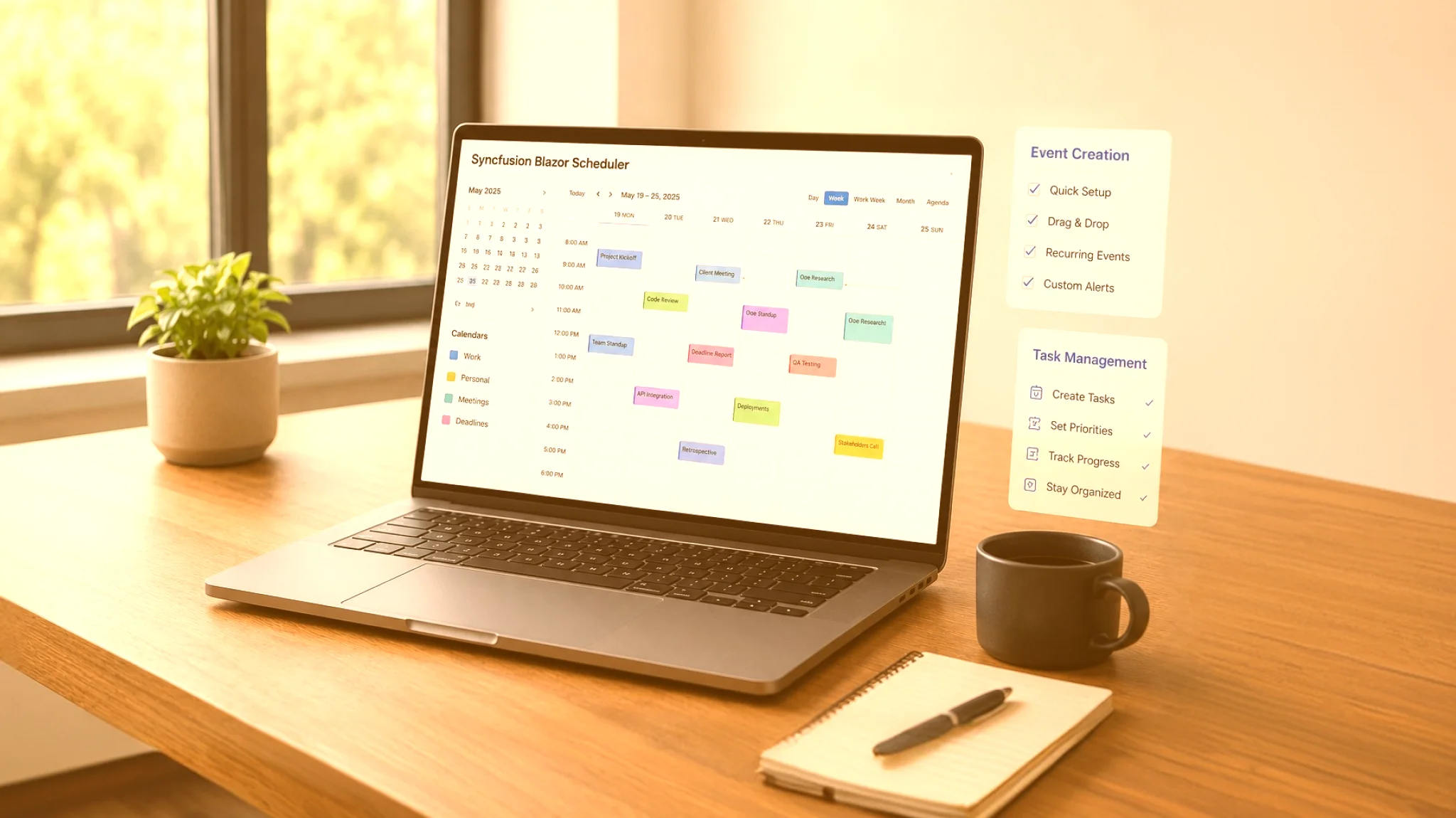
Since the Syncfusion Blazor Scheduler can be used out of the box, Jean-Michel can now create and manage events within his application easily and configure individual calendar views without committing substantial time or effort.
After success with the Scheduler, Jean-Michel also incorporated many other Syncfusion components into his app, like Checkbox, DatePicker, and other notification, grid, and button controls, as he continued to expand its functionality.
“I tried several free [components], then finally learned about the Syncfusion Community Edition. The Scheduler solved all my issues! Try it and judge for yourself. You will not be disappointed.”
– Jean-Michel Laurenti, Software Developer
BEFORE SYNCFUSION
Challenges
- Jean-Michel relied on components that often lacked consistency and flexibility.
- Jean-Michel required a dependable scheduler component to build his application’s core functionality.
AFTER SYNCFUSION
Solutions
- Jean-Michel adopted the Syncfusion Community License, which offers 1,600+ enterprise-grade components at no cost.
- Jean-Michel used the Syncfusion Blazor Scheduler to create a calendar feature that simplifies event planning and task management.
Results
- Secured the Syncfusion Community License.
- Successfully replaced insufficient UI controls.
- Created a shared calendar that can support real-world event planning and task management workflows.
- Implemented multitenancy and globalization, serving multiple clients from one platform in either English or French.
- Set up a daily digest that each family member can receive at their desired frequency.
- Built iPhone Calendar synchronization into the app’s calendar and connected it easily to SQLite and MySQL data sources.
- Added real-time notification components, so family members know when items are checked off a shared list, etc.
Future plans
Jean-Michel plans to integrate additional Syncfusion Blazor components into his FamilyHub application to expand its functionality.
Conclusion
By adopting the Syncfusion Community License, Jean-Michel was able to integrate ready-made, enterprise-grade components into his FamilyHub application without increasing expenses. As a result, Jean-Michel’s application now has a shared calendar feature capable of streamlining event creation, task handling, and maintenance scheduling, bringing it one step closer to delivery.