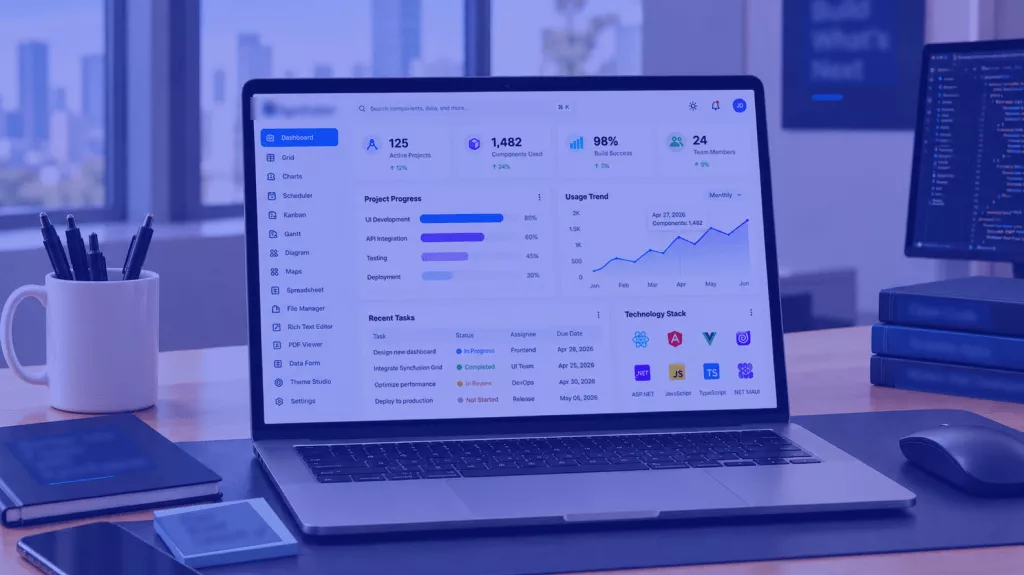





Clean, intuitive GUI design

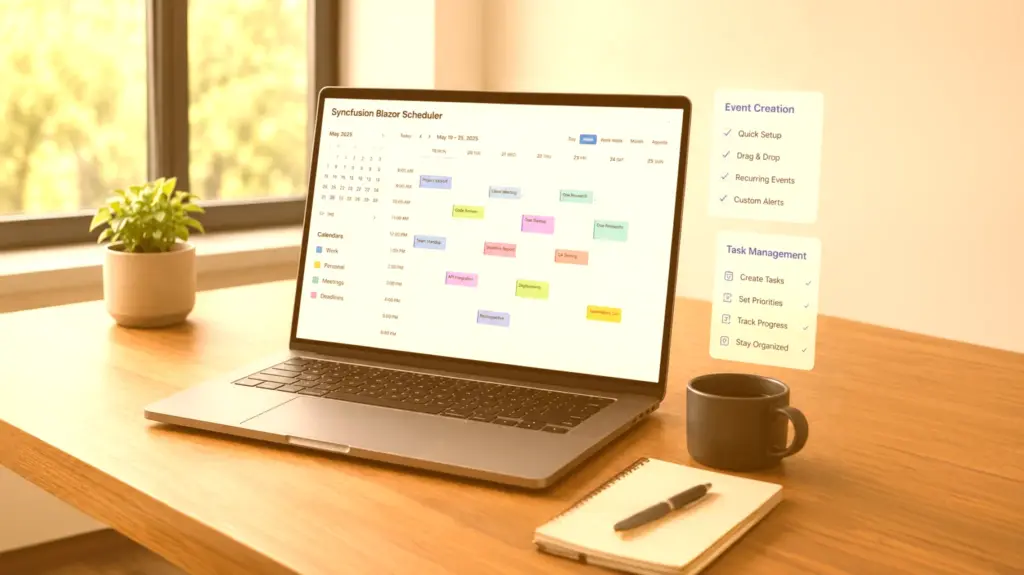
130+ versatile WinForms UI controls

Free Syncfusion Community License
Introduction
Since 1991, DI (FH) Franco Pederiva has independently developed industrial-level defect inspection systems. Today, he is the founder and software engineer behind ACE1; a Liechtenstein-based company that specializes in QC solutions, including machine vision software and implementation advice.
Problem Summary
Franco Pederiva, founder and software engineer behind ACE1, worked with Infragistics for years. However, he found it increasingly difficult to defend the suite’s licensing costs. “My other application written with Infragistics WinForms was complete, so the payment of subscription fees was no longer justified,” he said.
Before implementing his next project—an internal tool that streamlines defect visualization for quality control (QC) software—Franco needed to find UI controls that offered the same functionality as Infragistics for a lower price.
“I [used Syncfusion to] write a browser that can visualize image defects and processing results recorded from web inspection systems.”
– Franco Pederiva, Founder
BEFORE SYNCFUSION
Challenges
- ACE1 struggled to justify the cost of its Infragistics license.
- ACE1 required prebuilt UI components to implement its desired functionality.
AFTER SYNCFUSION
Solutions
- ACE1 switched to Syncfusion’s Community License, which offered 1,600+ controls and frameworks for free.
- ACE1 used Syncfusion’s WinForms UI controls to design an internal tool that visualizes defects.
Results
- Obtained the Syncfusion Community License.
- Successfully replaced costly third-party controls.
- Reduced third-party license expenses.
- Acquired 1,600+ controls and frameworks for free.
- Improved cross-platform development flexibility.
- Built an internal tool to facilitate defect visualization.
Future plans
ACE1 plans to use Syncfusion’s WinForms UI controls to visualize image defects and data recorded from its web inspection system, then leverage this information to design and develop additional image processing software faster.
Conclusion
By adopting Syncfusion, ACE1 was able to cut third-party license expenses, expand its development capabilities, and build a tool that can facilitate industrial-level QC workflows. Syncfusion’s Community License, combined with its feature-rich controls and frameworks, empowered independent developer Franco Pederiva to achieve his desired functionality without financial investment.