
 Sivasankaranarayanan Dharmalingam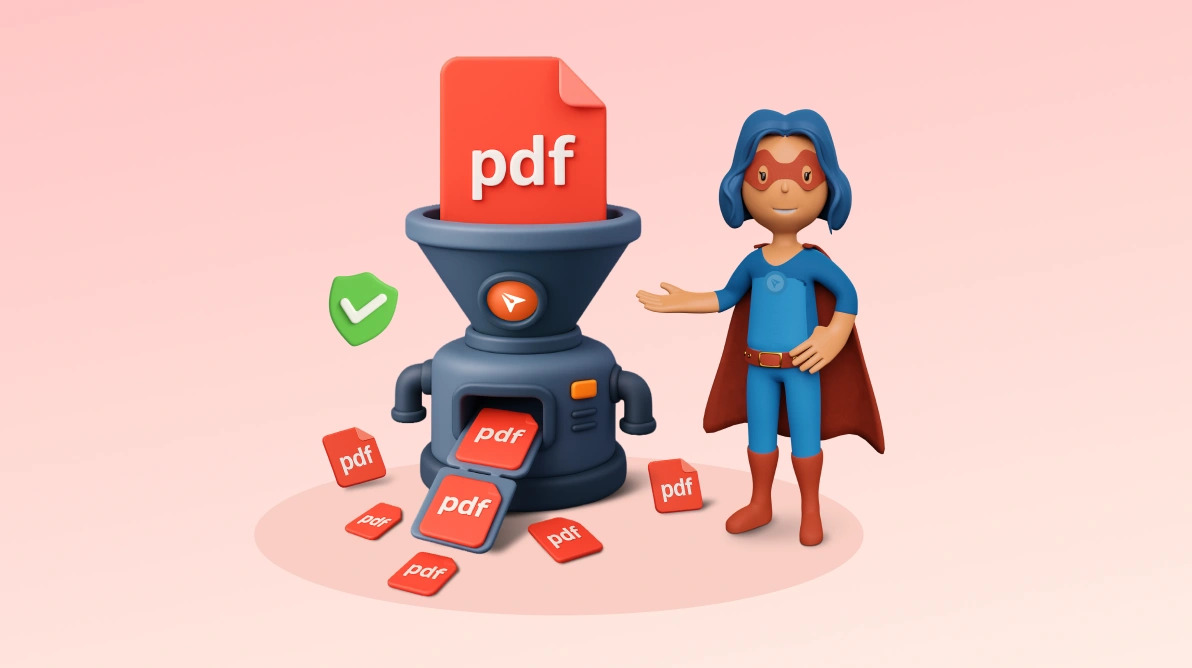
TL;DR: Experience hassle‑free PDF splitting with BoldSign’s free online Split PDF tool, fast, secure, and reliable. Instantly split large PDFs in your browser with no sign‑ups, no watermarks, and complete privacy.
We’re excited to launch the BoldSign Split PDF Tool—fast, secure, and intuitive solution for splitting a single PDF into multiple files in just a few clicks.
Split large PDFs effortlessly with the tool—perfect for students, freelancers, professionals, and anyone else! Break down textbooks, reports, or documents in seconds, no sign-up or cost required. Simple, free, and hassle-free.
Why should you try this tool?
- 100% free, no hidden costs: Split your PDFs without spending a dime, no watermarks, no limits.
- No watermarks: Your split PDFs are clean and professional, with no watermarks, ready for sharing or printing.
- No sign-up needed: Start splitting right away, no account or registration required.
- Your files stay private: Everything happens in your browser, so your PDFs are never sent to a server or stored.
- Works on any device: Use it on your phone, tablet, or computer, Windows, Mac, Linux, iOS, or Android, no downloads needed.
- Quick and easy: Split PDFs in seconds with a simple, user-friendly interface.
Key features
- Top-notch security: Your privacy matters. The splitting process happens entirely in your browser, meaning your files are never uploaded or saved, ensuring complete safety.
- Super simple to use: Enjoy a clean, intuitive interface with drag-and-drop functionality. Upload your PDF, split and download your files with one click—no tech skills needed.
- Works on all devices: Split PDFs seamlessly on Windows, Mac, Linux, iOS, or Android using any web browser, no software installation required.
- Flexible splitting options: Split your PDF by page ranges, extract specific pages, or divide it into equal parts, giving you full control to create the files you need.
- Preview before splitting: See your PDF pages before splitting to make sure you divide them exactly how you want, avoiding any mistakes.
- Split unlimited PDFs: Split as many PDF files as you’d like with no limits on the number of files. For the best performance, we recommend performing 50 file splits at a time, but there’s no limit.
- Fast downloads: Download your split PDFs as high-quality files in seconds, ready to email, share, or print.
How to get started
It’s super easy to use, just follow these three simple steps to split your PDF:
- Visit the tool: Go to Split PDF Tool.
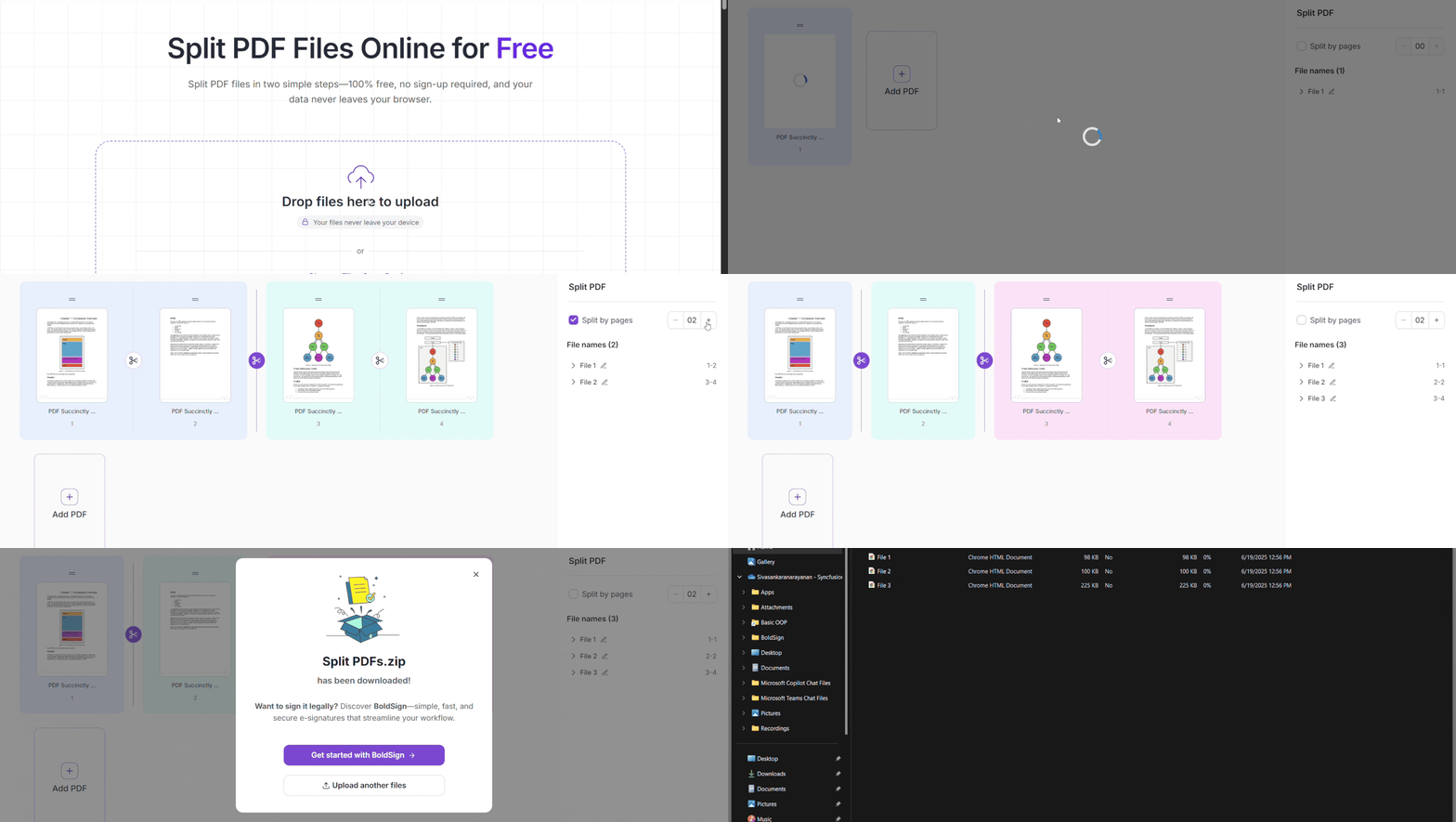
- Upload and split your PDF: Upload your PDF files and split their pages into multiple files.
- Download your files: Click Download as Zip to save all your split PDFs to your device. Your files are ready to share, email, or print in seconds!
Frequently Asked Questions
Is it safe to split PDFs online using this tool?
Yes. The tool processes files securely and ensures your PDFs aren’t stored after the split, helping protect sensitive data and maintain full file privacy.
Do I need to create an account or install software to split PDFs?
No sign up, installation, or downloads are required. The PDF splitter works entirely in your browser for faster, hassle free use on any device.
Can I split large PDF files into multiple smaller files?
Absolutely. You can instantly split large PDFs into individual pages or smaller documents without file size friction or performance slowdowns.
Are there watermarks or usage limits when splitting PDFs for free?
No. The tool allows free PDF splitting with no watermarks, no trial restrictions, and no hidden limitations.
Which devices and browsers are supported?
The online PDF splitter works on all modern browsers and devices, including Windows, macOS, Linux, tablets, and mobile phones.
Start splitting your PDFs today!
BoldSign’s Split PDF Tool allows you to split your PDFs quickly, safely, and for free, with no sign-up required. It works on any device, keeping your files private and secure.
Want to get your PDFs signed legally? Use BoldSign e-signature solution to add secure, legally binding signatures, with a clear record of who signed and when.

 No spam, just valuable updates.