Try Our Live Demo
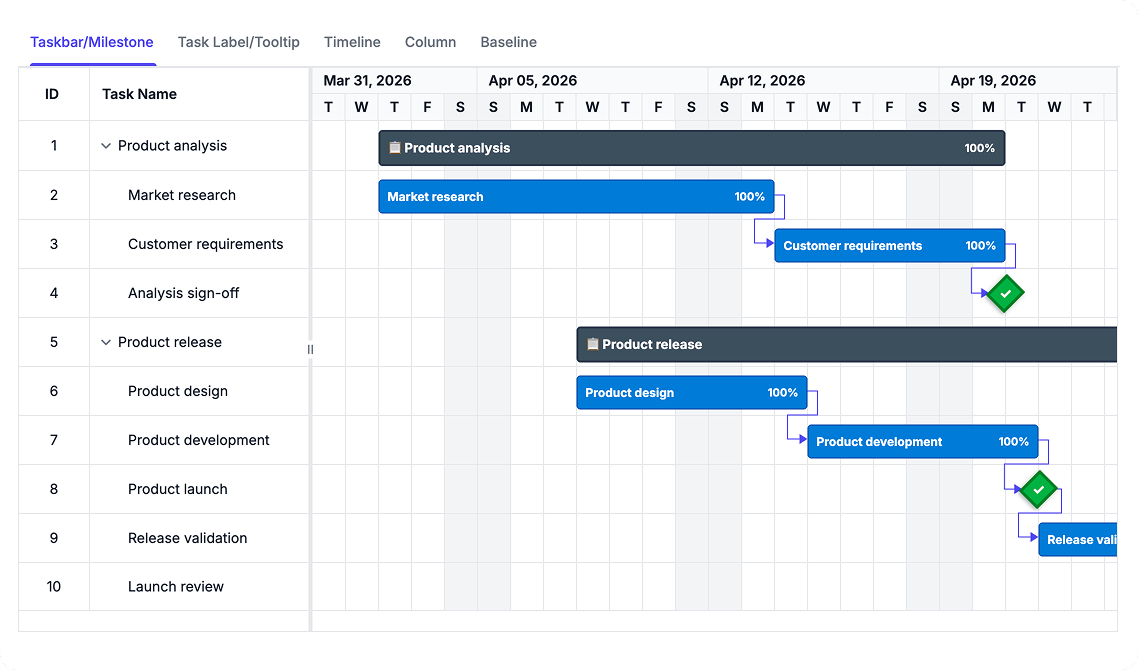
Design flexible, themed, and accessible schedule experiences
Create schedule presentations that match your project requirements and team preferences. Customize how tasks appear, align with established design systems, and support diverse team interaction patterns through templates, themes, styling, and accessibility features that work together to deliver inclusive project management experiences.
Customize task presentation
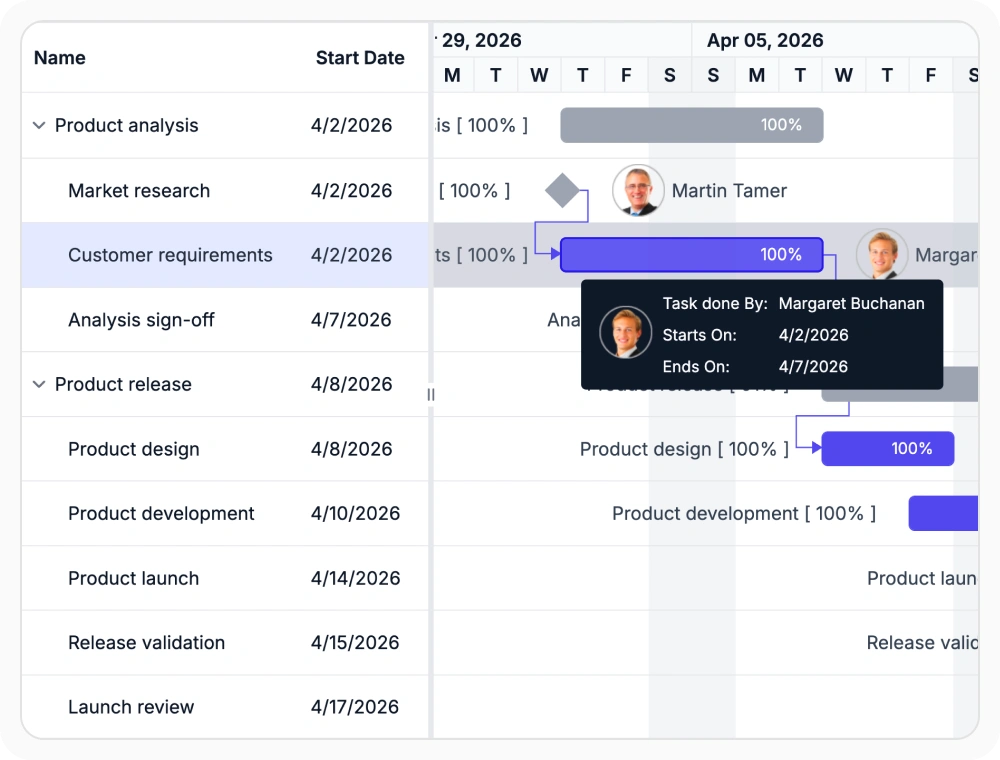
Reuse templates to customize taskbars, labels, baselines, timeline headers, columns, and tooltips. Modify how information appears without changing the underlying schedule data.
- Customize taskbar visuals to emphasize progress and schedule importance
- Add labels and tooltips for supporting details without overloading the view
- Format timeline headers for fiscal periods and sprint cycles
- Personalize grid columns and baseline views for project-specific needs
Apply design system themes
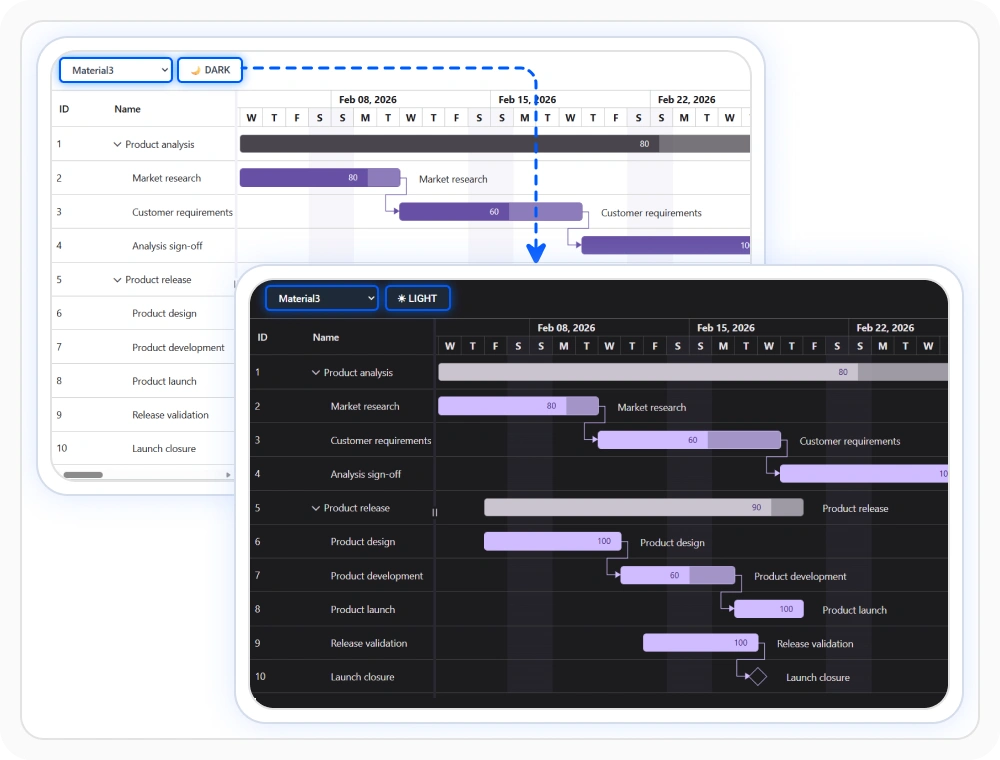
Apply built-in themes that align the Gantt Chart with Material 3, Bootstrap 5, and Tailwind 3 design systems. Maintain visual consistency with light and dark theme variations.
- Match application design systems with Material 3, Bootstrap 5, and Tailwind 3
- Support light and dark theme variations for different appearance modes
- Maintain readability and visual consistency across chart and grid areas
- Preserve visual consistency when switching between light and dark themes for different user preferences
Refine with custom styling
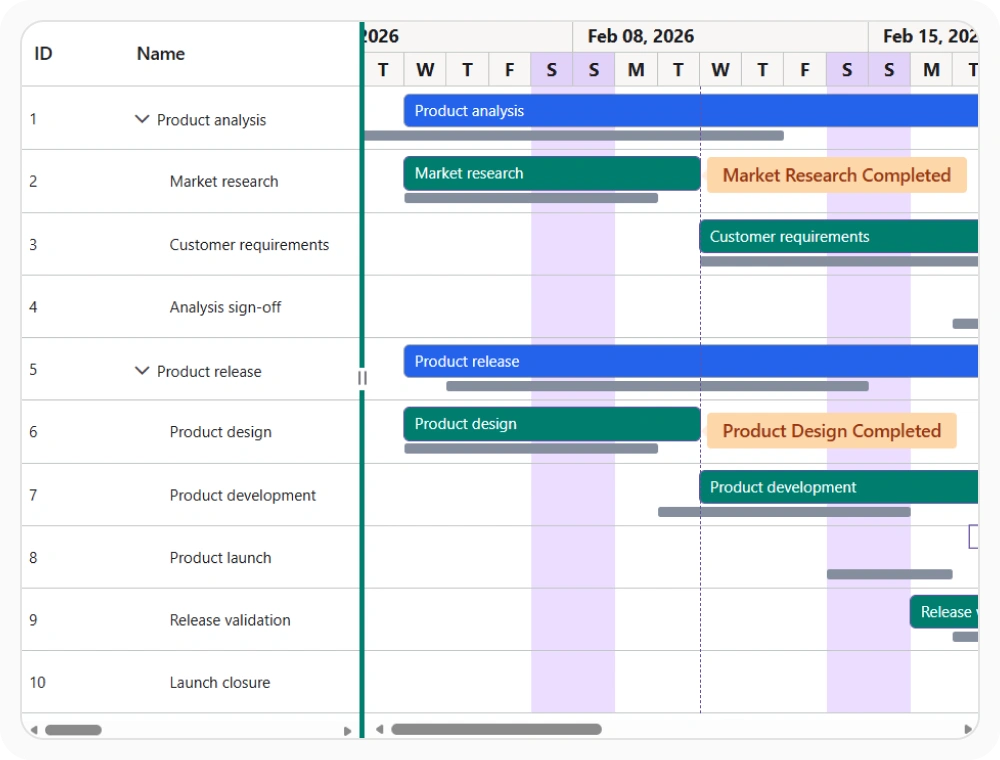
Customize row hover behavior and visual styling to improve scanability and highlight important schedule information. Combine styling with templates for integrated, cohesive presentations.
- Customize row hover behavior for better visual tracking across grid and chart
- Adjust visual styling to emphasize important task details and context
- Improve readability in dense project schedules
- Create tailored experiences for different project types and workflows
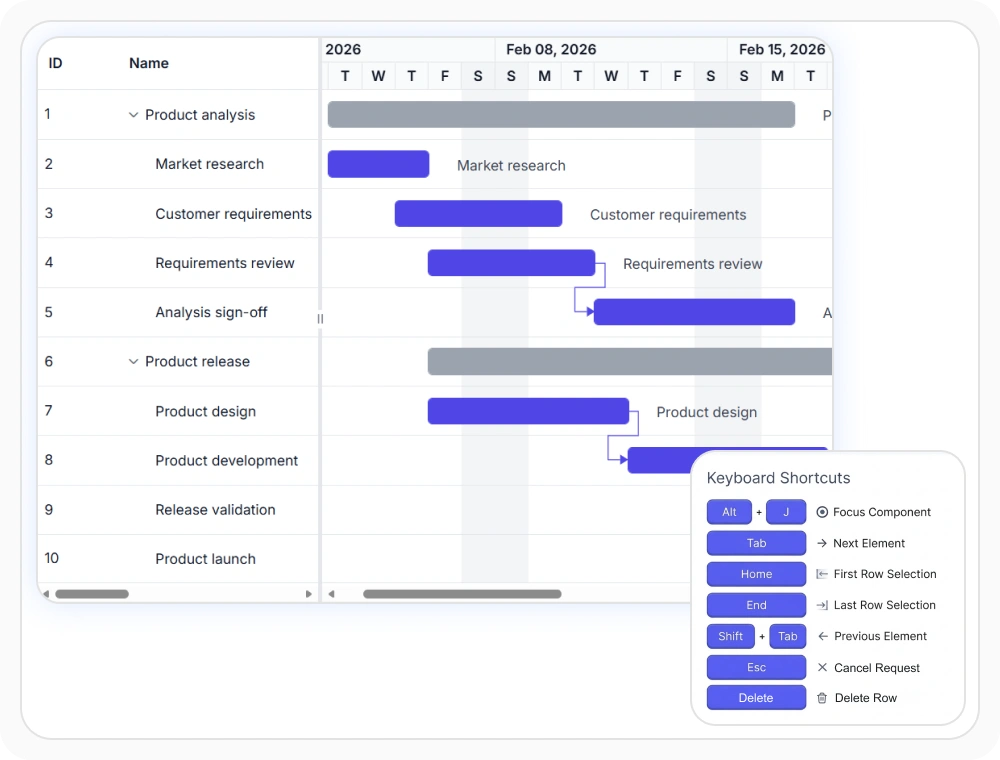
Build accessible interfaces
Support diverse interaction patterns through keyboard navigation, localization, and right-to-left layout support. These features help global teams work with schedules in their preferred language and interaction method.
- Enable keyboard navigation for TreeGrid and chart interactions
- Support localized content with language translations and regional formatting.
- Implement right-to-left layout support for RTL languages.
- Configure schedules for global team accessibility and inclusive interaction.
PLATFORM SUPPORT
Gantt Chart customization across platforms
Templates, themes, styling options, and accessibility features are supported across web, desktop, and cross-platform implementations. All platforms provide comprehensive customization and accessibility capabilities for inclusive project management experiences.
| Capability | JS, React, Angular & Vue | Blazor | ASP.NET Core & MVC | WPF | UWP |
|---|---|---|---|---|---|
| Templates | |||||
| Built-In Themes | |||||
| Custom Styling | |||||
| Localization | |||||
| RTL Layout Support |
Frequently Asked Questions
What can be customized with Gantt Chart templates?
Gantt Chart templates can customize taskbars, labels, baseline bars, timeline headers, grid columns, and tooltips.This allows teams to create project-specific presentations while maintaining consistent task data and dependencies.
Which built-in themes does Gantt Chart include?
Gantt Chart includes Material 3, Bootstrap 5, and Tailwind 3 themes, each with light and dark variants. Choose a theme to align with your application’s design system and user appearance preferences.
How does keyboard navigation work in Gantt Chart?
Keyboard navigation allows users to move through tasks, rows, columns, and timeline content without relying on mouse interaction. This improves accessibility and enables more efficient interaction with project schedules.
How do templates affect schedule presentation in Gantt Chart?
Templates present important details in places where readers already focus, such as bars, labels, headers, and hover views. This makes ownership, status, planned timing, and other context easier to understand at a glance.
Does Gantt Chart support right-to-left layouts?
Yes. RTL layout mirrors the schedule interface for languages that read from right to left, helping teams scan timelines and columns naturally.
Can Gantt Chart be localized for different languages?
Yes. Gantt Chart supports localized labels, messages, and date-related content so schedules can match regional language and formatting expectations for global teams.
Resources
Learn more about our Gantt Chart
Explore demos, KB articles, and documentation to get the most out of Gantt Chart.
Explore guides, APIs, and quick-start tips
See live use cases in action
Ask, share, and connect with peers
Find solutions and best practices fast
Get expert help when needed
Feature requests and bug reports
Track issues and suggest improvements
Awards
Greatness—it’s one thing to say you have it, but it means more when others recognize it. Syncfusion® is proud to hold the following industry awards.









