Try Our Live Demo
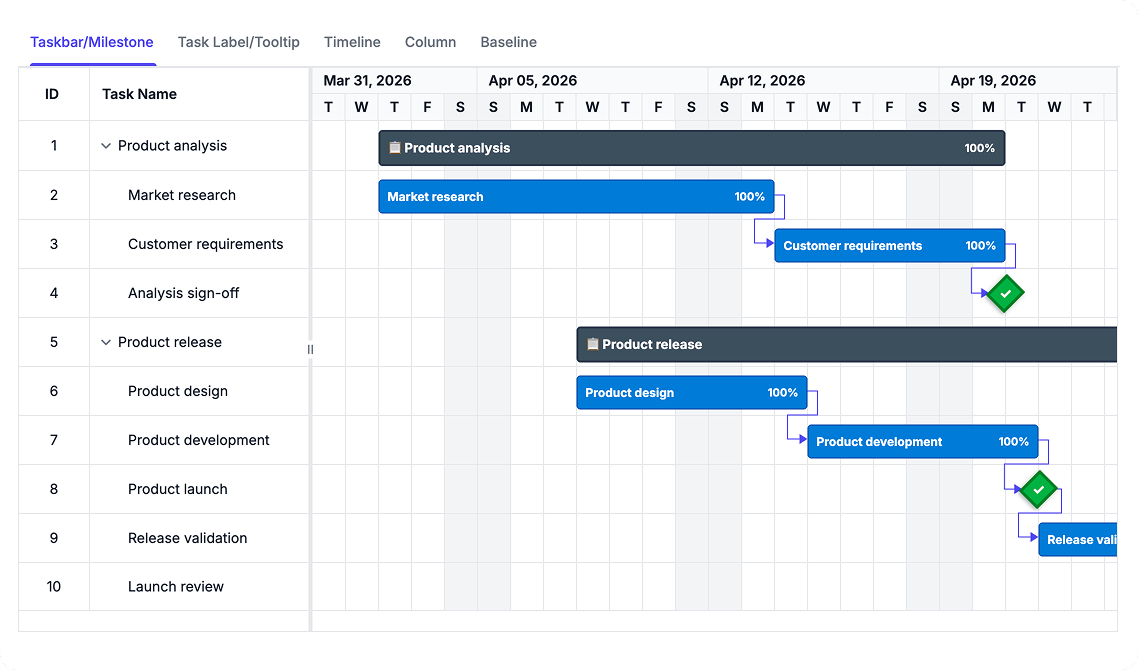
Customize schedule presentation with purpose-built templates
Templates enable customization across all Gantt Chart components without changing underlying project data. Align schedule visualization with business processes, reporting requirements, and team workflows to support decision-making and stakeholder communication.
Customize taskbar visuals
Taskbar templates change how tasks, summary tasks, and milestones appear in the chart area. Configure styling, indicators, and visual markers to represent project status, priority, resource allocation, or other business-specific attributes that support planning workflows.
- Represent task status, priority, and progress with custom colors and visual indicators
- Apply conditional styling based on task properties to differentiate task priority levels
- Include progress indicators and resource names directly within taskbar visualizations
- Create distinct visual markers for milestones and summary tasks for visual distinction
Customize grid column and header views
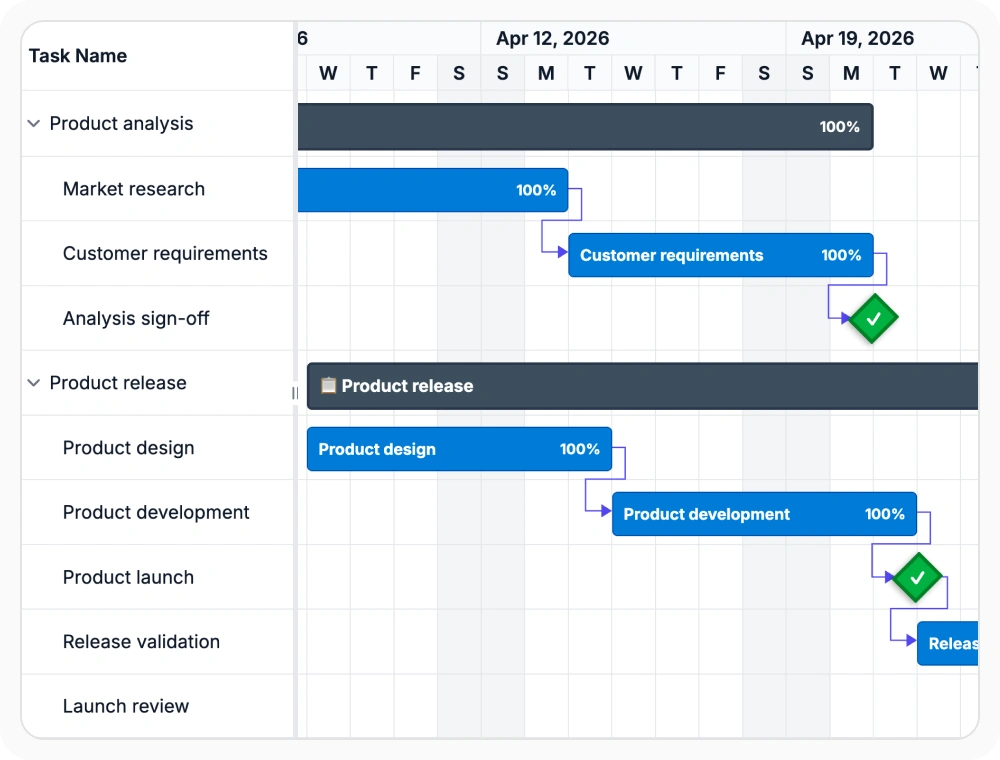
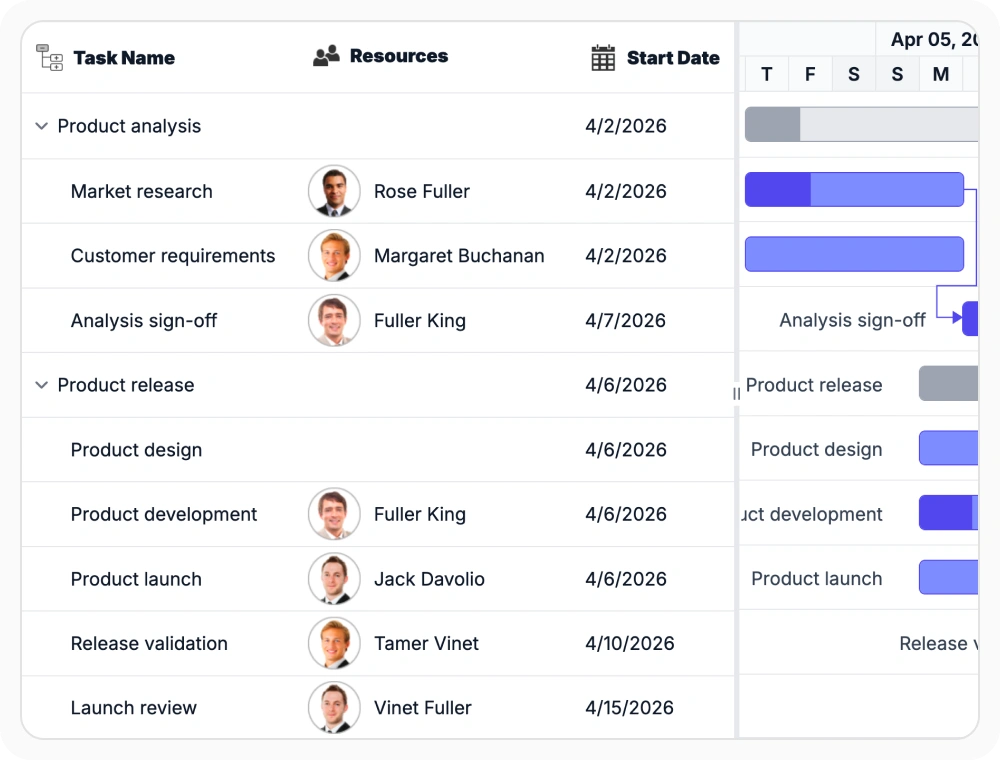
Column and header templates control how grid cells, column headers, and editing areas appear beside the chart. Present schedule data in custom formats that match internal terminology, reporting structures, and data display requirements without restructuring source data.
- Format grid cells and headers to match organizational reporting standards and terminology
- Add custom columns for resource information, costs, or status indicators without data restructuring
- Control inline editing forms and input interfaces for direct schedule modifications
- Present computed metrics, status badges, or formatted content within individual grid cells
Label and tooltip templates
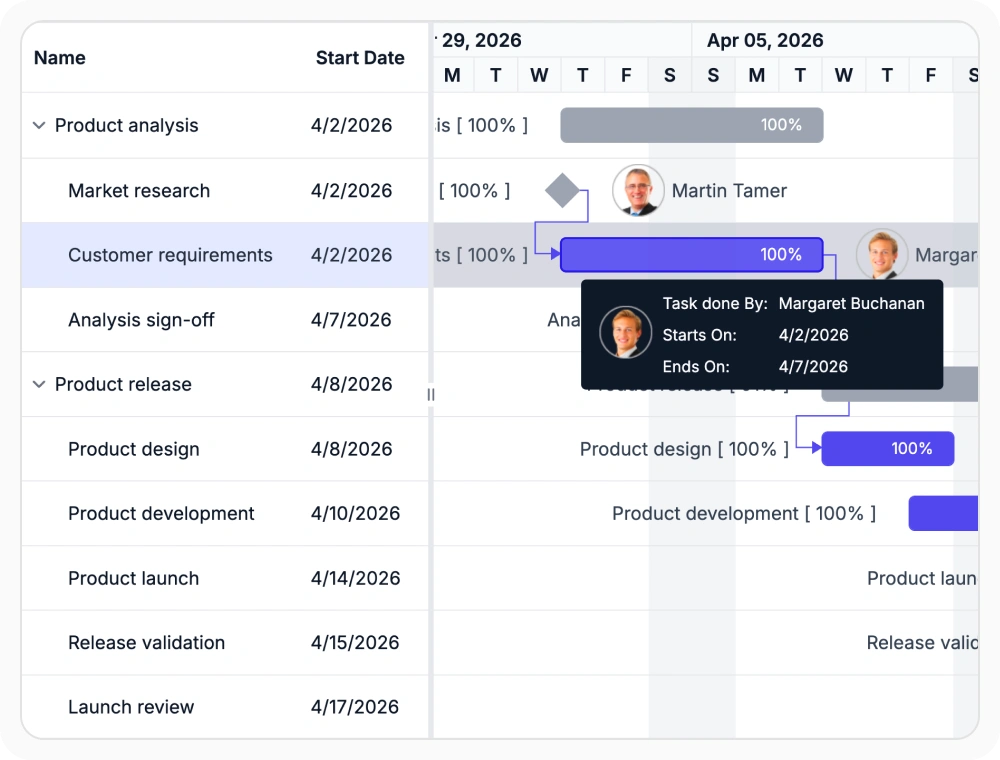
Label and tooltip templates place custom text around taskbars and display supporting details on hover. Surface schedule context such as completion percentage, resource names, cost information, or custom attributes without overloading the main chart view.
- Position labels above, below, or beside taskbars to highlight key completion metrics
- Display task details, resource assignments, and status information in hover tooltips
- Show calculated values like duration, cost, or resource utilization in label text
- Format dates and project metrics to match organizational communication standards
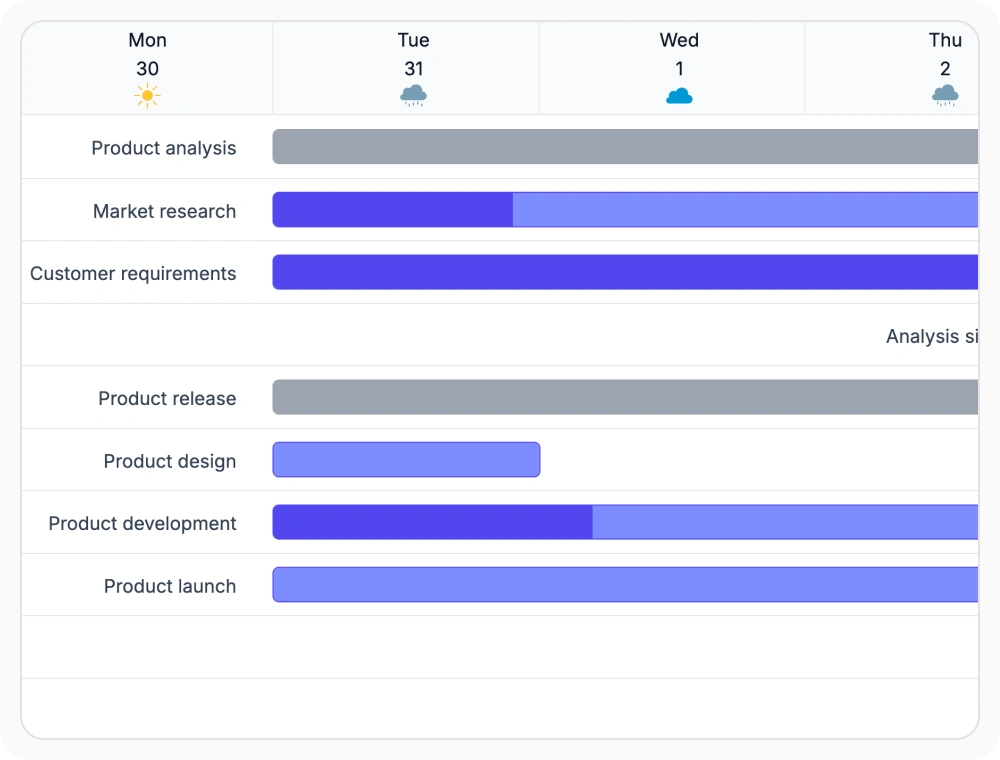
Format timeline header content
Timeline templates customize the text and presentation used in schedule header cells. Align date headings with fiscal periods, sprint cycles, work weeks, or project-specific timeline structures that match planning language and organizational calendars.
- Replace standard dates with fiscal periods, quarters, or organizational budget cycles
- Display sprint names, release cycles, or key milestones in timeline header rows
- Show multiple time granularities simultaneously for comprehensive timeline context
- Support localized date formats and custom period naming conventions
Customize baseline schedule views
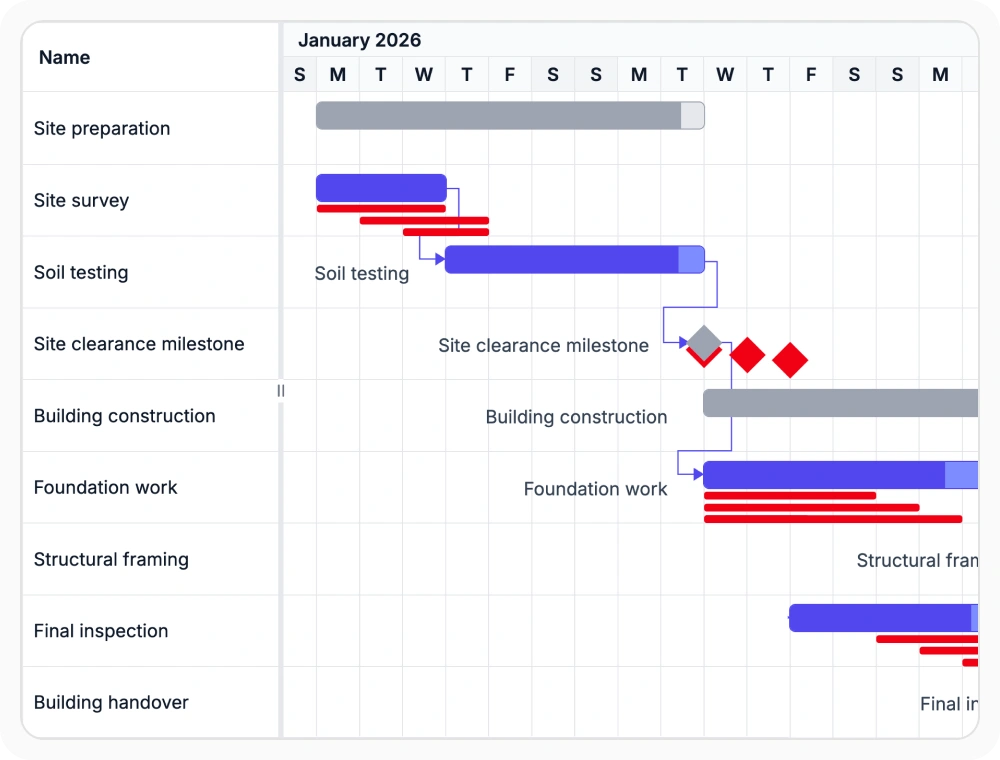
Baseline templates customize how planned schedule bars are displayed beside current task progress. Distinguish baseline schedules from execution timelines to support schedule change analysis, variance reporting, and project performance tracking against original plans.
- Visually separate baseline schedules from current task progress using distinct styling
- Identify schedule variances and date changes against original project baseline plans
- Compare baseline versions to track schedule changes and approval history
- Use color coding and status indicators to communicate timeline deviations at a glance
PLATFORM SUPPORT
Gantt Chart templates across platforms
Taskbar templates, column templates, header templates, label templates, baseline templates, and tooltip templates are supported across web, desktop, and cross-platform implementations. All platforms provide comprehensive template customization.
| Capability | JS, React, Angular & Vue | Blazor | ASP.NET Core & MVC | WPF | UWP |
|---|---|---|---|---|---|
| Taskbar Templates | |||||
| Column Templates | |||||
| Timeline Templates | |||||
| Label and Tooltip Templates |
Frequently Asked Questions
How do I implement custom taskbar templates in Gantt Chart?
Taskbar templates are defined using JSX/HTML markup or template functions that receive the complete task data object. Templates can access properties like taskName, startDate, endDate, progress, and custom fields to render styled taskbars with conditional logic and visual indicators.
Do templates support dynamic content and real-time data updates?
Templates can reference dynamic task data that updates in real-time. When task properties change, templates automatically re-render to reflect the new values. This enables schedules that respond to status changes, resource updates, or date modifications without manual refresh.
Can templates be applied conditionally based on task properties?
Yes. Templates receive the full task object, enabling conditional logic to apply different visualizations based on status, priority, resource, dates, or custom properties. This supports workflows where different task types or statuses require different visual representations.
Can column templates display images, links, or interactive elements?
Yes. Column templates support HTML and component rendering, enabling images, hyperlinks, buttons, and interactive controls within grid cells. This allows for complex data presentation with inline actions for editing, navigation, or triggering external workflows.
Documentation
Column and header templates
Customize grid columns, headers, and cell content for data presentation.
Label and tooltip templates
Add context information around taskbars and display details on hover.
Resources
Learn more about our Gantt Chart
Explore demos, KB articles, and documentation to get the most out of Gantt Chart.
Explore guides, APIs, and implementation examples
View live template implementations
Connect with users and share template solutions
Find template implementations and troubleshooting
Get assistance with template implementation
Feature requests and bug reports
Report issues or request template features
Awards
Greatness—it’s one thing to say you have it, but it means more when others recognize it. Syncfusion® is proud to hold the following industry awards.









