


Why do you need our JavaScript PowerPoint Library?
Add native PowerPoint processing capabilities to your web applications without relying on Microsoft PowerPoint or external services. Create, read, edit, and save PowerPoint presentations while maintaining full control over presentation data and formatting. Manage slides and text boxes through a scalable API designed for modern JavaScript applications. Built for reliability and seamless framework integration, it simplifies presentation automation so development teams can focus on delivering better user experiences.
Enterprise-ready JavaScript PowerPoint Library
Unlock PowerPoint presentation capabilities without Office
Use our JavaScript PowerPoint API to create, edit, and manage PowerPoint presentations programmatically, without relying on Microsoft PowerPoint or other external Office software.
- Create presentations from scratch
- Open, modify, and save existing .pptx files
- Create and update slides
- Add and edit textboxes, and images
- Access and modify text formatting
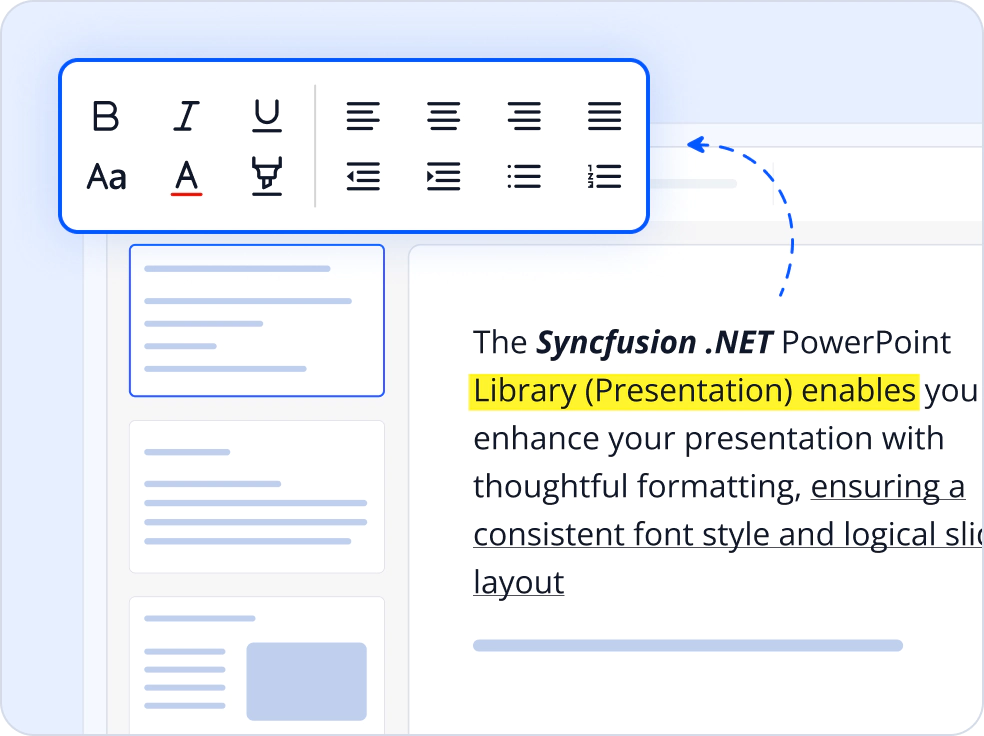
Edit presentations content programmatically
Automate presentation creation and updates using a programmatic model that represents slides, textboxes, and paragraphs. Existing automation logic can be reworked to operate independently of PowerPoint installations or COM based automation.
- Programmatically manage presentations and slides
- Insert and update text boxes and paragraphs.
- Eliminate Microsoft Office and interop requirements

Deliver efficient PowerPoint processing
The PowerPoint Library delivers efficient creation and editing of PowerPoint presentations without relying on Microsoft Office or PowerPoint. It is optimized for handling large presentations and complex slide content, with smooth performance for enterprise-scale reporting and presentations.
- Process large presentations efficiently with optimized memory and performance handling.
- Consistent speed without delays or performance bottlenecks.

Integrate PowerPoint processing into modern JavaScript applications
Build presentation workflows in modern JavaScript applications with a consistent cross-platform API. Work with PowerPoint files without Microsoft PowerPoint or external dependencies.
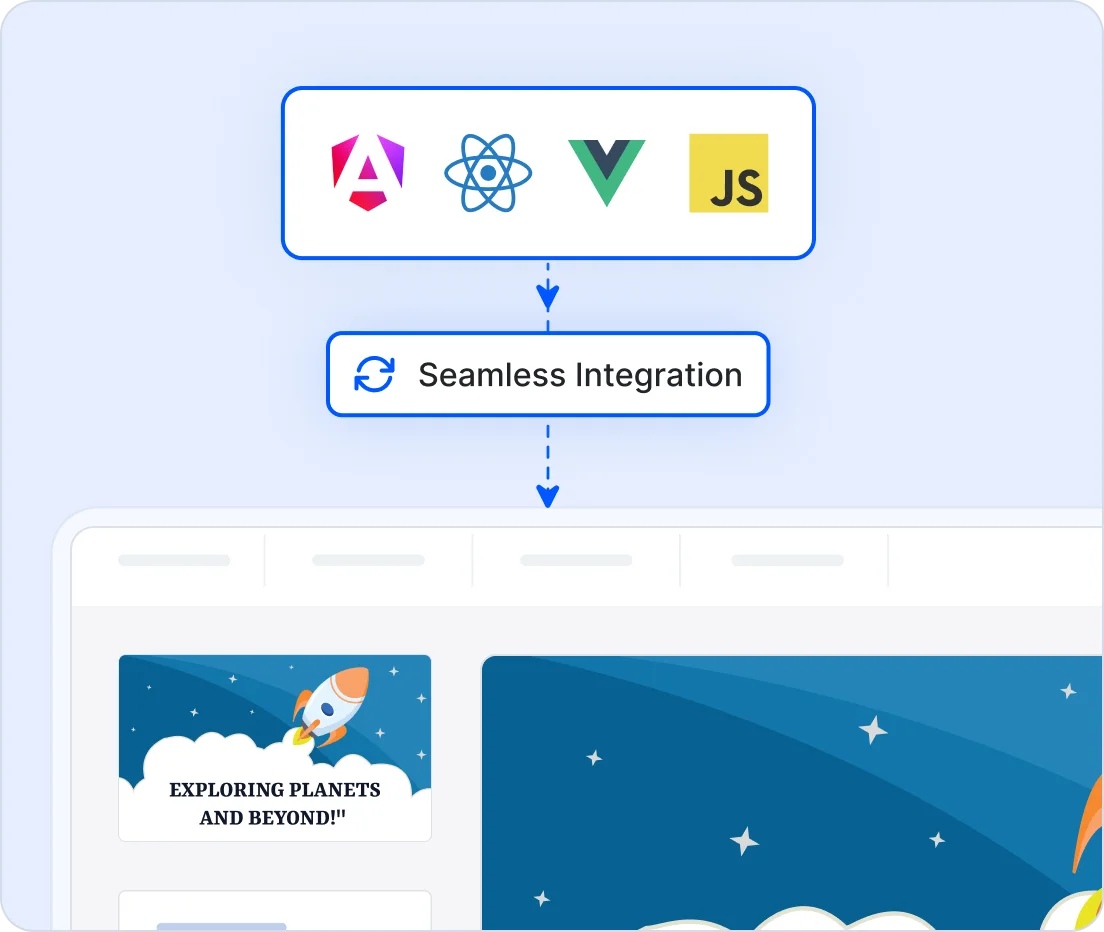
- Compatible with React, Angular, Vue, JavaScript, TypeScript, and Node.js
- Use a consistent API across browser and server-side environments
- Accelerate development with framework-specific examples and documentation
- Fit naturally into existing JavaScript workflows
- Simplify presentation generation, editing, and automation
import { Presentation } from '@syncfusion/ej2-pptx';

// Create a new PowerPoint presentation.
const pptxDoc = Presentation.create();
// Add a blank slide to the presentation.
const slide = pptxDoc.slides.add();
// Add a text box to the slide.
const titleBox = slide.shapes.addTextBox({
        bounds: {
                    x: 50,
                    y: 100,
                    width: 550,
                    height: 350
        },
});
// Add text content to the text box.
titleBox.textBody.addParagraph().addTextPart('Hello World!!!');
// Save the presentation.
await pptxDoc.save();
Works with major JavaScript frameworks
Integrate advanced PowerPoint processing into your applications with minimal effort. Our non-UI JavaScript PowerPoint library fits seamlessly into modern development stacks, enabling efficient implementation without external dependencies.
- Compatible with popular frameworks, including React, Angular, Vue, JavaScript, and TypeScript.
- Provides a consistent API for seamless cross-platform integration, enabling PowerPoint creation and editing in browsers and Node.js.
- Includes extensive documentation and framework-specific examples for faster adoption.
Trusted by the world’s leading companies

See Why Developers Love Syncfusion
These real-world examples highlight the impact of our JavaScript PowerPoint Library
The best way to showcase our commitment is through the experiences and stories of those who have used our PowerPoint Library.




Endless possibilities with one JavaScript PowerPoint library
Create executive reports, sales presentations, training materials, and client-ready decks with ease. Automate slide generation, apply consistent branding with reusable templates, and update existing PowerPoint files programmatically.
No credit card required.
JavaScript PowerPoint Library FAQs
If you’re new to the PowerPoint Library or have questions, our FAQs will help you explore its features and capabilities.
What is the Syncfusion JavaScript PowerPoint Library?
The Syncfusion JavaScript PowerPoint Library is a non-UI library for creating, reading, editing, and saving Microsoft PowerPoint (.pptx) presentations in browser and Node.js environments, without Microsoft PowerPoint.
Does the PowerPoint Library require Microsoft PowerPoint to be installed?
No. The library works independently of Microsoft PowerPoint and does not require Office COM libraries or any Office installation.
Which PowerPoint elements can be created and modified?
You can work with presentations, slides, text boxes, images, and text.
What file formats are supported?
The current version supports the Open XML PowerPoint format (.pptx), compatible with Microsoft PowerPoint 2007 and later, including Microsoft 365.
Which frameworks are supported by the JavaScript PowerPoint library?
Syncfusion JavaScript PowerPoint library supports JavaScript, TypeScript, Angular, React, Vue, and Node.js applications.
Does the JavaScript PowerPoint library support opening existing PPTX files?
Yes. The library supports opening existing .pptx presentations, allowing you to read and edit presentations in your JavaScript applications.
Resources
Learn more about our JavaScript PowerPoint Library
Explore demos, KB articles, and documentation to get the most out of our JavaScript PowerPoint Library.
Explore guides, APIs, and quick-start tips.
See live use cases in action.
Ask, share, and connect with peers.
Find solutions and best practices fast.
Get expert help when you need it.
Feature requests and bug reports
Track issues and suggest improvements







