


Why do you need our JavaScript Excel Library?
Add native Excel processing capabilities to your web applications without relying on Microsoft Excel, Office Interop, or external services. Maintain complete control over workbook creation, editing, and management while working with worksheets, formulas, charts, and business data programmatically. Built for scalability and reliability, it integrates seamlessly with modern JavaScript applications, helping development teams automate spreadsheet workflows and deliver exceptional user experiences.
Enterprise-ready JavaScript Excel Library
Build feature-rich Excel workbooks with ease
Create, read, edit, and manage Excel workbooks programmatically without Microsoft Excel. Build spreadsheets from scratch, and modify existing files using a comprehensive JavaScript API.
- Create and organize Excel workbooks with multiple worksheets and structured data
- Perform calculations and analysis using formulas and functions
- Create insightful visualizations with charts and customized layouts
- Enrich spreadsheets with images hyperlinks, and formatting options
- Ensure data quality and security through validation and protection
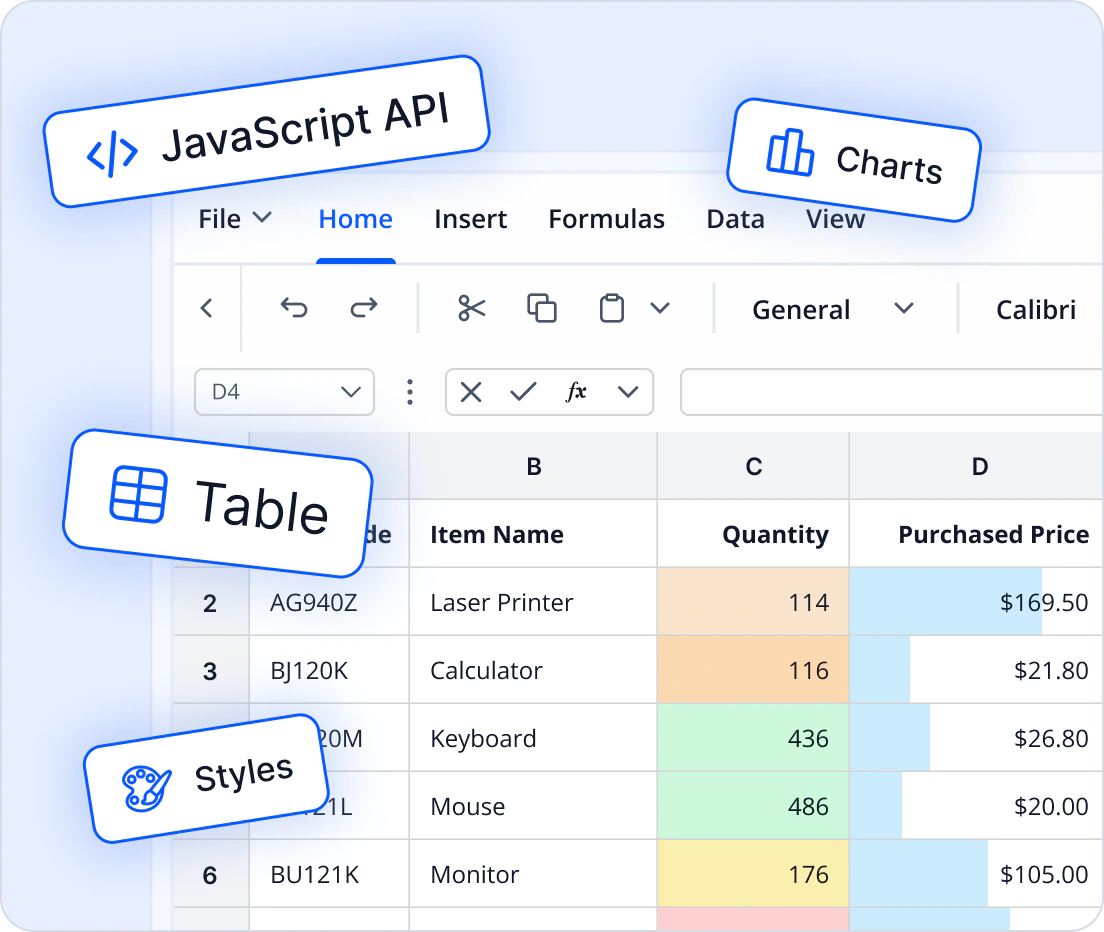
Consistent spreadsheet processing for business applications
Build dependable spreadsheet workflows with an Excel API designed to maintain workbook structure, formulas, and formatting throughout the workbook lifecycle. Ensure consistent spreadsheet generation, updates, and reporting across business applications.
- Preserve formulas and workbook logic across updates
- Maintain workbook structure and formatting during processing
- Ensure consistent workbook generation and editing
- Handle workbook updates without data loss
- Support dependable spreadsheet workflows across applications
Protect sensitive workbook content with confidence
Protect spreadsheet data with built-in workbook protection capabilities. Secure sensitive information, control workbook access, and help prevent unauthorized modifications across business-critical workflows.
- Protect workbooks, worksheets, and ranges
- Control access to sensitive workbook content
- Help prevent unauthorized workbook modifications
- Maintain workbook security across business workflows
- Support secure enterprise spreadsheet workflows

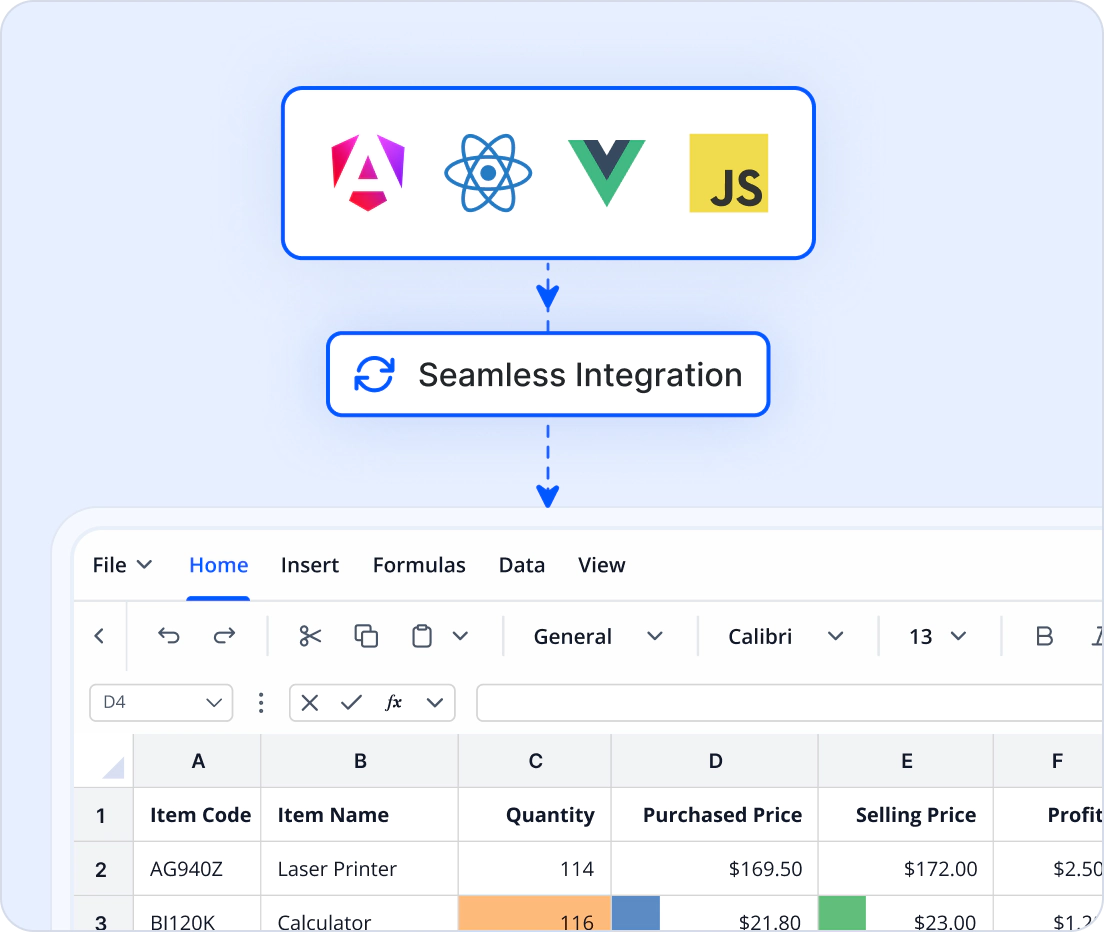
Integrate Excel processing into modern JavaScript applications
Build spreadsheet workflows in modern JavaScript applications with a consistent cross-platform API. Work with Excel files without Microsoft Excel or external dependencies.
- Compatible with React, Angular, Vue, JavaScript, TypeScript, and Node.js
- Use a consistent API across browser and server-side environments
- Accelerate development with framework-specific examples and documentation
- Fit naturally into existing JavaScript workflows
- Simplify workbook generation, editing, and automation
- Build cross-platform spreadsheet solutions
import { Workbook } from '@syncfusion/ej2-xlsx';

const workbook = Workbook.create();
const sheet = workbook.sheet(0);

sheet.cell('A1').value = 'Hello World';

await workbook.save('Hello World.xlsx');
Works with major JavaScript frameworks
Integrate advanced Excel processing into your applications with minimal effort. Our non-UI JavaScript Excel library fits seamlessly into modern development stacks, enabling simple and efficient spreadsheet processing without external dependencies.
- Compatible with popular frameworks like React, Angular, Vue, JavaScript, TypeScript, and Node.js
- Consistent API for seamless cross-platform integration across browser and server-side environments
- Extensive documentation with framework-specific examples for quick adoption
Create powerful workbooks
Create new Excel workbooks, update existing files, and manage spreadsheet content with powerful workbook editing capabilities.
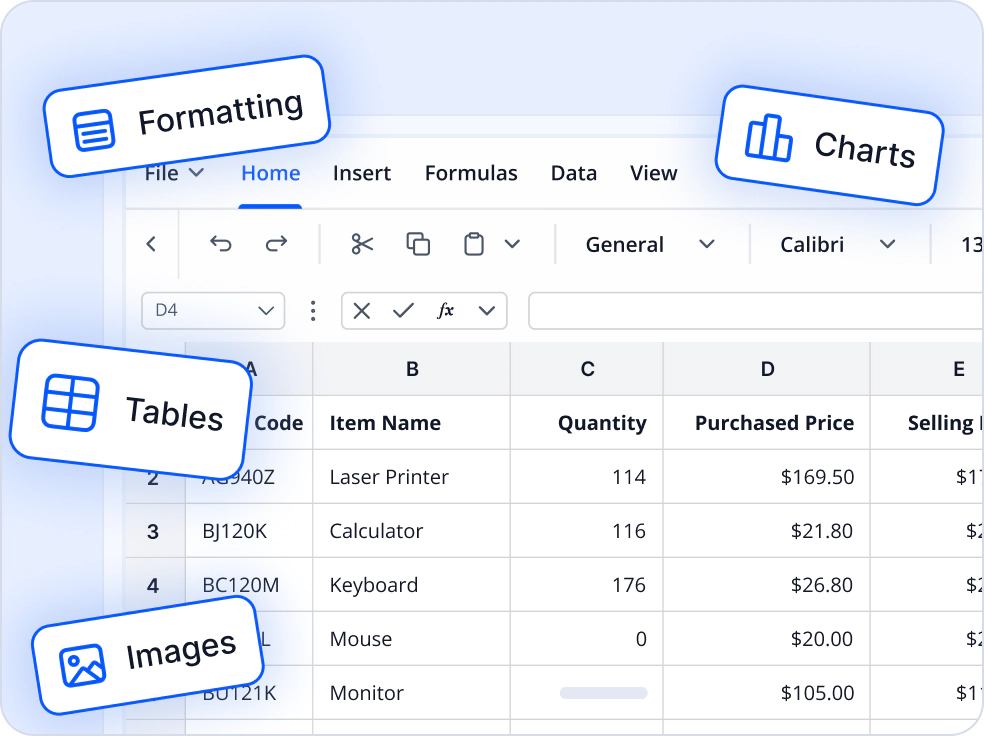
Create workbooks from scratch
Build Microsoft Excel workbooks programmatically using an intuitive object model. Define workbook structures, worksheets, tables, charts, formatting, images, and business data without requiring Microsoft Excel. Streamline automated report generation, template-based document creation, and spreadsheet workflows while maintaining complete control over workbook content and layout.
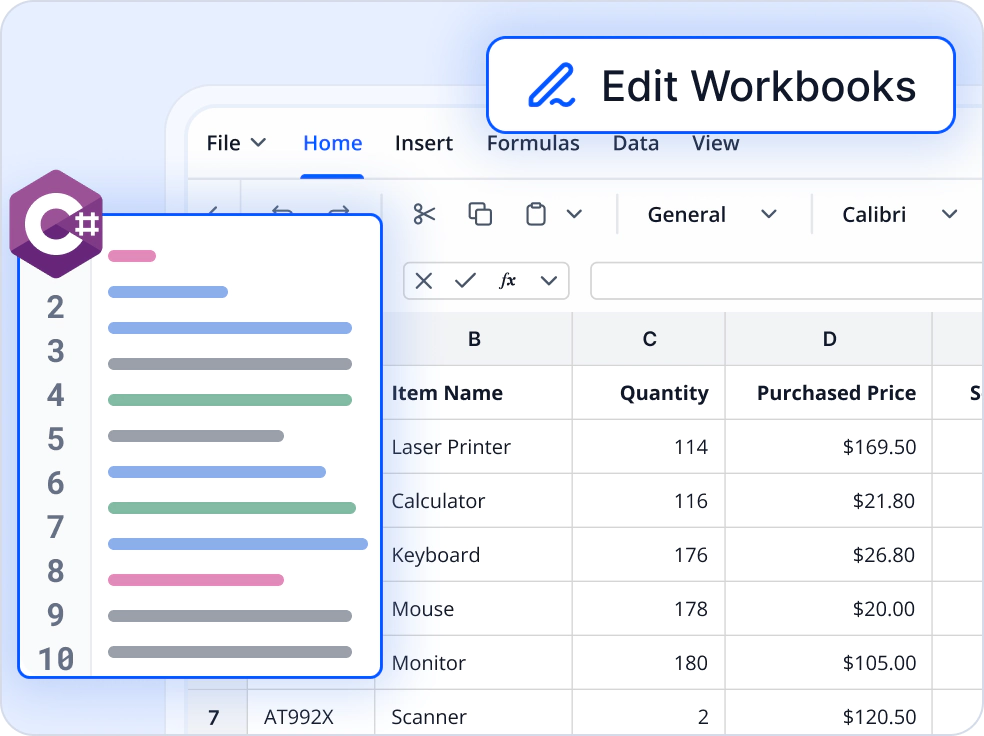
Edit existing workbooks
Load existing Excel workbooks to read, edit, and manage content. Update worksheets, modify formulas, formatting, and workbook structure, then save changes while preserving document integrity. Enable spreadsheet editing, data updates, and automated document processing workflows without relying on Microsoft Excel or external services.
Transform and organize data
Transform spreadsheet data into structured, analysis-ready workbooks with powerful calculation and data management capabilities.
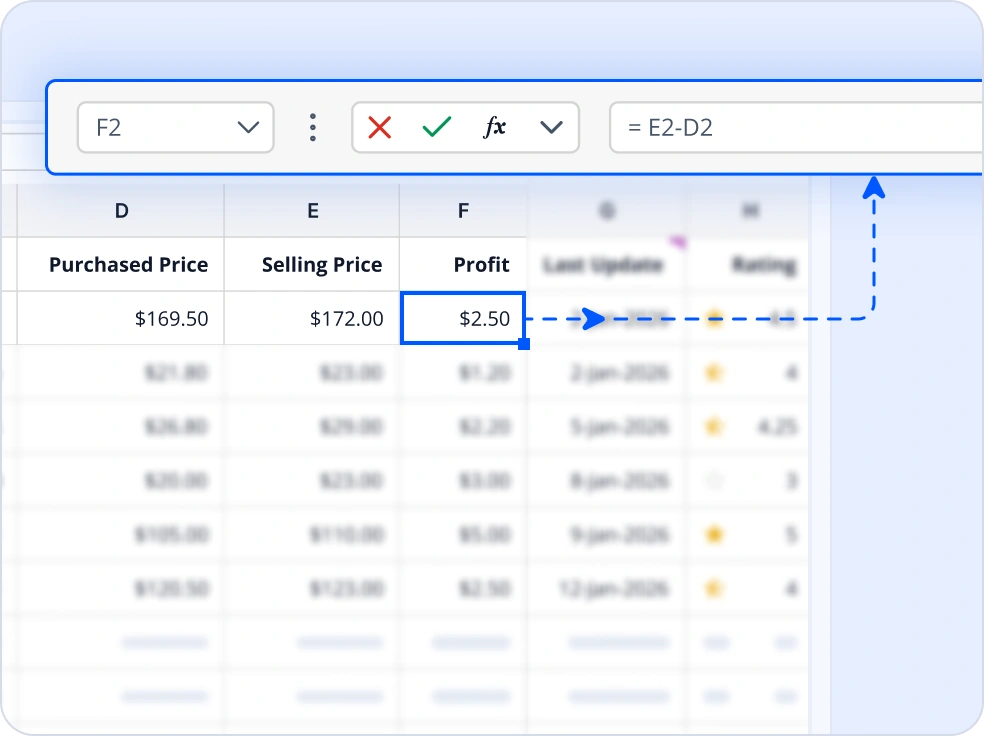
Formulas and calculations
Create, preserve, and manage Excel formulas programmatically to automate calculations and maintain business logic across workbook updates. Build spreadsheets with dynamic calculations, ensure formula integrity when modifying existing workbooks, and reduce manual effort in data-driven reporting workflows.
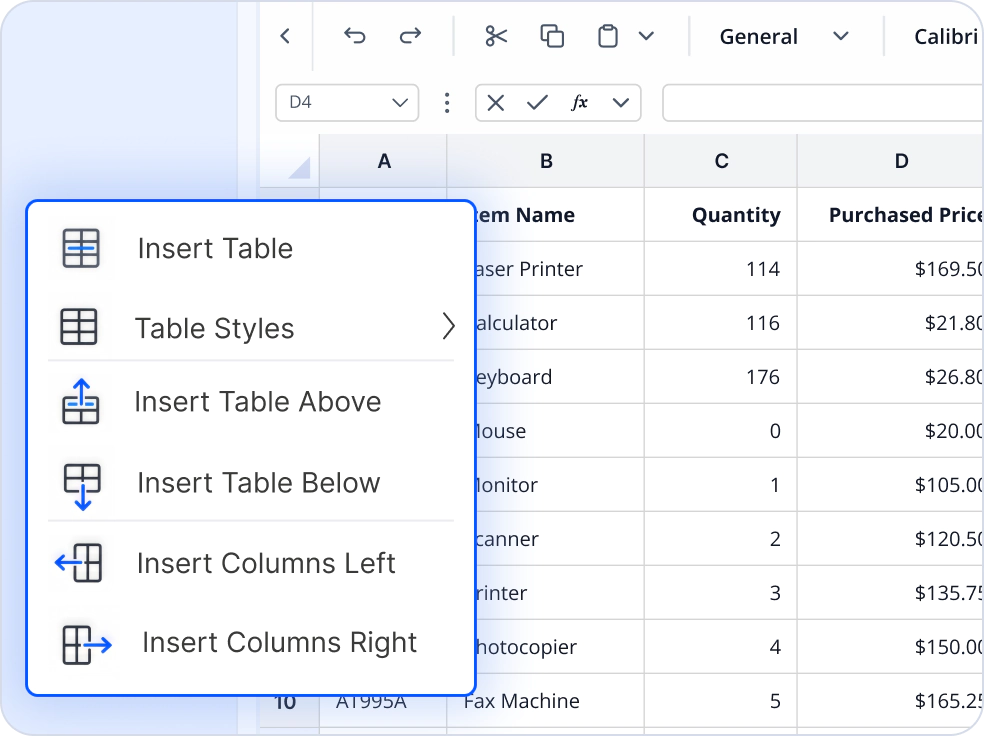
Tables and structured data
Create and manage Excel tables to organize business data in a structured and consistent format. Apply table styles, manage rows and columns, and maintain analysis-ready datasets that simplify reporting, tracking, and operational workflows while improving data organization and usability.
Create professional spreadsheets
Design professional spreadsheets with compelling visuals, branding, and formatting for impactful business reporting.
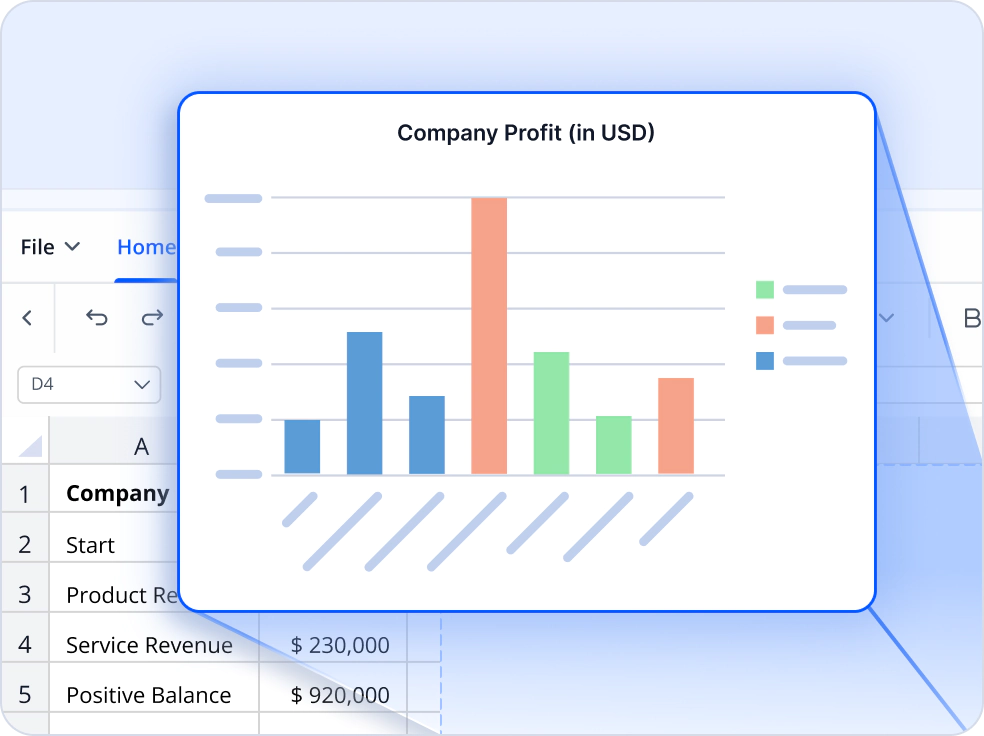
Chart creation and customization
Create and customize Excel charts to transform spreadsheet data into meaningful visual reports and dashboards. Configure chart types, titles, data series, legends, labels, and axes to highlight trends, compare metrics, and communicate business insights more effectively.
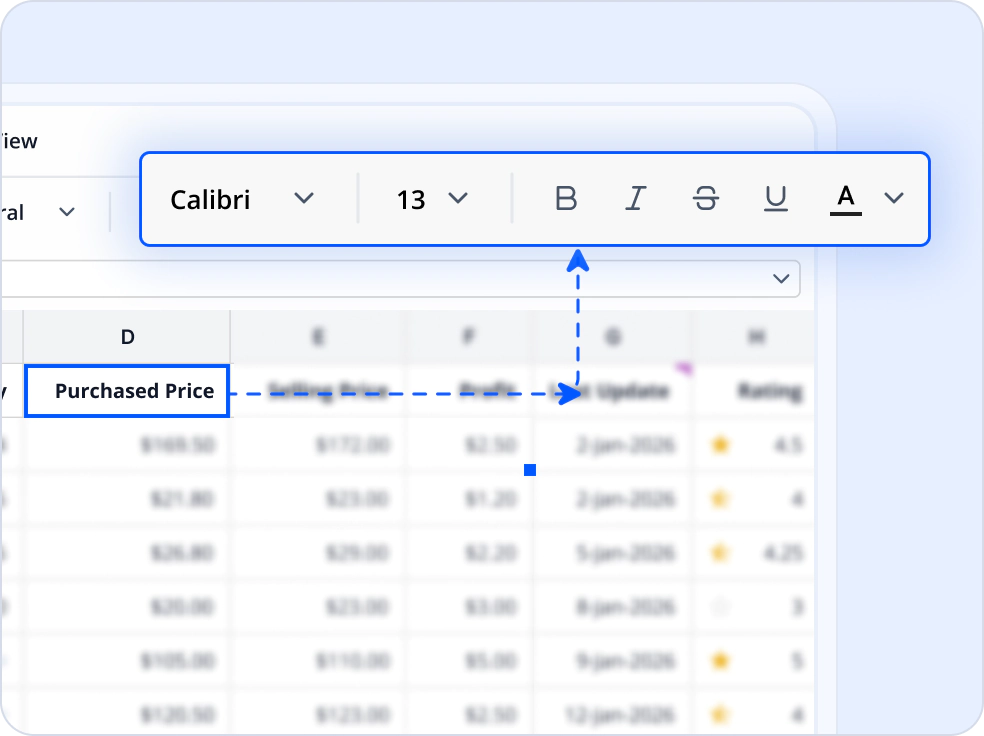
Formatting and styling
Apply fonts, colors, borders, number formats, alignments, and themes to create polished and visually appealing workbooks. Customize spreadsheet appearance programmatically to deliver consistent branding, improve readability, and generate professional-looking reports.
Ensure data quality and consistency
Maintain reliable spreadsheets with built-in validation and formatting capabilities that help improve accuracy, consistency, and usability across business-critical workflows.
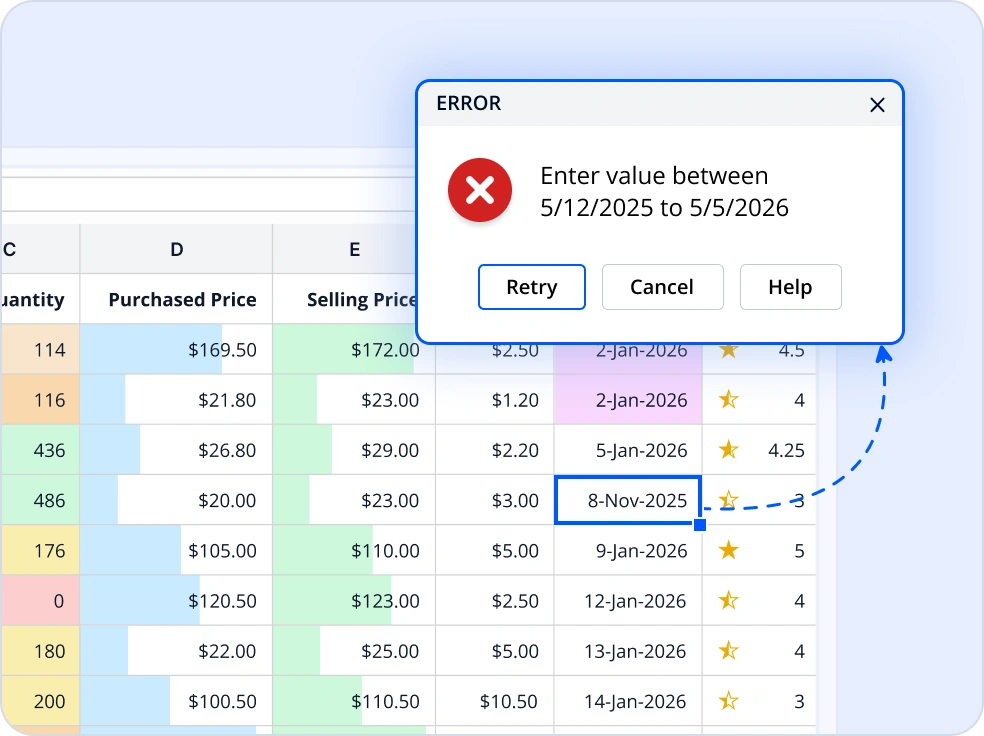
Data validation
Create validation rules to control user input and maintain data quality across spreadsheets. Restrict entries using predefined lists, date ranges, number limits, and custom criteria to reduce errors, enforce business rules, and ensure accurate and consistent data.
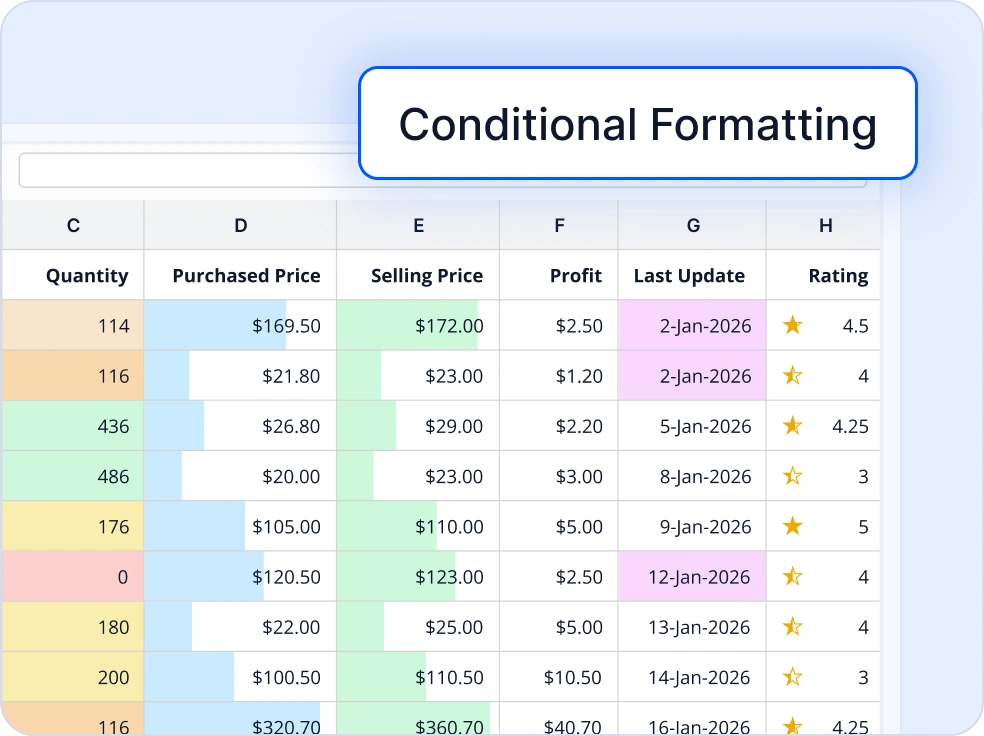
Conditional formatting
Apply conditional formatting rules to automatically highlight trends, outliers, and important data points within worksheets. Use visual indicators to improve data visibility, simplify analysis, and help users quickly identify patterns, exceptions, and business-critical information.
Industry-specific use cases
Streamline spreadsheet-driven workflows across industries with automated workbook generation, data analysis, reporting, and secure document management.
No credit card required.
Financial reporting & dashboards
Finance teams can automate budgeting spreadsheets, cash-flow reports, financial reports, and executive dashboards using formulas, charts, tables, and protected workbooks. Automated workbook generation helps improve reporting efficiency while maintaining consistent business logic.
Healthcare records & reporting
Healthcare organizations can create patient data templates, operational reports, and structured worksheets for administrative workflows. Data validation and workbook protection help maintain accurate data entry and controlled access to spreadsheet content.
Government and public sector
Government agencies can automate budget allocation, expenditure tracking, and compliance reporting with the Excel Library. Charts and tables provide transparency in financial data, and password protection secure sensitive information.
Inventory & production tracking
Manufacturers can generate production reports, inventory tracking workbooks, operational dashboards, and performance spreadsheets using structured tables, formulas, and charts. Automated workbook creation helps streamline reporting and improve data organization.
Trusted by the world’s leading companies

See Why Developers Love Syncfusion
These real-world examples highlight the impact of our JavaScript Excel Library
The best way to showcase our commitment is through the experiences and stories of those who have used our Excel Library.




Endless possibilities with one JavaScript Excel Library
From creating business reports and financial workbooks to building dashboards and automated workflows, our JavaScript Excel Library delivers reliable performance and flexibility. Create, edit, analyze, and secure Excel workbooks without Microsoft Excel while integrating seamlessly into modern JavaScript applications.
No credit card required.
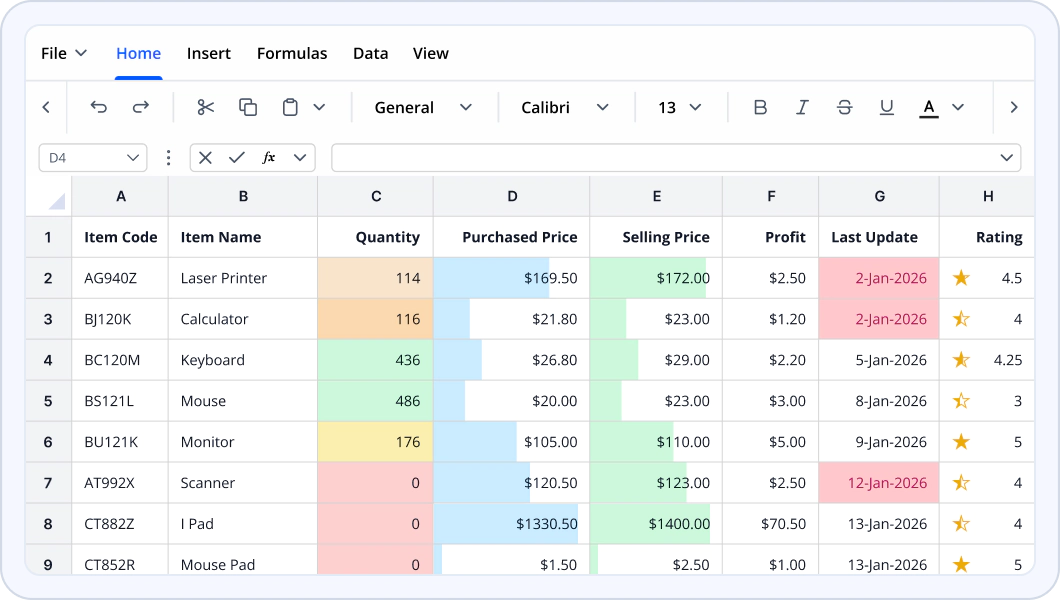
JavaScript Excel Library FAQs
If you’re new to the Excel Library or have questions, our FAQs will help you explore its features and capabilities.
What is the Syncfusion JavaScript Excel Library?
The Syncfusion JavaScript Excel Library is a non-UI library for creating, reading, editing, and saving Microsoft Excel workbooks in browser and Node.js environments without requiring Microsoft Excel.
Which frameworks are supported?
The library supports JavaScript, TypeScript, React, Angular, Vue, and Node.js applications.
Can the appearance of Excel workbooks be customized?
Yes. The library supports formatting, fonts, colors, borders, number formats, images, and hyperlinks, enabling the creation of professional and branded spreadsheet experiences.
Can the library create formulas, tables, and charts?
Yes. The library supports formulas, tables, and charts, enabling developers to organize data, and create visual reports programmatically.
Does it require Microsoft Excel to be installed?
No. The library works independently of Microsoft Excel and does not require Office Interop libraries or any Microsoft Office installation.
Which Excel elements are supported?
The library supports workbooks, worksheets, cells, ranges, formulas, tables, charts, images, hyperlinks, conditional formatting, data validation, and workbook protection features.
What file formats are supported?
The library supports the Open XML Excel workbook format (.xlsx), which is compatible with Microsoft Excel 2007 and later, including Microsoft 365.
Can Excel workbooks be protected from unauthorized changes?
Yes. The library supports workbook, and worksheet protection to help secure spreadsheet content and prevent unauthorized modifications.
Resources
Learn more about our JavaScript Excel Library
Explore demos, KB articles, and documentation to get the most out of our JavaScript Excel Library.
Explore guides, APIs, and quick-start tips.
See live use cases in action.
Ask, share, and connect with peers.
Find solutions and best practices fast.
Get expert help when you need it.
Feature requests and bug reports
Track issues and suggest improvements







