
 Ankit Sharma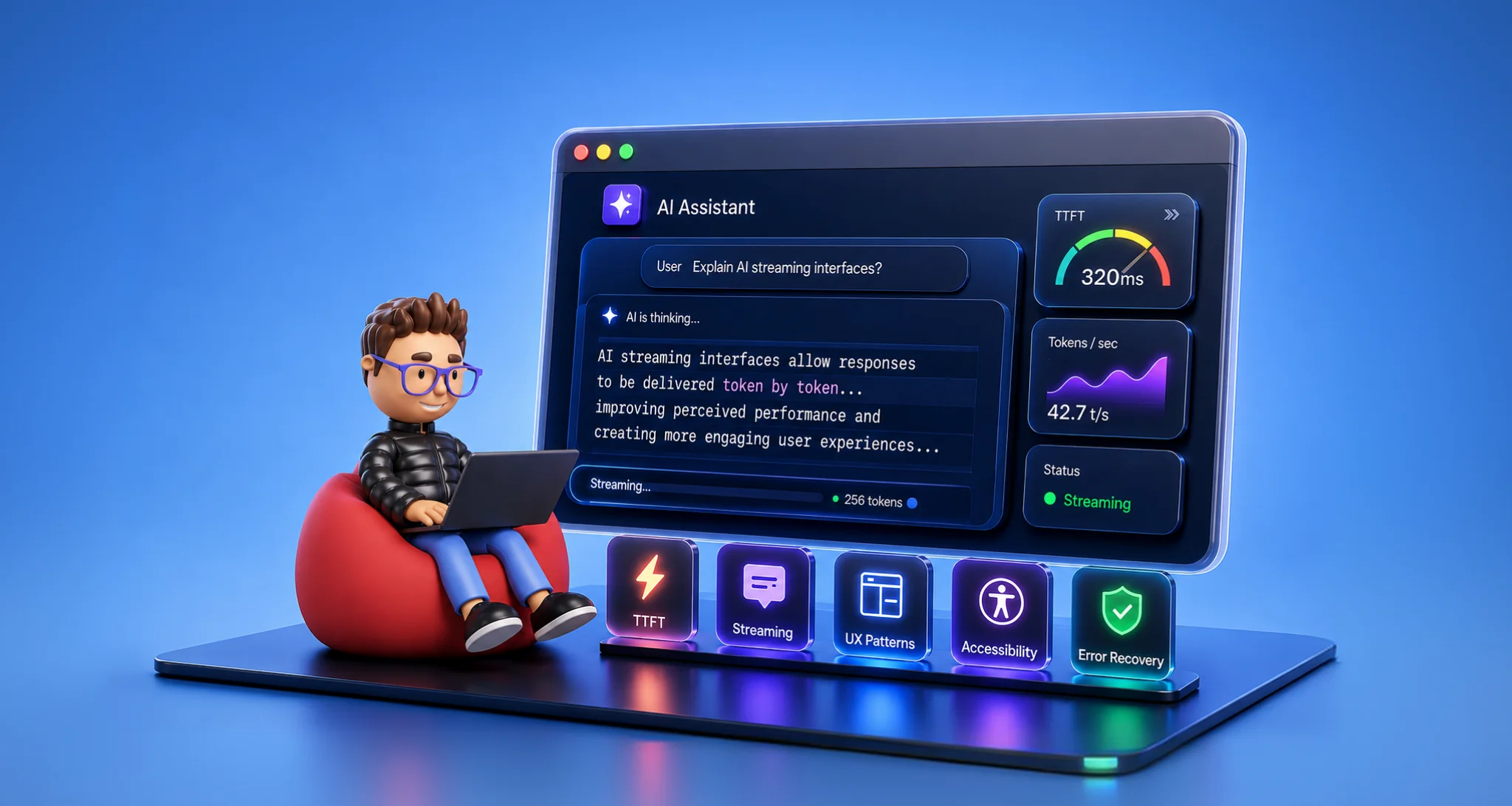
TL;DR: Learn how to design responsive AI streaming interfaces by measuring TTFT and time to useful content, choosing the right streaming transport, handling partial responses, building safe Generative UI experiences, and monitoring performance in production.
An AI application can generate a response quickly and still feel slow. Users may wait without feedback, watch the layout shift as text arrives, or struggle to recover when a connection interrupts an otherwise useful answer.
Unlike a conventional request that returns a completed result, an AI interaction may deliver partial text, retrieve information, call tools, and continue generating. The frontend must manage these stages without losing the user’s context.
Streaming helps by making output available before the entire response is complete. However, a responsive experience depends on more than displaying text as it arrives.
This guide explores how to measure streaming latency, choose a suitable transport, handle incomplete responses, build safe Generative UI experiences, and troubleshoot performance issues.
Why streaming matters in AI applications
A conventional application often follows a predictable sequence:
Request → Processing → Result
An AI interaction can take a less predictable path:
Request → Partial response → Tool call → More response → Completion
It may also stop unexpectedly after producing useful output.
The frontend therefore needs to communicate more than the final result. It should acknowledge the request, show meaningful progress, preserve useful output, and let users stop or retry when needed.
For example, an assistant generating a long explanation can display the first useful paragraph while the remaining content is still being generated. Users can begin reading instead of waiting for the entire response.
That improvement matters most when early output is meaningful, and the application can safely handle incomplete responses.
Measure the latency users actually experience
Time to First Token (TTFT) measures the delay before the first response token becomes available at a defined measurement point. For an AI application, that point might be the provider, backend, or browser. The measurement boundary matters when comparing results.
TTFT is not the same as the time when users first see content or receive information they can act on. These are separate milestones:
- Time to first token: When the first token becomes available at the chosen measurement point.
- Time to first visible content: When response content is actually rendered in the interface.
- Time to useful content: When the response first provides information users can act on.
- Time to completion: When the response finishes.
A fast first token does not guarantee that the answer will feel responsive. The response might contain a long preamble, or the frontend might delay rendering the content.
Several factors can increase the delay before useful content appears:
- Model prefill and prompt size
- Provider-side queueing
- Network latency
- Backend orchestration
- Retrieval and tool initialization
- Buffering between the server and browser
- Frontend decoding, parsing, and rendering
Track TTFT alongside time to useful content and total completion time. For production monitoring, percentile measurements such as P50, P95, and P99 can reveal slow requests that averages hide.
Define the measurement boundaries consistently. Receiving a token at the browser is not the same as rendering it on screen, so instrument those events separately when possible.
Actual latency versus perceived latency
Actual latency describes how long an operation takes. Perceived latency reflects how responsive the application feels while the operation is in progress.
The interface can improve perceived responsiveness by acknowledging requests quickly, showing meaningful progress, and displaying useful output as it becomes available.
If TTFT is low but the interface still feels slow, investigate rendering work, layout instability, buffering, and progress feedback before attributing the problem to the model.
When should you use streaming?
Streaming is not necessary for every AI feature. A regular request-response pattern may be simpler for short, predictable outputs such as classification labels, autocomplete suggestions, or brief validation messages.
Streaming becomes more useful when:
- Responses are long enough that users benefit from reading early.
- Retrieval or tool execution introduces noticeable delays.
- The response evolves through multiple stages.
- Partial output remains useful if the connection fails.
- The interface needs to display structured events during generation.
The decision should depend on what users gain from receiving the result progressively. Streaming also introduces extra work around cancellation, state management, error handling, and rendering, so use it where those trade-offs make sense.
Choose the right streaming transport
Once streaming is useful for the interaction, choose a transport that matches the communication pattern.
| Approach | Best suited for | Main trade-off |
Server-Sent Events (SSE) consumed through EventSource | One-way server-to-browser events over HTTP | EventSource offers limited control over request methods, headers, and payloads |
fetch with ReadableStream | POST requests, custom headers, and application-specific streaming formats | The application must handle stream reading, decoding, and parsing |
WebSockets | Continuous, bidirectional communication | Requires additional connection and lifecycle management |
SSE and EventSource are related, not separate transport choices.
SSEis the event-stream format and communication mechanism.EventSourceis the browser API commonly used to consume it.
Server-sent events with EventSource
Server-Sent Events provide a way for a server to send a sequence of events to a browser over HTTP. They can be a good fit for text generation and other interactions where the server primarily sends updates to the client.
The browser’s EventSource API handles SSE event parsing and provides reconnection behavior. However, it does not offer the same request customization as fetch, which can be a limitation when an endpoint requires a POST request, custom headers, or a request body.
Automatic reconnection also does not guarantee that an interrupted AI generation will resume from the exact point where it stopped. Resuming requires suitable server-side support, such as an event identifier or application-level continuation mechanism.
Fetch with ReadableStream
Using fetch with a ReadableStream gives the application more control over the request and response. This can be useful when the endpoint expects a POST request, authentication headers, a JSON body, or a custom event format.
The trade-off is that the client must correctly decode and parse the response. It also needs to handle cancellation, connection failures, and incomplete messages.
A network read does not necessarily correspond to one complete application event. A read may contain part of an event, one event, or several events. The parser must buffer data until complete messages can be identified.
Use a well-tested streaming parser when possible rather than spreading protocol-specific parsing logic throughout the UI.
WebSockets
WebSockets support communication in both directions over a persistent connection. They can be appropriate for voice interactions, collaborative sessions, and applications that continuously exchange events.
For many text-generation experiences, HTTP streaming is sufficient. WebSockets become more useful when the interaction itself requires ongoing communication in both directions.
Handle the frontend problems that make streaming feel unreliable
Receiving data progressively does not guarantee a good user experience. The frontend must keep the interface readable, stable, and recoverable while the response changes.
Show progress before the first response arrives
Even a streaming request can have a noticeable delay before its first useful output. If the screen remains blank, users may assume that the request was lost.
Show a clear processing state as soon as the request is accepted. Depending on the application, this might be a simple status message or a more specific indicator such as Searching or Retrieving information.
Only show intermediate states that reflect meaningful application events. Avoid suggesting that an operation is happening if the application cannot verify that it is.
Keep the layout stable as the response grows
A long response can move buttons, shift surrounding content, and pull the viewport away from the user’s current reading position.
Reserve space where practical and avoid unnecessary layout changes. Auto-scroll only when the user is already near the bottom of the response. If they scroll upward to read earlier content, preserve their position and offer a Jump to latest action.
Batching UI updates can also reduce rendering work. The right update frequency depends on the framework, response size, and rendering cost. Updating once per animation frame is one option, not a universal requirement.
The aim is to keep new content readable without making the rest of the page feel unstable.
Render incomplete Markdown carefully
Streaming Markdown presents a separate challenge because the content may not yet form a complete document.
An incoming response might contain an unfinished code block, an incomplete link, unmatched emphasis markers, or a partially generated list. Reprocessing the entire document after every token can cause flickering and unnecessary rendering work.
A streaming-aware renderer can buffer incoming text, update on a controlled schedule, and preserve completed blocks where possible. Incomplete content should be treated as provisional until enough input is available to render it reliably.
Treat model-generated HTML as untrusted input. Render plain text safely by default, and use appropriate sanitization if the application supports rich HTML. Never insert raw model output directly into innerHTML.
Let users stop or retry a response
Long-running interactions should not leave users stuck waiting for an answer they no longer need.
Provide controls appropriate to the application:
- Stop to cancel the current request.
- Retry to attempt the request again after a failure.
- Regenerate when the user wants another response.
A browser request can be aborted with AbortController:
const controller = new AbortController();

const responsePromise = fetch("/api/chat", {
  method: "POST",
  headers: {
    "Content-Type": "application/json"
  },
  body: JSON.stringify({ message: "Explain AI streaming UX" }),
  signal: controller.signal
});

// When the user selects Stop:
controller.abort();
This illustrates how to attach a cancellation signal to a request; it does not implement a complete streaming lifecycle. Production code must consume the response body, handle abort and network errors, update the interface, and release any resources as appropriate.
Aborting the browser request does not, by itself, guarantee that backend processing or upstream model generation has stopped. If the application needs to stop that work, the backend must support cancellation and propagate it to the relevant operation.
Preserve partial responses after failure
Suppose an assistant has already generated several useful paragraphs when the connection fails. Removing those paragraphs can make the interruption feel like data loss.
Keep the visible output and communicate its status clearly. Distinguish between a completed response, a canceled response, and an interrupted response so users know what happened.
Retry behavior should also be designed deliberately. A retry may restart the entire generation rather than continue from the interruption. Resuming requires support in the backend and the relevant protocol or application logic.
Make it clear whether the next attempt will restart or resume when that difference affects the user’s work. Avoid presenting a restarted answer as a continuation of the previous response.
Check for buffering between the server and browser
The backend may produce output progressively while an intermediary buffers it before sending it to the browser. In that situation, users receive several tokens at once instead of seeing them arrive progressively.
If the browser’s received-data timing does not match the server’s output timing, inspect proxy, CDN, compression, and response-buffering configuration. Confirm that the deployment path supports the intended streaming behavior rather than assuming that a streaming endpoint guarantees progressive delivery.
Build safe generative UI experiences
AI interfaces do not have to display only text. With Generative UI, a model can return structured information that the application maps to approved interface components.
For example, rather than returning a weather description as plain text, a system might provide structured data that the frontend renders as a weather card. The same approach can support charts, forms, status panels, data views, and approval cards.
The important boundary is that the model proposes content or a UI state; the application decides what it will render and which actions are permitted.
Validate structured output before rendering
Define the components your application supports and the data each component expects. An illustrative registry might look like this:
const registry = {
  displayWeather: weatherSchema,
  showChart: chartSchema,
  showApproval: approvalSchema
};
The schema definitions are application-specific placeholders, not built-in APIs.
When a structured response arrives:
- Identify the requested component or action.
- Check that it exists in the approved registry.
- Parse the payload.
- Validate the payload against the expected schema.
- Render the corresponding component only after validation succeeds.
Reject unknown component types and invalid payloads. Do not let the model introduce arbitrary UI components simply by naming them in its response.
For streamed structured data, also account for incomplete payloads. Buffer data until the relevant message or structured unit is complete, or use a protocol designed to represent incremental updates. Do not treat a partial JSON object as a validated component configuration.
Keep privileged actions on the server
A structured response might propose an action such as sending an email or modifying a record. The browser should not execute that action merely because the model requested it.
Instead, display the proposed action and ask for user confirmation when the action’s impact or risk warrants it. Send the request to the backend, where the server validates the arguments, checks authorization, and applies the appropriate safeguards before execution.
For operations that affect external systems or modify important data, consider idempotency and audit logging as well. These controls help prevent unintended side effects and make the operation traceable.
User confirmation is an additional safeguard, not a replacement for server-side authorization.
Make streaming interfaces accessible and trustworthy
A responsive interface should communicate what is happening without overwhelming users or making unsupported claims.
Provide evidence for factual responses
When the application uses retrieval or external sources, place citations close to the claims they support. Users should be able to determine which source supports a statement without having to match every claim against an unrelated list at the end.
If the system proposes an action rather than simply presenting information, make the proposed change and its consequences clear before the user confirms it.
Announce updates meaningfully
Screen readers can struggle with streamed responses if every token is added to a live region. Announcing each small change can interrupt reading and make the experience difficult to follow.
Separate the visual rendering loop from the screen-reader announcement strategy.
Consider these practices:
- Create live regions before streamed content arrives.
- Use polite announcements for ordinary progress and response updates.
- Reserve assertive announcements for urgent errors where appropriate.
- Announce meaningful chunks rather than every token.
- Keep completion, cancellation, and error messages in a separate status region.
- Test the behavior with the browsers and assistive technologies your application supports.
For example:
<div id="live" aria-live="polite"></div>
<div id="status" role="status"></div>
These elements illustrate a possible structure, not a complete accessibility implementation. The application must still control what is announced and when. A code snippet alone does not establish WCAG conformance.
Show observable application states
Status messages such as Searching, Retrieving information, Waiting for approval, and Generating response can help users understand the application’s progress.
Use states that correspond to events the application can observe. Avoid presenting unverifiable internal model reasoning as a factual explanation of what the system is doing.
Measure and debug streaming performance in production
A single request completed metric does not reveal where users experience friction. Track enough of the interaction to distinguish generation delays from frontend and transport problems.
| Metric | What it helps you investigate |
| TTFT | Delay before the first token becomes available at the defined measurement point |
| Time to first visible content | Delay before response content appears in the interface |
| Time to useful content | When the response first provides meaningful information |
| Time to completion | Total response duration |
| Interruption rate | How often streams end unexpectedly |
| Cancellation rate | How often users stop generation |
| Retry rate | How often users need another attempt |
| Tool-call success and failure | Reliability of structured AI operations |
| Client rendering cost | Browser work during streaming |
Define each metric consistently and separate server-side timings from browser-side timings when possible. This makes comparisons more useful across requests and releases.
Diagnose where the delay occurs
Suppose users report that an assistant feels slow even though backend generation time looks normal.
Start by comparing TTFT, time to useful content, browser rendering performance, and the timing of data received by the client.
- High TTFT: Investigate request handling, provider queueing, model prefill, retrieval, and network delays.
- Low TTFT but late useful content: Inspect the response structure and the sequence of retrieval or tool operations.
- Timely content but a sluggish interface: Examine rendering frequency, Markdown processing, layout instability, and main-thread work.
- Output arriving in bursts: Check buffering between the backend and browser.
For example, if server logs show that output is generated progressively but browser timestamps show that chunks arrive together, investigate the delivery path before changing the model or rewriting the frontend.
This approach narrows the investigation before you make changes. The measurements help identify where to look; they do not establish a cause on their own.
Production checklist for AI streaming UX
Before releasing a streaming AI interface, review the following items.
User experience
- Show a clear processing state before the first response arrives.
- Keep the layout stable while content grows.
- Preserve the user’s reading position.
- Provide Stop and Retry controls where appropriate.
- Preserve useful partial output after failures.
- Distinguish completed, canceled, and interrupted responses.
Streaming and transport
- Handle partial network reads correctly.
- Decode incoming data incrementally and parse complete protocol messages.
- Check proxy and CDN buffering.
- Handle timeouts and interrupted connections.
- Define retry and cancellation behavior.
- Make it clear whether retries restart or resume generation.
Security
- Keep provider credentials on the server.
- Treat model output as untrusted input.
- Escape text and sanitize supported rich HTML appropriately.
- Validate structured payloads and tool arguments.
- Authorize privileged actions on the server.
- Log important side effects where required.
Accessibility
- Create live regions before streamed content arrives.
- Announce meaningful chunks instead of every token.
- Separate response announcements from status messages.
- Test with supported assistive technologies and browsers.
Observability
- Measure TTFT and time to useful content.
- Track cancellations, retries, and interruptions.
- Monitor browser rendering performance.
- Track structured tool-call failures.
- Compare server generation timings with browser receipt and rendering timings.
Frequently Asked Questions
No. Streaming is most useful when responses are long, delayed, or useful before completion. For short and predictable outputs, a conventional request-response implementation may be simpler.Do all AI applications need streaming?
Not necessarily. Streaming can improve perceived responsiveness by displaying useful output before the full response is ready. It does not automatically reduce the time required to generate the complete answer.Does streaming make an AI application faster?
TTFT measures when the first token becomes available at a defined measurement point. Time to useful content measures when the response first provides information the user can act on. Tracking both helps distinguish a quick initial response from an answer that becomes useful quickly.What is the difference between TTFT and time to useful content?
Use WebSockets when the application needs ongoing, bidirectional communication, such as voice interactions or collaborative sessions. For many text-generation experiences, HTTP streaming is sufficient.When should I use WebSockets instead of HTTP streaming?
Preserve the output already displayed, communicate that the response was interrupted, and provide an appropriate recovery option. Whether the next attempt can resume or must restart depends on the backend and streaming protocol.What should happen when a stream fails midway?
Not always. Some applications also need structured UI components, tool-call status, citations, approval flows, and recovery from partial results. Choose the interaction model according to what users need to understand and accomplish.Is streaming text enough for modern AI interfaces?
Conclusion
Good AI streaming UX is about more than displaying tokens as they arrive. The interface needs to communicate progress, preserve useful output, stay stable as content grows, and give users control when things go wrong.
Start by measuring TTFT, time to first visible content, and time to useful content. Then make the streaming lifecycle explicit, handle incomplete data correctly, validate structured output, and keep privileged actions on the server. Test accessibility and monitor browser performance alongside backend timings.
With those foundations in place, you can build AI experiences that remain understandable and useful even when responses take time, involve tools, or fail partway through.




 No spam, just valuable updates.