Try Our Live Demo
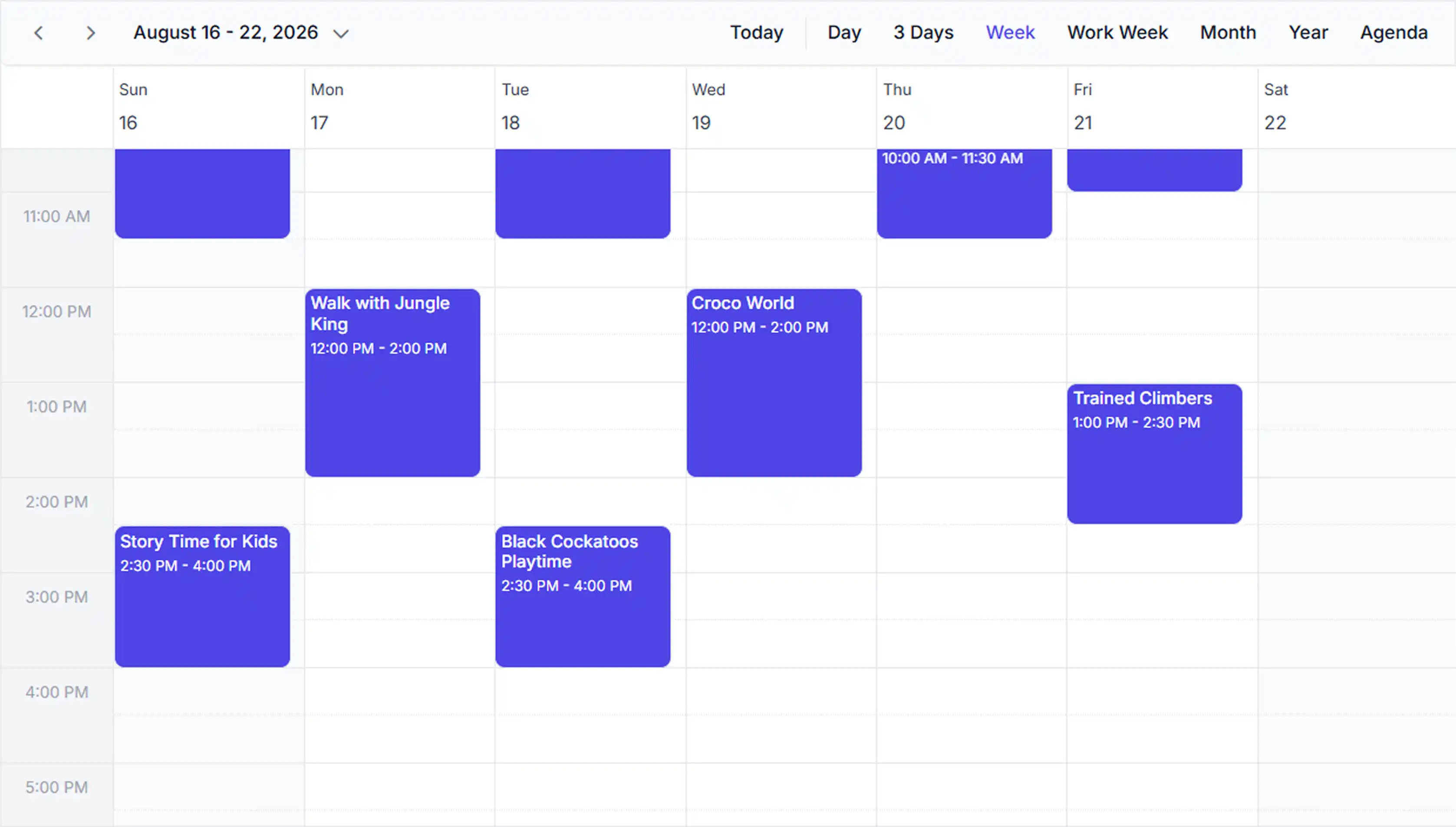
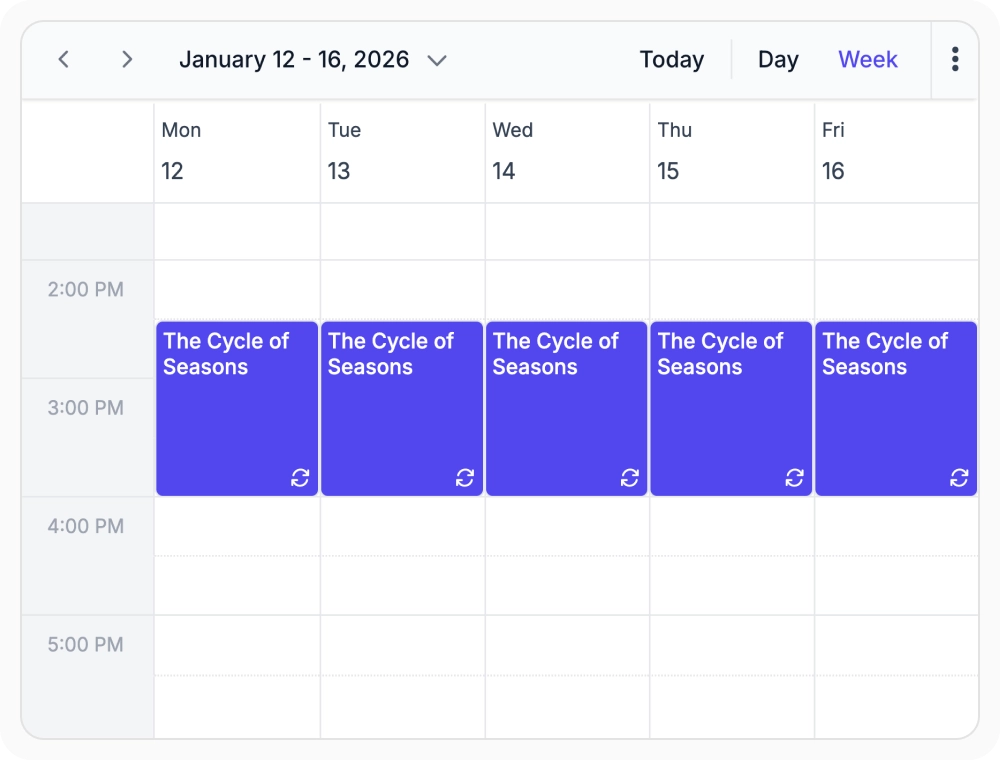
Schedule recurring events
Schedule recurring events using daily, weekly, monthly, or yearly patterns. Use it when managing recurring meetings, shifts, or events.
- Plan recurring weekly checkups with a single RRULE.
- Define patterns for regular training sessions at any interval.
- Schedule annual reminders years in advance using a single rule.
- Replace per-occurrence manual entry with rule-driven event creation.
Handle recurrence exceptions
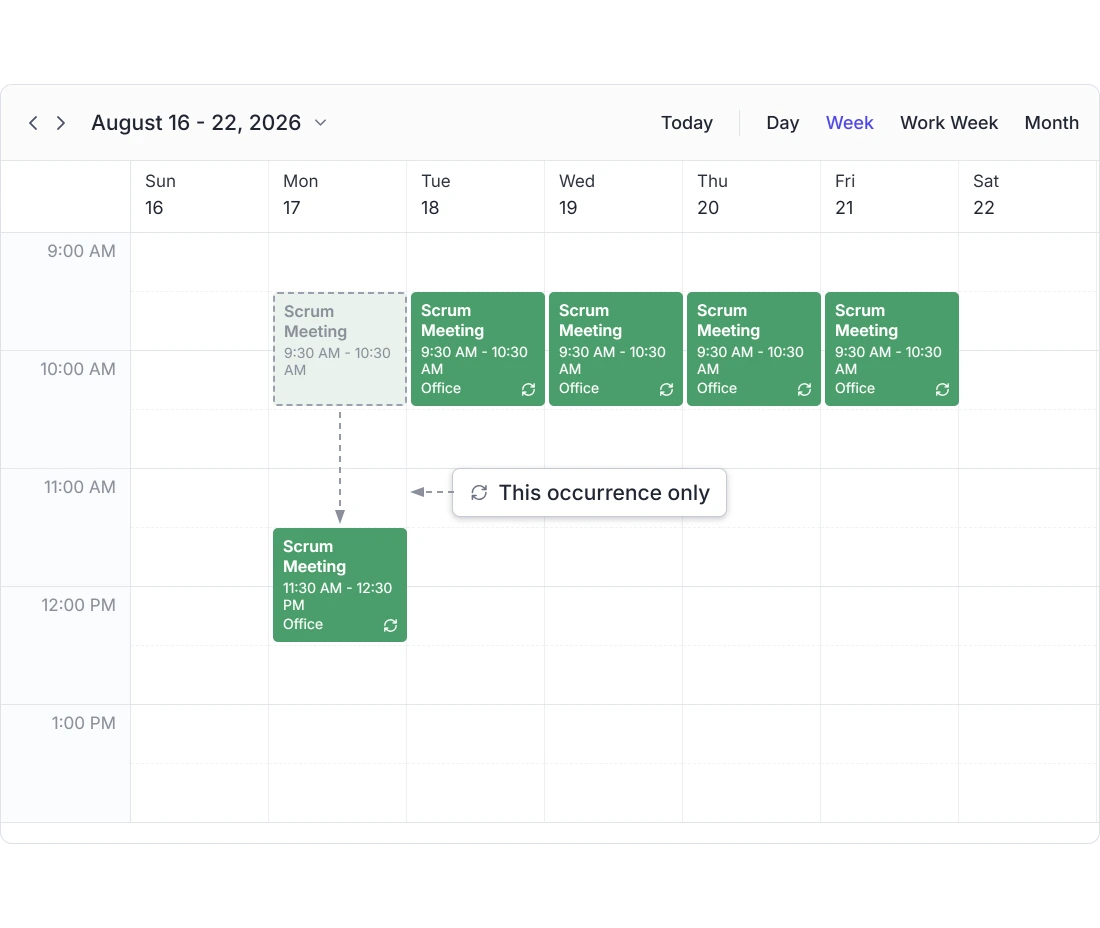
Modify an individual occurrence within a recurring event series without affecting the remaining scheduled occurrences. Use it when a single date needs to change or be canceled without altering the series.
- Reschedule one occurrence without affecting the rest of the series.
- Cancel a single meeting occurrence as a standalone exception.
- Keep remaining series dates intact when editing a single date.
- Define exception dates that automatically skip a single occurrence.
Maintain recurring schedules across time zones
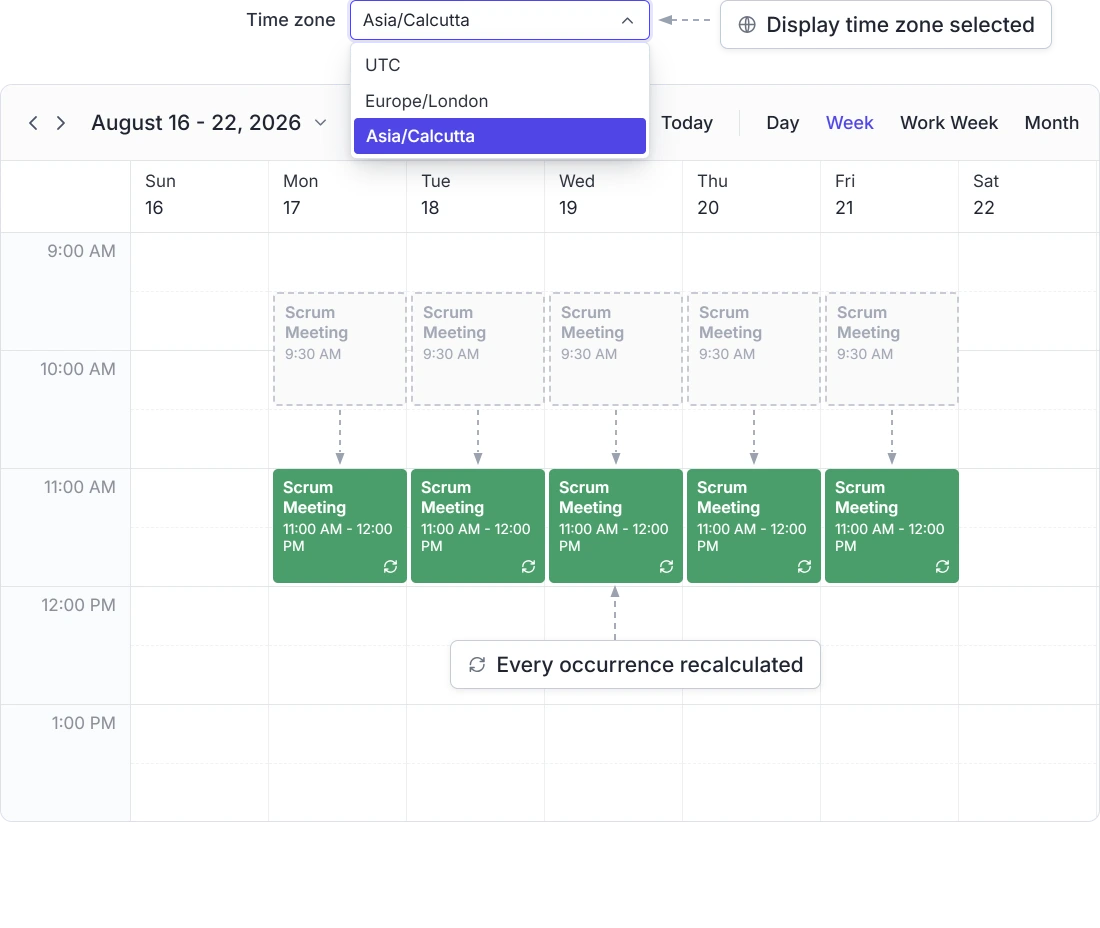
Recalculate recurring event occurrences when the Scheduler’s configured time zone changes. This helps users keep recurring schedules aligned with the selected display time zone without updating individual occurrences manually.
- Recalculate future occurrences when the Scheduler’s time zone changes.
- Adapt recurring schedules automatically for users in different regions.
- Keep global teams synchronized without rescheduling individual events.
- Ensure rules stay DST-safe across regions without rewriting the rule.
PLATFORM SUPPORT
Recurring events, consistent across platforms
Manage recurring schedules confidently across every platform. Standard recurrence rules, exception handling, occurrence editing, and time zone support help deliver reliable scheduling experiences wherever your users work.
| Capability | JS, React, Angular, Vue | Blazor | ASP.NET Core & MVC | WPF, WinUI, WinForms | .NET MAUI |
|---|---|---|---|---|---|
| Recurring events | |||||
| Recurring exceptions | |||||
| Timezone |
Frequently Asked Questions
What Scheduler recurrence patterns are supported?
Daily, weekly, monthly, and yearly in the Scheduler, following the standard iCalendar format.
Can a change apply to more than one Scheduler occurrence at a time?
Yes. When editing a recurring Scheduler occurrence, the Scheduler presents options to apply a change to: this occurrence only, this and all future occurrences, or the entire series. Available options can be limited as needed.
What happens when a Scheduler recurring event is dragged or resized?
Changes can be validated before they take effect, including checks for scheduling conflicts, with the update blocked if needed. For recurring events, the change can be scoped to one date, future dates, or the full series.
Can a single date be edited in a Scheduler recurring series?
Yes. Edit or skip a single Scheduler occurrence without affecting the rest of the series.
How are recurring Scheduler events shown differently from single events?
A small repeat marker appears on recurring Scheduler events, so they’re easy to spot in any Scheduler view.
What happens to a Scheduler recurring series if the time zone changes?
Changing the Scheduler’s time zone setting triggers automatic recalculation of every future occurrence, keeping local times correct.
Resources
Learn more about the Scheduler
Explore demos, KB articles, and documentation to get the most out of the Scheduler.
Explore guides, APIs, and quick-start tips
See live use cases in action
Ask, share, and connect with peers
Find solutions and best practices fast
Get expert help when you need it
Feature requests and bug reports
Track issues and suggest improvements
Awards
Greatness—it’s one thing to say you have it, but it means more when others recognize it. Syncfusion® is proud to hold the following industry awards.









