Try Our Live Demo

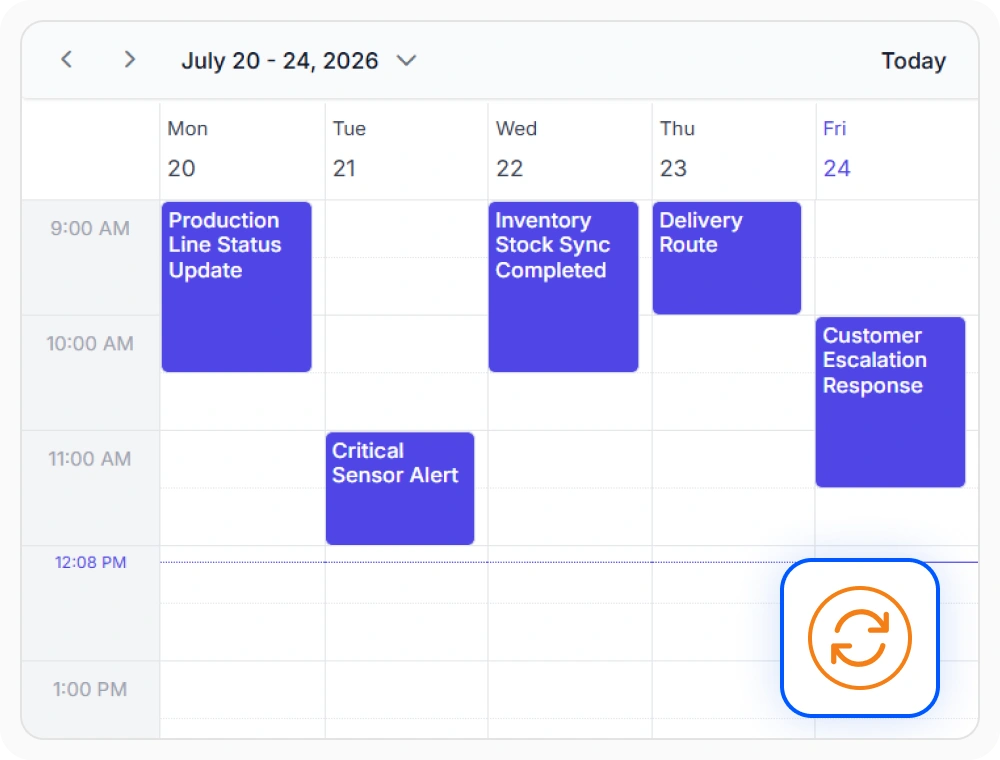
Real-time collaborative synchronization
Real-time collaborative synchronization updates events across connected user sessions instantly. Use it when schedule changes must be visible immediately across teams or locations.
- Sync shift changes across locations in milliseconds.
- Update live dispatch boards the moment a booking changes.
- Reflect every new booking live for staff without manual refresh.
- Align distributed teams around a single source of live event data.
External calendar integration
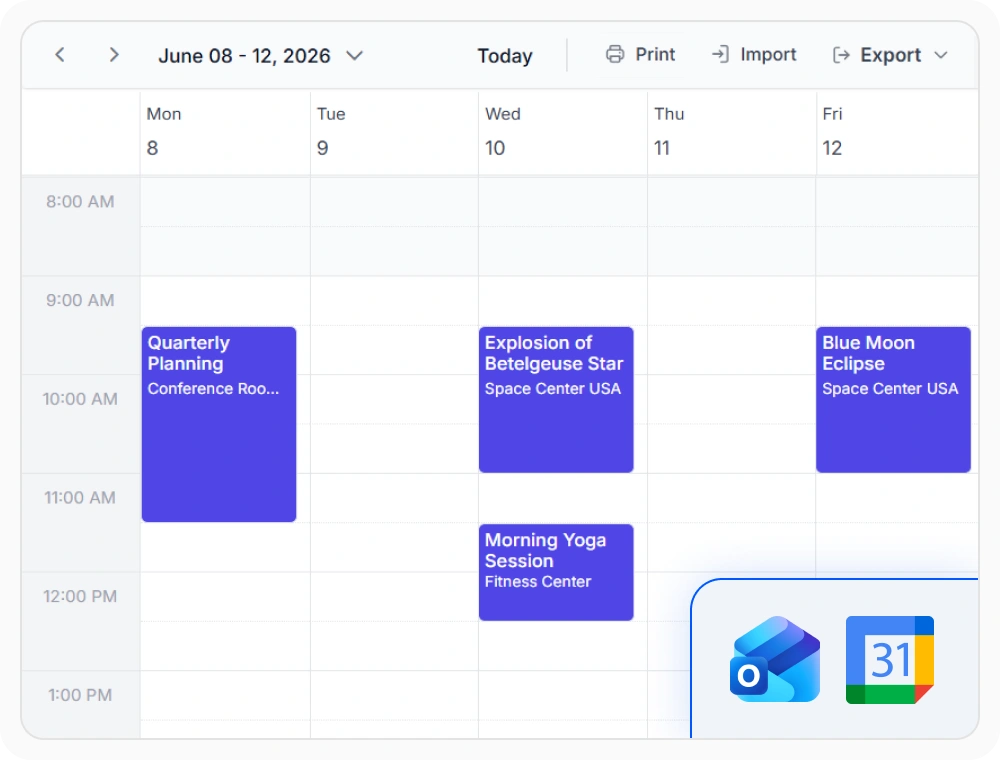
Calendar integration enables the Scheduler to sync events with external calendars like Google Calendar and Microsoft Outlook. Use it when events must stay aligned between multiple calendar services.
- Merge personal and work calendars in one Scheduler view.
- Pull events from external providers like Google Calendar and Outlook.
- View external and internal bookings side-by-side in one place.
- Combine internal and external schedules in a single timeline.
PLATFORM SUPPORT
Real-time updates, consistent across web platforms
Keep schedules synchronized with real-time updates across supported platforms. Event changes, resource updates, and scheduling actions can be reflected instantly across connected users.
| Capability | JS, React, Angular, Vue | Blazor | ASP.NET Core & MVC | WPF, WinUI, WinForms | .NET MAUI |
|---|---|---|---|---|---|
| Real-time updates | |||||
| External calendar integration |
Frequently Asked Questions
Does the Scheduler have real-time sync built in?
Not as a single switch. It’s built by connecting the Scheduler to a real-time messaging service like SignalR or WebSockets.
What technology is Scheduler real-time sync usually built on?
SignalR is the most common choice for the Scheduler, and it works well with an ASP.NET Core backend.
Can Scheduler events sync with Google Calendar or Outlook?
Yes. External events from providers like Google Calendar and Outlook can appear alongside Scheduler events.
How does the Scheduler know when to broadcast a change?
A change event fires whenever a user creates, edits, or deletes a Scheduler event, which can then be broadcast to other connected clients through a messaging service.
Do all connected Scheduler users see the same update?
Yes. Updates can be broadcast to every connected Scheduler client, not just the one that made the change.
Does the Scheduler provide a starting point for a real-time sync setup?
Yes. Scheduler sample projects walk through a complete SignalR setup from the backend to the client.
Resources
Learn more about the Scheduler
Explore demos, KB articles, and documentation to get the most out of the Scheduler.
Explore guides, APIs, and quick-start tips
See live use cases in action
Ask, share, and connect with peers
Find solutions and best practices fast
Get expert help when you need it
Feature requests and bug reports
Track issues and suggest improvements
Awards
Greatness—it’s one thing to say you have it, but it means more when others recognize it. Syncfusion® is proud to hold the following industry awards.