Try Our Live Demo

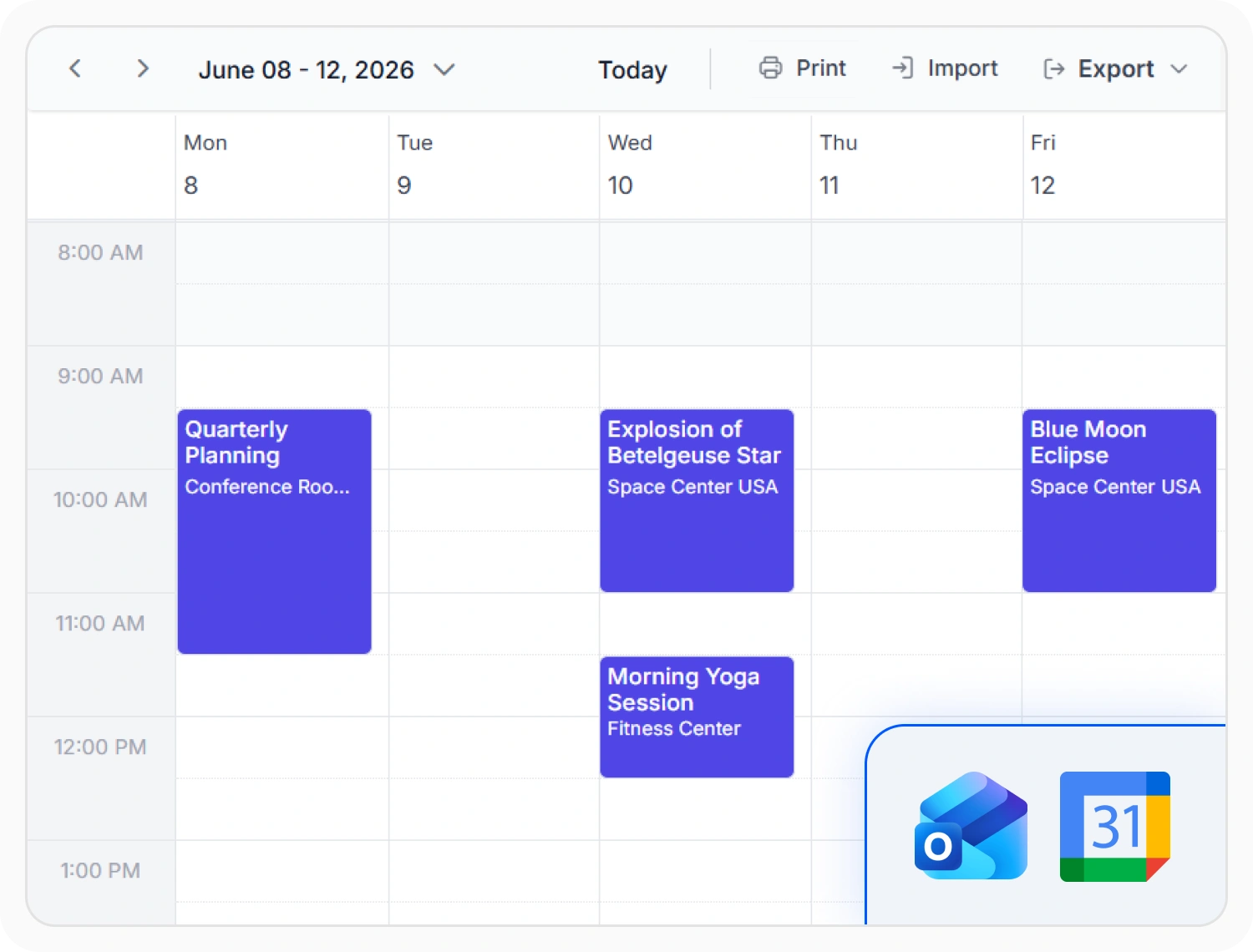
Import and export ICS files
iCalendar support exchanges schedule information using the standard ICS file format. Use it when calendar events need to be imported, exported, or synchronized across platforms.
- Export events to Outlook calendars
- Import schedules from Google Calendar
- Sync bookings across calendar platforms
- Share ICS files with clients
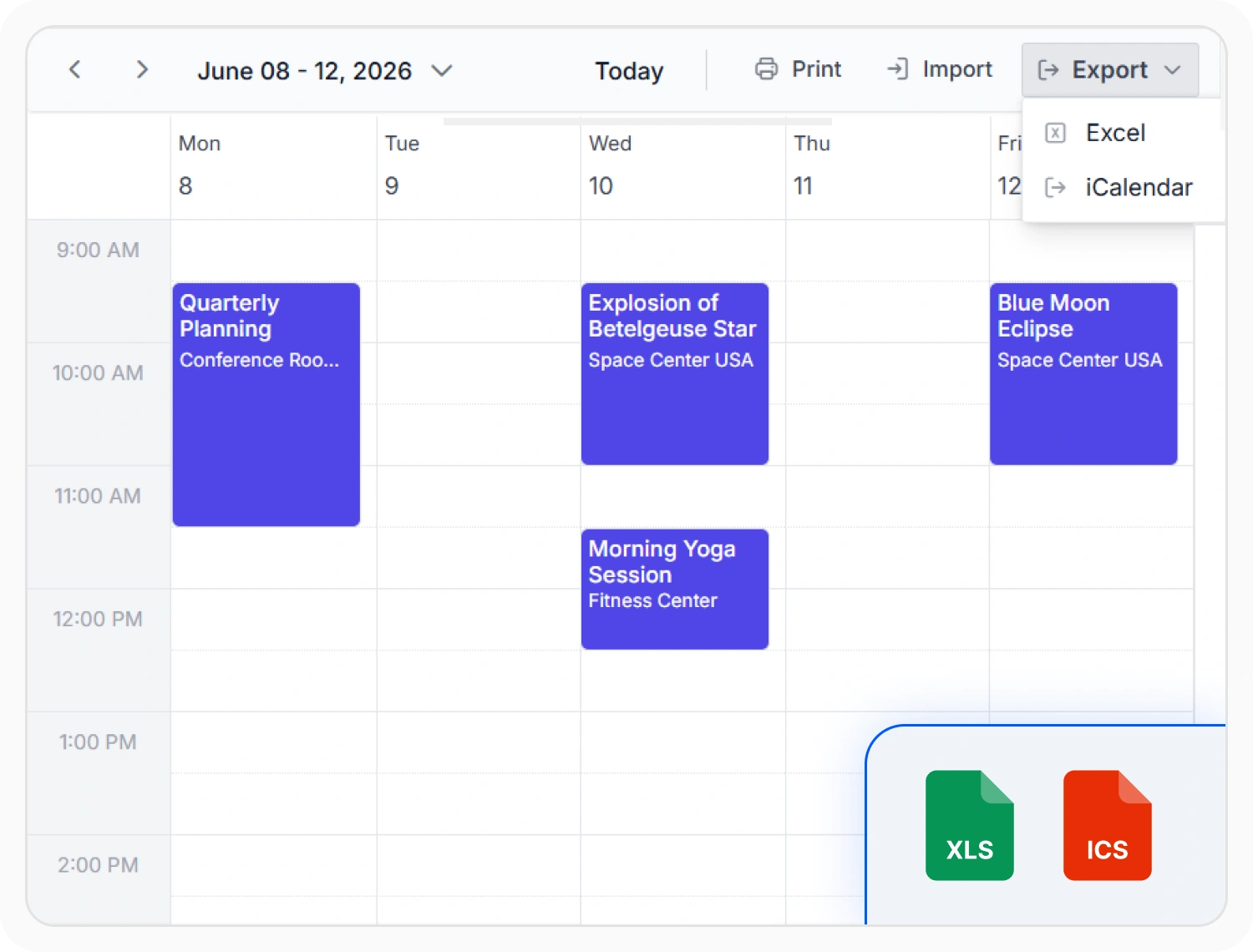
Export events to Excel
Excel export converts event data into spreadsheet format for external analysis and reporting. Use it when event records need further analysis, auditing, or sharing.
- Build reports from schedule data
- Share bookings with other teams
- Analyze event trends in Excel
- Archive scheduling data for long-term reference
Print scheduling layout
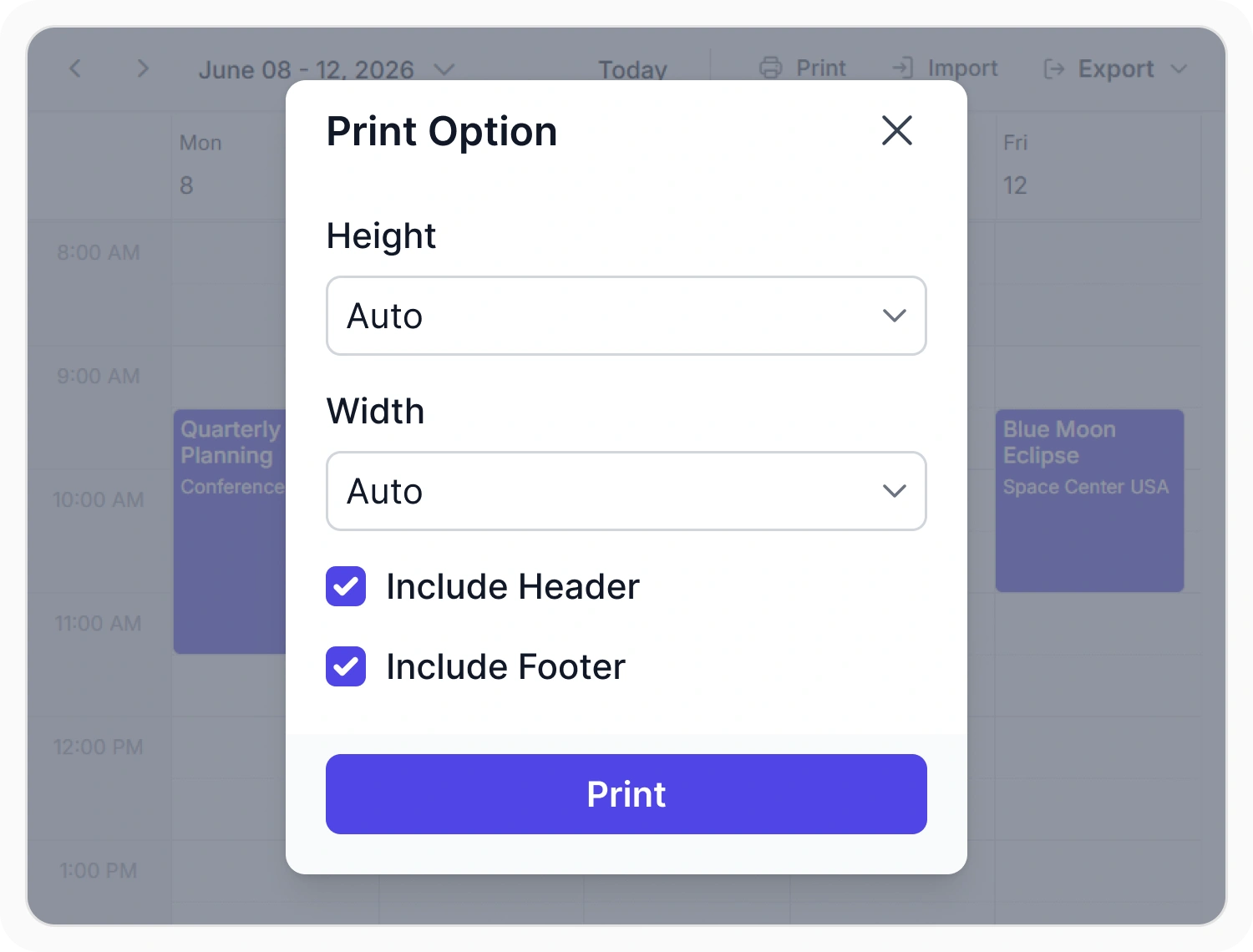
Generate a printed copy of the full view or an individual item. Use it when schedules need to be shared, reviewed, archived, or presented in a printable format.
- Post printed shift boards publicly
- Distribute weekly plans to clients
- Prepare handouts for site visits
- Print event slips for patients
PLATFORM SUPPORT
Printing and exporting, consistent across platforms
Share schedules beyond your application with built-in printing and export capabilities. Export events for reporting and calendar interoperability, or generate printable schedules for offline review and distribution.
| Capability | JS, React, Angular, Vue | Blazor | ASP.NET Core & MVC | WPF, WinUI, WinForms | .NET MAUI |
|---|---|---|---|---|---|
| Exporting to Excel | |||||
| Exporting and importing ICS | |||||
| Printing schedules |
Frequently Asked Questions
Can specific Scheduler events be exported instead of the full set?
Yes. A custom set of events can be selected for export instead of exporting everything.
Does exporting a recurring Scheduler event include every occurrence?
Only when that option is turned on. By default, a recurring event exports as a single summarized entry.
Where can a Scheduler export option be added in the UI?
To the Scheduler’s toolbar, or to the right-click context menu on a Scheduler event.
What calendar apps can open a Scheduler-exported file?
The Scheduler ICS format opens in Google Calendar, Outlook, and most other calendar apps.
Can a single Scheduler event be printed on its own?
Yes. Print just one Scheduler event, or print the entire Scheduler layout.
Does the Scheduler-exported file match what’s currently shown?
Yes. Exported Scheduler data reflects the current event data at the time of export.
Resources
Learn more about the Scheduler
Explore demos, KB articles, and documentation to get the most out of the Scheduler.
Explore guides, APIs, and quick-start tips
See live use cases in action
Ask, share, and connect with peers
Find solutions and best practices fast
Get expert help when you need it
Feature requests and bug reports
Track issues and suggest improvements
Awards
Greatness—it’s one thing to say you have it, but it means more when others recognize it. Syncfusion® is proud to hold the following industry awards.









