Overview
The Vue Modern Rich Text Editor is a schema-driven, ProseMirror-backed WYSIWYG editor for structured content and configurable authoring experiences. It supports modern content experiences across document authoring, email composition, content management, blogs, knowledge bases, messaging, and business applications.
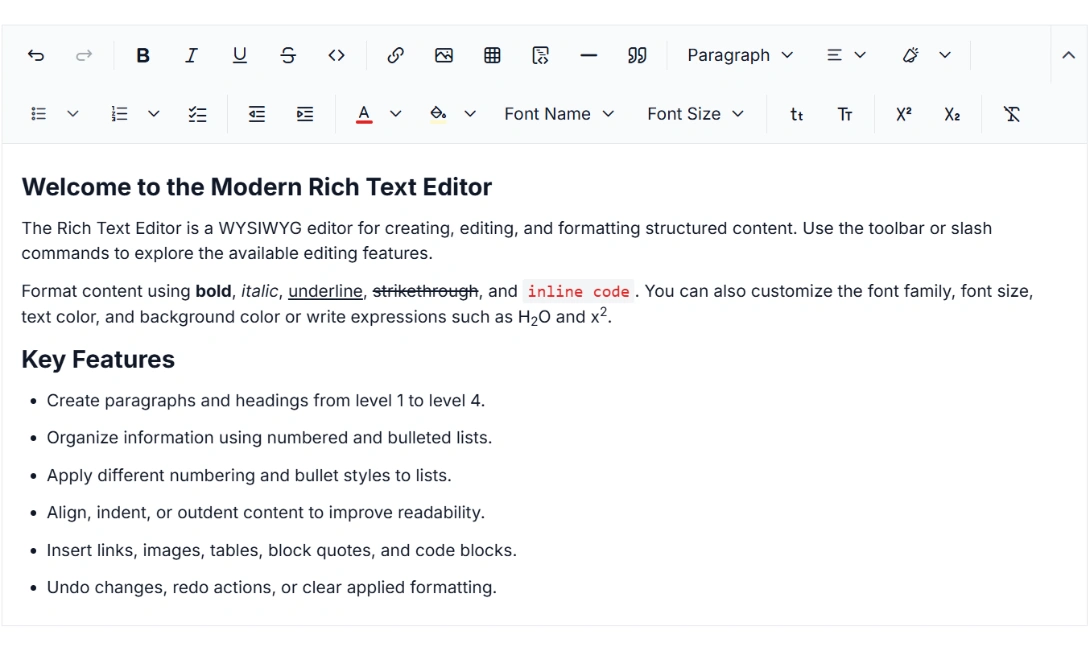
Why choose the Syncfusion Vue Modern Rich Text Editor?
Schema-driven structured editing
Create consistent, structured content with a ProseMirror-backed Headless Editor. Its schema-driven architecture provides predictable editing experiences for documentation, blogs, reports, and business applications.
AI-assisted development
Build advanced content editing experiences faster with the Agentic UI Builder and Syncfusion Agent Skills. Generate toolbars, formatting commands, and editor layouts with minimal manual effort.
Advanced rich content support
Create rich, structured content with support for callouts, collapsible sections, images, tables, hyperlinks, clipboard actions, and undo and redo operations.
Responsive & mobile-ready
Deliver a consistent editing experience across desktop, tablet, and mobile devices with a responsive interface for different screen sizes.
Accessibility & localization
Build inclusive editing experiences with keyboard accessibility, WAI-ARIA support, localization, and right-to-left (RTL) support.
Read-only support
Enable read-only mode to make the editor non-editable while preserving the content for viewing. Prevent unintended changes to finalized content while maintaining a clear and consistent content presentation.
Vue Modern Rich Text Editor code example
Get started with the Vue Modern Rich Text Editor using a few simple lines of Vue code, as demonstrated below.
<template>
  <div id="editor">
    <ejs-richtexteditorui v-model="value" v-bind:value="value">
    </ejs-richtexteditorui>
  </div>
</template>

<script>
    import Vue from 'vue';
    import { RichTextEditorUIPlugin, SlashCommand } from '@syncfusion/ej2-vue-richtexteditor-ui';

    Vue.use(RichTextEditorUIPlugin);

    export default {
        provide: {
            richtexteditorui: [SlashCommand]
        }
    }
</script>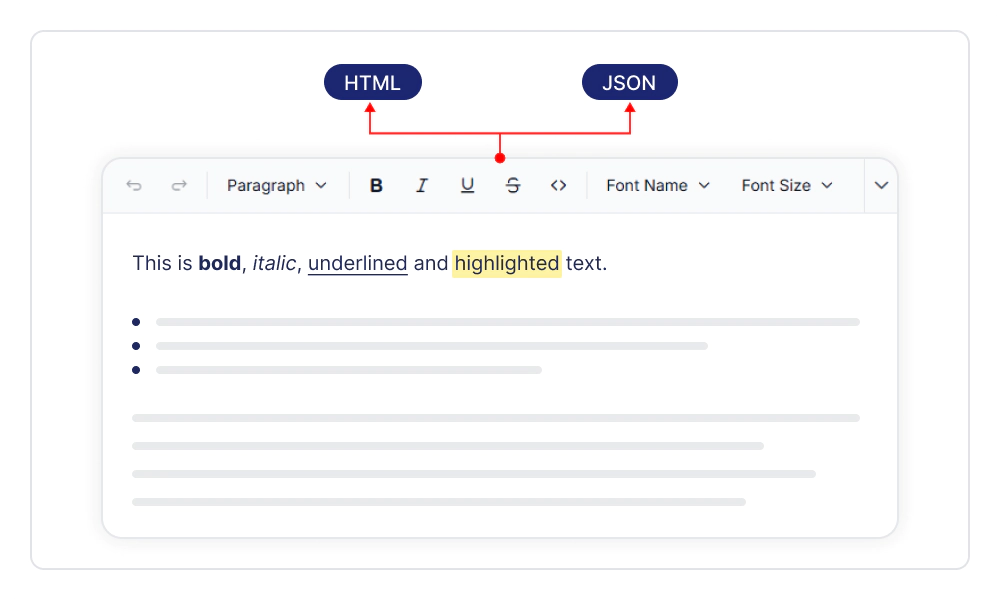
Flexible content formats
Work with editor content in HTML and JSON formats, with configurable value formats for retrieving content in the required representation. Simplify content handling, support flexible data exchange, and integrate editor content smoothly with different application workflows.
Rich text formatting
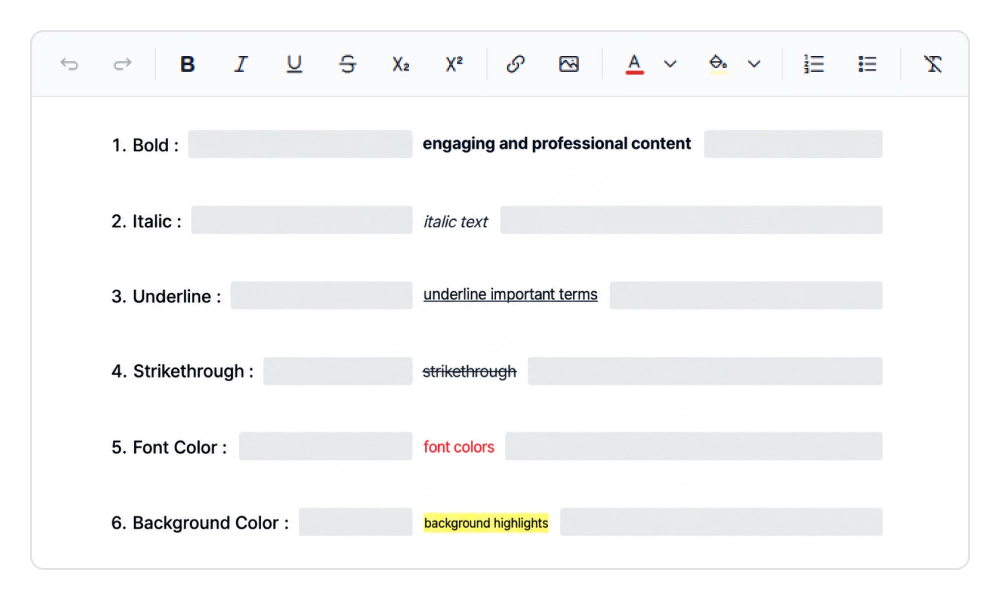
Format content with text styles such as bold, italic, underline, strikethrough, subscript, superscript, fonts, and colors. Combine multiple formatting options to emphasize important information, establish visual hierarchy, and create consistent text presentation.
Block formatting
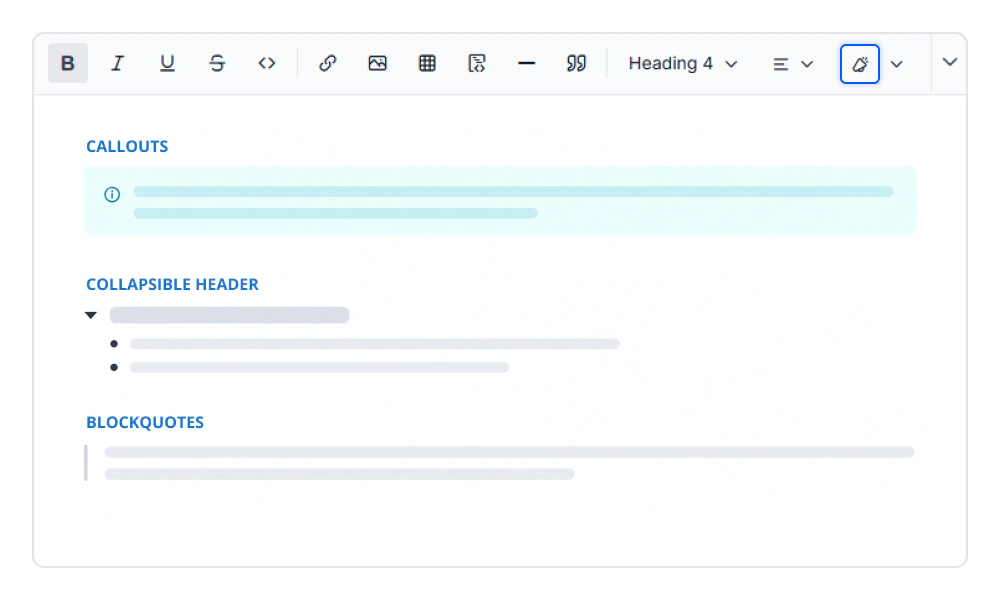
Structure long-form content with block formatting options such as headings, paragraphs, block quotes, code blocks, callouts, horizontal rules, and collapsible sections. Organize information into clear content structures, improve readability, and create a consistent editing experience for long-form content.
Lists
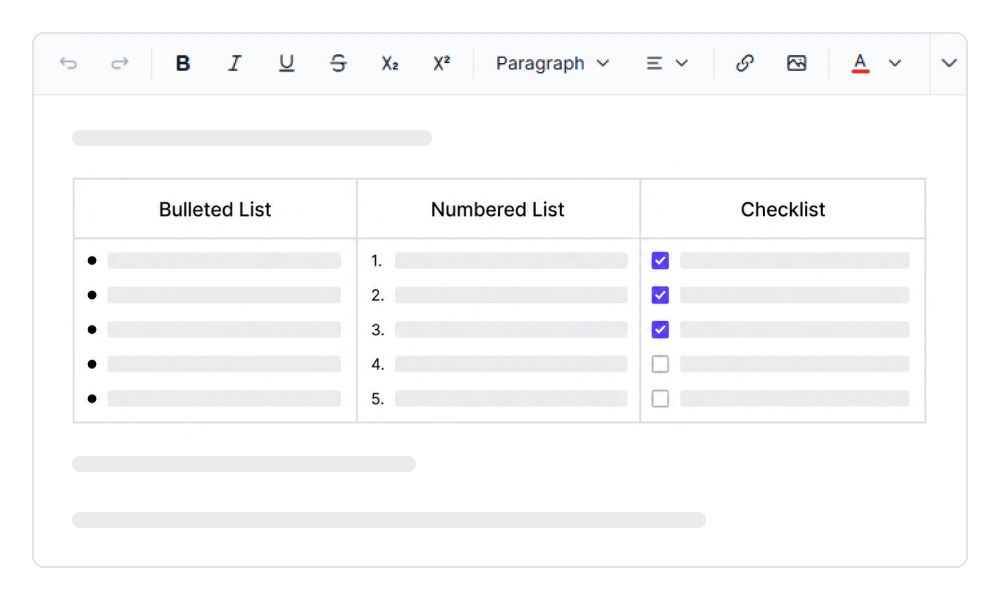
Create bulleted, numbered, and checklist lists with multiple styles and indentation controls. Organize related information into clear sequences and groups, making content easier to scan, follow, and understand.
Text alignment
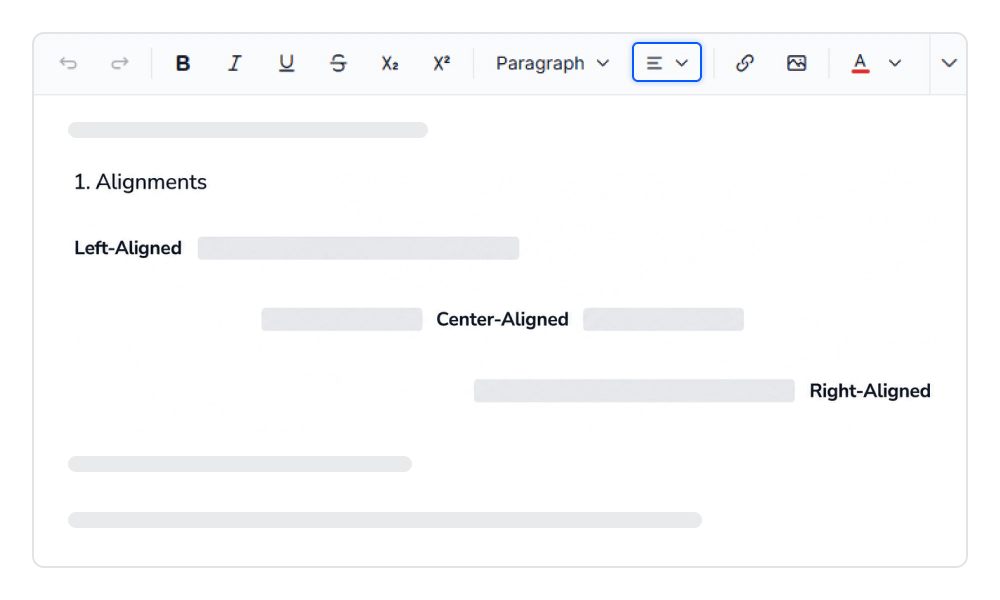
Align content using left, center, right, and justified alignment options. Maintain consistent text presentation, improve content readability, and structure information clearly within the editing surface.
Link management
Manage hyperlinks with contextual actions to insert, edit, open, copy, and remove links. Keep references organized, simplify link updates, and provide a smooth navigation experience within the content.
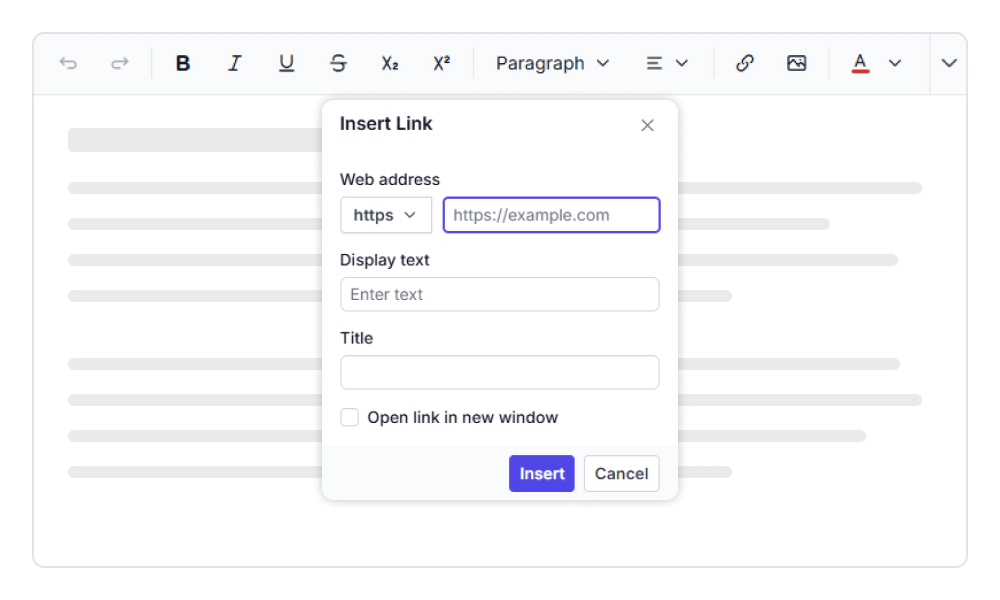
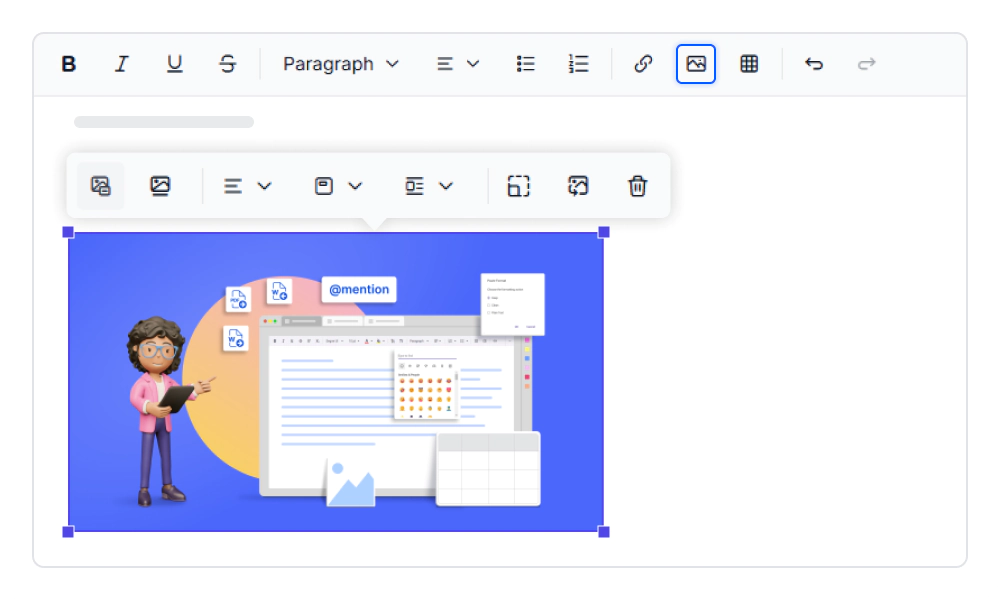
Image editing
Enrich content with images through essential editing options such as insert, update, replace, and remove, with support for captions, alt text, alignment, wrapping, and dimensions. Maintain consistent image presentation, improve content accessibility, and keep visual elements aligned with the surrounding content.
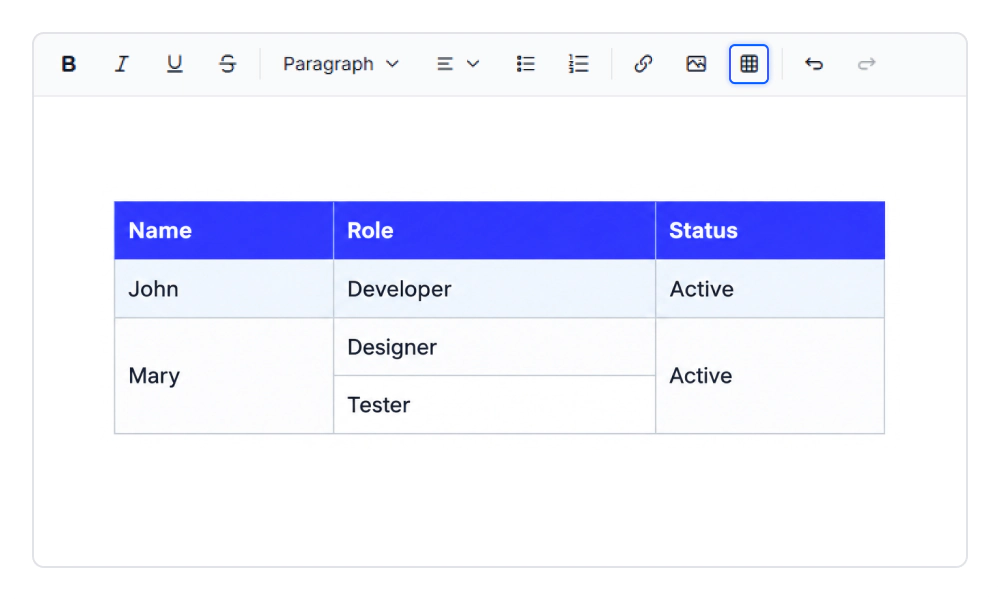
Table editing
Create and manage tables with options for adding and deleting rows and columns, configuring headers and cells, and applying alignment and formatting. Organize structured information efficiently, maintain consistent table layouts, and improve readability across complex content.
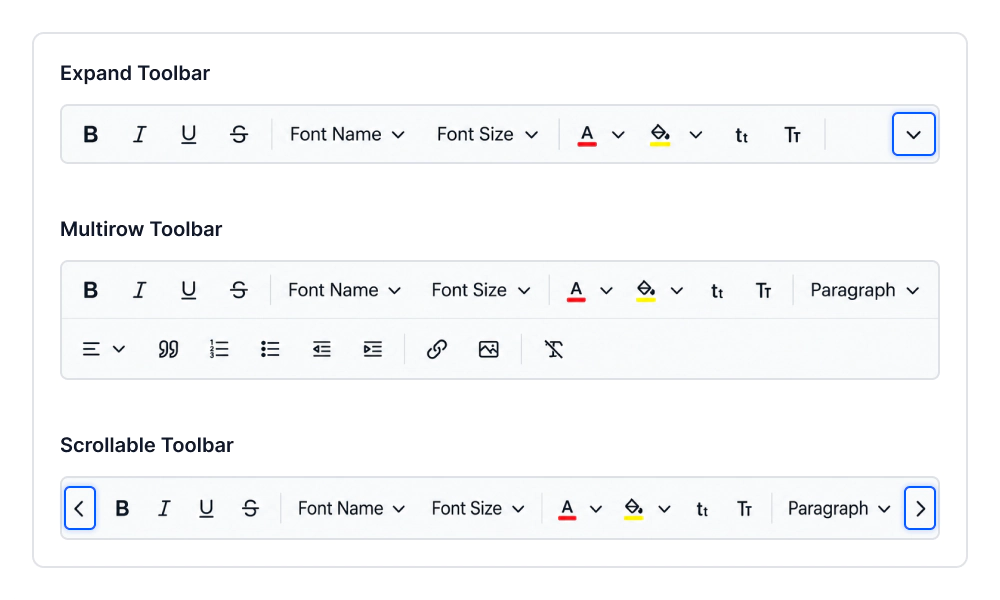
Flexible toolbar
Configure the toolbar with automatic, expanded, multi-row, or scrollable layouts to suit different screen sizes and editing workflows. Optimize access to editing tools, use available space efficiently, and maintain a consistent authoring experience across devices.
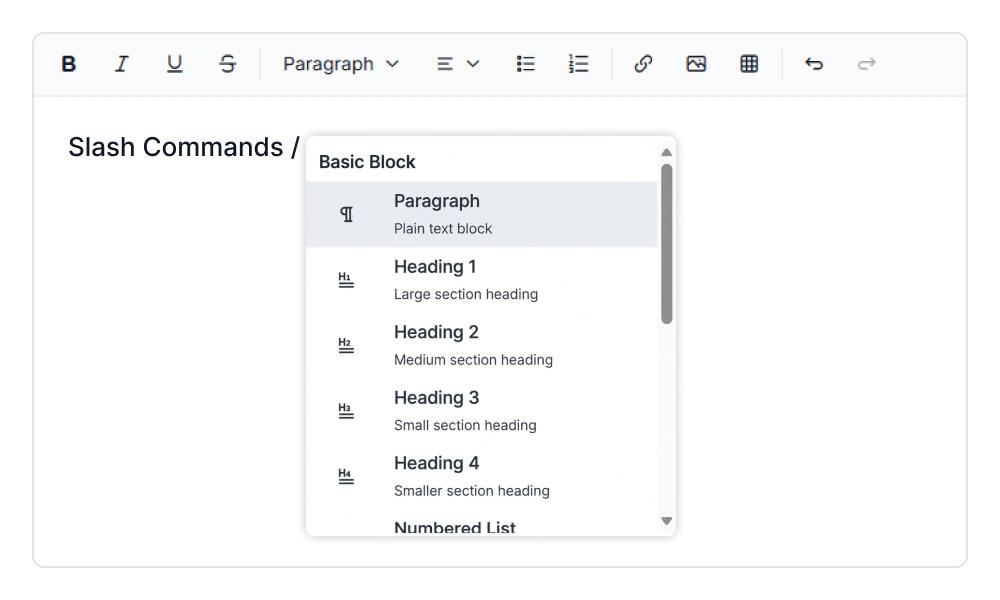
Slash commands
Type / within the editing area to quickly find and execute commands for inserting headings, lists, tables, and other supported content. Reduce the need to navigate toolbars, speed up content creation, and keep editing focused within the content area.
Web standards and localization
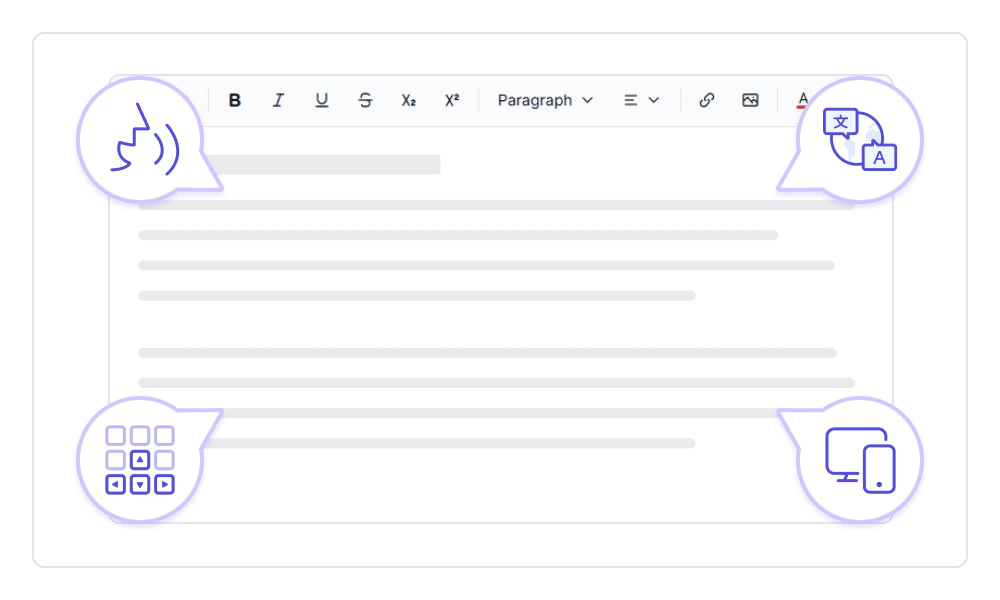
Deliver accessible and global-ready editing experiences with WCAG-compliant accessibility, keyboard navigation, screen reader support, RTL layouts, and multi-language localization. Responsive design ensures a consistent authoring experience across desktop, tablet, and mobile devices while meeting modern web standards and accessibility requirements.

Undo and redo
Reverse and restore editing changes with configurable undo and redo behavior that maintains a consistent editing history. Recover from unintended changes, experiment with content confidently, and make iterative editing more efficient.

Built-in and customizable themes
Offers multiple built-in themes such as Tailwind CSS, Bootstrap, Material, Fluent, and high contrast, along with customization options.

Developer-friendly APIs
Use client-side APIs to configure editor behavior, manage content, and control supported editing actions programmatically.

Keyboard shortcuts and navigation
Use configurable keyboard shortcuts and keyboard navigation to perform common editing actions efficiently and move through the editing experience without relying on frequent mouse interactions. Speed up repetitive tasks, improve editing efficiency, and support accessible, keyboard-driven workflows.

Screen reader
The Modern Rich Text Editor has complete WAI-ARIA accessibility support. Its UI includes high-contrast visual elements that help visually impaired people. UI elements expose appropriate descriptions for supported assistive technologies.

Right to left (RTL)
The Modern Rich Text Editor supports right-to-left rendering, allowing the text and layout of the editor to be displayed from right to left. This improves the experience and accessibility for users of RTL languages such as Arabic, Farsi, and Hebrew.
Frequently Asked Questions
What is a Vue Modern Rich Text Editor?
The Vue Modern Rich Text Editor is a schema-driven Vue WYSIWYG editor built on a ProseMirror-backed Headless Editor. It supports structured content editing with rich text formatting, lists, links, images, tables, configurable toolbars, keyboard shortcuts, and slash commands.
How does schema-driven editing work in the Vue Modern Rich Text Editor?
The editor uses a ProseMirror-backed Headless Editor to define and manage structured content through a schema-driven architecture. This helps maintain consistent document structure while supporting inline formatting, block content, lists, tables, links, images, and other supported elements.
Does the Vue Modern Rich Text Editor support slash commands and keyboard shortcuts?
Yes. The slash commands support in the Modern Rich Text Editor lets users type / to access supported content commands directly within the editing area. Configurable keyboard shortcuts can also map supported editor actions to custom key combinations for faster keyboard-driven workflows.
Why choose the Syncfusion Vue Modern Rich Text Editor for structured content editing?
The editor combines schema-driven content structure with rich formatting, flexible toolbar layouts, contextual quick toolbars, keyboard shortcuts, slash commands, and configurable content formats. Its ProseMirror-backed architecture supports predictable and maintainable authoring experiences in Vue applications.
What toolbar layouts and quick toolbars are available in the Vue Modern Rich Text Editor?
The Vue Modern Rich Text Editor toolbar supports automatic, expanded, multi-row, and scrollable layouts, with placement at the top or bottom of the editing surface. Contextual quick toolbars provide relevant actions for links, images, and tables without requiring users to return to the main toolbar.
Can I work with HTML and JSON content in the Vue Modern Rich Text Editor?
Yes. The editor supports configurable HTML and JSON value formats, allowing applications to retrieve content in the representation required for storage, processing, or data exchange. This makes it suitable for Vue HTML JSON editor workflows that need structured content output.
Trusted by the world’s leading companies

Our Customers Love Us