Overview
The Headless Editor is a block-based document editing engine with no built-in UI, designed for applications that need a fully custom editing experience. Instead of shipping a toolbar and theme, it gives you a structured document model, a configurable schema, a command system, and a live editable DOM surface — you design the UI, the engine handles document structure, editing behavior, and consistency guarantees. It’s built for teams building custom content editors, CMS authoring surfaces, comment and notes editors, or any Vue application that needs rich editing without inheriting someone else’s toolbar or visual design.
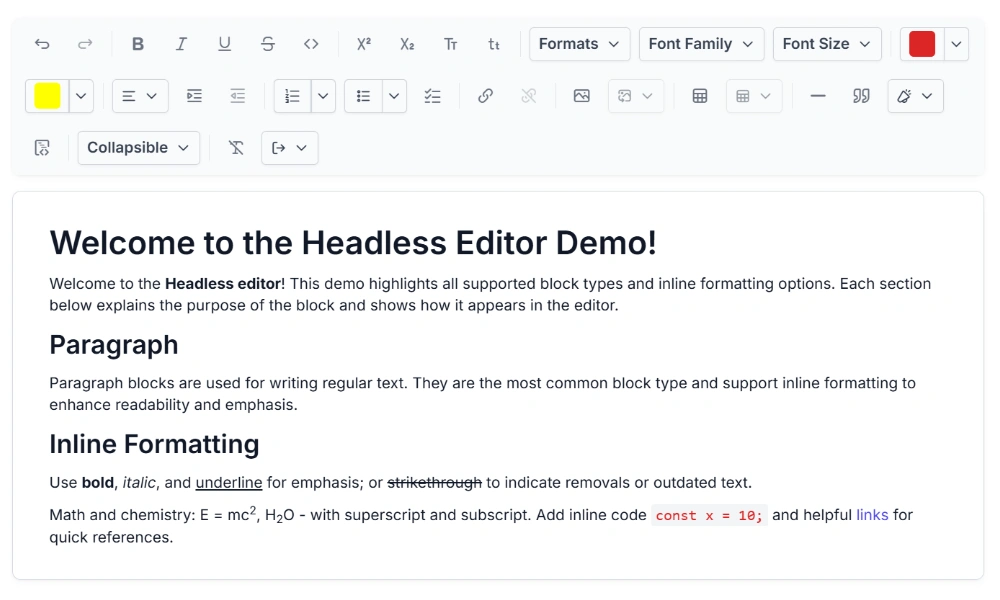
Why choose the Syncfusion Vue Headless Editor?
Custom editor layout
Build your own toolbar, menus, and visual design without a predefined UI, and mount the editor in any container.
AI-assisted development
Use Syncfusion Agent Skills to create custom extensions, editor layouts, and editing workflows with AI assistance.
Command-based editing
Run editing actions as commands, check availability, and chain multiple commands into a single transaction.
Selection management
Work with text, node, block, table-cell, and document selections, and save, restore, or inspect selected content.
Custom extensions
Create or configure extensions to add custom nodes, marks, commands, and editing behaviors to the editor.
ProseMirror-based editing
Use ProseMirror as the document model and editing engine for structured content, transactions, selections, and plugins.
Vue Headless Editor code example
Easily get started with the Vue Headless Editor using a few simple lines of Vue code, as demonstrated below. The engine mounts into a container element you control and stays invisible until you’re ready to display it.
<template>
  <div ref="editor"></div>
</template>

<script>
import { HeadlessEditor, basicExtensions, placeholderExtension } from '@syncfusion/ej2-headless-editor';

export default {
    mounted() {
        this.editor = HeadlessEditor.create({
            extensions: [basicExtensions, placeholderExtension]
        });
        this.editor.mount(this.$refs.editor);
    },
    beforeUnmount() {
        this.editor.destroy();
    }
}
</script>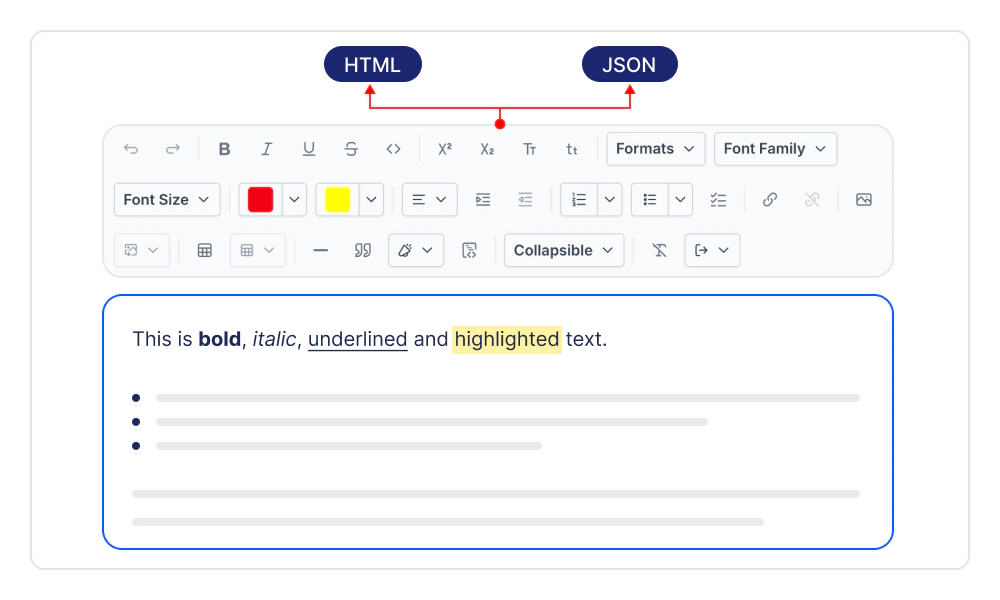
Structured document model
Represent every document as a structured hierarchy of nodes, marks, and attributes, capturing headings, paragraphs, lists, and tables in one consistent model. Convert content to and from HTML for storage, autosave, and server round-trips across your application.
Rich text formatting
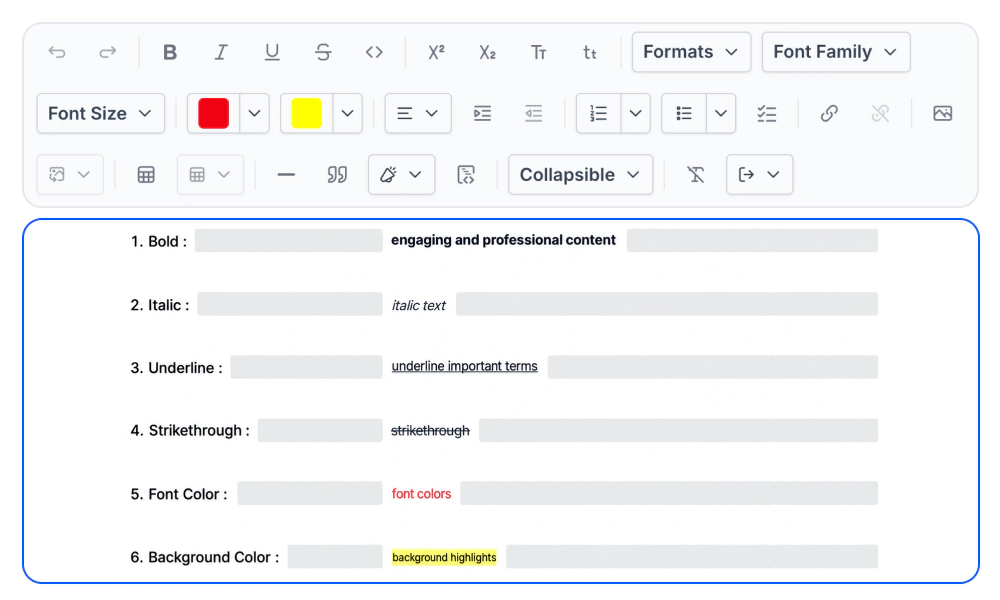
Apply bold, italic, underline, and strikethrough, along with font family, font color, background color, and case options, to give content the right visual emphasis. Build a rich text editing experience that matches your application’s content and design requirements.
Structured content blocks
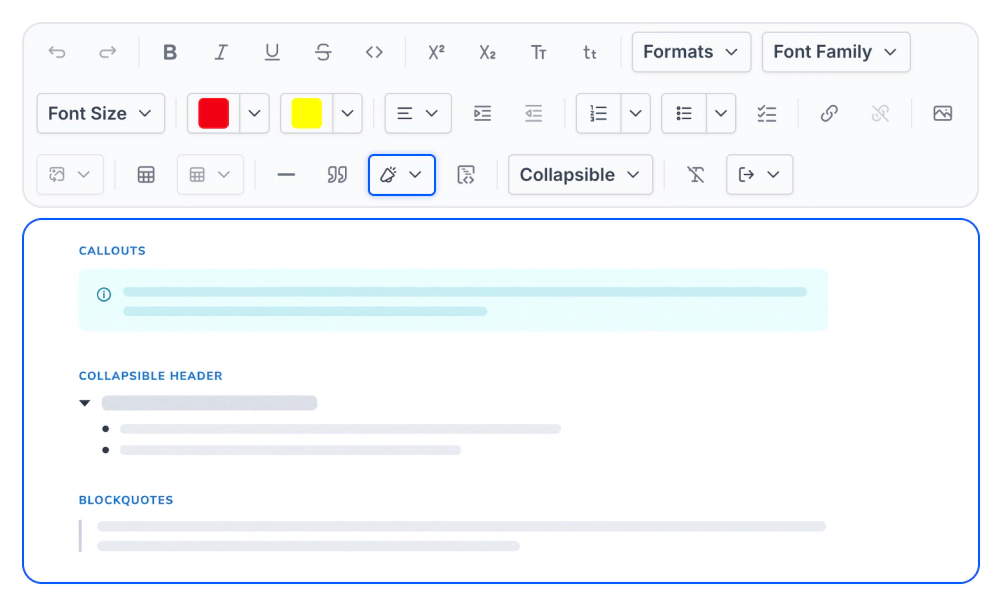
Build documents from multi-level headings, block quotes, callouts, and collapsible sections that keep supporting details available when needed. Give users the structural building blocks they need to create clear and organized content.
Lists and task lists
Organize content with bullet lists, ordered lists, and task lists that let users track progress and completion status inside the document. Help users structure information, break down complex steps, and manage to-dos within the editor.
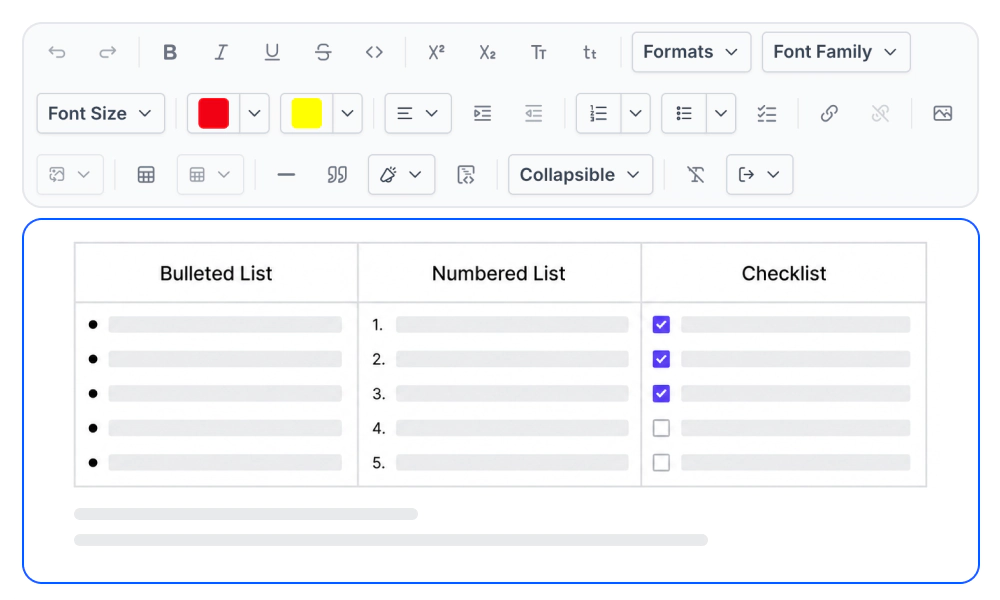
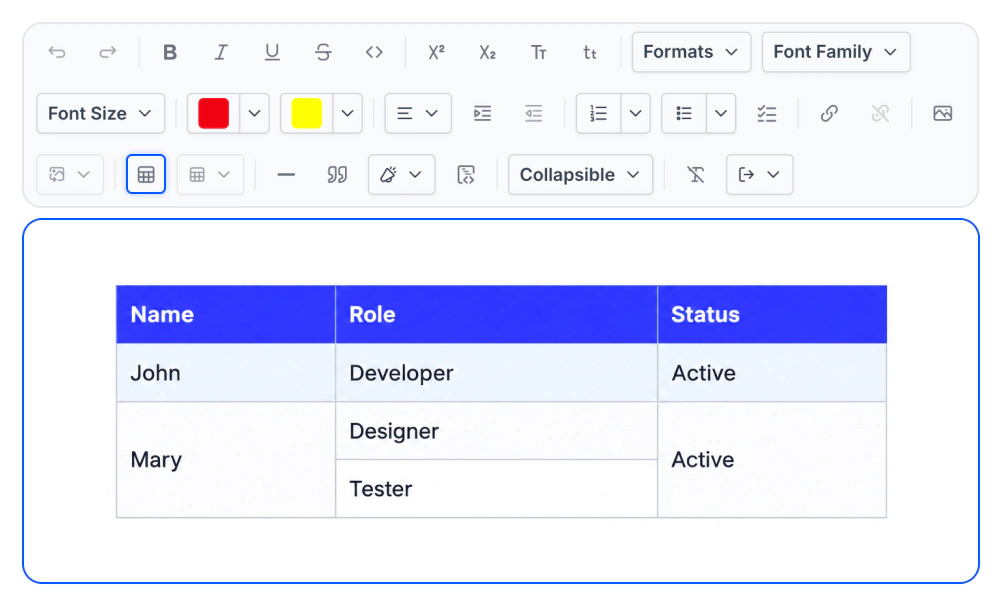
Table editing
Present structured data in tables by adding or removing rows and columns and applying cell-level formatting to highlight important information. Help users organize, compare, and present complex information directly within the editing surface.
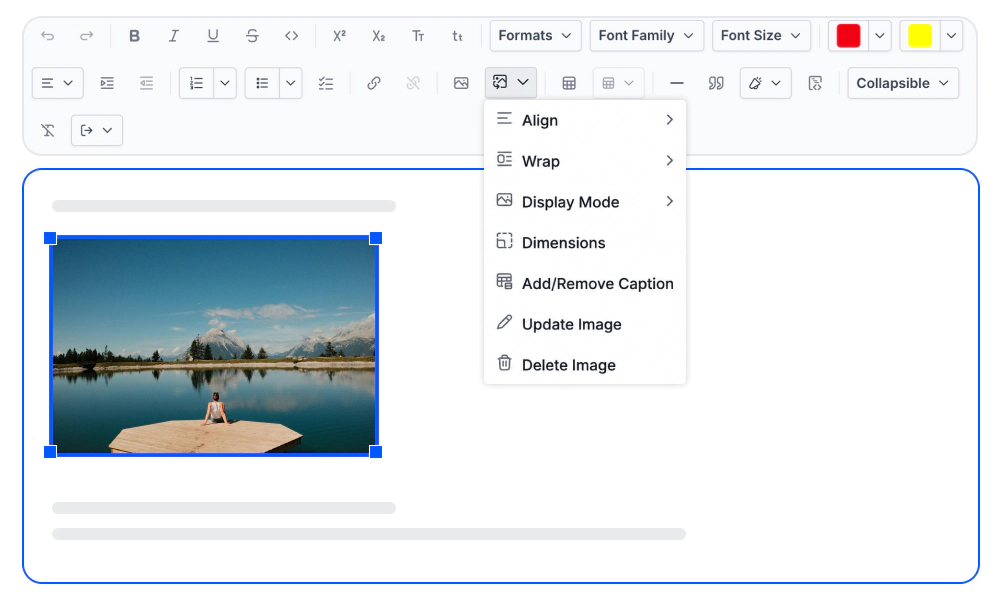
Image and file support
Insert, resize, and position images with configurable upload handling that controls file operations from selection through storage and delivery. Help users add visual content, diagrams, and screenshots as part of their writing and editing workflow.
More ways to work with the Vue Headless Editor
Keyboard shortcuts
Configure keyboard shortcuts for common editing actions and add custom key bindings for your application.
Auto-Markdown formatting
Transform typed patterns into formatted content automatically as users type, or define custom input rules for your editing requirements.
Reusable editing foundation
Build rich text and structured content editors on a shared foundation to keep editing behavior consistent across applications.
Screen reader support
The editable surface supports WAI-ARIA attributes and assistive technologies such as screen readers while you build your own accessible controls around it.
Right to left (RTL)
The engine supports right-to-left content rendering, so text and layout can be displayed from right to left. This improves the experience for users of RTL languages such as Arabic, Farsi, and Hebrew.
Custom styling and themes
Offers multiple built-in themes such as Tailwind CSS, Bootstrap, Material, Fluent, and high contrast, along with customization options.
Frequently Asked Questions
What is a Headless Editor?
A Headless Editor is an editing engine that provides rich text editing, document structure, and editing behavior without a predefined toolbar or visual interface. The Headless Editor lets developers build their own editing experience while the engine manages structured content, selections, commands, and editing behavior.
Can I build a Headless WYSIWYG Editor?
Yes. You can build a headless WYSIWYG editor in Vue where users format and edit content directly in the editable surface. You control the toolbar, menus, styling, and other interface elements around the editor.
Is the Headless Editor based on ProseMirror?
Yes. The Headless Editor uses ProseMirror as its underlying document model and editing engine for structured content, transactions, selections, and plugins, providing a ProseMirror-based editor for Vue applications.
How do commands and command chaining work in the Headless Editor?
Editing actions are executed through commands. You can check whether an action is available before running it, execute an individual command, or chain multiple commands together into a single editing operation.
How is a Headless Editor different from a Vue Rich Text Editor component?
The Vue Rich Text Editor provides a complete themed interface with a configurable toolbar out of the box. A Vue headless rich text editor provides the editing engine without a bundled toolbar or theme, making it suitable when you want to design and control the editing experience yourself.
Can I build a Headless WYSIWYG editor with a custom toolbar?
Yes. The Headless Editor lets you create your own toolbar, menus, and editing controls. You can connect these controls to editor commands and decide which formatting and editing actions are available to users, making it suitable for building a custom toolbar rich text editor in Vue.
How is content represented and saved in the Headless Editor?
Content is represented as a structured hierarchy of nodes, marks, and attributes. It can be converted to and from HTML, making it suitable for storing content, autosaving changes, and sending document data between the editor and your application backend.
Can I extend the Headless WYSIWYG Editor with custom content and commands?
Yes. You can create custom extensions or configure existing ones to add content types, formatting options, commands, and editing behaviors that match your application’s authoring requirements.
Trusted by the world’s leading companies

Our Customers Love Us