Try Our Live Demo
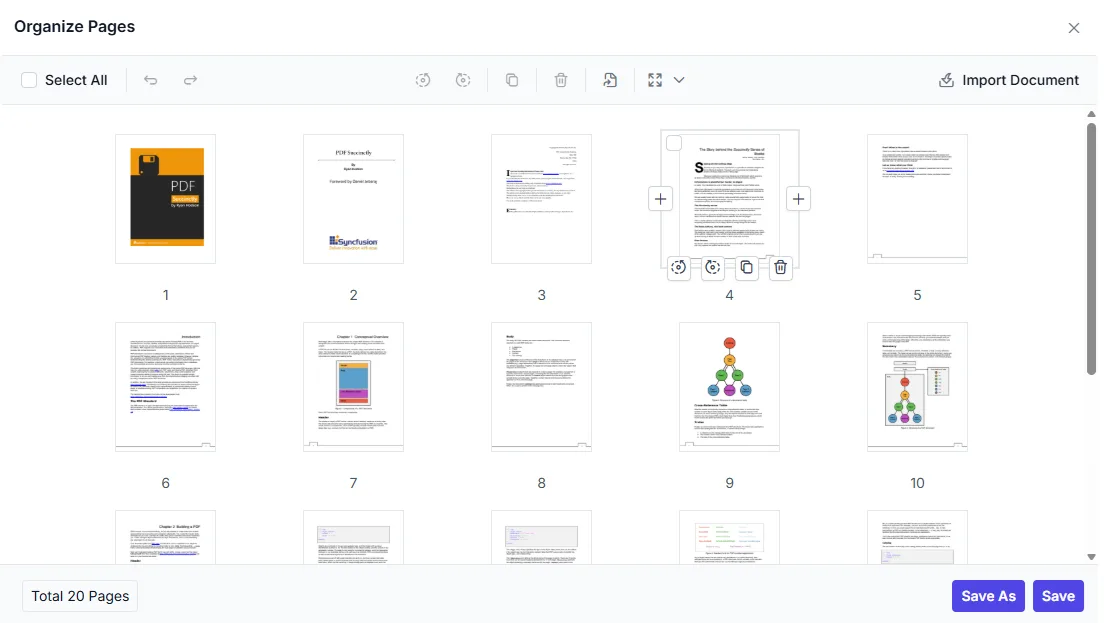
Simplify PDF page organization workflows
Help users correct page orientation, change page order, remove unwanted material, and reuse pages from existing PDFs. Available operations vary by platform.
Change document structure
Enable users to reorder pages, insert new pages, and remove unnecessary content without relying on external PDF editing tools.
Correct page order and orientation
Allow users to rotate, rearrange, and position pages accurately to maintain the correct document flow and structure.
Reuse selected pages
Support page-level actions such as adding, deleting, importing, and extracting pages to simplify document updates and keep PDFs well organized.
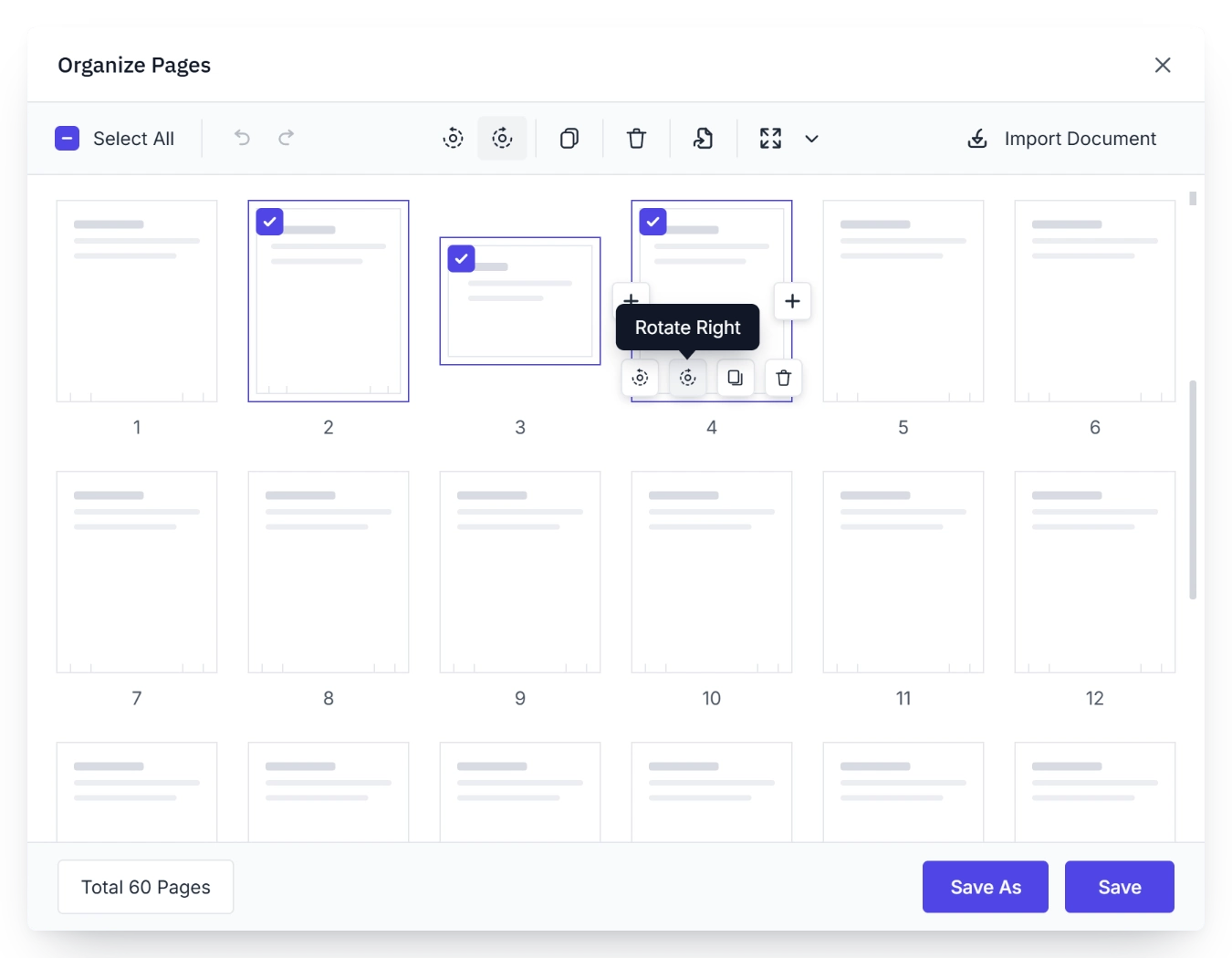
Rotate incorrectly oriented pages
Rotate PDF pages clockwise or counterclockwise to fix orientation issues and improve readability. Apply changes to one page or multiple selected pages during document preparation.
- Rotate pages clockwise or counterclockwise as needed.
- Correct scanned or misplaced page orientation quickly.
- Apply rotation to individual pages or multiple selected pages.
- Improve readability before sharing or further editing.
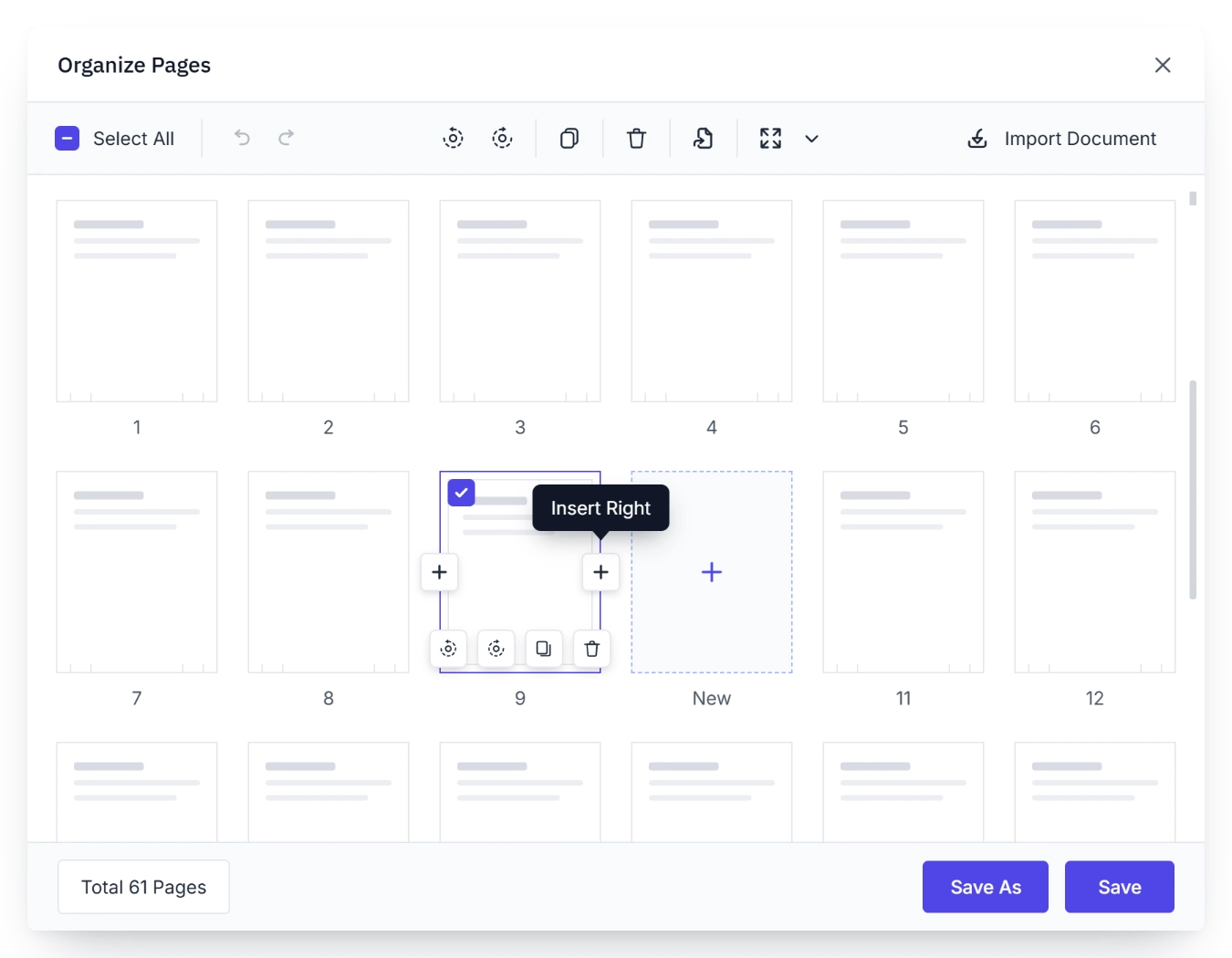
Insert blank pages
Expand PDF documents by adding new pages exactly where they are needed. Insert blank pages for new content or duplicate existing pages to reuse layouts and repeated structures.
- Insert blank pages at any required position.
- Duplicate existing pages to reuse layouts and content structure.
- Maintain document flow while expanding content.
- Support flexible document preparation and assembly workflows.
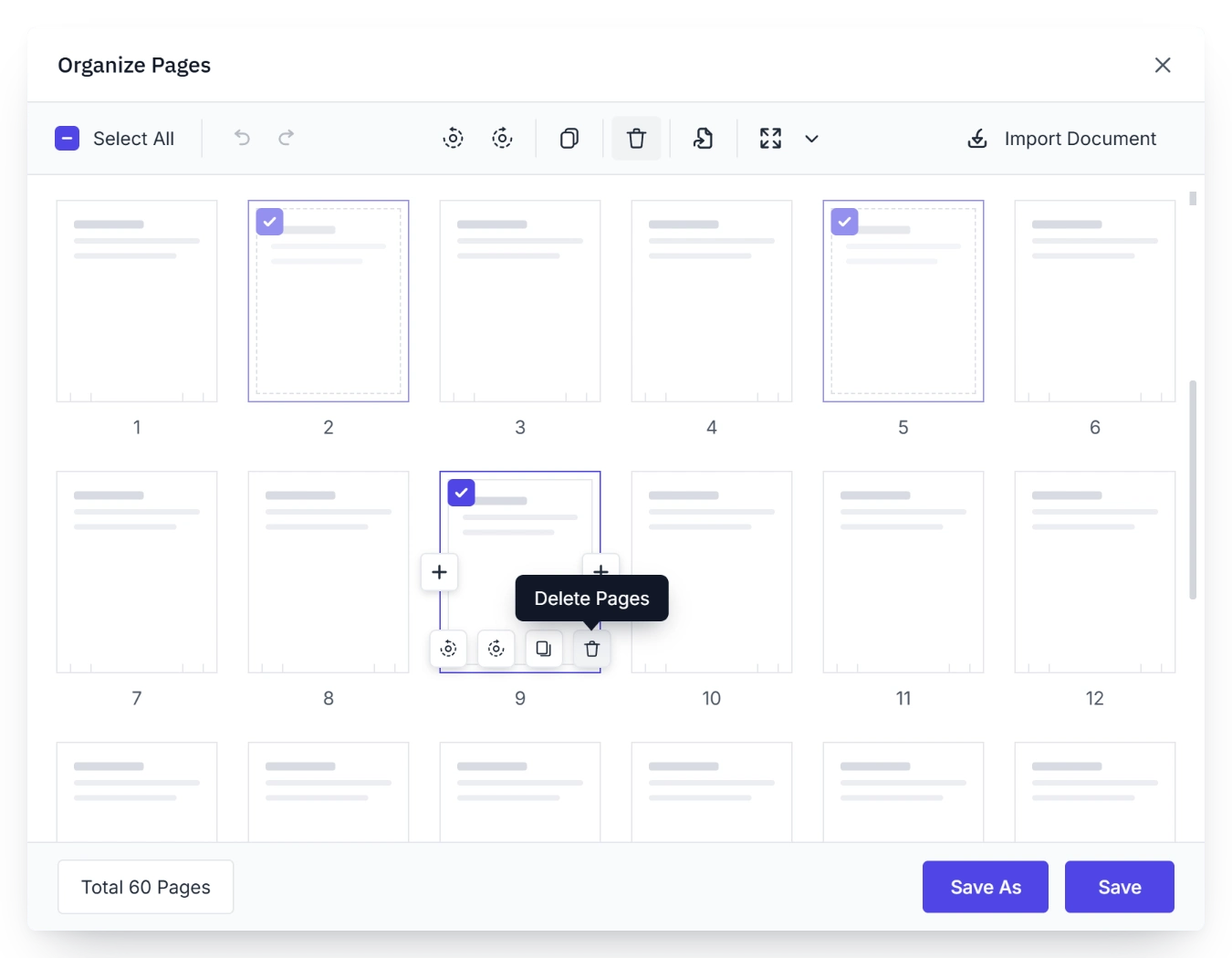
Delete unwanted pages
Delete unwanted or outdated PDF pages to keep documents focused and up to date. Remove single pages or multiple selected pages while preserving the remaining content.
- Delete obsolete or unnecessary pages from a document.
- Remove one page or several selected pages in a single action.
- Simplify document cleanup before distribution or archiving.
- Keep the remaining document structure intact.
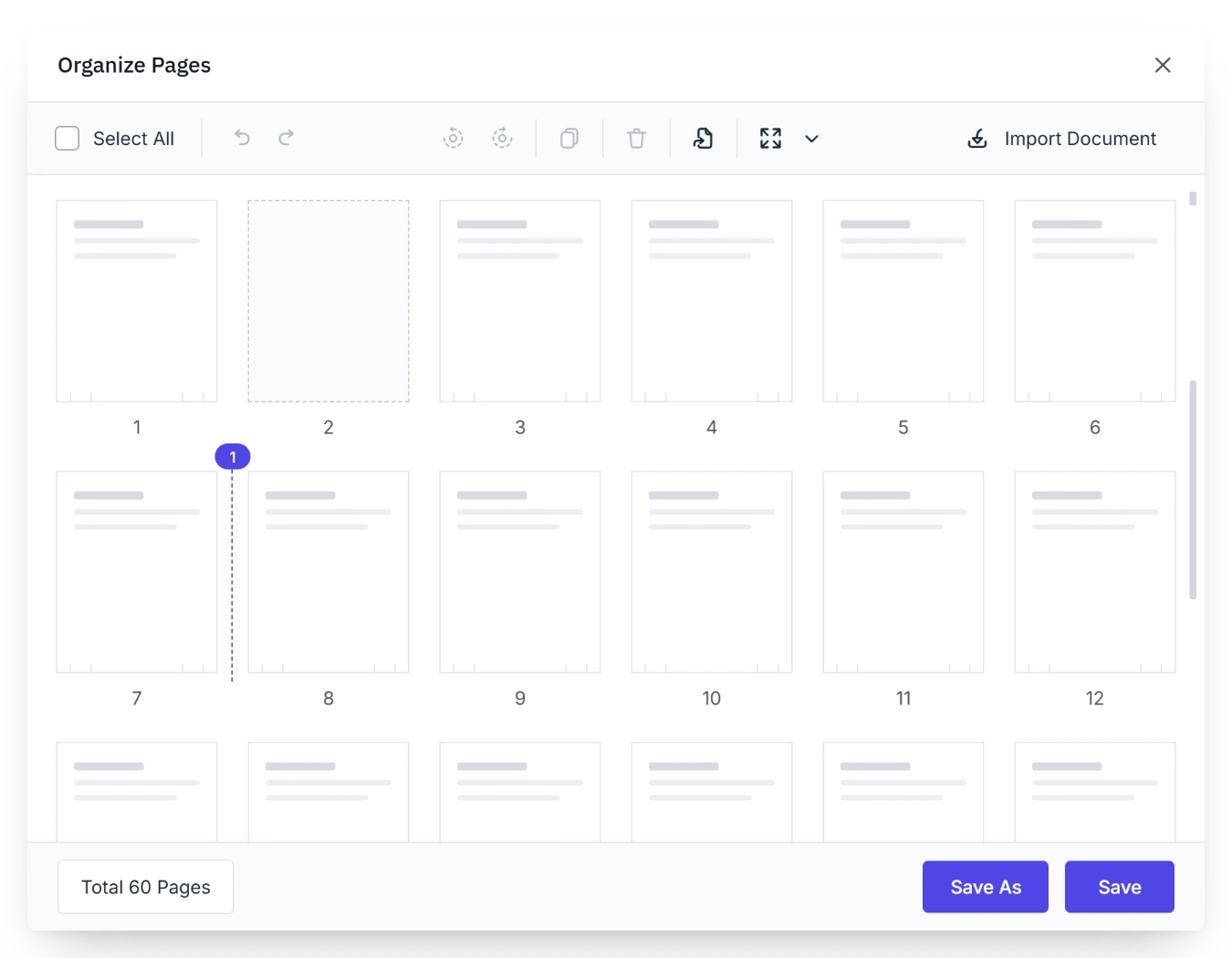
Reorder PDF pages
Move pages into the required sequence to prepare presentations, reports, packets, and structured business documents more efficiently.
- Drag and move pages to new positions within the document.
- Reorganize reports, forms, and document packets quickly.
- Create the required reading or submission order.
- Make page sequencing intuitive through a visual organizer experience.
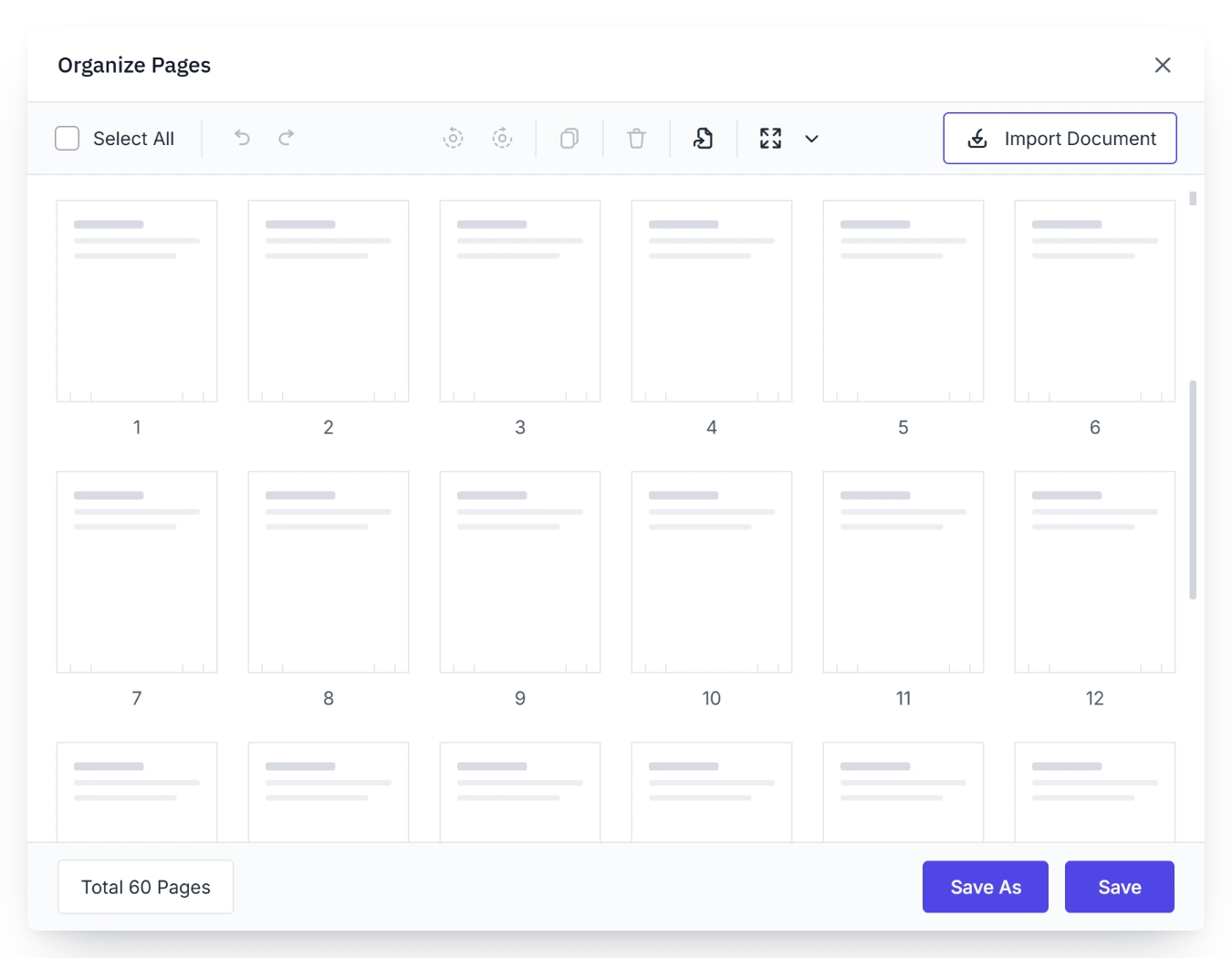
Import pages from another PDF
Bring pages from external PDF documents into the current file to reuse approved content, assemble reference material, and create consolidated documents.
- Import pages from another PDF into the current document.
- Reuse existing approved or reusable content.
- Combine sections from multiple files into one organized document.
- Reduce effort when building new documents from existing sources.
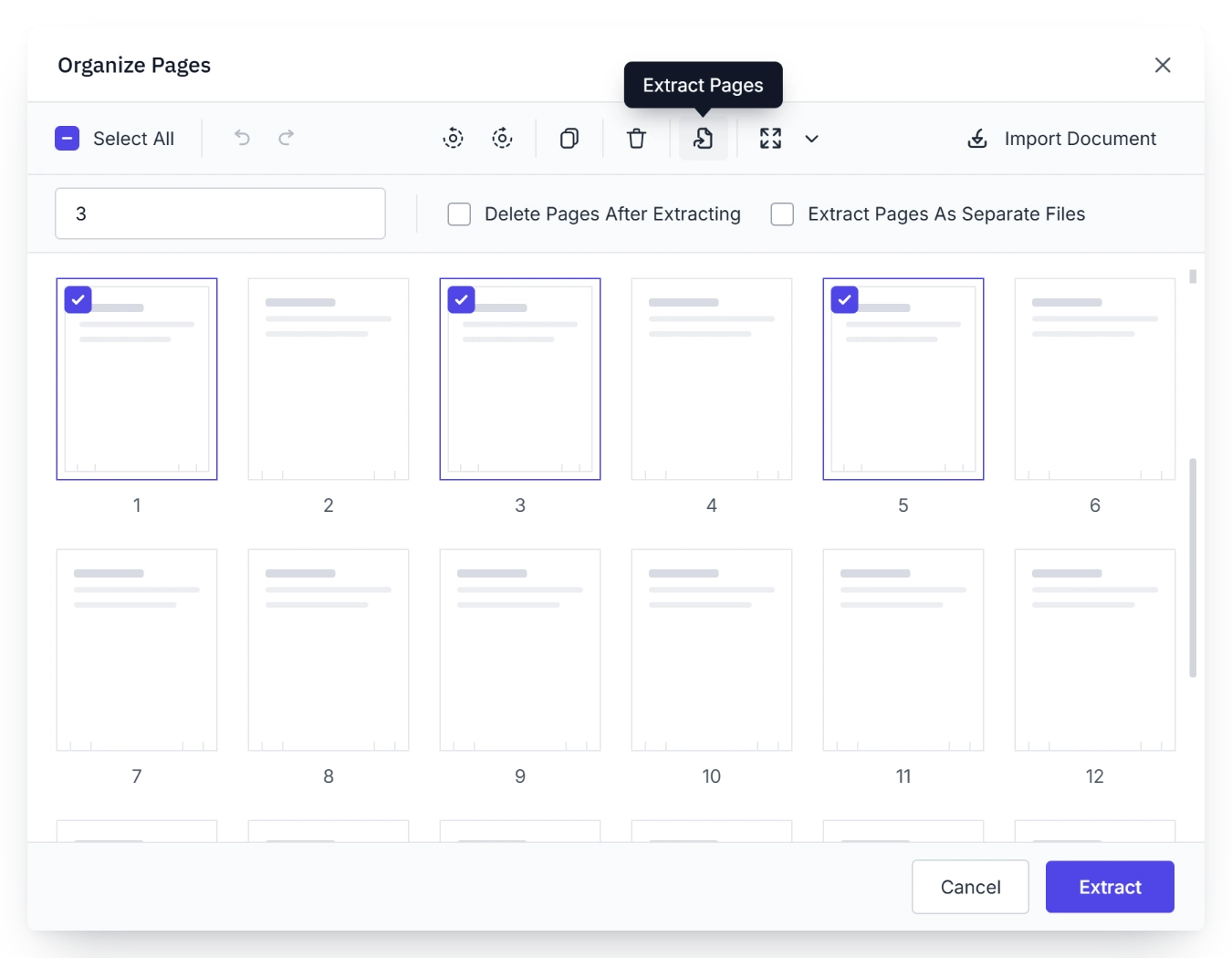
Extract pages into a separate PDF
Create a separate PDF from selected pages without changing the original file. Share, archive, or reuse specific sections while preserving the source document.
- Extract selected pages into a new PDF document.
- Share only the pages relevant to a task or audience.
- Archive or reuse specific sections independently.
- Preserve the original source file while creating focused outputs.
PLATFORM SUPPORT
Manage PDF pages across platforms
Page organization capabilities are available across supported Syncfusion PDF Viewer implementations. Availability can vary by framework and specific page management action.
| Capability | JS, React, Angular, Vue | Blazor | ASP.NET Core & MVC | WPF & WinForms | .NET MAUI | Flutter |
|---|---|---|---|---|---|---|
| Rotate pages | ||||||
| Add blank pages | ||||||
| Delete pages | ||||||
| Reorder pages | ||||||
| Import pages | ||||||
| Extract pages |
Frequently Asked Questions
What page management actions can users perform when organizing PDF documents?
Syncfusion PDF Viewer SDK lets users rotate, add, delete, reorder, import, and extract PDF pages to support structured document organization and everyday page editing workflows.
Why add blank or duplicate pages to a PDF?
Adding blank or duplicate pages helps teams expand forms, reuse layouts, and insert new content sections without rebuilding the original document.
Why import pages from other PDF files?
Importing pages helps teams reuse approved content, combine material from multiple files, and assemble complete document sets without recreating pages from scratch.
How does page reordering help organize PDF documents?
Page reordering helps teams place content in the correct sequence, making it easier to prepare reports, packets, forms, and other PDF documents with the intended structure.
How does removing pages help prepare PDF documents?
Removing unnecessary pages helps teams reduce clutter, eliminate outdated content, and keep documents focused and ready for distribution or archiving.
How does extracting pages support sharing and archiving?
Extracting selected pages helps teams share, archive, or reuse specific sections as separate PDF files without affecting the original document.
Resources
Learn more about our PDF Viewer SDK
Explore demos, KB articles, and documentation to get the most out of the PDF Viewer SDK.
Explore guides, APIs, and quick-start tips
See live use cases in action
Ask, share, and connect with peers
Find solutions and best practices fast
Get expert help when needed
Feature requests and bug reports
Track issues and suggest improvements
Awards
Greatness—it’s one thing to say you have it, but it means more when others recognize it. Syncfusion® is proud to hold the following industry awards.









