Try Our Live Demo
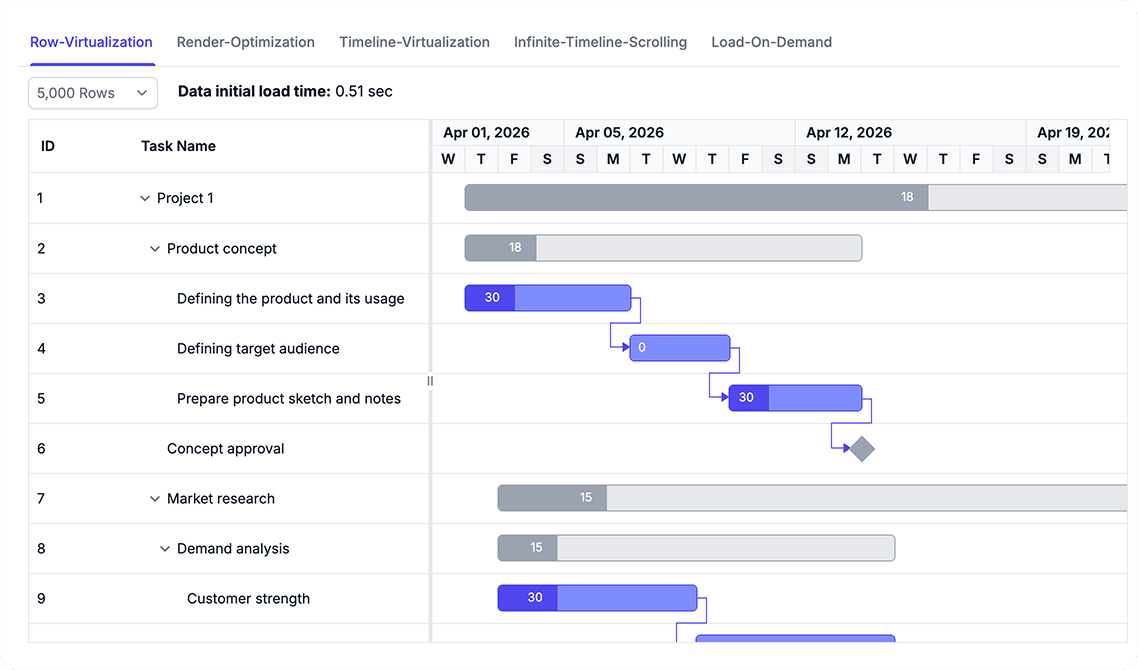
Manage extensive task lists and long planning horizons
Maintain smooth performance when working with large schedules through virtual rendering, lazy loading, and optimized data processing. Efficiently manage extensive task lists and long project timelines with minimal overhead.
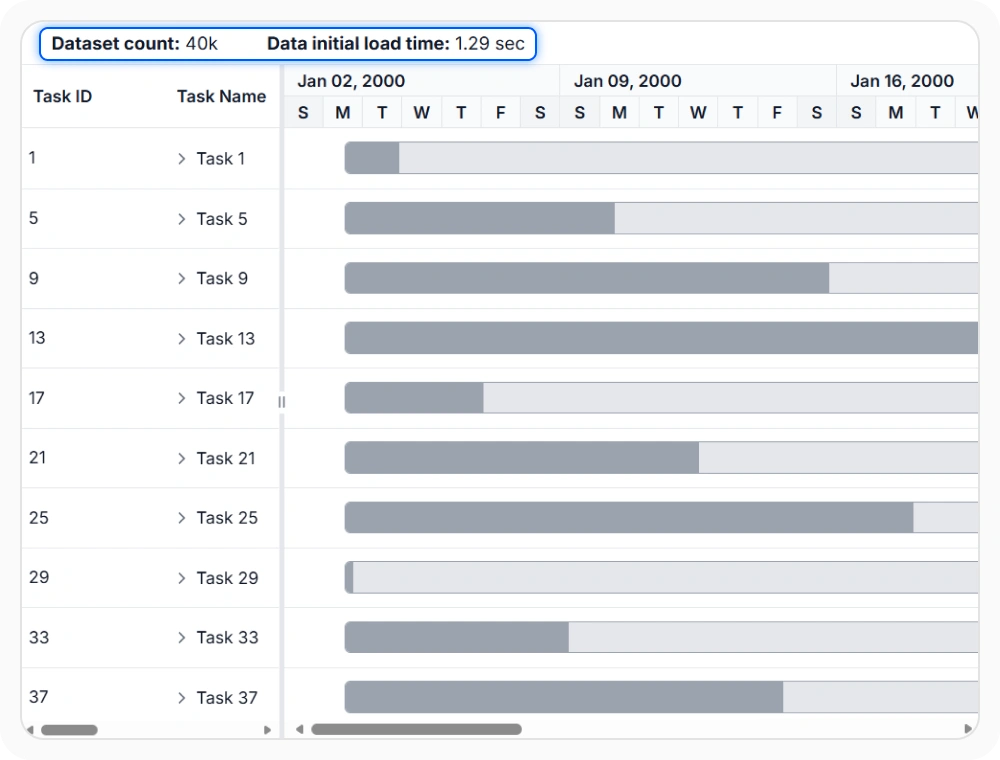
Render tasks with row virtualization
Row virtualization draws only the task rows that are currently visible in the viewport. This keeps vertical navigation lighter when schedules contain many records.
- Maintain responsive scrolling performance with large task lists without rendering overhead
- Scale to thousands of records while keeping vertical navigation smooth and efficient
- Reduce memory consumption by rendering only visible rows in the viewport
- Enable seamless navigation through long hierarchical task structures
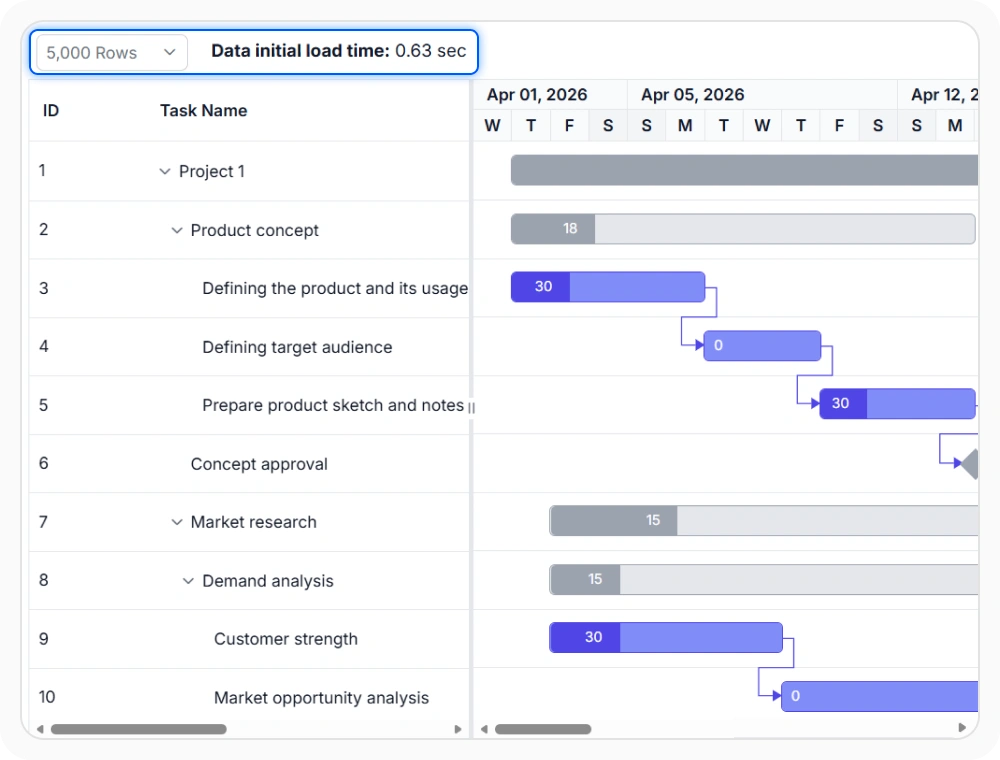
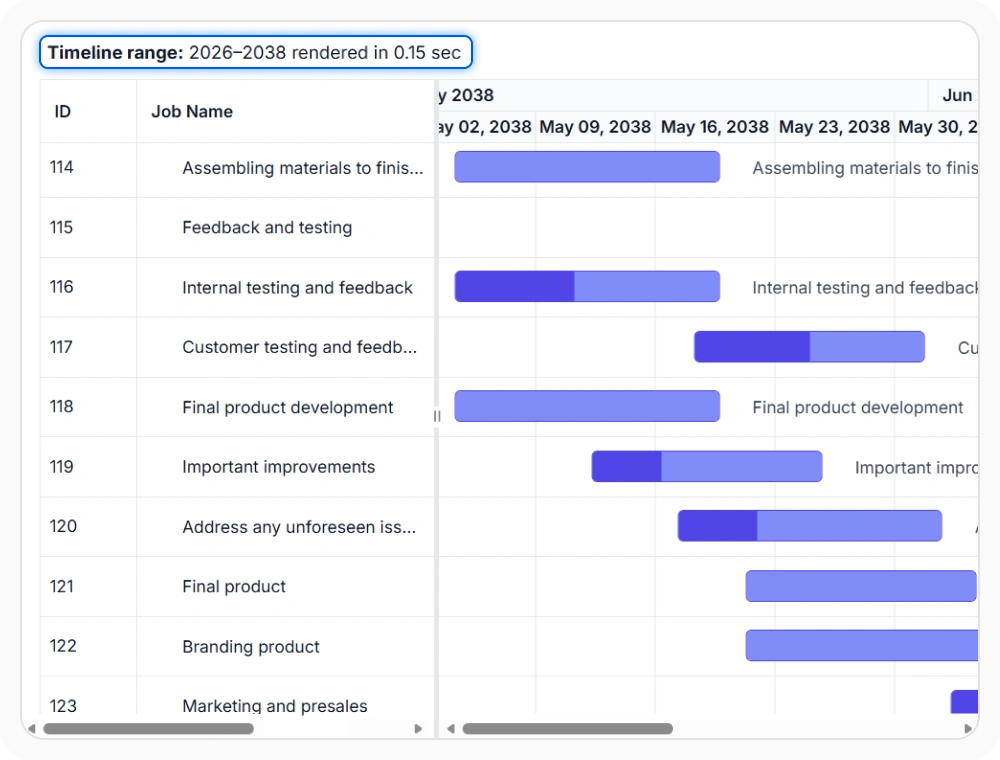
Improve Timeline Performance
Timeline virtualization limits horizontal rendering to the timeline cells that are currently needed. This helps maintain smoother movement across extended date ranges.
- Navigate extended date ranges with smooth horizontal scrolling performance
- Reduce rendering overhead for long-term schedules and roadmaps spanning months or years
- Efficiently handle wide timeline views without performance degradation
- Improve responsiveness when panning across large project timeframes
Optimize rendering with prepared schedules
Rendering optimization reduces extra processing when task dates and dependencies are already prepared in the source data. This can improve initial display time for large schedules.
- Reduce processing overhead when task dates and dependencies are pre-calculated.
- Improve initial display time for enterprise-scale project schedules.
- Skip unnecessary date recalculation when schedule logic is already resolved.
- Accelerate schedule rendering for data that doesn’t require dynamic calculation.
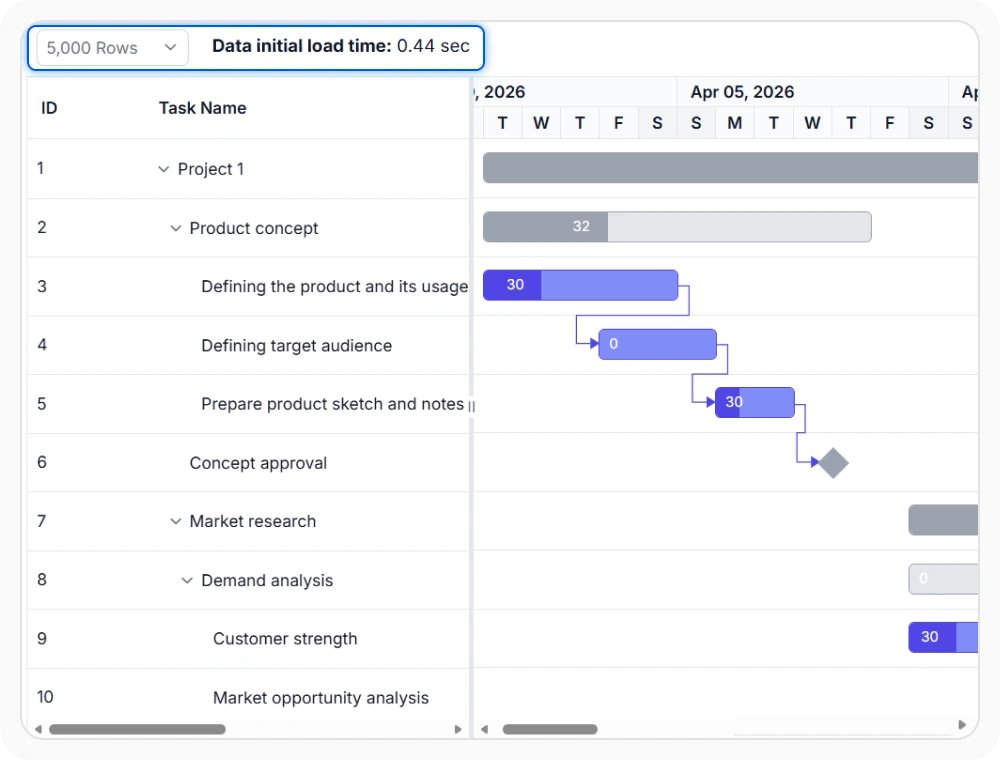
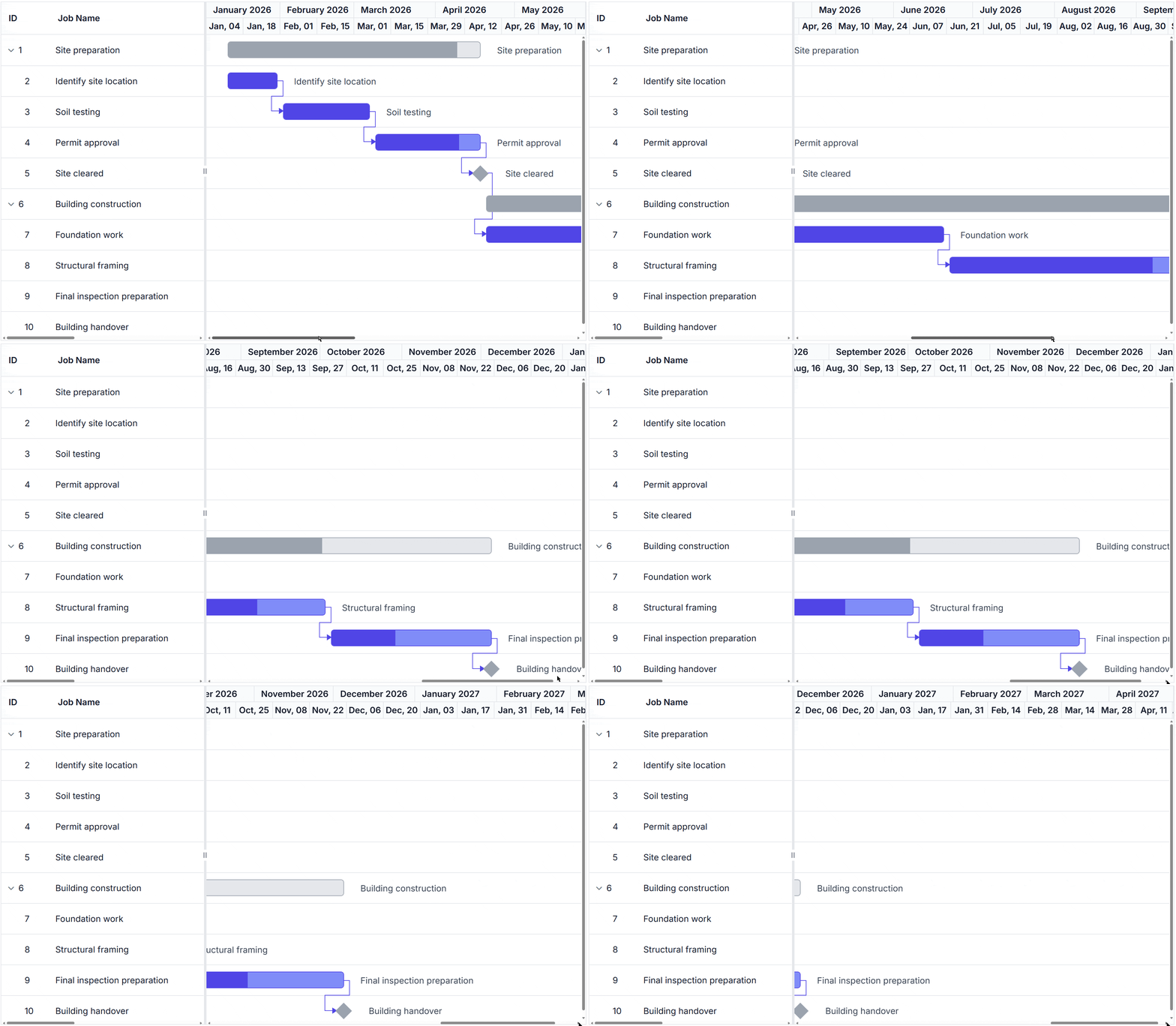
Navigate with infinite timeline scrolling
Infinite timeline scrolling allows users to move continuously across project timelines beyond the current view. This helps teams explore extended schedules without manually redefining timeline ranges.
- Explore extended schedules without manually redefining timeline ranges for different date periods.
- Support roadmaps and long-term forecasts spanning large date ranges seamlessly.
- Enable continuous navigation across project timelines for comprehensive schedule review.
- Reduce need for timeline range adjustments during extended schedule exploration.
Load child tasks on demand
Load on demand retrieves child task data only when a parent item is expanded. This reduces the amount of data handled during initial display.
- Reduce initial data processing by loading child tasks only when parents are expanded.
- Improve performance with hierarchical schedules containing large task trees.
- Support remote data sources with efficient lazy-loading capabilities.
- Minimize memory footprint for large, multi-level project structures.
PLATFORM SUPPORT
Gantt Chart performance optimization across platforms
Row virtualization, timeline virtualization, load on demand, and rendering optimization are supported across web, desktop, and cross-platform implementations. All platforms provide comprehensive performance optimization capabilities.
| Capability | JS, React, Angular & Vue | Blazor | ASP.NET Core & MVC | WPF | UWP |
|---|---|---|---|---|---|
| Row Virtualization | |||||
| Timeline Virtualization | |||||
| Load on Demand | |||||
| Rendering Optimization | |||||
| Infinite Timeline Scrolling |
Frequently Asked Questions
How can I optimize Gantt Chart performance for enterprise-scale projects?
Optimize Gantt Chart performance by using virtualization, load-on-demand data retrieval, prepared schedule data, and timeline rendering optimizations to efficiently manage large project schedules.
How does timeline virtualization improve Gantt Chart performance?
Timeline virtualization renders only the timeline cells needed for the current view. This improves performance and enables smoother navigation across long project schedules and extended date ranges.
When should rendering optimization be used in Gantt Chart?
Rendering optimization is useful when task dates and dependency relationships are already prepared before display. This reduces additional processing during rendering and improves load performance for large schedules.
Does row virtualization reduce initial load time in Gantt Chart?
Yes. By rendering only visible rows, row virtualization reduces the amount of content loaded initially, improving responsiveness when opening large project schedules.
How does infinite timeline scrolling improve project planning?
Infinite timeline scrolling enables continuous navigation across project timelines, helping teams review long-term plans, milestones, and schedule changes without manually reconfiguring the timeline.
How does load on demand differ from row virtualization?
Load on demand controls when hierarchical data is retrieved, while row virtualization controls how many loaded rows are rendered on screen at a given time. Together, they help optimize large project schedules.
Documentation
Virtual scrolling
Optimize rendering and scrolling performance with row and timeline virtualization for large project schedules.
Rendering optimization
Improve display performance by preparing schedule data and utilizing rendering optimizations for efficient rendering.
Load on demand
Load hierarchical task data dynamically when parent tasks are expanded for improved performance with large datasets.
Resources
Learn more about our Gantt Chart
Explore demos, KB articles, and documentation to get the most out of Gantt Chart.
Explore guides, APIs, and quick-start tips
See live use cases in action
Ask, share, and connect with peers
Find solutions and best practices fast
Get expert help when needed
Feature requests and bug reports
Track issues and suggest improvements
Awards
Greatness—it’s one thing to say you have it, but it means more when others recognize it. Syncfusion® is proud to hold the following industry awards.









