Try Our Live Demo
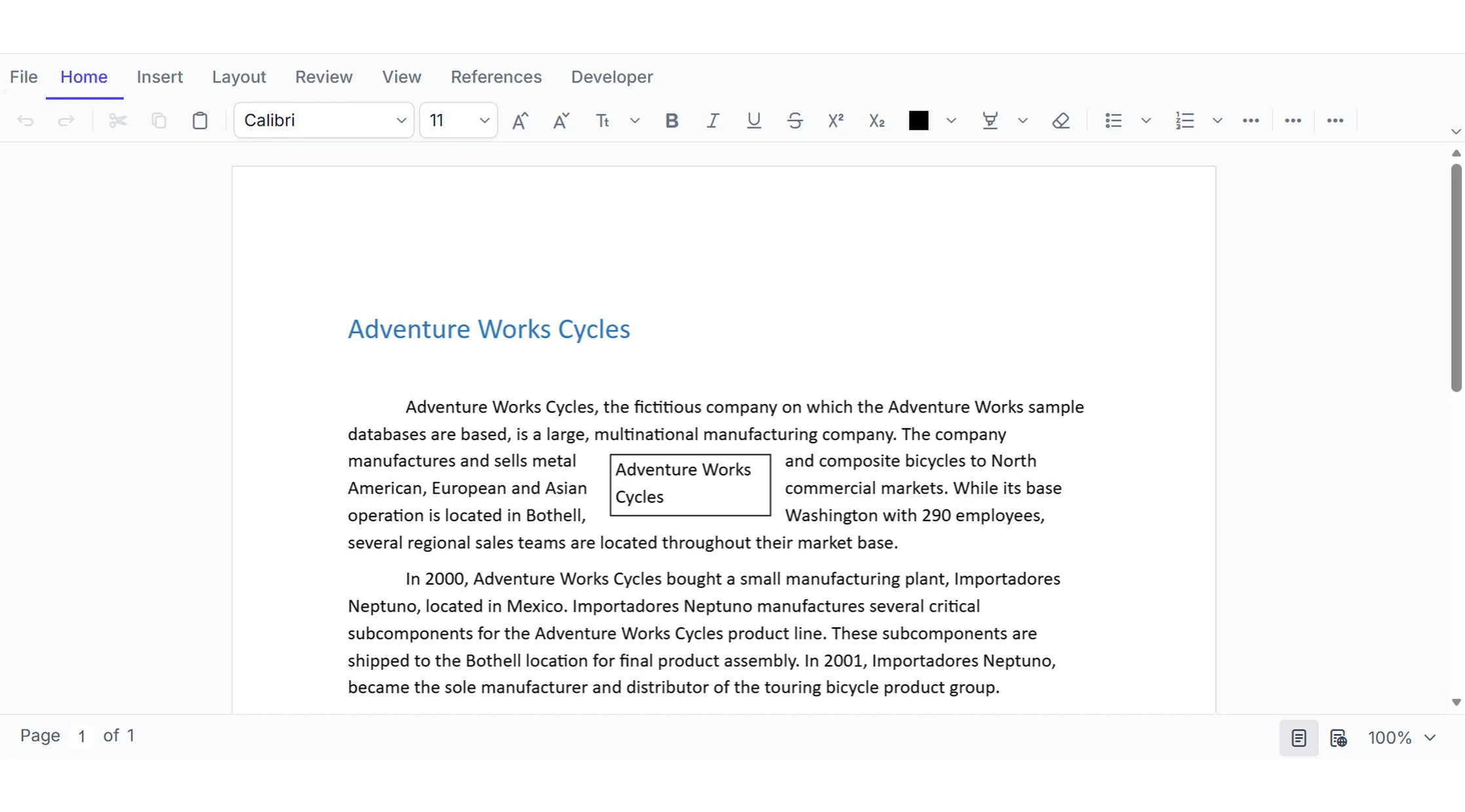
Everything you need to create professional documents
Give your application the essential tools to create and edit professional business documents—all within your existing application experience.
Create documents from scratch
Start with a blank document or load an existing Word document and provide a full editing canvas for creating professional content.
Edit with familiar Word-like tools
Provide intuitive editing, formatting, navigation, selection, copy and paste, undo and redo, and other common word-processing operations within your application.
Preserve document structure and formatting
Work with structured Word content—including text, tables, images, sections, headers, footers, fields, and page settings—while maintaining the document’s layout and presentation.
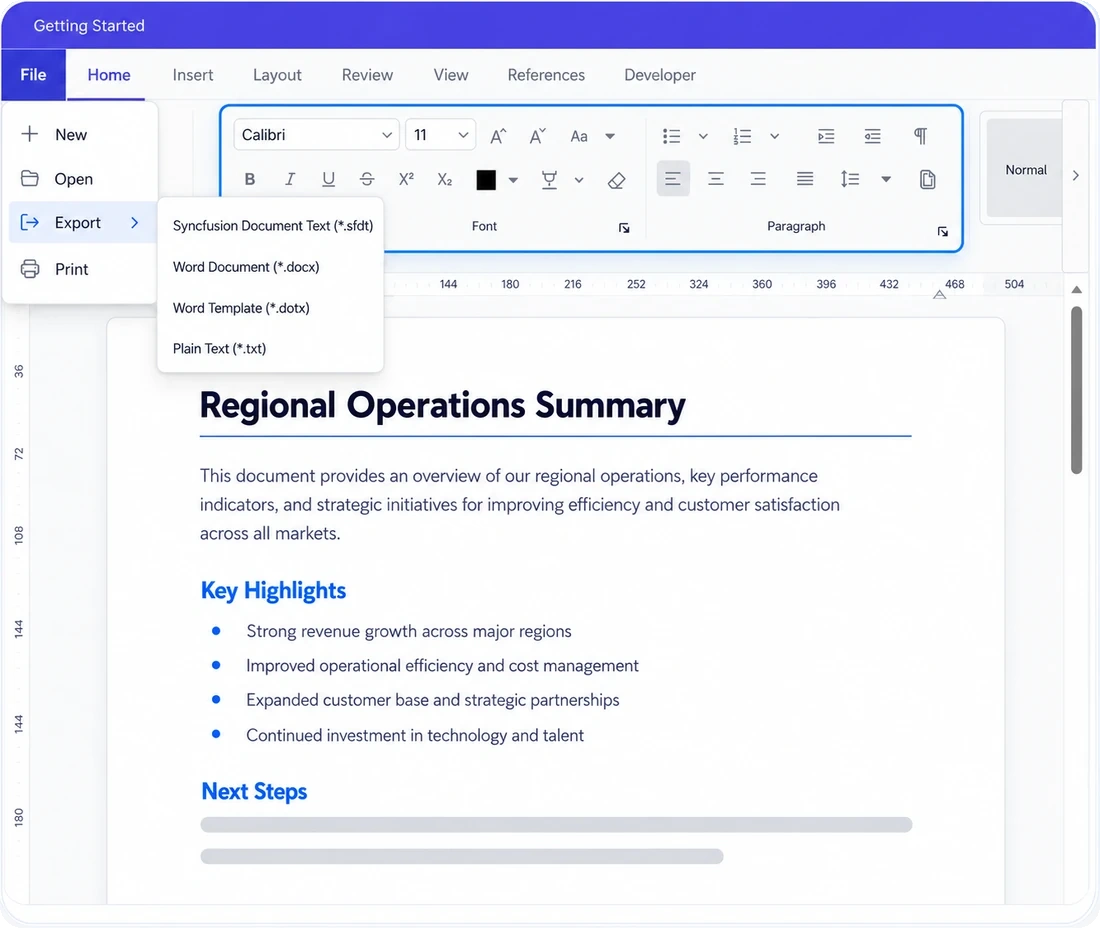
Create, open, and edit DOCX documents
Create new documents or bring existing Word documents into your application for editing. Your application can provide a familiar WYSIWYG experience for working with document content and saving it back to DOCX.
- Create rich-text documents from a blank canvas.
- Open and edit existing DOCX documents while retaining document structure and formatting.
- Select, navigate, copy, cut, paste, undo, and redo content during editing.
- Save edited documents as DOCX files.
Format text and paragraphs with precision
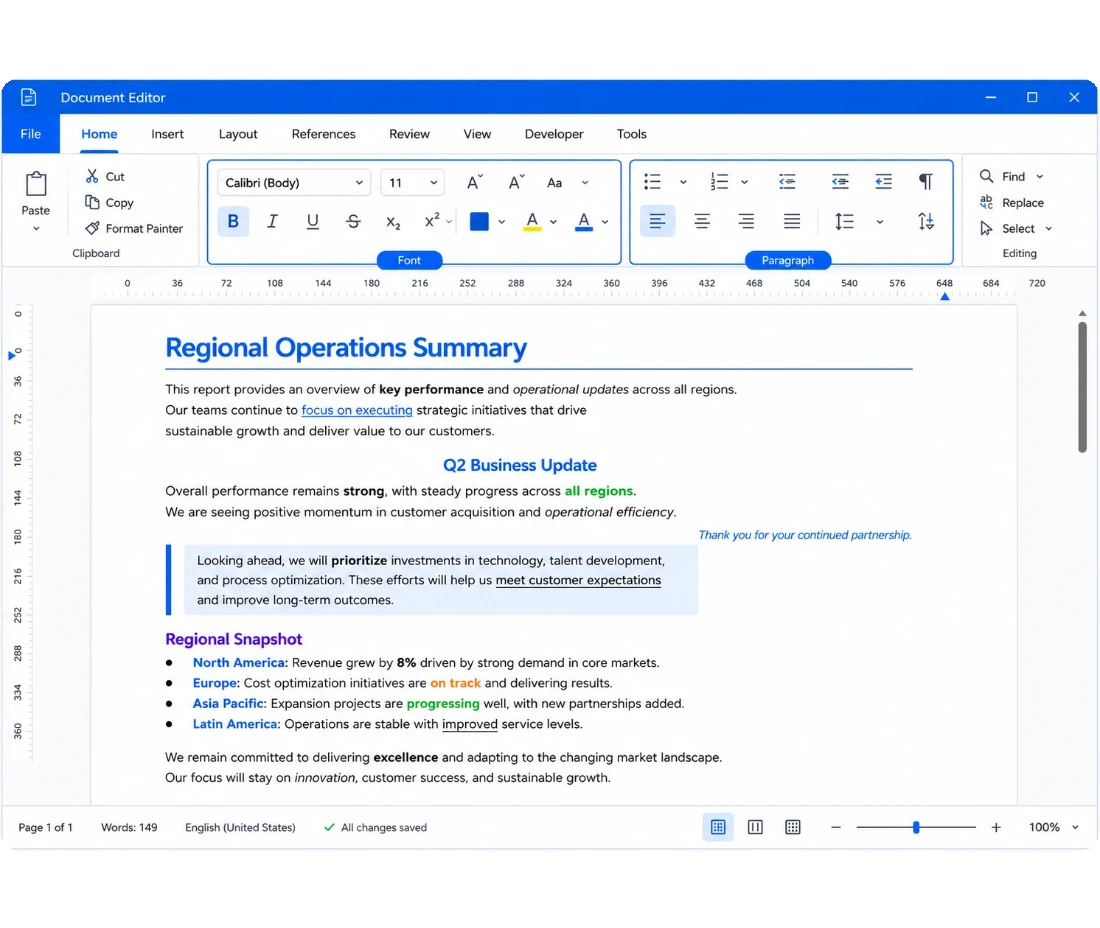
Give your application the formatting controls needed for a familiar Word-like editing experience. Apply formatting at both the character and paragraph levels to create polished, readable documents.
- Control fonts, font sizes, colors, emphasis, and other character formatting.
- Set paragraph alignment, indentation, spacing, and related layout properties.
- Apply formatting to selected content or entire paragraphs.
- Clear direct formatting and apply consistent formatting through styles.
Keep documents consistent with styles and lists
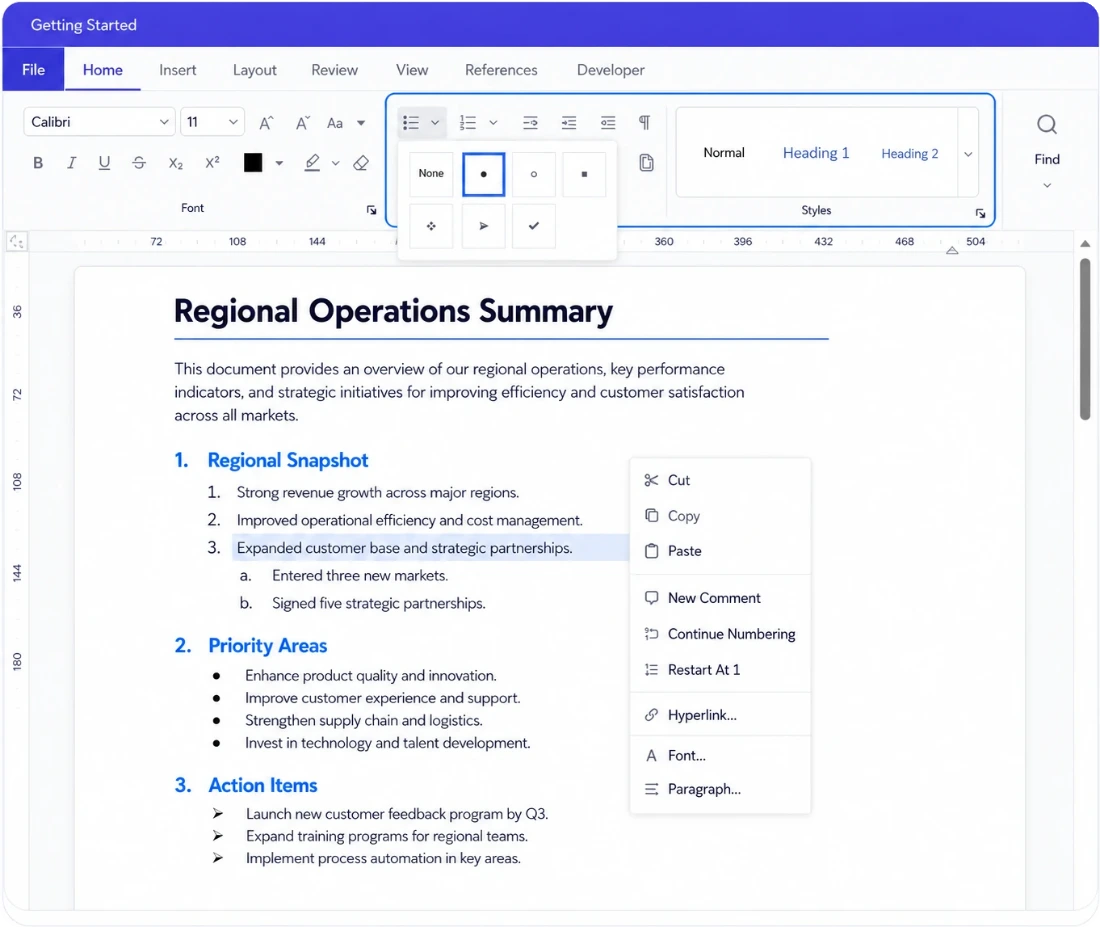
Help your application support structured documents without requiring manual formatting for every paragraph. Built-in and custom styles make it easier to maintain consistent headings, body text, and other document elements.
- Apply built-in heading and paragraph styles.
- Create, modify, and apply custom styles.
- Use bulleted and numbered lists to organize content.
- Continue numbering and manage list formatting programmatically.
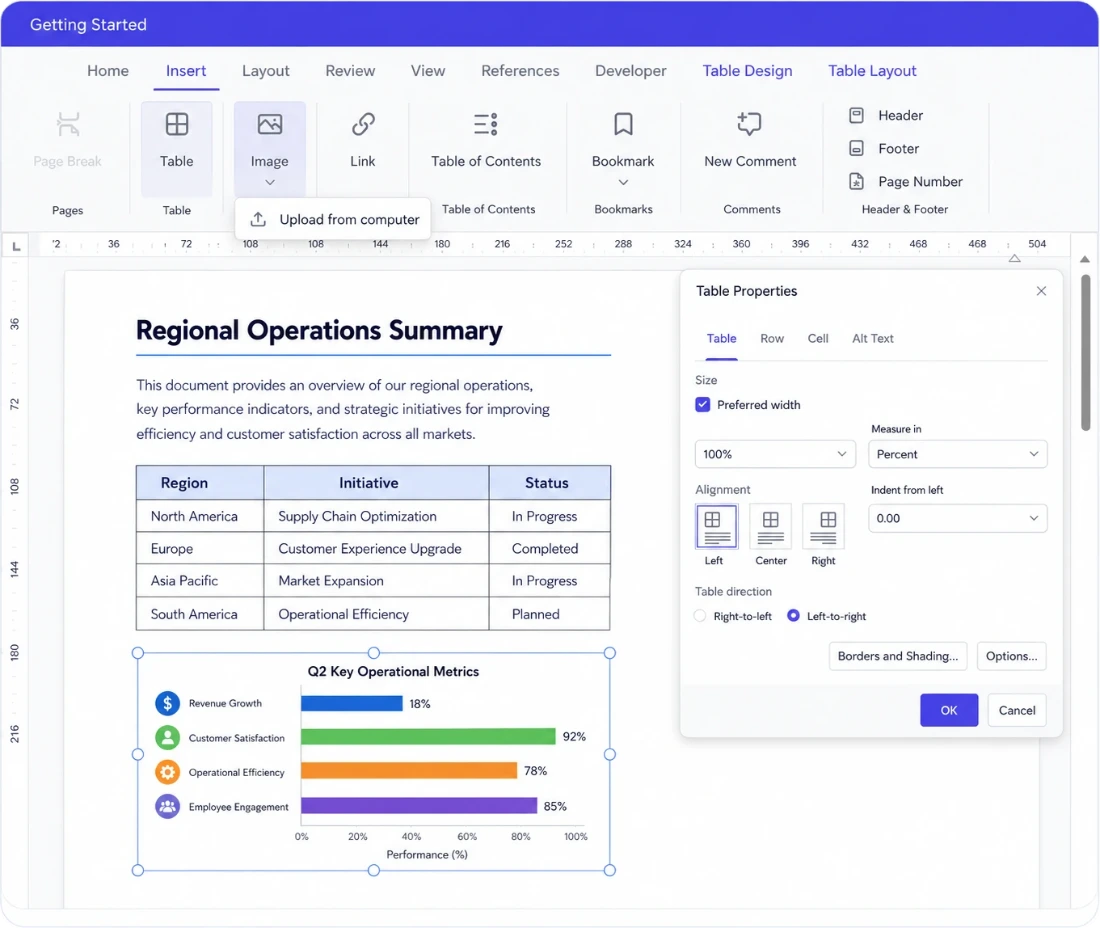
Build structured content with tables and images
Create documents that go beyond plain text by adding structured tables and visual content directly within the editing experience.
- Insert and modify tables directly at the cursor position.
- Add or remove rows and columns and merge cells.
- Format table borders, alignment, sizing, and cell properties.
- Insert and resize images within document content
Control headers, footers, and page layout
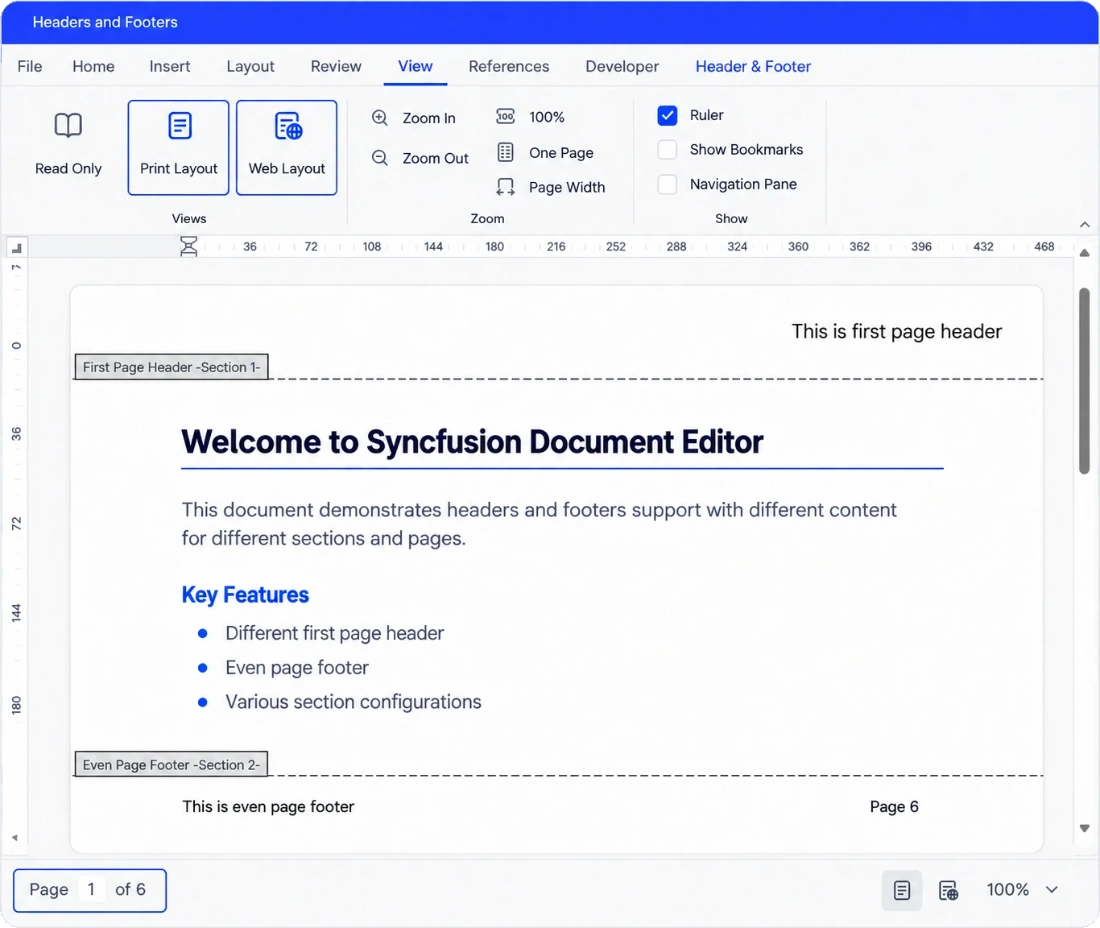
Create documents that look professional from the first page to the last. Manage page-level content and switch between document views based on how your application needs to present and edit documents.
- Add and edit headers and footers within document sections.
- Work with page sizes, margins, orientation, columns, and page breaks.
- Switch between Print Layout and Web Layout views.
- Work with page numbers and other commonly used document fields
Create personalized documents from templates
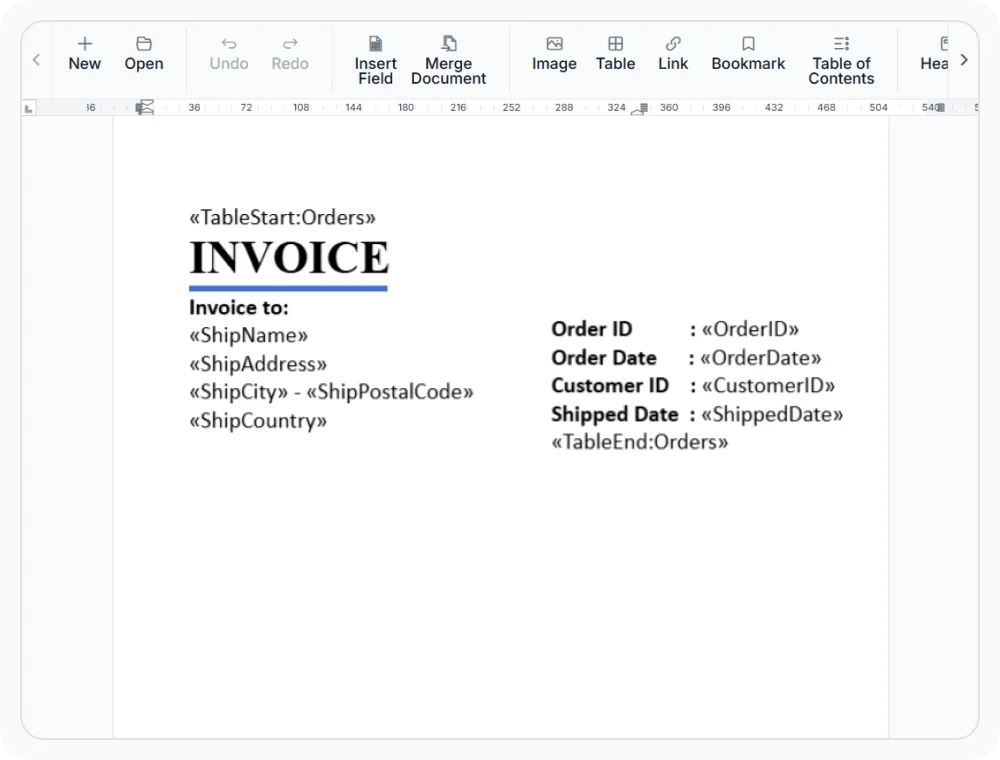
Extend document creation beyond manual editing by combining templates with application data. Insert merge fields into templates and generate personalized documents automatically.
- Insert merge fields programmatically into document templates.
- Populate documents with application or business data.
- Load the resulting document back into the DOCX Editor for viewing or further editing.
- Export the completed document to supported formats
PLATFORM SUPPORT
Complete document authoring across supported platforms
Create, edit, format, structure, and personalize Word documents with comprehensive authoring capabilities across supported DOCX Editor SDK platforms.
| Capability | JS, React, Angular, Vue | Blazor | ASP.NET Core & MVC | WPF | UWP |
|---|---|---|---|---|---|
| Create, open, and edit DOCX documents | |||||
| Save edited DOCX documents | |||||
| Text and paragraph formatting | |||||
| Styles and list management | |||||
| Tables and images | |||||
| Header and footer editing | |||||
| Page layout controls | |||||
| Mail merge and template generation |
Frequently Asked Questions
Does the DOCX Editor support editing and saving an existing DOCX file?
Yes. Existing DOCX documents can be opened, edited and saved as DOCX files in the DOCX Editor.
Are document styles customizable in the DOCX Editor?
Yes. The DOCX Editor supports built-in and custom styles for document formatting, with programmatic APIs for managing document content and formatting.
Is merging multiple Word documents supported directly in the editor?
The DOCX Editor is primarily an interactive document editing component. For workflows that combine or assemble multiple Word documents, use the server-side Syncfusion Word Library (DocIO) and load the resulting document into the editor.
Which platforms are supported in the DOCX Editor?
The DOCX Editor SDK supports React, Angular, Blazor, JavaScript/TypeScript, Vue, ASP.NET Core, ASP.NET MVC, WPF, and UWP.
Can an application support tables and images with the DOCX Editor?
Yes. An application can provide table creation and editing, cell merging, image insertion, and image resizing. Some advanced Word-specific table, image, and positioning properties have limitations.
Does the DOCX Editor support adding headers and footers?
Yes. Headers and footers can be added and edited within document sections, including different content for first, odd, and even pages.
Does the DOCX Editor require a server?
Not for every scenario. Supported editing operations can run without interactions. Server-side services are required for operations such as opening Word documents, paste with formatting, restricted editing, spell checking, and saving formats other than DOCX.
Which file formats are supported in the DOCX Editor?
The DOCX Editor supports opening and editing DOCX, SFDT, and other Word formats (DOC, DOTX, DOT, RTF, HTML, TXT). Exporting to PDF and other formats requires Syncfusion’s document processing libraries (Word Library and PDF Library) for server-side conversion.
Resources
Learn more about our DOCX Editor SDK
Explore demos, KB articles, and documentation to get the most out of the DOCX Editor SDK.
Explore guides, APIs, and quick-start tips
See live use cases in action
Ask, share, and connect with peers
Find solutions and best practices fast
Get expert help when needed
Feature requests and bug reports
Track issues and suggest improvements
Awards
Greatness—it’s one thing to say you have it, but it means more when others recognize it. Syncfusion® is proud to hold the following industry awards.









