Create Word Documents in .NET applications Using C#
- Create Word documents in C# without Microsoft Office.
- Automate Word document generation in .NET applications.
- Generate professional DOCX files from templates and dynamic data.
- Merge, split, and customize Word documents with a single API.
No credit card required.
VIEW DEMONo credit card required.
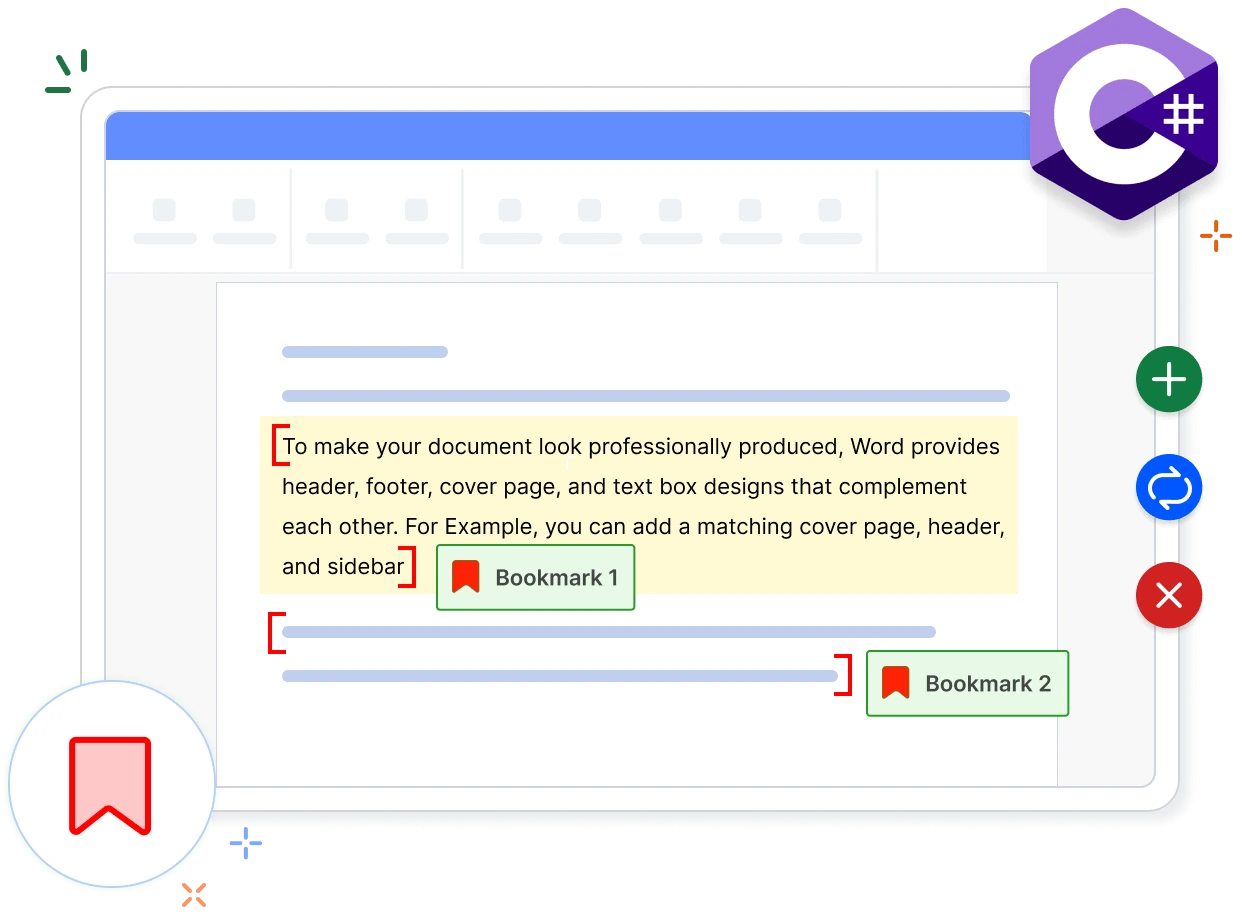
Create Word documents without Microsoft Office
Generate Word documents programmatically using a native .NET API across server, desktop, mobile, and cloud applications.
Create rich document content
Build documents with text, images, tables, lists, sections, headers, footers, and other Word elements.
Customize layout and formatting
Work with text, paragraphs, tables, images, shapes, links, bookmarks, forms, headers, footers, and sections.
Deploy anywhere .NET runs
Create Word documents without Microsoft Word or Office for scalable document generation workflows.
Create Word documents from Scratch
Create professional word documents from scratch with the intuitive Document Object Model (DOM) API of the Syncfusion .NET Word Library (DocIO). Easily add document elements, apply formatting, and generate high-quality Word files for business workflows.
- Add paragraphs, tables, images, shapes, hyperlinks, headers, and footers to a document.
- Apply built-in and custom styles, fonts, colors, numbering, and paragraph formatting.
- Insert structured content such as tables of contents, lists, bookmarks, and fields.
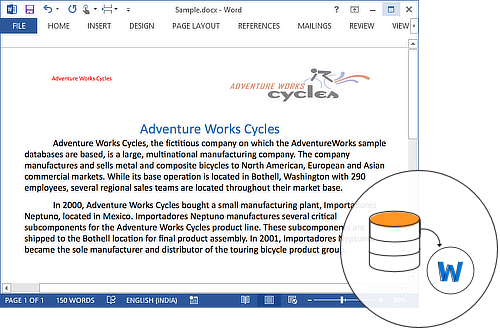
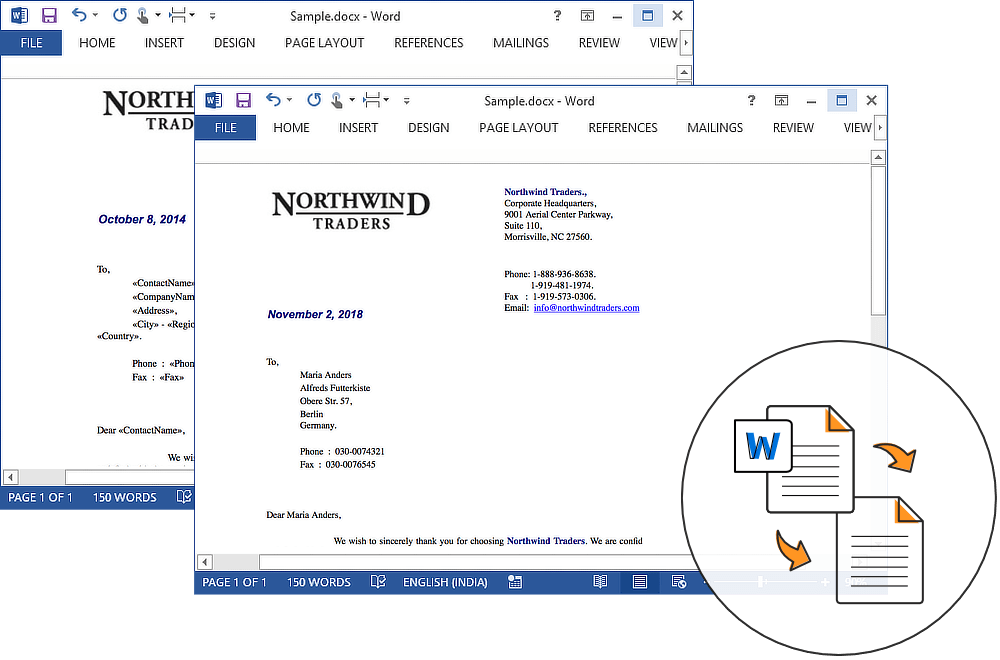
Create Word documents from a template
Design a template Word document with necessary placeholder text and easily automate the replacement of the placeholder text with data in a batch process. Use built-in features like mail merge and form filling.
- Design templates with merge fields, placeholders, and form fields for data-driven documents.
- Bind templates to data sources to generate letters, invoices, contracts, and reports in bulk.
- Use conditional fields, IF blocks, and nested merge logic for personalized output.
Merge and split Word documents
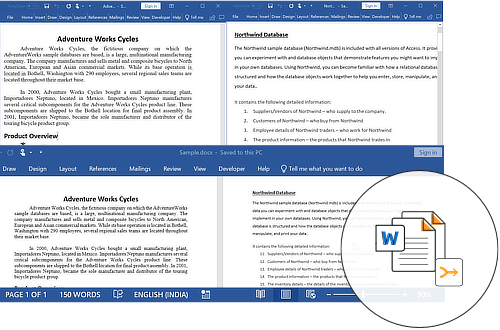
The .NET Word Library provides powerful document assembly features to merge, split, and reuse Word document content programmatically. Create new documents from existing files while preserving formatting, layouts, styles, and document structure.
- Import part of a document and insert it into the same or a different document with formatting preserved.
- Merge two or more Word documents into a unified document without losing formatting or document fidelity.
- Split a large document into multiple smaller documents based on sections, bookmarks, or placeholder text.
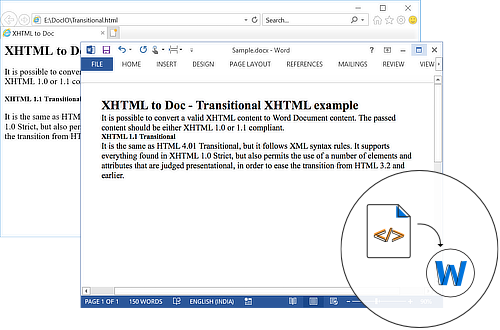
Create document from HTML contents
The .NET Word Library provides powerful HTML import capabilities to create and format Word documents from XHTML content programmatically. Convert HTML content into Word documents while preserving formatting, styles, tables, images, and document structure.
- Import HTML content to a specified location within an existing Word document.
- Replace placeholder text with HTML content as part of template-driven workflows.
- Navigate to a bookmark and replace its content with HTML to update specific sections.
See Why Developers Love Syncfusion
Our Customers Love Us
Having an excellent set of tools and a great support team, Syncfusion reduces customers’ development time. Here are some of their experiences.




Frequently Asked Questions
Can I create Word documents without a Microsoft Word dependency?
Yes. The Syncfusion .NET Word Library creates DOCX files programmatically without Microsoft Word or Office Interop, making it suitable for automated document workflows across .NET applications.
Can I automate mail merge operations with data?
Yes. The library supports mail merge and group mail merge using common .NET data sources, helping generate personalized documents at scale.
Can I combine multiple Word documents into one?
Yes. You can merge multiple Word documents into a single file while preserving formatting, sections, styles, headers, and footers.
Can I generate Word documents from reusable templates?
Yes. You can populate predefined Word templates with application data while preserving layouts, styles, headers, footers, and other document formatting.
Can I replace placeholders with rich document content?
Yes. Placeholders can be replaced with formatted text, images, tables, hyperlinks, content controls, and content imported from other Word documents.
Can I protect Word documents from unwanted edits?
Yes. The library supports document protection features such as read-only access, form-filling restrictions, comments-only editing, and tracked changes.
Documentation
Create Word document from scratch
Build a complete Word document using paragraphs, text, formatting, styles, and page settings through a .NET API.
Mail merge
Populate Word templates with data from DataTables, arrays, and collections to generate documents at scale.
Merge Word documents
Combine templates, chapters, and sections into one Word file with control over formatting and list numbering.
HTML to Word conversion
Convert HTML content into Word documents while preserving text, tables, images, styles, and document structure.
Word to PDF conversion
Convert Word documents to PDF while preserving styles, formatting, and document structure.
Working with tables
Insert, format, and populate tables with rows, columns, cell merging, borders, and styles in Word documents.
Resources
Learn more about our .NET Word Library
Explore demos, KB articles, and documentation to get the most out of the .NET Word Library.
Explore guides, setup details, and quick-start tips
See live use cases in action
Ask, share, and connect with peers
Find solutions and best practices fast.
Get expert help when needed.
Feature requests and bug reports
Track issues and suggest improvements
Awards
Greatness—it’s one thing to say you have it, but it means more when others recognize it. Syncfusion® is proud to hold the following industry awards.









