Create PowerPoint Presentations in .NET Using C#
- Create presentations, populate branded templates, and merge PowerPoint decks.
- Add charts, tables, images, and animation with consistent branding and formatting.
No credit card required.
VIEW DEMONo credit card required.
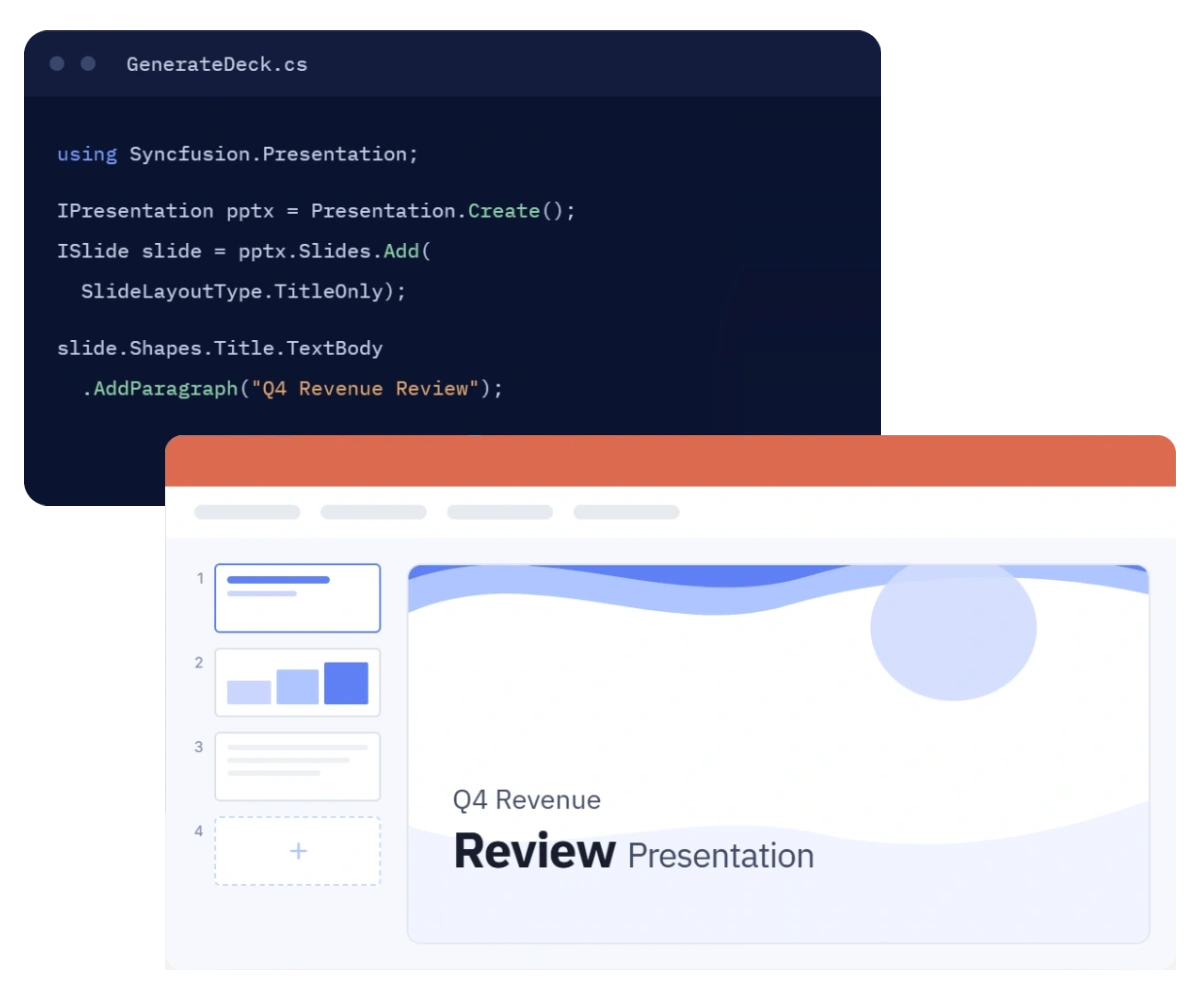
Programmatic PowerPoint creation workflows
Create professional PowerPoint output where your data and business logic already live—from web applications and APIs to desktop software, cloud services, and containerized workloads.
Build complete presentations
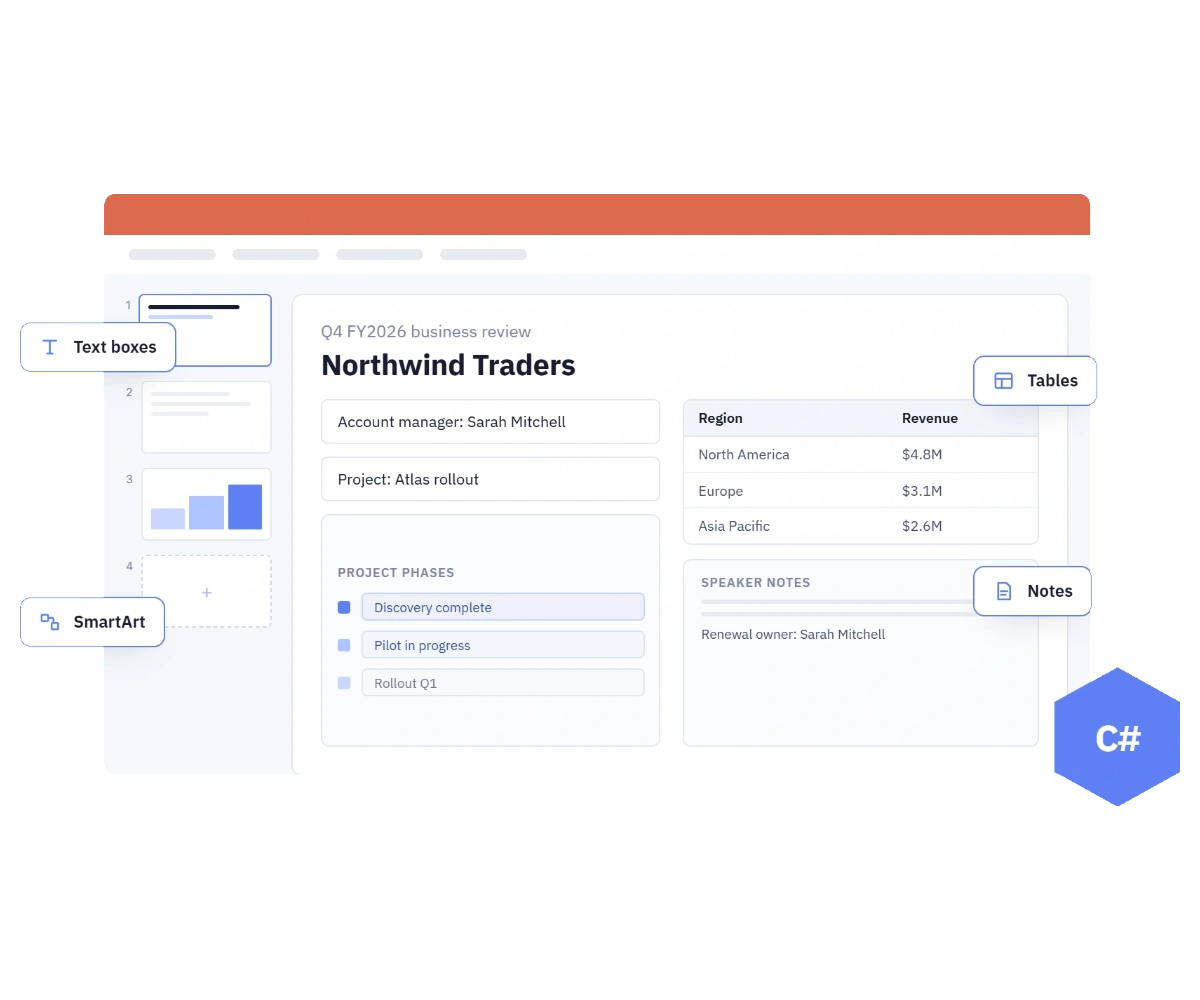
Create slides with text, images, shapes, tables, charts, SmartArt, hyperlinks, notes, animations, and transitions through a comprehensive .NET API.
Automate repeatable decks
Turn approved PowerPoint templates and live application data into consistent proposals, reports, training materials, and customer-ready presentations.
Deploy without PowerPoint
Generate and process presentations on Windows, Linux, macOS, and containers without installing Microsoft PowerPoint or relying on COM interop.
Generate PowerPoint from scratch
Start with a new presentation, select a predefined or custom slide layout, and create complete slides with precise content and formatting control. Build recurring business reports, personalized decks, or presentations generated by applications using familiar C# objects and streams.
- Add, manage, and organize slides, sections, layouts, and master content.
- Insert and format text, images, shapes, tables, charts, SmartArt, and hyperlinks.
- Apply backgrounds, bullets, numbering, animations, transitions, notes, and comments.
Populate PowerPoint templates
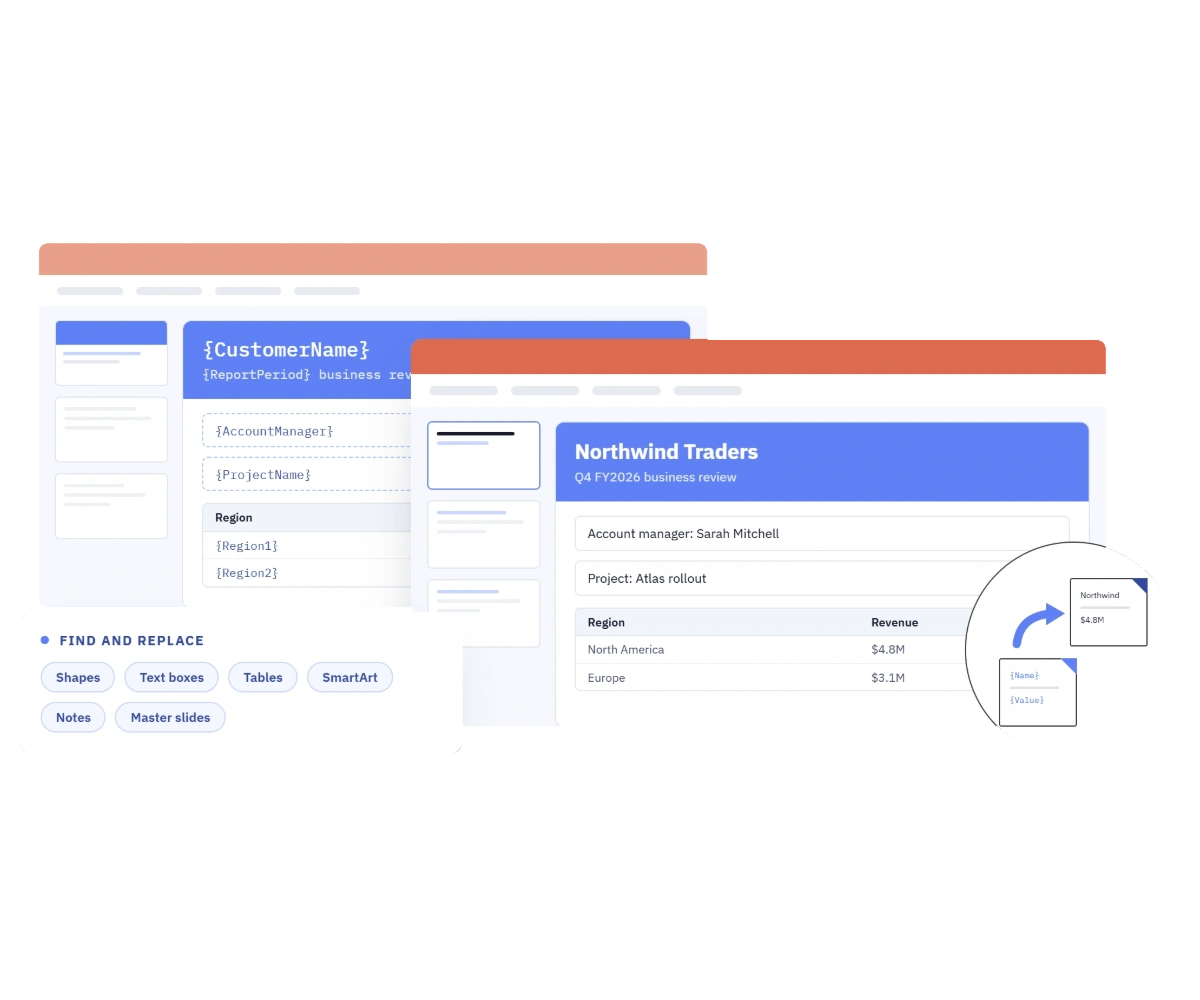
Keep design ownership with your creative team while developers automate the content. Open an existing PowerPoint template, locate placeholder text, and replace it with customer, project, or reporting data while retaining the surrounding slide design and formatting.
- Replace the first match or every occurrence across shapes, text boxes, tables, and SmartArt.
- Target regular slides, notes, master slides, or layout slides with case and whole-word controls.
- Update content that spans multiple text parts or lines without rebuilding the slide.
Merge PowerPoint or specific slides
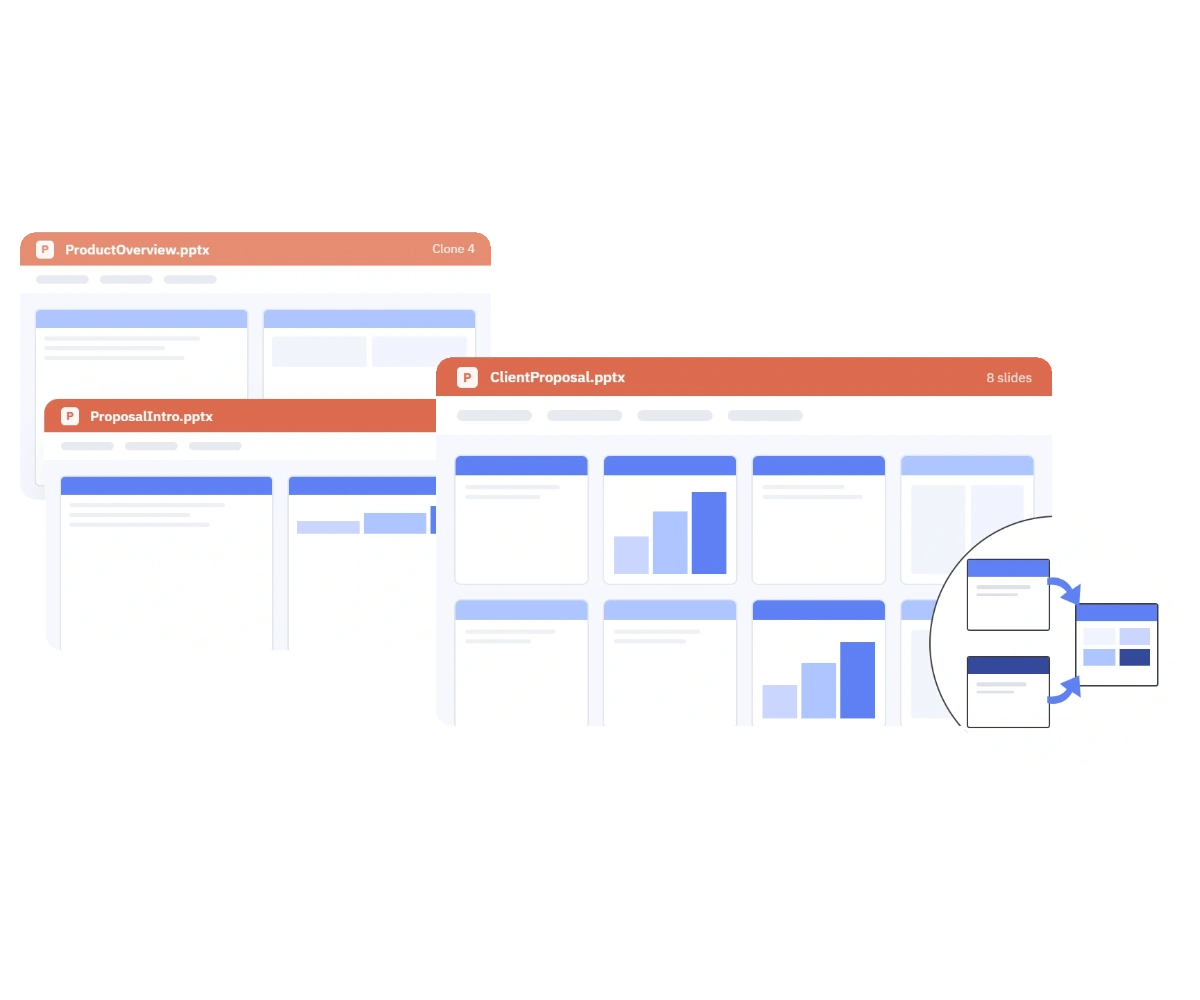
Combine every slide or clone selected slides into a destination presentation, with control over whether imported slides keep their original appearance or adopt the destination theme.
- Merge multiple presentations into one file or bring across selected slides only as needed.
- Retain the source design or apply the destination presentation’s theme and styles.
- Automate batch assembly for proposals, reports, course packs, and presentation libraries.
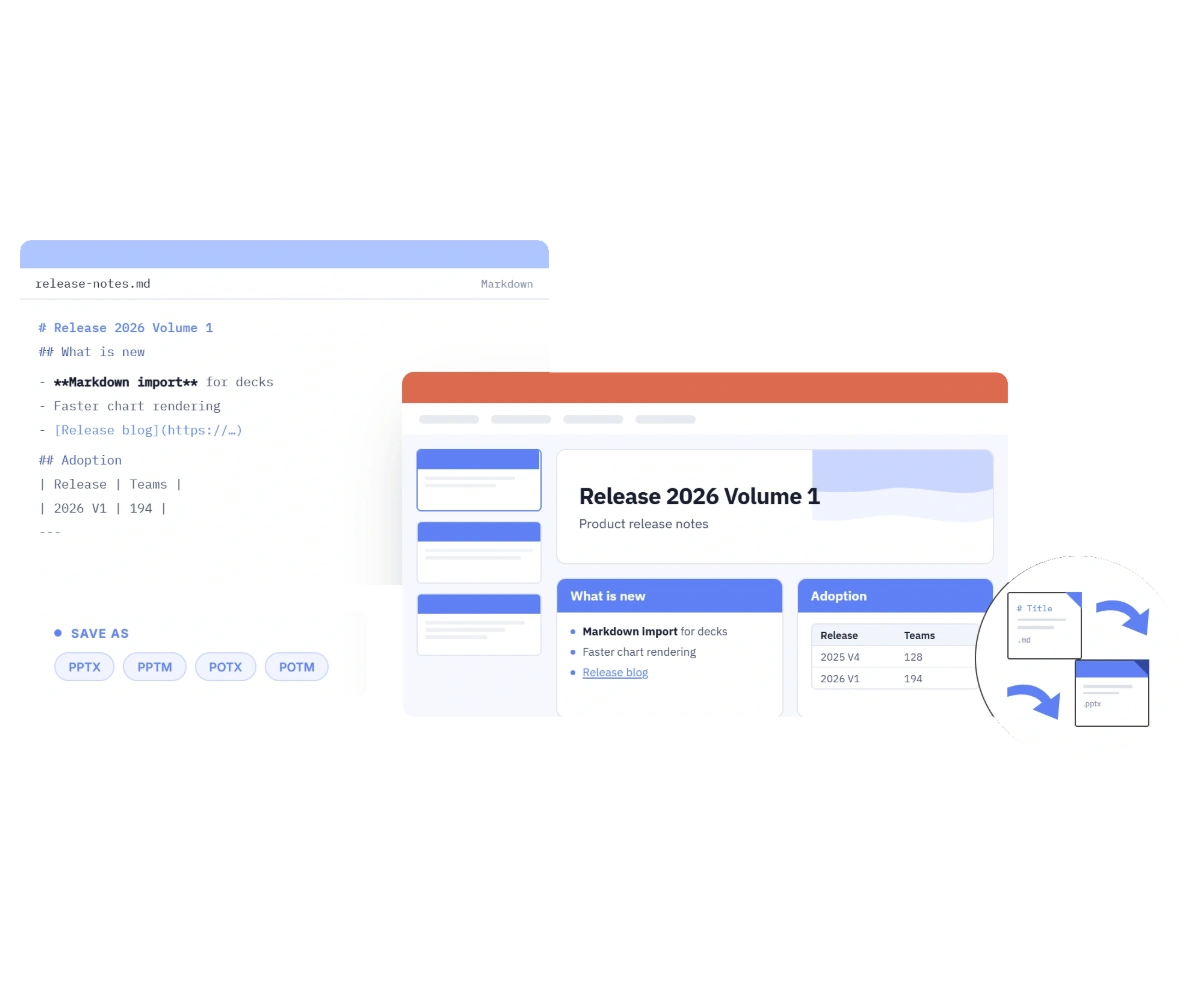
Convert Markdown to PowerPoint
Move structured content from developer friendly Markdown into PowerPoint presentation without manually recreating slides. Import Markdown and save as PPTX or other supported formats, with options to resolve images and customize content parsing during conversion processes.
- Carry headings, emphasis, lists, links, tables, code, horizontal rules, and images into presentation output.
- Customize image handling during import with advanced loading options and image callback controls.
- Save converted content as PPTX, PPTM, POTX, or POTM file formats for downstream presentation workflows.
See Why Developers Love Syncfusion
Our Customers Love Us
Having an excellent set of tools and a great support team, Syncfusion reduces customers’ development time. Here are some of their experiences.




Frequently Asked Questions
Can I create PowerPoint files without Microsoft PowerPoint installed?
Yes. The Syncfusion .NET PowerPoint Library is a non-UI component and does not require Microsoft PowerPoint, Microsoft Office, or COM interop. It can create and process presentations within your application or service.
What can I add to a presentation created from scratch?
You can create slides and populate them with formatted text, images, shapes, tables, charts, SmartArt, hyperlinks, comments, notes, animations, and transitions. You can also work with slide layouts, master slides, sections, and document properties.
Can I generate presentations from an existing corporate template?
Yes. Open an existing template or presentation and replace placeholder content with application data. Find-and-replace options can target text in slides, tables, SmartArt, notes, masters, and layouts while the template supplies the established design.
Which .NET environments can I use for presentation generation?
The library supports modern .NET application models and can run across Windows, Linux, macOS, and container environments. It is suitable for web applications, desktop software, cloud services, APIs, and microservices.
Can I save a generated PowerPoint to a stream?
Yes. Presentations can be saved to a file or stream, making it straightforward to return a download from a web API, store output in cloud storage, attach it to a workflow, or continue processing it in memory.
Can I keep the original formatting when merging presentations?
Yes. When copying or merging slides, you can choose to retain the source presentation’s design or apply the destination presentation’s theme. You can merge complete decks or selected slides.
Documentation
Create PowerPoint from scratch
Start with a new presentation and create complete slides with precise content and formatting control.
Find and replace in PowerPoint
Populate branded templates by locating placeholder text and replacing it with live data while retaining the slide design.
Merge PowerPoint presentations
Combine every slide or clone selected slides into a destination presentation with control over theme.
Convert Markdown to PowerPoint
Import structured Markdown content and save as PPTX or other formats without manually recreating slides.
Working with slides
Add, clone, move, and delete slides; manage sections, layouts, and master slide content within a presentation.
Working with charts
Insert and customize charts within slides, including data binding, chart types, titles, axes, and series formatting.
Resources
Start building PowerPoint generation into your app
Explore demos, KB articles, and documentation to get the most out of our PowerPoint library.
Explore guides, APIs, and quick-start tips
See live use cases in action
Ask, share, and connect with peers
Find solutions and best practices fast
Get expert help when you need it
Feature requests and bug reports
Track issues and suggest improvements
Awards
Greatness—it’s one thing to say you have it, but it means more when others recognize it. Syncfusion® is proud to hold the following industry awards.









