Create PDF Documents in .NET Using C#
- Build document workflows and create dynamic reports and forms.
- Add annotations and security while customizing PDF content programmatically.
No credit card required.
VIEW DEMONo credit card required.
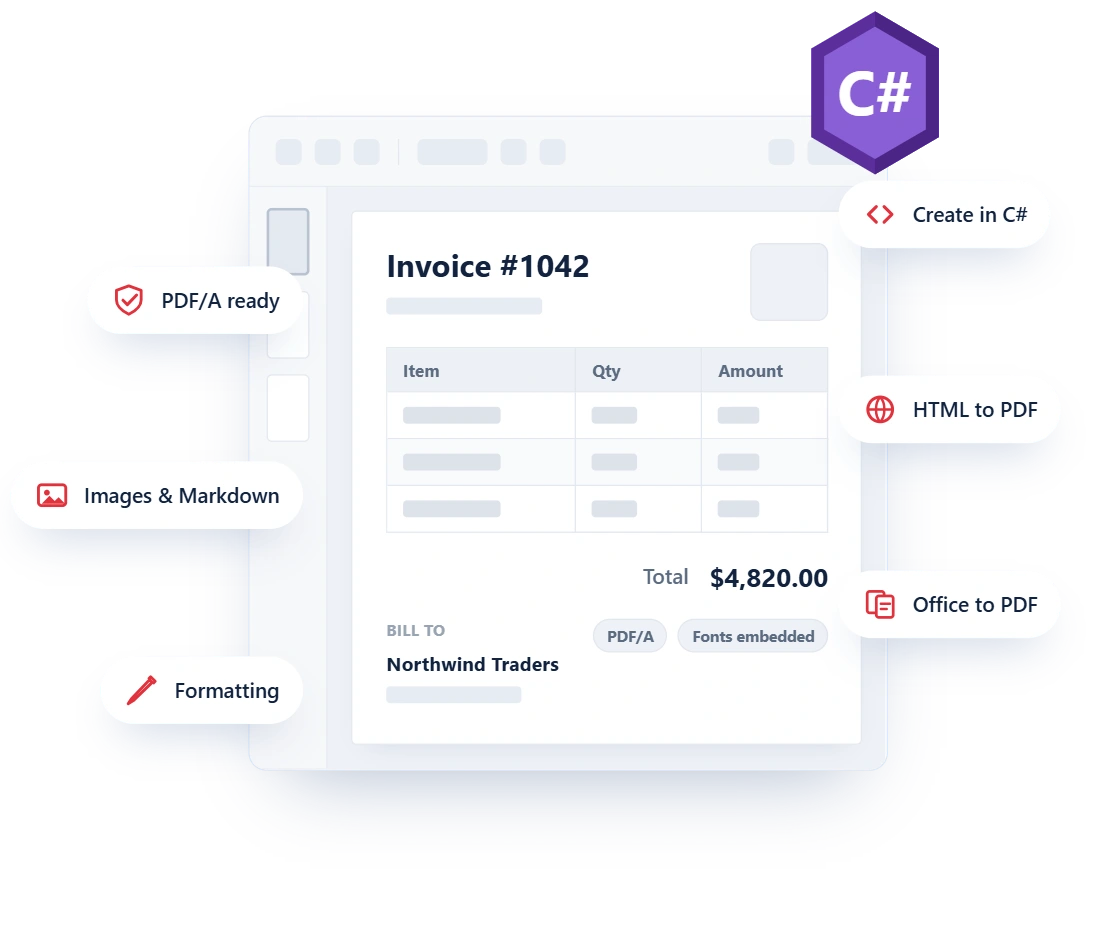
One .NET SDK for every PDF creation workflow
Give users, customers, and internal teams consistent PDF output, whether your application creates the document from live data or converts an existing source file.
Create with complete control
Compose pages directly in C# with the content, layout, fonts, and page settings your workflow requires. Create invoices, reports, statements, certificates, and other business documents.
Convert documents to PDF
Turn web pages, Office files, Markdown, images, and XPS into PDF instead of recreating them. Preserve source formatting and structure to accelerate delivery and reduce conversion defects.
Run without Adobe Acrobat
Run document creation inside desktop, web, server, cloud, and containerized .NET applications without automating Adobe Acrobat or Microsoft Office.
Generate polished PDF documents
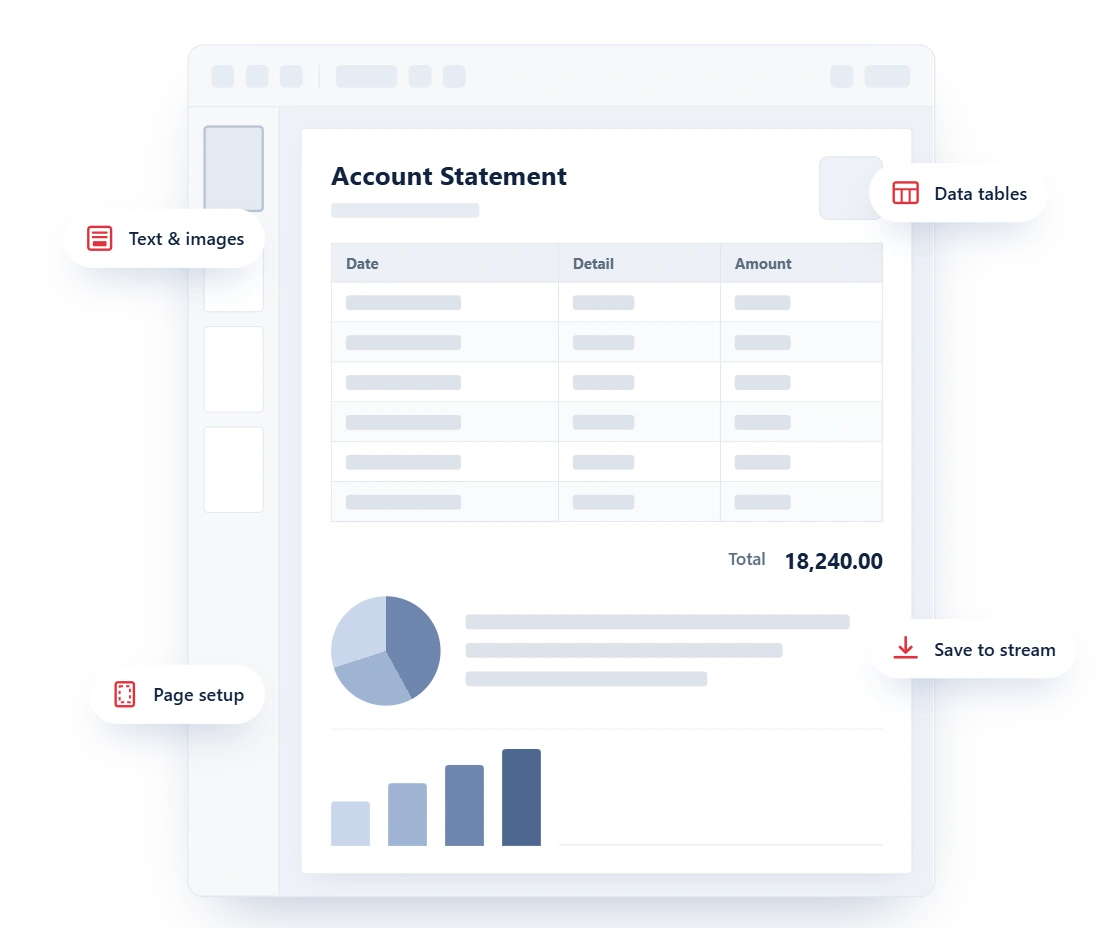
Create PDFs from scratch when your application owns the data and the layout. Add pages, place text and images, draw vector graphics, and turn structured data into professional tables through a programmatic .NET API.
- Combine text, images, tables, shapes, and graphics in the same document.
- Control page size, orientation, margins, typography, colors, and positioning.
- Use layout results to place flowing content and reduce unwanted overlap across pages.
- Save generated PDFs to a file or stream for download, storage, email, or further processing.
Convert web pages into PDFs
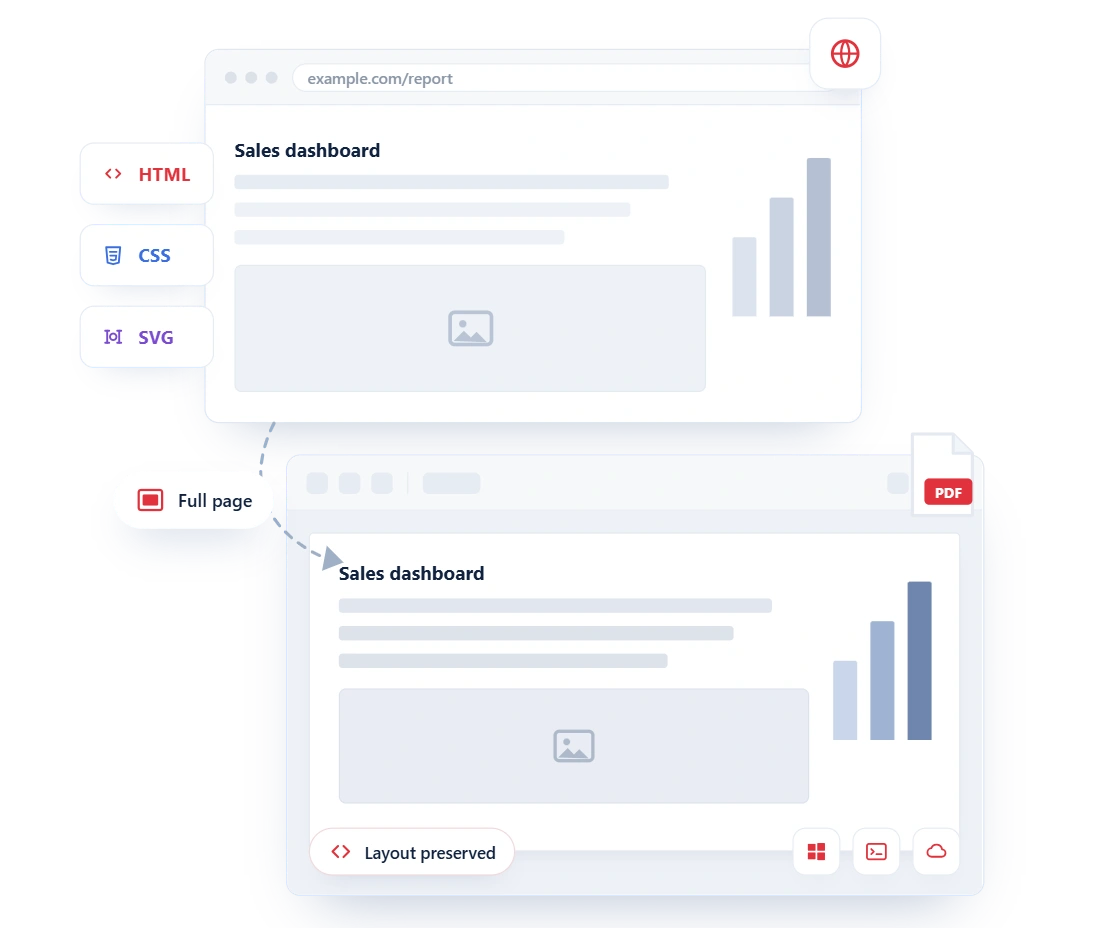
Reuse the web experiences and templates your team already maintains. Convert public or authenticated webpages, HTML files, HTML strings, SVG, and MHTML content into PDF with accurate rendering of layouts, fonts, images, and styles.
- Render modern HTML5, CSS3, JavaScript, SVG, and web fonts with the Chrome Blink engine.
- Convert an entire page or target a specific element for focused output.
- Create PDFs from URLs, local HTML, raw HTML strings, SVG, and MHTML.
- Run HTML-to-PDF workflows on Windows, Linux, macOS, cloud services, and containers.
Convert Office documents to PDF
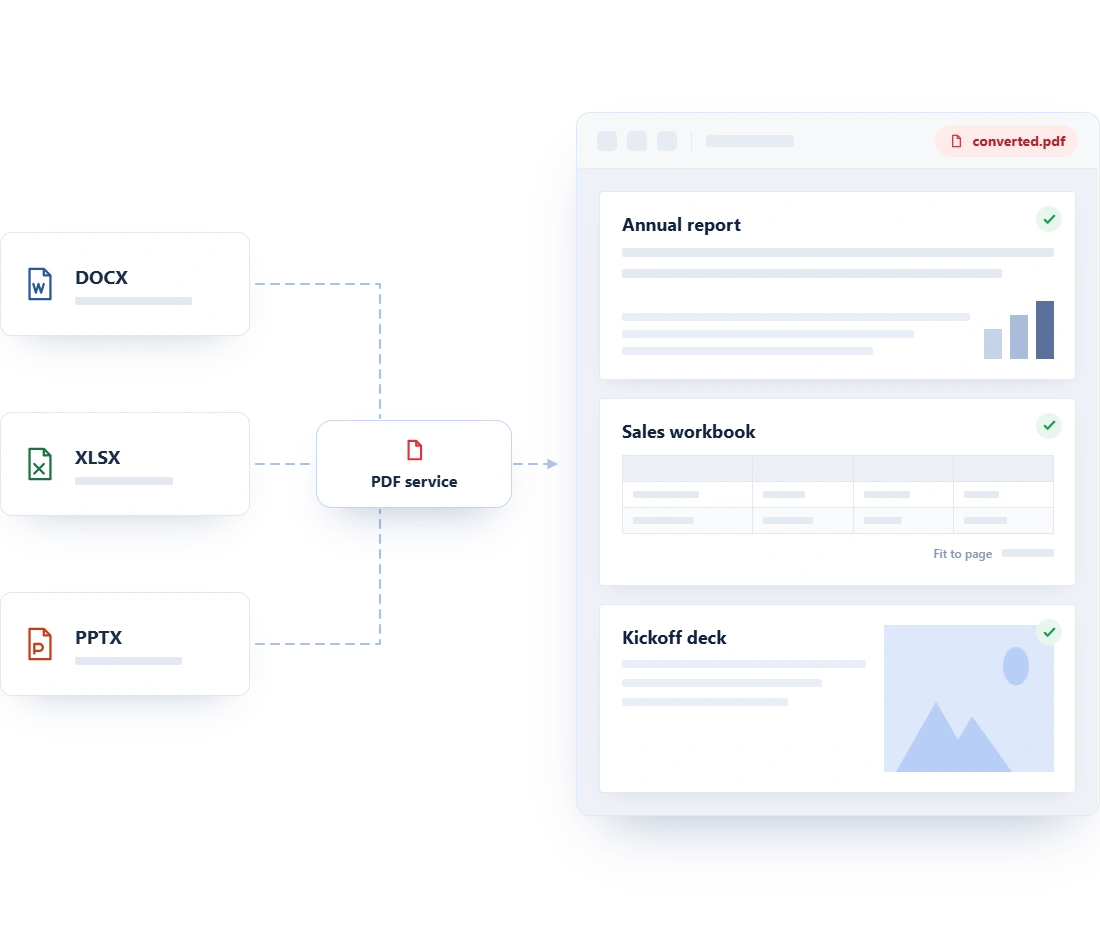
Convert Word, Excel, and PowerPoint files to PDF as part of your applications, workflows, and reporting solutions. Keep layouts, fonts, images, and formatting intact for easy sharing, reviewing, printing, and archiving.
- Retain layouts, fonts, styles, tables, images, charts, headers, footers, hyperlinks, and document structure.
- Preserves worksheet formatting, data, tables, charts, and print layouts with paper size, image quality controls.
- Maintain slide layouts, text, images, shapes, charts, and fonts, with options for handouts, notes pages, and hidden slides.
- Generate tagged PDFs to support accessibility, screen readers, and compliant document workflows.
Create business-ready PDFs
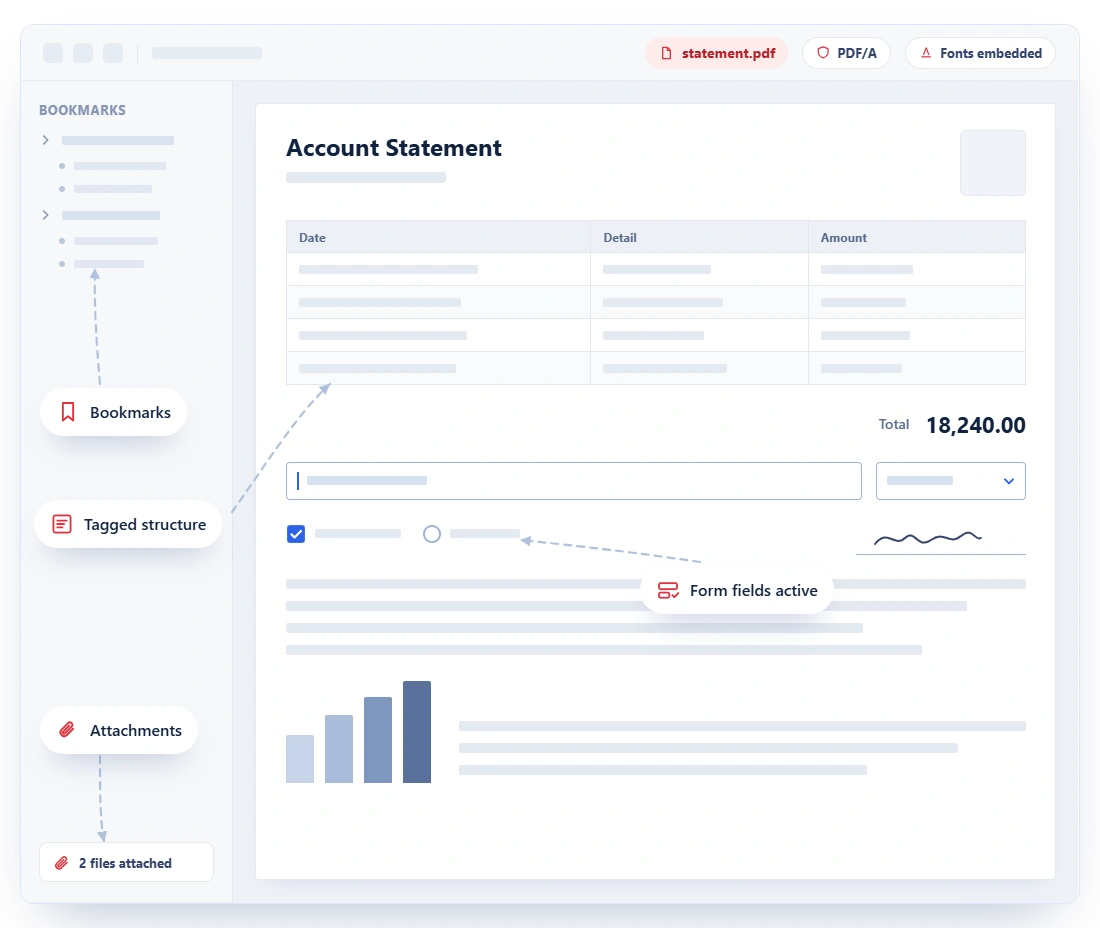
Go beyond basic document output by generating PDFs designed for long-term archiving, accessible experiences, interactive workflows, and reliable viewing with consistent quality across devices, platforms, and environments.
- Produce supported PDF/A document for archiving and PDF/X output for print-oriented workflows.
- Create interactive PDF forms and bookmarks to improve data collection and document navigation.
- Embed fonts or related records directly within the PDF for self-contained business workflows.
- Add logical structure, reading order, alternative text, and tags for text, images, tables, lists, forms, and annotations.
Convert other files to PDF
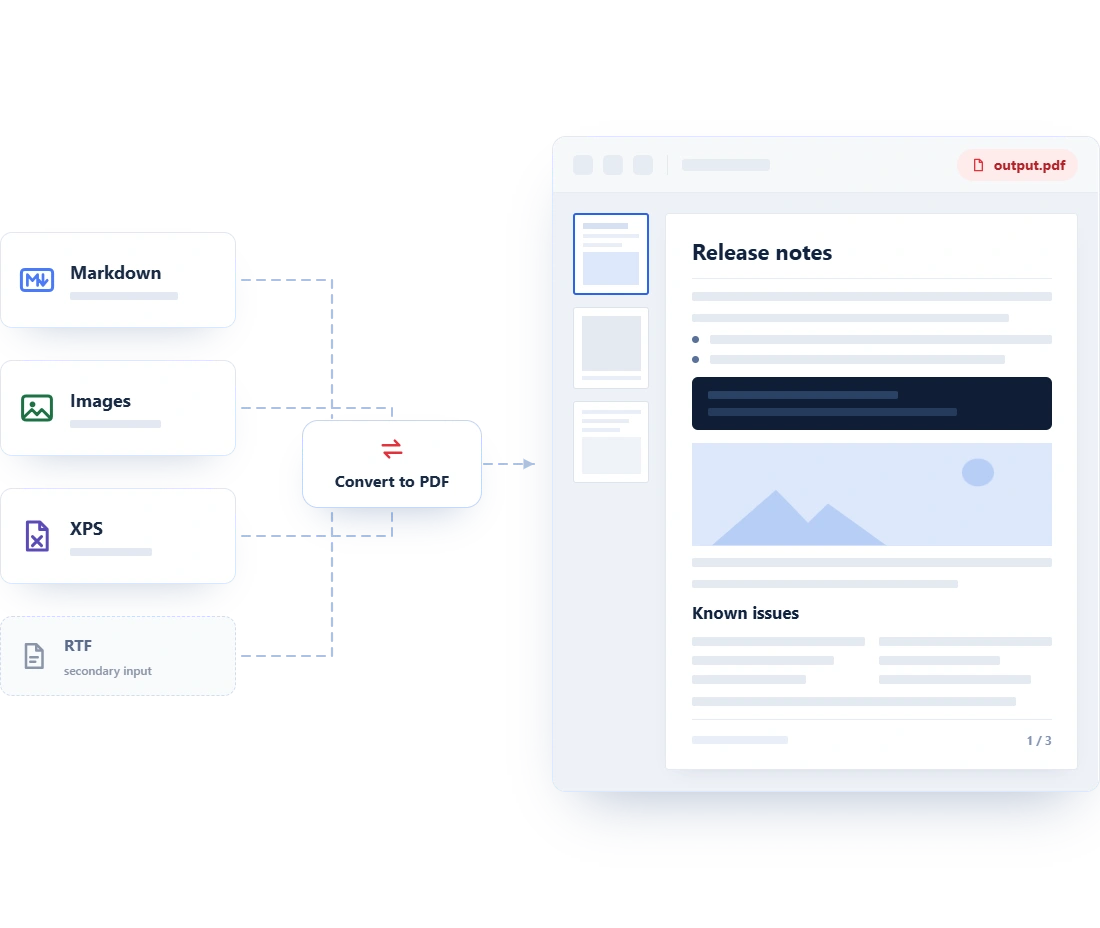
Convert Markdown, images, XPS, and RTF files into one PDF workflow to create consistent documents that are easier to share, print, process, and archive while improving collaboration and document management across teams.
- Publish technical documentation, reports, eBooks, release notes, and other Markdown-authored content as PDF.
- Retain the page-oriented appearance of fixed-layout XPS files for sharing, printing, processing, and archiving.
- Converts image formats, combines multiple images, processes TIFF files, and controls page size, rotation, and transparency.
- Bring Rich Text Format (RTF) content into PDF workflows across modern .NET environments.
See Why Developers Love Syncfusion
Our Customers Love Us
Having an excellent set of tools and a great support team, Syncfusion reduces customers’ development time. Here are some of their experiences.




Frequently Asked Questions
Can I create a PDF entirely from C# code?
Yes. You can create a new PDF, add pages, and compose content with text, images, tables, shapes, and vector graphics. Page settings and drawing APIs give you control over the document’s layout and appearance.
Is PDF creation suitable for high-volume automated workflows?
Yes. The APIs are suited to server-side and unattended document workflows such as on-demand reports, scheduled statements, batch conversion, document portals, and SaaS export features. Test your deployment against representative files and expected concurrency.
Which source formats can I convert to PDF?
This page covers creation from webpages, HTML files and strings, SVG, MHTML, Word, Excel, PowerPoint, Markdown, common image formats, XPS files, and RTF content in supported environments.
Will converted files keep their original formatting?
The conversion libraries are designed to preserve source layouts and visual content such as fonts, images, tables, charts, styles, and document structure. Exact results can depend on the input, available fonts, and the conversion settings selected by the application.
Can I use PDF creation in web, cloud, and container applications?
Yes. PDF creation and the relevant conversion workflows can be integrated into web, desktop, server, cloud, and cross-platform .NET applications. Platform-specific packages or runtime prerequisites may apply to individual converters.
Can generated PDFs be saved to a stream?
Yes. Stream-based output makes it straightforward to return a PDF from an API, send it to browser users, attach it to an email, or write it to cloud storage without relying on a local output file.
Documentation
Create a PDF from scratch
Compose PDF pages in C# with text, images, tables, shapes, and graphics without Adobe or Office dependencies.
Create PDF forms
Add text boxes, checkboxes, radio buttons, dropdowns, and signature fields to create interactive PDF forms.
Create accessible PDF
Add tags, alt text, reading order, and structure to produce accessible PDF documents that meet PDF/UA standards.
Working with PDF bookmarks
Add, edit, and remove bookmarks to create navigable document outlines and logical reading structures in PDFs.
HTML to PDF conversion
Convert web pages, HTML files, HTML strings, SVG, and MHTML into PDF with accurate layout and style rendering.
Word to PDF conversion
Convert Word documents to PDF while preserving formatting, styles, tables, images, and document structure.
Excel to PDF conversion
Export Excel workbooks and worksheets to PDF with accurate cell formatting, charts, and page layout output.
PowerPoint to PDF conversion
Convert PowerPoint presentations to PDF while retaining slide content, shapes, images, and formatting.
Image to PDF conversion
Convert JPEG, PNG, TIFF, and other image formats into a PDF document programmatically.
Resources
Learn more about our PDF document creation
Explore demos, KB articles, and documentation to get the most out of the PDF document creation.
Explore guides, setup details, and quick-start tips
See live use cases in action
Ask, share, and connect with peers
Find solutions and best practices fast.
Get expert help when needed.
Feature requests and bug reports
Track issues and suggest improvements
Awards
Greatness—it’s one thing to say you have it, but it means more when others recognize it. Syncfusion® is proud to hold the following industry awards.









