Create Excel Documents in .NET Using C#
FREE TRIALNo credit card required.
VIEW DEMONo credit card required.
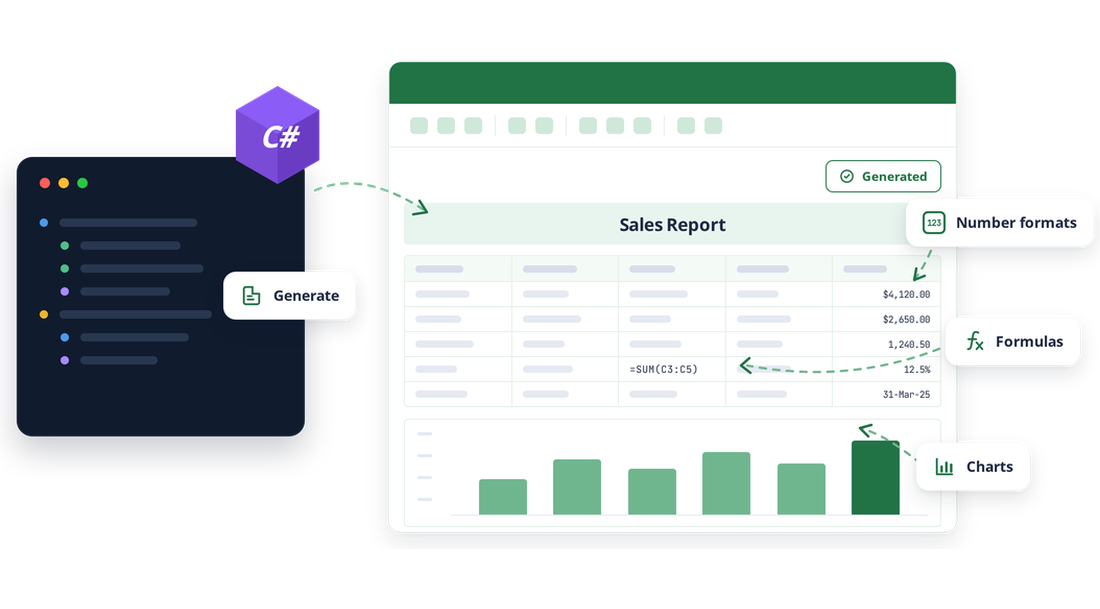
Create production-ready Excel files
Move from application data to formatted Excel documents with APIs built for automated, server-side document generation.
Build without Microsoft Excel
Create, read, edit, and save Excel files programmatically without installing Microsoft Excel or using Office interop. Run document workflows in desktop, web, cloud, and cross-platform .NET applications.
Turn data into useful documents
Import arrays, data tables, collection objects, and nested collections directly into worksheets. Preserve hierarchy with flexible layouts and grouping options when your data is more complex than a flat table.
Standardize document output
Reuse approved workbook templates, apply consistent structure and formatting, and automate recurring reports, statements, exports, and operational workbooks at scale.
Create Excel workbooks from scratch
Start with a new workbook and build each worksheet through a familiar .NET API. Add text, numbers, dates, formulas, images, and formatting, then save the result as an Excel document ready to share or process downstream.
- Create workbooks with one or more worksheets.
- Add cell values, formulas, charts, tables, and pivot tables.
- Resize rows, columns, and style ranges for polished output.

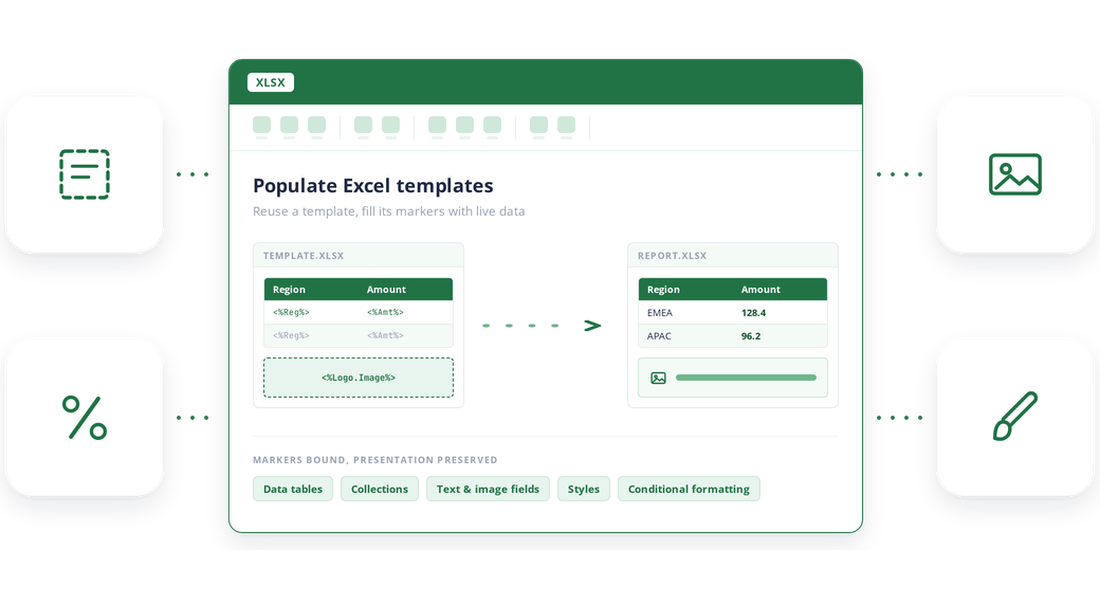
Populate predefined Excel templates
Simplify report generation with template markers by reusing Excel templates and automatically filling them with current application data, ensuring consistent, accurate reports while reducing manual effort and improving efficiency.
- Bind arrays, data tables, data sets, collection objects, and data views to template markers.
- Fill text and image fields while retaining the template’s presentation.
- Apply styles and conditional formatting to populated marker ranges.
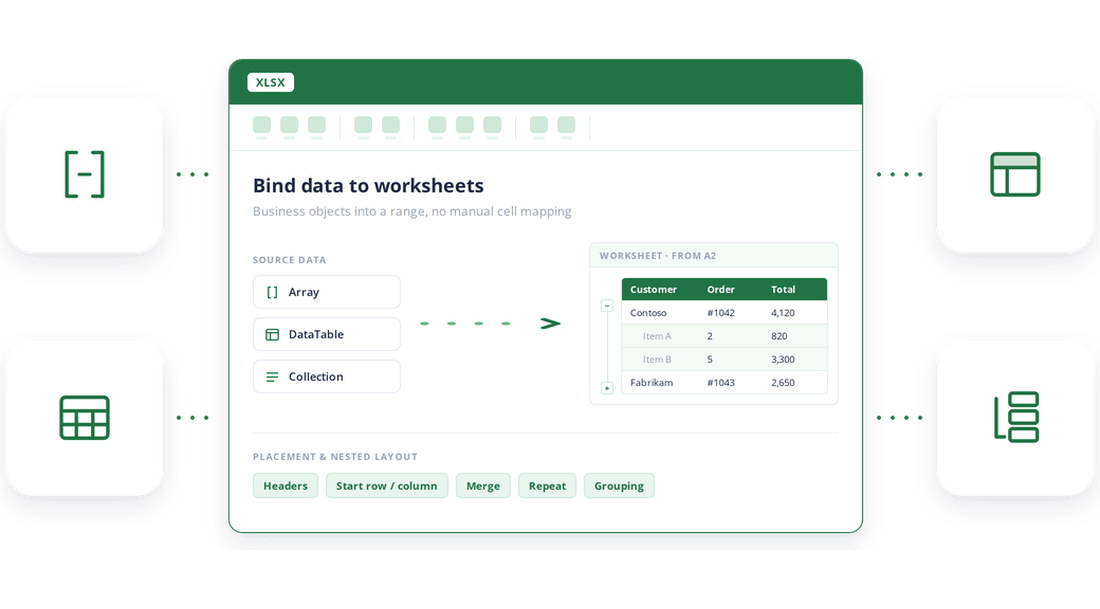
Bind data directly to worksheets
Populate worksheets from business data without manual cell mapping. Import arrays, data tables, collection objects, and nested collection objects into a chosen worksheet range, with options that help keep hierarchical business data understandable.
- Import arrays, data tables, data columns, data views, and collection objects.
- Include headers and define starting rows and columns for accurate data placement.
- Layout nested collections using default, merge, or repeat modes, with expandable or collapsible grouping.
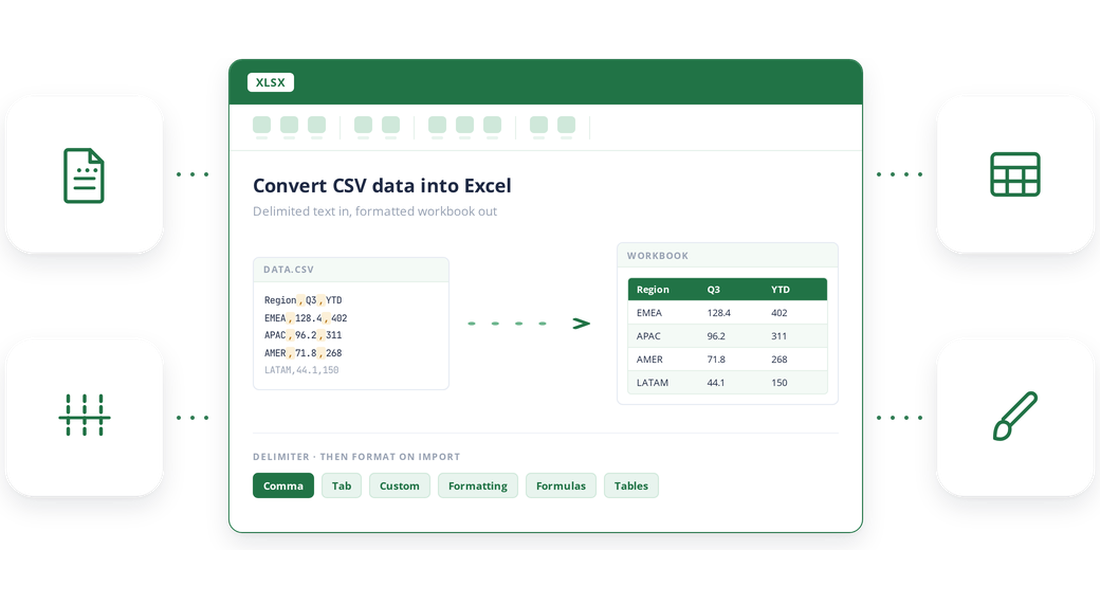
Convert CSV data into Excel files
Turn delimited text into an Excel workbook that is easier to format, analyze, and distribute. Open CSV or TSV data with the appropriate delimiter and save it as an Excel document in a straightforward server-side workflow.
- Convert comma- or tab-separated files to Excel documents.
- Use custom delimiters to import other delimited text formats.
- Apply formatting, formulas, and tables after import data.
Generate Excel files from Markdown
Convert Markdown content into an Excel document when reports, tables, or generated content begin as lightweight text. Bring structured content into a workbook while following commonly used CommonMark and GitHub-flavored Markdown conventions.
- Convert Markdown files or content into structured Excel documents with ease.
- Carry headings, lists, tables, and supported formatting into workbook output.
- Support bidirectional workflows by converting between Markdown and Excel using the same library.

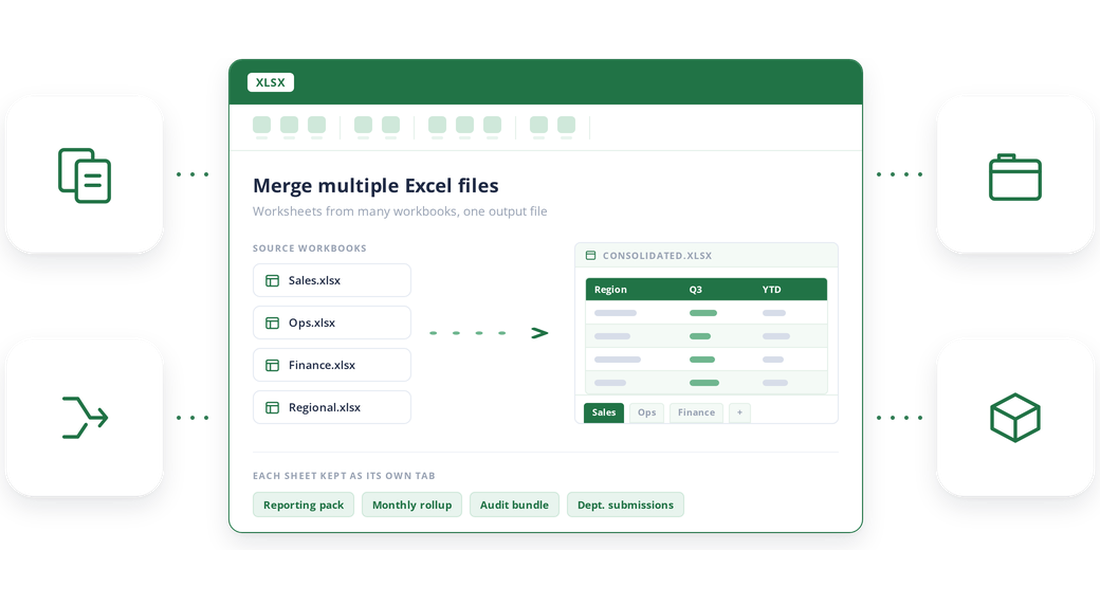
Merge multiple Excel files
Consolidate worksheets from multiple source workbooks into a single Excel file. Build unified reporting packages, monthly rollups, audit bundles, and departmental submissions without asking users to copy sheets manually.
- Merge worksheets from multiple workbooks into a single workbook.
- Preserve worksheet structure by keeping each imported sheet as a separate tab.
- Create consolidated reports, audit packages, and shared workbooks from distributed files.
Create analysis ready workbooks
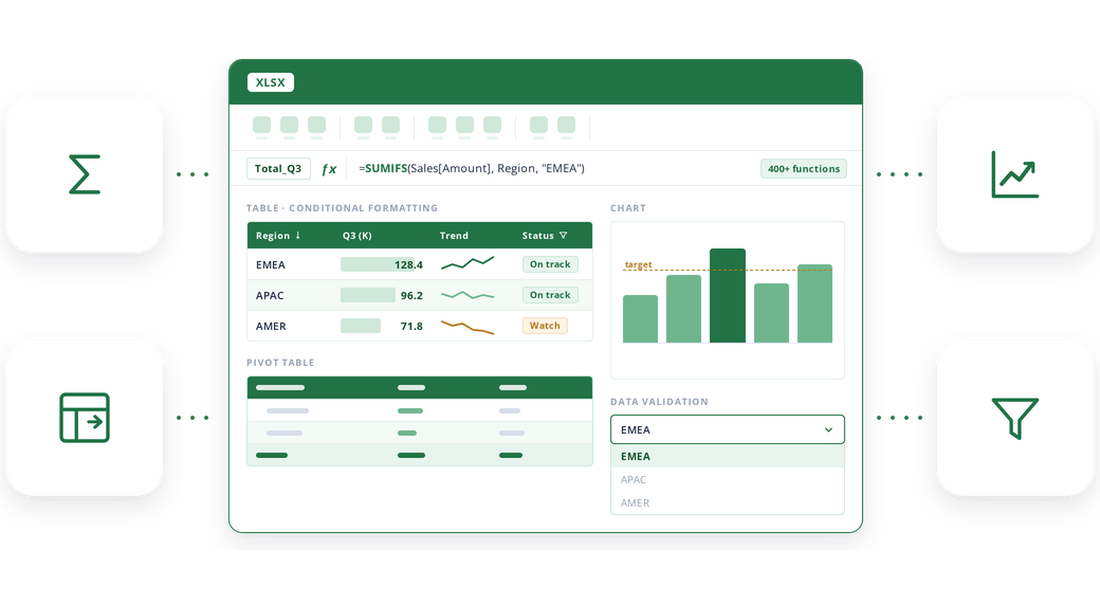
Go beyond exporting rows and columns by creating calculated, visual, and interactive Excel documents that help users understand information, identify patterns, make decisions, and work with data immediately and effectively.
- Add and evaluate formulas with support for 400+ Excel functions, named ranges, array formulas, and cross-worksheet references.
- Create tables, pivot tables, 80+ chart types, and sparklines to organize, summarize, and visualize data.
- Apply sorting, filtering, conditional formatting, and data validation to guide analysis and improve input accuracy.
Create Excel across .NET applications
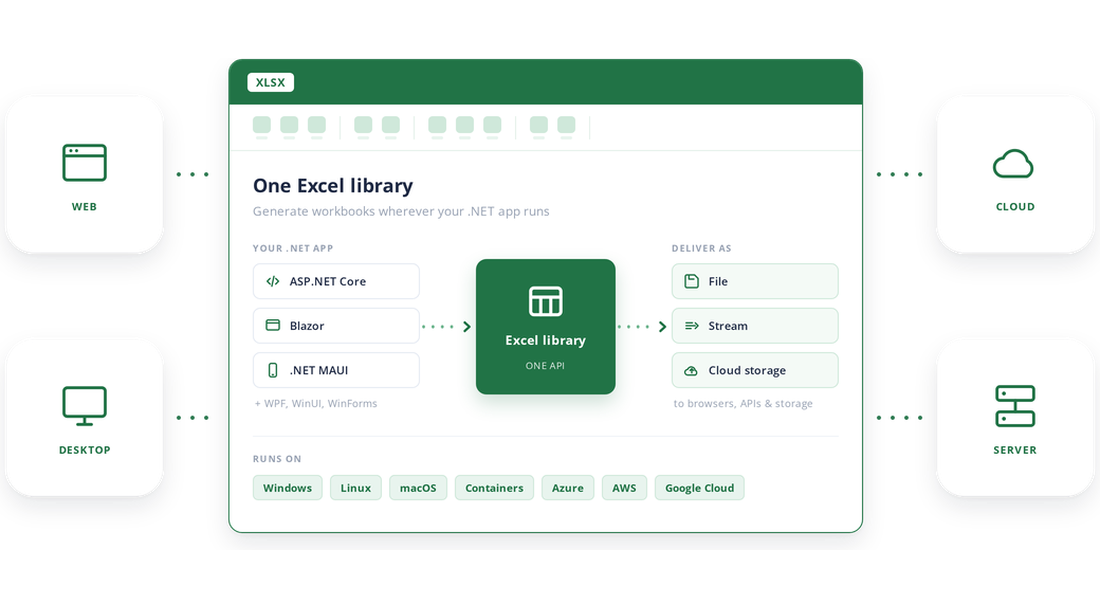
Use a single Excel library across web, desktop, server, cloud, and containerized applications. Generate workbooks wherever your application runs and deliver them as files or streams to browsers, APIs, and storage services.
- Integrate with ASP.NET Core, ASP.NET MVC, Blazor, .NET MAUI, WinUI, WPF, Windows Forms, and background services.
- Deploy on Windows, Linux, macOS, containers, Azure, AWS, and Google Cloud.
- Save workbooks to local storage, return them as streams, or upload them to cloud storage services.
See Why Developers Love Syncfusion
Our Customers Love Us
Having an excellent set of tools and a great support team, Syncfusion reduces customers’ development time. Here are some of their experiences.




Frequently Asked Questions
Can I create Excel files in C# without installing Microsoft Excel?
Yes. The Syncfusion .NET Excel Library can create, read, edit, and save Excel documents programmatically without Microsoft Excel or Office interop. This makes it suitable for automated document workflows in web, desktop, server, and cloud applications.
Can I convert CSV and TSV files to Excel?
Yes. You can open delimited text data with a separator and save it as an Excel workbook. Supported delimiters include commas, tabs, semicolons, colons, spaces, equals signs, and custom delimiters.
What can I add to a workbook created from scratch?
You can create worksheets and add text, numbers, dates, formulas, images, number formats, and other spreadsheet elements. You can also style ranges, resize rows and columns, and save the workbook in supported Excel formats such as XLSX.
Can I combine several Excel files into one workbook?
Yes. You can open multiple source workbooks, copy their worksheets into a destination workbook, and save the consolidated result as a single Excel file.
Can I fill an existing Excel template with application data?
Yes. Template markers let you place named fields in a predefined workbook and populate them with data from data tables and collection objects. This helps preserve an approved layout while generating workbooks with current data.
Does the library convert Markdown to Excel?
Yes. The .NET Excel Library supports Markdown-to-Excel and Excel-to-Markdown conversion, following commonly used CommonMark and GitHub Flavored Markdown conventions.
Which .NET data sources can I import into Excel?
You can import arrays, data tables, data columns, data views, collection objects, and nested collection objects into Excel worksheets. For hierarchical collections, layout and grouping options help make parent-child data easier to understand.
Where can I try Excel document creation online?
Use the Syncfusion Document Processing Playground to explore Excel examples and run sample workflows directly in the browser.Open the Excel playground
Documentation
Create an Excel files from scratch
Start with a new workbook and add worksheets, values, formulas, images, and formatting through .NET API.
Populate Excel templates
Fill preformatted workbook templates with live data using template markers while preserving existing layouts.
Import data into worksheets
Import data from Data Tables, arrays, collections, and nested objects directly into worksheet cells.
Convert CSV to Excel
Read CSV files and save the content as a formatted Excel workbook for downstream processing or reporting.
Merge Excel files
Copy worksheets from multiple workbooks into a single consolidated workbook programmatically.
Working with charts
Create and customize chart types, data series, axes, titles, and legends within Excel worksheets.
Resources
Learn more about our Excel creation
Explore demos, KB articles, and documentation to get the most out of the excel creation.
Explore guides, setup details, and quick-start tips
See live use cases in action
Ask, share, and connect with peers
Find solutions and best practices fast.
Get expert help when needed.
Feature requests and bug reports
Track issues and suggest improvements
Awards
Greatness—it’s one thing to say you have it, but it means more when others recognize it. Syncfusion® is proud to hold the following industry awards.









