Try Our Live Demo
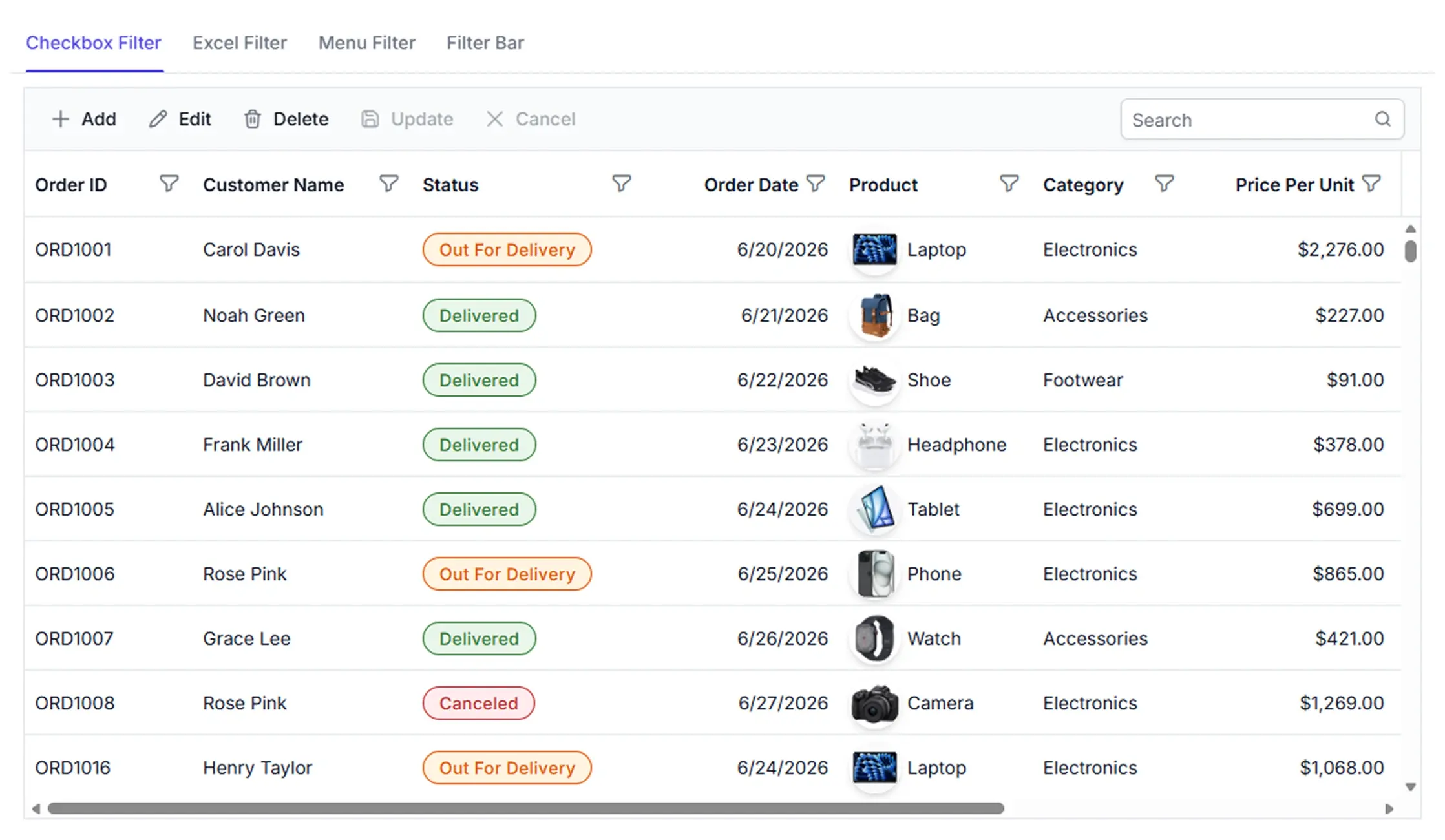
Data Grid sorting for organized workflows
Sorting helps organize information, compare values, and focus on the most relevant records without changing the original data.

Sort by column
Arrange records in ascending or descending order based on values from a single column.
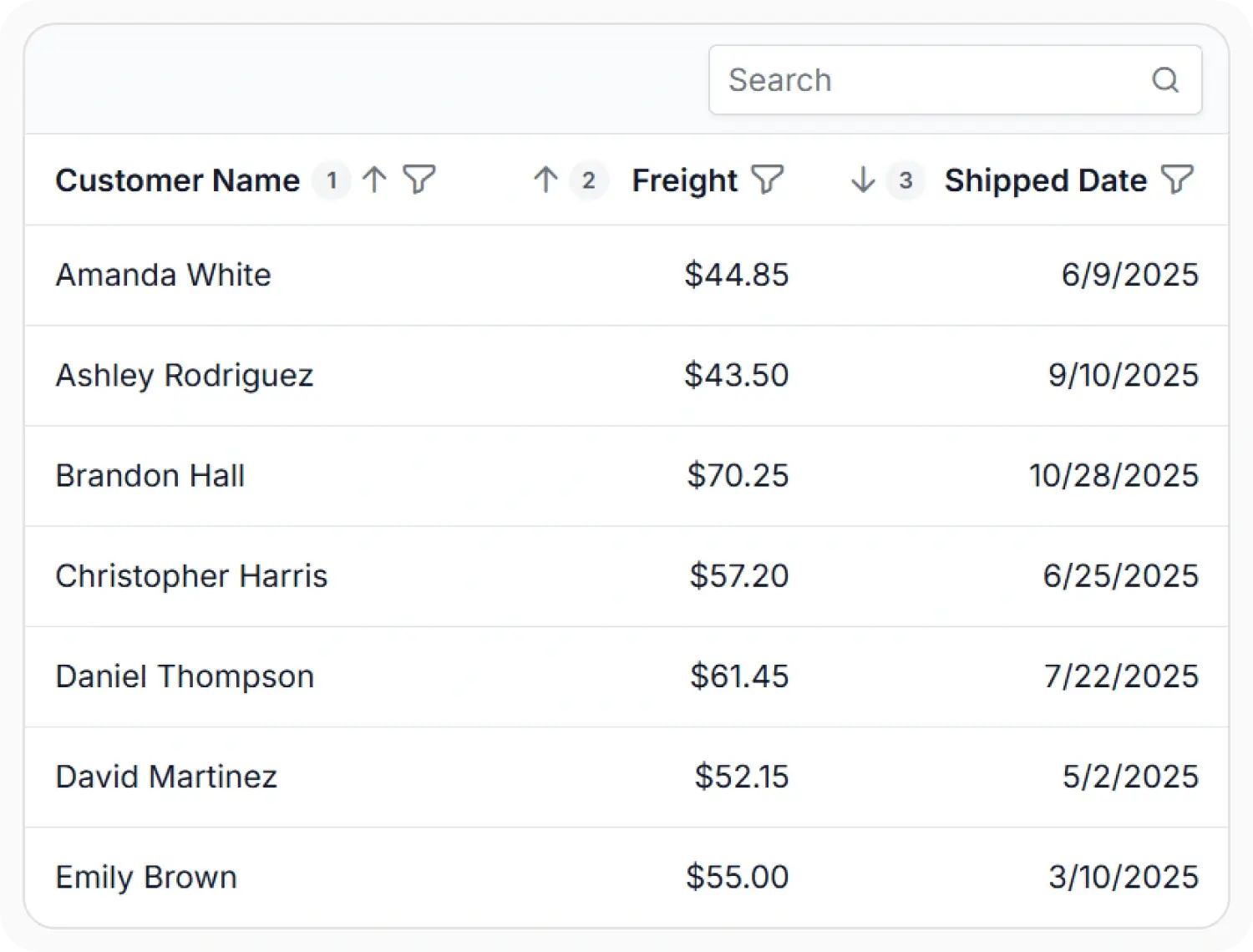
Sort across multiple columns
Apply sorting to multiple columns to create structured and consistent record ordering.

Control sort order
Define custom sorting behavior and control how records are ordered based on specific business needs.
Single and multi-column sorting
Sort records using one or more columns to create a consistent view of information. Apply multiple sorting levels when records require structured comparison.
- Support single-column sorting based on one field.
- Enable multi-column sorting with multiple sorting levels.
- Provide ascending or descending sort directions.
- Ensure structured record ordering for data review.
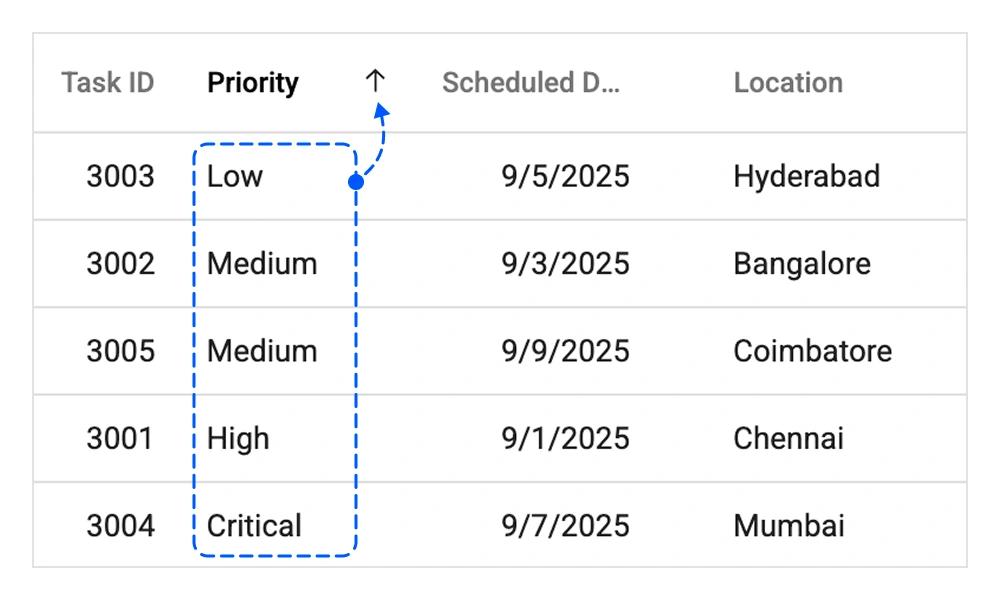
Flexible sorting logic
Control how records are ordered by applying custom sorting logic and handling special values such as null or empty entries. Adapt sorting to match specific business scenarios.
- Support custom sorting logic for specialized ordering.
- Enable null value handling to control empty-record placement.
- Provide data-type-aware sorting for column content.
- Ensure sorting behavior aligns with business rules.
Server-side sorting
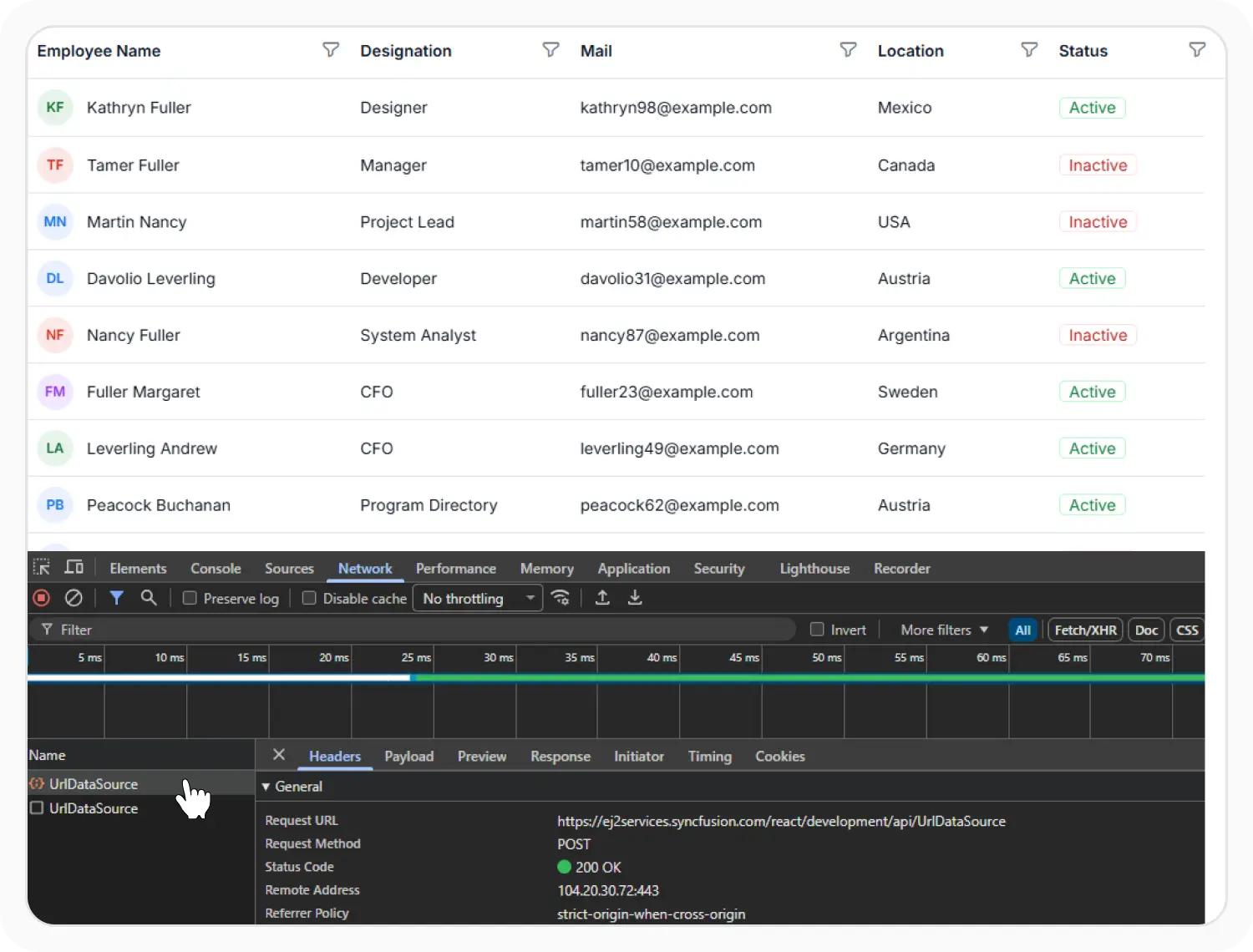
Process sorting operations on remote data sources and return records in the required order. Suitable for large datasets stored in external systems.
- Support remote processing for server-side sorting operations.
- Enable sorting for large datasets stored in external systems.
- Reduce client workload by processing sorting remotely.
- Maintain scalable data handling as record collections grow.
PLATFORM SUPPORT
Sorting support across platforms
Sorting capabilities are available across supported platforms. Availability may vary for advanced sorting features depending on platform implementation.
| Capability | JS, React, Angular, Vue | Blazor | ASP.NET Core & MVC | WPF & WinForms | .NET MAUI | Flutter | UWP | WinUI |
|---|---|---|---|---|---|---|---|---|
| Single-column sorting | ||||||||
| Multi-column sorting | ||||||||
| Custom sorting | ||||||||
| Null value handling | ||||||||
| Server-side sorting |
Frequently Asked Questions
Can Data Grid sorting be cleared when needed?
Yes. The Data Grid provides options to remove applied sorting and return records to their original order.
Does the Data Grid support sorting across different data types?
Yes. The Data Grid supports sorting for commonly used data types, including text, numbers, dates, and boolean values.
Can sorting be enabled for specific columns?
Yes. The Data Grid allows sorting to be enabled or disabled independently for individual columns.
Can the Data Grid integrate sorting with other data operations?
Yes. Sorting can be used alongside filtering, grouping, paging, and other supported data operations to organize and review records.
Resources
Learn more about Data Grid
Explore demos, KB articles, and documentation to get the most out of the Data Grid.
Explore guides, APIs, and quick-start tips
See live use cases in action
Ask, share, and connect with peers
Find solutions and best practices fast
Get expert help when needed
Feature requests and bug reports
Track issues and suggest improvements
Awards
Greatness—it’s one thing to say you have it, but it means more when others recognize it. Syncfusion® is proud to hold the following industry awards.









