Try Our Live Demo
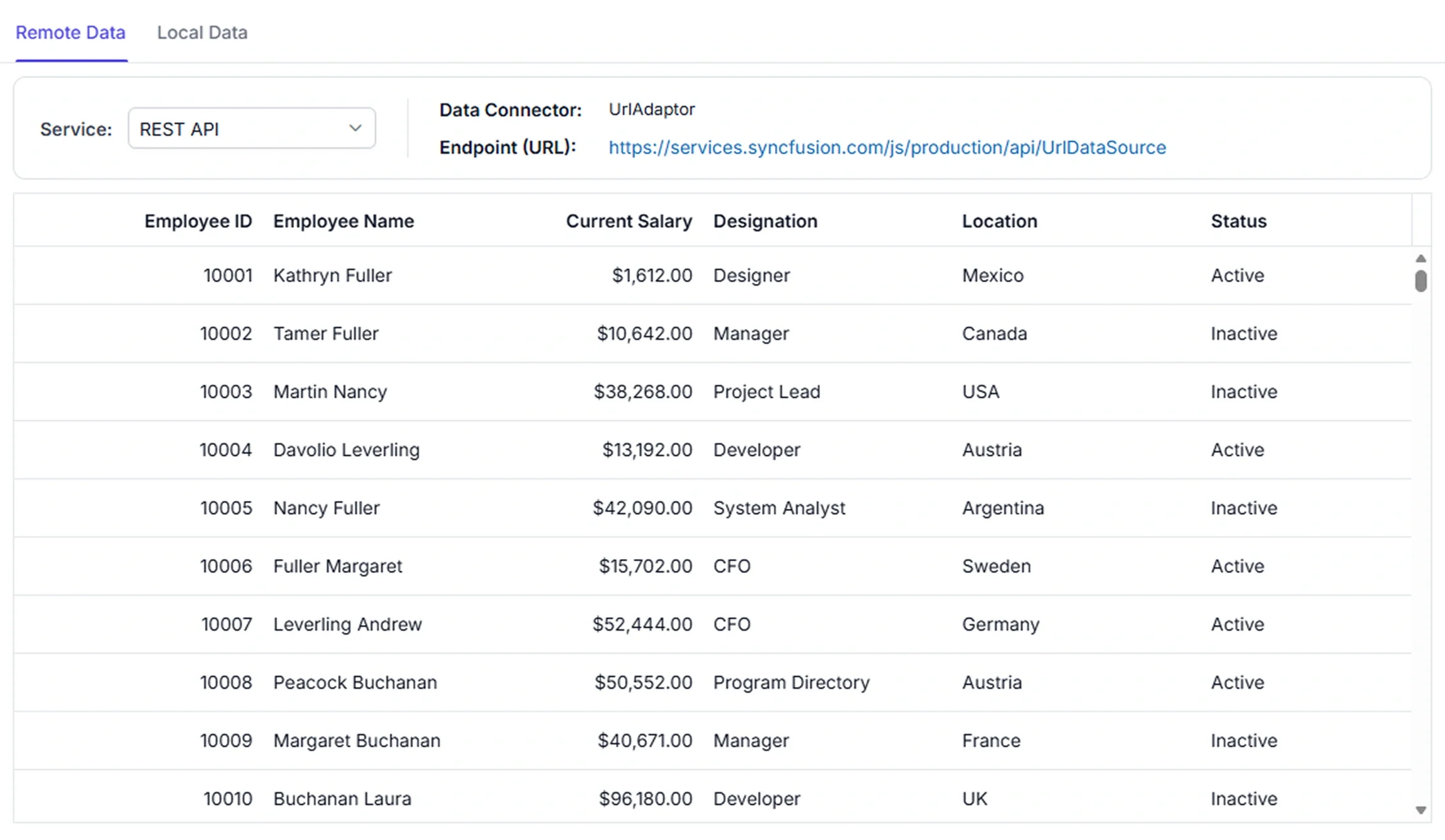
Connect multiple data sources
Integrate the Data Grid with local or external data sources through a consistent data-binding model. Use the approach that suits the application architecture and data workflow.
Multi-source binding
Connect local or external data sources through a consistent data-binding approach.
Flexible processing
Choose client-side or server-side processing for filtering, sorting, paging, and record-management workflows.
Large dataset support
Use appropriate data-access and navigation features to work with extensive record collections.
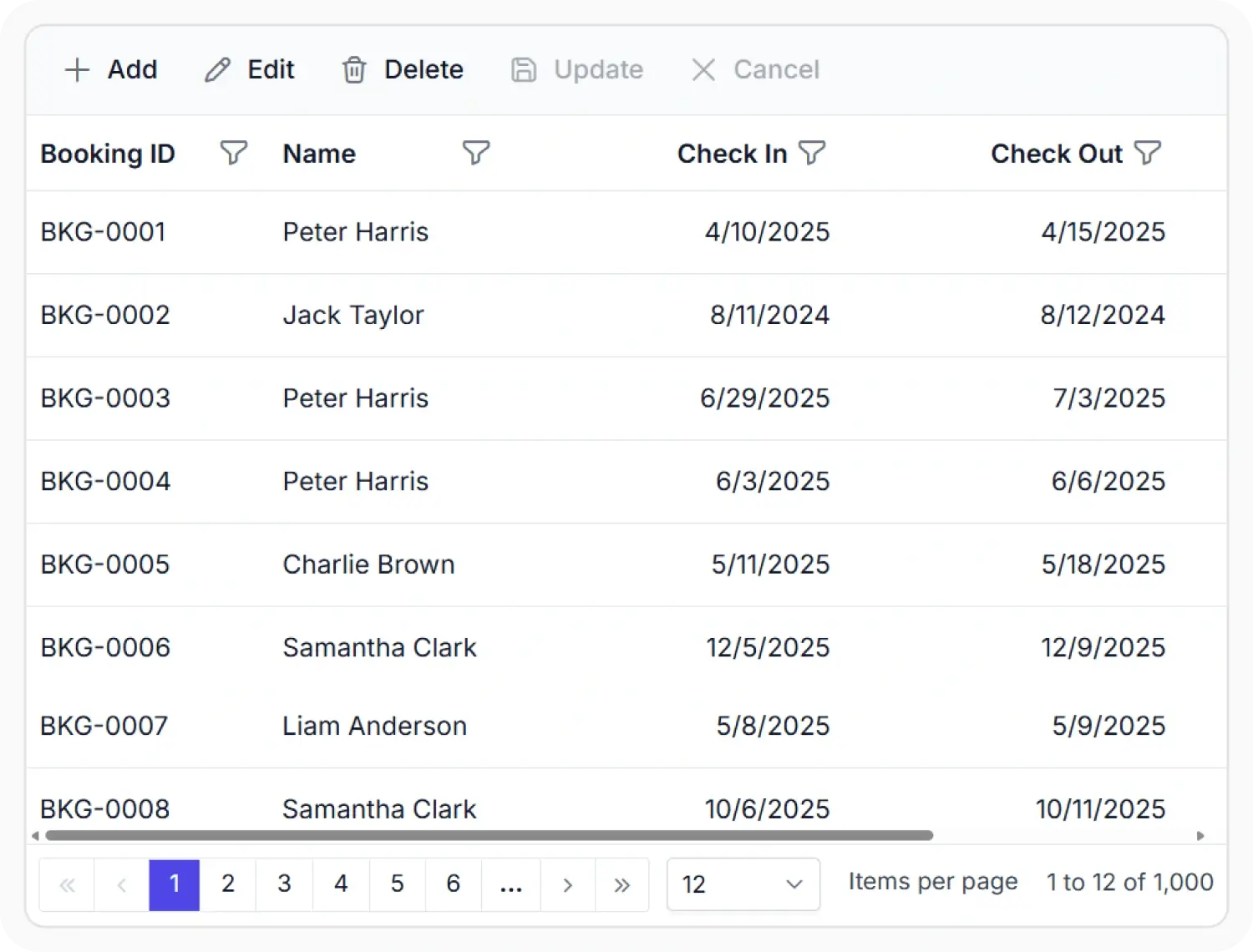
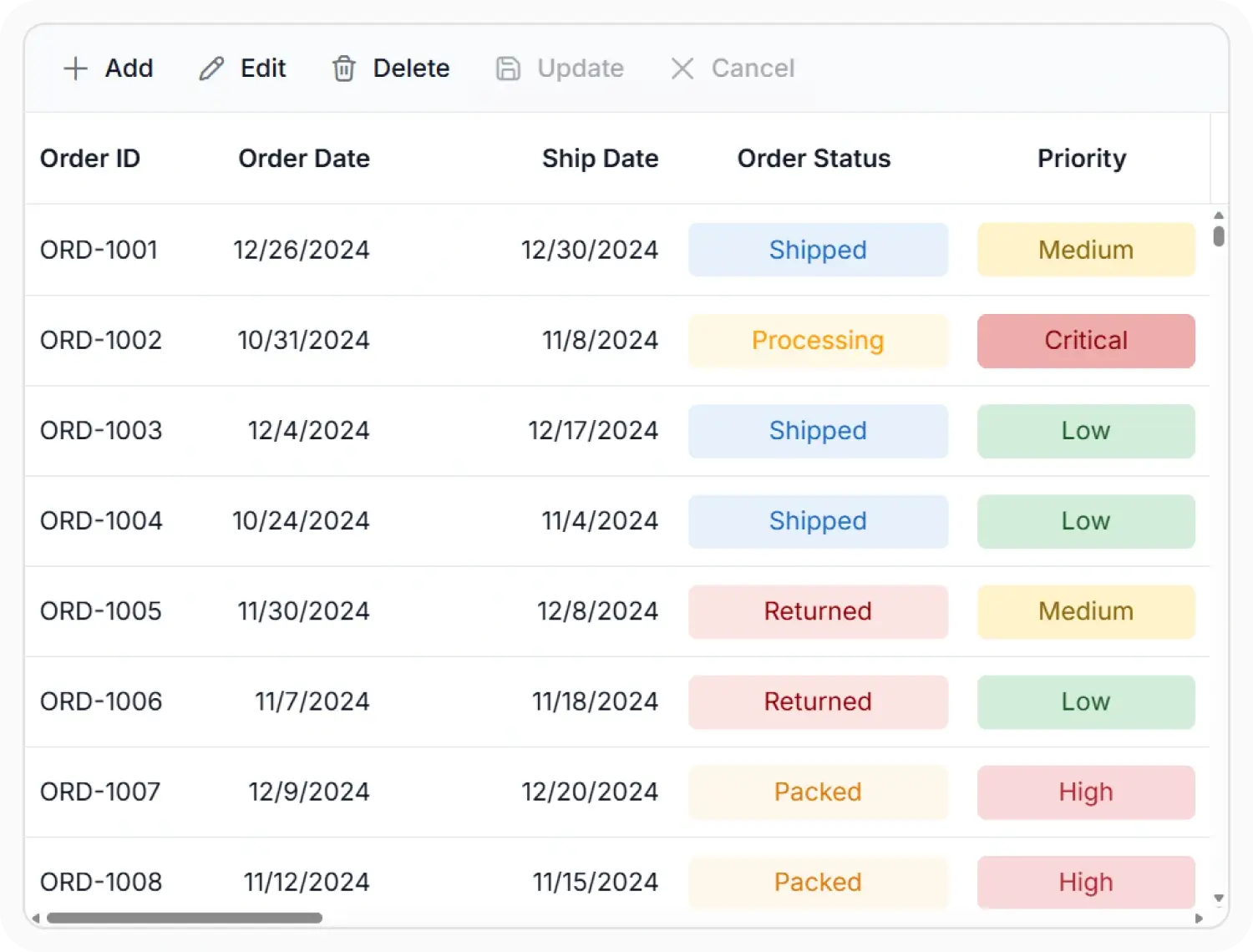
Local data binding
Bind the Data Grid to local data and in-memory datasets for displaying and managing records. Use this feature when data is available within the application and local processing is required.
- Support local collections for structured record display.
- Enable in-memory data access within the application.
- Provide local processing for filtering, sorting, and paging.
- Ensure locally available records remain accessible during data workflows.
Remote data binding
Connect the Data Grid to REST APIs, OData services, GraphQL endpoints, backend services, and applications that use SQL Server, MySQL, PostgreSQL, and other database systems. Use this feature when paging, sorting, filtering, grouping, or CRUD processing is handled by the server.
- Support external data retrieval for connected applications.
- Enable server-managed processing for data operations where required.
- Provide data access suited to the application architecture.
- Ensure external records remain available for grid workflows.
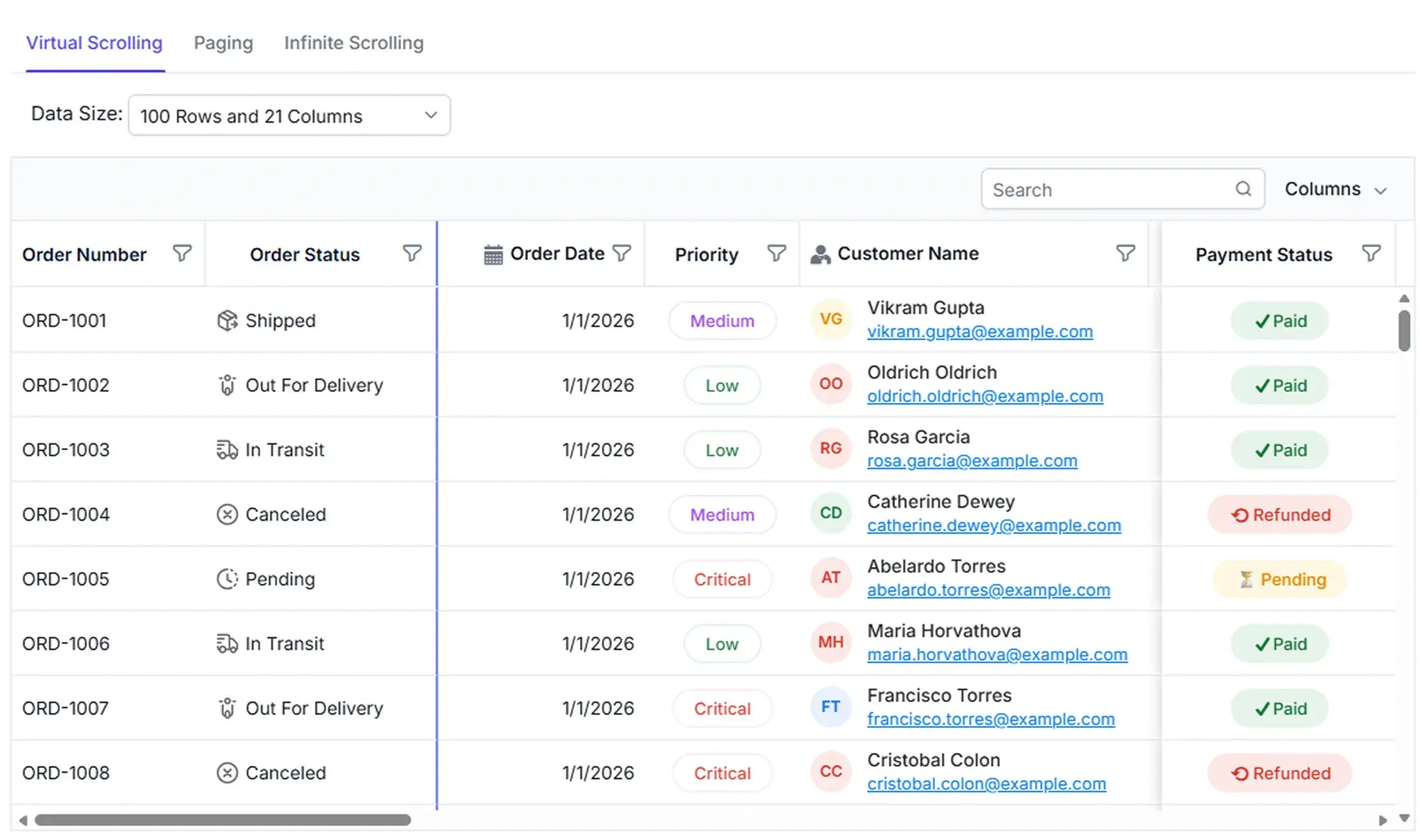
Performance
Manage extensive datasets with data-access and navigation features suited to the application workflow. Use this capability when record volume requires controlled loading or processing.
- Support controlled data loading for extensive record collections.
- Enable paging or virtualization where provided by the control.
- Provide processing options for large record volumes.
- Maintain manageable data navigation across applications.
PLATFORM SUPPORT
Supported integration platforms
Core data binding capabilities are available across web, desktop, and cross-platform frameworks. Support varies by platform for local or external data binding and client-side or server-side processing.
| Capability | JS, React, Angular, Vue | Blazor | ASP.NET Core & MVC | WPF & WinForms | .NET MAUI | Flutter | UWP | WinUI |
|---|---|---|---|---|---|---|---|---|
| Bind local data collections | ||||||||
| Connect remote data sources | ||||||||
| Server-side data operations |
Frequently Asked Questions
What types of data sources can Data Grid bind to?
Data Grid supports local collections and external data sources, allowing applications to select a binding approach suited to their architecture and workflow.
How does local data binding work in the Data Grid component?
Local binding connects directly to arrays or in-memory collections. It supports client-side operations such as sorting, filtering, and paging. No server communication is required.
Does Data Grid support server-side data operations?
Yes. Data Grid supports server-side processing for operations such as filtering, sorting, paging, and grouping when those tasks are handled outside the control.
Does Data Grid support record management with data binding?
Data Grid supports record-management workflows with local or external data sources when the selected control and application architecture provide those operations.
Resources
Learn more about Data Grid data binding
Explore demos, knowledge base articles, and documentation to learn about local and external data binding and data processing in the Data Grid.
Explore guides, APIs, and quick-start tips
See live use cases in action
Ask, share, and connect with peers
Find solutions and best practices fast
Get expert help when needed
Feature requests and bug reports
Track issues and suggest improvements
Awards
Greatness—it’s one thing to say you have it, but it means more when others recognize it. Syncfusion® is proud to hold the following industry awards.









