
 Vijayakumar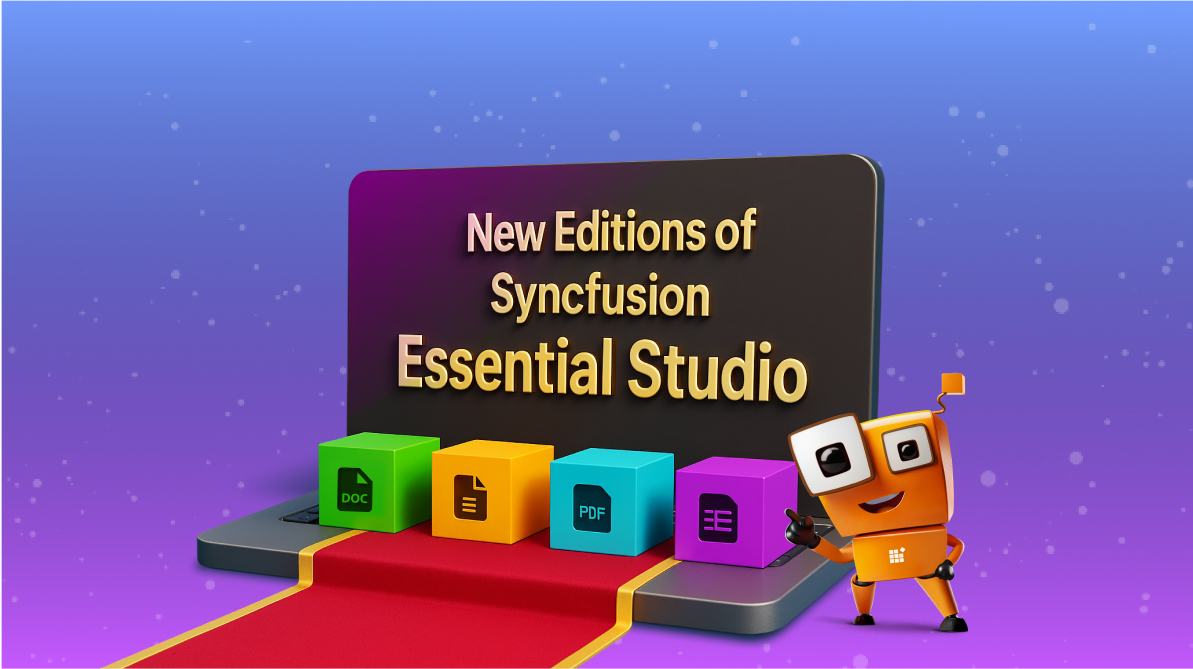
TL;DR: Syncfusion Essential Studio is now available in focused editions, UI Edition, Document SDK, and specialized editor SDKs, so you can purchase only what your project needs without losing access to updates, support, or scalability. Existing Enterprise customers keep everything they already have.
For many years, Essential Studio Enterprise Edition has been the all-in-one product from Syncfusion®. It brings together more than 1,600+ UI controls and document processing libraries in a single subscription. This complete package has helped thousands of developers and organizations build powerful and modern applications without worrying about missing pieces.
Over time, as the product line grew, we started hearing a common line of customer feedback. Many teams told us that while they appreciated the complete Enterprise bundle, their needs focused on specific areas, like UI controls, document processing, or even an editor, such as PDF Viewer or Word. Buying the entire suite sometimes felt like more than what was required for their projects.
To address this, we are now introducing new editions of Essential Studio from 2025 Volume 3 release onwards. These editions make it possible for you to buy only what you need. If your work is around dashboards and UI, you can just go for the UI Edition. If you focus on handling PDFs or Word files, the corresponding SDKs are available.
And here’s the important part: existing Enterprise customers will not lose anything. If you already have the Enterprise edition, you will continue to get the complete set of controls, libraries, and features. Even at the time of renewal, nothing changes for you.
Overview of the new editions
We are splitting the Enterprise edition into smaller, focused editions so that you can pick exactly what you need. Here’s a quick look at each option:
- Essential Studio UI Edition: A complete set of UI controls across all major front-end frameworks, including DataGrid, Charts, Schedule, Diagram, Gantt, Rich Text Editor, and many more. Perfect if your focus is mainly on building applications with rich user interfaces.
- Essential Studio Document SDK: A powerful set of document processing libraries for working with PDF, Word, Excel, and PowerPoint files, along with all the necessary converters. This is ideal if your projects involve generating, editing, or converting documents programmatically within your application.
- Essential Studio PDF Viewer SDK: A specialized edition for Web, Mobile, and Desktop applications that require PDF viewing, form filling, and annotating.
- Essential Studio DOCX Editor SDK: Everything you need to add Microsoft Word-like editing features to your app.
- Essential Studio Spreadsheet Editor SDK: Designed to create Excel-like experiences in your application.
What this means for existing customers
If you already use Essential Studio Enterprise Edition, there is nothing to worry about. You will continue to get the same complete set of controls, libraries, and features you have today.
When it comes to renewal, you will still be on the Enterprise Edition plan, and there will be no loss of features. All updates, new features, and support will reach you as before. The transition is seamless, and you will continue enjoying the full benefits of the Enterprise edition without any change.
Licensing and keys
With the new editions, we will introduce separate license keys for each. For example, if you purchase the UI Edition, you will get a key that activates only the UI controls. Similarly, the other SDKs will have their own license keys.
As you know, the Syncfusion Essential Studio license keys are version-specific. This means you need to update the license key when you are upgrading to the next major version (for example: from 30.x.x to 31.x.x)
- For existing customers: You will continue to have the option to get an Enterprise edition key. This single key will unlock everything across all products.
- If you use a multi-version license (valid for 4 or 8 major versions), the same key will continue to work without any changes.
Our subscription model remains the same. No matter which edition you choose, you will continue to receive regular updates, new features, and support as part of your active subscription.
This split provides more flexibility for new customers. Instead of buying the full suite, you can now purchase only the edition you need, whether it’s UI controls, document processing, or a specific Viewer/editor.
Choosing the right edition for your needs
Every team and project has different requirements. The new editions allow you to choose just one or combine multiple editions based on your needs. For example, you may pair the UI Edition with the Document SDK or choose the DOCX Editor SDK alongside the PDF Viewer SDK. This way, you get exactly what your team needs, without compromise.
Here are some simple scenarios to guide you:
| Scenario | Recommended edition | What you get |
| Building dashboards and data-heavy apps | UI Edition | Includes all rich UI controls such as DataGrid, Charts, Schedule, Diagram, Gantt, and more |
| Running a SaaS application that requires document handling (PDF, Word, Excel, PPT) | Document SDK | Complete set of document processing libraries and converters |
| Applications that need in-app PDF viewing | PDF Viewer SDK | Full PDF Viewer with form filling, annotation, and supporting libraries |
| Creating a Word-like editing experience | DOCX Editor SDK | DOCX Editor component with all required supporting libraries |
| Delivering spreadsheet-like experiences | Spreadsheet Editor SDK | Spreadsheet Editor component for Excel-style functionality |
Also, we understand that project needs can grow over time. That’s why we provide a straightforward upgrade option.
Support, updates, and maintenance
No matter which edition you choose, you will continue to receive the same high-quality support and updates that Syncfusion is known for. Every edition, we follow the same release cycle and receive the same patches and improvements. Trial versions are available with a license for every edition, so you can evaluate them before purchase.
We roll out updates on a regular schedule, including new features, performance improvements, bug fixes, and security patches. These are made available to all editions without any compromise. You will have uninterrupted access to updates and our support team as long as your subscription is active.
In short, whichever edition you select, you can be assured of consistent updates, reliable support, and long-term product stability.
Frequently Asked Questions
Can I combine different editions in the same project?
Yes. You can combine editions, such as using the UI Edition together with the Document SDK, if your application requires both UI controls and document processing.
Can I use different versions of two editions in the same app?
No. All editions used within a single application must be on the same version to avoid compatibility issues.
Do all editions receive the same updates and support?
Yes. All editions follow the same release cycle and receive identical updates, bug fixes, and new features.
Does this change affect existing Enterprise customers?
No. Existing Enterprise Edition customers experience no change and continue to have full access as before.
Will runtime or distribution rights change?
For existing customers, rights remain unchanged. New customers should review the terms in the applicable EULA.
What happens if I am using a multi-version license key?
Your existing multi-version key will continue to work for all the licensed versions without modification.
Can I buy only the DataGrid or Chart component instead of the full UI Edition?
No. Individual components are not sold separately. The UI Edition includes all UI controls across supported frameworks.
Which edition should I choose for backend document processing and frontend PDF viewing?
You can combine editions: use the Document SDK for backend processing and the PDF Viewer SDK for frontend PDF viewing.
What if I need DOCX and Spreadsheet editors along with document processing?
You can purchase the DOCX Editor SDK and Spreadsheet Editor SDK alongside the Document SDK to meet these requirements.
Conclusion
With this new Syncfusion Essential Studio edition, we give you more choice, flexibility, and value. You can now pick your application’s requirements: UI controls, document processing, or a specialized viewer/editor.
For our existing Enterprise customers, nothing changes. You will continue enjoying complete access, updates, and support without extra steps.
We believe this update makes Essential Studio more accessible to new customers while continuing to deliver the same trusted quality and long-term stability developers around the world depend on. To learn more, visit our What’s New page.
Existing Syncfusion users can download the newest version of Essential Studio from the license and download page, while new users can start a 30-day free trial to experience its full potential.
Our dedicated support team is also available via the support forum, support portal, or feedback portal for any questions or concerns and is committed to providing prompt and comprehensive assistance.


 No spam, just valuable updates.