



Why do you need our Word Library?
The Syncfusion .NET Word Library enables secure, native Word-document creation and editing within your applications without installing Microsoft Office or interop. It delivers high-performance processing, rich document capabilities, and enterprise-grade security to ensure data integrity. Trusted by thousands of businesses, it powers fast, reliable, and intelligent document workflows.
This example demonstrates how to use the Syncfusion .NET Word Library in C# to create, edit, and manage Word documents with just a few lines of code.
Advanced Word Document Processing APIs for .NET
Create, edit, and convert Word documents with high-performance APIs built for .NET applications. Automate mail merge, format content, manage track changes, protect documents, and export files to PDF or image formats with ease.
Create & Edit APIs
Enterprise-ready Word document power
Comprehensive Word document APIs for C#
Gain complete control over Word documents with a rich set of APIs. Access and manipulate text, formatting, images, tables, bookmarks, headers, footers, and more. Create, read, and edit popular formats like DOCX, DOC, DOTX, HTML, RTF, TXT, Markdown, and XML (WordML) with just a few lines of code, enabling rapid development of enterprise-grade solutions.
- Simplified development with minimal code.
- Support for multiple Word formats.
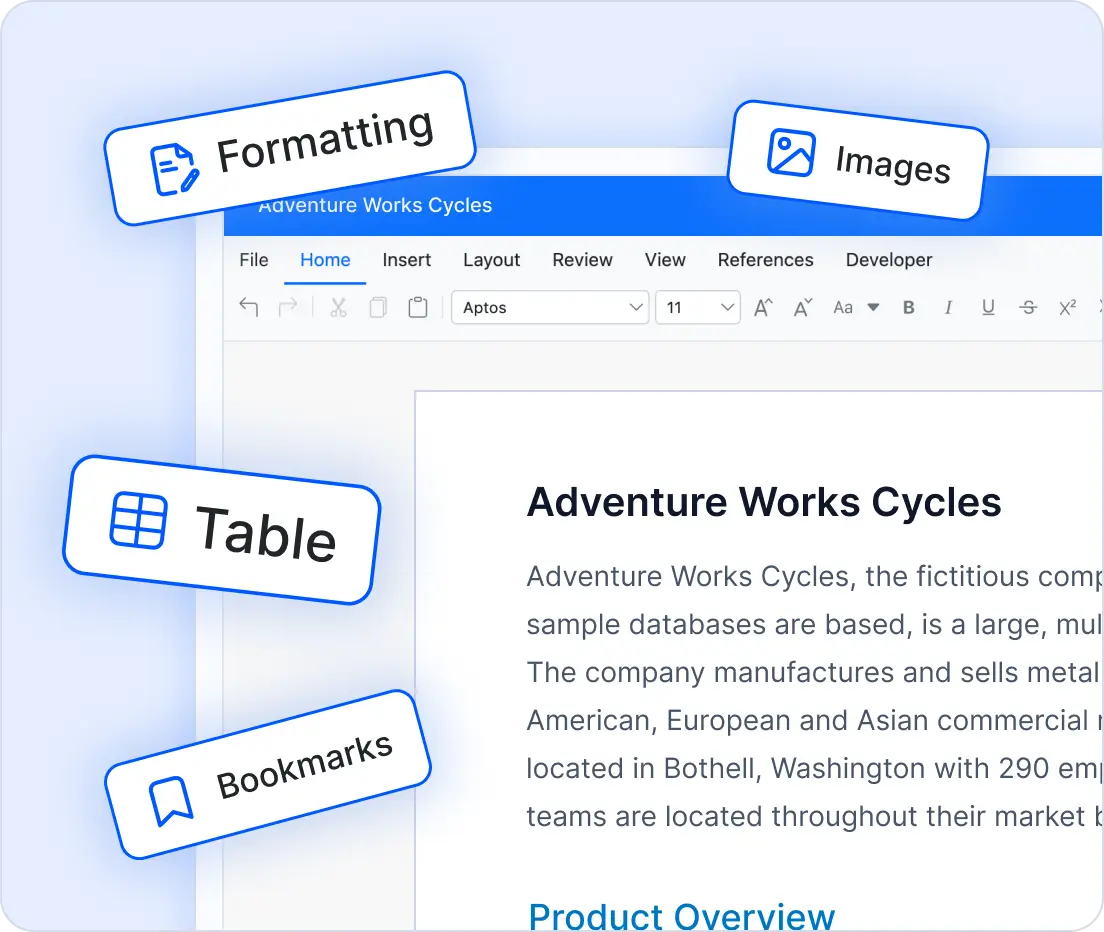
Create and generate Word documents programmatically
Our Word Library simplifies large-scale document creation by automating workflows with dynamic data integration. Merge templates with external data sources to generate thousands of documents quickly and accurately, reducing manual effort and ensuring consistency across enterprise operations.
- Merge data from databases, XML, or JSON into Word templates and apply intelligent rules for dynamic content.
- Create invoices, HR letters, or compliance reports at an enterprise scale with minimal code and maximum efficiency.
Blazing-fast performance
The Syncfusion .NET Word Library is engineered for efficiency, outperforming traditional Office automation libraries. It processes large documents quickly while consuming minimal memory, making it ideal for enterprise-scale applications where performance and resource optimization are critical.
- High-speed document processing.
- Efficient resource usage for large workloads.
Advanced security and compliance
Protect sensitive Word documents with built-in security features. Apply password protection, encrypt files with strong algorithms, restrict editing permissions, and even mark documents as final to maintain regulatory compliance without sacrificing usability.
- Complete control over document access.
- Meets encryption and regulatory compliance standards.

using Syncfusion.DocIO.DLS;
using (WordDocument document = new WordDocument())
{
    document.EnsureMinimal();
    document.LastParagraph.AppendText("Hello World");
    document.Save(@"Result.docx");
}
Cross-platform and scalable architecture
Build and deploy Word-file workflows in diverse platforms and environments with confidence. The Word Library is designed for flexibility, scalability, and modern deployment needs.
- Supports .NET Framework, .NET Core, .NET, and .NET MAUI.
- Runs on Windows, Linux, macOS, and Docker containers.
- Is compatible with Azure, AWS, and Google Cloud.
- Suits web apps, desktop clients, microservices, and serverless functions.
Comprehensive word-processing capabilities
Deliver a seamless Word document experience for modern applications with the Syncfusion® .NET Word Library.
Our .NET Word Library supports all essential document elements to create structured, professional Word documents with capabilities similar to Microsoft Word.
Sections for organizing content and controlling page breaks.
- Rich text editing with left-to-right and right-to-left rendering support.
Bookmarks for quick navigation and references.
Dynamic fields for titles, dates, and page numbers.
Advanced text and paragraph formatting (styles, bullets, numbering).
Tables with built-in styles and formatting options.
Footnotes and endnotes for references and credits.
Enhance documents with visually rich components, interactive controls, and embedded objects to create modern, engaging Word files.
Shapes with text and formatting options.
Images with layout controls and multiple-format support.
Charts with more than 80 customizable chart types.
SmartArt diagrams for visual representation.
Content controls like text, checkboxes, and dropdowns.
Embedded OLE objects for file integration.
Document Automation Workflows
Automates the creation of personalized documents using mail merge and supports building and filling structured forms programmatically. Ideal for efficiently generating bulk letters, reports, and form-based documents.
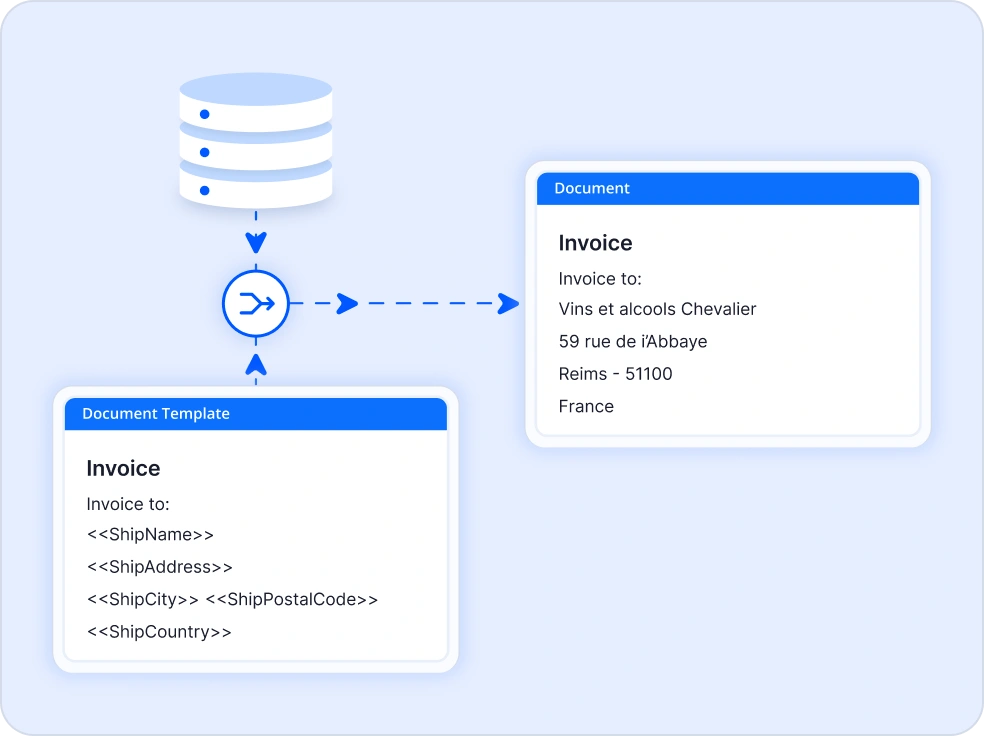
Mail merge
Automate large-scale document generation with built-in mail merge support. Merge business data into Word templates to create personalized letters, invoices, contracts, labels, and reports quickly using C# and .NET.
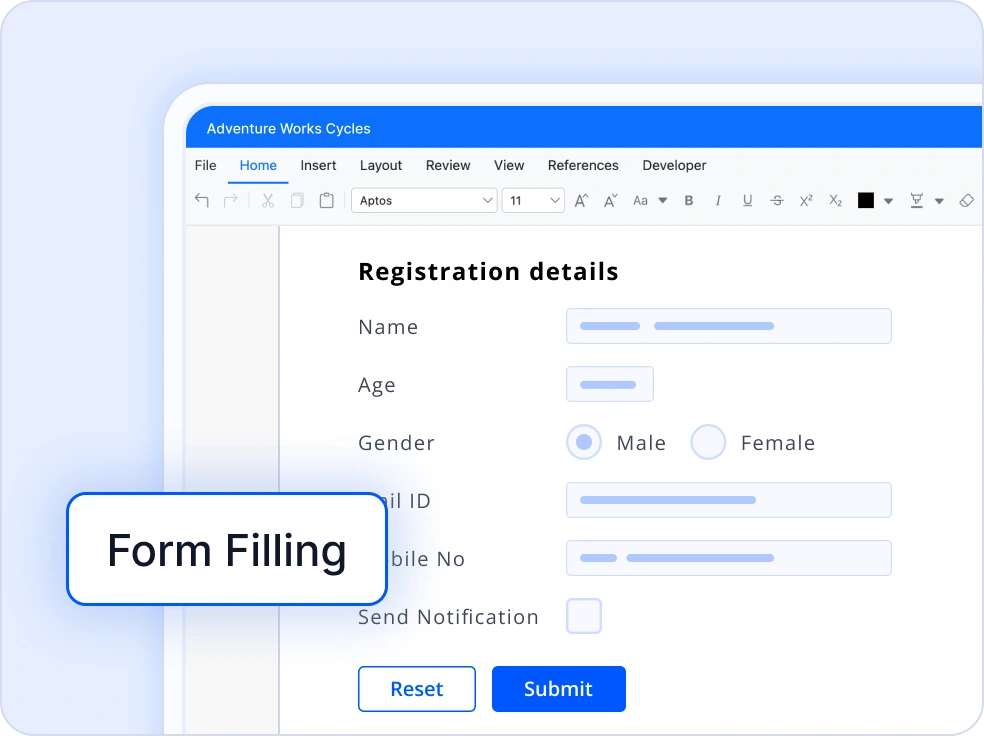
Form filling
Create fillable forms with legacy form fields in Word documents. Fill the form fields and extract filled data from the form fields effortlessly.
Compare, Review, and Manage Revisions
Compares documents to identify differences such as insertions, deletions, and formatting and manages tracked changes for controlled revision handling. Also enables adding, editing, and managing comments for streamlined collaboration.
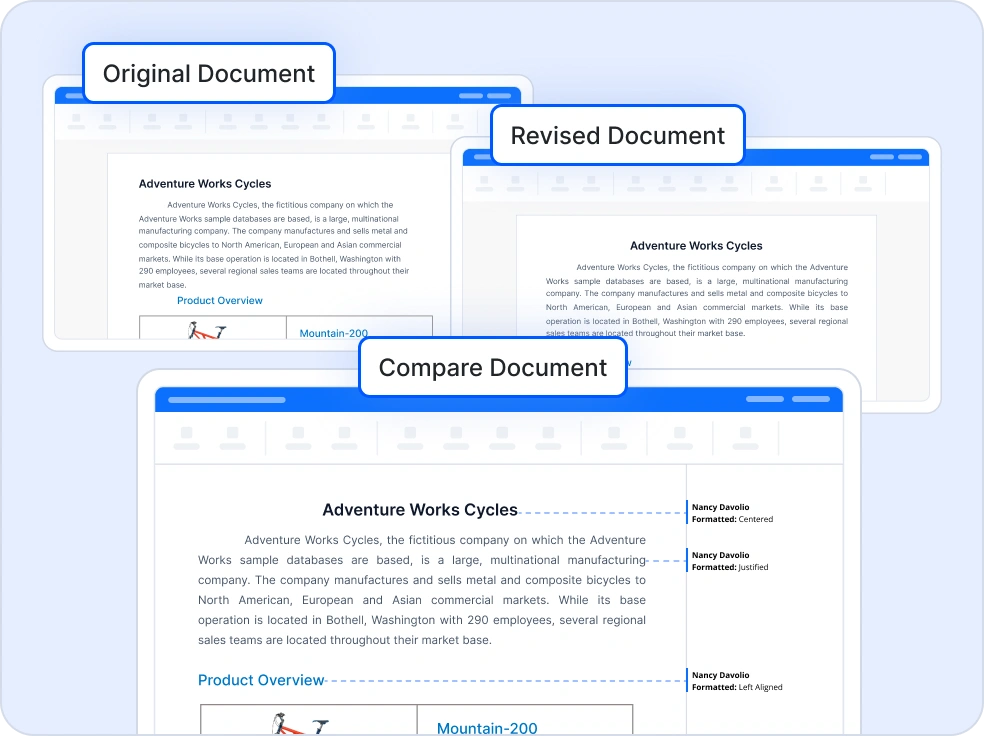
Compare
Track changes or compare two Word documents to identify revisions, formatting differences, and inserted or deleted content. These features are useful for contract review, legal workflows, and document approval processes.
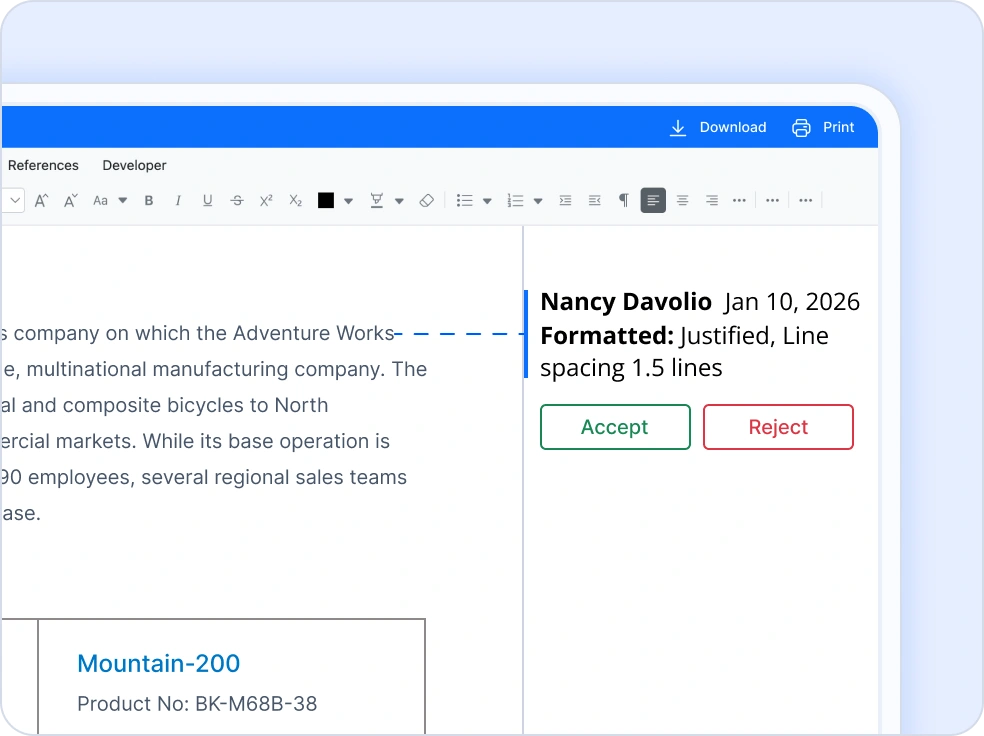
Track changes
Manage tracked changes within a Word document by programmatically accepting or rejecting edits. This ensures controlled document finalization, especially in collaborative environments where multiple contributors make revisions.
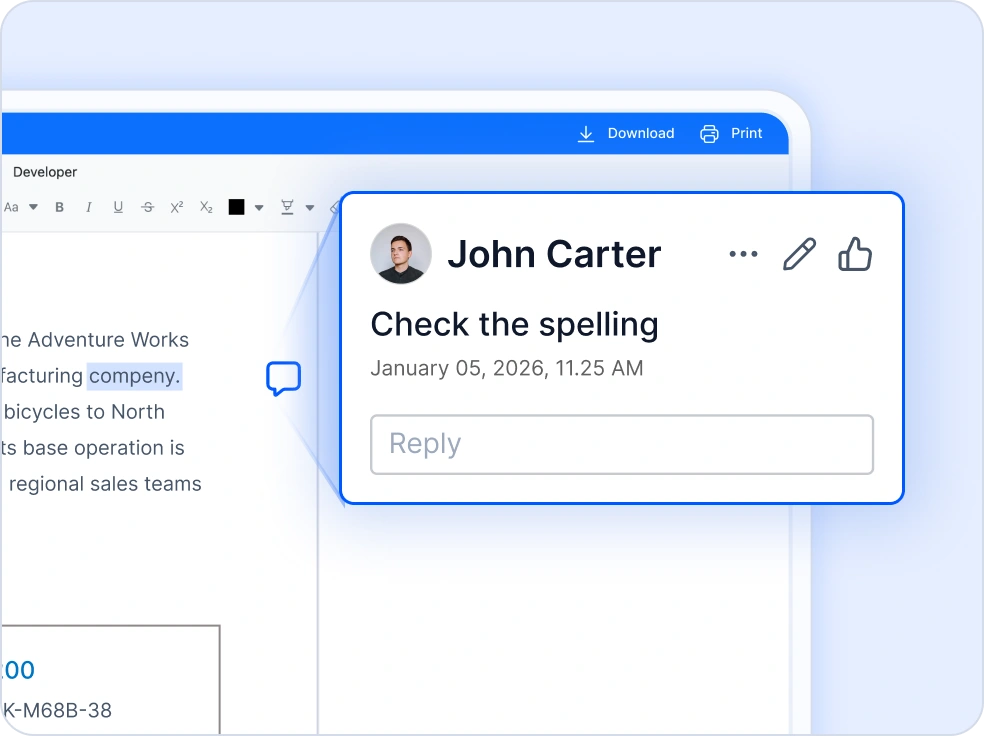
Comments
Add, edit, and manage comments in Word documents to enable collaborative review. Developers can insert or remove feedback, streamlining team communication and document approval workflows.
Document Navigation and Content Control
Uses bookmarks to efficiently locate, access, and update specific regions within documents. Includes advanced find and replace capabilities for text and pattern searches while preserving formatting.
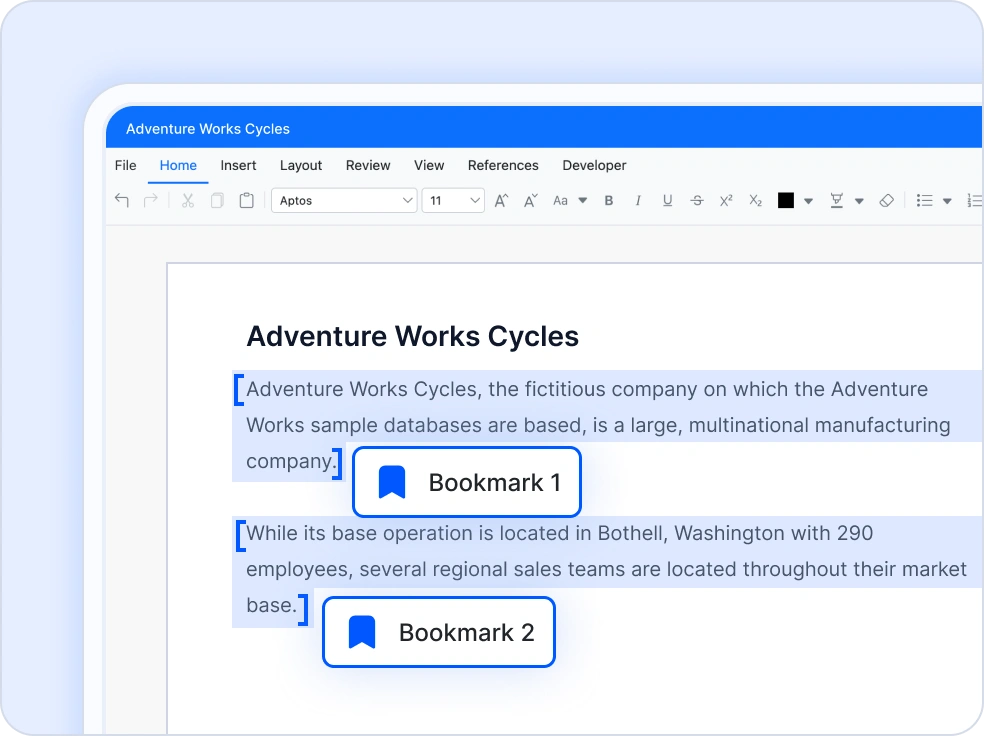
Bookmarks
Work with bookmarks in Word documents to mark important locations and reference specific content. Use bookmarks to access sections, replace or get content, and manage document flow. This helps organize documents and navigate large files efficiently through code.
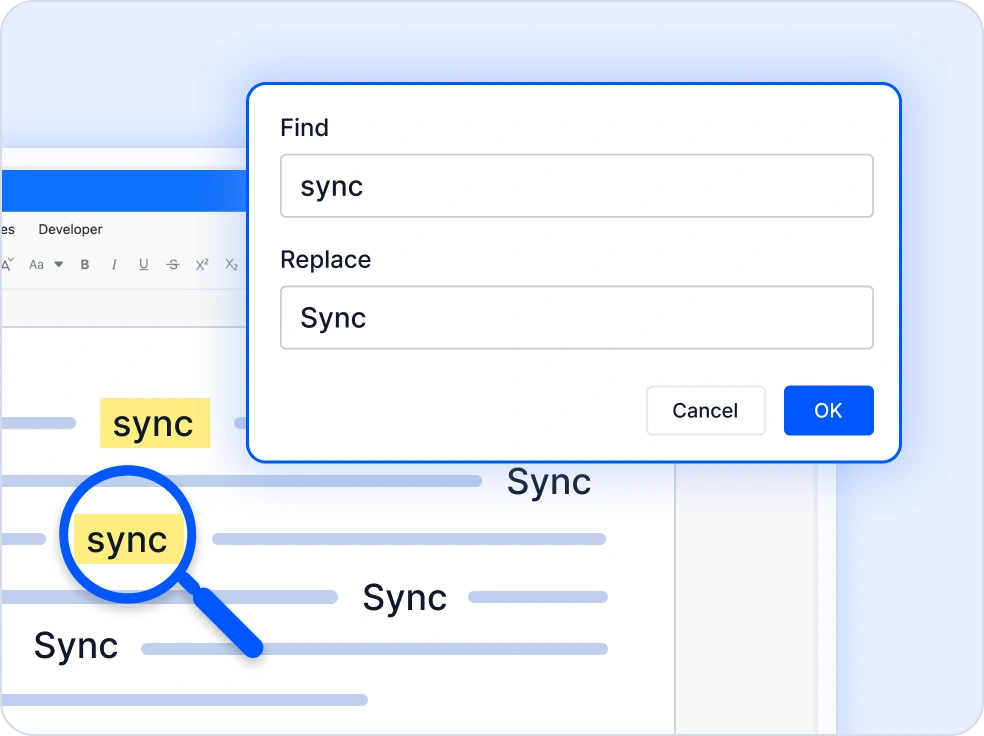
Find and replace
The Find and Replace feature allows searching and updating content in Word documents using C#. It supports text and pattern-based searches and enables replacing matches with document elements while preserving formatting.
C# Word Document Merge and Split API
Merges multiple Word documents into a unified file with flexible formatting options. Also supports splitting large documents into smaller sections based on headings, bookmarks, or other structural markers.
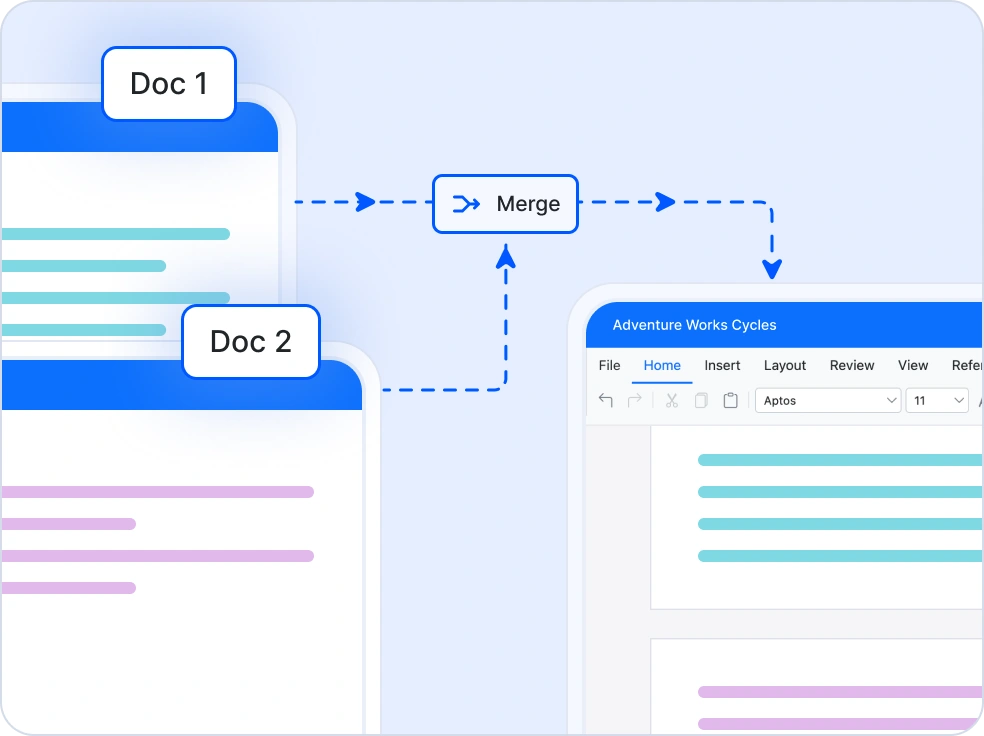
Merge Word Documents
Combine multiple Word documents into a single file programmatically using C#, while retaining source or destination formatting. It supports flexible merge options such as text only merging, numbering control, and header footer handling without any Microsoft Word or interop dependency.
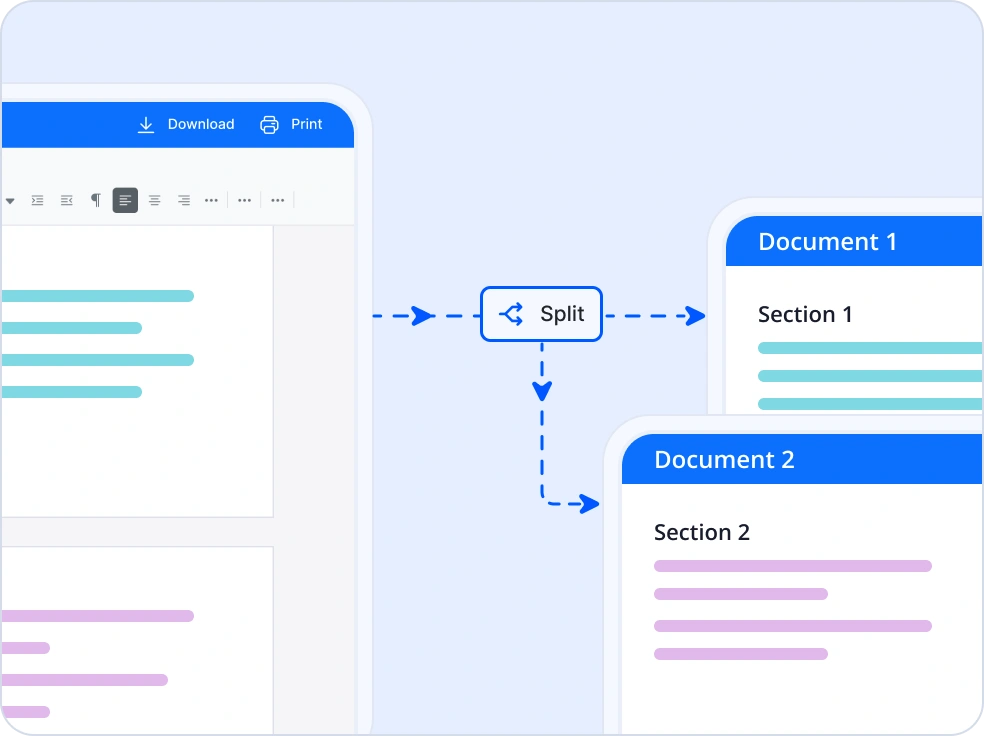
Split Word Documents
Break large Word documents into smaller files based on sections, headings, bookmarks, or placeholder text. Enables efficient document segmentation and export to multiple formats while preserving content structure and formatting accuracy.
Document Security and Privacy
The .NET Word Library provides features for securing Word documents with encryption, digital signatures, and access controls.
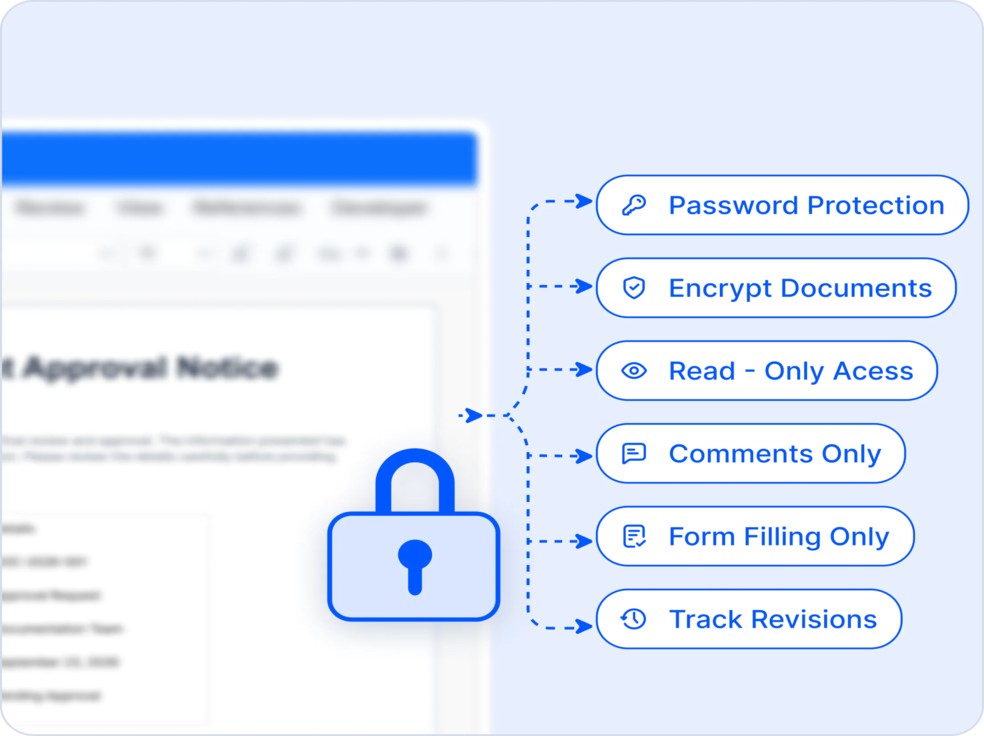
Encrypt
Protect sensitive Word documents with advanced security features. Encrypt and decrypt files, apply password protection, and enforce editing restrictions such as read-only access, comments, form fields, or revisions. Safeguard confidential content, control document access, and maintain document integrity across enterprise and automated workflows.
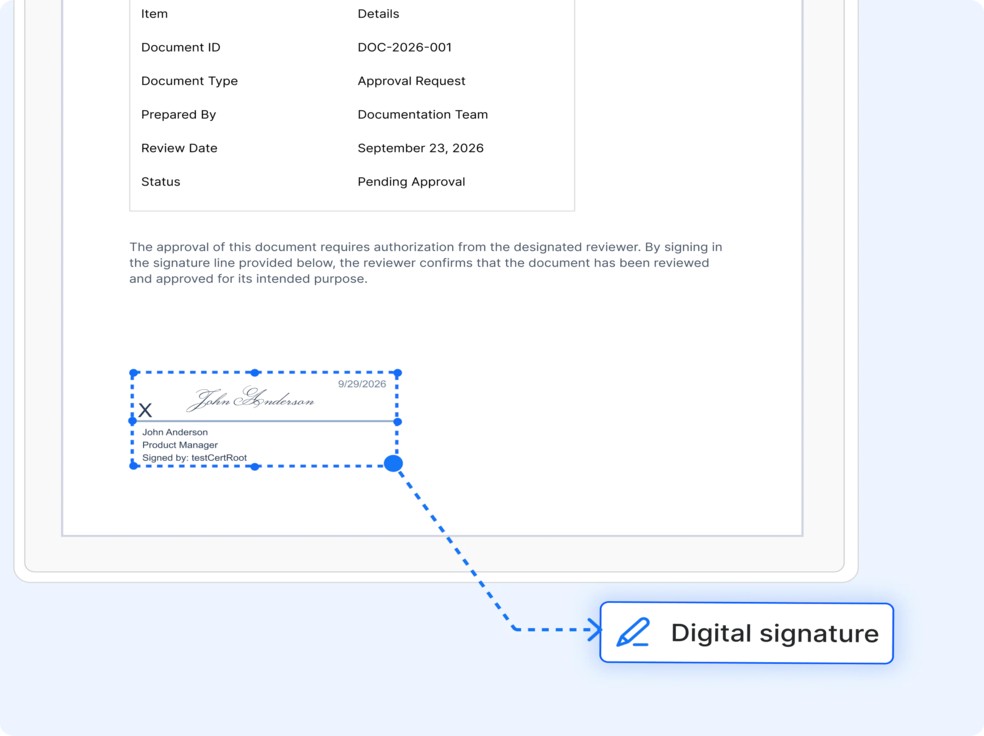
Digital signatures
The .NET Word Library enables digital signing with X.509 certificates, visible and invisible signatures, and support for XmlDSig and XAdES-EPES standards. It also provides signature validation, integrity verification, signature line management, and multi-party approval workflows to ensure document authenticity and long-term trustworthiness.
Comprehensive Word Document Conversions
Convert Word documents to and from multiple formats to support publishing, data exchange, accessibility, and cross platform document workflows.
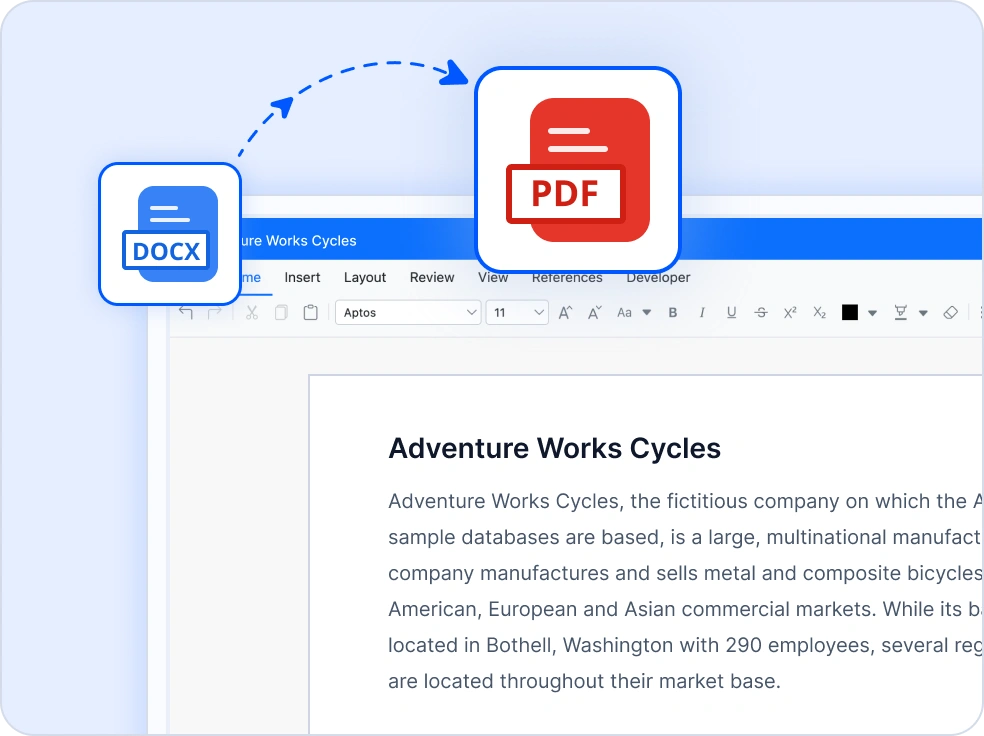
Word to PDF
Convert Word documents to high-quality PDF files while preserving layout, fonts, images, tables, headers, footers, bookmarks, and hyperlinks. Generate PDFs directly from DOCX documents without Microsoft Word.
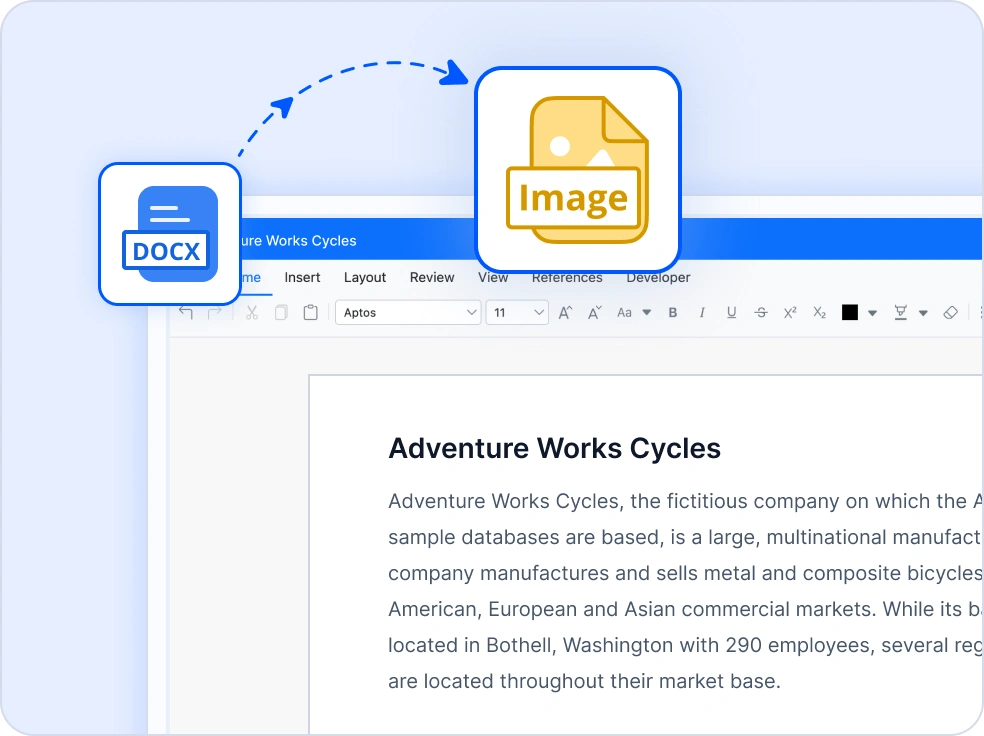
Word to Image
Export Word pages as images for previews, sharing, or downstream image-based processing workflows.
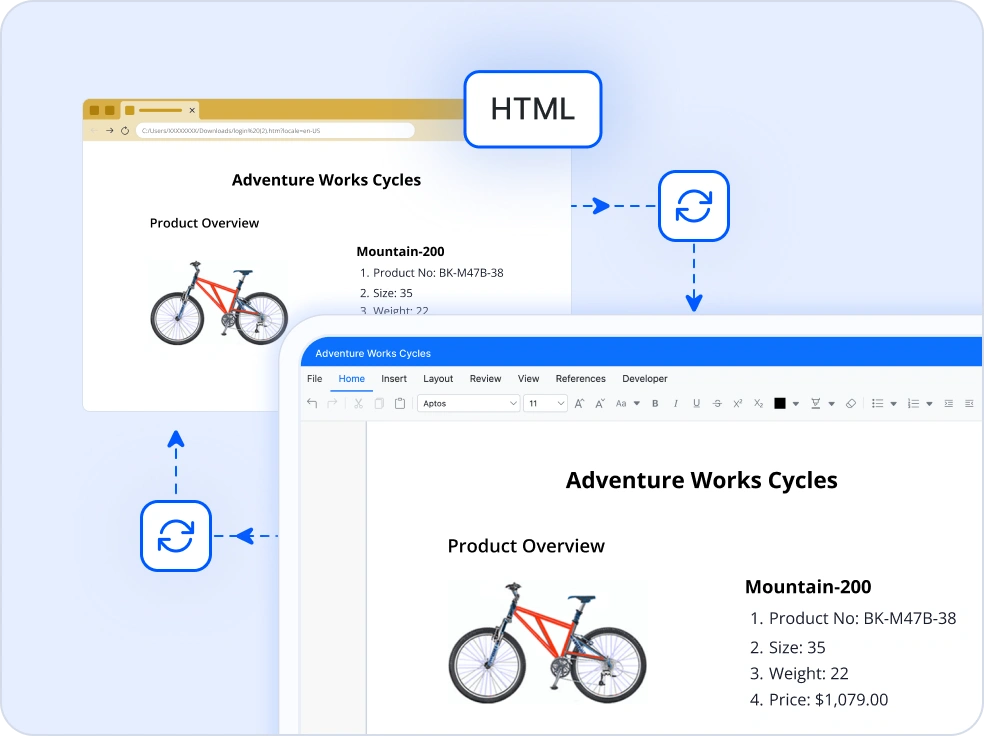
Convert Word and HTML Documents
Convert Word documents to and from HTML for seamless web publishing and browser based viewing while retaining styles, structure, and content hierarchy.
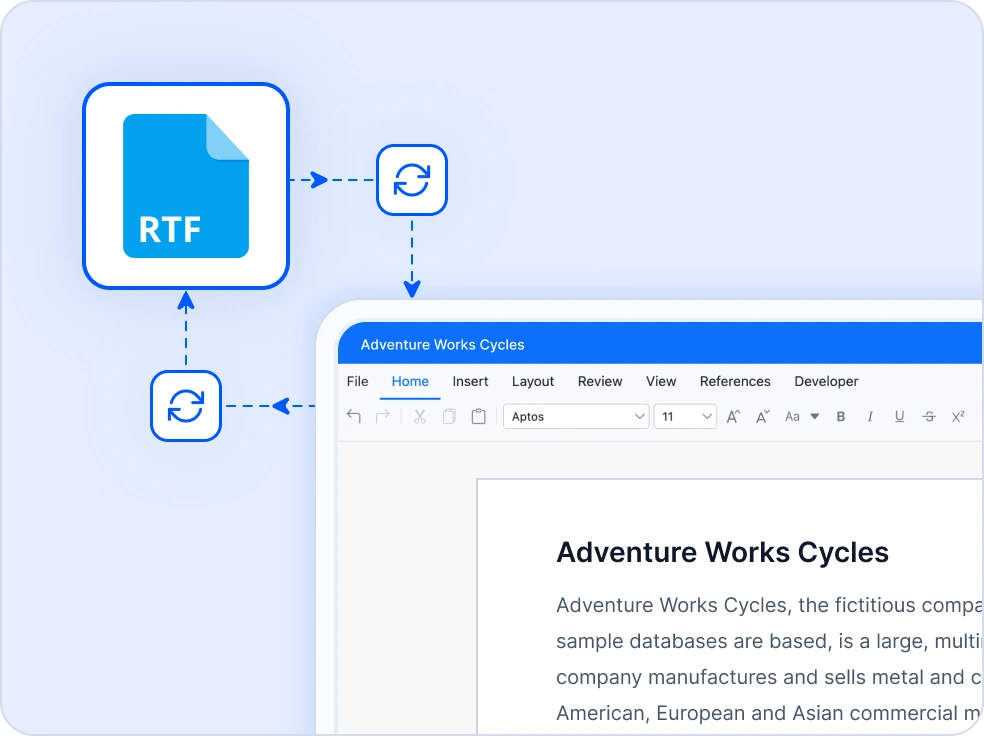
Convert Word and RTF Documents
Convert Word documents to and from Rich Text Format for improved compatibility across applications and platforms.
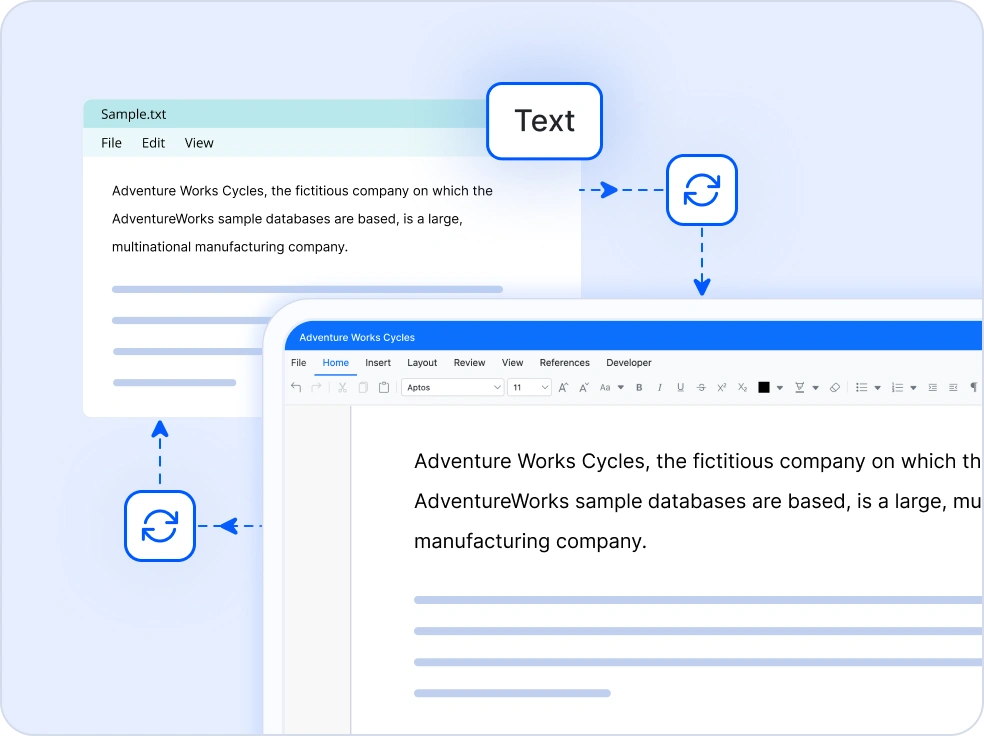
Convert Word and Text Documents
Convert Word documents to and from plain text for indexing, analysis, and lightweight data processing scenarios.
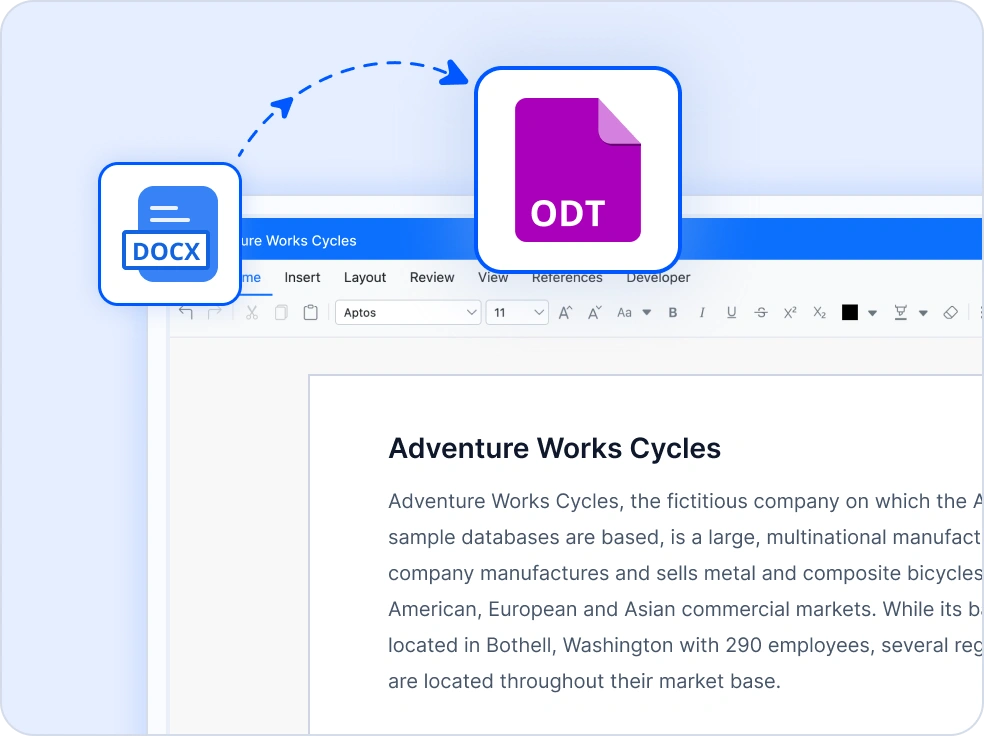
Word to ODT
Convert Word documents to OpenDocument Text format for open standard tools and cross suite compatibility.
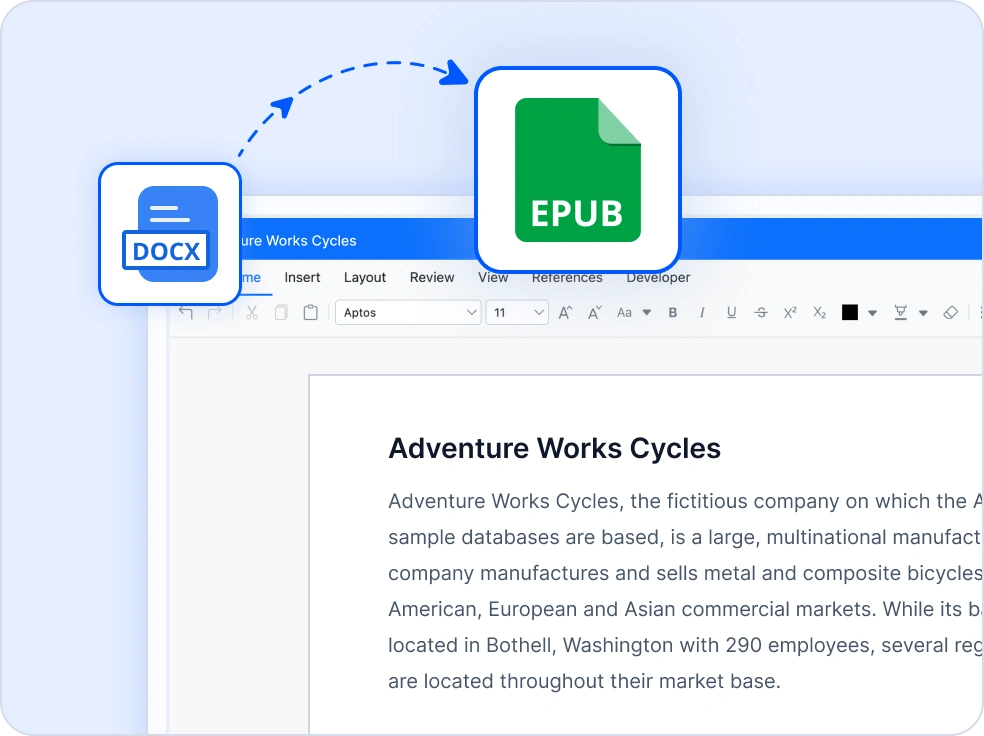
Word to EPUB
Export Word documents as EPUB files for ebooks, digital publications, and mobile friendly reading experiences.
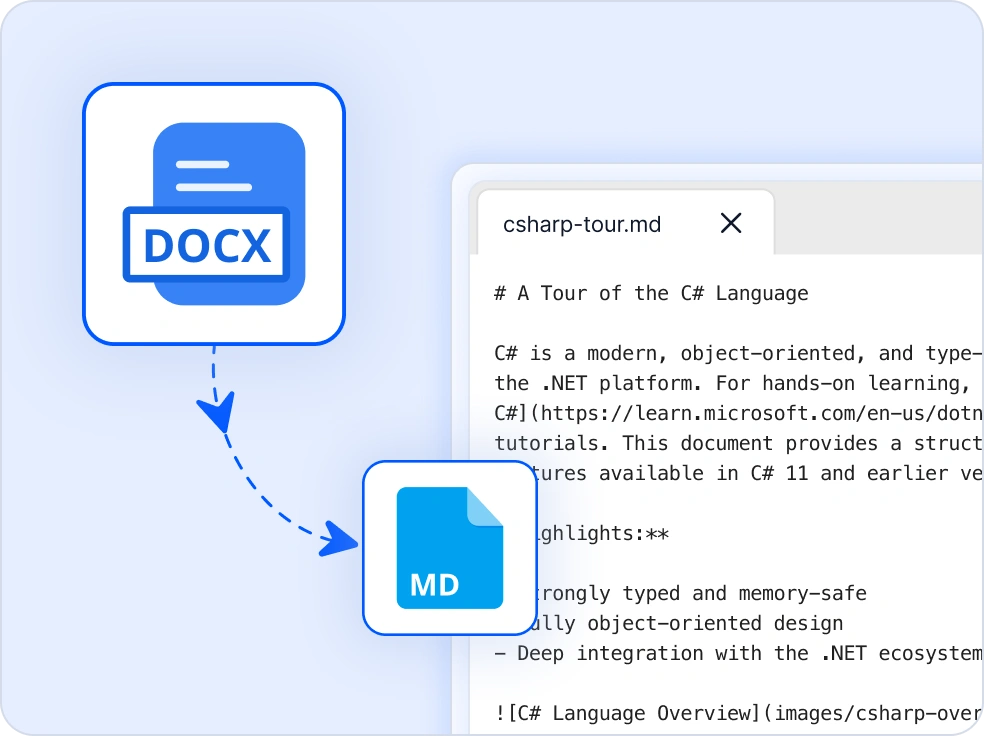
Word to Markdown
Convert a Word document to a clean Markdown file. The conversion maps Word styles and formatting to equivalent Markdown syntax, with full support for image export customization via event handlers.
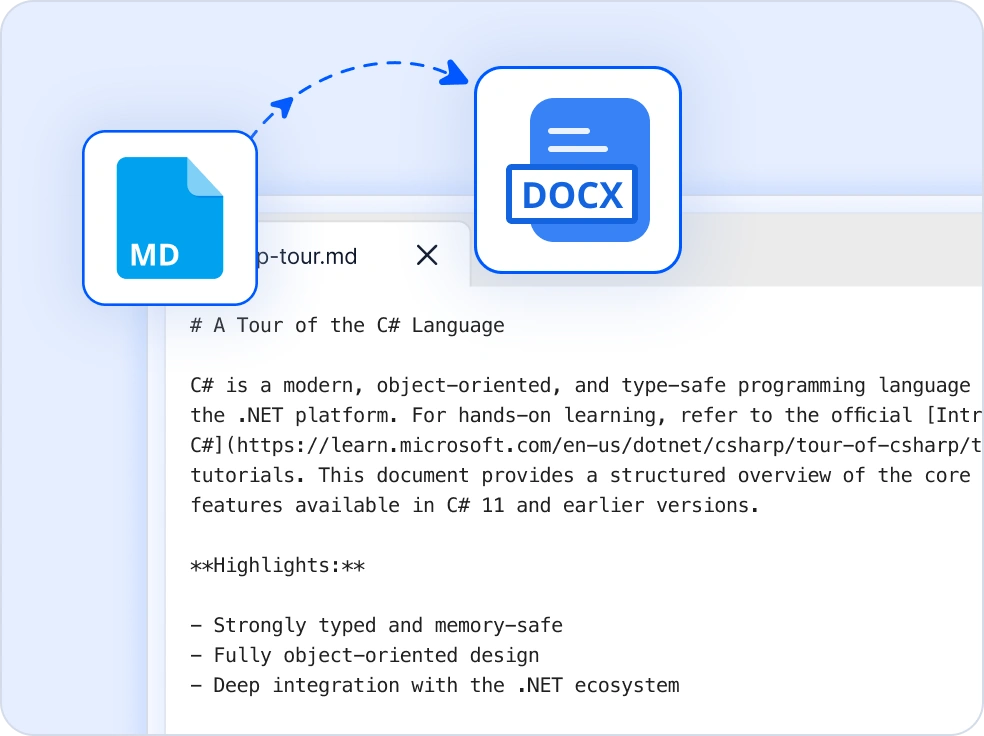
Markdown to Word
Convert Markdown documents to DOCX, RTF, ODT, XML, or plain text while preserving content structure.
Structured and Accessible Documents
Tagged PDF export
Preserve a document’s structure such as headings, lists, and tables when converting it to PDF.
Alternative text for visual elements
Include meaningful descriptions for images, shapes, and tables to make content understandable for screen readers.
Custom metadata
Add built-in and custom document properties for clear document identification.
Easy integration and customization
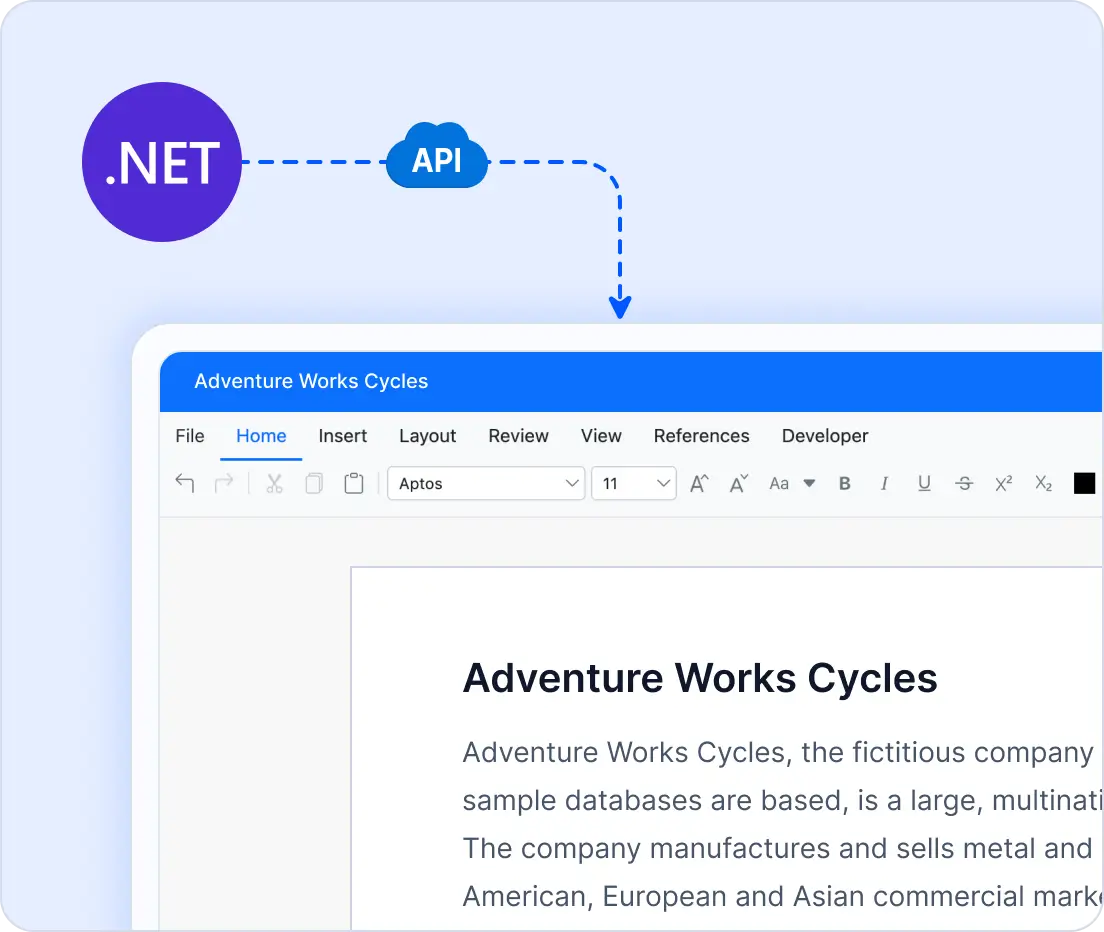
As part of the Syncfusion Document SDK, the .NET Word Library provides a comprehensive API for creating, editing, comparing, converting, and automating Word documents. Its lightweight, fully managed architecture makes it easy to integrate into enterprise .NET applications without external dependencies.
- Get started faster with interactive demos and sample applications for Word document processing.
- Utilize rich APIs, clear documentation, and enterprise support for quick integration.
Industry use cases for Word Library
Our Word Library is designed to address diverse industry needs, enabling professionals across multiple sectors to process Word documents programmatically and reliably.
No credit card required.
Corporate
Develop branded reports and proposals. Combine multiple documents and maintain consistent formatting effortlessly.
Finance
Prepare monthly statements and audit reports. Compare document versions to ensure accuracy and regulatory compliance.
Healthcare
Generate patient summaries and compliance documentation. Convert files to PDF for secure distribution.
Education
Create academic materials such as course content, lecture notes, and certificates. Incorporate charts and diagrams to enhance comprehension.
AI-Assisted Development
Build document processing solutions faster
Accelerate Word workflows with Syncfusion AI tools that simplify document processing and enable faster content creation.
Agent Skills
Generate accurate document processing code using Syncfusion Agent Skills for faster implementation.
Example Prompt How do I create Word documents using Syncfusion Word library in .NET?
AI Coding Assistant
Generate, configure, and troubleshoot code for Syncfusion Document SDK directly in your IDE
Example Prompt Show how to create and format Word documents using Syncfusion Word library in .NET.
AI Agent Tools
Automate document workflows with Syncfusion AI Agent Tools to create, process, convert, and extract data from documents.
Example Prompt Create a Word document and save it as output/document.docx.
Trusted by the world’s leading companies

See Why Developers Love Syncfusion
These real-world examples highlight the impact of our .NET Word Library
The most effective way to demonstrate our commitment is through the success stories and experiences of those who rely on the .NET Word Library.




Endless possibilities with one library
From generating dynamic reports and automating mail merges to creating fillable forms and converting documents to multiple formats, our Word Library is built to handle it all. Join 1M+ developers who trust Syncfusion® for enterprise-grade Word document processing and see why we consistently lead in performance and reliability.
No credit card required.
Word Library FAQs
If you’re new to the Word Library or have questions, our FAQs will help you explore its features and capabilities.
Why should you choose the Syncfusion .NET Word Library?
The Syncfusion .NET Word Library lets users:
Create Word documents from scratch.
- Open, modify, and save existing Word documents.
Utilize advanced mail merge support with different data sources.
Create or edit Word 97-2003 and later-version documents and convert them to commonly used file formats such as RTF, WordML, TXT, HTML.
Export a Word document to a high-quality image, PDF file, or EPUB.
Create and manipulate charts, shapes, and group shapes in DOCX and WordML documents.
Read and write built-in and custom document properties and find and replace text with its original formatting.
Insert bookmarks and navigate them to insert, replace, and delete content.
Insert and edit form fields and protect the document by restricting access.
Encrypt and decrypt Word documents.
- Insert and extract OLE objects and run the DocIO application in multithread and with thread-safe programs.
- Enjoy simple configuration and API.
Take advantage of extensive demos and documentation to get started quickly with the library.
Can I download and utilize the Syncfusion .NET Word Library for free?
No, this is a commercial product and requires a paid license. However, a free community license is also available for companies and individuals whose organizations have less than $1 million USD in annual gross revenue, 5 or fewer developers, and 10 or fewer total employees.
How do I get started with the Syncfusion .NET Word Library?
A good place to start would be our comprehensive getting started documentation.
Can I generate Word documents from templates?
Yes. Load DOCX templates, replace placeholders, populate merge fields, insert images and tables, and save customized Word documents using C#.
What platforms are supported by the Syncfusion .NET Word Library?
The Syncfusion Word Library supports platforms for the web (Blazor, ASP.NET Core, ASP.NET MVC) mobile (.NET MAUI, UWP), and desktop (Windows Forms, WPF, WinUI, .NET MAUI, UWP).
Where can I find the Syncfusion .NET Word Library demo?
You can find our Word Framework demo which demonstrates how to render and configure the .NET Word.
How do I create a Word document in C#?
Use the Syncfusion .NET Word Library, part of the Document SDK, to create DOCX documents programmatically. You can build documents from scratch or populate existing templates without Microsoft Word.
Does the .NET Word Library require Microsoft Word?
No. The library is fully managed and works independently of Microsoft Word or Office Interop, making it suitable for server-side and cloud applications.
Resources
Learn more about our Word Library
Explore demos, KB articles, and documentation to get the most out of our Word Library.
Explore guides, APIs, and quick-start tips
See live use cases in action
Ask, share, and connect with peers
Find solutions and best practices fast
Get expert help when you need it
Feature requests and bug reports
Track issues and suggest improvements







