



Why choose our Excel Library?
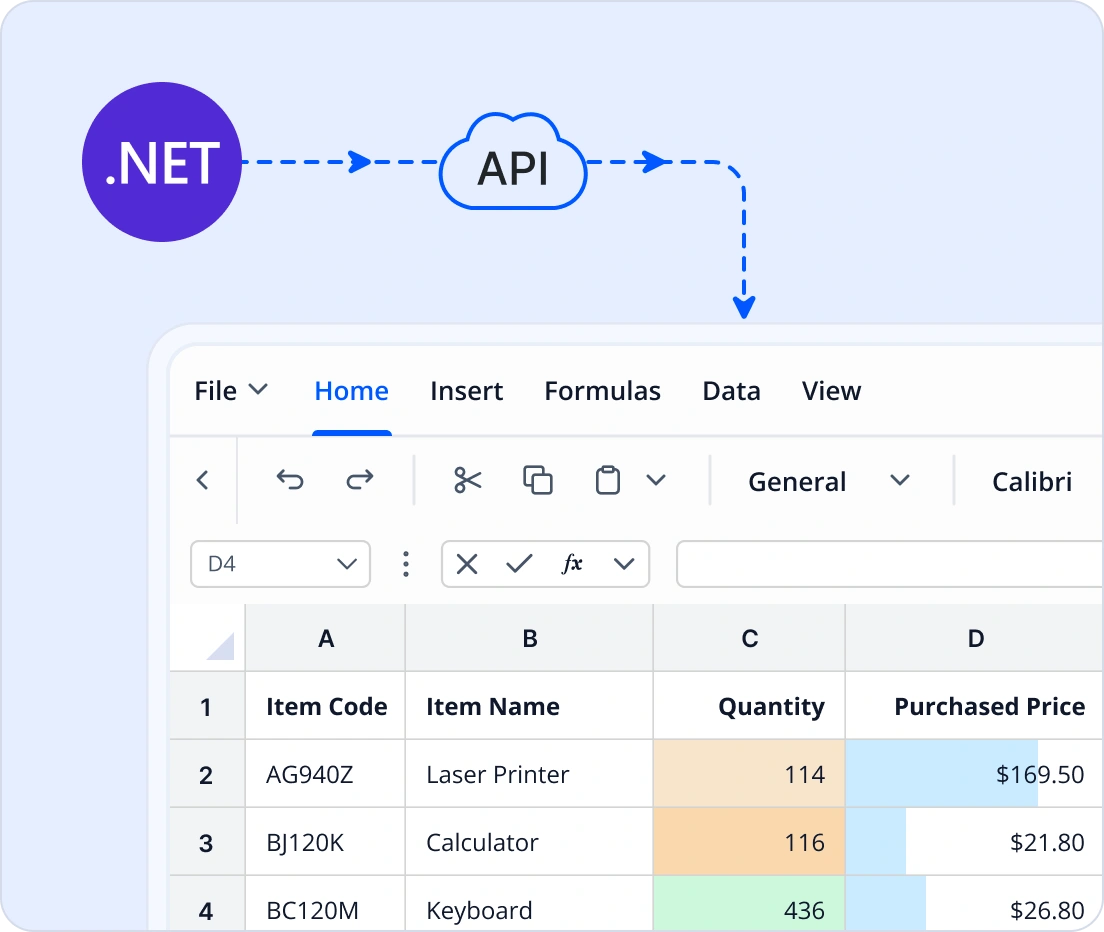
Create, read, edit, and generate Excel workbooks programmatically using a fast, enterprise-ready .NET Excel Library. Open existing Excel files, create new documents, import and export data, apply formulas, build charts, and automate spreadsheet processing without Microsoft Excel.
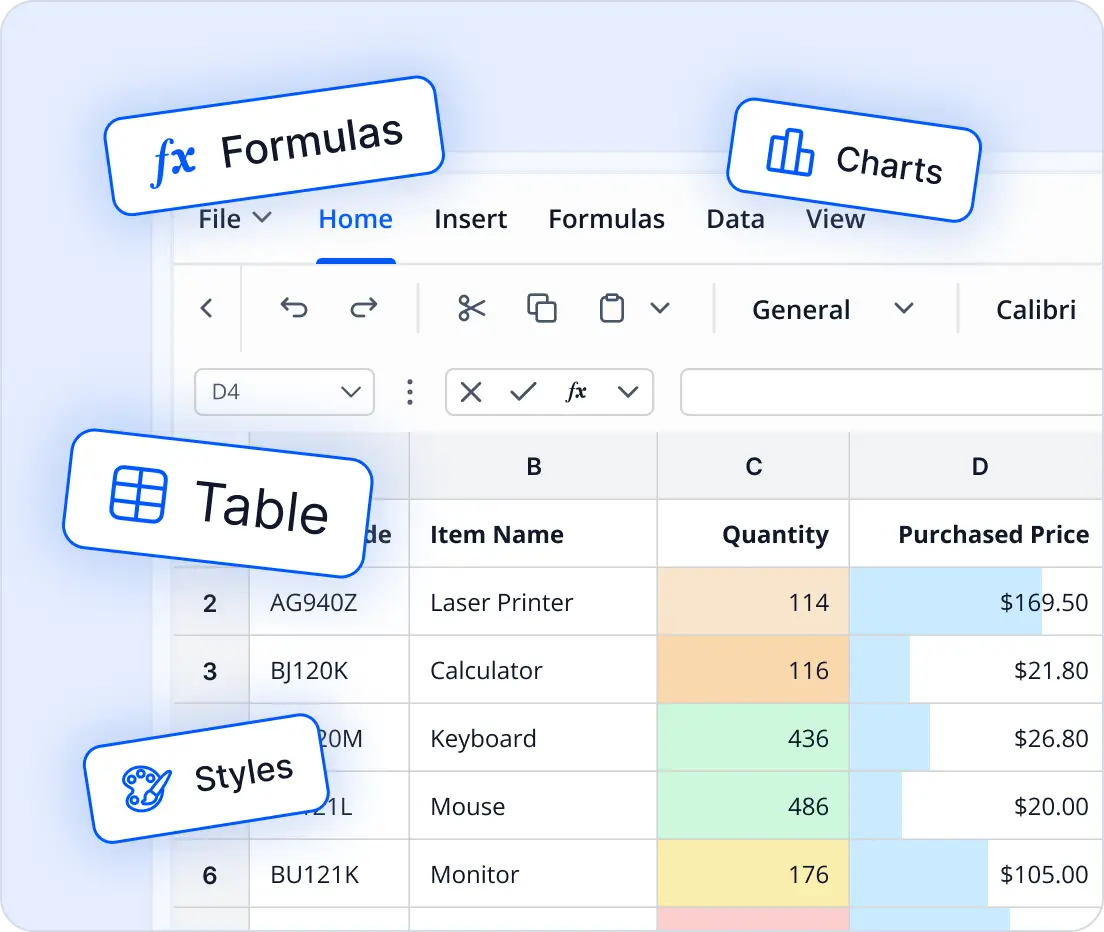
Experience full Excel capabilities: create and edit workbooks, apply formulas, format cells, manage charts, import data, and export documents as Excel files.
Powerful Spreadsheet Processing APIs for .NET
Generate, edit, and analyze Excel spreadsheets using fast and scalable APIs. Work with formulas, charts, tables, pivot tables, and data validation, while easily converting workbooks to PDF, images, and other formats.
Creation & Editing APIs
Enterprise-ready Excel Library
Unlock complete Excel functionality
Bring the full power of Excel into your applications without relying on Microsoft Office. The Excel Library supports all major Excel functionalities.
- Create Excel files programmatically.
- Open, read, and edit existing Excel workbooks.
- Import data from DataTables, collections, arrays, and other data sources.
- Generate Excel reports with formulas, charts, tables, and template markers.
- Create tables, charts, pivot tables, sparklines, images, shapes, and form controls.
- Apply cell styles, rich text, conditional formatting, filters, and data validation.
- Use 400+ Excel functions in formulas.
- Export Excel files to PDF, HTML, JSON, CSV, images, and other formats.
Enhance document generation
Our Excel library streamlines large-scale document creation by automating workflows. Generate templates, import and export data, convert formats, apply formulas, create charts, validate data, protect sheets, and process large workbooks with server-grade performance.
- Automates repetitive Excel operations to reduce turnaround time in batch pipelines.
- Pull data from core systems, validate inputs, apply formulas, generate consolidated reports, lock approved sheets, and export outputs for audit workflows.
Unlock speed and efficiency in every Excel file
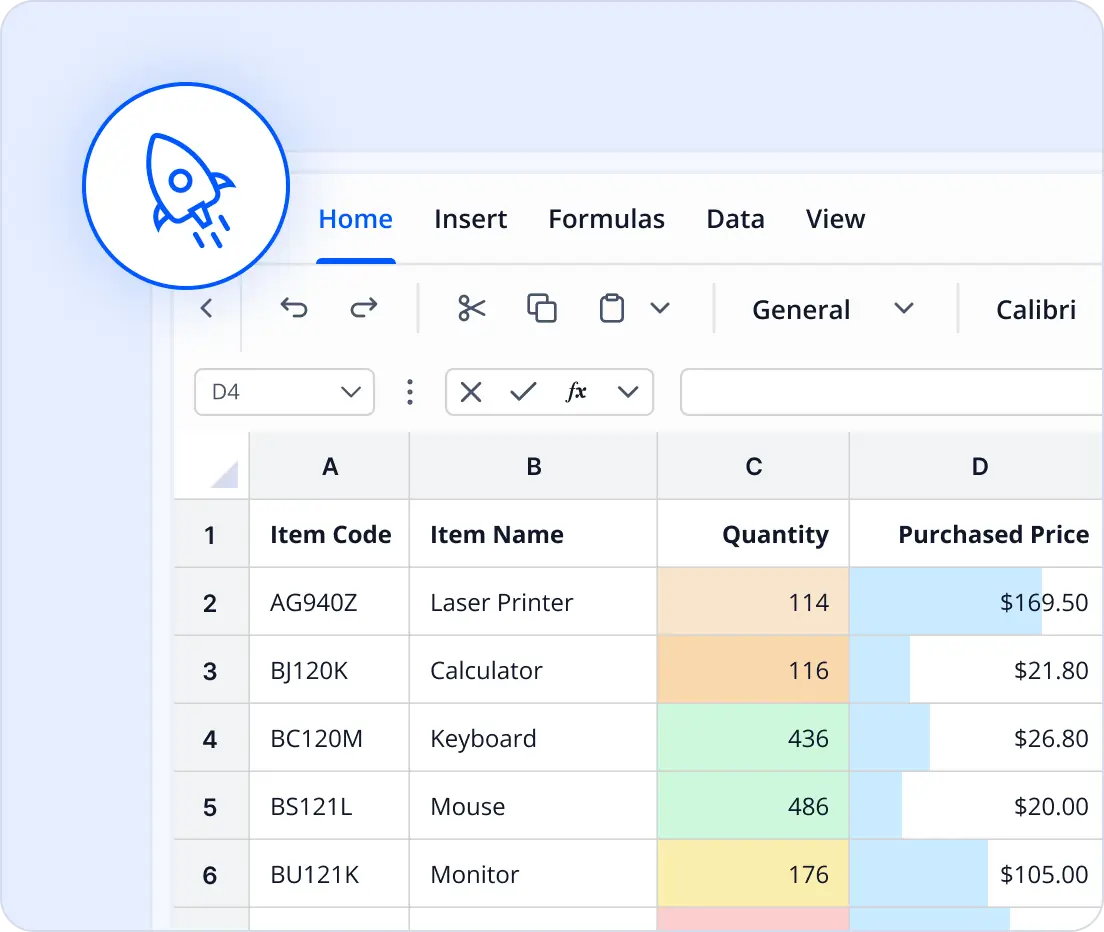
Experience fast and reliable performance when creating, editing, or calculating Excel files of any size. The optimized engine ensures smooth operations and efficient handling of large datasets.
- High speed creation, editing, and calculation of Excel files
- Optimized for large datasets and enterprise scale reports
- Intelligent memory management for stable performance
- Responsive processing for complex formulas and analytics
- Consistent speed without delays or performance bottlenecks
Secure every Excel file
Protect sensitive data with enterprise-grade security features built into the Excel Library (XlsIO). Maintain legal compliance without sacrificing usability.
- Encrypt workbooks with strong algorithms.
- Apply password protection to files and sheets.
- Restrict edit permissions for ranges and worksheets.

using Syncfusion.XlsIO;

using (ExcelEngine excelEngine = new ExcelEngine())
{
    IApplication application = excelEngine.Excel;
    application.DefaultVersion = ExcelVersion.Xlsx;

    IWorkbook workbook = application.Workbooks.Create(1);
    IWorksheet worksheet = workbook.Worksheets[0];

    worksheet.Range["A1"].Text = "Hello World";

    workbook.SaveAs("HelloWorld.xlsx");
}
Cross-platform and scalable architecture
Deploy the Excel Library in multiple environments. The library has flexibility and scalability for modern enterprise needs.
- Works on Windows, Linux, macOS, and containers.
- Offers compatibility with cloud platforms like Azure, Google Cloud, and AWS.
- Suits web apps, desktop solutions, and microservices.
Comprehensive Excel capabilities
Create professional Excel files with workbooks, worksheets, formatted cells, tables, charts, pivot tables, and interactive elements.
Our .NET Excel Library supports all essential spreadsheet elements to create polished, professional Excel files with capabilities similar to Microsoft Excel.
Workbooks and worksheets - Create, open, and manage multiple workbooks and sheets. Perform operations like adding, renaming, deleting, and copying sheets into other workbooks.
Cells - Insert and format text, numbers, dates, and formulas.
Cell styles - Apply styles, borders, number formats, and merge or unmerge cells for clean layouts.
Tables - Organize data into structured tables with built-in styles, sorting, filtering, and total rows for quick summaries.
Named ranges - Define global or sheet-specific named ranges for easy formula references and improved readability.
Analyze and present data effectively with clear, structured, and interactive reports.
Form controls - Create and edit text box, option button, check-box, and combo box controls to enable user-friendly worksheets.
AutoShapes - Create and edit 150+ AutoShapes in Excel.
Hyperlinks - Create, edit, and remove hyperlinks from an Excel document for quick navigation.
Sparklines - Add in-cell charts to visualize trends without heavy charting overhead.
Pictures - Allows to insert, resize, align, and link pictures in Excel.
OLE objects - Embed and manage external objects like charts, documents, or media within Excel worksheets for richer, interactive content.
Plan and forecast effectively using What-if-analysis scenario manager.
- Define and compare multiple input sets.
- Analyze potential outcomes for informed decision-making.
Excel Data Processing and Automation
Supports data processing with formulas, generating reports using template markers, and efficiently importing or exporting structured data.
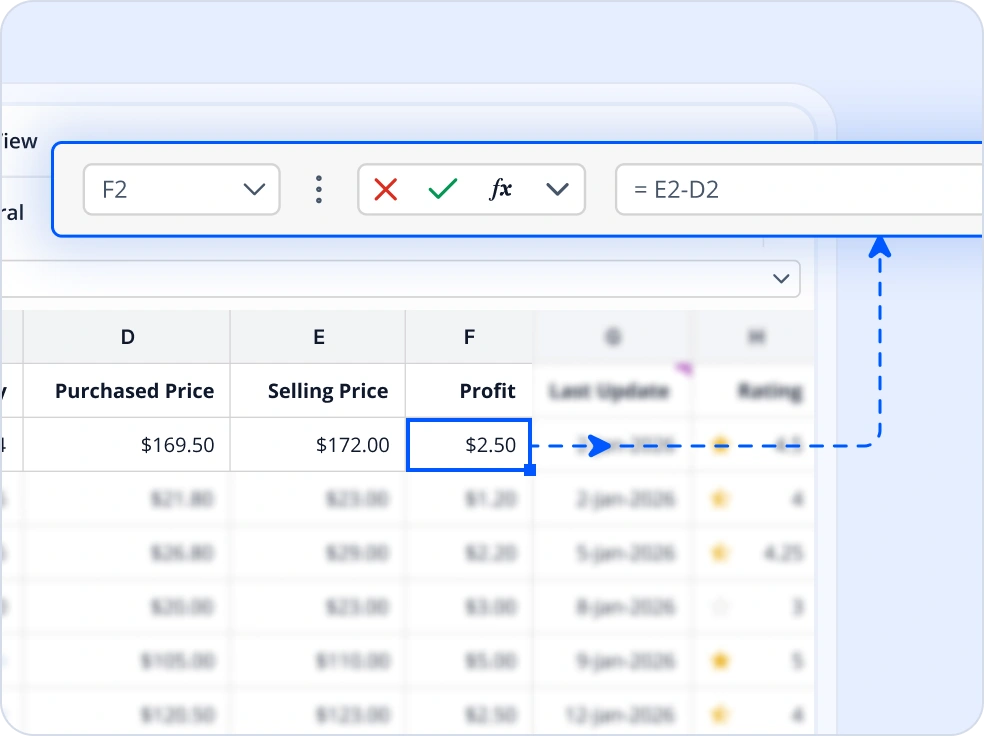
Calculate Excel formulas in C#
Perform complex calculations using 400+ built-in Excel functions, including support for cross-worksheet formulas, named ranges, and array formulas. Ensure accurate and consistent results across multisheet workbooks without relying on Microsoft Excel.
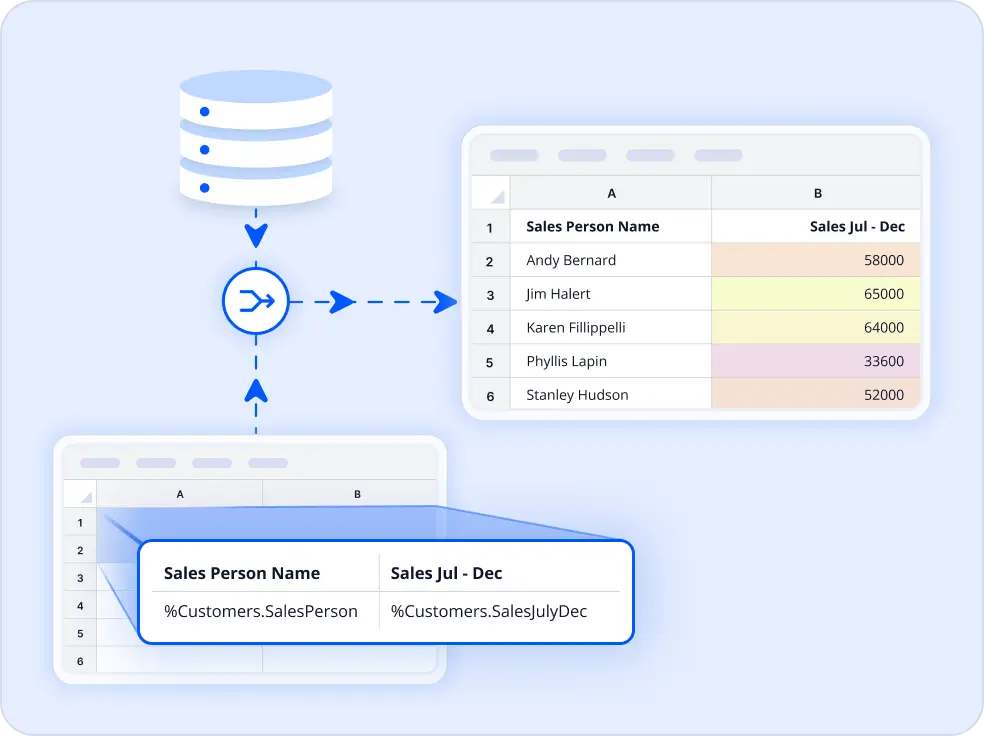
Generate Excel reports in C#
Generate dynamic, data-driven reports using databound Excel templates that automatically populate rows and preserve formulas, formatting, and layouts. Easily bind data from DataTables or collections to create professional reports with minimal code.
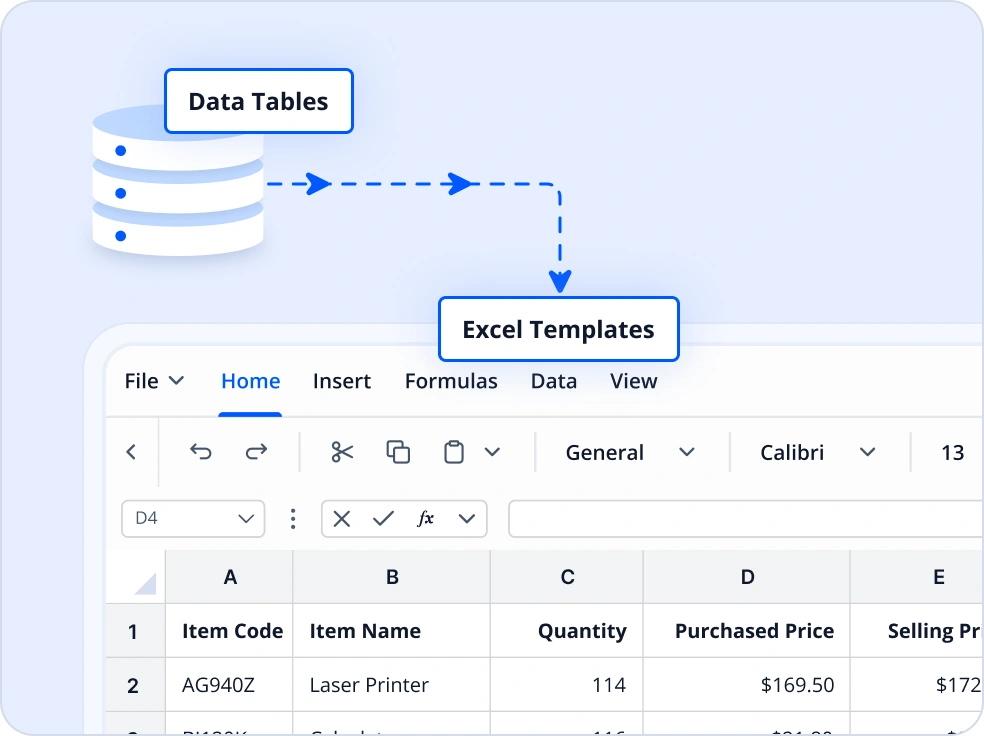
Read and Import Excel data
Import data from DataTables, DataColumns, arrays, collection objects, DataViews, HTML tables, and grid controls directly into Excel while preserving data types and structure. Supports flexible import options and works across multiple .NET platforms for fast, accurate population of worksheets.
Excel Data Analysis and Team Collaboration
Enables creating rich visualizations, generating interactive pivot tables, and adding comments or notes for collaborative review and data exploration.
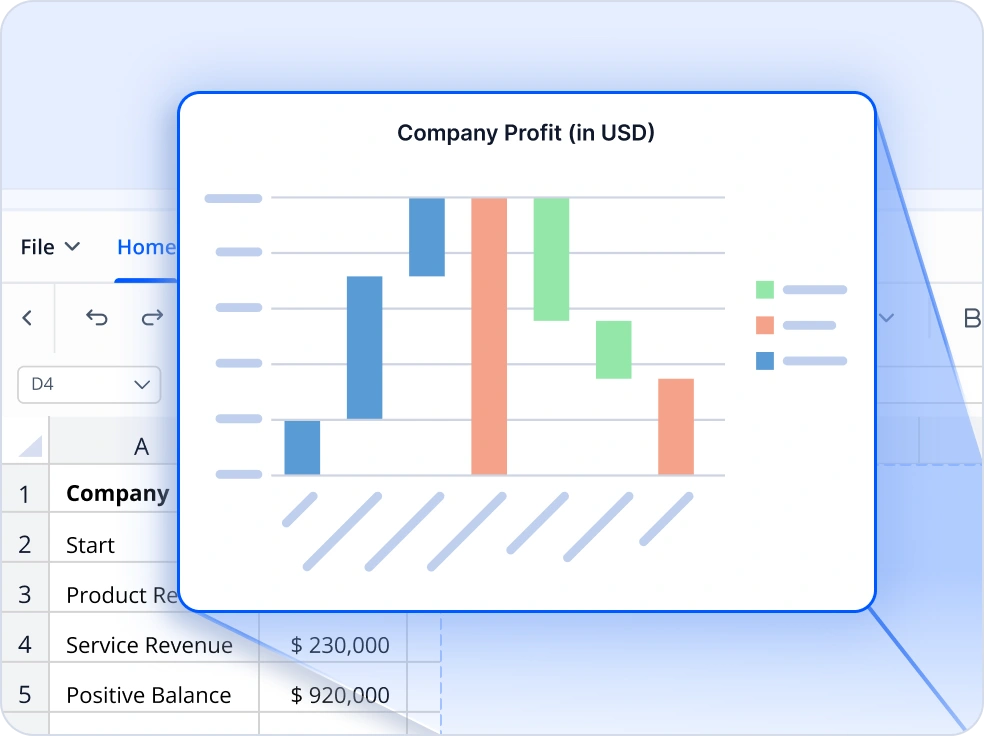
Create Excel Charts in C#
Create visually compelling 2D and 3D charts, including bar, line, pie, and scatter charts. Leverage modern Office 2016 chart types like waterfall, tree map, box and whisker, histogram, and sunburst to present data effectively. Users can customize styles and layouts for professional reporting.
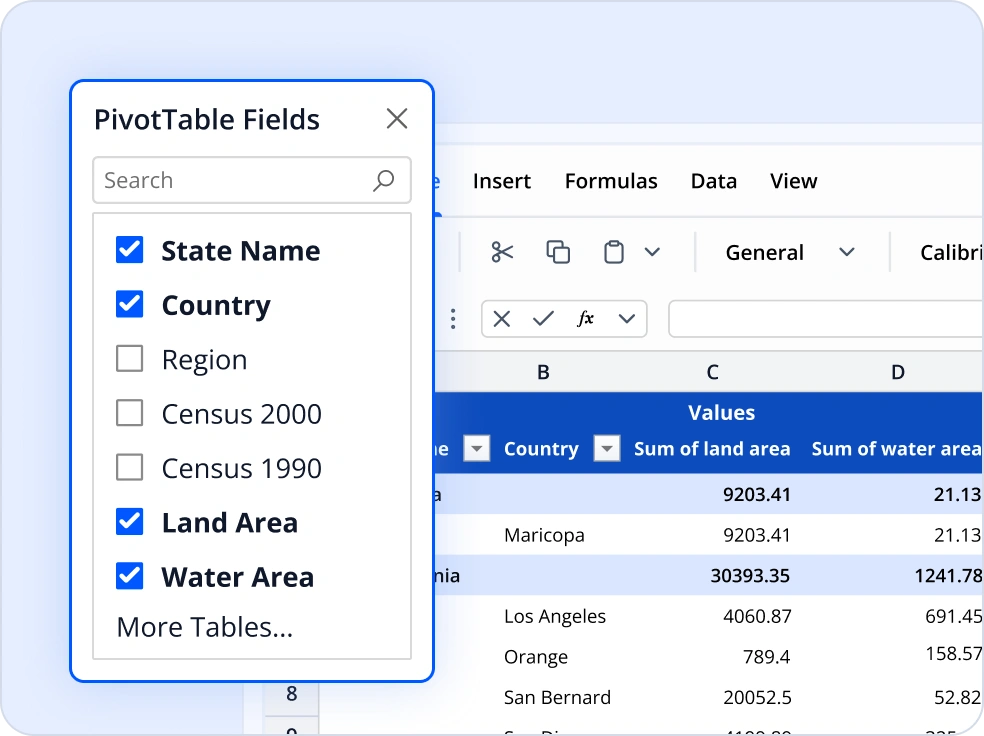
Excel Pivot Tables for Data Summarization
The pivot table feature enables creating, reading, and editing pivot tables to dynamically organize and summarize worksheet data with customizable styles, layouts, sorting, filtering, and grouping options. It also supports refreshing data and expanding or collapsing details for deeper analysis.
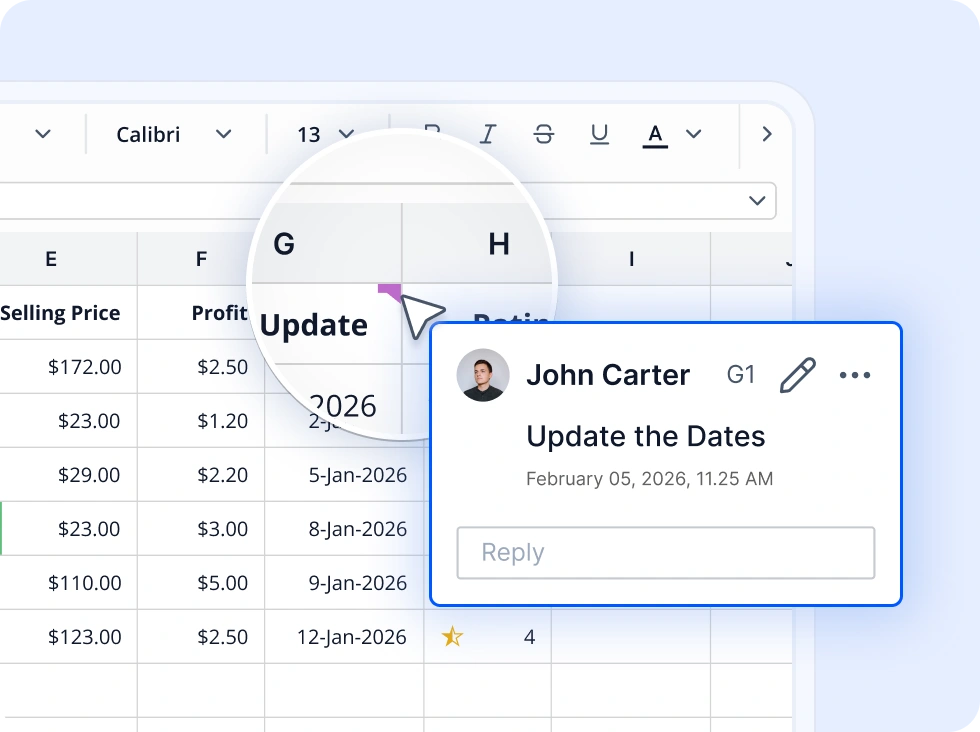
Collaborative comments and notes
Add, edit, and delete comments and notes in Excel worksheets to enhance collaboration. Users can provide feedback, clarify data, and maintain context directly within the document, ensuring smooth communication across teams.
Advanced Data Controls
Provides tools to control data accuracy, highlight patterns or rules through customizable conditional formatting, organize and refine datasets.
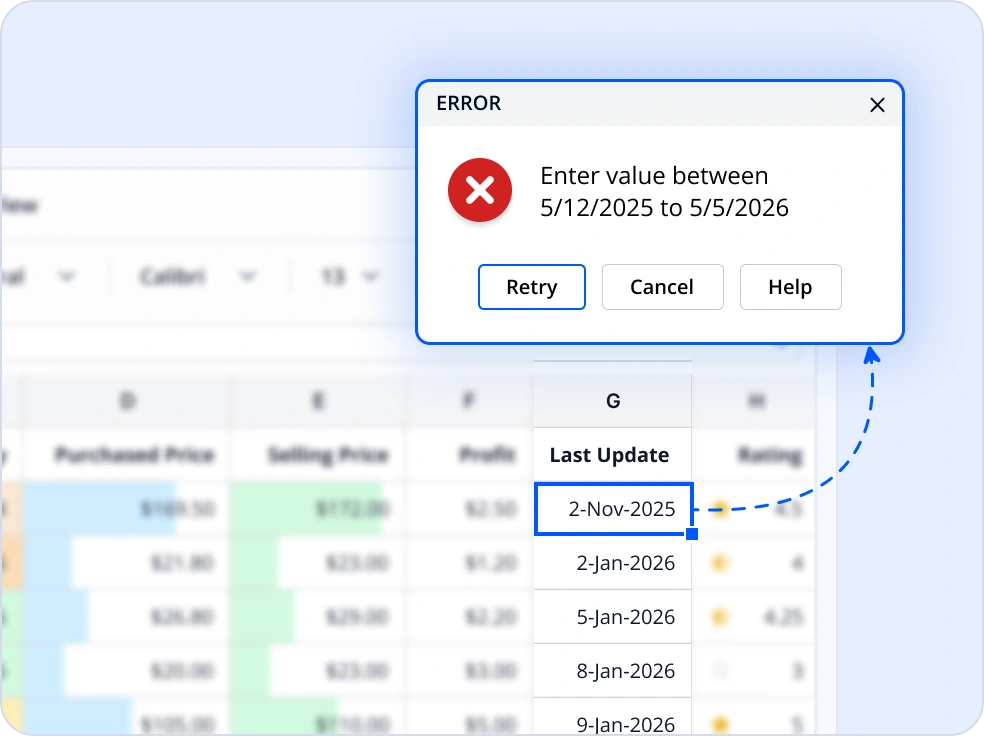
Data validation
Ensure data accuracy and consistency by setting input rules for lists, numeric ranges, dates, and text length. Use custom formulas for advanced validation and provide prompts and error alerts for a better user experience.
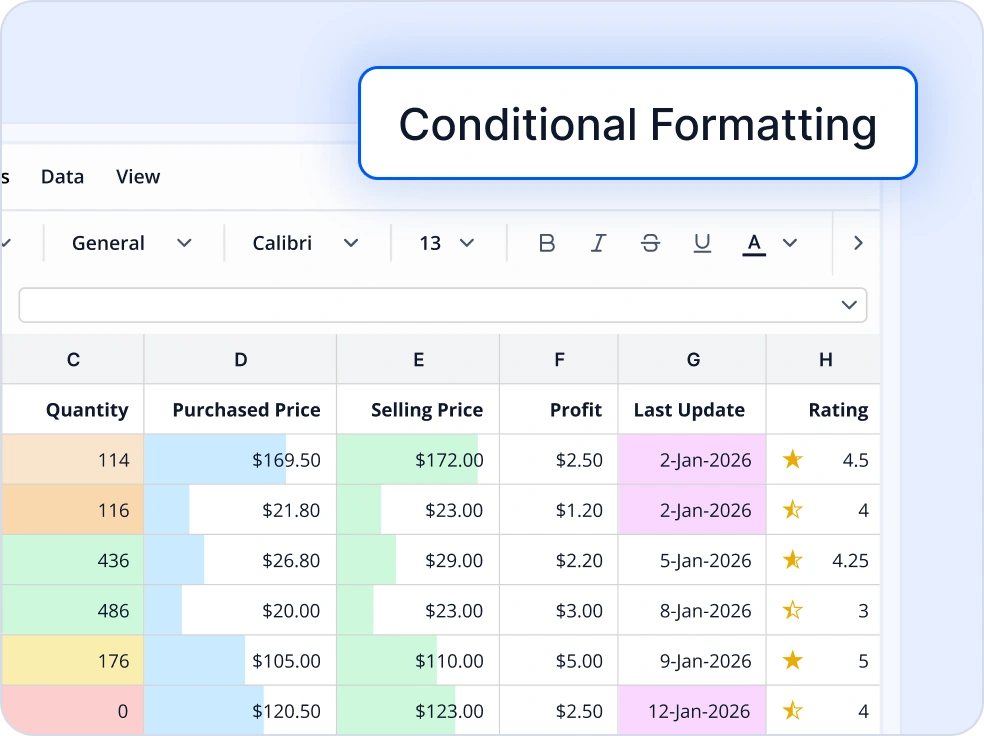
Conditional formatting
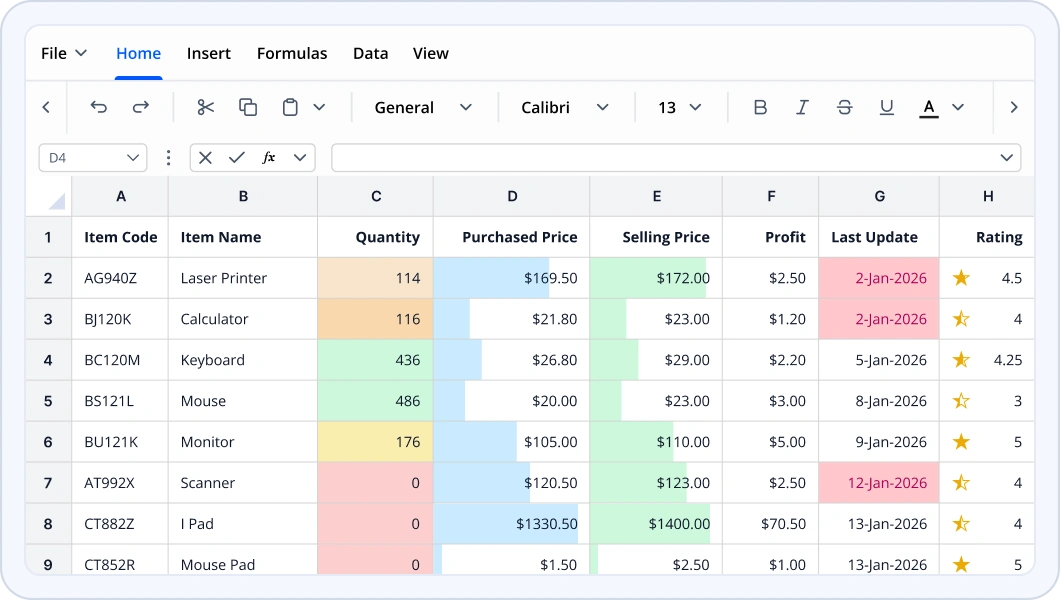
Highlight trends and anomalies visually by applying color scales, data bars, icon sets, and custom rules. Make patterns and outliers stand out for quick insights.
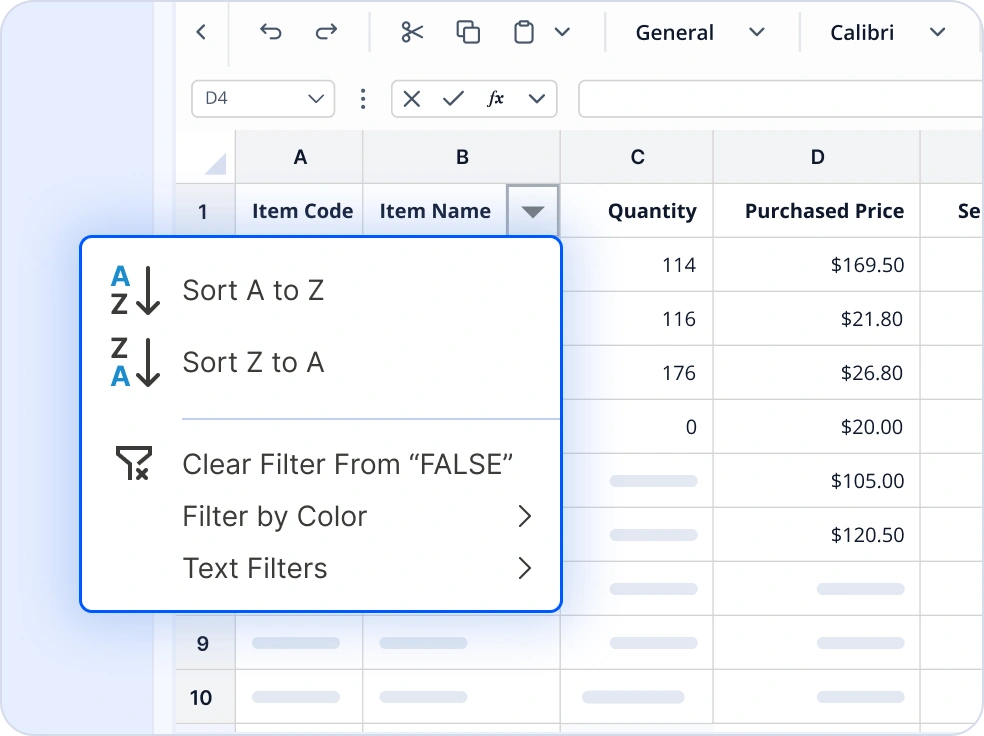
Sorting and Filtering
Efficiently manage large datasets by sorting (ascending, descending, or custom), filtering (basic or advanced with multiple criteria), and grouping rows or columns into collapsible sections to improve readability and handle hierarchical data.
Comprehensive Excel File Conversions for .NET
Convert Excel workbooks into multiple formats for reporting, data exchange, visualization, and crossplatform compatibility.
Excel to PDF
Convert Excel workbooks to print ready PDFs while preserving formulas, layouts, charts, and page formatting.
Excel to Image
Export worksheets or specific ranges as images for previews, reports, and shareable visual content.
Excel to HTML
Convert Excel data into responsive HTML pages for web publishing and browser-based viewing.
Excel to ODS
Export Excel workbooks to OpenDocument Spreadsheet format for open standard tools and cross suite compatibility.
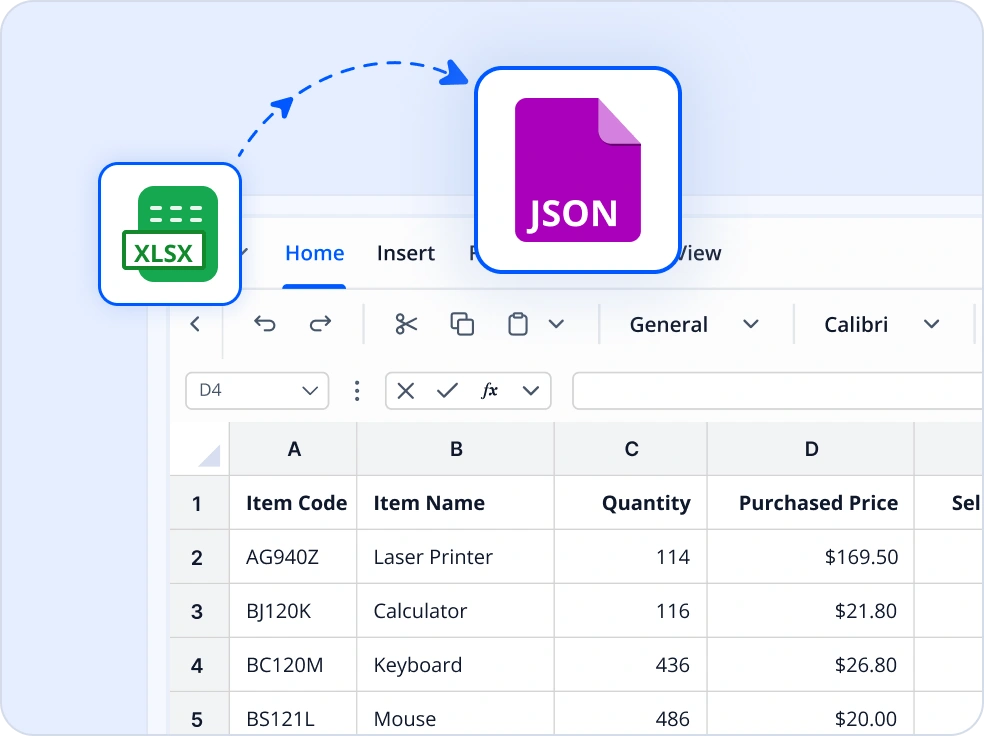
Excel to JSON
Export structured Excel data as JSON for data interchange, APIs, and modern application workflows.
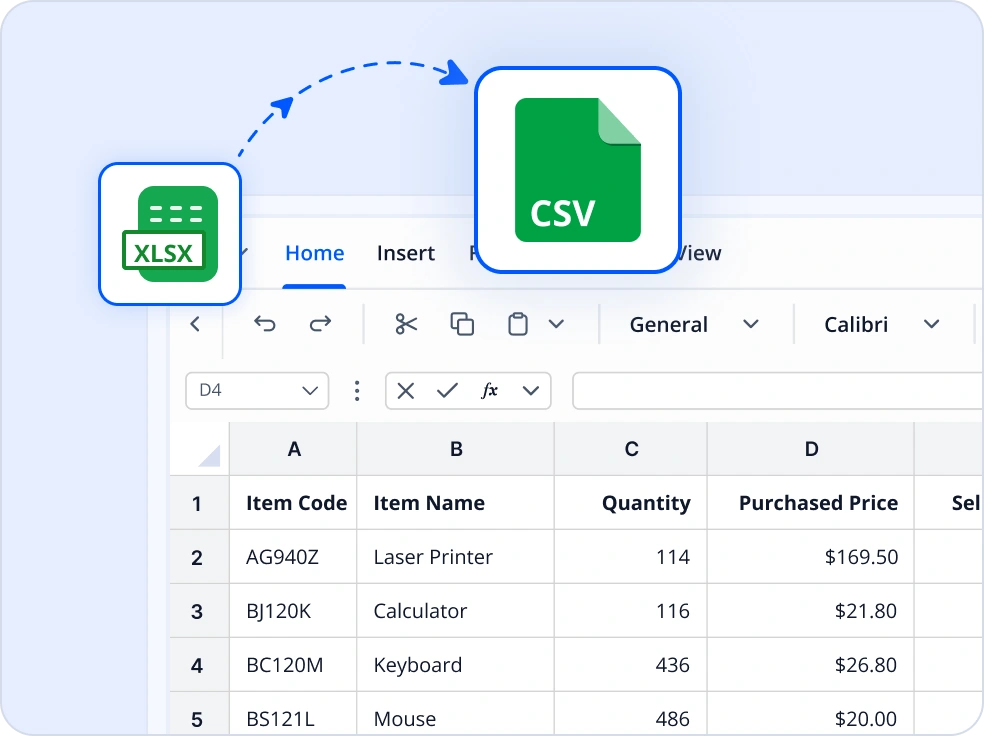
Excel to CSV
Convert Excel worksheets to CSV files for lightweight data exchange and system interoperability.
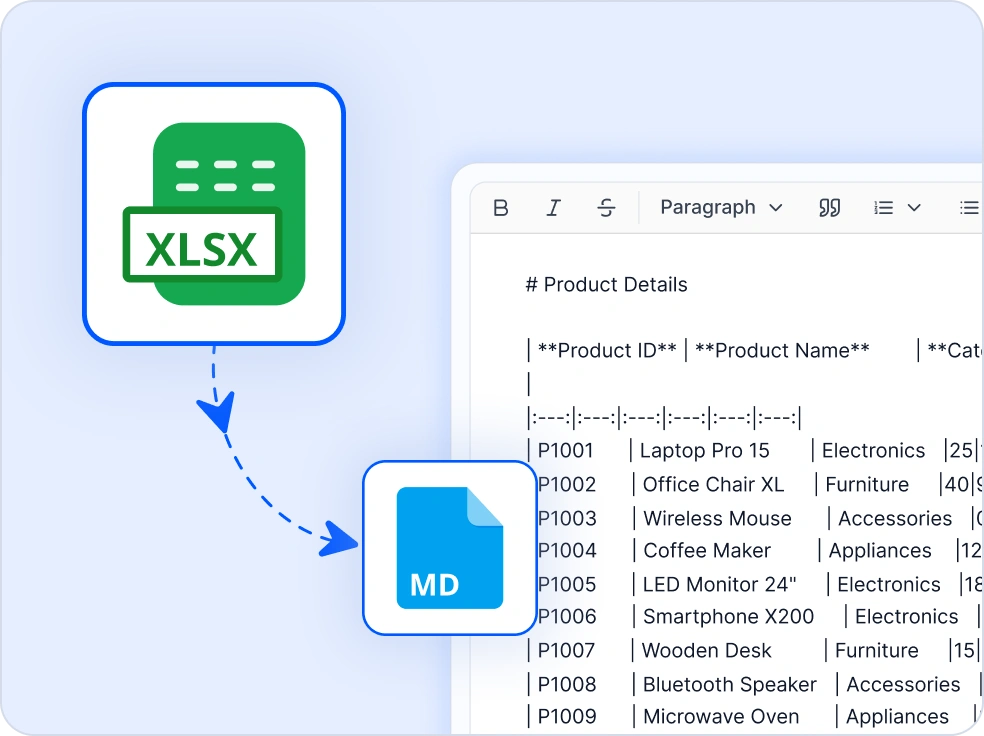
Excel to Markdown
Convert Excel tables to Markdown for documentation and content workflows.
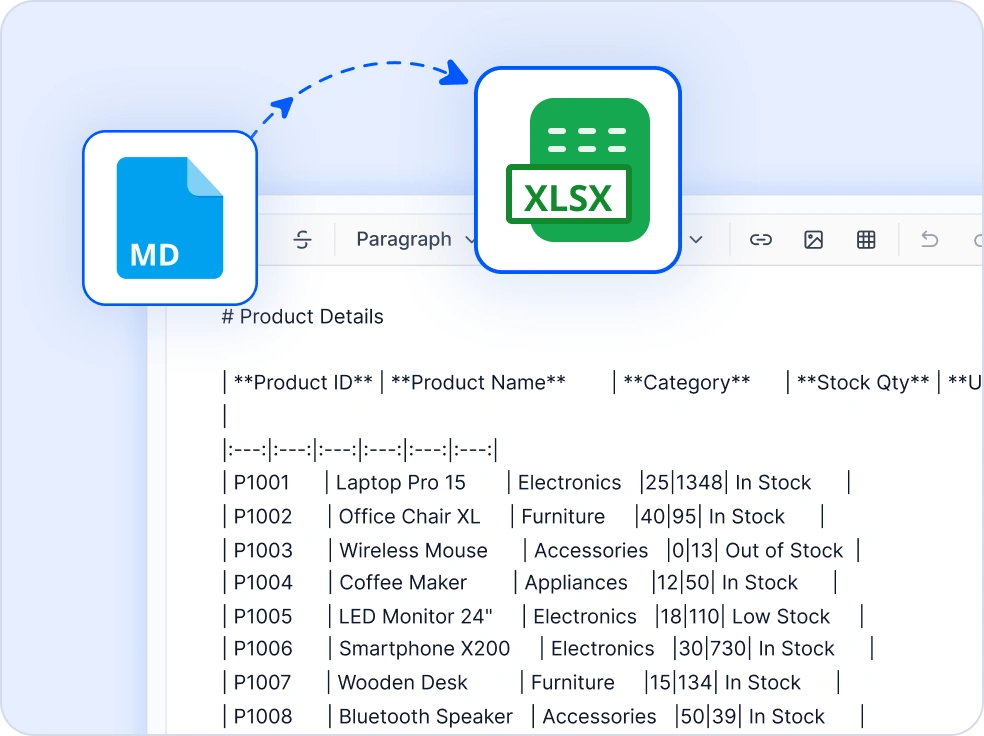
Markdown to Excel
Convert Markdown tables to Excel, making data ready for analysis, reporting, and further processing.
Accessibility and standards compliance
Tagged PDF export
When converting Excel files to PDF, maintain semantic tags for better navigation and accessibility.
Alternative text for images
Programmatically add alt text to images for screen reader compatibility.
Custom metadata
Add descriptive properties for better document identification and accessibility.
Easy integration and customization
Developer-friendly and scalable, our .NET Excel Library integrates seamlessly into your applications, enabling you to create, edit, and manage Excel files with ease.
- Work with Excel files locally or in the cloud (Azure Blob, Amazon S3).
- Rich Excel-file manipulation features include creating, reading, and editing workbooks with support for formulas, charts, tables, pivot tables, data validation, and conditional formatting.
- Developer-focused architecture is backed by comprehensive documentation and enterprise-grade support for smooth onboarding.
Industry-specific use cases
Streamline operations across sectors with automation, analytics, and secure reporting. Create dashboards and compliance-ready reports while protecting sensitive data.
No credit card required.
Insurance
Insurance companies can automate premium calculations, claims analysis, and risk modeling using the Excel Library. Secure file handling and formula protection ensure data integrity and confidentiality throughout the process.
Finance and accounting
Empower finance teams to automate complex reporting tasks such as balance sheets, profit and loss statements, and cash flow analysis. Sensitive financial data can be secured with encryption, password protection, and restricted access to specific ranges, ensuring compliance with regulatory standards.
Healthcare and life sciences
Healthcare organizations can leverage the Excel Library to build structured templates for patient records, compliance documentation, and clinical reporting. Data validation helps with accurate entries, while encryption and password protection safeguard sensitive information for HIPAA compliance.
Government and public sector
Government agencies can automate budget allocation, expenditure tracking, and compliance reporting with the Excel Library. Pivot tables and charts provide transparency in financial data, while encryption and password protection secure sensitive information. Reports can be exported to PDF for audits and public disclosures.
AI-assisted development
Build document processing solutions faster
Accelerate Excel workflows with Syncfusion AI tools that streamline spreadsheet operations and enable efficient data processing.
Agent Skills
Generate accurate document processing code using Syncfusion Agent Skills for faster implementation.
Example Prompt How do I create Excel files using Syncfusion Excel library in .NET?
AI Coding Assistant
Generate, configure, and troubleshoot code for Syncfusion Document SDK directly in your IDE
Example Prompt Show how to create and manage Excel files using Syncfusion Excel library in .NET.
AI Agent Tools
Automate document workflows with Syncfusion AI Agent Tools to create, process, convert, and extract data from documents.
Example Prompt Create an Excel workbook and save it as output/report.xlsx.
Trusted by the world’s leading companies

See Why Developers Love Syncfusion
These real-world examples highlight the impact of our .NET Excel Library
The best way to showcase our commitment is through the experiences and stories of those who have used our Excel Library.




Endless possibilities with one library
From generating invoices to analyzing large datasets, our .NET Excel Library delivers unmatched flexibility for Excel file creation and manipulation. Join over one million developers who trust Syncfusion for enterprise-grade Excel processing and discover why we consistently lead in performance, reliability, and ease of use.
No credit card required.
Excel Library FAQs
If you’re new to the Excel Library or have questions, our FAQs will help you explore its features and capabilities.
Why should I choose the Syncfusion Excel Library?
The Syncfusion .NET Excel Library is a high-performance library:
Import and export data from and to common business objects easily.
Perform quick evaluation with 400+ functions.
Import data into a customized format using template markers.
Create and edit all chart types, including Excel 2016 charts.
Apply cell data validations with operators, alert messages, custom formulas, and dropdown lists.
- Manipulate cell width and height, hide and unhide cells, insert or delete cells, group and ungroup rows and columns, and more.
Use formatting like number formats, text alignments, font settings, border settings, color settings, and rich-text.
Create and edit auto shapes, comments, text boxes, combo boxes, checkboxes, and option buttons.
Take advantage of extensive demos, documentation, and videos to get started quickly with the Library.
Can I download and utilize the Syncfusion Excel Library for free?
No, this is a commercial product and requires a paid license. However, a free community license is also available for companies and individuals whose organizations have less than $1 million USD in annual gross revenue, 5 or fewer developers, and 10 or fewer total employees.
How do I get started with Syncfusion Excel Library?
A good place to start would be our comprehensive getting started documentation.
How does exporting data from Excel work?
Exporting data from Excel involves converting the data into common formats like data tables or collection objects, making it usable in other applications.
How many rows and columns can be imported and exported into Excel?
Microsoft Excel supports a maximum of 1,048,576 rows and 16,384 columns for a single worksheet. The Syncfusion .NET Excel Library supports the same number of rows and columns when importing and exporting data.
What platforms are supported by the Syncfusion Excel Library?
The Syncfusion Excel Library supports platforms for the web (Blazor, ASP.NET Core, and ASP.NET MVC), mobile (.NET MAUI, and UWP), and desktop (Windows Forms, WPF, WinUI, .NET MAUI, and UWP).
Where can I find the Syncfusion Excel Library demo?
You can find our Excel Library demo, which demonstrates how to render and configure the .NET Excel.
Does importing and exporting data affect other existing data in the Excel document?
When importing data into Excel, the cells will be populated according to the number of rows and columns in the data source. To prevent overlapping existing data, it is necessary to provide a starting row and column index that defines an empty cell range. Exporting the data will not impact any other data within the Excel file.
How does importing data to Excel work?
Importing data into Excel involves retrieving data from various sources like arrays, data tables, grid views, or collection objects and storing it within Excel while maintaining its structure and integrity.
Resources
Learn more about our NET Excel Library
Explore demos, KB articles, and documentation to get the most out of our .NET Excel Library.
Explore guides, APIs, and quick-start tips.
See live use cases in action.
Ask, share, and connect with peers.
Find solutions and best practices fast.
Get expert help when you need it.
Feature requests and bug reports
Track issues and suggest improvements







