Overview
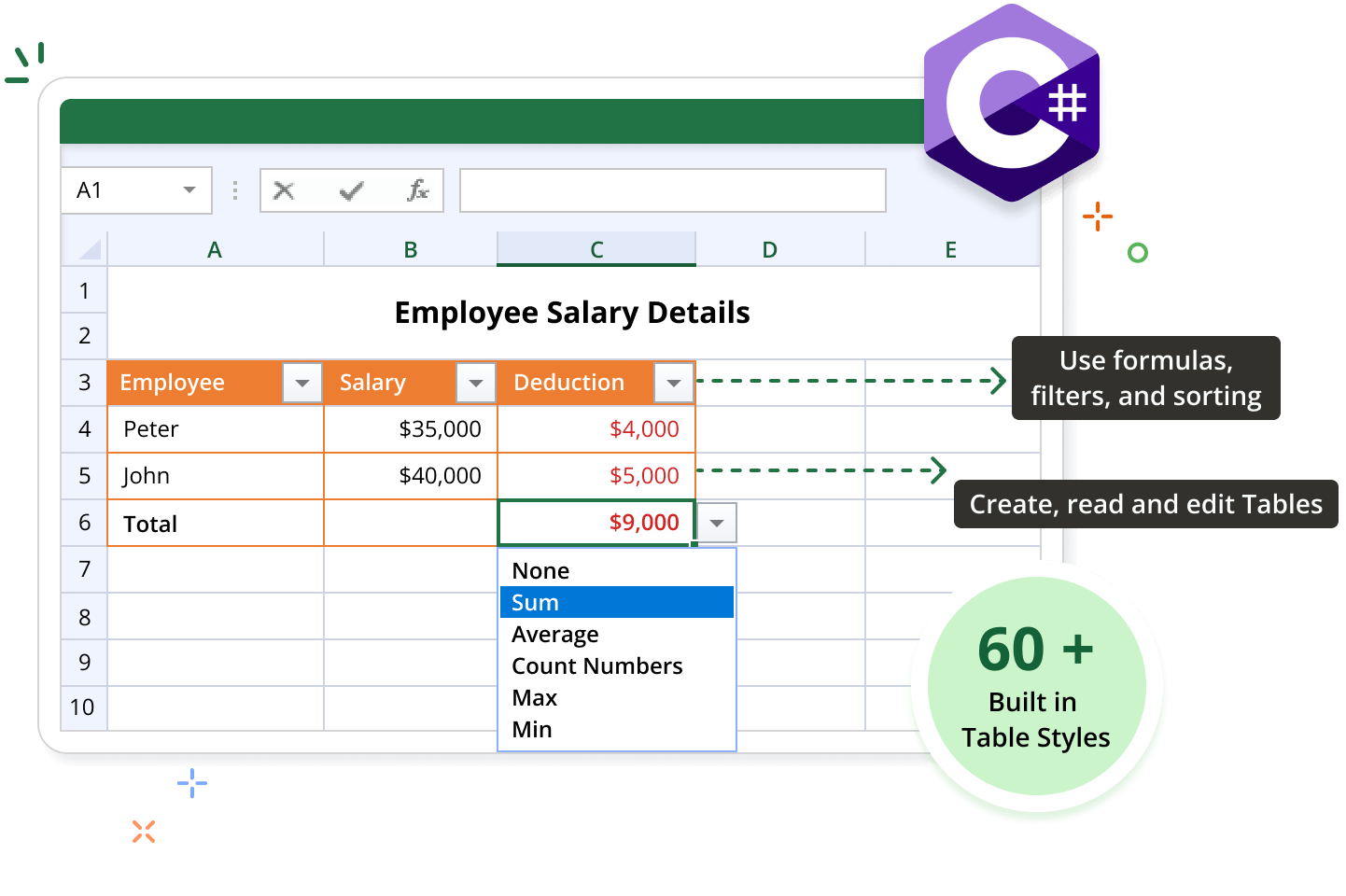
The Syncfusion® .NET Excel Library (XlsIO) offers comprehensive support for creating, accessing, and formatting tables in Excel worksheets. Users can organize and analyze related data using tables and apply built-in and custom styles. Users can also insert or remove rows and columns, add total rows, and create tables from external connections.
Table code example
This example code shows how to create an Excel table to organize and manage data using the Syncfusion® .NET Excel Library with just a few lines of C# code.
Key features of Tables
Discover how the table features in the Syncfusion® Excel Library enable efficient data organization and management in Excel, allowing you to create, style, and customize tables.
Table Style
Built-in styles can be applied to tables, enhancing their visual appeal and organization. Tables can also be customized with unique styles to improve data presentation and align with user preferences.
Adding a Total Row
Easily add a total row to your table to automatically calculate sums, averages, or other aggregations for selected columns, providing quick insights into your data.
Creating a Table from External Connection
Establish a connection to external data sources to create a table in Excel. Pull in data from various origins and ensure that your analysis is based on current information. Keep the tables up-to-date by refreshing the external data connection, ensuring that any changes made in the source data are reflected in your Excel table.
Adding Parameters to Query in Excel Table
Customize your data retrieval by adding parameters to the queries within the table. Set parameters as a constant value, a range of cells, or prompt users for input, enhancing flexibility in data management.
Explore Table References
Discover valuable resources from our blog and knowledge base articles to enhance your efficiency in using the table.


Knowledge base
What are the built-in table styles can be applied to the Excel document using C#?


Knowledge base
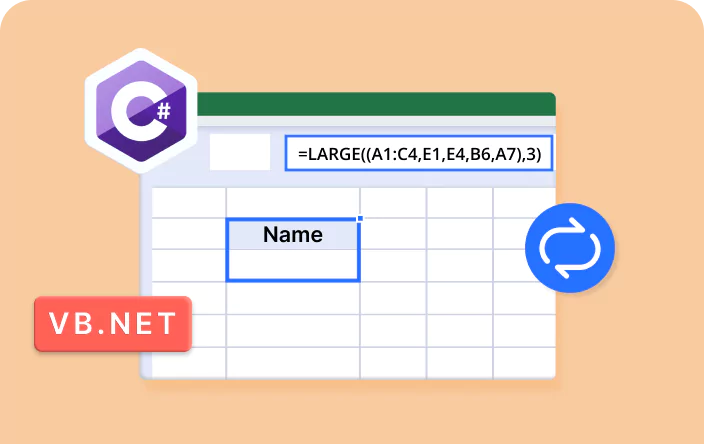
How to change a table column name and update the named range in C#, VB.NET?
Syncfusion .NET Excel Library Resources
Explore these resources for comprehensive guides, knowledge base articles, insightful blogs, and ebooks.


Product Updates


Technical Support


Frequently Asked Questions
Can I edit existing table data using the Syncfusion® Excel library?
Yes. The Syncfusion® Excel library allows the editing of existing worksheet data in an Excel document.
Can I format tables in Excel using the Syncfusion® library?
Yes, the Syncfusion® Excel library offers extensive formatting options for tables, allowing users to customize table appearance and enhance data visualization.
Can I create a table from an external connection?
Users can easily create tables from external connections using the Syncfusion® Excel library, facilitating seamless integration of external data sources into Excel workbooks.
Can I use a custom name for tables in an Excel document?
Yes. You can provide your own name or edit the existing name of a table using the Syncfusion® Excel library.
Is it possible to apply custom styles to Excel tables?
Yes, the Syncfusion® Excel library supports the application of custom table styles, enabling users to customize table appearances to their specific preferences.
Can I use table formulas in the Syncfusion® Excel library?
Yes. Table formulas are supported by the Syncfusion® Excel library.
Trusted by the world’s leading companies
Our Customers Love Us




Want to create, View, and edit Excel files in C# or VB.NET?
No credit card required.