


Overview
The Syncfusion® JavaScript PDF Library provides robust APIs for extracting meaningful content from PDF documents in web applications. It supports plain-text extraction for indexing and analysis, extracting text with precise bounds for layout-based processing, and high-quality embedded image retrieval. Create enabling powerful, data-driven workflows for analyzing content, processing specific regions, or reusing graphical assets. The library is compatible with JavaScript, TypeScript, Angular, React, Vue and Node.js.
How to extract text with bounds in JavaScript?
import { PdfDocument } from '@syncfusion/ej2-pdf';
import { PdfDataExtractor, TextLine } from '@syncfusion/ej2-pdf-data-extract';

// Load an existing PDF document.
let document: PdfDocument = new PdfDocument(data);
// Initialize a new instance of the `PdfDataExtractor` class
let extractor: PdfDataExtractor = new PdfDataExtractor(document);
// Extract `TextLine` from the PDF document.
let textLines: Array<TextLine> = extractor.extractTextLines({ startPageIndex: 0, endPageIndex: document.pageCount-1});
// Iterate through each text line in the collection
textLines.forEach((textLine: TextLine) => {
    // Gets the bounds of the text line.
    let lineBounds: Rectangle = textLine.bounds;
    // Gets the single line of extracted text from the PDF page.
    let line: string = textLine.text;
    // Gets the page index of the text line extracted.
    let pageIndex: number = textLine.pageIndex;
    // Gets the collection of text words extracted from a specified page in a PDF document.
    let words: TextWord[] = textLine.words;
    // Gets the name of the font used for a particular line of text.
    let fontName: string = textLine.fontName;
    // Gets the font style used for a particular line of text.
    let fontStyle: PdfFontStyle = textLine.fontStyle;
    // Gets the font size used for a particular line of text.
    let fontSize: number = textLine.fontSize;
});
// Save the document
document.save('output.pdf');
// Destroy the document
document.destroy();
Different ways to extract text and images from PDFs
Explore different methods for extracting text and images from PDFs.
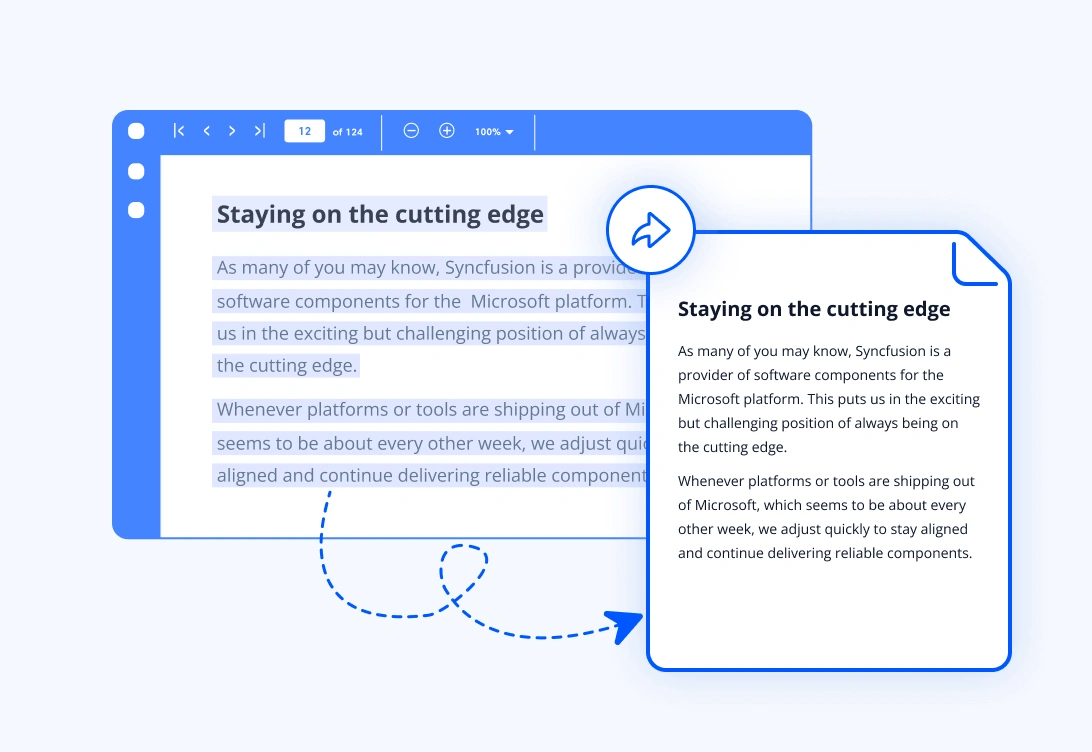
Extract text from a PDF document
Extract complete text content from a PDF page or an entire document using simple text extraction APIs. The library extracts text in reading order, making it easier to perform full text searching, content analysis, and further document processing.
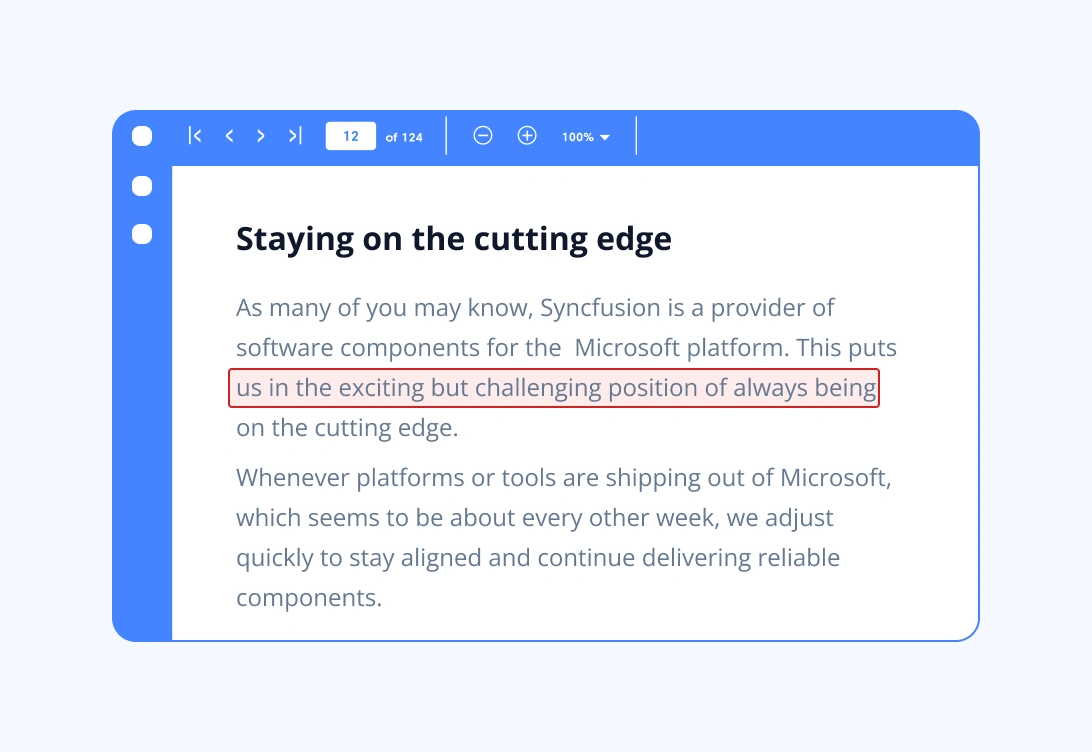
Extract text with bounds from a PDF document
Extract text along with its positional data to understand exactly where each fragment appears on the page. Bounds include x and y coordinates, width, and height, enabling precise mapping for region-based text filtering and layout and structure analysis.
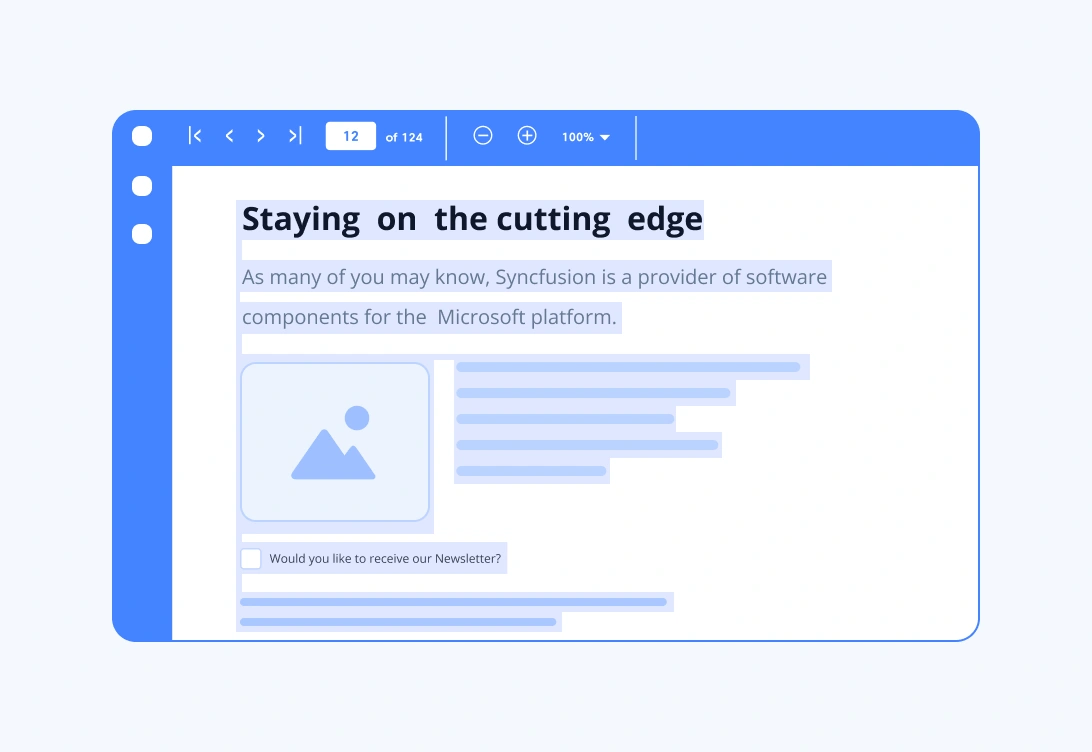
Extract text from a PDF document using a layout-based approach
Extract text from a PDF while preserving its visual layout, including reading order, columns, line breaks, and spacing. This is especially useful for multi-column documents, tables, and structured reports, enabling full text searching with natural reading flow and content analysis that respects columns and line structure.
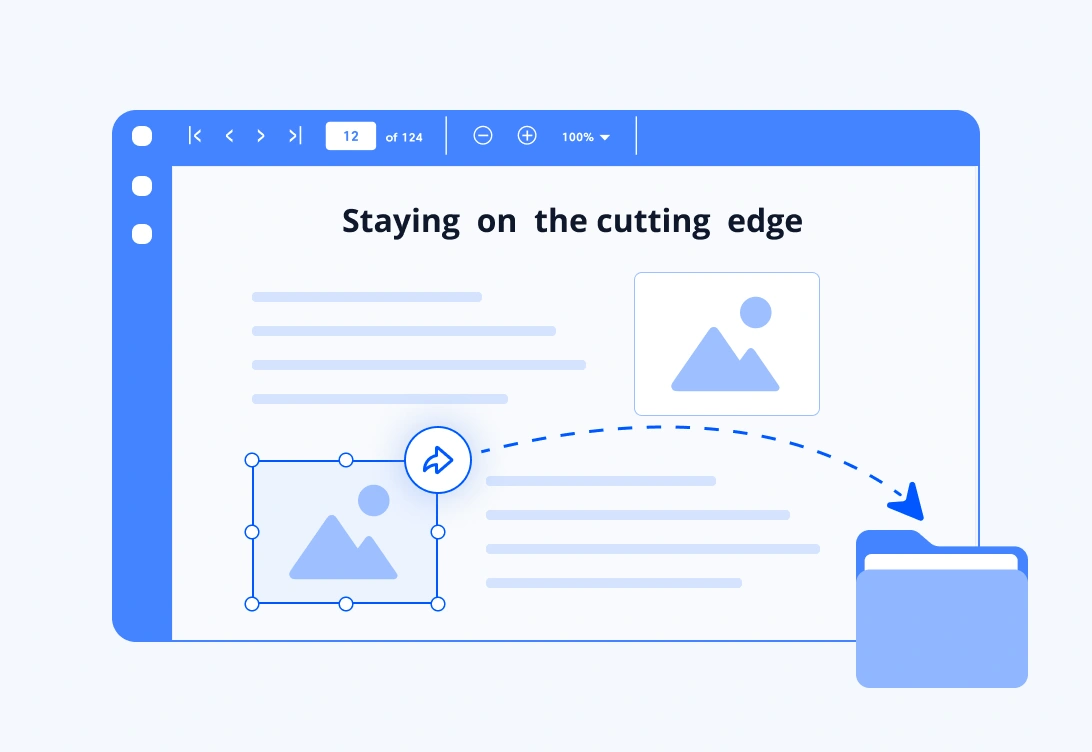
Extract images
Extract images embedded within PDF pages for image analysis and processing; reuse in documents, presentations, or web apps; archiving or converting images.
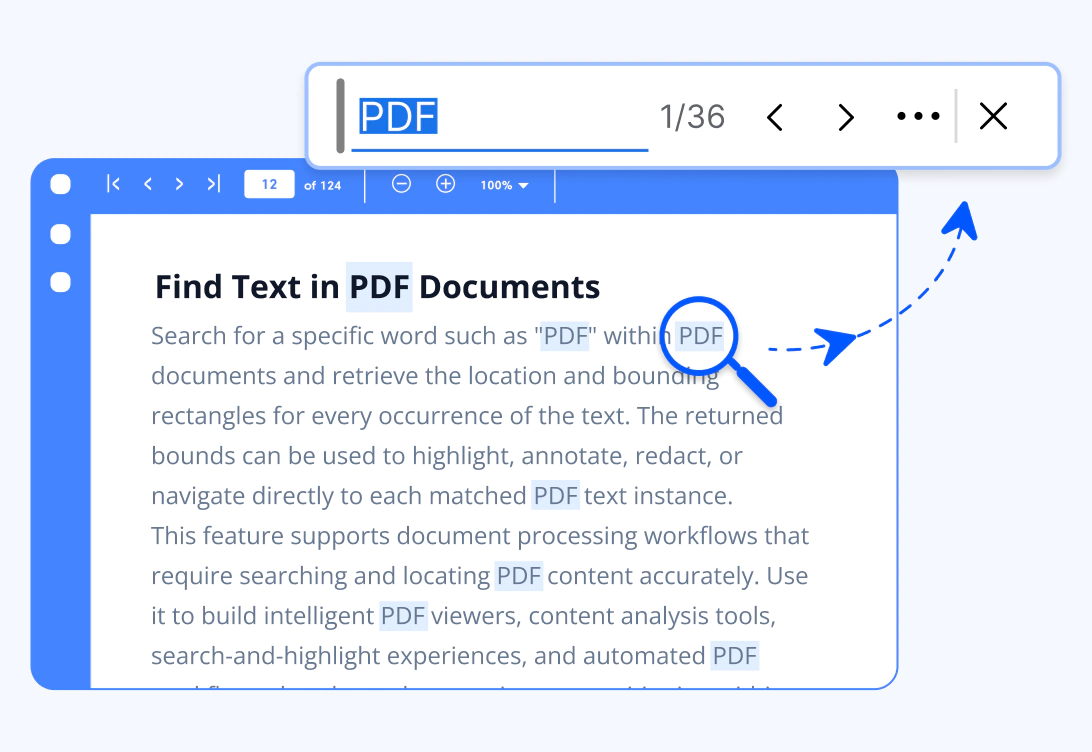
Find Text
Find specific text in a PDF document and retrieve the page index and rectangular bounds of every matching occurrence. Use the search results to highlight or redact text, add annotations, navigate between matches, and build custom PDF search features. Search can be performed synchronously or asynchronously for a single text value or multiple text values.
Syncfusion JavaScript PDF Library Resources
Explore these resources for comprehensive guides, knowledge base articles, insightful blogs, and ebooks.


Product Updates


Technical Support


Frequently Asked Questions
How do I extract text from a PDF?
The Syncfusion JavaScript PDF Library provides text extraction APIs to retrieve plain text from a page or an entire document for search, indexing, or content analysis.
Can I extract images from a PDF file?
Yes. The library extracts embedded images from PDF pages, preserving their original quality.
What is text extraction with bounds, and when should I use it?
It retrieves text along with its exact position on the page. Use it when processing specific regions, analyzing forms, detecting column layouts, or mapping content locations.
Trusted by the world’s leading companies
Our Customers Love Us











