.NET Word Library - Table of Contents in a Word Document using C#
- Create and update a table of contents (TOC) directly in C#, without Microsoft Word.
- Apply TOC switches, format entries, and generate a TOC with custom styles.
- Build lists of captions for figures, tables, charts, or other elements.
No credit card required.
Explore ExamplesNo credit card required.


Trusted by the world’s leading companies
Overview
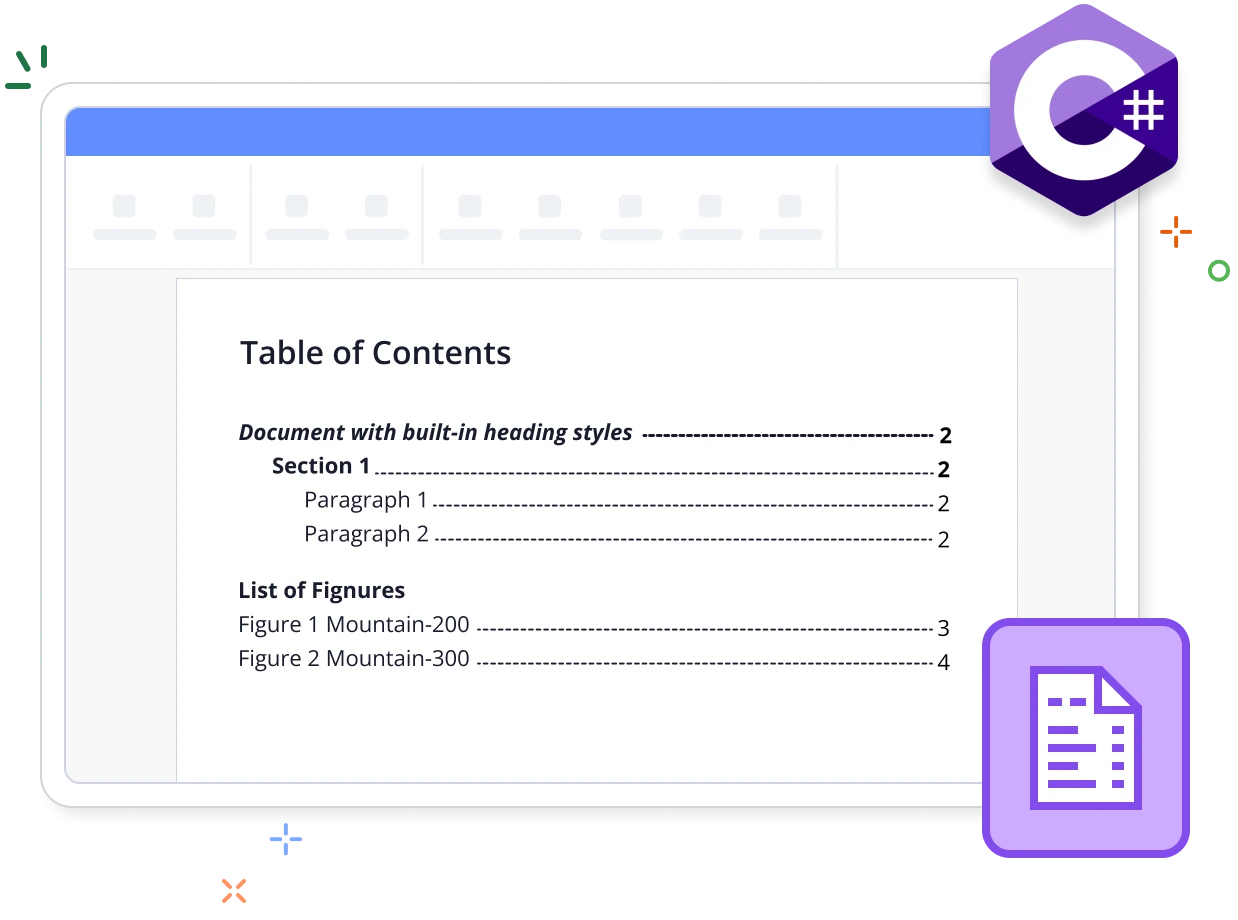
The Syncfusion .NET Word Library (DocIO) is a feature-rich and high-performance tool that allows users to create and update the table of contents (TOC) in a Word document using C# without relying on Microsoft Word or interop dependencies. Build the TOC based on headings with custom styles. Include page numbers and hyperlinks for easy navigation.
Create and update TOCs in Word documents using C#
This example code shows how to update a table of contents in a Word document using the Syncfusion .NET Word Library with just a few lines of code in C#.
Key features of tables of contents
Customize TOC entries
Customize the visual appearance of TOC entries, accommodating up to 9 levels of entries.
Custom styles
Define and use custom styles in the TOC, mapping them to specific heading levels instead of relying solely on default heading styles.
Format TOC
Modify the text of TOC entries, change tab leaders, customize heading levels, manage page numbers, add hyperlinks, and more.
Table of figures
Generate a table of captions for figures, tables, charts, and other numbered items using SEQ fields. Additionally, you can create a table of captions without labels and numbers.
Table of contents references
Discover resources from our blog and knowledge base to enhance your efficiency in using tables of contents in Word documents.

Knowledge base
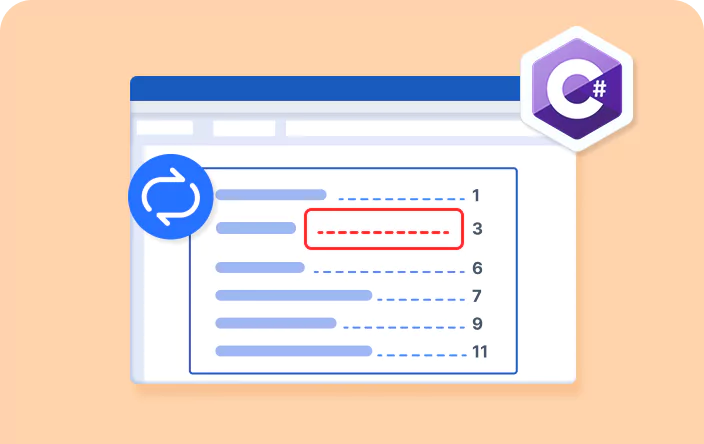
How to change the tab leader of a table of contents in a Word document using C#
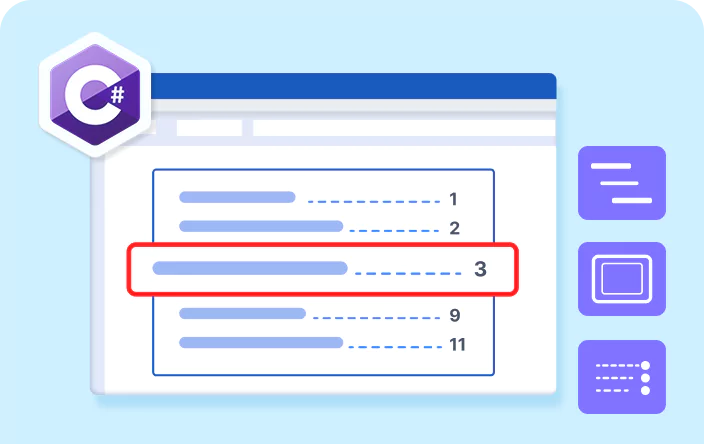
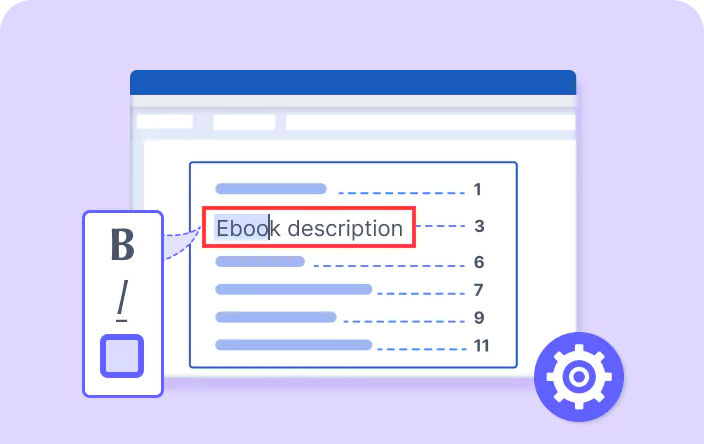
Explore these resources for comprehensive guides, knowledge base articles, insightful blogs, and ebooks.


Product Updates


Technical Support


Frequently Asked Questions
Is it possible to customize the appearance and formatting of the table of contents using the .NET Word Library?
Yes, you can customize the entries of a TOC in a Word document using the .NET Word Library.
Can I generate multiple TOCs in a single Word document using the .NET Word Library?
Yes, you can insert multiple TOCs in a single Word document using the .NET Word Library.
Do the hyperlinks in the TOC work in PDFs converted from Word documents using the .NET Word Library?
Yes, similar to Word documents, you can navigate to the corresponding headings from the TOC in the PDF converted from a Word document.
Does the .NET Word Library support adding hyperlinks in the TOC for navigation within the document?
Yes, the .NET Word Library generates TOCs with hyperlinks and page numbers.
Does the .NET Word Library provide support for creating hierarchical TOCs with multiple levels of headings?
Yes, the .NET Word Library supports creating hierarchical TOCs with multiple levels of headings.
How can I integrate the create and update TOC functionality into my application?
You can access it through the Syncfusion.DocIORenderer.Net.Core NuGet package. Detailed code samples and video tutorials are available in the documentation.
Our Customers Love Us




See Real Success Stories
Developers around the world trust Syncfusion’s Essential Studio to simplify complex projects and speed up delivery. With a vast library of UI controls, powerful SDKs, and reliable support, Essential Studio helps teams build enterprise-ready applications with confidence.
Read Our Customer StoriesIndustry
Software development
75% Cost reduction
50% Faster development

Industry
Utilities (oil and gas)

450+ hours saved
Streamlined processes and hours of development effort saved.

Advanced, flexible features
Empowered users through robust and versatile functionality.
Industry
Software and technology
1000+ of hours saved
Accelerated development with enterprise-ready UI components.

Efficient file management
Streamlined workflows with document libraries without building them from scratch.
Industry
Software and technology

2 Years of delay avoided
Two years of delays prevented with proactive planning.

On-time delivery
Projects delivered on schedule using trusted controls.
Industry
IT services and IT consulting

Improved performance
Large datasets handled with easy customization and quick debugging.

Highly customizable
Plug-and-play controls with quick template integration.
Industry
Professional services
Instant access
Quick availability of features and resources.
Reduced dependencies
Fewer dependencies for faster development.
Rated by users across the globe



Want to create, View, and edit Word documents in C# or VB.NET?
No credit card required.

Awards
Greatness—it’s one thing to say you have it, but it means more when others recognize it. Syncfusion® is proud to hold the following industry awards.