
 Arun Kumar Chandrakesan
TL;DR: Learn how JavaScript PDF viewers struggle with performance, rendering accuracy, memory management, and large file handling due to browser constraints, complex PDF structures, and client‑side limitations, and understand the practical considerations for resolving these challenges using optimized client‑side rendering approaches.
Rendering complex PDFs in a JavaScript app can get messy fast. Maybe you’ve seen pages load slowly, text turn blurry, or annotations fall out of place. Large PDFs are even tougher; they can freeze the browser or fail to load entirely. These issues are common, and they all stem from how much work a PDF asks the browser to do.
PDFs aren’t lightweight documents. They bundle vector graphics, embedded fonts, annotations, images, and layered content. Rendering all of that in JavaScript requires careful handling to keep performance, clarity, and accuracy intact across devices.
In this guide, we’ll break down the most frequent JavaScript PDF rendering issues, from memory pressure and text-layer misalignment to image quality and navigation, and show how the Syncfusion® PDF Viewer addresses them with a more reliable rendering pipeline.
Common challenges in JavaScript PDF rendering
Rendering a PDF in the browser is never a simple one‑step job. It’s a chain of parsing, drawing, layering, and UI integration, and a weak link anywhere can break the entire viewing experience. Below is a clearer look at the major rendering stages and the issues developers often run into.
- Document parsing: When a PDF includes embedded fonts, complex metadata, or malformed objects, parsing slows down. This delay can trigger blank screens, loading spinners, or memory spikes during the initial load.
- Page rendering: High-resolution pages or image-heavy documents can overwhelm client-side engines. The result? Laggy scrolling, blurry frames, or missing visuals, especially on mobile devices.
- Text layer rendering: If font metrics don’t match the PDF’s definitions, the text layer drifts. You’ll see misaligned text, broken copy and paste, inaccurate search results, and reduced accessibility.
- Image rendering: Large or poorly compressed images demand heavy decoding. That leads to slow rendering, distorted images, or inconsistent clarity across browsers and device types.
- Vector graphics: Complex vector shapes and paths, especially when users zoom in, can push JavaScript renderers to their limits. Zoom becomes sluggish, and overall fidelity drops.
- Annotation layer: Forms, highlights, notes, and other annotations require proper PDF annotation support. If not handled correctly, annotations fail to render, form fields become inactive, and user interaction breaks down.
- Export / Print: PDFs with layered or intricate layouts often fail during export or printing. Missing elements or layout shifts reduce reliability and create frustration for users expecting pixel‑perfect output.
To see how rendering issues truly affect developers in day-to-day PDF viewing, check where they share their frustrations in GitHub and Stack Overflow. Below are common rendering problems reported across popular JavaScript PDF Viewers.
PDF.js:
“Image rendering breaks down while zooming”
“High-resolution pages cause slow rendering and blank screens”
-User on GitHub, Issue # 19438
“Annotation layer overlaps with page content”
-User on GitHub, Issue #17936
React -Pdf Viewer:
“Text appears misaligned while displaying”
-User on GitHub, Issue # 332
NGX-pdf Viewer:
“Large PDFs render slowly, making navigation painful”
-User on Stack Overflow, Issue
“Text gets blurred while rendering”
-User on GitHub, Issue # 1659
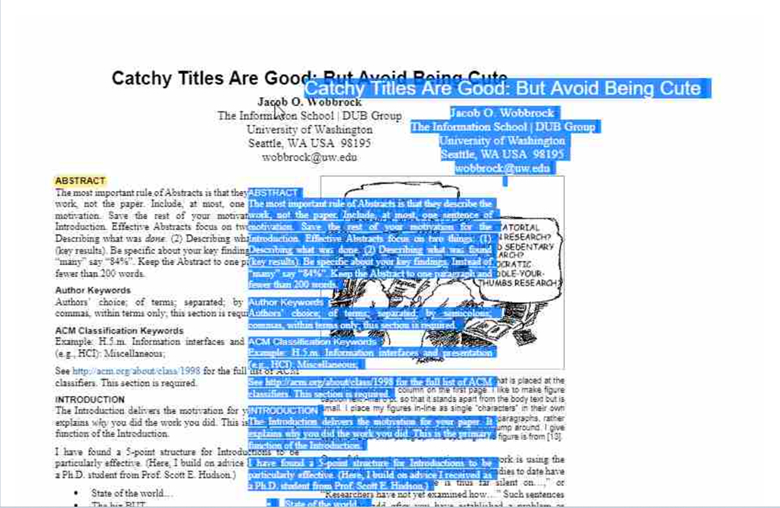
How Syncfusion PDF Viewer solves real PDF rendering challenges
Syncfusion PDF Viewer addresses these problems with client-side processing, lazy loading, precise text overlays, and responsive navigation. Below are the key strategies Syncfusion uses to deliver smooth and reliable PDF viewing.
1. Optimized rendering engine
- Syncfusion uses Chrome’s Pdfium engine, which efficiently parses and renders PDF content using Web Assembly for client-side rendering.
- It offloads heavy tasks such as font parsing, vector graphics rendering, and image decoding to the server or Web Assembly, reducing client-side load.
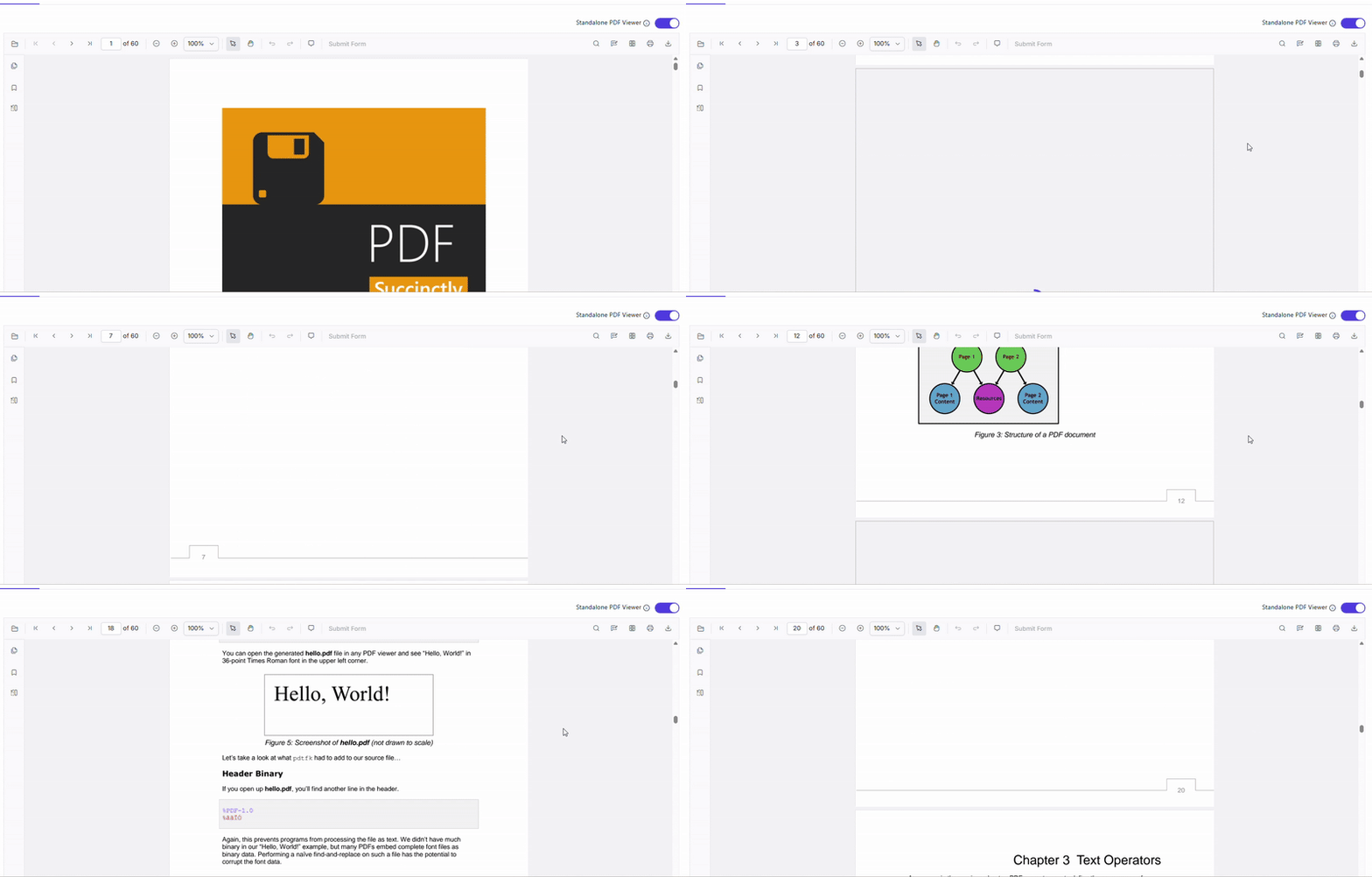
2. Virtualization and lazy loading
- Renders only the pages in view using virtual scrolling.
- Loads pages on demand as the user scrolls.
- Greatly improves performance and memory efficiency for long or image‑heavy PDFs.
Watch how the feature works in action.
3. Accurate text layer rendering
- Aligns the text layer with exact PDF coordinates and font metrics.
- Ensures accurate text selection, copy/paste, and search, even in complex layouts.
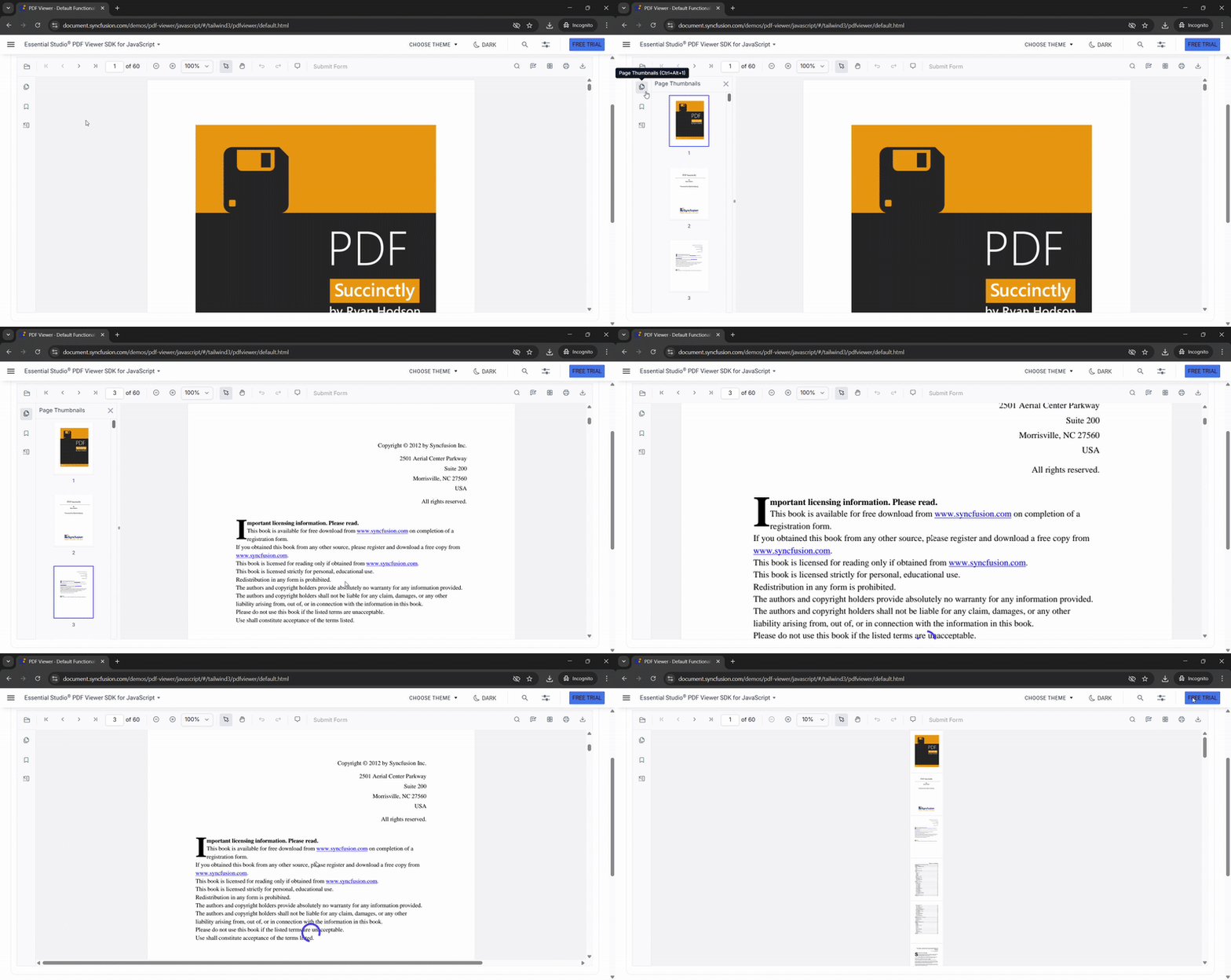
4. Smooth zoom and navigation
- Uses optimized canvas scaling for fluid zoom.
- Offers built‑in thumbnails, bookmarks, keyboard shortcuts, and mobile gestures for intuitive navigation.
- Supports pinch zoom and touch gestures on mobile devices.
Here’s a preview of the feature in action.
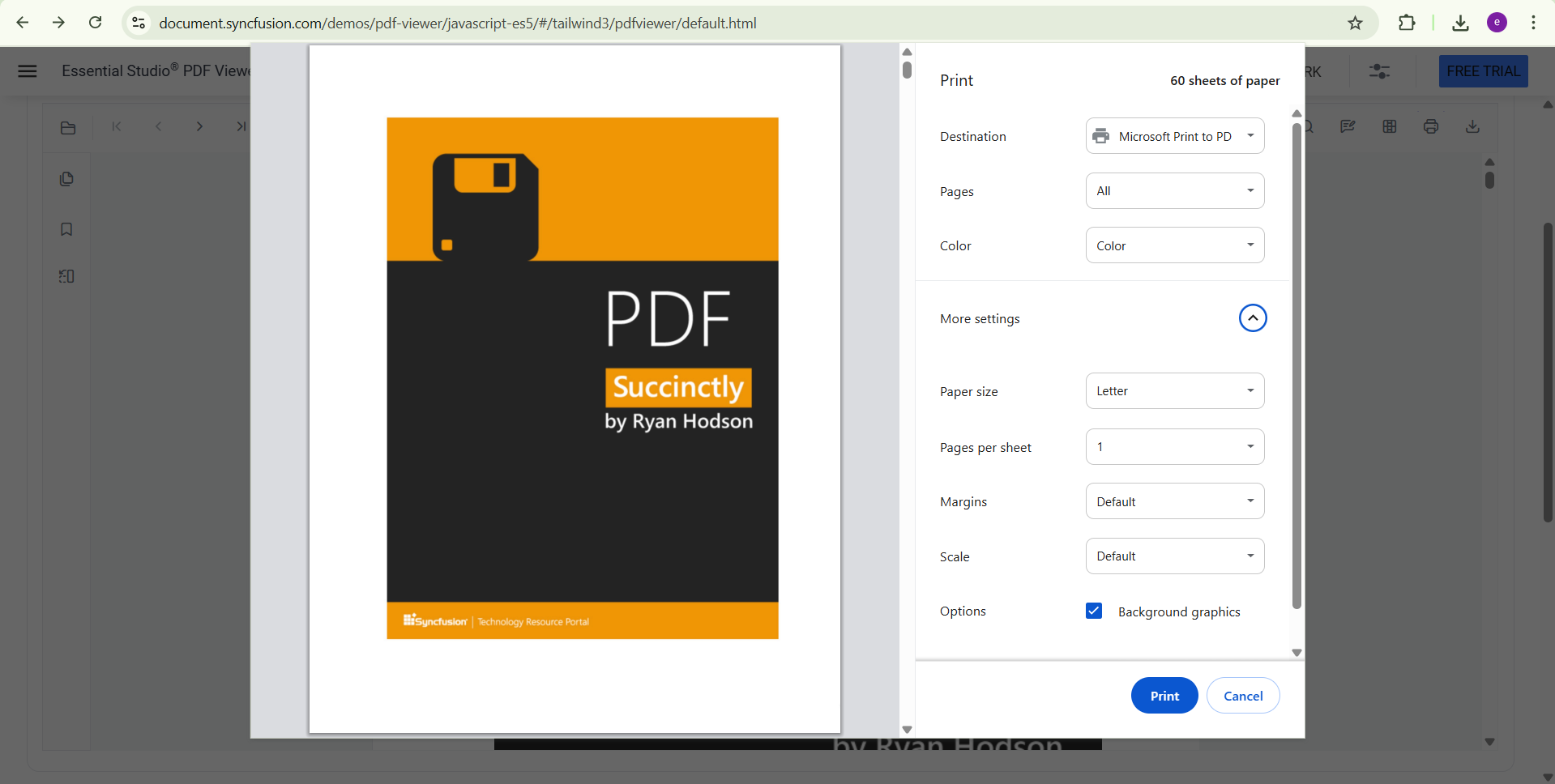
5. High-quality print and export
- Syncfusion uses vector-based rendering for print PDF, preserving layout and font fidelity.
- Supports PDF export with annotations and form data, ensuring professional output.
Here’s what the output looks like.
Robust Client-side (Standalone Mode) PDF rendering in Syncfusion JavaScript PDFViewer
Is your application focused on fast, responsive PDF rendering experiences without server dependency? Or are you developing a scalable enterprise solution that relies on server-side processing for performance and control?
Syncfusion’s JavaScript PDF Viewer supports standalone client-side rendering. It ensures smooth, high-fidelity PDF viewing across devices and use cases. Whether you’re building a lightweight web app or a robust document management system, Syncfusion adapts to your architecture and performance goals.
This approach is ideal for:
- Offline or low‑latency viewing.
- Privacy (documents stay on the client).
- Complex graphics and font handling directly in the browser.
Here’s how you can do it in code:
<div id="container">
    <div id="PdfViewer" style="height:580px;width:100%;"></div>
</div>
<script>
    //Initialize PDF Viewer component
    var pdfviewer = new ej.pdfviewer.PdfViewer({
        documentPath: 'https://cdn.syncfusion.com/content/pdf/pdf-succinctly.pdf',
        resourceUrl: 'https://cdn.syncfusion.com/ej2/31.1.17/dist/ej2-pdfviewer-lib'
    });
    //PDF Viewer control rendering starts
    pdfviewer.appendTo('#PdfViewer');
</script>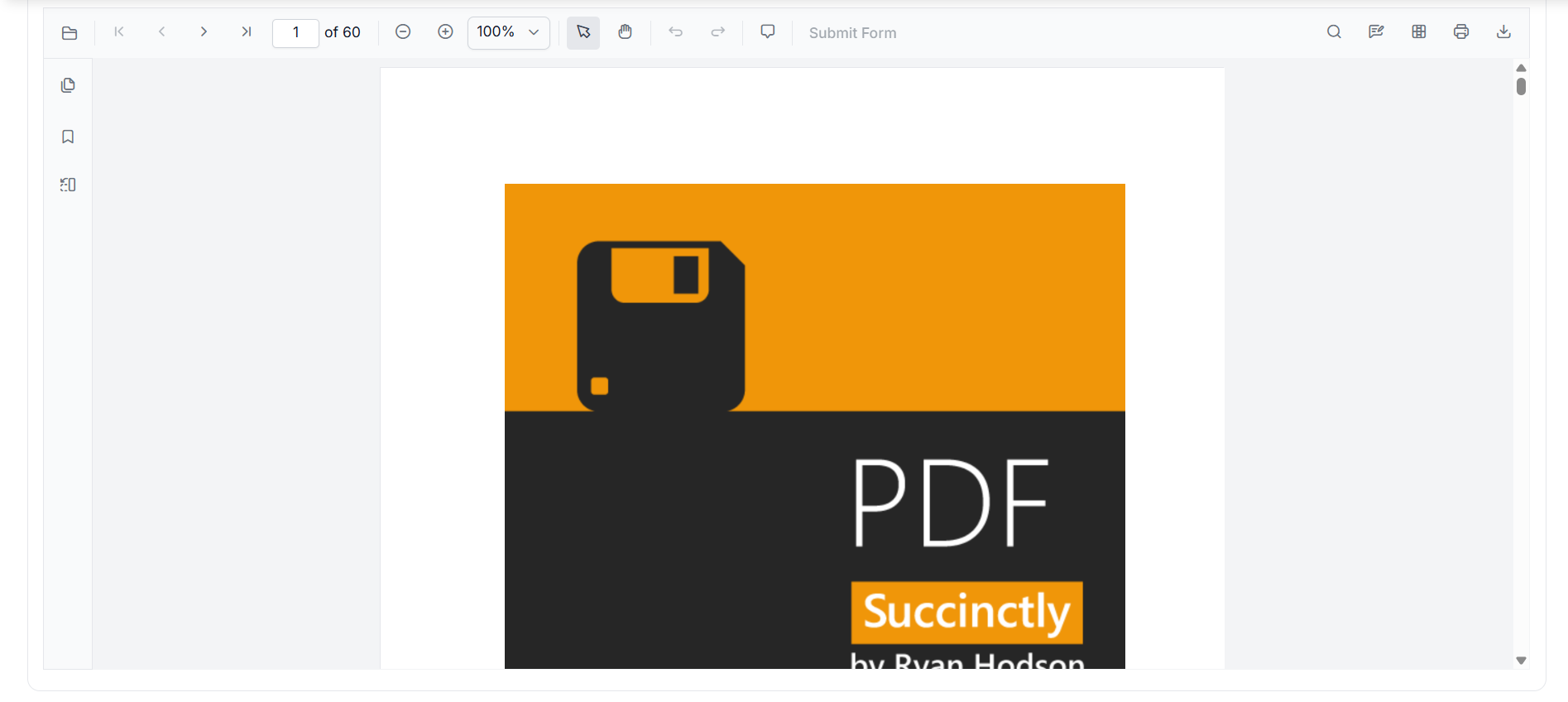
By leveraging WebAssembly (Wasm) and optimized JavaScript rendering engines, the viewer parses and displays PDFs directly in the browser. This ensures fast load times, smooth scrolling, and accurate rendering, without compromising fidelity.
The key benefits are:
- No server roundtrips.
- Enhanced privacy and security.
- Ideal for single-page applications (SPAs).
Yes, Syncfusion PDF Viewer supports localization and bidirectional text rendering (Arabic, Hebrew), for both PDF content and toolbars, ensuring accurate display of multi-directional text. Yes, Syncfusion PDF Viewer supports password-protected PDFs. When a user opens an encrypted PDF, the viewer prompts for a password. Once authentication is completed, the document is normally rendered. Yes, Syncfusion PDF Viewer fully supports interactive PDF forms including text fields, checkboxes, radio buttons, dropdowns, and signature fields. You can export the form data to FDF, XFDF, JSON, JavaScript Object format to ensure data integrity. Yes. You can configure your application to open PDFs from various storage including AWS S3, Azure Blob, DropBox Cloud storage using documentPath property. The Syncfusion PDF Viewer uses virtual scrolling and viewport-aware rendering to actively manage memory. Only pages currently visible in the viewport are rendered and held in memory. Pages that scroll out of view are immediately unloaded to keep memory consumption flat regardless of total document size. Yes. The PDFium engine handles both raster image decoding and vector path rendering within the same rendering pipeline. Pages containing mixed content, such as scanned backgrounds with vector overlays or logos, are rendered accurately without layer conflicts.Frequently Asked Questions
Does Syncfusion handle PDFs with mixed RTL/LTR languages?
Does Syncfusion PDF Viewer support rendering password-protected or encrypted PDFs?
Does the PDF Viewer support form filling and export form data?
Can I load PDFs from storage services like AWS S3, Azure Blob, or cloud storage?
How does Syncfusion PDF Viewer handle memory when rendering large, image-heavy PDFs in the browser?
Can Syncfusion PDF Viewer render PDFs that contain a mix of raster images and vector graphics on the same page?
Conclusion
Thanks for reading! Slow loading, blurry text, and broken interactions are common in JavaScript PDF rendering, but they don’t have to be. With proper configuration and Syncfusion’s optimized PDF Viewer pipeline, you get fast loading, accurate text, smooth scrolling, and consistent output across devices.
With a properly configured Syncfusion JavaScript PDF Viewer, you can deliver a seamless, high-performance viewing experience that meets modern expectations. By leveraging:
- Accurate setup of resource URL for seamless standalone rendering.
- Reliable font rendering and fallback handling.
- On-demand page rendering with virtualization.
- Smart catching for optimized performance.
Ensure that PDFs are rendered with clarity, speed, and full interactivity, across all browsers and devices.
Whether you’re building a document portal, a reporting dashboard, or a form-driven workflow, Syncfusion equips you to prioritize performance, precision, and accessibility. The result? A truly professional-grade PDF experience your users can trust, without compromise. For implementation details and production-ready examples, refer to the official documentation.
If you’re a Syncfusion user, you can download the setup from the license and downloads page. Otherwise, you can download a free 30-day trial.
You can also contact us through our support forum, support portal, or feedback portal for queries. We are always happy to assist you!




 No spam, just valuable updates.