Overview
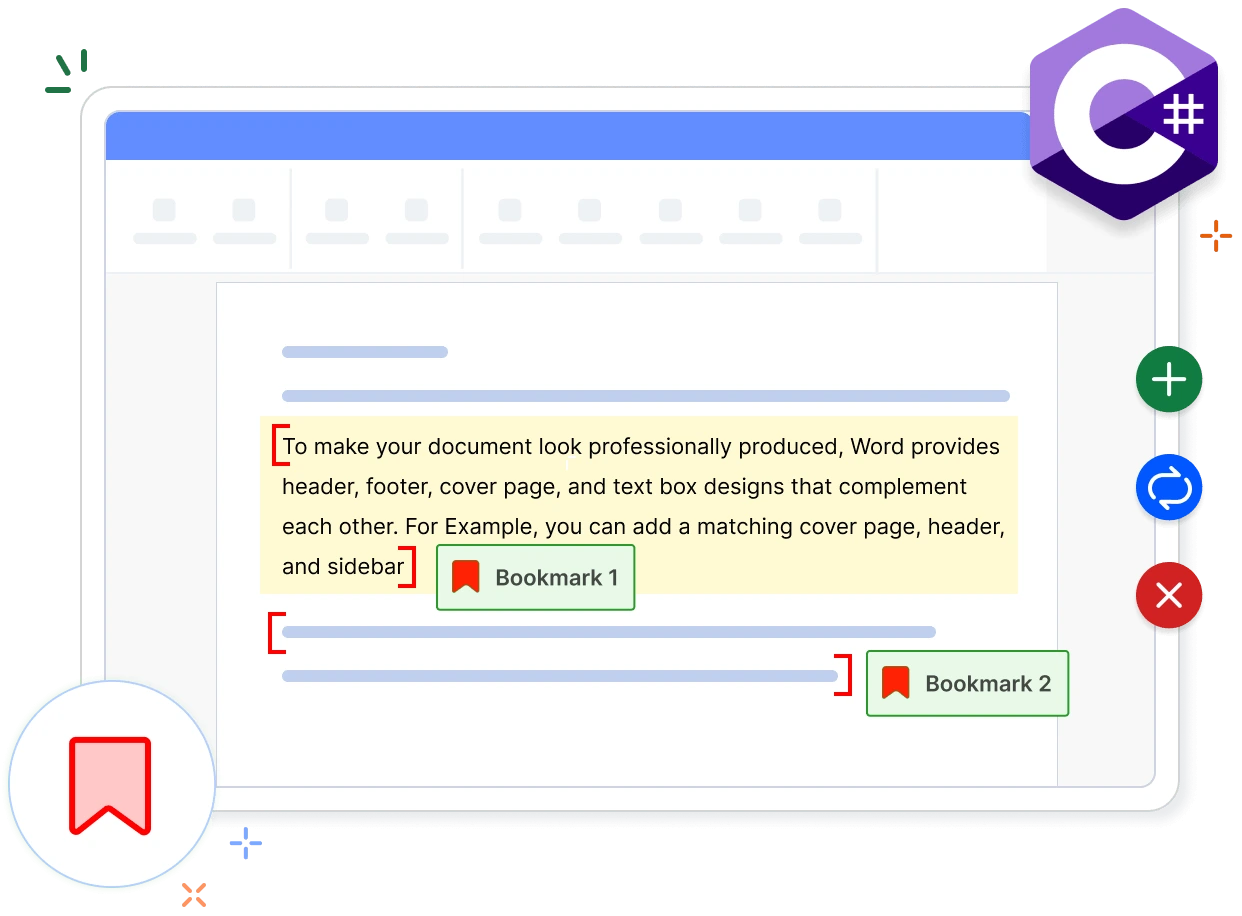
Bookmarks in a Word document serve as placeholders that can mark particular locations or content. The Syncfusion .NET Word library (DocIO) enables users to add and remove bookmarks in C#. Users can programmatically extract, edit, and delete bookmarked content in C#, providing a versatile method to identify and locate content within a Word document without relying on Microsoft Word or interop dependencies.
Add bookmarks in a Word document using C#
This example code shows how to add bookmarks in a Word document using the Syncfusion .NET Word library with just a few lines C# code.
Key functions of bookmarks in Word documents
Add and remove bookmarks
Programmatically create bookmarks anywhere in a Word document by specifying the bookmark start and end, and remove existing bookmarks as needed.
Extract bookmarked content
Extract bookmarked content from the Word document programmatically, including content within the body and tables.
Delete bookmarked content
Delete bookmarked content between bookmark start and end tags in the Word document.
Replace bookmarked content
Fetch and replace bookmarked content with text, document elements, or an entire Word document.
Explore references of bookmarks in Word documents
Check out our knowledge base articles to efficiently work with bookmarks in Word documents.
Knowledge base
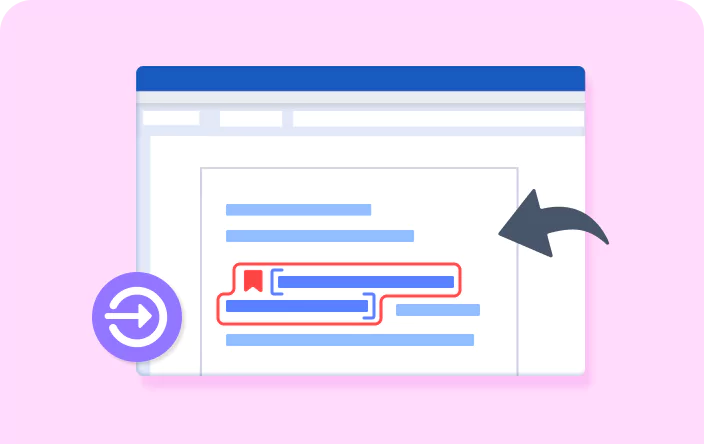
How to insert a bookmark for specific text in a paragraph in a Word document using C#

Knowledge base
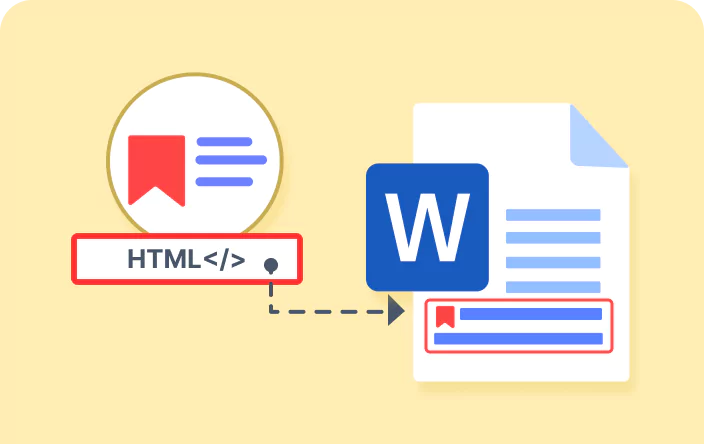
How to replace bookmark content in a Word document with content from another document in C#

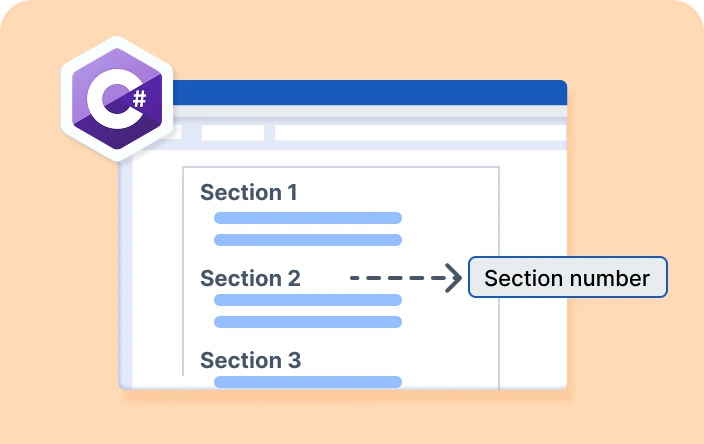
Knowledge base
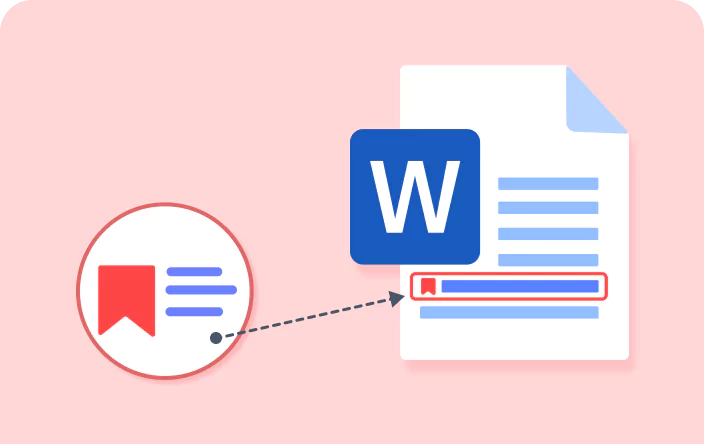
How to retrieve the section number of a specific bookmark in a Word document using C#
Syncfusion .NET Word Library Resources
Explore these resources for comprehensive guides, knowledge base articles, insightful blogs, and ebooks.


Product Updates


Technical Support


Frequently Asked Questions
Is it possible to check if a specific bookmark exists in a Word document using the .NET Word library?
Yes, you can extract the collection of bookmarks available in the Word document and also find the bookmark by name using the .NET Word library (DocIO).
Does the .NET Word Library extract bookmark contents traversing multiple sections?
Yes, the .NET Word Library (DocIO) extracts bookmarked contents that traverse multiple sections.
What happens if only the bookmark start tag is added without the end tag in the .NET Word library?
Without the end tag, the bookmark is incomplete and will not be recognized as valid. To create a valid bookmark, make sure to add start and end tags.
Is it possible to add two bookmarks with the same name in a Word document?
No, the Word document does not support adding two bookmarks with the same name, and the .NET Word library (DocIO) does not either.
Can I save the bookmarked content alone as a separate Word document using the .NET Word library (DocIO)?
Yes, you can extract the bookmarked content from the Word document and then save it as a separate Word document programmatically using the .NET Word library (DocIO).
How can I integrate the bookmark functionality into my application?
You can access it through the Syncfusion.DocIO.Net.Core NuGet package. Detailed code samples are available in the documentation, facilitating seamless integration.
Trusted by the world’s leading companies
Our Customers Love Us
Here are some of their experiences.




Want to create, View, and edit Word documents in C# or VB.NET?
No credit card required.