
.NET PDF Library - Merge PDF Files
- Seamlessly combine multiple PDF files into one with just a few lines of code.
- Merge PDF with the exact layout, form fields, and bookmarks.
- Import pages from multiple PDF files.
- Easy NuGet installation and comprehensive documentation.
No credit card required.
Explore ExamplesNo credit card required.



Trusted by the world’s leading companies
Overview
Merge multiple PDF files effortlessly into a single PDF document using the Syncfusion .NET PDF library in C#. The process is simple and effective, ensuring that the merged PDF maintains its original formatting, layout, annotations, bookmarks, form fields, accessibility tags, and appearance.
How to merge PDF files in C#
This example code demonstrates merging PDF files using the Syncfusion .NET PDF library. With only a few lines of code, several PDF files can be combined into one document.
Options for Merging PDF
Explore how the Merge PDF functionality simplifies document management by combining multiple PDF documents into a single file.
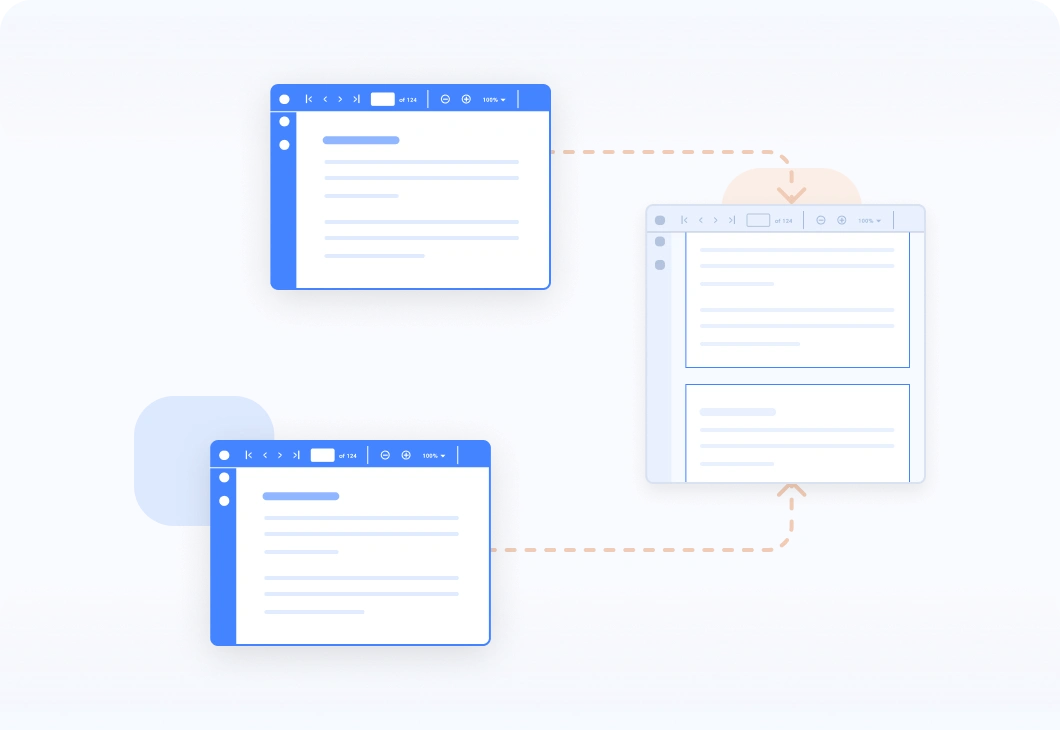
Combine multiple PDF
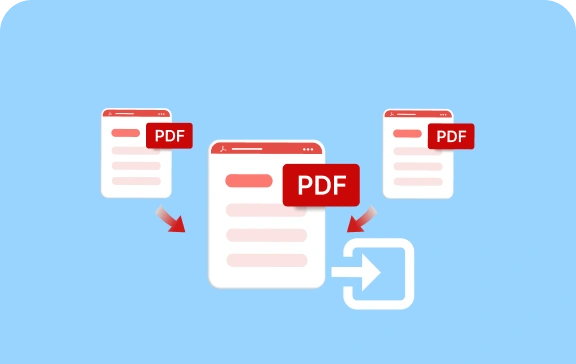
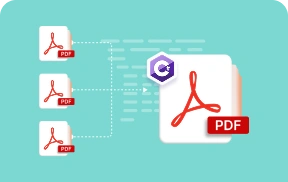
Merge two or more PDF files into a single document. Ensure that the merged PDF retains the original formatting, layout, images, text, annotations, bookmarks, form fields, accessibility tags and other elements from the source documents.
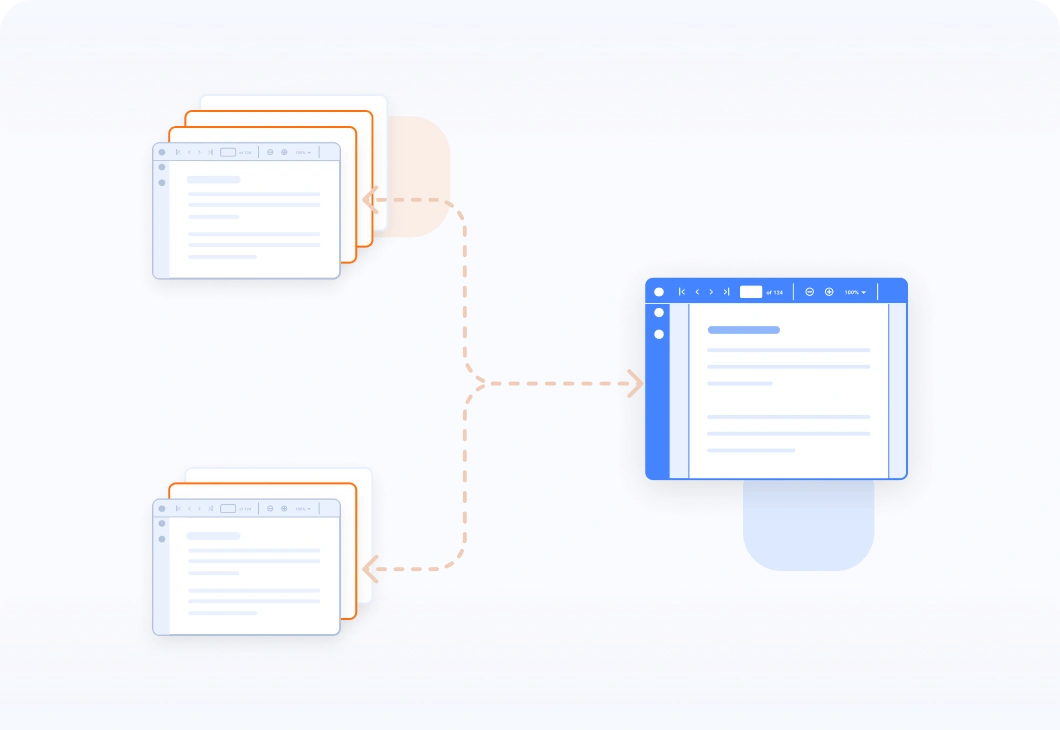
Merge entire documents or specific range of pages
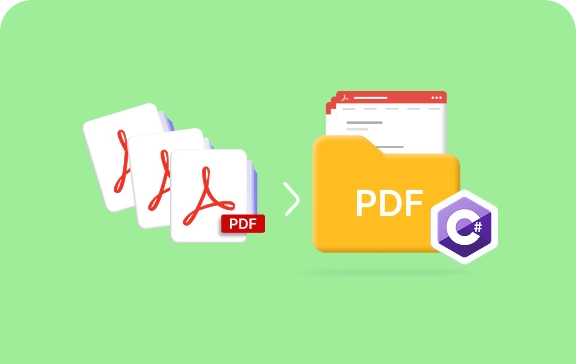
Allow users to merge entire PDF documents or select specific ranges of pages from different PDF documents.
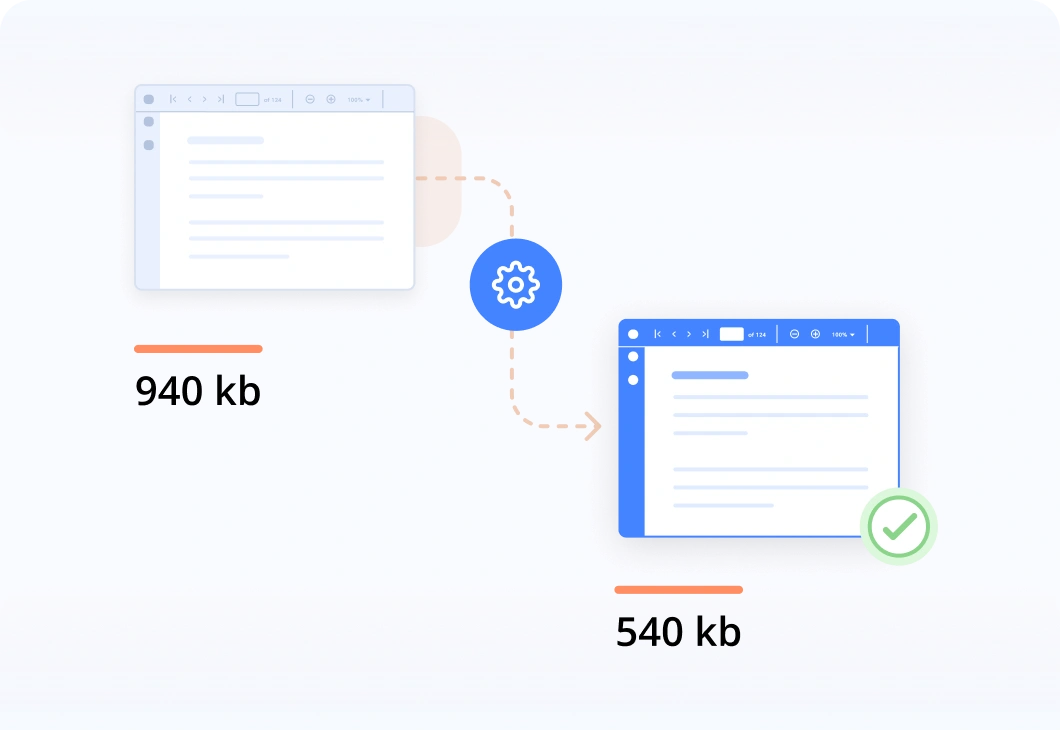
Merge PDF with optimized file size
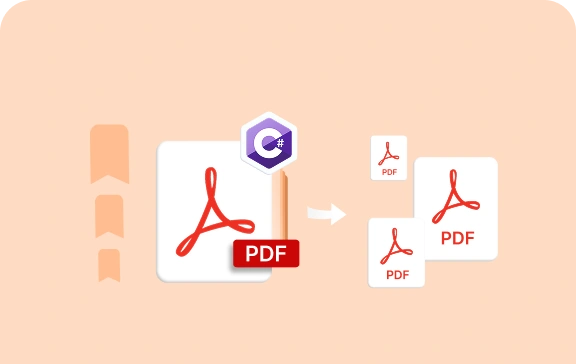
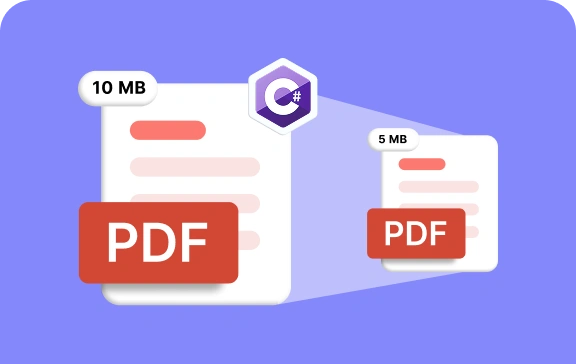
While merging the PDF document, the file size is optimized by removing unused resources without altering any content.
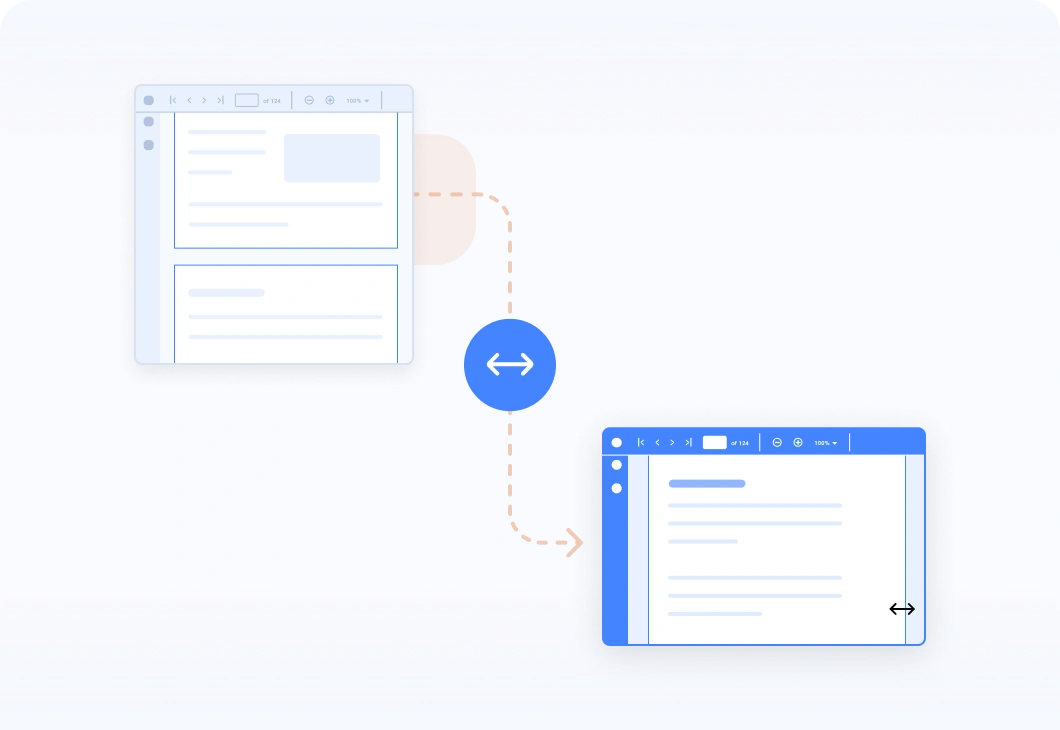
Extend margin of the merged PDF document
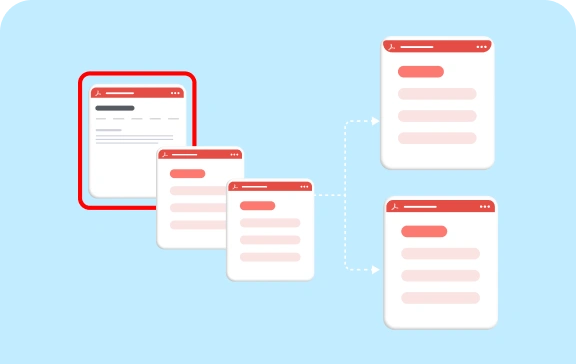
During the PDF merging process, it’s possible to adjust the margins of the resulting document.
Explore references of Merge PDF
Discover valuable resources from our blogs and knowledge base articles to enhance your efficiency in merging PDFs.
Explore these resources for comprehensive guides, knowledge base articles, insightful blogs, and ebooks.


Product Updates


Technical Support


 20+ Conversions support
50+ interactive demos
1.7M+ downloads
20+ Conversions support
50+ interactive demos
1.7M+ downloads

Frequently Asked Questions
What is a merge PDF?
Merge PDF refers to combining multiple PDF files into a single PDF document. This allows users to consolidate information from different PDF documents into one file, simplifying document management and organization.
Will merging a PDF affect the original file?
No, merging a PDF does not alter the original file. It creates new PDF files based on the specified merging criteria, leaving the original PDF intact.
Will merging PDF files affect the quality or formatting of the documents?
Merged PDF maintains its original formatting, layout, annotations, bookmarks, form fields, accessibility tags, and appearance.
Why would I need to merge a PDF?
Combining multiple PDFs helps organize them into one, which organizes related documents, such as invoices, reports, or presentations, into a single file for easier management.
Can I merge password-protected PDF files using C#?
Yes, you can merge password-protected PDF files using the Syncfusion .NET PDF library.
Our Customers Love Us




See Real Success Stories
Developers around the world trust Syncfusion’s Essential Studio to simplify complex projects and speed up delivery. With a vast library of UI controls, powerful SDKs, and reliable support, Essential Studio helps teams build enterprise-ready applications with confidence.
Read Our Customer StoriesIndustry
Software development
75% Cost reduction
50% Faster development

Industry
Utilities (oil and gas)

450+ hours saved
Streamlined processes and hours of development effort saved.

Advanced, flexible features
Empowered users through robust and versatile functionality.
Industry
Software and technology
1000+ of hours saved
Accelerated development with enterprise-ready UI components.

Efficient file management
Streamlined workflows with document libraries without building them from scratch.
Industry
Software and technology

2 Years of delay avoided
Two years of delays prevented with proactive planning.

On-time delivery
Projects delivered on schedule using trusted controls.
Industry
IT services and IT consulting

Improved performance
Large datasets handled with easy customization and quick debugging.

Highly customizable
Plug-and-play controls with quick template integration.
Industry
Professional services
Instant access
Quick availability of features and resources.
Reduced dependencies
Fewer dependencies for faster development.
Rated by users across the globe



Want to create, view, and edit PDF files in C# or VB.NET?
No credit card required.

Awards
Greatness—it’s one thing to say you have it, but it means more when others recognize it. Syncfusion® is proud to hold the following industry awards.









