Overview
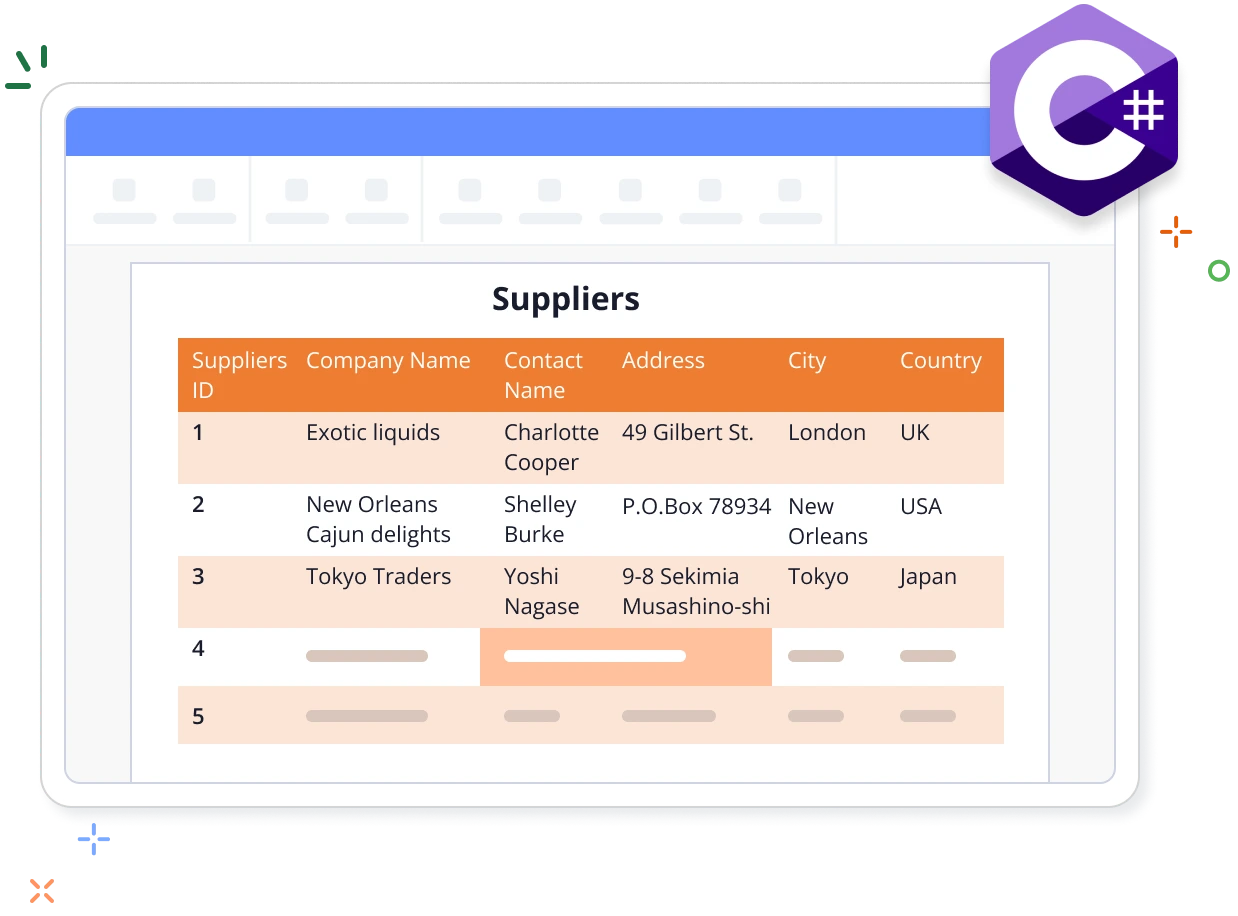
Tables help arrange Word document content in rows and columns. A row is a horizontal collection of cells and a column is a vertical collection of cells. Each cell can contain multiple paragraphs and additional tables. The Syncfusion .NET Word library allows you to create tables with just a few lines of code in C# without relying on Microsoft Word or interop dependencies.
Create a table in a Word document using C#
This example code shows how to create a table in a Word document using the Syncfusion .NET Word library with just a few lines C# code.
Key features of the table in Word documents
Table styles
Utilize built-in table styles or create custom styles to enhance the appearance of tables.
Conditional formatting
Enable or disable special formatting options such as first column, last column, banded rows, banded columns, header row, and last row after applying a table style, providing flexibility in table design.
Repetition of the header row
Set one or more rows to repeat as headers on each page in multi-page documents, ensuring consistency in table headers and improving document readability.
Break row across pages
Control whether or not the table row content can be split across multiple pages, ensuring that the row content fits appropriately.
Explore Table references
Check out our knowledge base articles to efficiently create and format tables in Word documents.

Knowledge base
How to split a table without losing their format in a Word document using C#





Syncfusion .NET Word Library Resources
Explore these resources for comprehensive guides, knowledge base articles, insightful blogs, and ebooks.


Product Updates


Technical Support


Frequently Asked Questions
Is it possible to merge cells within a table using C#
Yes, you can merge cells horizontally and vertically in a Word document with C# by using the .NET Word library.
Can I customize the table’s appearance programmatically (e.g., borders, cell padding)?
You have full control over the table’s appearance, including borders, padding, indents, and more, to customize the table’s look and feel in C#.
Are there limitations on the number of columns that can be added to a table when using the Word Library?
No more than 63 columns can be included in tables’ Word documents via Microsoft Word. The Syncfusion .NET Word library follows the same limitation.
Can I programmatically insert images or other objects into table cells using the .NET Word library?
Absolutely. You can insert not just text, but also images, fields, and even other tables inside table cells programmatically.
Does the .NET Word library offer features for formatting a specific cell content (e.g., alignment, text direction)?
Yes, you can format cell content by using features like vertical alignment, text direction, and text wrapping with the .NET Word library.
How can I integrate the Word Comparison feature into my application?
You can access it through the Syncfusion.DocIO.Net.Core NuGet package. Detailed code samples are available in the documentation, facilitating seamless integration.
Trusted by the world’s leading companies
Our Customers Love Us




Want to create, View, and edit Word documents in C# or VB.NET?
No credit card required.