Overview
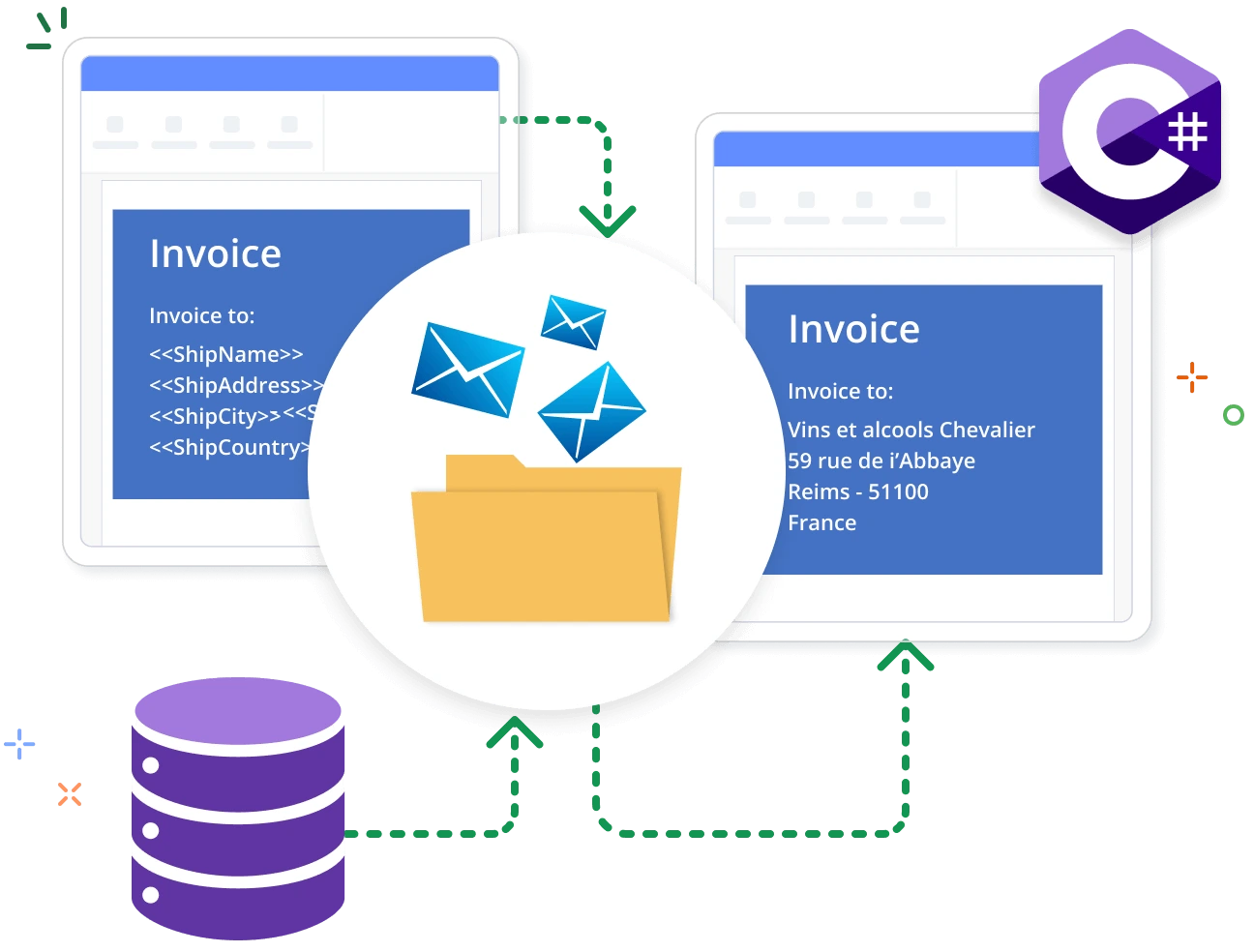
Mail merge is the process of merging data from a data source to a Word template document. The Syncfusion .NET Word Library allows you to generate reports like invoices and payroll by performing mail merge faster in a batch process without Microsoft Office or interop dependencies. The generated reports can be saved as Word documents, PDF, HTML, and more.
Execute mail merge using C#
This example code shows how to perform a simple mail merge in a Word document using the Syncfusion .NET Word Library with just a few lines of code in C#.
Different ways to mail merge
Performs mail merge in several ways for a whole document, region of a document, and regions with hierarchical data.
Simple mail merge
The library performs mail merge by repeating the entire document automatically for every record in the data source. Multiple documents can also be created from a Word template.
Group mail merge
The library performs mail merge by repeating a document region for each record in the data source, automatically adding new rows for tables.
Nested mail merge
The library generates complex reports by repeating nested regions of document with relational (hierarchical) data. Also, it supports custom join statements to relate one table to another.
Mail merge customization
The library allows users to customize the merged document with several intuitive options during the mail merge process.
Format merged data
Format the merged text, numeric values, and date-times automatically with the help of field switches.
Text merge event
Customize and format merged text, numeric values, and date-times using a text merge event. This allows for precise editing and styling during the mail merge process.
Merge image
Users can also place images in a merge field by adding the prefix “Image:” to it.
Image merge event
Customize image data and dynamically load images during mail merge through the image merge event, enhancing flexibility in document generation.
Mapping fields
Automatically maps merge field names with column names in a data source. Users can also add custom mappings to handle differences between field names in templates and data sources.
Before clear event
Before clearing the unmerged fields from the document, bind the alternate values such as error messages or other data to the respective fields.
Before clear group event
When none of the fields in the group contain data to merge, users also have the option to bind alternative data for that unmerged group.
Retrieve merge fields
Retrieve the merge field names and group names from a template document.
Remove unmerged fields
Removes the empty paragraphs, empty groups, and merge fields that are were not merged during mail merge.
Insert as new row
Easily add each record as a new row in tables where start and end merge fields are in the same cell.
Skip to merge image
Users can customize the mail merge to skip the merging of a particular image.
Start at new page
Users can start a new page for each group of records when performing group mail merge in a Word document.
Mail merge references
Discover resources from our blog and knowledge base to enhance your efficiency in mail merging in Word documents:
Knowledge base
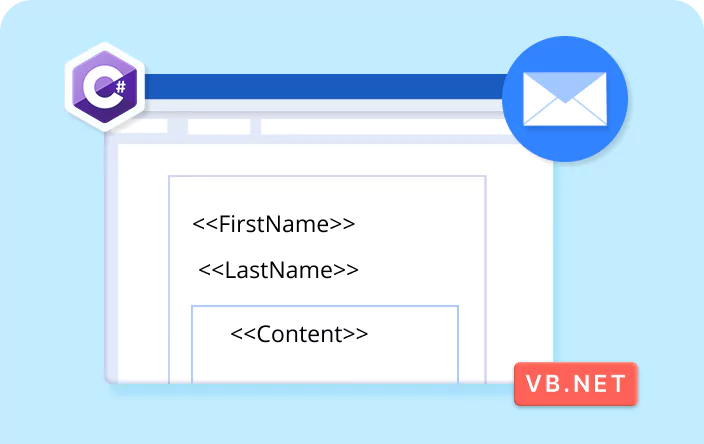
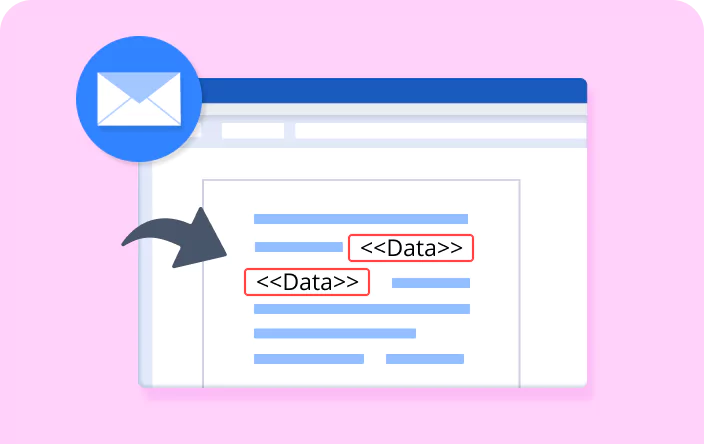
How to execute mail merge for required fields phase by phase in a Word document


Knowledge base
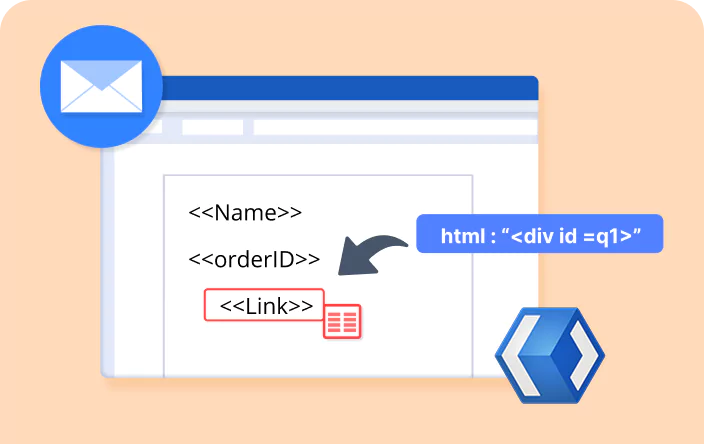
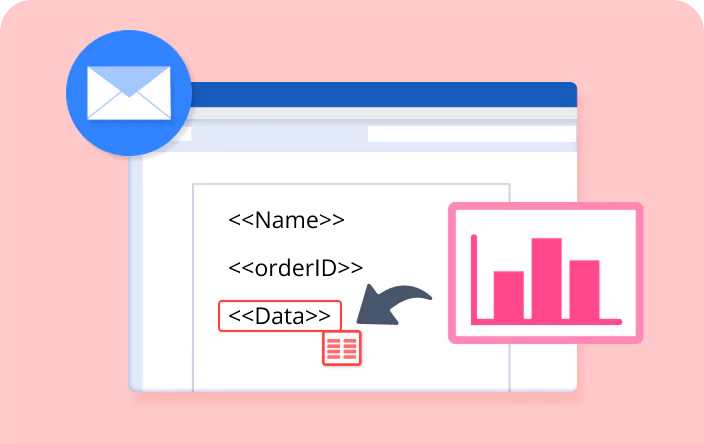
How to replace merge fields with charts in a Word document using mail merge
Syncfusion .NET Word Library Resources
Explore these resources for comprehensive guides, knowledge base articles, insightful blogs, and ebooks.


Product Updates


Technical Support


Frequently Asked Questions
Does this library support conditional merging?
Yes, you can use IF and formula fields with merge fields to make decisions during mail merge, then update fields using the .NET Word Library.
Is it possible to save a mail merge document as a PDF or in other formats?
Yes, the .NET Word Library supports saving mail-merged documents in PDF, image, HTML, Markdown, and Word formats.
Which is better for designing mail merge templates: an editor or the library?
Both work, but using a Word editor is recommended for easier design and layout.
Can I automate mail merge and generate documents in batches?
Yes, you can automate the process and generate multiple documents in bulk using C#.
Does this library support implicit and explicit relational data?
Yes, it supports both implicit and explicit relational data for handling diverse sources.
How do I integrate mail merge into my application?
Use the Syncfusion.DocIO.Net.Core NuGet package. Code samples in the documentation make integration simple.
Trusted by the world’s leading companies
Our Customers Love Us




Want to create, View, and edit Word documents in C# or VB.NET?
No credit card required.